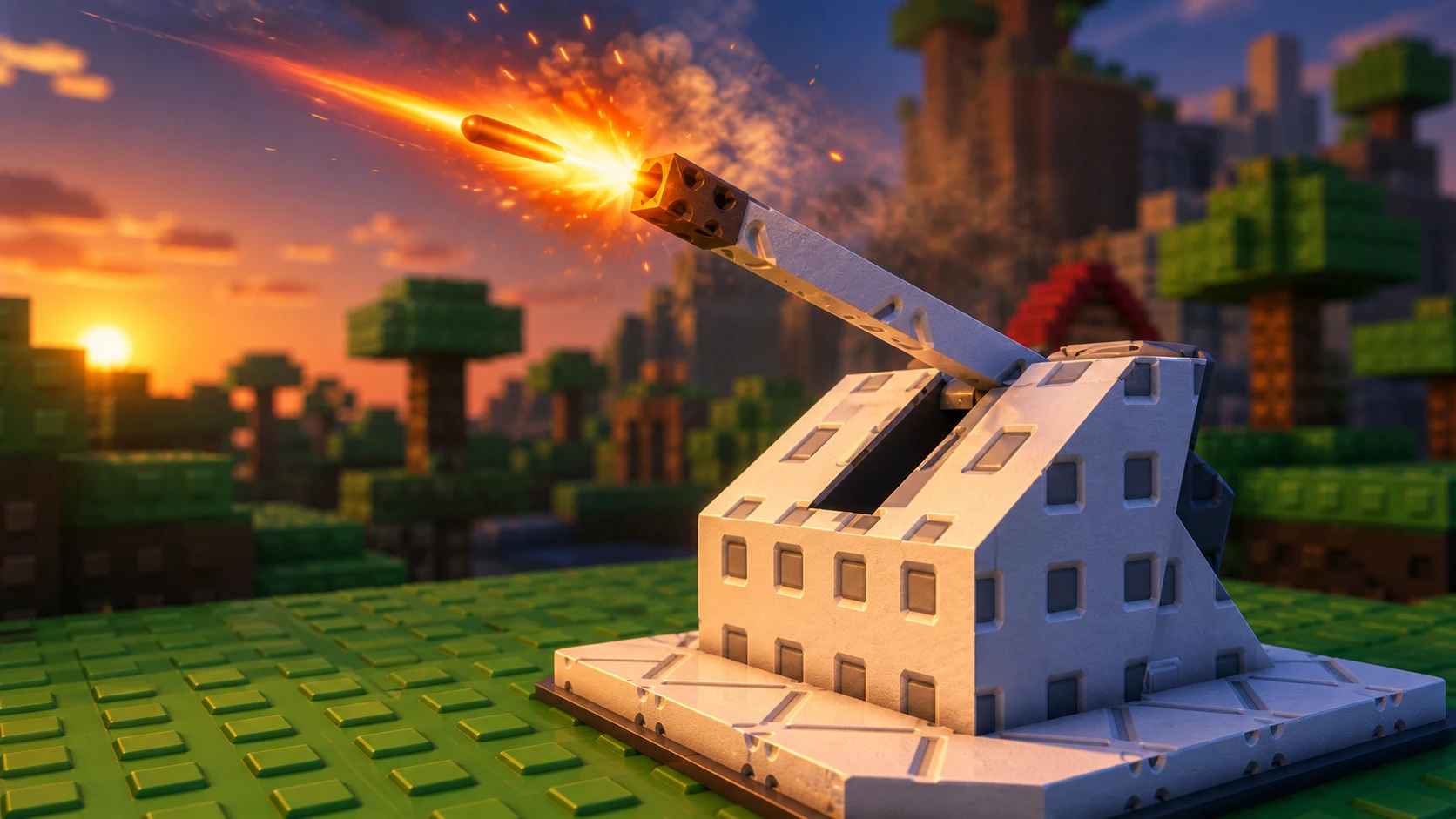
The turret, shown in-game as the Ice Gun, is a summer event feature in Sol’s RNG that lets you fire at the sun in exchange for Event Aura Luck and SP points. It runs on a charge system that fills over time, and it can be upgraded across four levels using Summer Points once you meet the entry requirement.
Quick answer: Finish Lime’s quest to unlock the turret, wait for the Ice Gun’s Charged Energy to reach 100%, open the Weapon Control Panel, then fire to damage the sun and claim Event Aura Luck and SP.
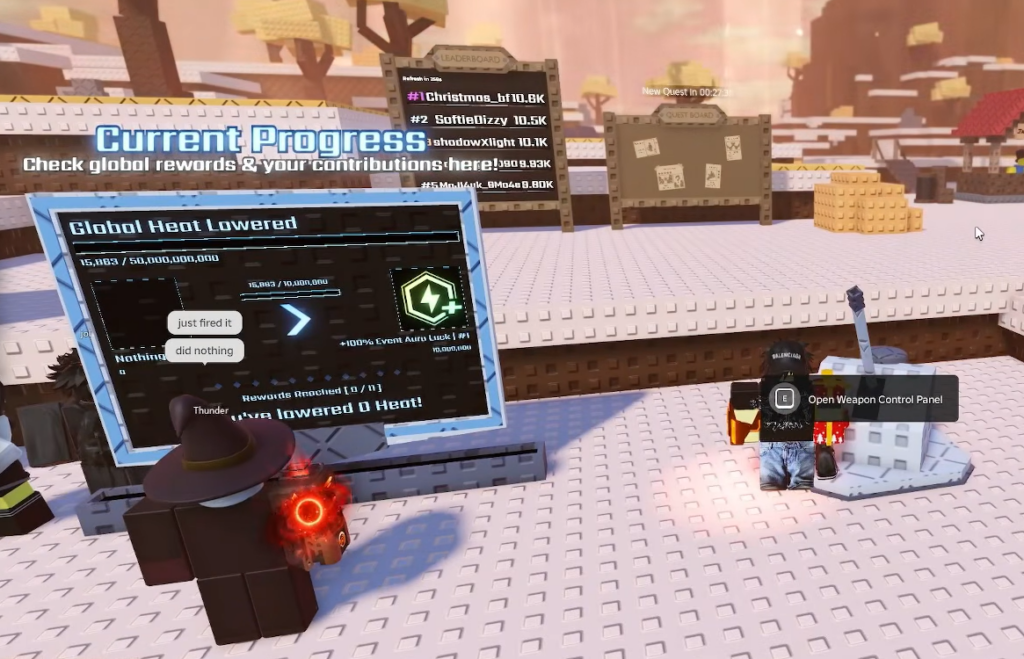
Unlock the turret with Lime’s quest
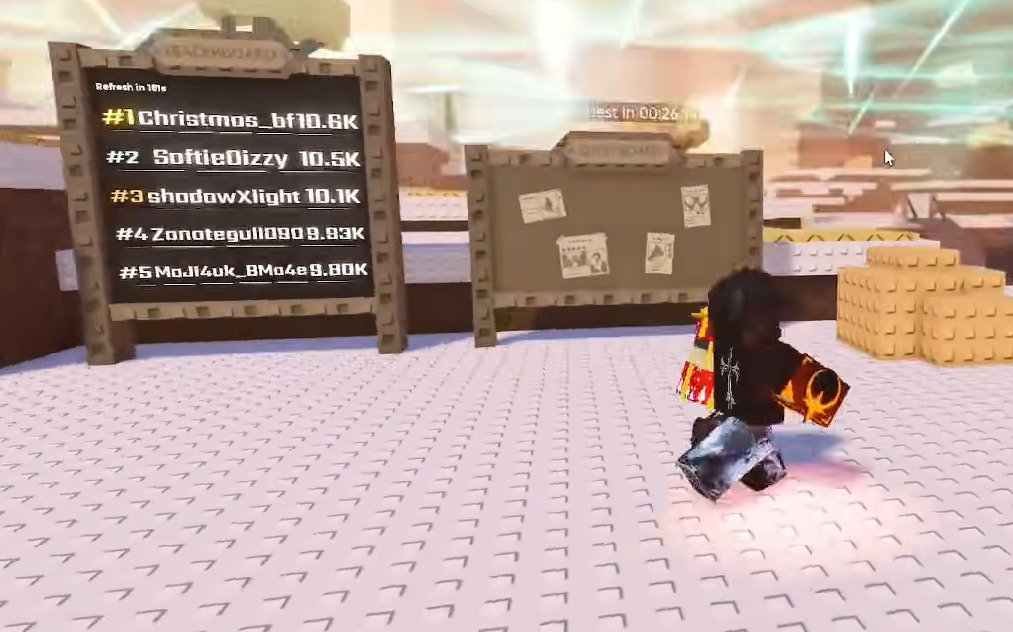
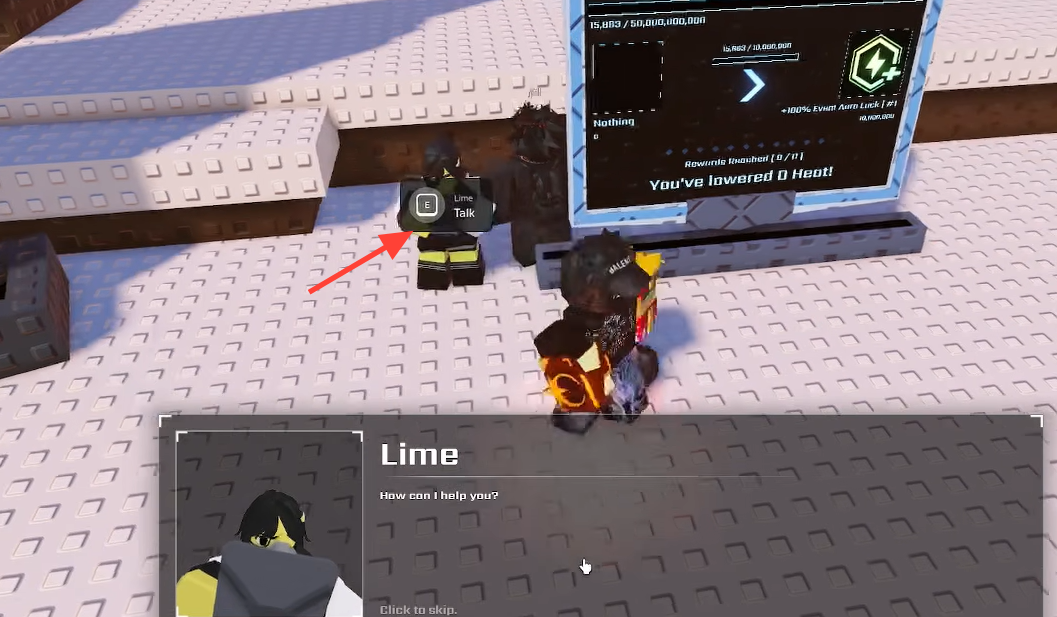
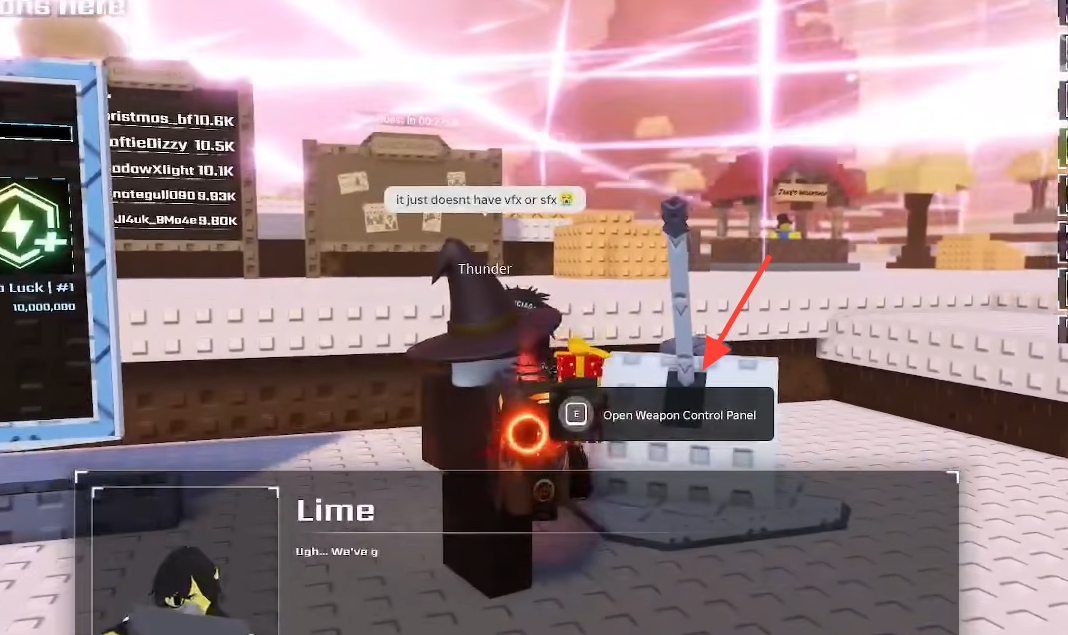
You cannot interact with the turret until you complete the quest given by the NPC named Lime. Head to the Quest Board, take Lime’s quest, and finish its objectives. Once it is done, the turret’s controls become available and you can start building charge.
How charge points build up
The turret fills its charge automatically. You gain charge points every 4 seconds, and the speed of that gain depends on two things happening around you. The active biome and the current time of day both change how fast the meter fills, so your rate is not fixed.
Each full firing needs 100% Charged Energy. You can bank enough charge for up to two firings per day, since a single day tops out at two full charges. If you want a heavier shot, you save that charge for Overcharge instead of firing twice.
Fire the turret step by step
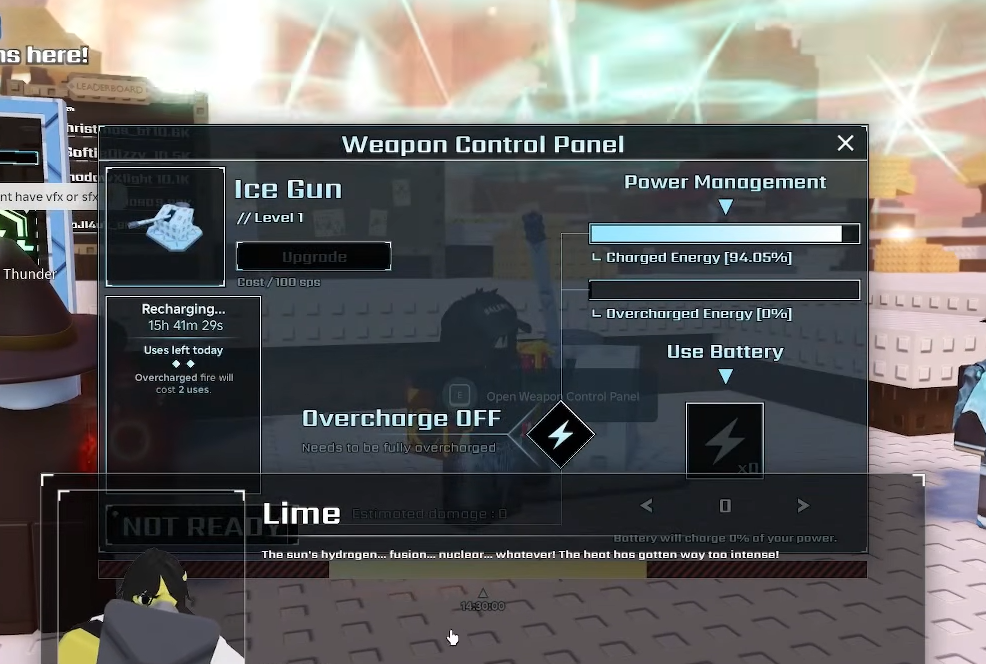
Normal shot vs. Overcharge
The main choice at the panel is whether to fire twice with regular shots or once with an Overcharged shot. Overcharge takes 200% energy, meaning it consumes both of your daily charges in a single, stronger firing.
| Setting | Energy used | Result |
|---|---|---|
| Overcharge OFF | 100% (one charge) | Standard single shot |
| Overcharge ON | 200% (two charges) | Double shot in one firing |
Upgrade the turret with Summer Points
The turret has four levels, and each upgrade is paid for with Summer Points (SP). The Upgrade button sits in the Weapon Control Panel, with the cost listed beside it. Higher levels improve the turret’s output when you fire at the sun.
How to know it worked
A successful firing spends your Charged Energy and applies damage to the sun, then hands back Event Aura Luck and SP. If nothing happens when you try, the usual cause is that the charge has not reached the threshold your shot needs, either 100% for a normal shot or 200% for Overcharge. The other blocker is Lime’s quest still being incomplete, which keeps the turret locked entirely.
Because the fill rate shifts with the biome and the time of day, plan your firings around active summer play sessions so the charge is ready when you want it. Save the charge for Overcharge when you want the biggest single hit, or split it into two standard shots across the day.