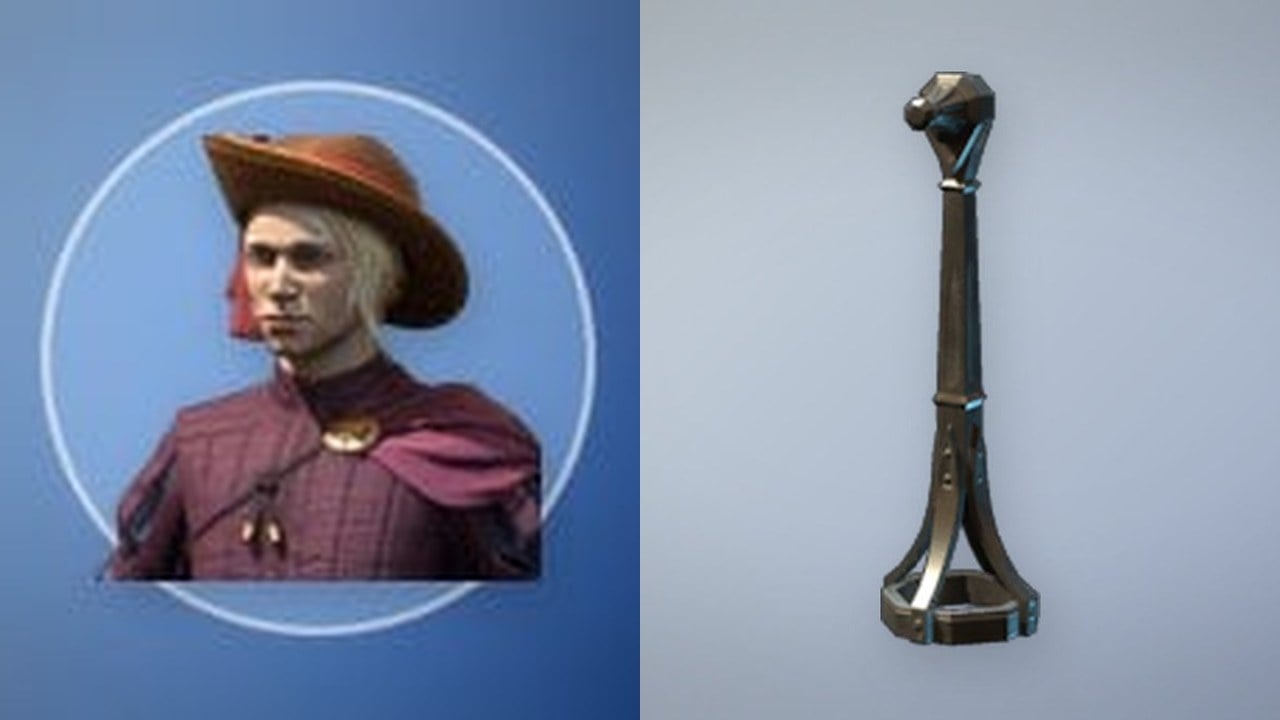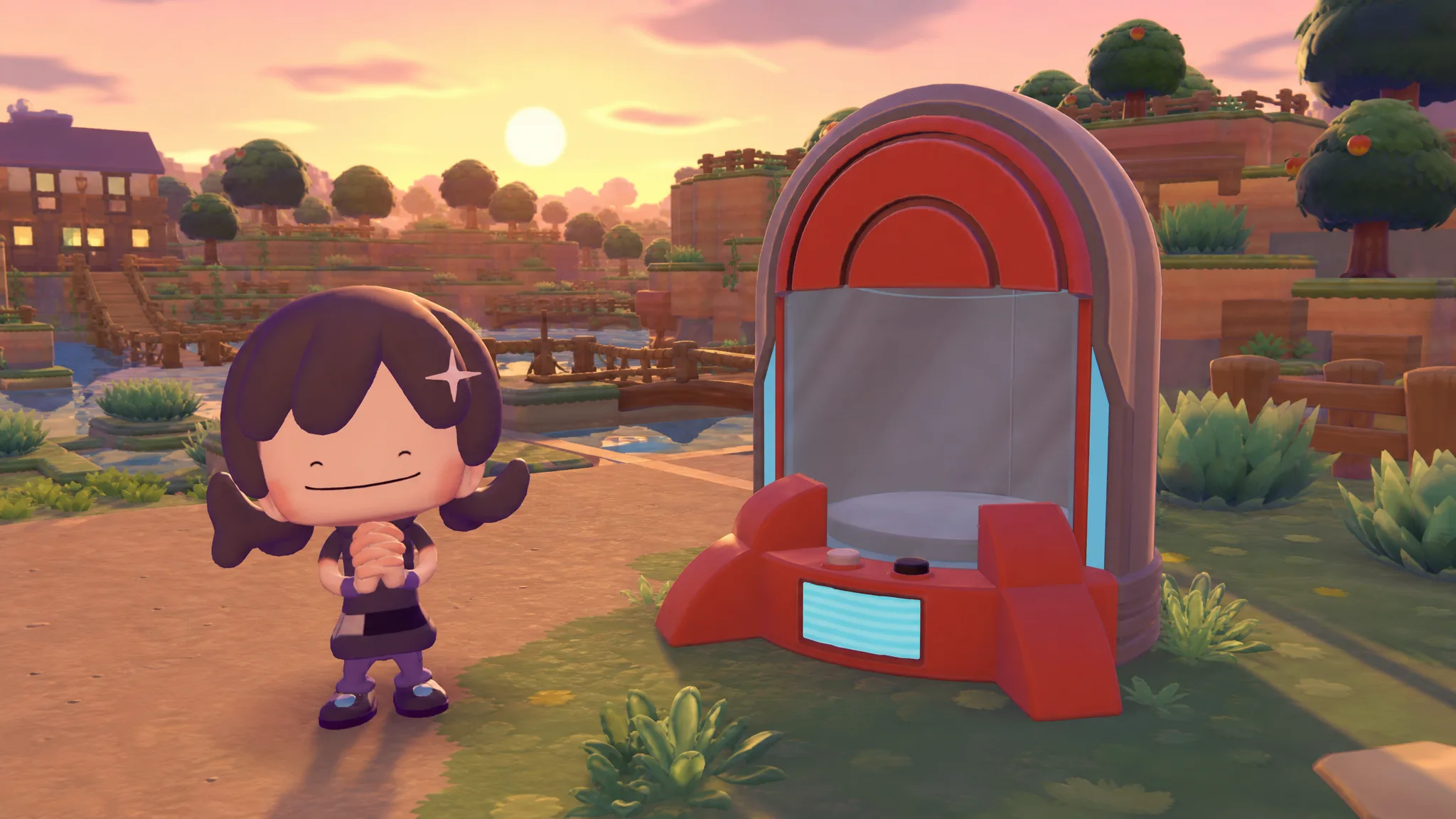
The Portal Pod is a shared storage container introduced in the 2.0.0 update for Pokémon Pokopia. Every Portal Pod you place taps into one linked stash that holds up to 80 items, so you can drop something into a pod in one area and pull it back out from a pod somewhere else entirely.
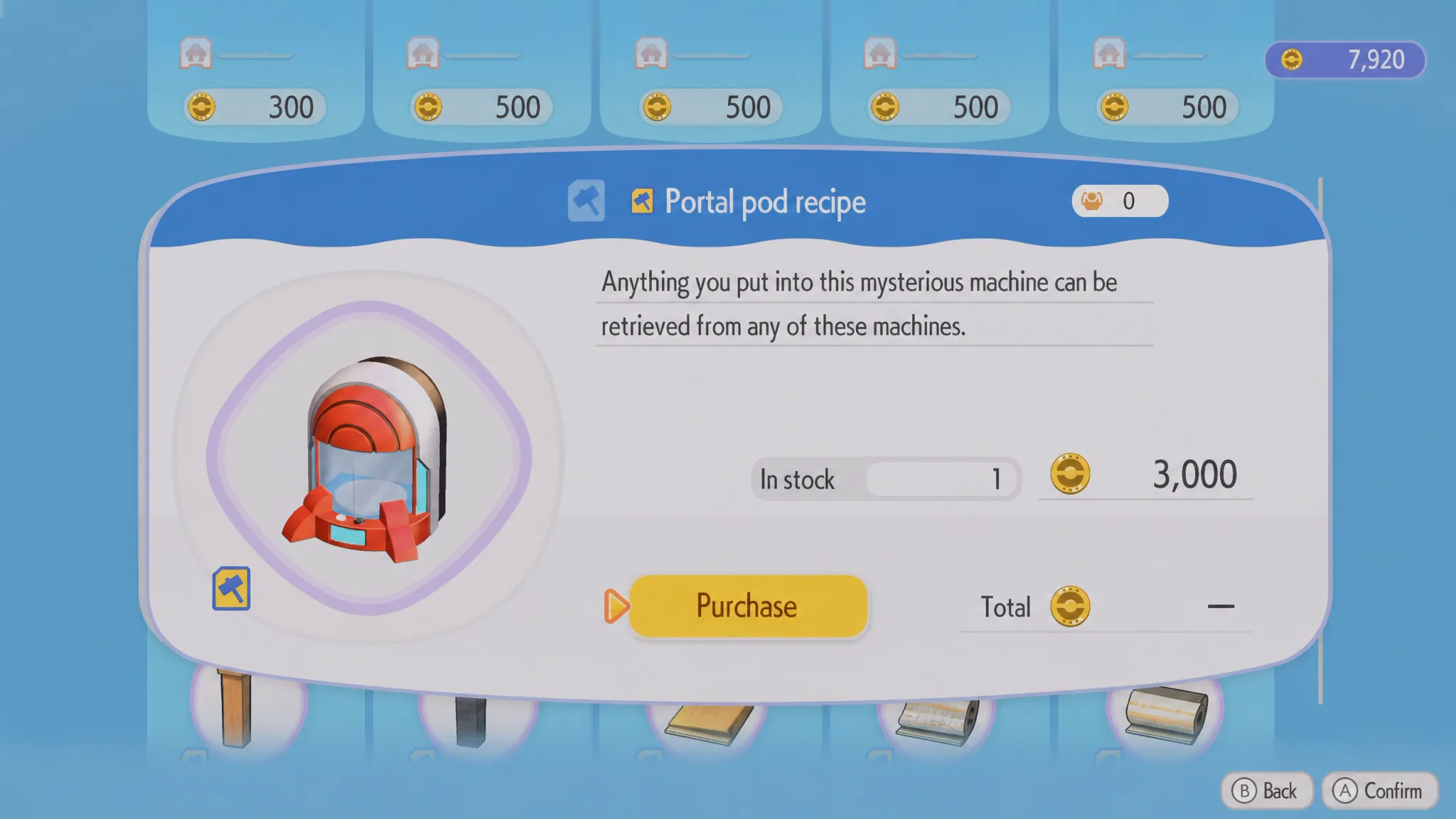
Quick answer: Install the 2.0.0 patch, raise Palette Town to Environment Level 8, then spend 3,000 Life Coins to buy the recipe. Craft each Portal Pod with 10 Pokémetal and 1 Rare Pokémetal.
Requirements to unlock the Portal Pod recipe
The Portal Pod is locked behind the version 2.0.0 patch, so download that update first. Once it is installed, the recipe becomes available only after you meet a progression requirement in Palette Town and pay for it.
| Requirement | Detail |
|---|---|
| Game version | 2.0.0 patch installed |
| Palette Town | Environment Level 8 |
| Unlock cost | 3,000 Life Coins |
When both conditions are satisfied, the recipe appears for purchase. Paying the 3,000 Life Coins permanently adds the Portal Pod to your crafting options.
Crafting materials and where to get Pokémetal
Each Portal Pod costs the same fixed set of materials to build. Gather these before you start crafting.
| Material | Quantity |
|---|---|
| Pokémetal | 10 |
| Rare Pokémetal | 1 |
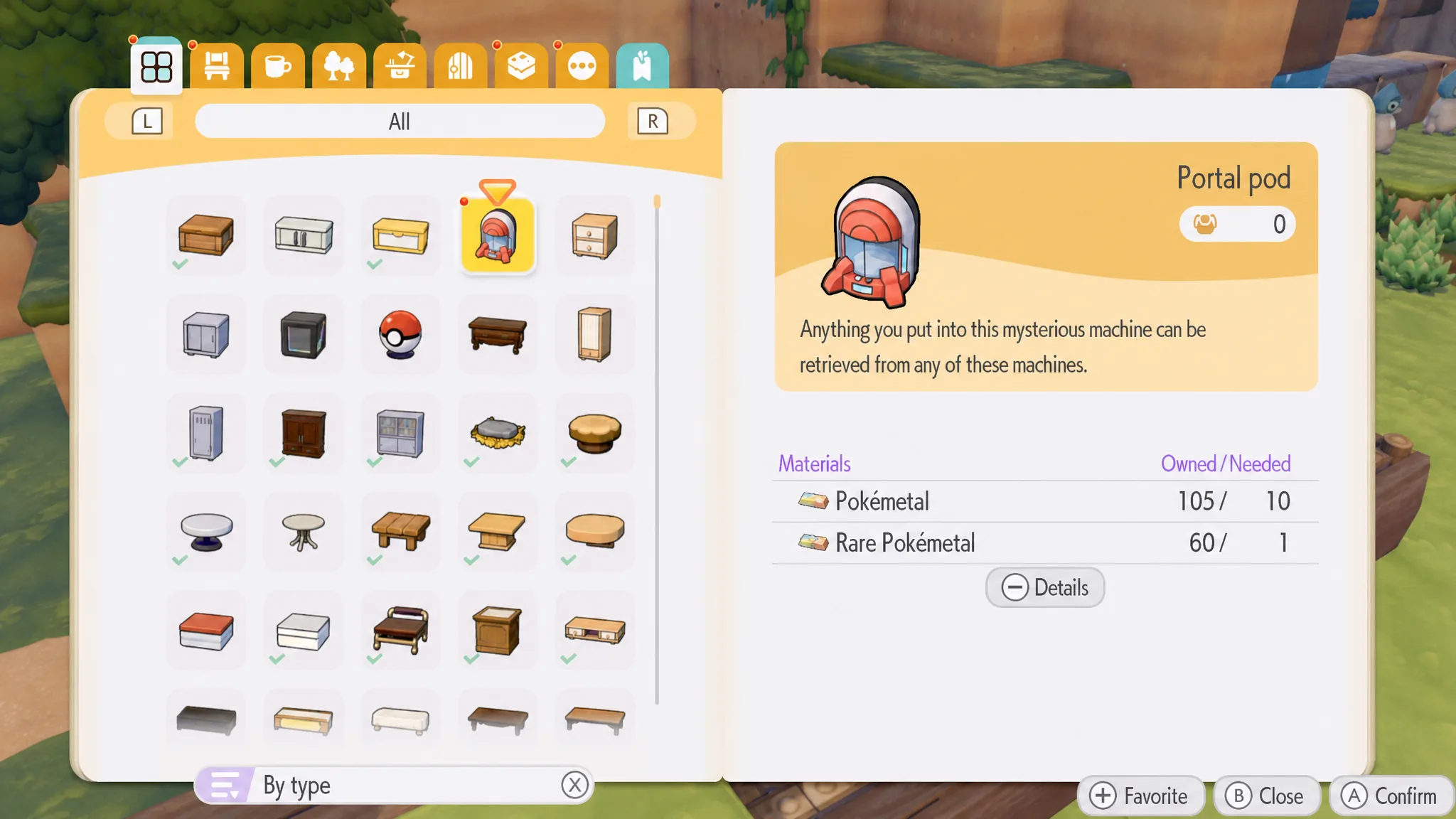
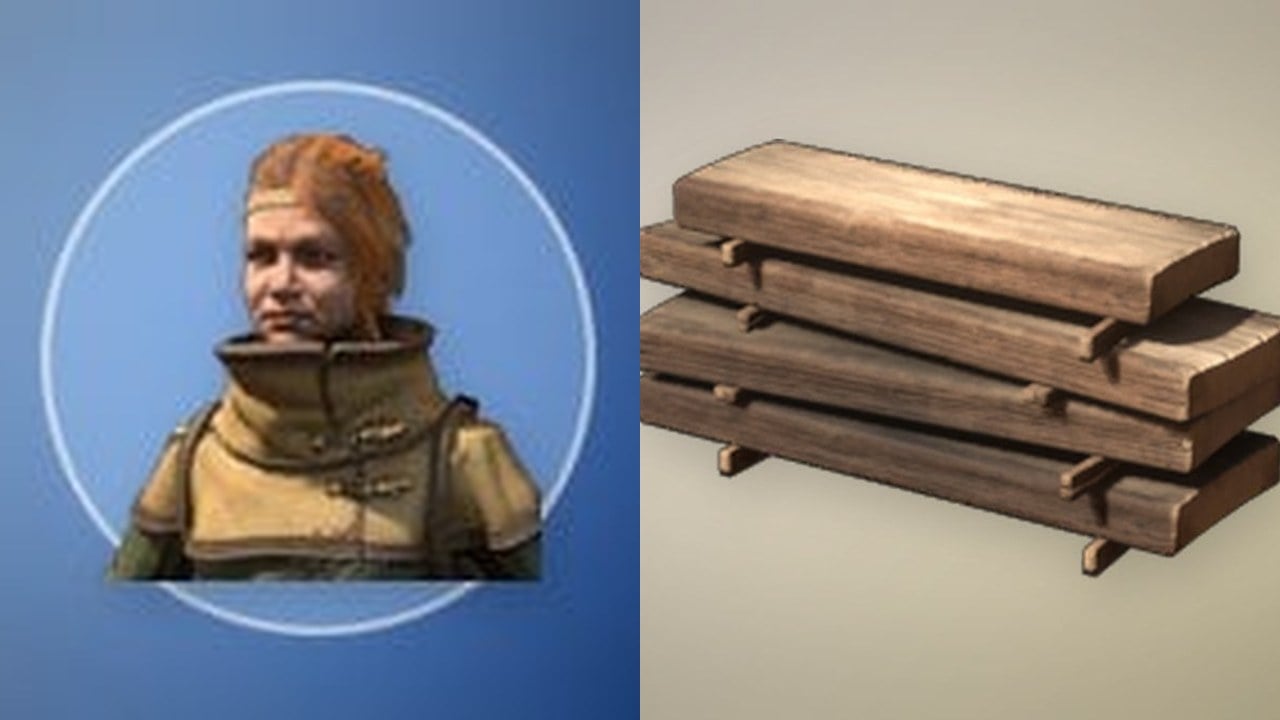
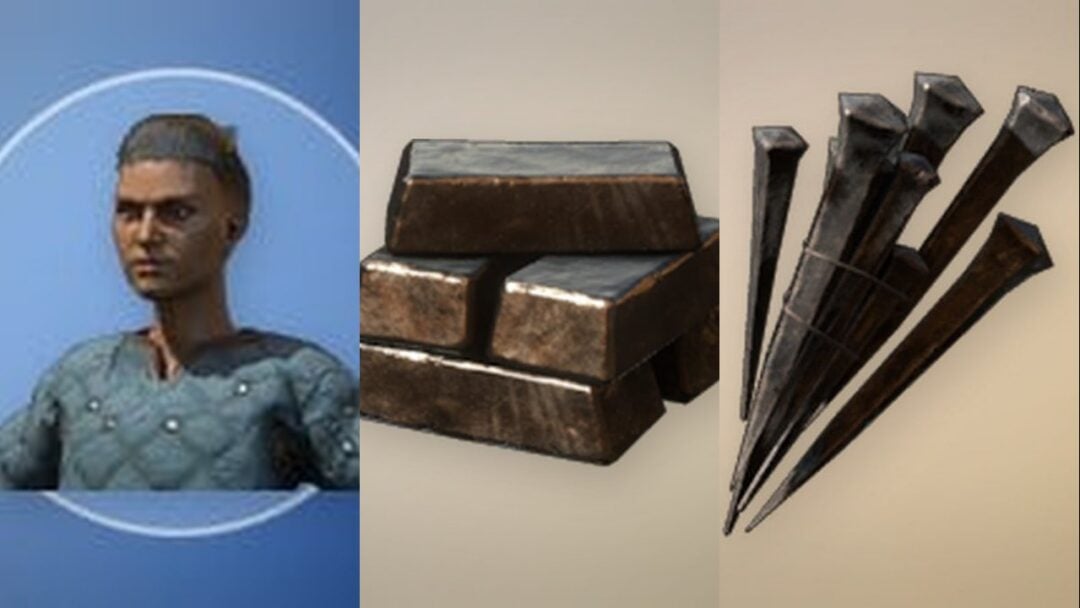
Pokémetal ore is easy to gather in the Sparkling Skylands and the Dragonite Doll Dream Island. The ore is not usable straight away, so drop it into a Furnace and let a Burn Pokémon smelt it into metal for the recipe.
How the shared storage works
All Portal Pods draw from a single 80-item stash. The location of each pod does not affect what it contains, because they are all windows into the same storage. Place one near your Furnace setup in Rocky Ridges, fill it with metal bars, and those same bars will be waiting inside any pod you have dropped in Bleak Beach or anywhere else.
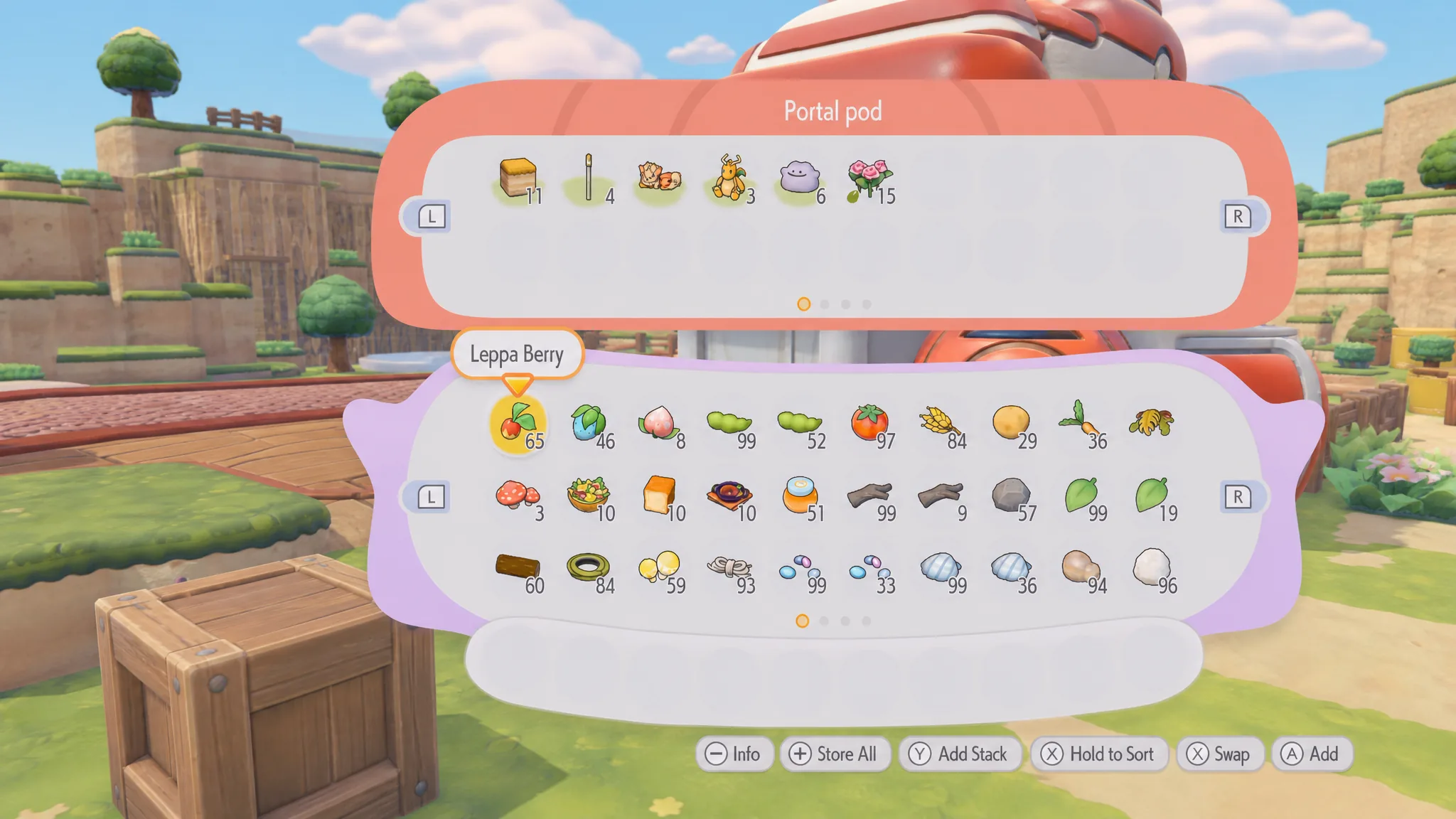
To use one, place a crafted Portal Pod anywhere in any Pokopia area and deposit your items. From that point, the contents are reachable at every other pod you own. You will know it worked when the same items appear inside a different pod after you open it.
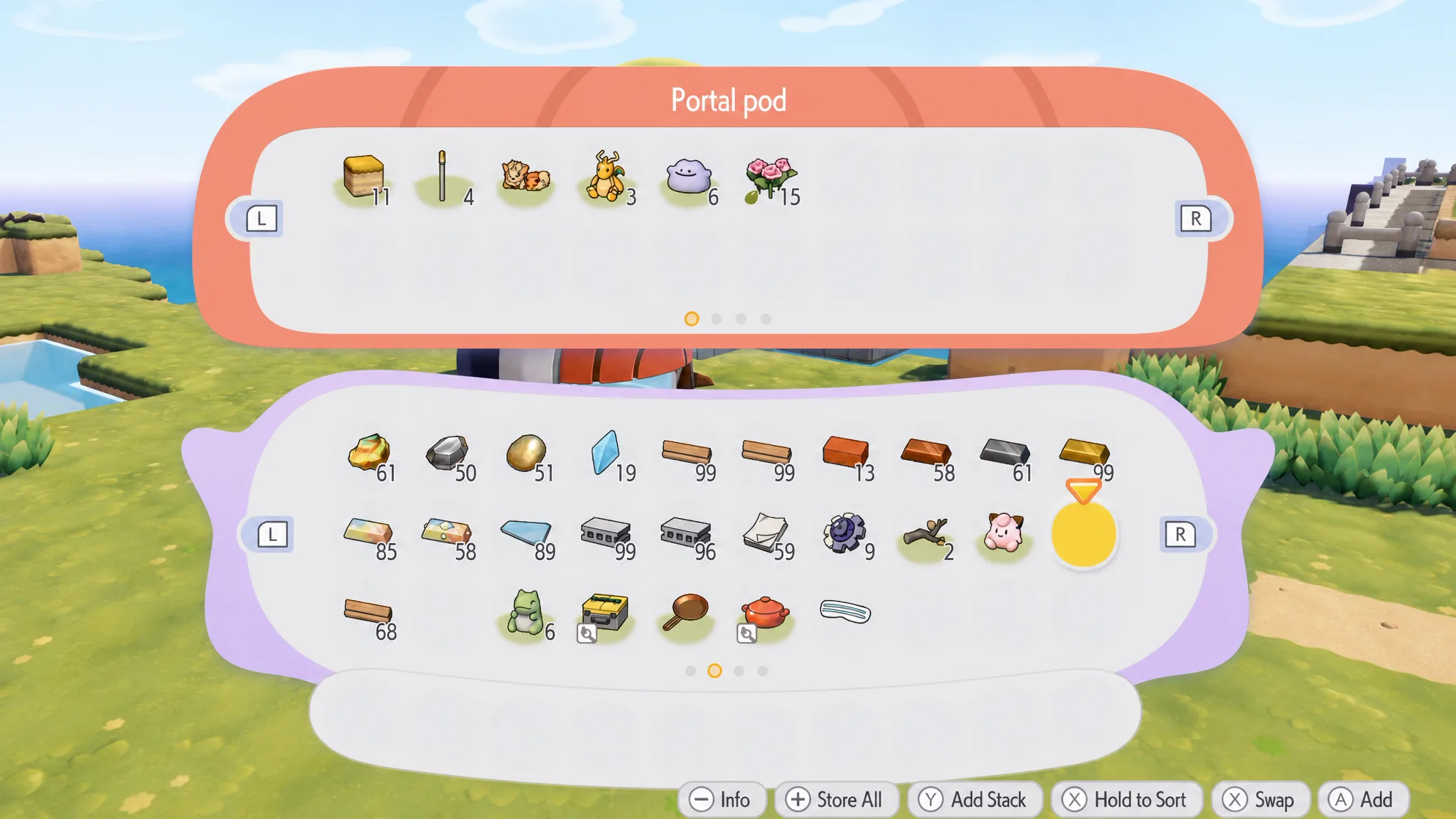
Carry a single pod to save materials
You do not need a Portal Pod in every corner of the map. Pick one up and carry it with you, then set it back down wherever you land, and none of the stored items are lost in the process. Using a single portable pod turns it into a mobile extension of your inventory and cuts down on the Pokémetal you spend crafting extra copies.
Whether you scatter several pods for convenience or move one around, the stash stays intact and the 80-item limit stays the same. Craft what fits your routine, keep some smelted Pokémetal on hand for repeat builds, and you will have universal storage running across the whole island.