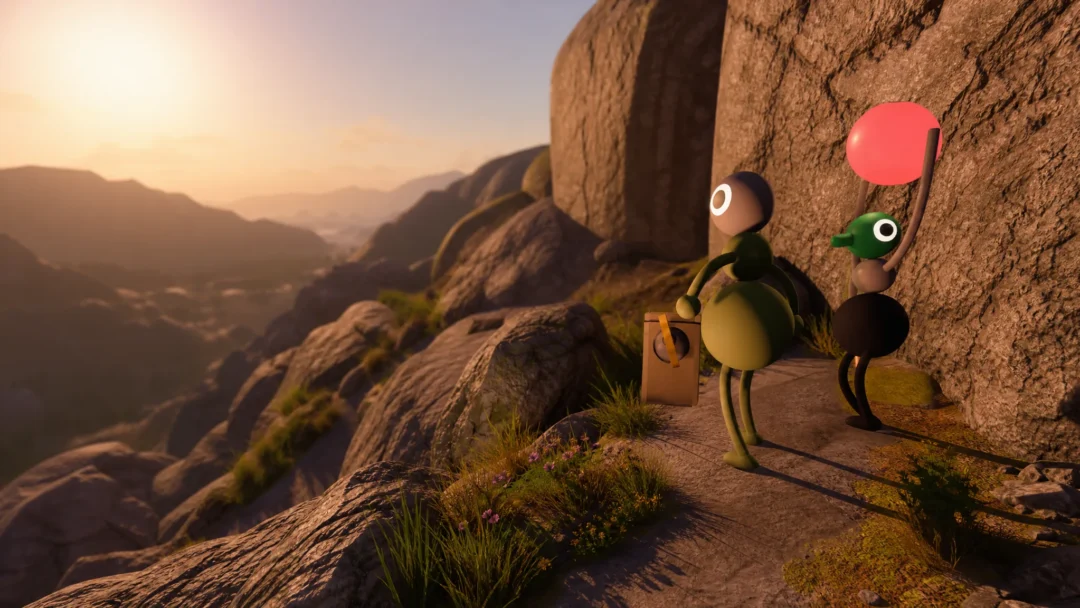
Big Walk leans almost entirely on talking to your friends, so it stings that many players can barely hear each other. Since the game launched, the most common complaint has been voices coming through far too quietly, even when characters are standing right next to one another. House House has confirmed the problem and is preparing a patch.
Quick answer: The quiet-voice issue is a known bug, not a setting you can fully fix yourself. House House is building a patch and has not confirmed a release date. Until it ships, use the in-game text chat, walkie-talkies, and visual markers instead of pushing your system volume to unsafe levels.
What the Big Walk voice volume problem is
Big Walk uses proximity voice chat. The closer your character stands to a friend, the more clearly you hear them, and your voice fades as you move away. That design works as intended over distance. The bug is that, on many setups, voices come through much softer than they should even at close range.
House House addressed this directly in an update on the game’s Steam page:
We understand that some people are having a problem where their friends’ voices are too quiet in the game. Sorry about this! While Big Walk is built around players getting quieter when they are farther away, we can see that for some setups, players’ voices are much quieter than intended even when very close by. We’re working to put out a fix as soon as we can.
The concern that pushed this up the priority list is safety. Some players cranked their system output all the way up to hear teammates, and one widely-read negative Steam review reported mild ringing in their ears after a few hours. You can follow the developer’s progress on the official Big Walk voice volume update.
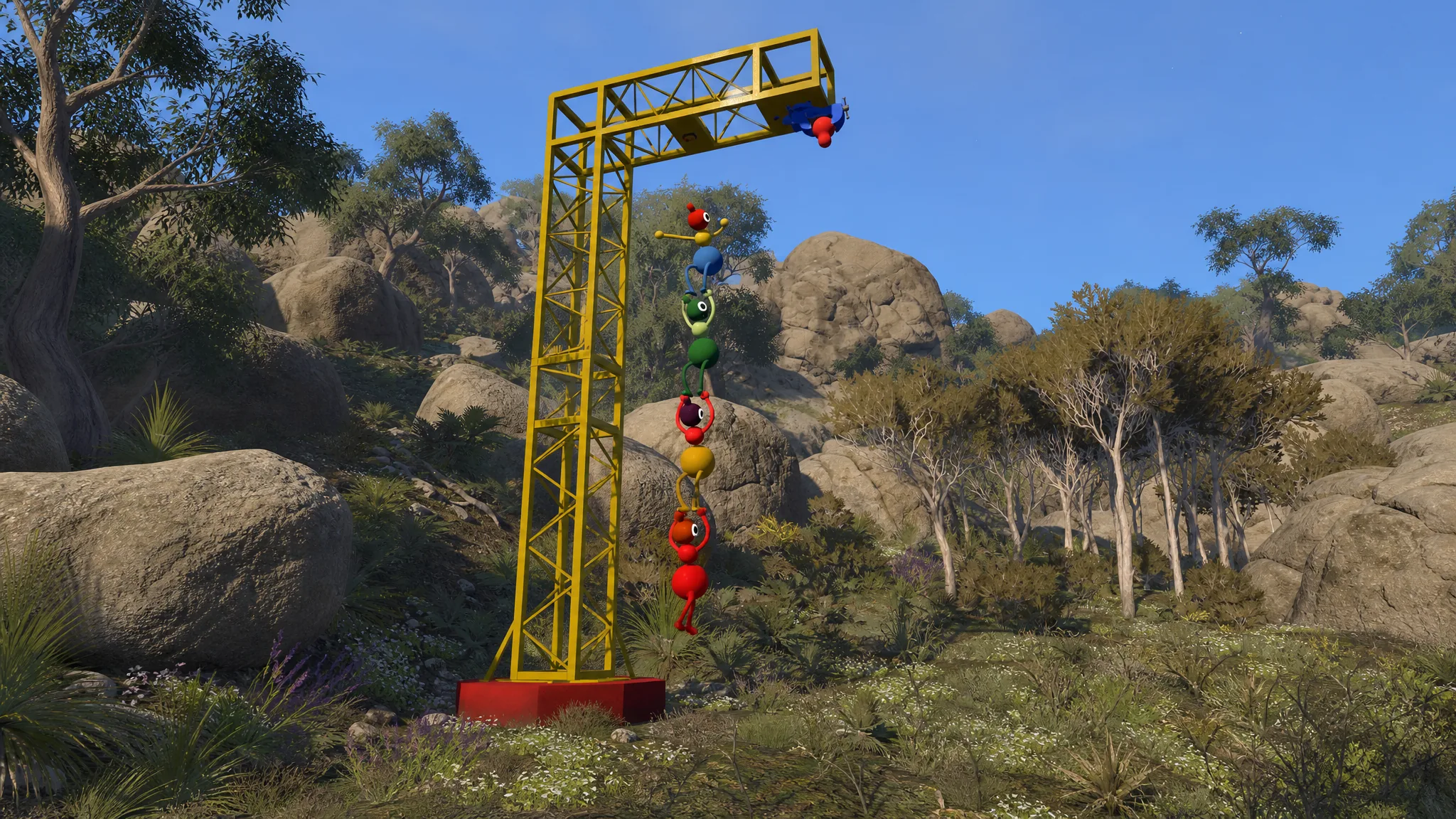
Safer workarounds while you wait for the patch
Turning your speakers or headset to maximum is the one thing to avoid, since that is exactly what led to ear ringing for some players. Big Walk gives you several other ways to coordinate that do not depend on hearing a faint voice.
Note: Talking to teammates outside the game, such as on a separate call, is not allowed by design and will break several of the game’s communication puzzles. The workarounds above stay inside Big Walk’s own systems.
Rule out a separate microphone or audio fault first
The quiet-voice bug affects hearing your friends. If instead you can’t be heard at all, or you hear no game audio, that is a different problem you may be able to solve on your end. A few quick checks separate the two.
| Symptom | First thing to check |
|---|---|
| Friends’ voices are faint even up close | Known bug; wait for the House House patch |
| Others can’t hear you at all | Open Settings > Audio and confirm “Microphone Activity” bounces when you talk |
| You hear no game audio | Open Settings > Audio and make sure “Volume” is turned up |
| Voices sound doubled or echoing | Someone has a mic feedback loop; have players mute in turn to find them, and switch to headphones |
| Voices drop in and out | Networking issue; reduce other network load or connect the host by wired Ethernet |
For the “can’t be heard” case, also confirm your mic isn’t muted on the device itself and that Mute Mode under Settings > Audio isn’t set to “hold”, which requires holding a button to talk. Make sure no one has been silenced in the moderation menu.
When the fix arrives and how to confirm it
House House says it is working on the update now and aims to release it as soon as possible. No official date or time has been confirmed. When the patch lands, close voices should sound clearly at a normal system volume, and you should no longer need to raise output to uncomfortable levels to hear a friend standing beside you.
Big Walk is out now on PC and Mac via Steam and the Mac App Store, plus PlayStation 5 and Nintendo Switch 2, with crossplay across systems. You can keep an eye on the patch rollout on the Big Walk Steam page. Until it goes live, keep your volume at a normal level and lean on text, devices, and markers to get through puzzles.