Aion 2 lets you carry the work you poured into one Unique item straight onto another, so a fresh drop does not mean starting from zero. The Transfer system moves enhancement level, soul binding stats, and traits from a source piece onto a target piece of the same equipment type. The source item is destroyed in the process, and you need a Transfer Stone to run it.
Quick answer: Open Enhancement, go to the Transfer tab, set your keeper as Target Gear and the invested piece as Source Gear, make sure you hold a Transfer Stone (Unique) (Bound), then confirm. The source item is consumed.
What transfers and what does not
A transfer applies to Unique (gold) gear, and both pieces must be the same equipment type. Legs transfer to legs, a bow transfers to a bow, and so on. Not everything on the old item follows it across, so plan around the pieces that stay behind.
| Investment on source | Carries over? |
|---|---|
| Enhancement level (e.g. +10) | Yes |
| Soul binding stats | Yes |
| Traits (e.g. Fury) | Yes |
| Manastones | No — re-socket on the target |
Manastones never move with a transfer. Once the transfer completes, socket new manastones into the target piece yourself. Pull out expensive stones before sacrificing anything, or you lose them.
Soul binding only carries over when the source item’s Soul Binding Rate is below 100 percent. If the source sits at a full 100 percent rate, only the enhancement level transfers and the stats are left behind. Target pieces with fixed soul binding effects cannot receive a transfer at all.
Craft a Transfer Stone through Substance Morph
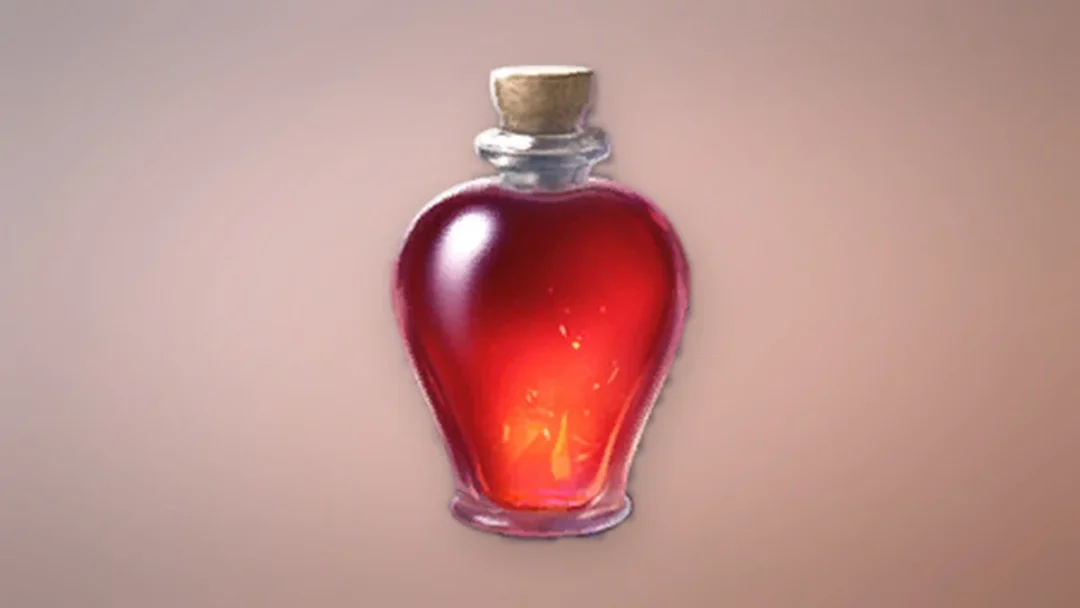
Each transfer consumes one Transfer Stone (Unique) (Bound), which the game describes as a gemstone for moving one gear item’s power to another; it works with Unique equipment. Craft it by opening Substance Morph from the Gear tab and adding an unwanted Unique gold item. One gold item gives one stone, and the process succeeds 100 percent of the time.
Pick a duplicate or a low item-level gold piece as the fuel. Morphing it to a stone means you give up the chance to extract that item for a skin, so weigh that before you sacrifice anything you might want in your Closet later.
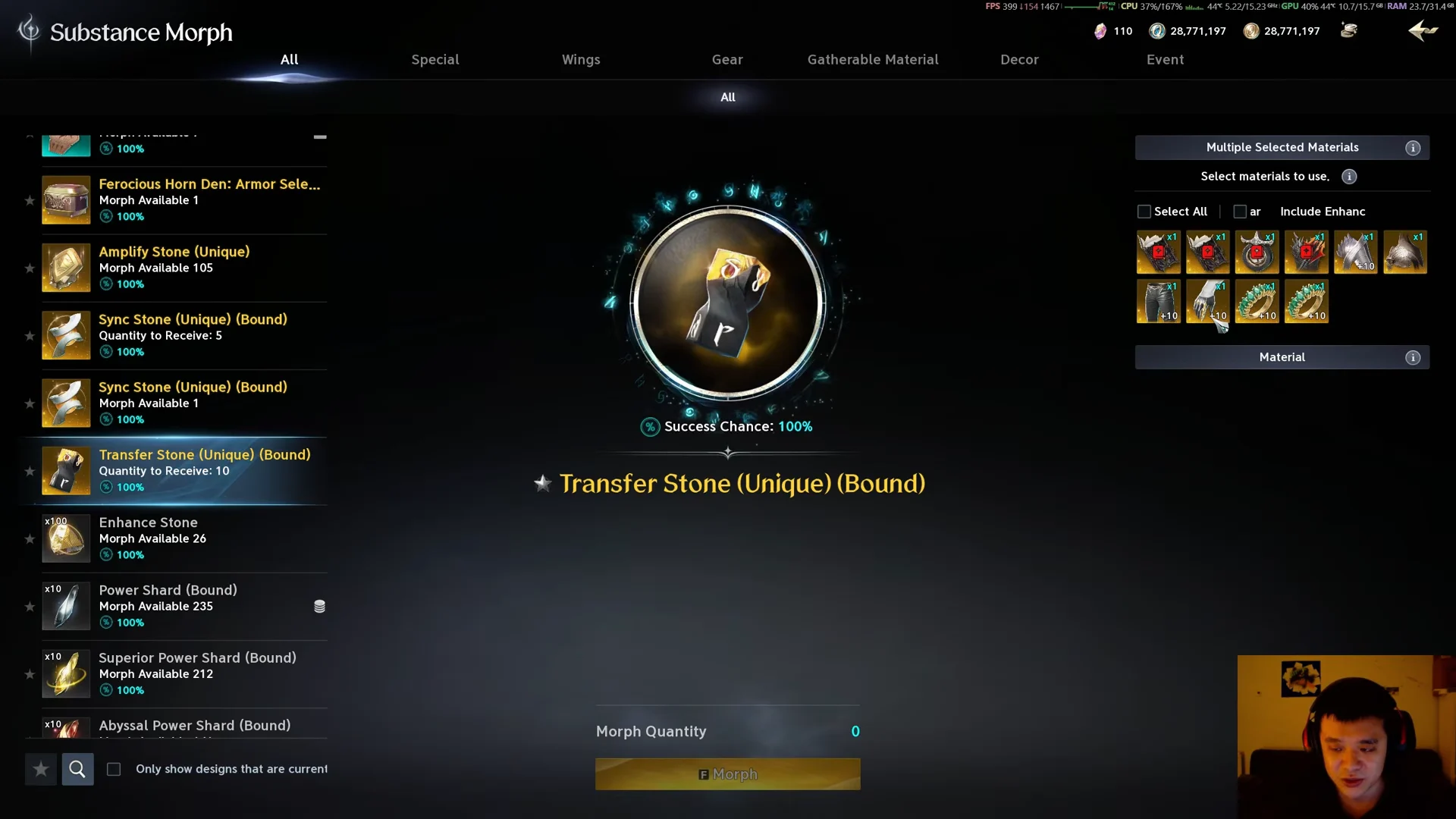
Run the transfer
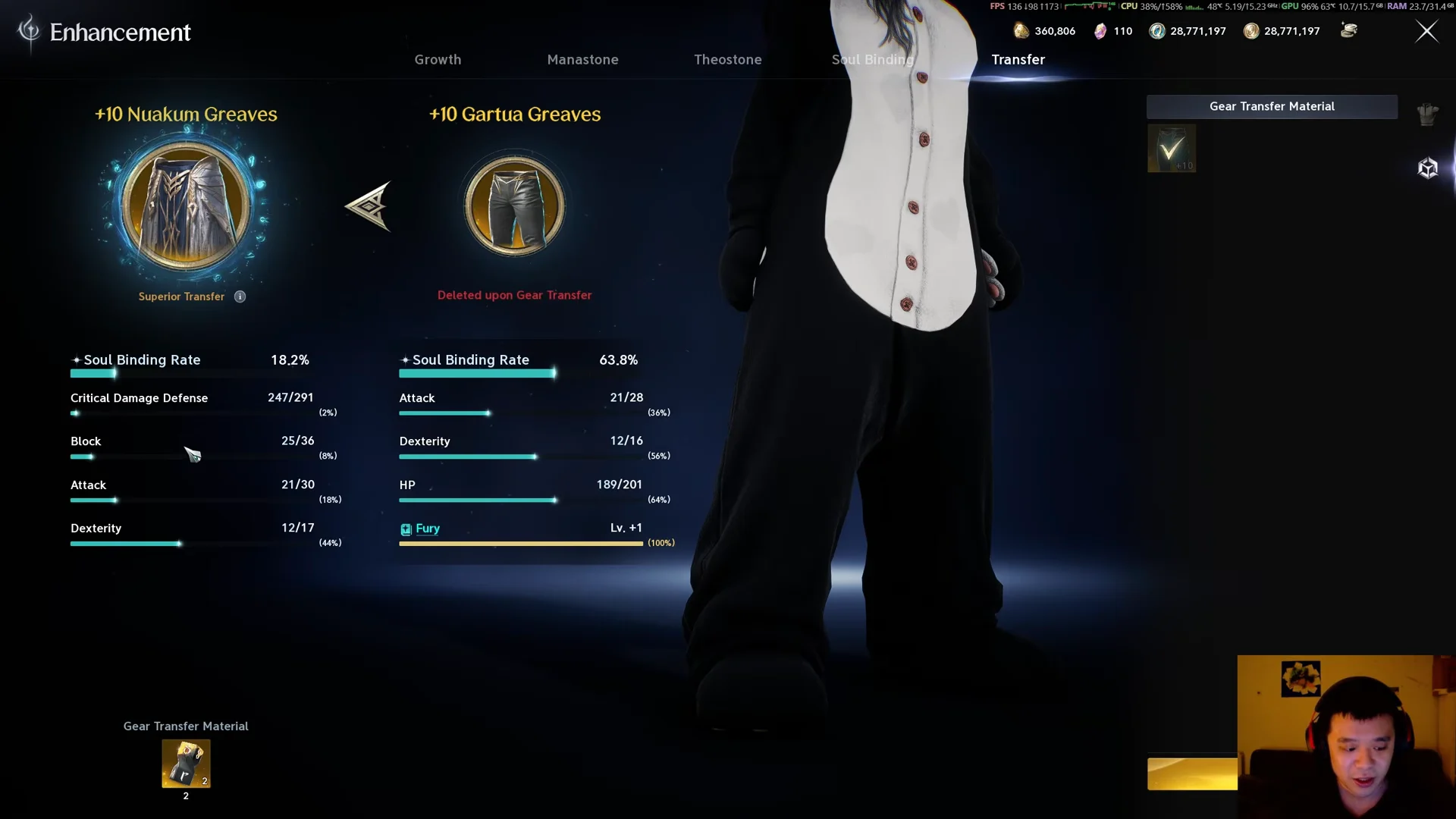
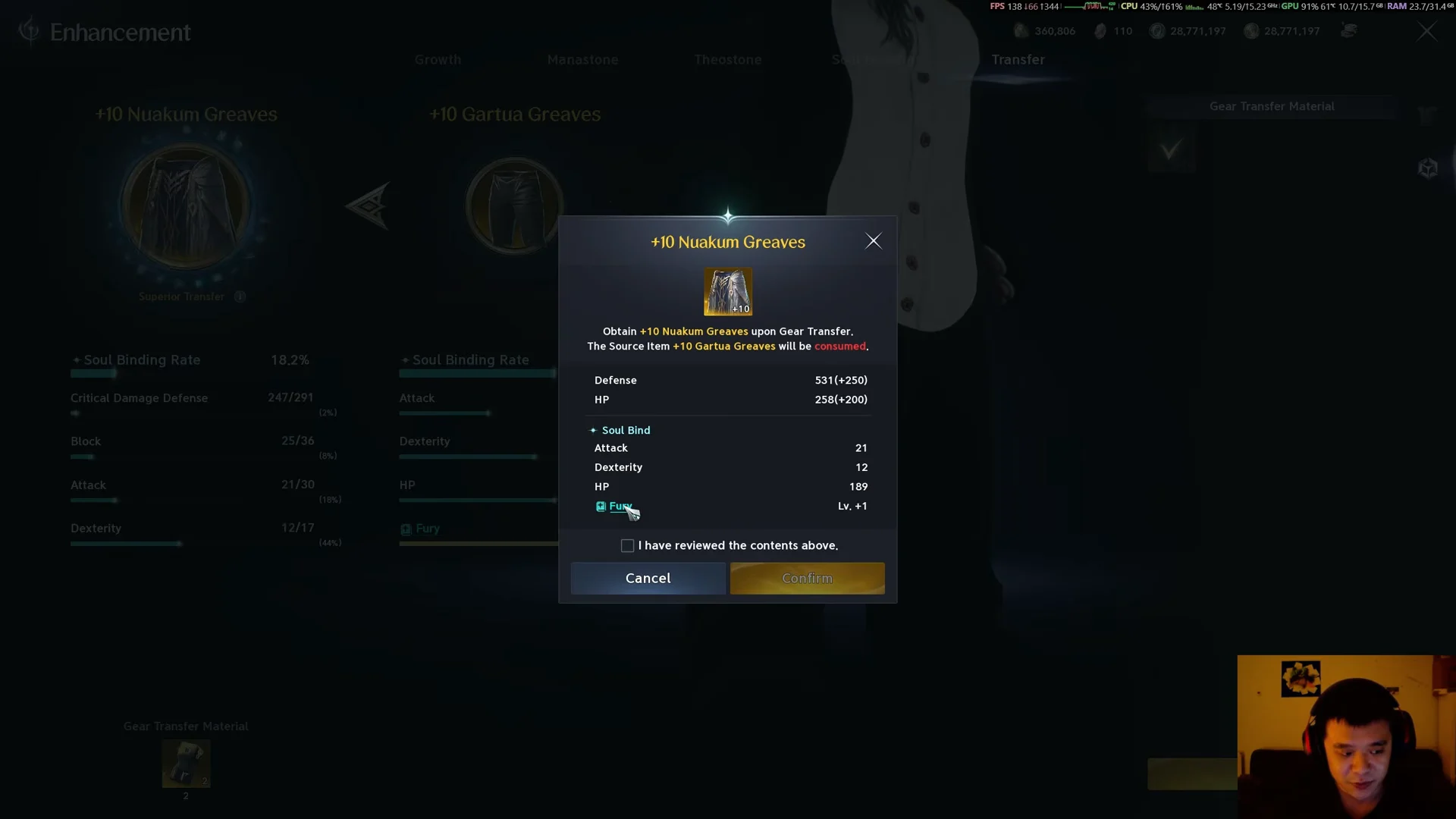
How to confirm it worked
A success message reading “Successfully performed [item] Gear Transfer” appears, and the target piece updates on the spot to its new enhancement level and stats. If a trait moved over, a separate notice shows its new level. The target’s Soul Binding Rate also shifts to reflect the carried-over binding, and the source piece disappears from your inventory.
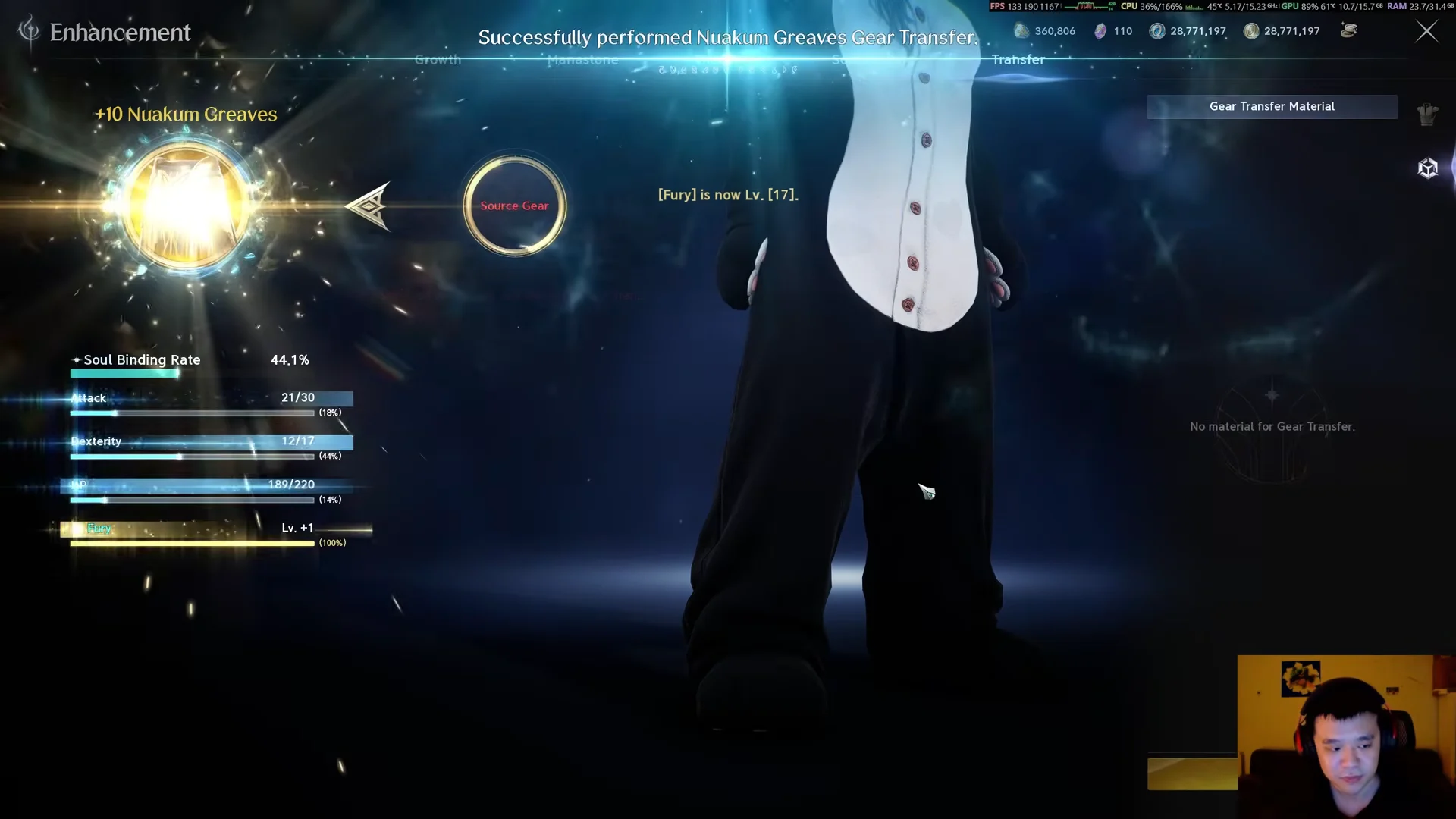
Once it lands, open the Manastone tab and socket new stones into the target, since none came across from the old piece.
When a transfer is worth the cost
A transfer earns its stone when the source carries real investment, such as a high enhancement level or soul binding stats you actually want. A common tactic is to roll good soul binding lines on a cheap low-level gold item first, then transfer the whole package onto your keeper. Binding one gold piece gives you four rolls at the best-in-slot stat, which is far cheaper than rerolling a single line on high-level gear.
The same logic applies to enhancement. Pushing a low-level piece to +15 burns fewer enhancement stones and less Kina than taking high-level gear the same distance, and the level transfers across intact. If the source has weak enhancement and poor stats, skip the transfer and just build the new piece directly.
Accessories such as rings, necklaces, and earrings do not benefit from this trick, because they cannot drop from the open world or Shugo events. Transfers do not solve their stat problem the same way they do for weapons and armor.
T2 Unique greaves reference
If legs are the slot you are transferring, these T2 Unique greaves share the same four manastone slots and a +15 cap. Their base figures and enchant bonuses differ by item level, which is worth knowing when you decide which shell to build up and transfer onto.
| Greaves | Item level | Base Defense / HP | +15 bonus (Def / HP) |
|---|---|---|---|
| Wisdom Greaves | 36 | 219 / 108 | +155 / +127 |
| Fantasy Greaves | 36 | 219 / 108 | +155 / +127 |
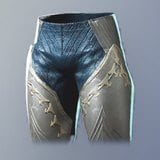 Tranquility Greaves Tranquility Greaves | 36 | 219 / 108 | +155 / +127 |
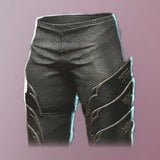 Holy Spirit Greaves Holy Spirit Greaves | 41 | 250 / 123 | +176 / +145 |
| Spectral Greaves | 41 | 250 / 123 | +176 / +145 |
The item level 41 pieces, Holy Spirit Greaves and Spectral Greaves, carry a base Defense of 250, which sits 15th highest among the 147 Legs items in the game. The three item level 36 greaves land at 219 Defense, ranked 19th. All five come from quest rewards, with several also dropping from field events, and each one binds when obtained. Their soul binding rolls span a wide pool, from Defense and HP up to offensive lines like Attack and Critical Hit, so a bound shell is a reasonable candidate for rolling the stats you want before a transfer.