The Gift of Affection is a Rare gift box in Aniimo that raises Friendship Affinity when you hand it to another player. It is not crafted or dropped in the open world. You buy it from a single shop with a specific currency, then pass it to a friend through the social menu.
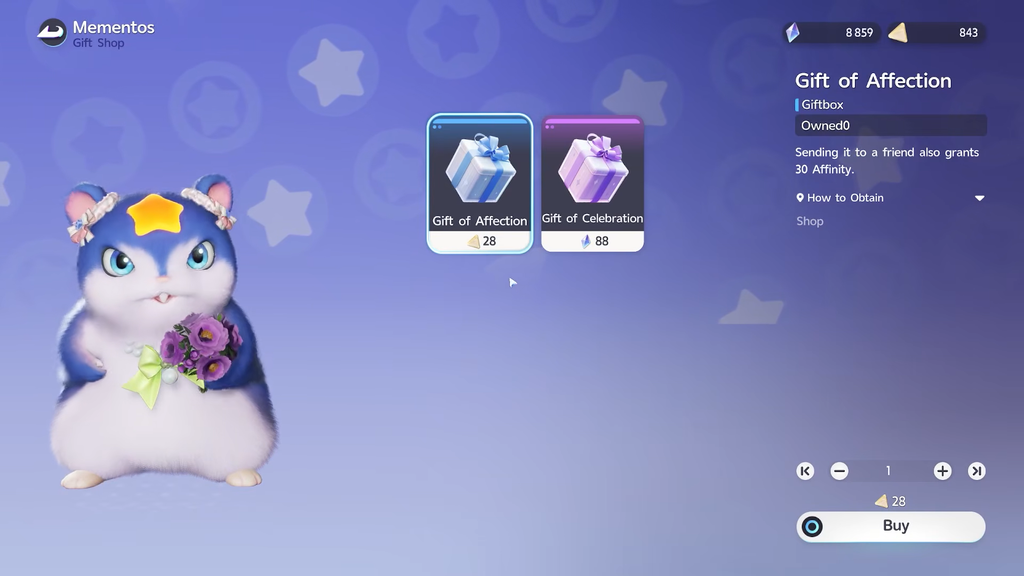
Quick answer: Buy a Gift of Affection at the Mementos shop in Astra for 28 Voxel Coins, then send it through your Friends menu to grant 30 Affinity (up to five gifts per week).
Where to buy Gifts of Affection in Aniimo
Gifts of Affection are stocked at the Mementos gift shop in Astra, sitting in the Chill Street block near the Horizon Square travel point. The map coordinates are -0022, 0375. Each copy costs 28 Voxel Coins, and you can stack as many as your coin balance allows.
Buying and sending are two separate actions. The Friends menu does not sell the item, so purchase it at Mementos first. If you open the Gift option before owning one, there will be nothing useful to pick even though the social feature works.
What the Gift of Affection does
Sending a Gift of Affection advances your friendship. Since the latest update it no longer pays Credits to either player or rolls for an Incredible Aniimo egg. What it does is grant 30 bonus Affinity when you give it to a friend, helping you reach Illusory Friends sooner.
| Attribute | Detail |
|---|---|
| Rarity | Rare |
| Category | Gift Box |
| Cost | 28 Voxel Coins (Mementos, Astra) |
| Affinity granted | 30 |
| Sender reward | None (Credits removed in the latest update) |
| Recipient reward | None (Credits and egg chance removed in the latest update) |
How to send a Gift of Affection to a friend
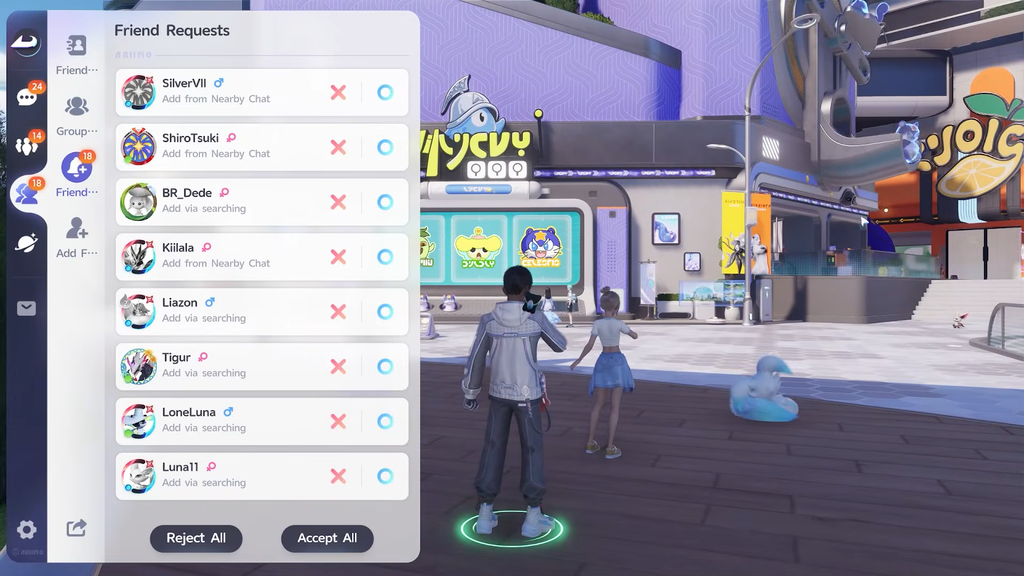
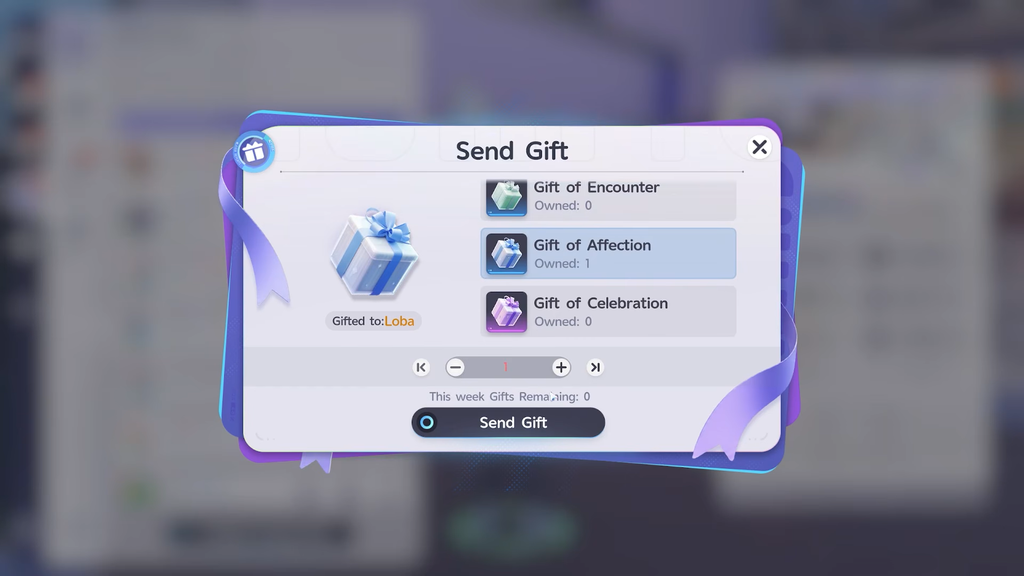
Each week, you can send no more than five gifts. Check the Gifts Remaining counter on the friend’s profile card; extra Glimmer or coins cannot get around the weekly limit once that counter reaches zero.
Recipients who are offline still get their gift. They can claim it directly from their in-game mailbox.
How to confirm the gift worked
You know the send went through when three things happen at once. The Gift of Affection count in your inventory drops, the Affinity value shown for that friendship goes up, and the friend’s Gifts Remaining counter ticks down. If a button reads How to Obtain instead of a send option, you do not currently own the gift, so return to Mementos and buy one.
Redeem Aniimo gift codes for free Glimmer and Credits
To keep buying gift boxes without draining your balance, top up your currencies with gift codes. Codes hand out Glimmer, Credits, Growflowers, and Anipod Pros, which cover general progression and Glimmer-based purchases like the Gift of Celebration.
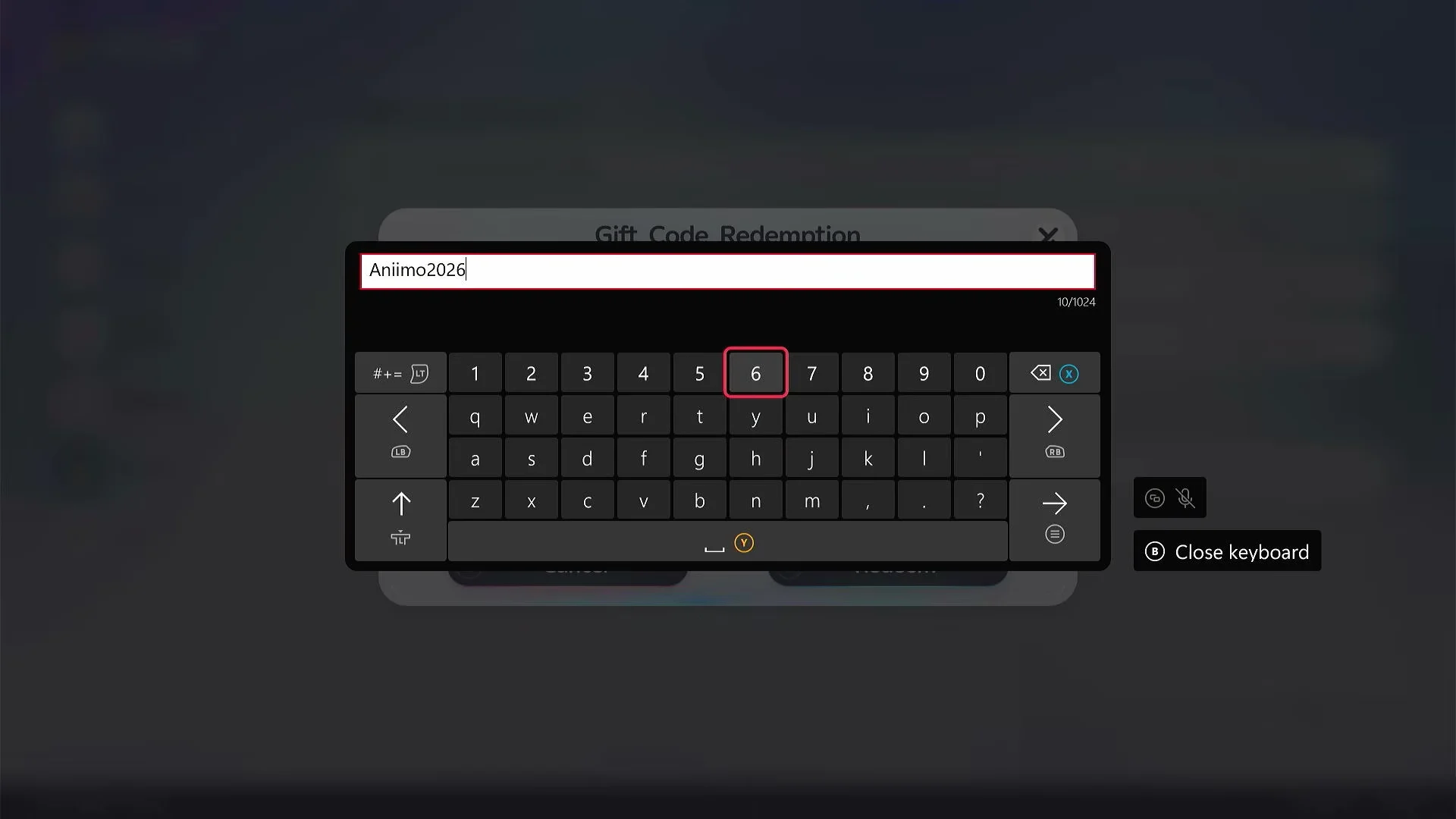
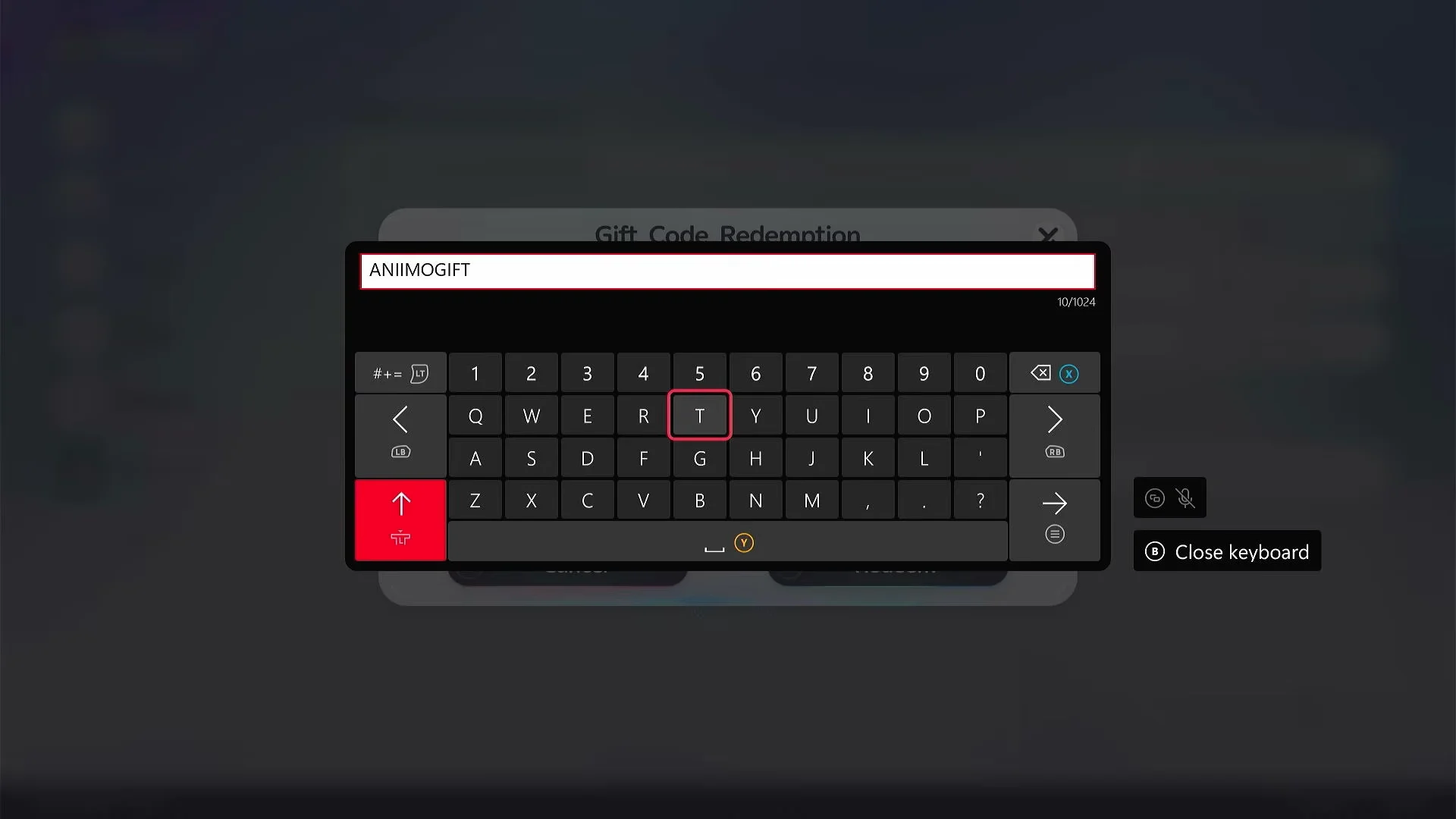
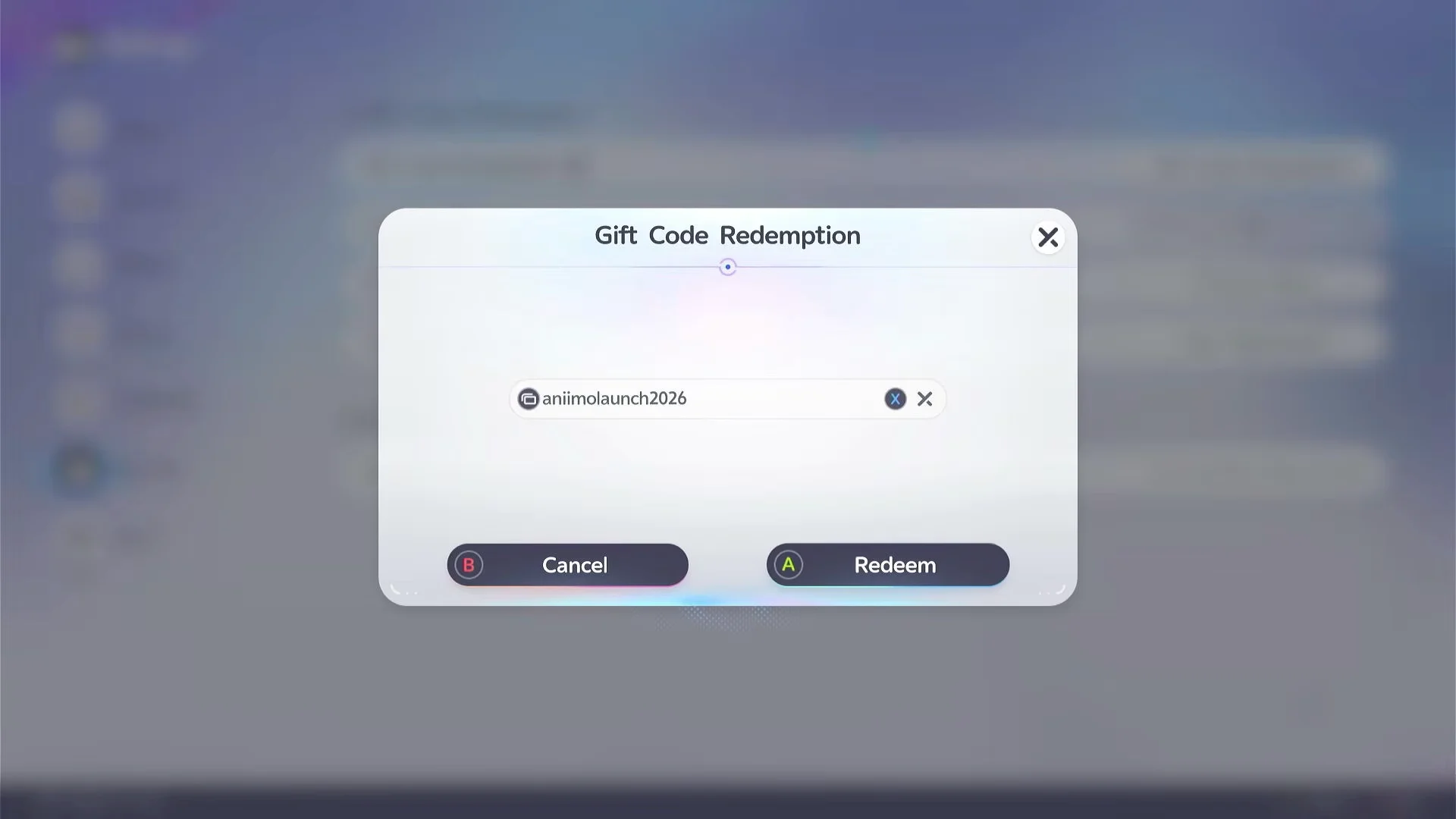
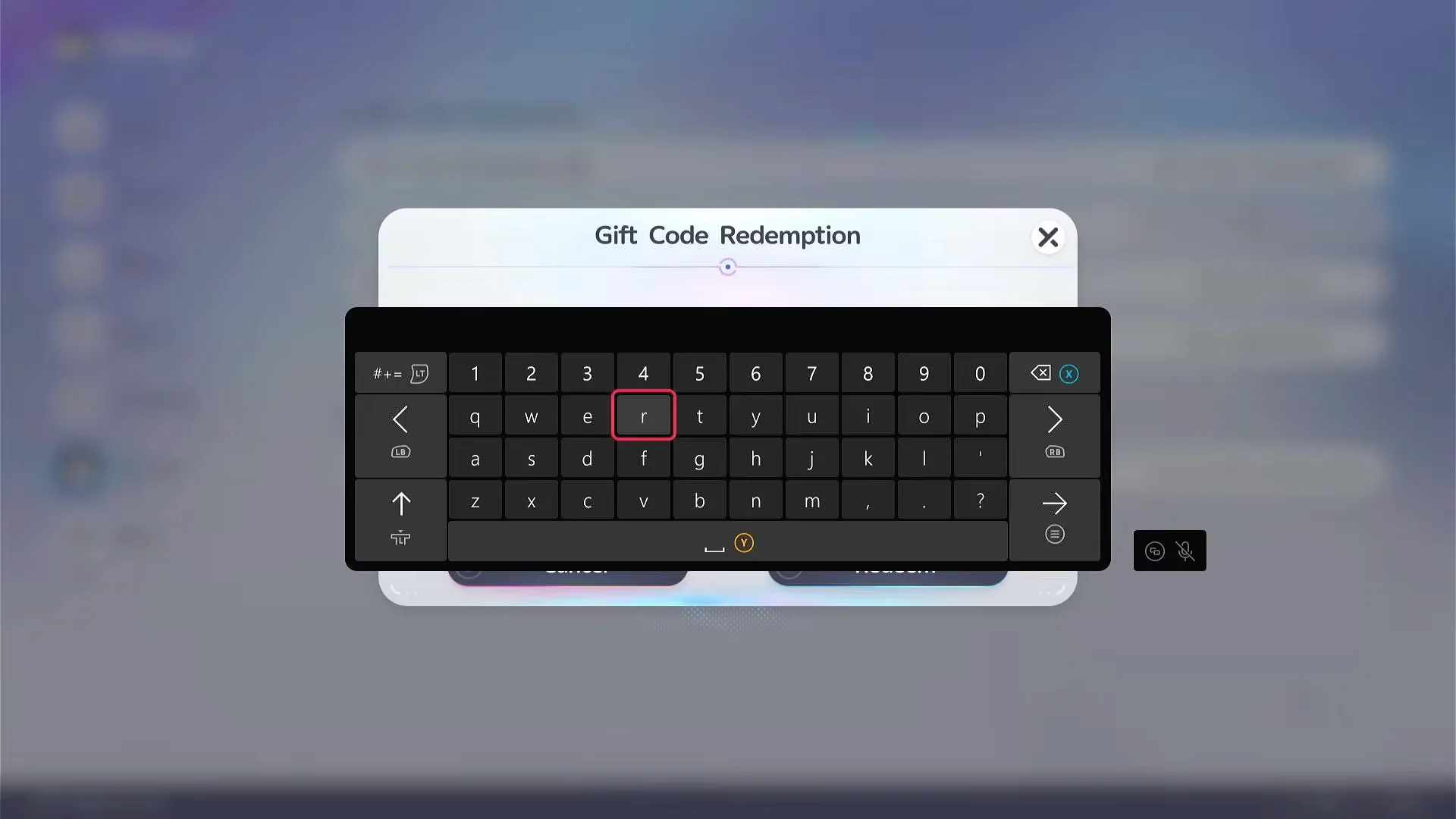
These codes were active as of the mobile launch window. Redeem each one once.
| Code | Rewards |
|---|---|
| Aniimo2026 | 20 Glimmer |
| ANIMOGIFT | 10 Glimmer, 20,000 Credits, 10 Growflowers, 5 Anipod Pros |
| animolaunch2026 | 50 Glimmer, 5 Growflowers, 5 Anipod Pros |
| aniimopenworld | 10,000 Credits, 5 Anipods |
| twinewithaniimo | 10 Glimmer, 20,000 Credits, 10 Growflowers, 5 Anipod Pros |
| aniimobonus | 10,000 Credits, 5 Anipods |
| anyoneaniimo | 50 Glimmer, 5 Growflowers, 5 Anipod Pros |
| aniimoidyll | 10,000 Credits, 5 Anipods |
| aniimowelcome | 50 Glimmer, 5 Growflowers, 5 Anipod Pros |
| aniimotogether | 3 Growflowers, 10,000 Credits |
With Voxel Coins on hand and a friend in your world, a Gift of Affection is a quick way to push a friendship toward Illusory Friends. Just remember the weekly cap of five gifts, and keep an eye on the live counter before you send another.