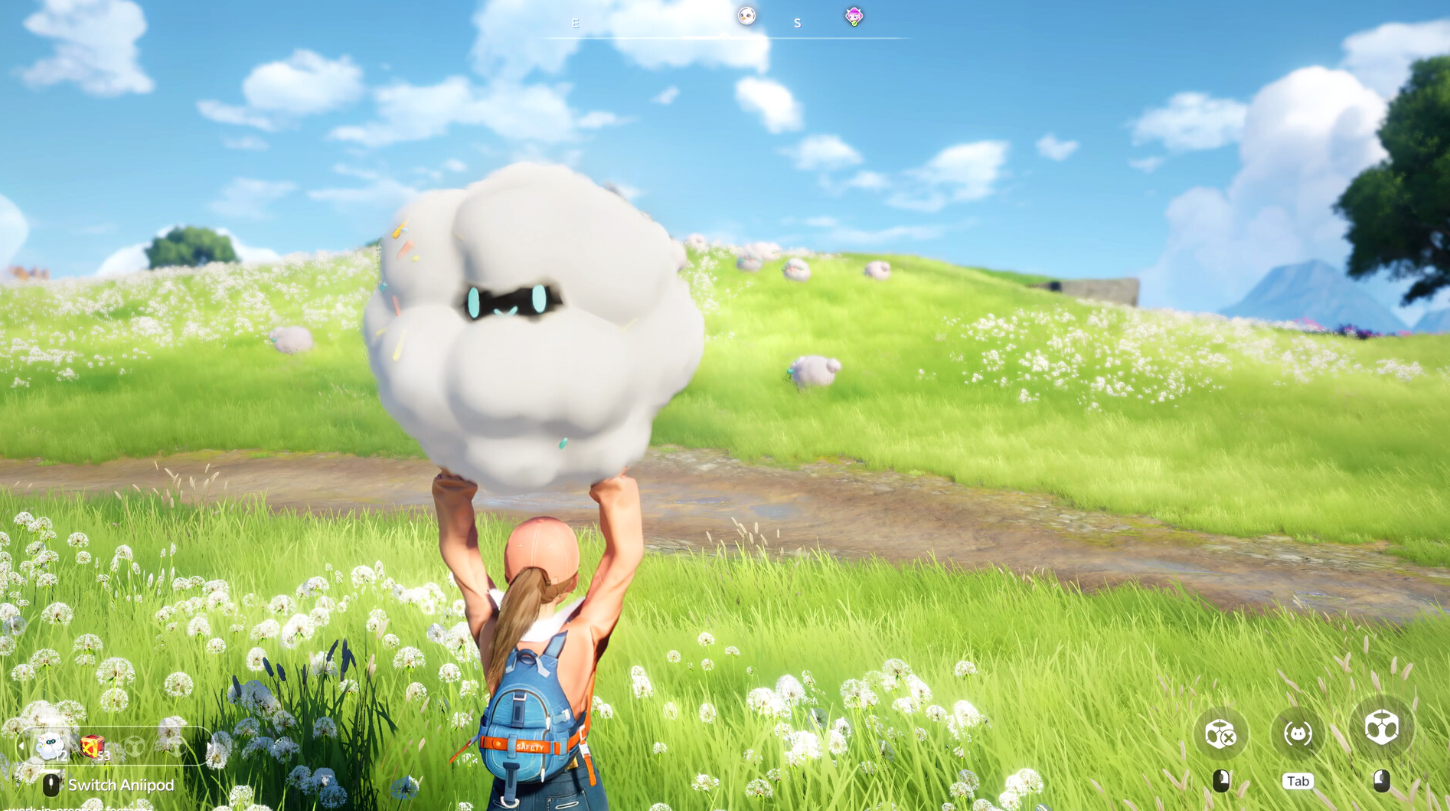
Glimmering Driftshadow is an Epic currency in Aniimo that rerolls part of a Legendary Aniimo’s appearance. It is the no-cash way to restyle companions like Irisalis, changing their color, wings, and headwear without touching stats.
Quick answer: Buy Glimmering Driftshadow in the Legendary Journey event shop for 2 Irisalis Petals each after you craft the Legendary Aniipod, or from the in-game Shop for 200 Glimmer (one) or 1,800 Glimmer (ten).
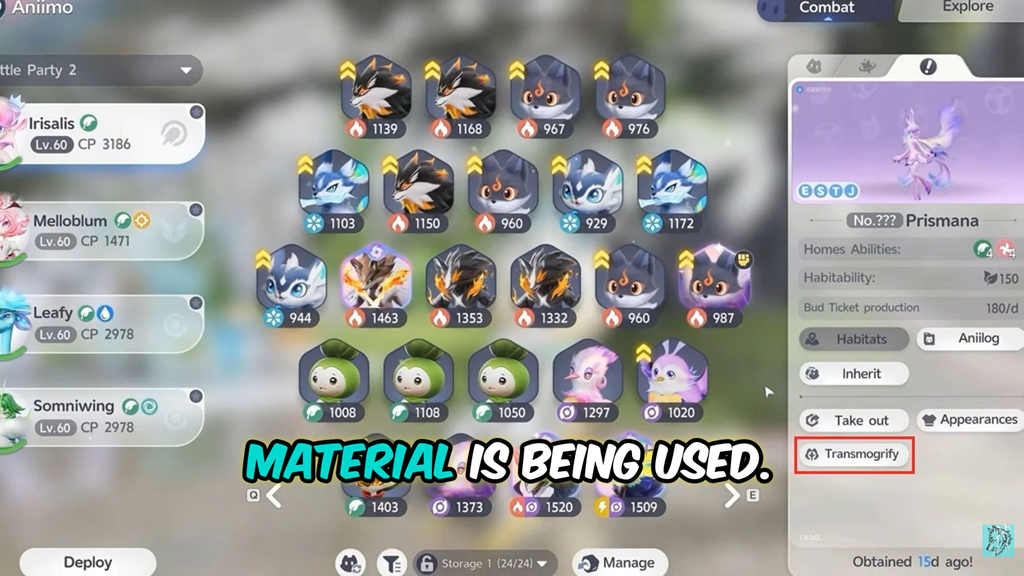
Unlock transmogrification before you buy
You cannot spend Glimmering Driftshadow until you own a Legendary Aniimo. The transmog system only opens once you catch your first one, and the whole menu lives inside that creature’s own interface rather than a separate shop screen.
For the Walking With Irisalis Legendary Journey event, that means collecting 99 Irisalis Petals to craft the Legendary Aniipod, then using it to capture Irisalis. The event shop keeps Glimmering Driftshadow locked until that Aniipod is crafted, so there is no point buying Petals for Driftshadow before you have the companion to restyle.
Short on Petals? You can pick them up across Breezy Plains, earn them from the main story and Journey Quests, claim them for first-time Alpha clears and Silver Collection Badges, or buy Breezy Mission Letters with Glimmer. Each letter brings back an Irisalis Flower, and each flower converts into 5 Irisalis Petals.
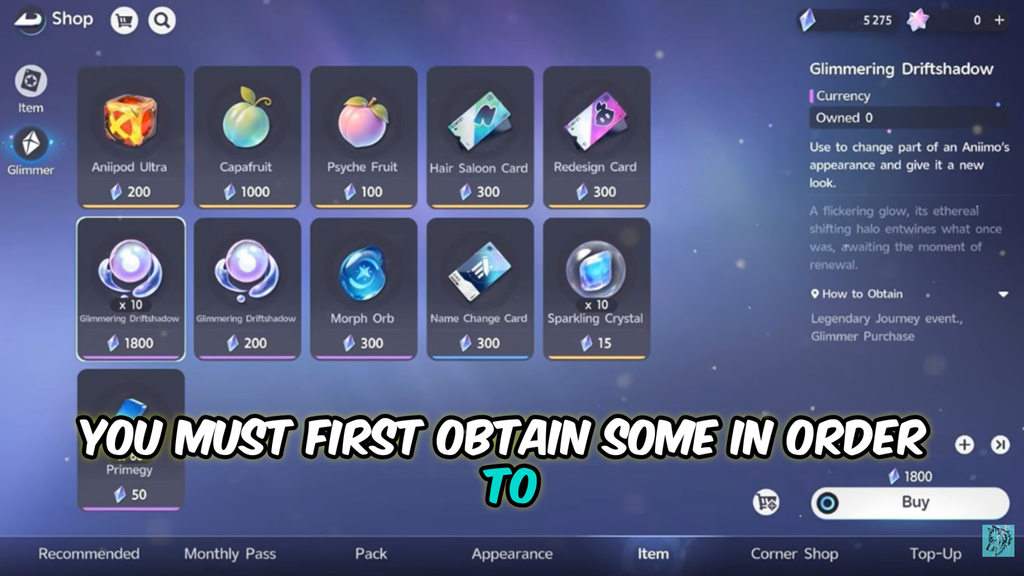
Where to buy Glimmering Driftshadow
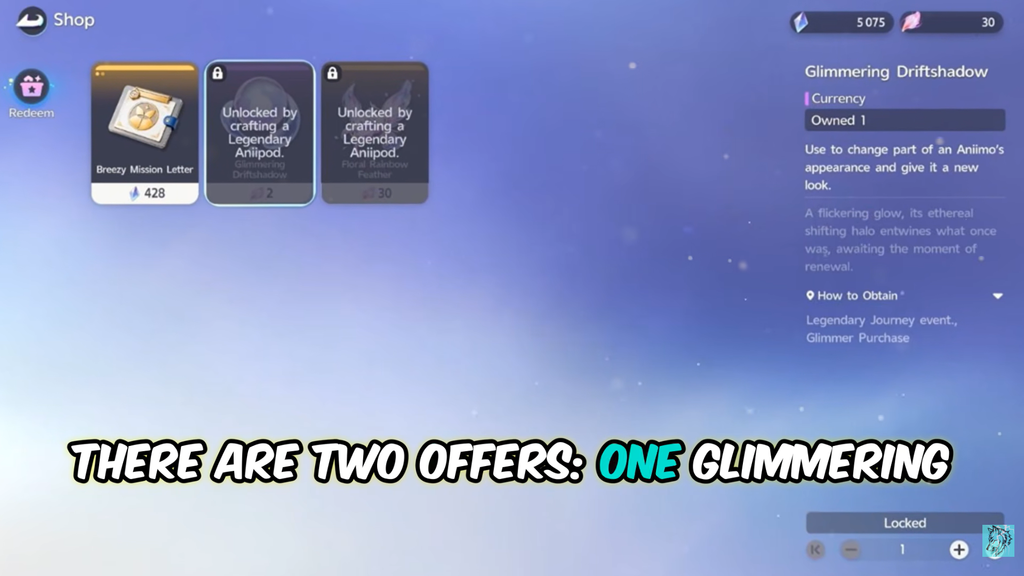
There are two storefronts, and each takes a different currency. The event route is the cheapest if you already have Petals banked.
| Source | Cost | Amount |
|---|---|---|
| Legendary Journey event shop (Redeem) | 2 Irisalis Petals | 1 |
| In-game Shop (Glimmer) | 200 Glimmer | 1 |
| In-game Shop (Glimmer) | 1,800 Glimmer | 10 |
The event shop sits on the bottom-left of the Walking With Irisalis event page. For the Glimmer option, open the Menu, go to the Store, then the Item tab, pick Glimmering Driftshadow and confirm the purchase. The ten-pack saves 200 Glimmer over buying singles.
How to use Glimmering Driftshadow on a Legendary Aniimo
You know it worked when the model updates to the new color, wing, or headwear immediately after the roll, and the saved look appears in your preset list and can be re-applied from the party menu.
If you hold both currencies, the game spends Glimmering Driftshadow first whenever it can be used, so you will not accidentally burn Radiant Dreamshadow on an open roll.
What Glimmering Driftshadow can and cannot do
Glimmering Driftshadow is the free-to-play counterpart to Radiant Dreamshadow, and it comes with real limits. It only reaches certain parts, it gives no progress on the transmog bar, and it cannot roll while any slot is locked.
- Rerolls apply to Color, Wings, and Headwear only.
- Body and the Sparkling effect cannot be changed with it.
- Locking a slot to keep a result requires Radiant Dreamshadow; while a slot is locked, Glimmering Driftshadow is blocked.
- Every roll is random across the open slots, so a desired color or style is not guaranteed.
Because it does not advance the transmog bar, Glimmering Driftshadow will not unlock the later milestones that open Body and Sparkling customization. If you try to lock a rolled result, a prompt warns that locked slots can only use Radiant Dreamshadow, which costs 200 Glimmer per unit or arrives through the paid Companion Handbook. In short, Glimmering Driftshadow lets you cycle colors, wings, and headwear for free, but preserving a specific look and unlocking the full five-part customization still means spending Radiant Dreamshadow.