Transmog in Aniimo is a purely cosmetic layer that lets you redraw a Legendary companion’s look without touching a single stat. Right now it belongs to one creature, Irisalis, the Grass-element DPS from the Legendary Journey event. You catch her through a fixed crafting path, then roll her appearance part by part until she matches the set you want.
Quick answer: Spend 99 Irisalis Petals to create the Legendary Aniipod: Irisalis, defeat her in her sole Energy Rift battle, then go to Aniimo Management → Irisalis → Transmogrify and roll for the individual appearance parts.
How to catch Irisalis first
Transmog is unavailable until Irisalis joins your team; capturing her by the usual method is not an option. She is part of the Legendary Journey event, which began on September 25 and continues through December 10, 2026. Reach Student I to access the crafting phase, Walking with Irisalis. Irisalis Petals are required throughout the process.
Open the Transmogrify menu
You won’t find Transmogrify in a separate shop; it is accessed through Irisalis’s management card. In Aniimo Management, select Irisalis, then choose Transmogrify to open the Transmog screen. If the choice isn’t there, you still need to complete her capture: it only becomes available once she is befriended.
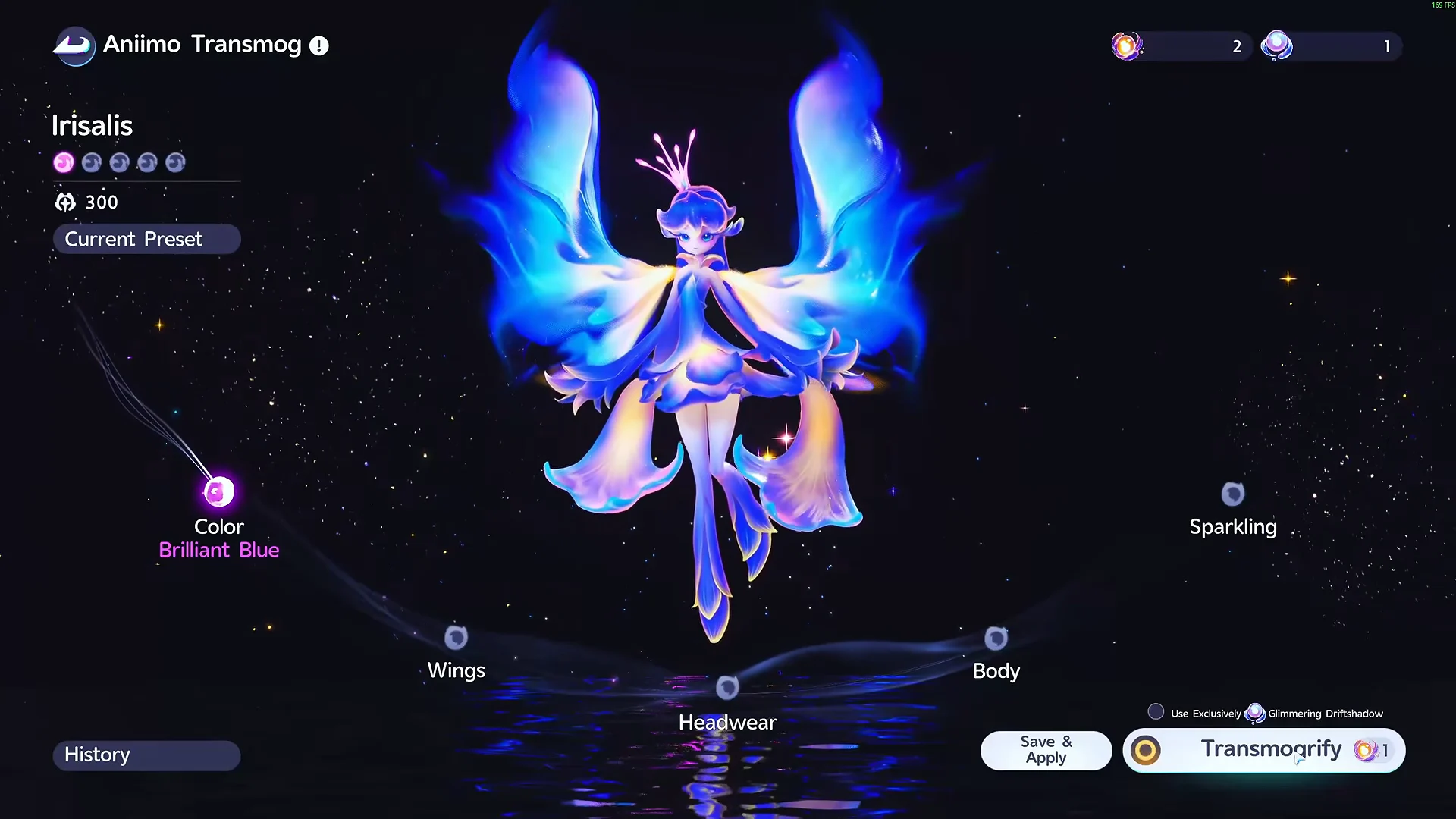
Transmog affects appearance alone; a look does not alter her ATK, HP, defensive stats, REGEN, Skills, or Potential. Her selected appearance shows in the open world, battles, the Photo Studio, and your team screen.
The five appearance parts and how they unlock
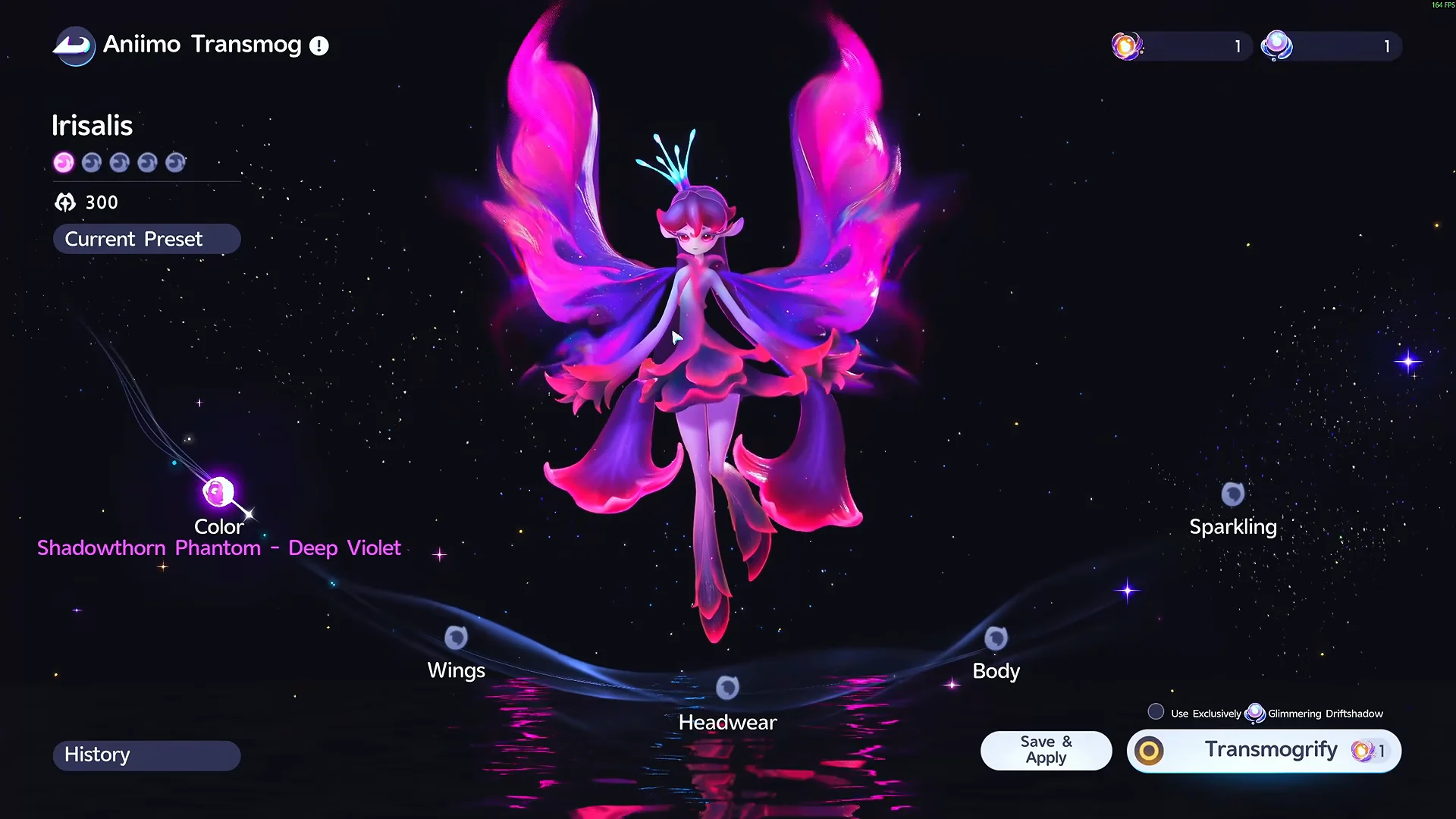
Irisalis’s appearance has five independently rolled parts. Color is available immediately; the other parts become accessible as Transmog Progress builds. A standard roll grants 10 Progress.
| Appearance part | Unlock requirement |
|---|---|
| Color | Available from the start |
| Wings | 150 Transmog Progress |
| Headwear | 400 Transmog Progress |
| Body | 750 Transmog Progress |
| Effects | 1,200 Transmog Progress |
Effects is the exception among the five parts: its quality is always Legendary, and reaching its Progress threshold activates it automatically. It cannot be rerolled. Each of the other four parts gets a random result of its own.
How rolls and rarity odds work
A roll refreshes all parts that are both unlocked and not locked, while its results are recorded in a ten-slot History for your best draws. Results aren’t applied by default, so another roll won’t remove a good one you’ve saved. With every part unlocked and no locks set, the displayed rates are:
| Rarity | Chance |
|---|---|
| Rare | 77.42% |
| Epic | 19.36% |
| Legendary | 3.22% |
On the base configuration, you are assured a Legendary part by 62 attempts. Color has the largest pool, offering multiple looks across every rarity; Wings, Headwear, and Body each correspond directly to the four sets.
Radiant Dreamshadow vs Glimmering Driftshadow
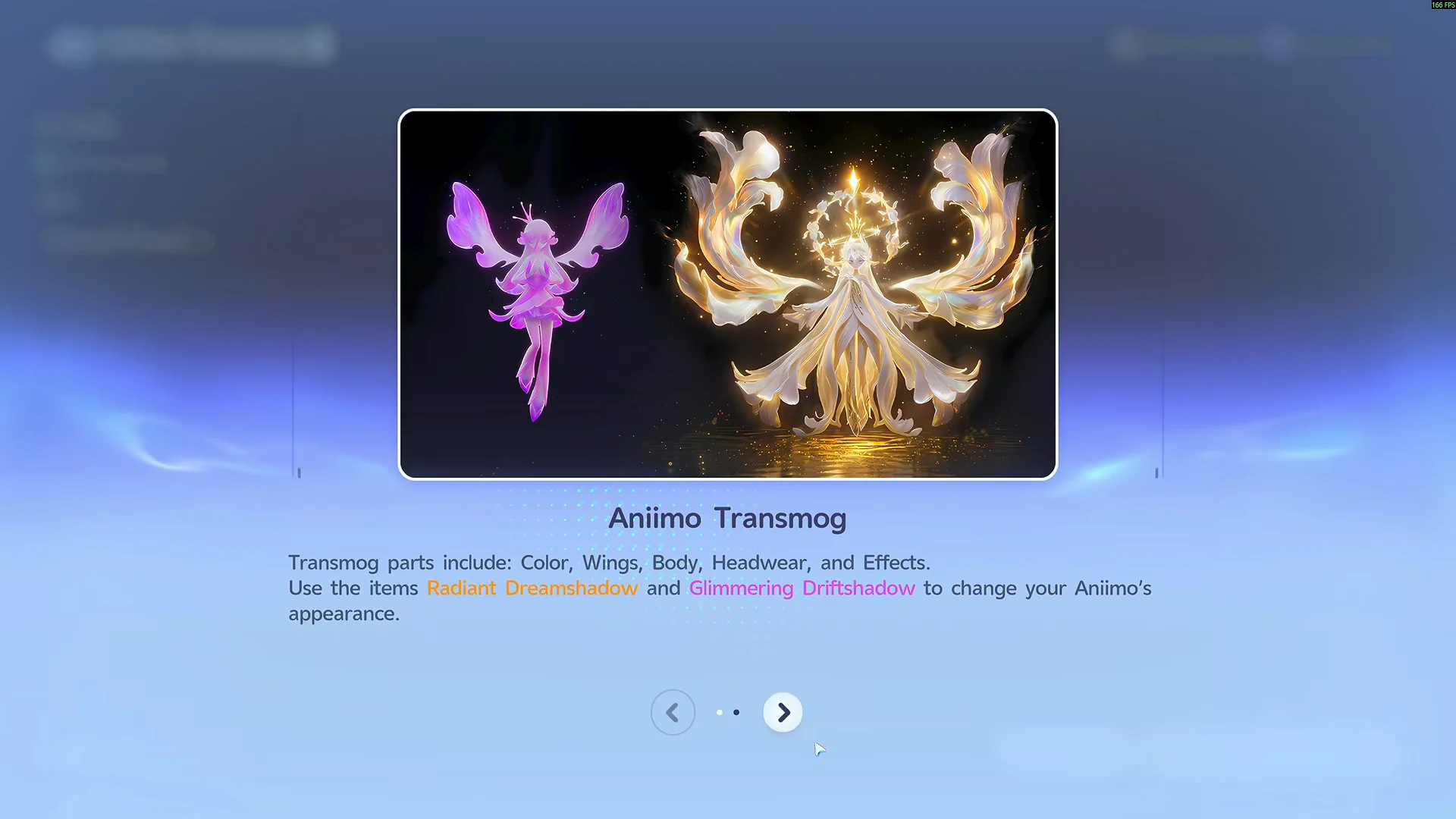
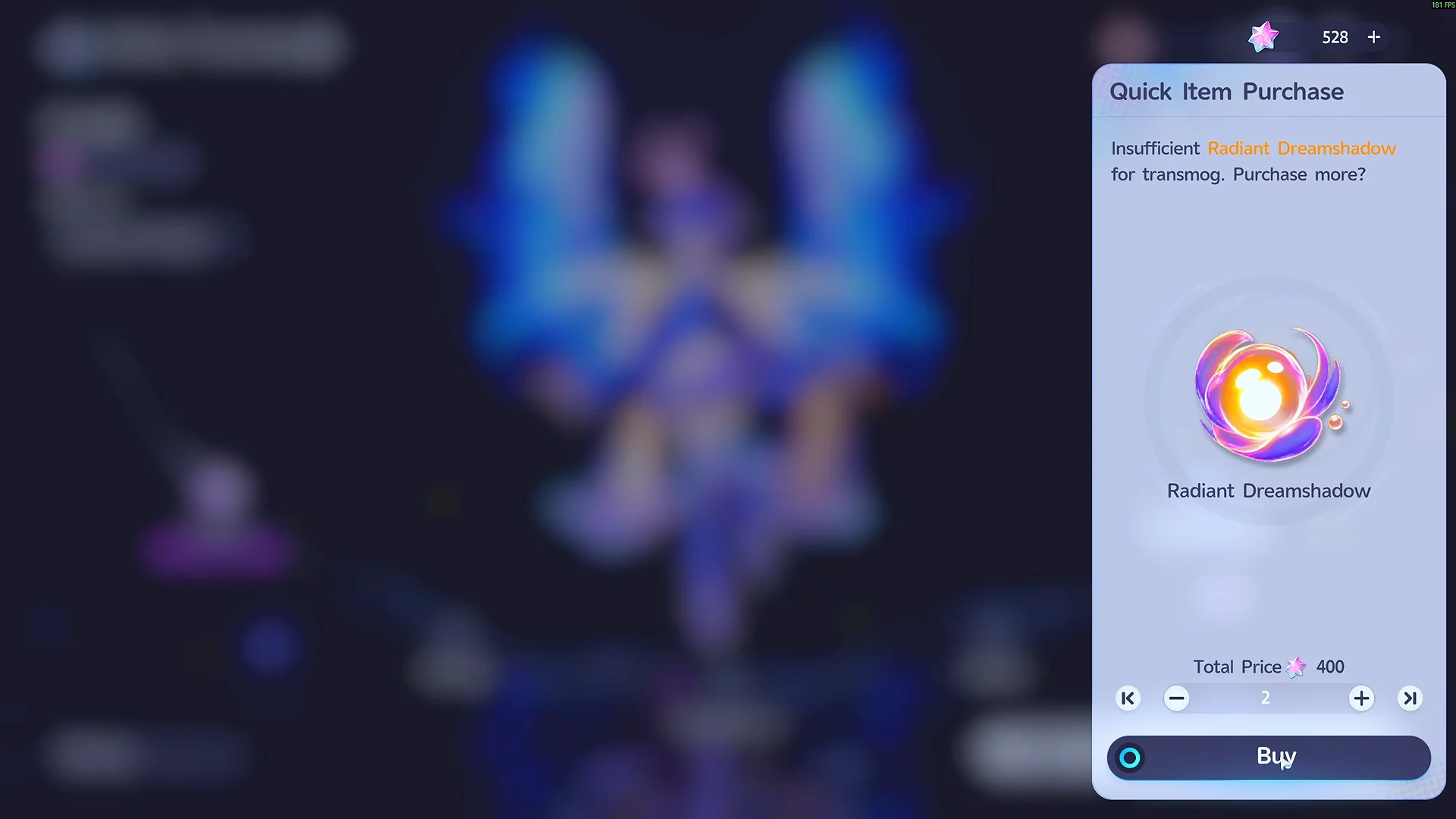
The two roll currencies serve different purposes and cannot substitute for one another. Glimmering Driftshadow is the inexpensive event currency for getting started, while Radiant Dreamshadow offers flexibility and becomes necessary as soon as you lock parts.

| Currency | Cost | Rolls | With locks |
|---|---|---|---|
 Glimmering Driftshadow Glimmering Driftshadow | 2 Irisalis Petals | Color, Wings, Headwear | Cannot be used |
 Radiant Dreamshadow Radiant Dreamshadow | Shop pack or quick purchase | All open parts | Required |
Glimmering Driftshadow works on only the first three parts and gives no Progress to parts outside its reach. Setting any lock disables it immediately. When both currencies can be spent, Driftshadow is used first, so spend it on early rolls before you have a result to preserve.
Select “Use Exclusively: Glimmering Driftshadow” to ensure a roll won’t consume Radiant Dreamshadow.
The First Encounter in Light pack replenishes Radiant Dreamshadow with 10 for 380 Lumin Crystals. You may buy it up to three times, through October 8. If your supply runs out during a roll, the roll button lets you purchase more directly rather than taking you to the shop.
Locking parts to hunt a set
If a roll gives you a part you want to keep, lock it before rerolling the others. A maximum of three parts can be locked, since one must remain available to roll; the game won’t accept a fourth lock. Each additional lock doubles the cost and increases the Legendary odds.
| Locked parts | Roll cost | Legendary chance | Guaranteed within |
|---|---|---|---|
| 0 | ×1 | 3.22% | 62 |
| 1 | ×2 | 4.29% | 47 |
| 2 | ×4 | 5.97% | 34 |
| 3 | ×8 | 8.84% | 23 |
Because the price climbs so fast, save three locked parts for the final stretch of a set hunt. A clean sequence is to keep the Legendary color you landed, roll for wings, lock them, then move to the next part. Chase the look you actually want rather than rarity for its own sake, since a lower-rarity piece that completes your set can be worth more than a stray Legendary that matches nothing.
Irisalis’s four skin sets
A set is complete when its Color, Wings, Headwear, and Body all match, and a full set turns Irisalis into an entirely different creature. There are two Epic sets and two Legendary sets.

| Set | Rarity | Signature color |
|---|---|---|
| Floral Glow | Epic | Cherry-Blossom Afterglow |
| Shadowthorn Phantom | Epic | Deep Violet |
| Starbloom Moonlight | Legendary | Nightglow |
| Sunflare Rose | Legendary | Radiant Gold |
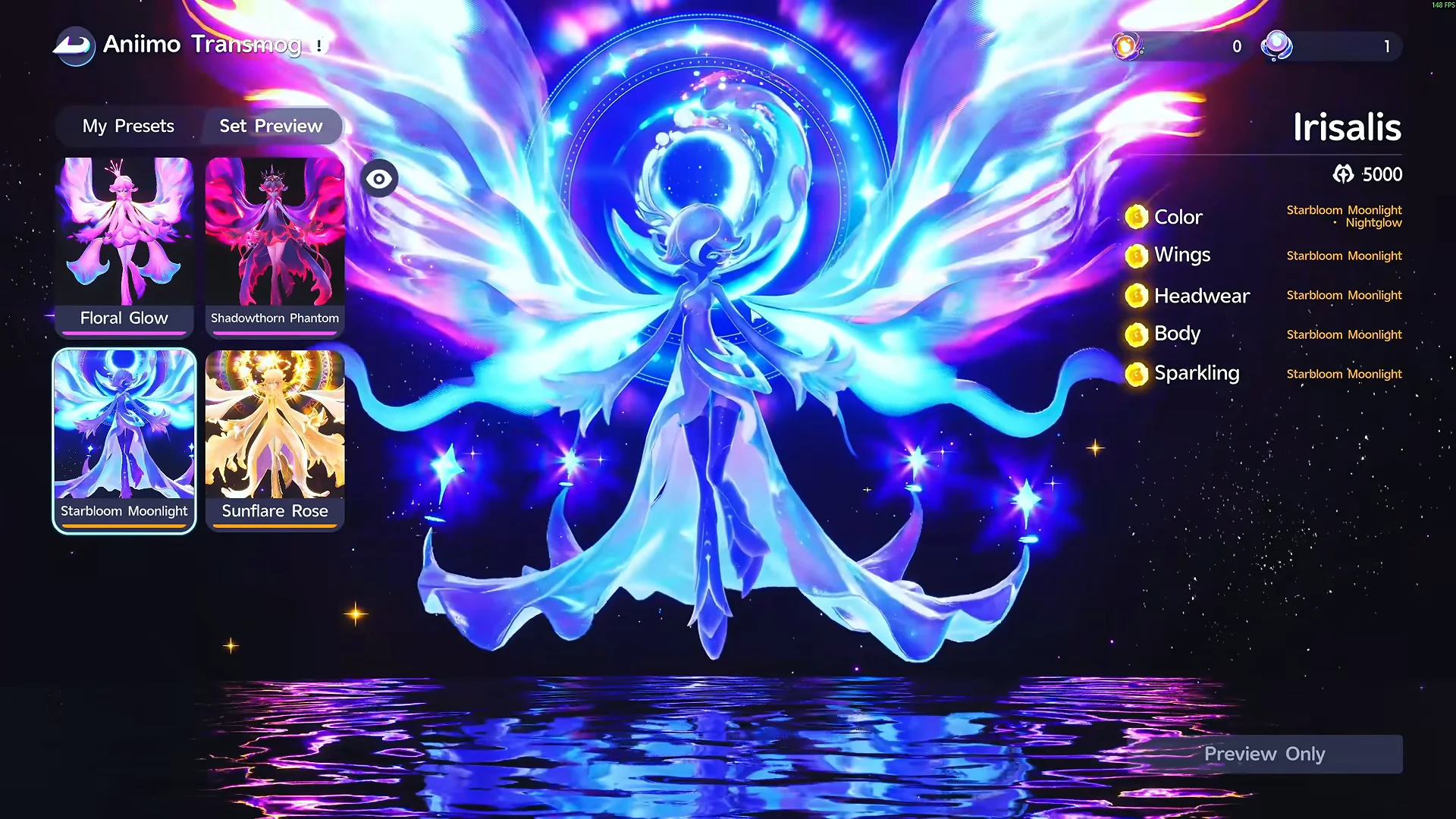
You can combine parts from different sets instead of wearing a complete one: for example, use one set’s Color with another’s Wings and different Headwear or Body. However, one Legendary part alone doesn’t complete its set. Wings, Headwear, and Body must each correspond to that same set, making a full Legendary appearance a long-term goal.
Apply a look and confirm it worked
Applying a draw is your decision point. Pick an entry in History and choose Save & Apply, which clears the History afterward. You also get two personal preset slots, so you can store a second look and swap Irisalis between Default, Preset 1, and Preset 2 without rolling again.
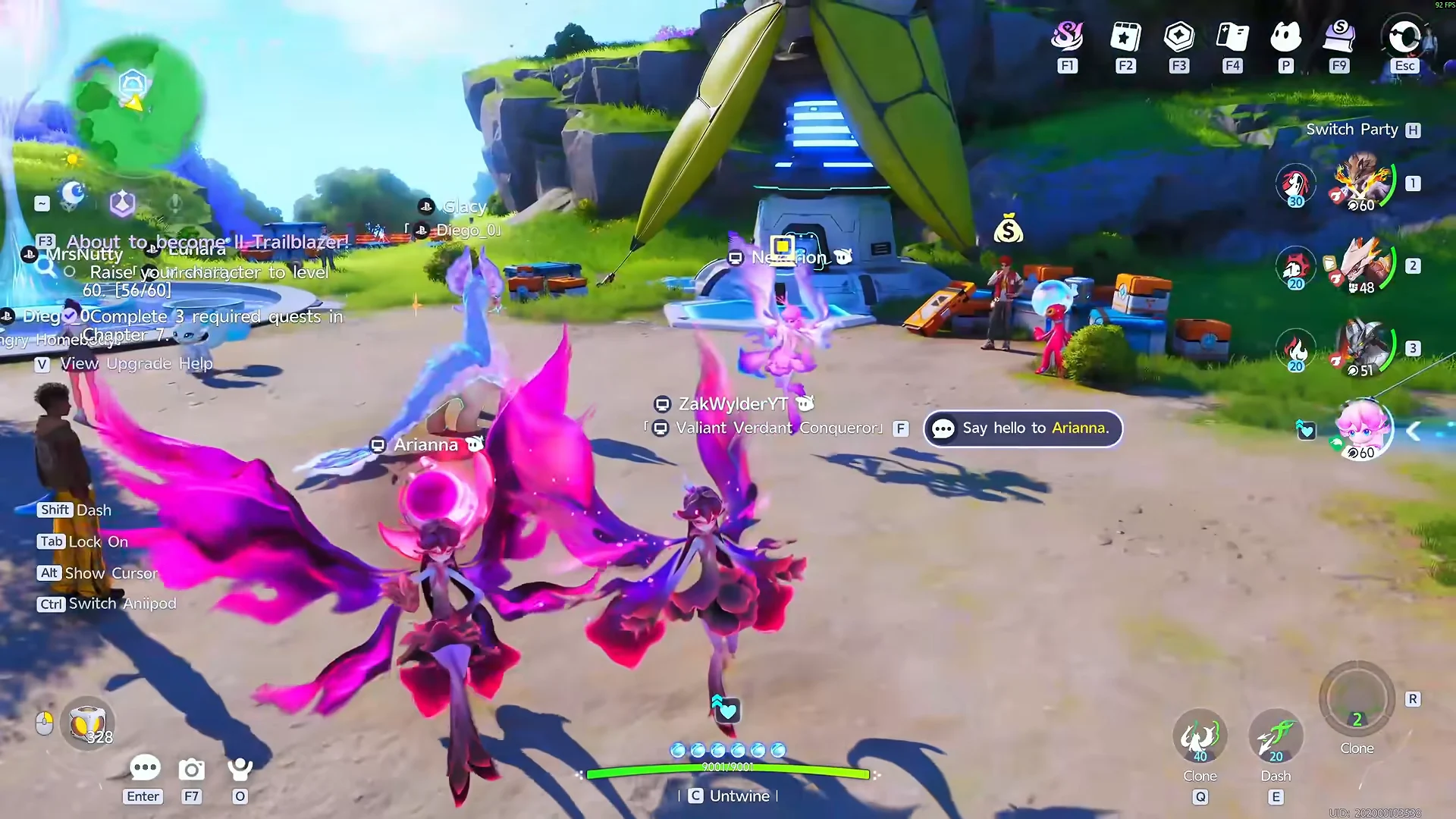
The preset marked “Currently Applied” confirms the change, and Irisalis displays that appearance wherever she appears. Other Pathfinders can see it as well; a completed set is visible on her in the multiplayer hub, just as you can see other players’ variants.
The system affects appearance only. Capture Irisalis once using the Aniipod route, then roll for parts at your own pace: use Glimmering Driftshadow while no parts are locked, and turn to Radiant Dreamshadow when you begin locking pieces to complete a set.