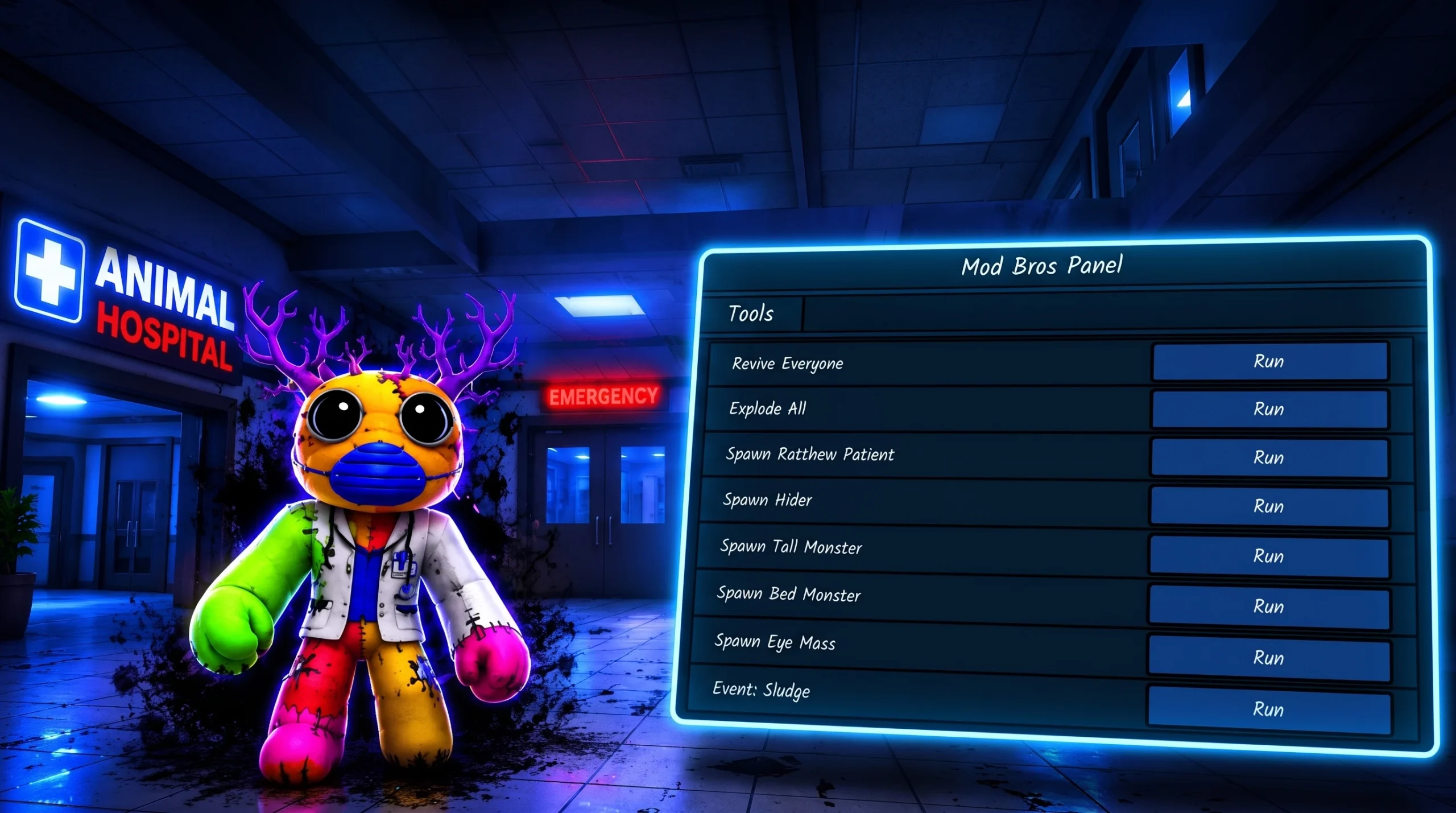
If you have been hunting for a secret button, code, or item that switches on admin commands in Animal Hospital, there isn’t one. The “admin panel” people talk about is a moderation tool that a developer drops into a Roblox game they own. It is not a hidden reward, and playing the night shift longer or treating more patients will never unlock it.
Quick answer: Admin commands in any Roblox game are controlled entirely by that game’s owner. In Animal Hospital there is no in-game action, item, or code that grants a normal player admin access. The only legitimate way to get an admin panel is to add the free Creator Store model to a game you personally own and edit in Roblox Studio.
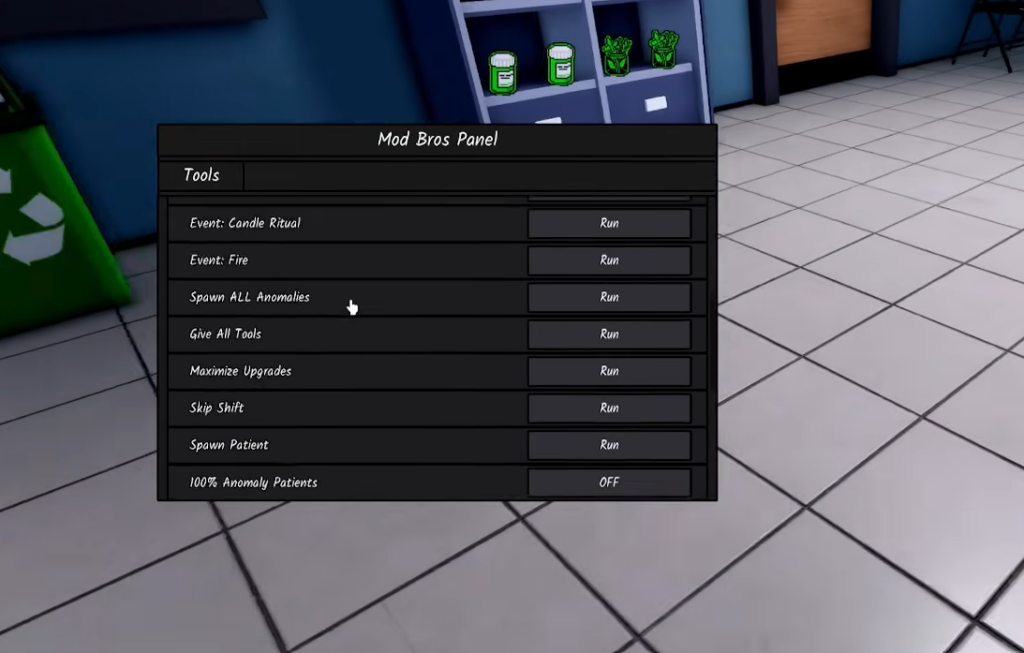
What the Admin Panel really is
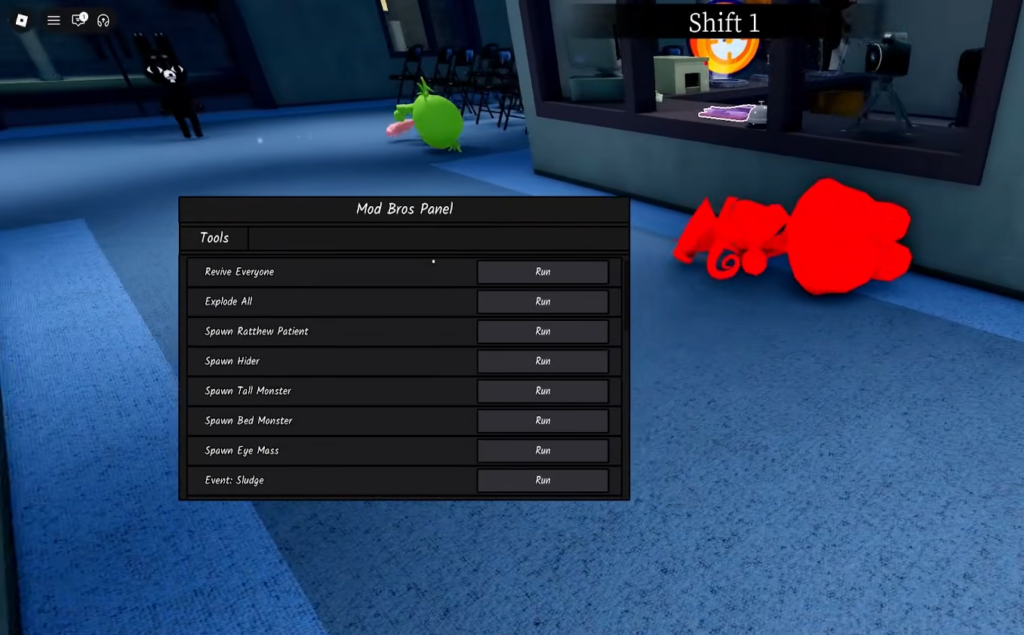
The Admin Panel is a reusable script package published on the Roblox Creator Store. It is built to be inserted into a game the developer already controls, giving that person commands to manage their own experience. Because it ships with its own scripts, only someone editing a place in Roblox Studio can install and run it. That is exactly why a panel like this appears for the person who owns the game and never for a random visitor.
| Detail | Value |
|---|---|
| Model name | Admin Panel |
| Creator | @Sub2HTR |
| Category | Gameplay / Utilities |
| Contains scripts | Yes (2 scripts) |
| Rating | 82% (1K votes) |
| Created / Updated | Oct 13, 2022 |
Why you can’t get admin commands as a player in Animal Hospital
Animal Hospital (Anomaly) puts you on the night shift at a veterinary hospital, treating patients while some of them turn out to be anomalies. None of that gameplay is tied to admin powers. The game was built by the developer Roytt, and admin access stays with the developer’s account. If a panel exists in the game at all, it was installed by the owner and limited to specific trusted accounts.
There is no documented item, no code, and no in-game trigger that promotes a normal player to admin. You’ll know you don’t have it because there is no command bar or moderation menu tied to your account, and nothing in the shop or shift rewards changes that.
Any outside “tool,” executor, or download that claims to grant admin powers inside someone else’s Roblox game is not a real feature. These typically break Roblox’s rules and can put your account at risk. The supported route is always the developer adding a panel to a game they own.
How to add an admin panel to your own Roblox game
If you actually want moderation commands, the only place you can genuinely set them up is a project you have permission to edit. Here is the full flow.
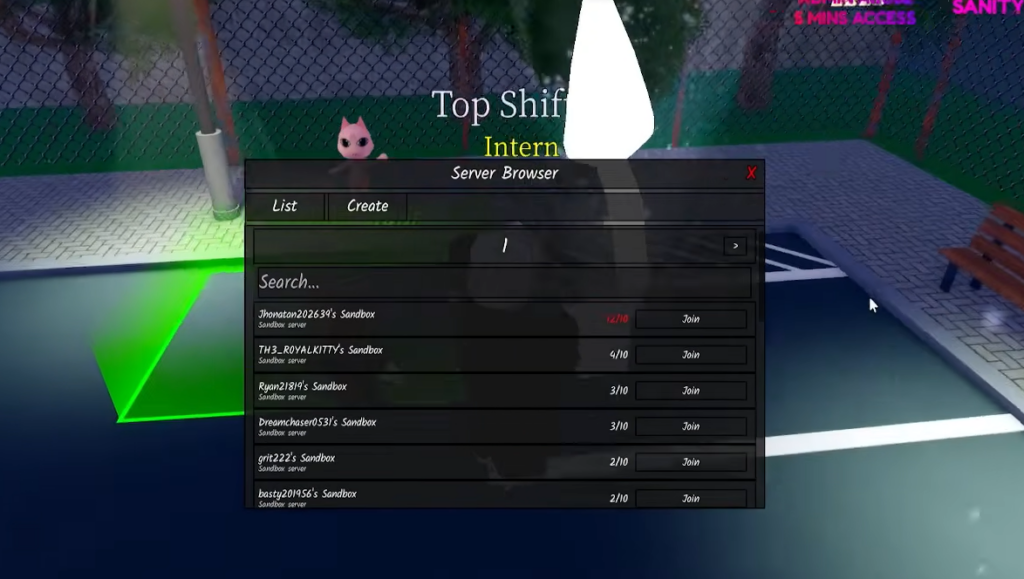
The bottom line is simple. The Admin Panel is a Creator Store model meant for people building their own experiences, and that is the only setting where you can legitimately get and use it. If you are moderating a project, install it in your place. If you are just playing Animal Hospital, admin access remains firmly in the hands of the developer, and no shortcut changes that.