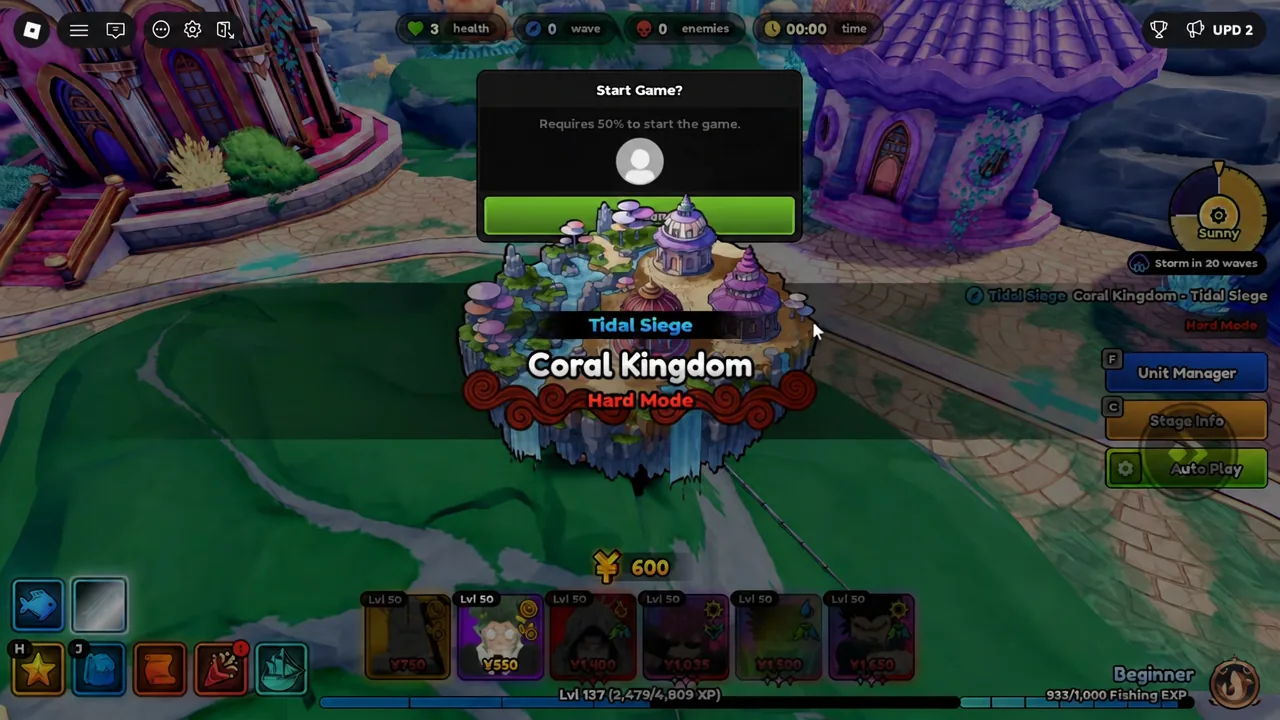
Sand Dollars come out of one place in Anime Expeditions right now, and that is the Coral Kingdom – Tidal Siege defense. The good news is that you do not have to sit there and place units yourself. With Auto Play configured properly and a handful of gameplay toggles flipped on, a solo Hard Mode run will keep placing, upgrading, and restarting itself while you sleep.
Quick answer: Queue Coral Kingdom – Tidal Siege on Hard Mode, set Auto Play so farms sit at priority 2 and DPS at priority 3, set Normal Unit Range to 10 and Farm Unit Range to 100, then enable Auto Vote Start, Auto Skip Waves, Auto Retry, and Auto Next before you walk away.
Sand Dollar rate on Tidal Siege Hard Mode
A single uninterrupted Hard Mode defense that ran 31 minutes and 17 seconds paid out 961 Sand Dollars. That works out to roughly 31 per minute, or about 1,860 per hour, and the number holds as long as the loop keeps restarting itself instead of sitting on a defeat screen.
| Metric | Value |
|---|---|
| Stage | Coral Kingdom – Tidal Siege (Hard Mode) |
| Sample run length | 31m 17s |
| Sand Dollars earned | 961 |
| Per minute | ~31 |
| Per hour | ~1,860 |
This is a live match, not the passive AFK Chamber in the lobby. Your client has to stay connected to the server for the whole session, which is why the restart settings below matter as much as the unit setup.
Units to bring for a solo overnight run
Bring your strongest available carries, because nothing is going to bail you out once you stop watching. A working solo lineup pairs heavy single-target and AoE damage with two dedicated farms so the economy never stalls.
| Role | Units |
|---|---|
| Farms | Ramen Guy, Stone Alchemist |
| Primary damage | Carrot (Unleashed), Vegetable (Prince), Dark Mage (Sovereign) |
| Other viable picks | Sharkfang (Abyssal), Crow (Black Fire), Puppet (Telekinetic), Bionsect (Final Form) |
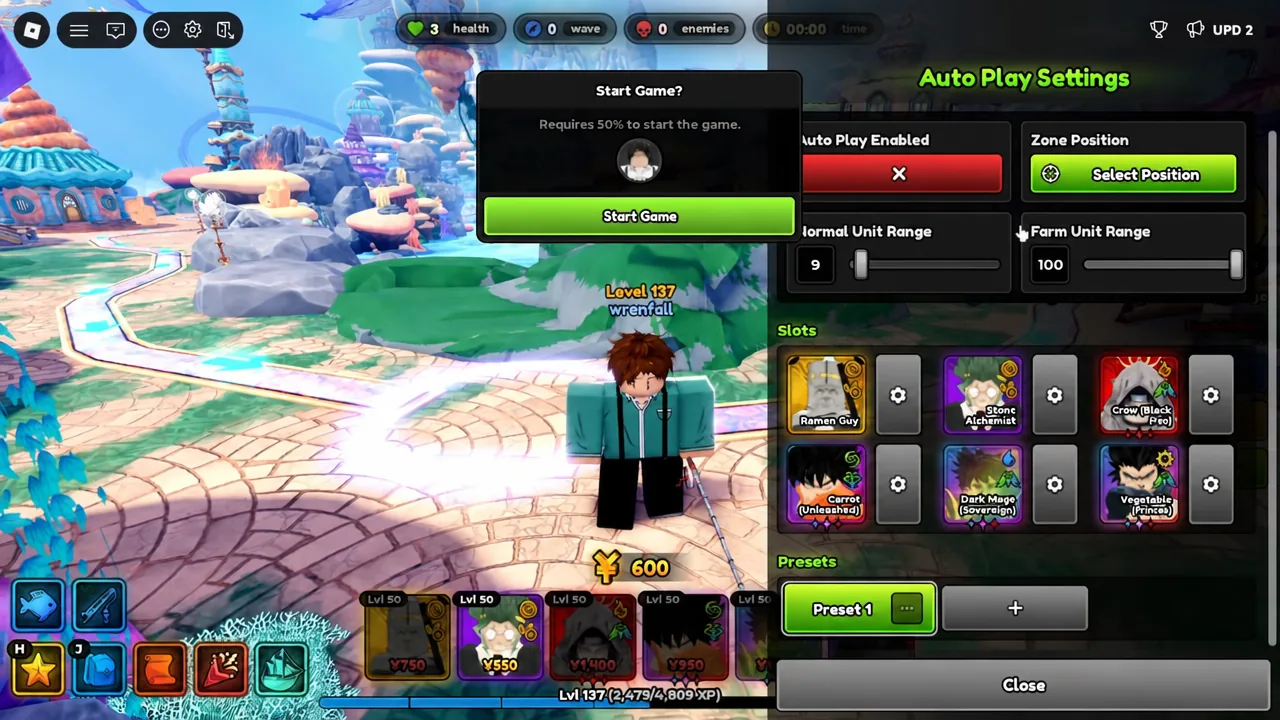
Configure Auto Play placement priorities
Auto Play places units in priority order, and lower numbers go down first. That single rule decides whether the run funds itself or dies on wave 20 with no cash.
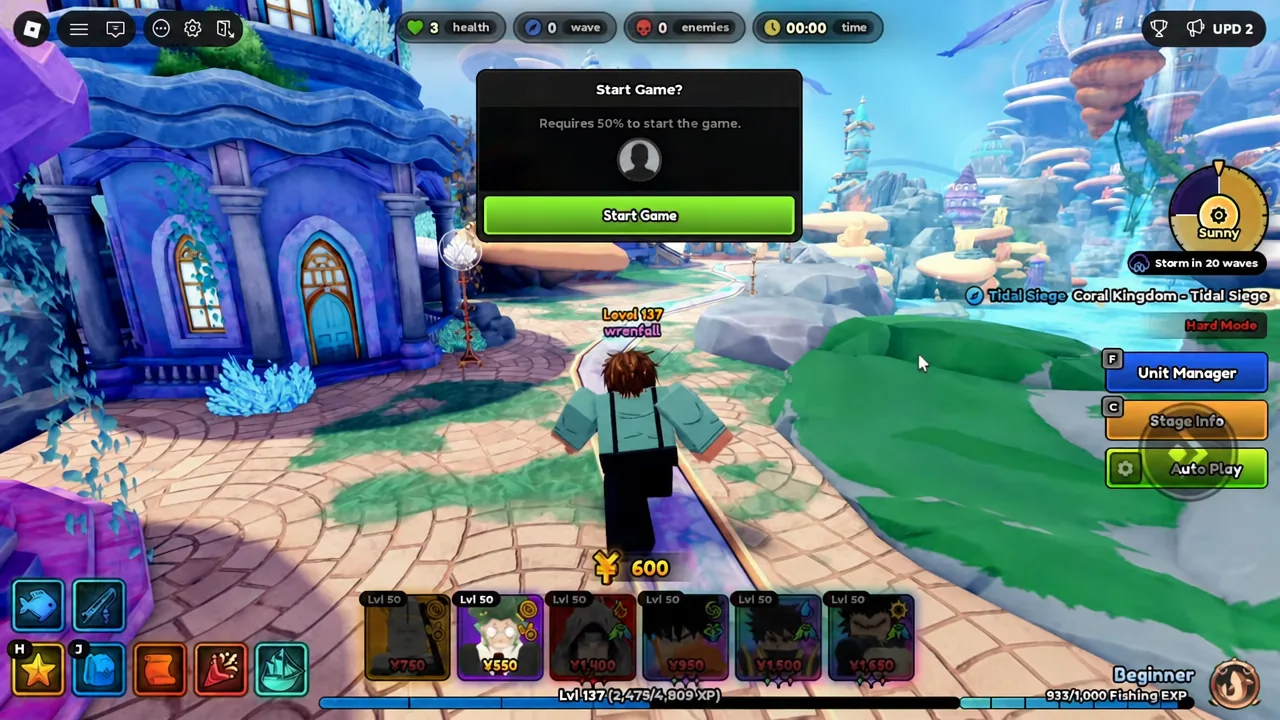
Set the placement range values
Range controls how far from the spawn point Auto Play is allowed to scatter units. Two numbers do all the work here, and they pull in opposite directions on purpose.
| Setting | Value | Effect |
|---|---|---|
| Normal Unit Range | 10 | Keeps DPS packed tight along the boss path |
| Farm Unit Range | 100 | Spreads farms out and away from the damage cluster |
A narrow normal range is the whole point. If DPS units are allowed to wander, half your damage ends up covering path segments that never see a boss, and the defense leaks hours into the session.
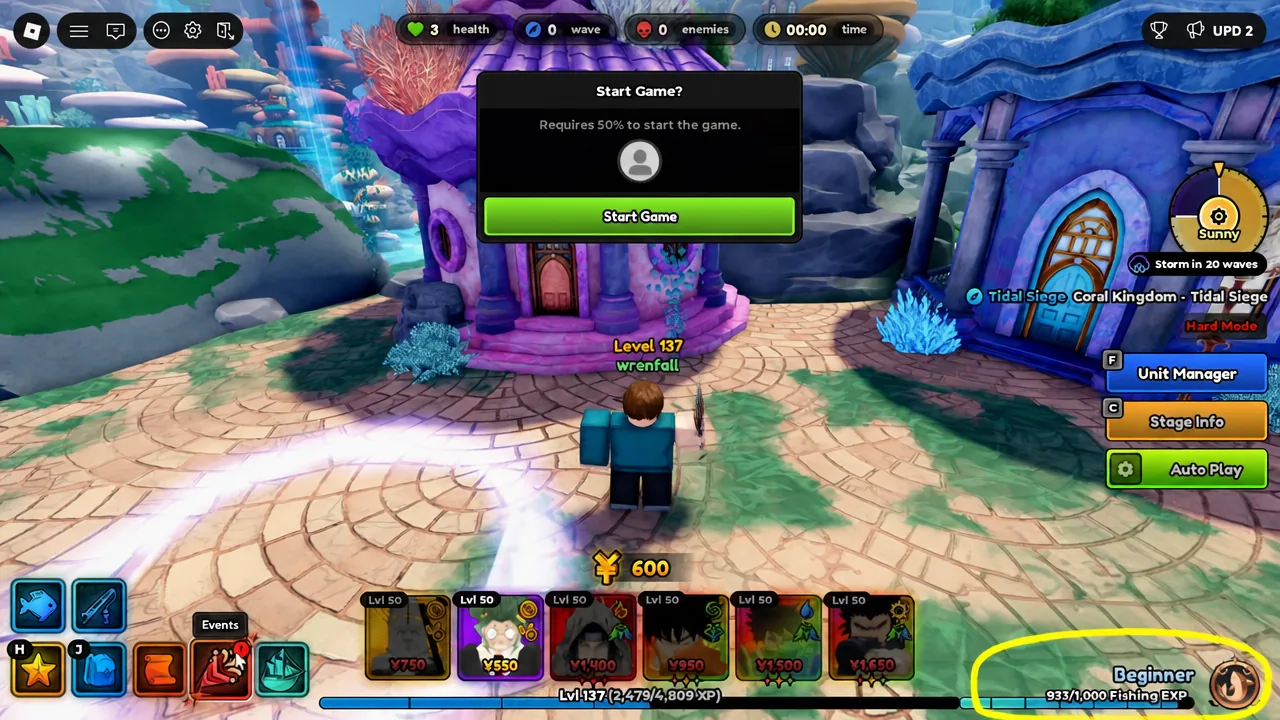
Gameplay settings that keep the loop alive
Placement handles one match. These four toggles handle every match after it. Open Settings from the button in the top-left corner while you are in the defense and turn all of them on.
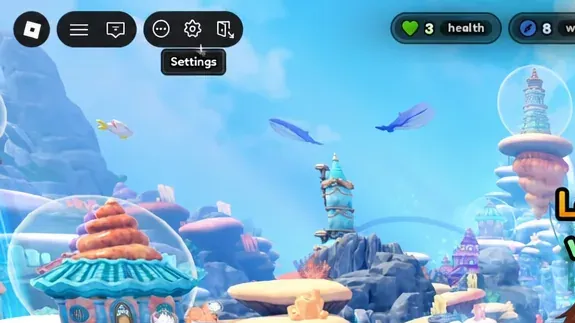
| Setting | Why it matters |
|---|---|
| Auto Vote Start | Begins the match without manual input |
| Auto Skip Waves | Removes downtime between waves |
| Auto Retry | Relaunches the stage after a defeat |
| Auto Next | Rolls straight into the following run |
Auto Retry is what makes the “never lose progress” part work. A defeat does not end the session, it just banks the Sand Dollars you earned and starts a fresh defense, which is why an overnight session still pays out even if one run falls over.
Confirm the setup is working before you leave
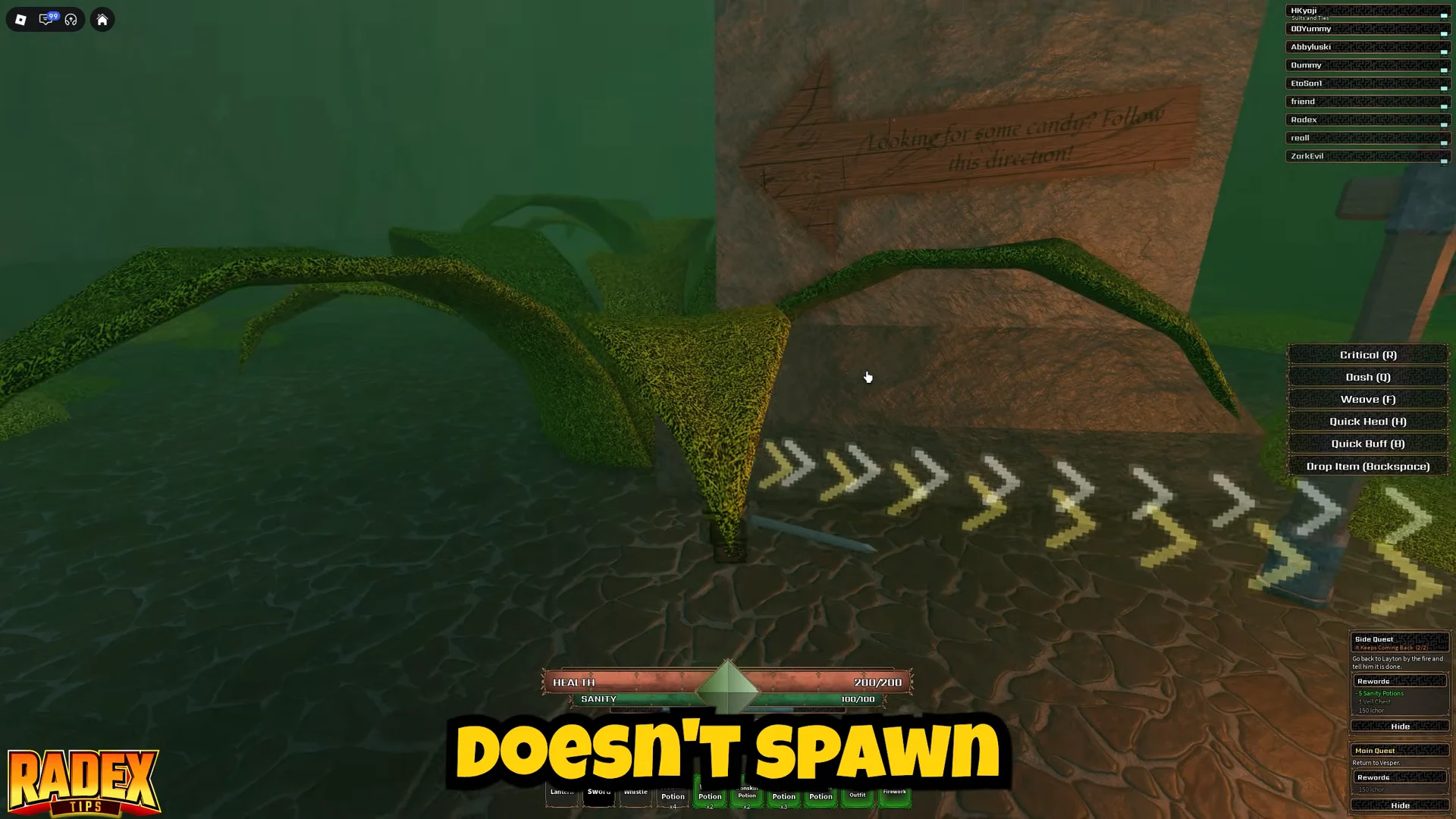
Stay for the opening waves. You are looking for the Auto Playing indicator to be active, the Wave 1 Started banner to appear without you voting, and both farms to be down and upgrading before any DPS unit appears.
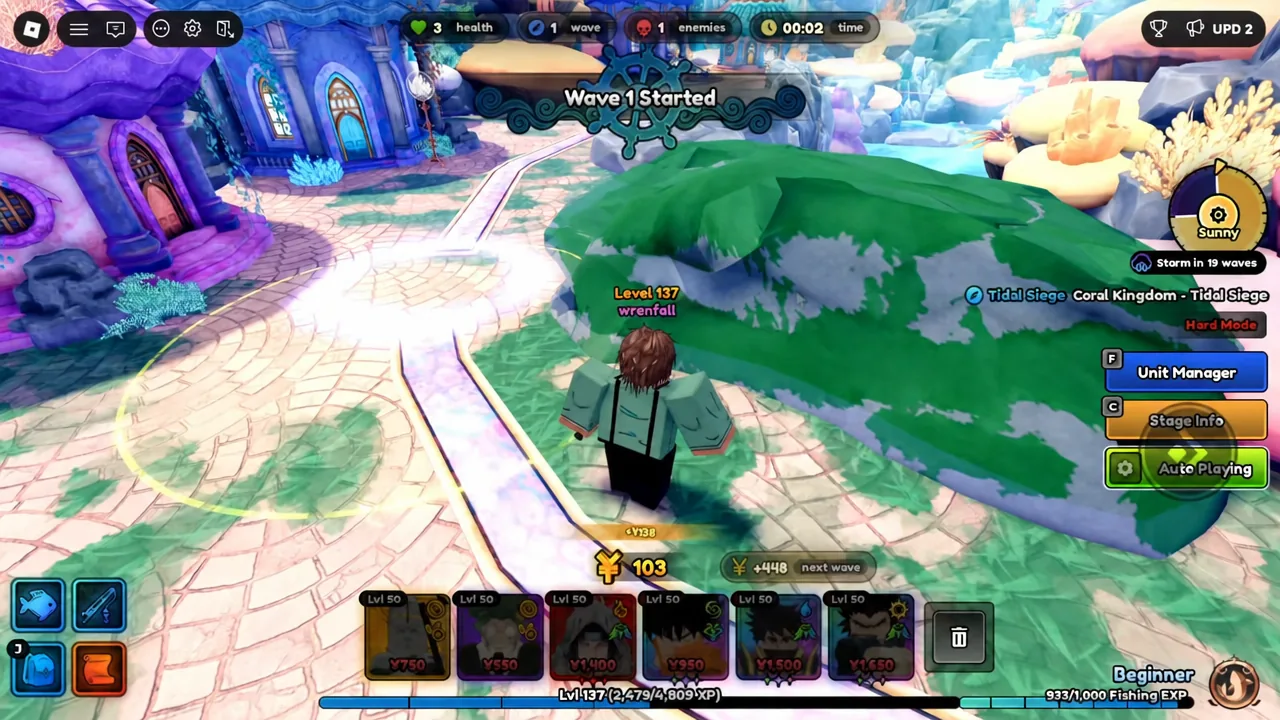
If something is off, it is almost always one of three things. Farms set to a higher priority number than DPS means they get placed last and the economy never gets going. A Normal Unit Range above 10 lets damage units drift off the boss path. And with Auto Retry or Auto Next left off, the session simply stops at the first results screen instead of queuing again.
Fishing during the defense for extra rewards
If you are awake and watching, the defense does not need your attention, so you can fish while it runs. Casting during the match pulls in items like the Magic Orb Tome, Sharktooth Conch, and Poor Prize Fish, plus event rank EXP on top of the Sand Dollars the run is already generating.
The Tidal Siege wave quests feed into this too. Surviving 100 waves and 150 waves are both tracked in the Summer Calendar, and clearing the 150-wave milestone unlocks the Auto Rod, which removes the manual casting entirely.
Set the priorities and ranges once and they stick, so future sessions are a matter of queuing Hard Mode and confirming the toggles are still on. At roughly 1,860 Sand Dollars an hour, a full night unattended is worth more than an evening of manual placement, and the only real risk is a client disconnect rather than a lost defense.