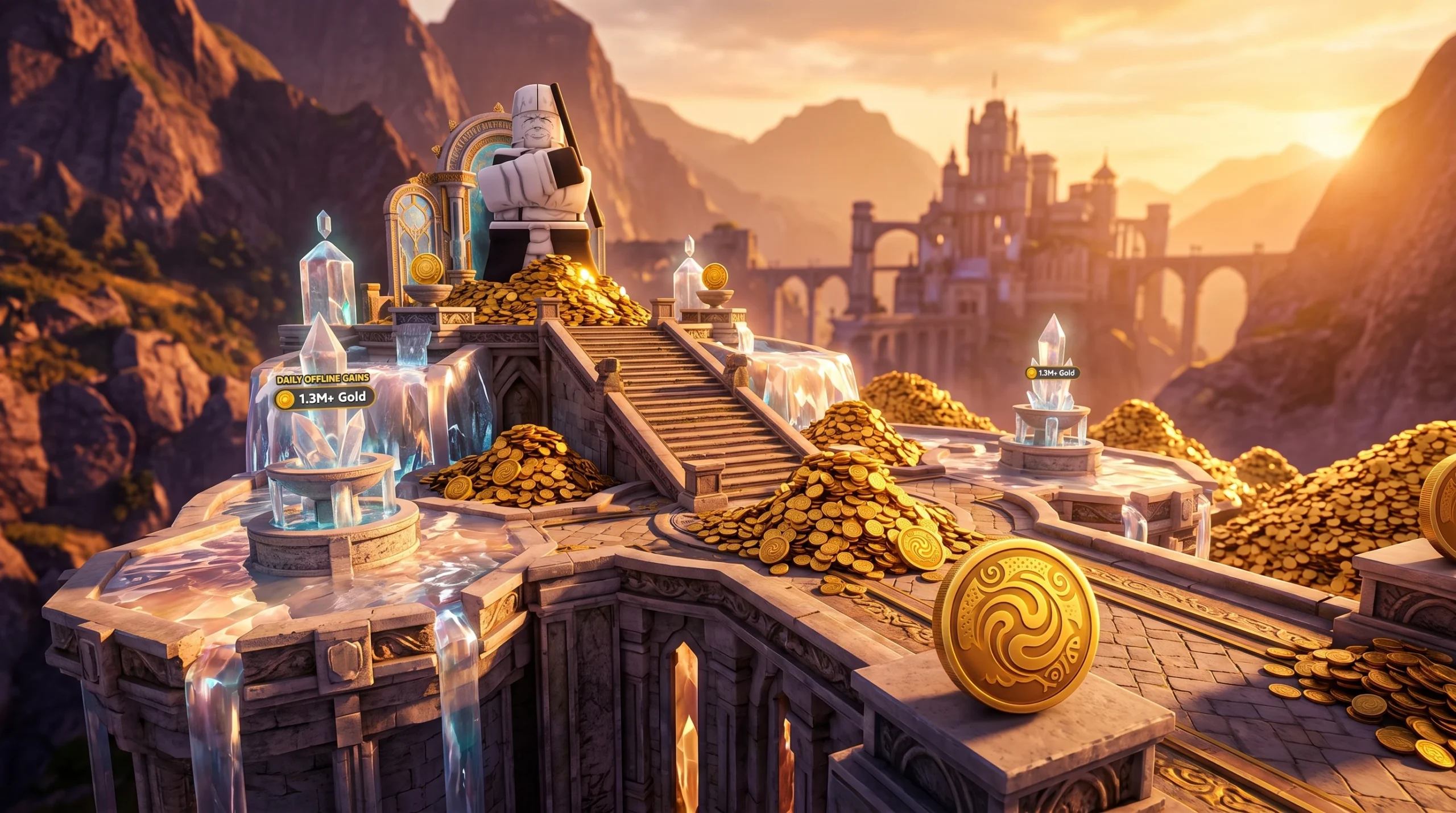
The fastest way to stockpile currency in Anime Expeditions is to stop playing and let a recorded macro do the work. The idea is simple. You pick a Mastery stage your team clears the same way every time, record one perfect run with a macro tool, and set that recording to replay on a loop. Each clear pays out the same rewards, so the pile grows for as long as you leave it running.
Quick answer: Enter a Mastery stage you can win hands-free, record the full clear (including the Repeat Stage and Start Game clicks) with a macro set to continuous playback, then leave it looping to collect 100 Gems, 100 Gold, and 5 Sprites per run.
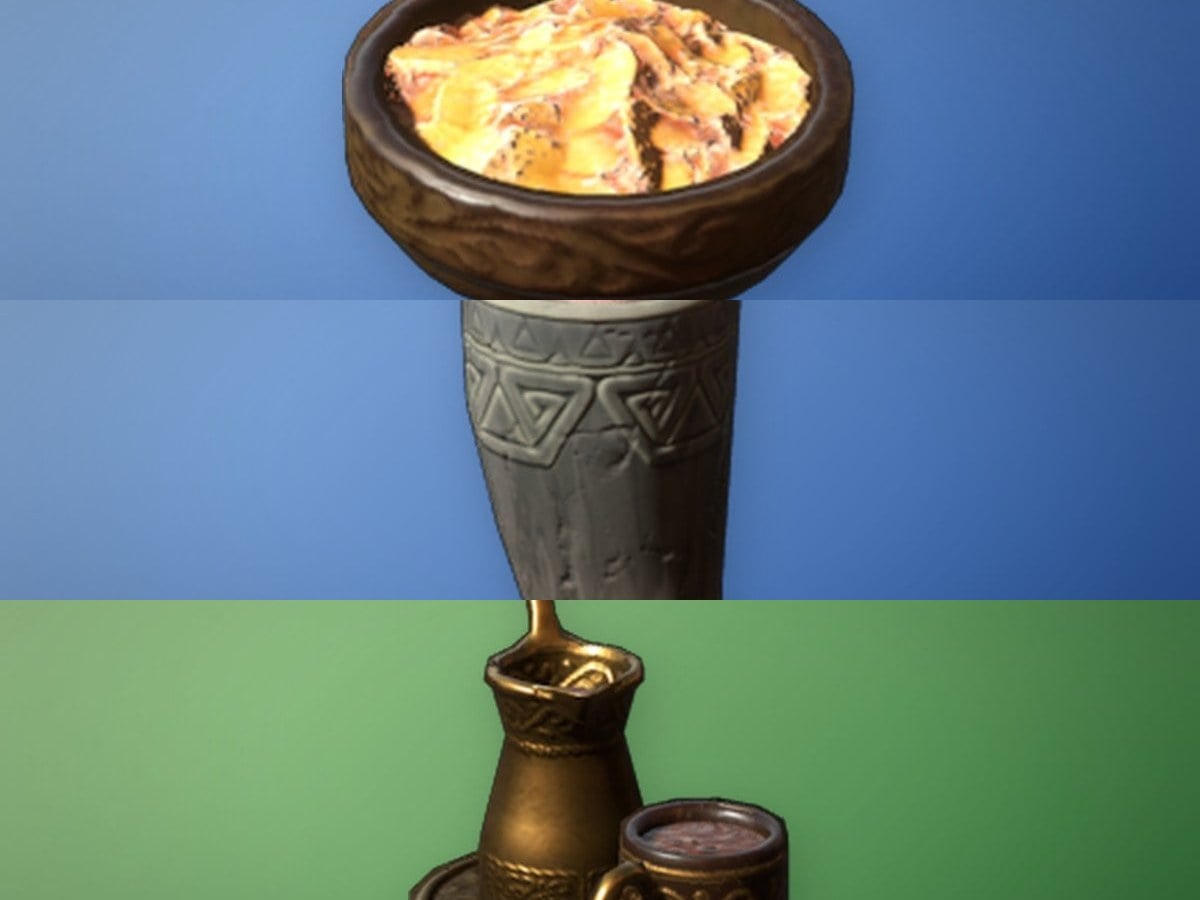
What each looped clear pays out
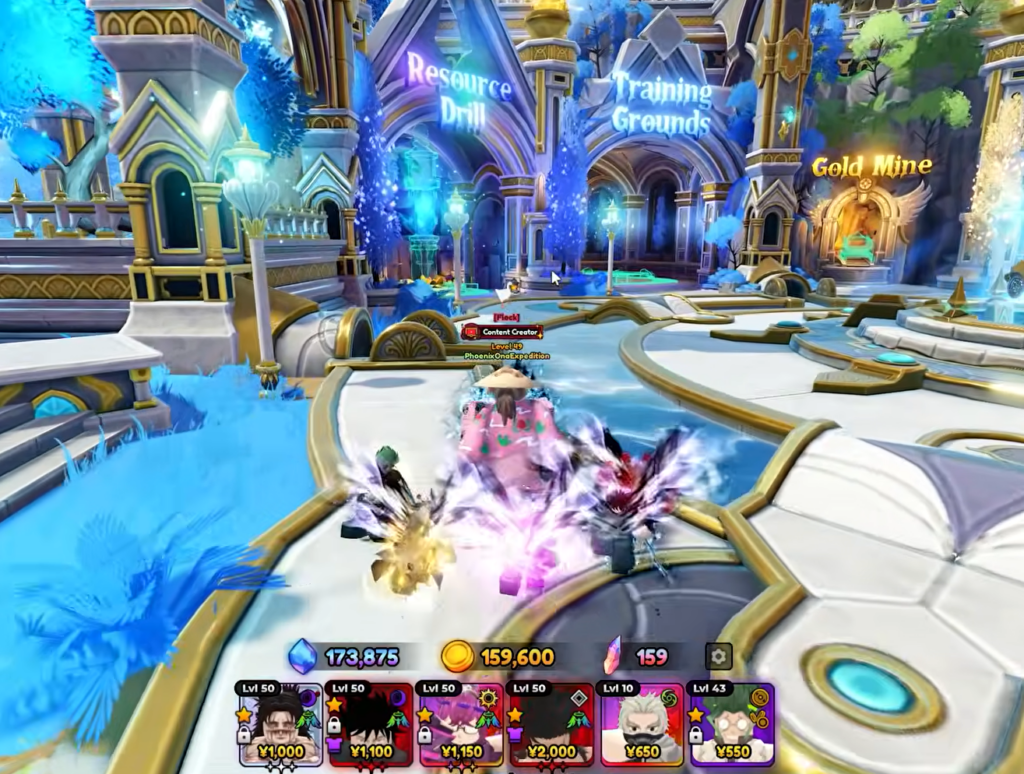
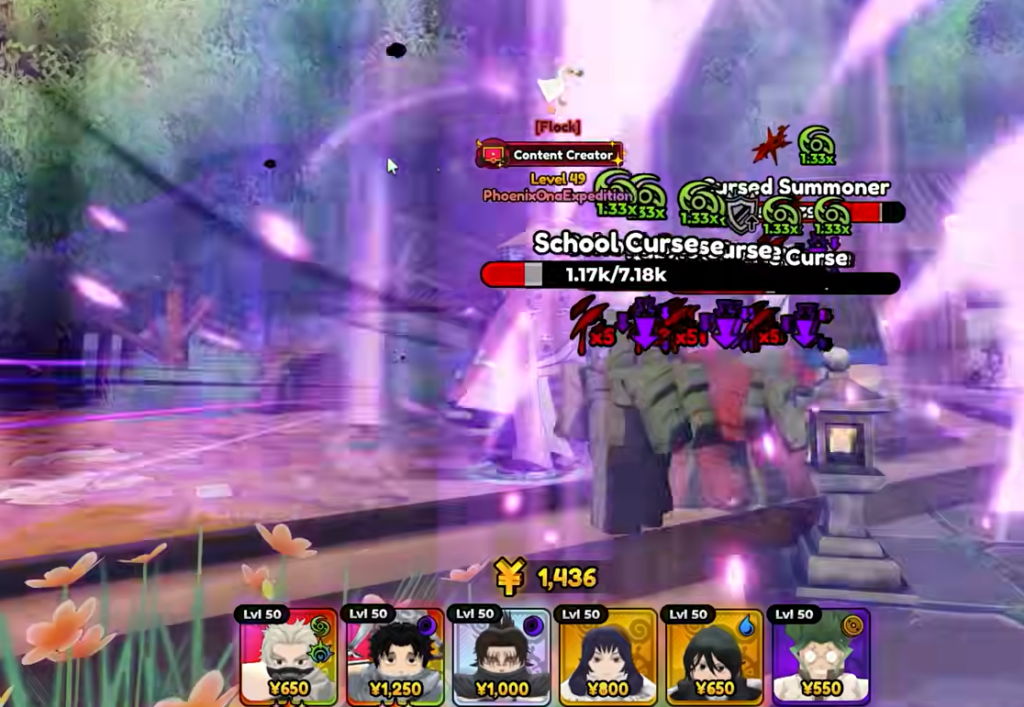
Every Mastery stage drops the same fixed reward bundle when you win, plus a small chance at unit equipment tied to that map. Because the payout repeats on every clear, your daily total is just this bundle multiplied by how many runs the macro completes overnight. A shorter, cleaner stage means more loops and more currency.
| Reward | Amount per clear |
|---|---|
| Gem | 100x |
| Gold | 100x |
| Sprite (Grey) | 5x |
| Unit EXP | 1,000x |
| Player EXP | 145x |
| Consumable (Mana Flask / Cursed Boba) | 2x |
The rare stage drop varies by map. School Grounds – Act 1 can yield a Promise Ring or Technique Amplifier, while King’s Tomb – Act 1 lists an Elven Battle Staff. These are chance drops, not guaranteed on every run.
What you need before starting
This method only works if your team can win the stage the exact same way every single time, without any manual input. Pick the easiest Mastery stage you clear consistently. School Grounds – Act 1 and King’s Tomb – Act 1 are common choices because they are short and predictable.
- A Mastery stage your loadout clears reliably with fixed unit placements.
- A team strong enough to win without you touching anything mid-run (use Auto Upgrade on support units).
- A macro recorder such as TinyTask running on your PC.
- A private stage lobby so no other players change the run’s timing.
You can launch the game and open a Mastery stage from the Anime Expeditions page on Roblox. Head to Play, choose Story, open your chosen map’s Act 1, and switch the difficulty tab to Mastery (the purple M).
Configure the macro tool
Before recording anything, set the macro to loop and stay visible over the game window. These settings are what let a single recording repeat all night.
Record one clean clear
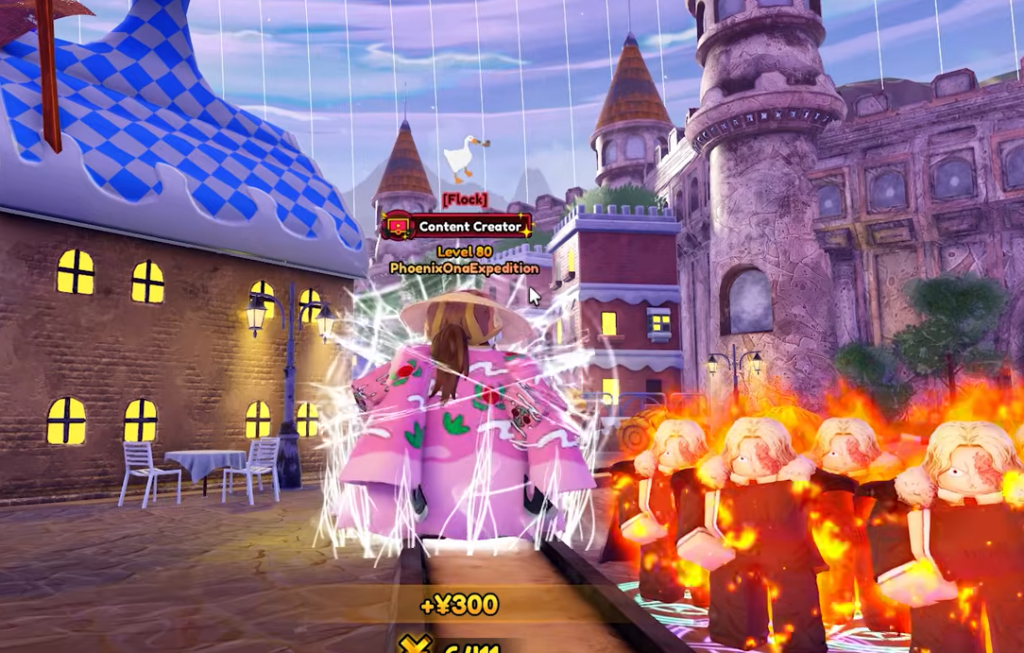
The macro copies your mouse exactly, so play slowly and deliberately. Do a manual clear first to confirm the stage is safe, then record the loop from the Victory screen forward.
Confirm the loop actually works
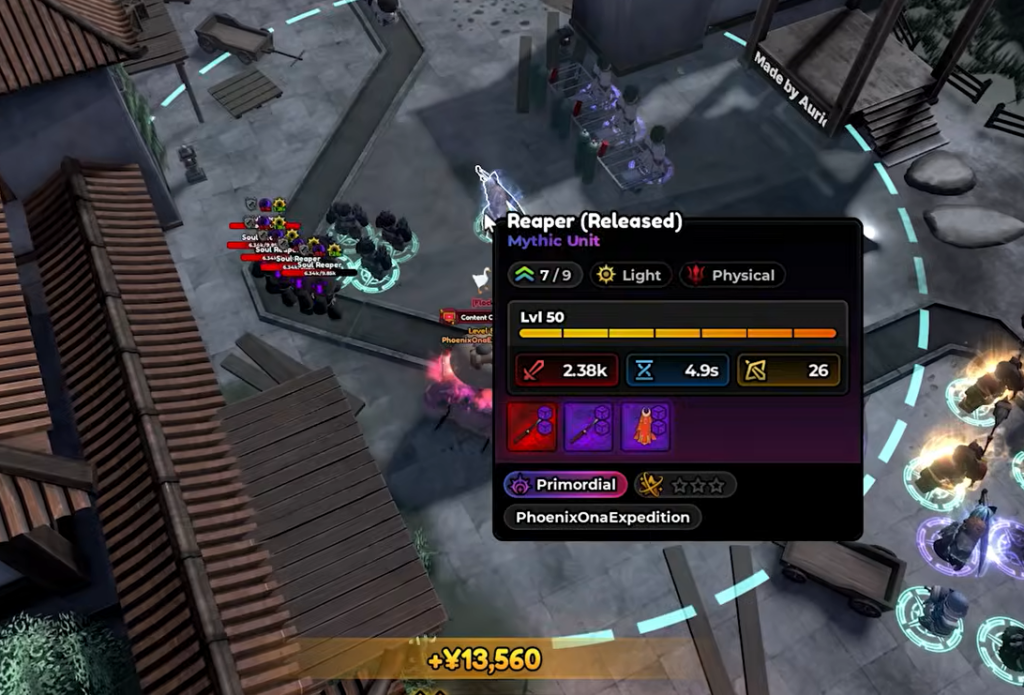
Press F12 to play the macro back and watch at least one full cycle before leaving it unattended. You know it is working when the macro clicks Repeat Stage, clicks Start Game, drops your units into the identical positions, applies the same upgrades, and lands back on a Victory screen showing the same 100 Gems, 100 Gold, and 5 Sprites. Once one clean loop completes on its own, it will keep repeating overnight.
Why the macro breaks and how to avoid it
Most failed overnight farms come down to timing drift or the game window shifting. Fix these before you walk away.
| Problem | Cause and fix |
|---|---|
| Units land in the wrong spot | The game window moved or resized. Keep it in the exact position it was in during recording. |
| Loop desyncs after a few runs | Clear times vary slightly. Record extra idle clicks on the Victory screen as buffer. |
| Macro clicks vanish behind the game | Always on Top was off. Re-enable it in the macro preferences. |
| A run fails and the loop stalls | The stage is too hard for a fixed placement. Switch to the easiest Mastery stage your team clears every time. |
| Hotkeys trigger game actions | Reassign recording to F8 and playback to F12 to avoid Roblox control conflicts. |
Because the payout is identical on every clear, the only real lever is loop length. A stage that finishes in under two minutes stacks far more Gems, Gold, and Sprites across a full night than a longer one, so put your effort into finding the shortest Mastery run your team can win on autopilot.