Portals are the repeatable grind mode in Anime Expeditions, and running them by hand for hours to hit a pity counter is exactly the kind of chore worth automating. A reliable macro leans on the game’s own Auto Play system to fight every match and uses a tiny recorded click loop only to re-enter a fresh portal after each victory. Update 3.0 raised the stakes with Tier 5 Infernal Portals that drop the Mythic unit Wild Card (Ace), but the same setup that farmed the older Summer Portals still applies.
Quick answer: Set the Auto Play unit cap to 1 and enable Auto Retry. Make a brief TinyTask recording that selects the center portal reward, opens Select Portal, chooses a portal, and launches the match. Auto Play manages combat; the recording is just for the menus.
How the portal macro splits the work
Keep the recording to a few seconds. It should capture the menu actions after the boss is defeated, once the reward cards show and you need to enter a new portal. Auto Play takes care of the match itself, placing units, upgrading them, and activating abilities without any recorded commands.
This division lets the loop run reliably for extended sessions. Since a recorder repeats actions according to a set timeline, a round whose duration varies will eventually throw it off. Restrict the recording to menu steps and let Auto Retry launch each run, so the fight’s length does not affect the timing.
Which portals to farm and what they drop
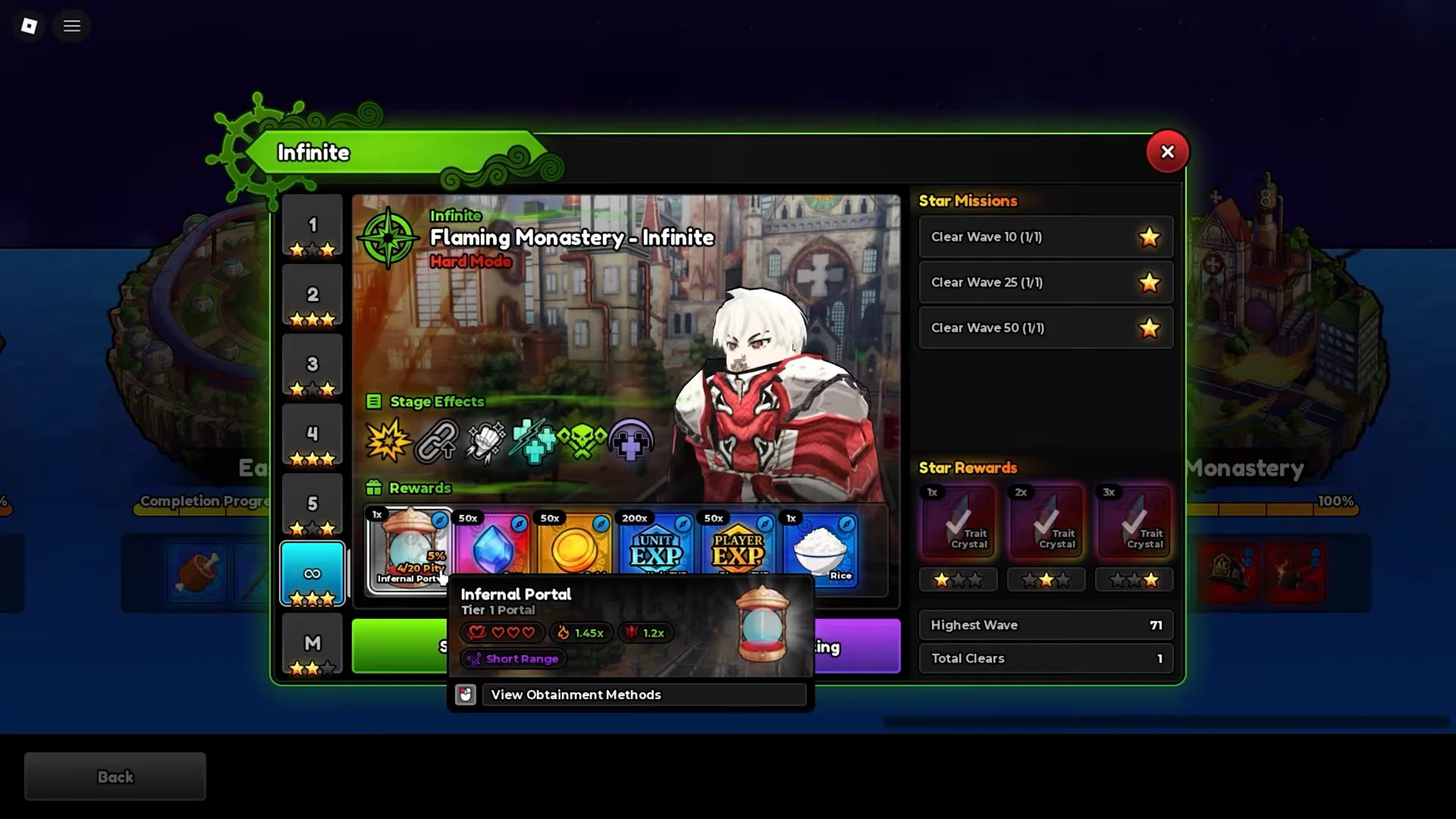
Infernal Portals arrived with Update 3.0 and drop from Story Mode’s Flaming Monastery on Infinite. They appear past wave 20 at a 5% drop rate, backed by a 50-clear pity system, so the count climbs whether or not you are watching. A Tier 5 Infernal Portal on Hard Mode is the source of Wild Card (Ace), a Mythic Dark, Magical unit with 195 damage, a 4.5-second attack speed, and 18 range.
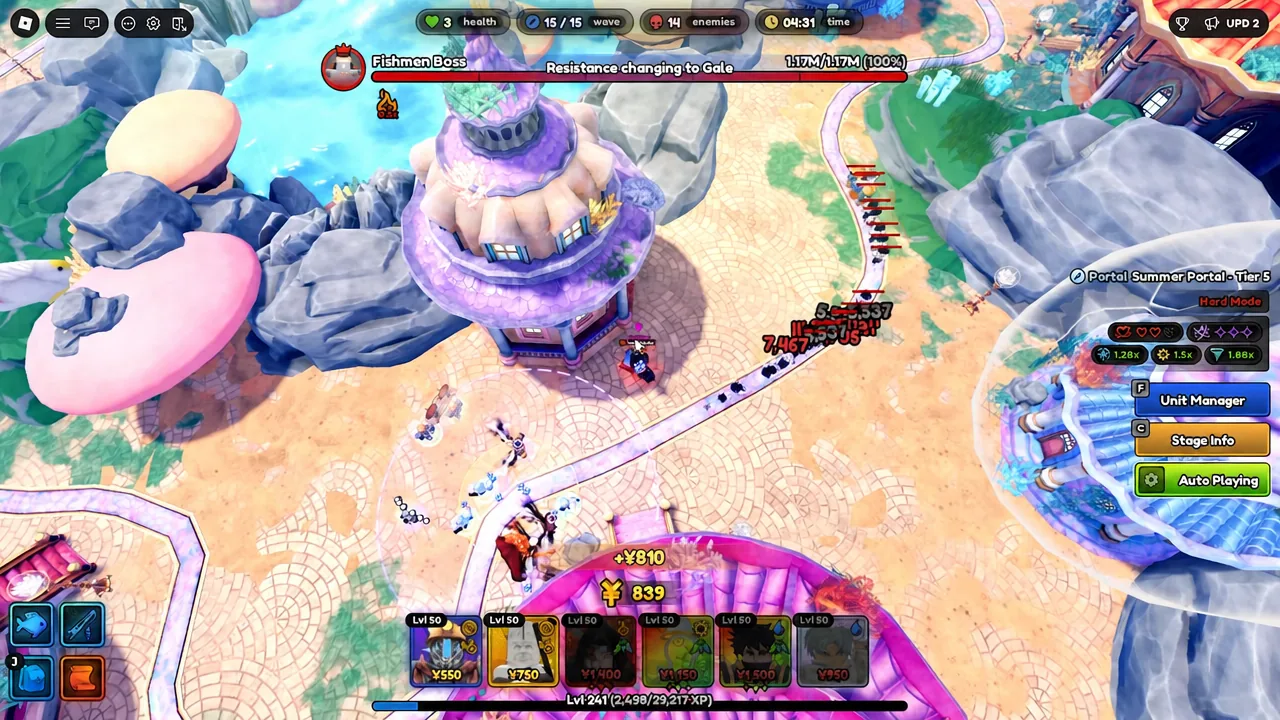
The older Summer Portals are found on the Coral Kingdom map. In Tier 5, Charged Dust and Djinn’s Treasure each have a 4% drop chance and a 25-run pity; four of either item make the corresponding Secret Portal for Lightning God or Sovereign. Portals have five tiers. Traitless is the key test for a setup, since units receive no trait bonuses under that modifier.
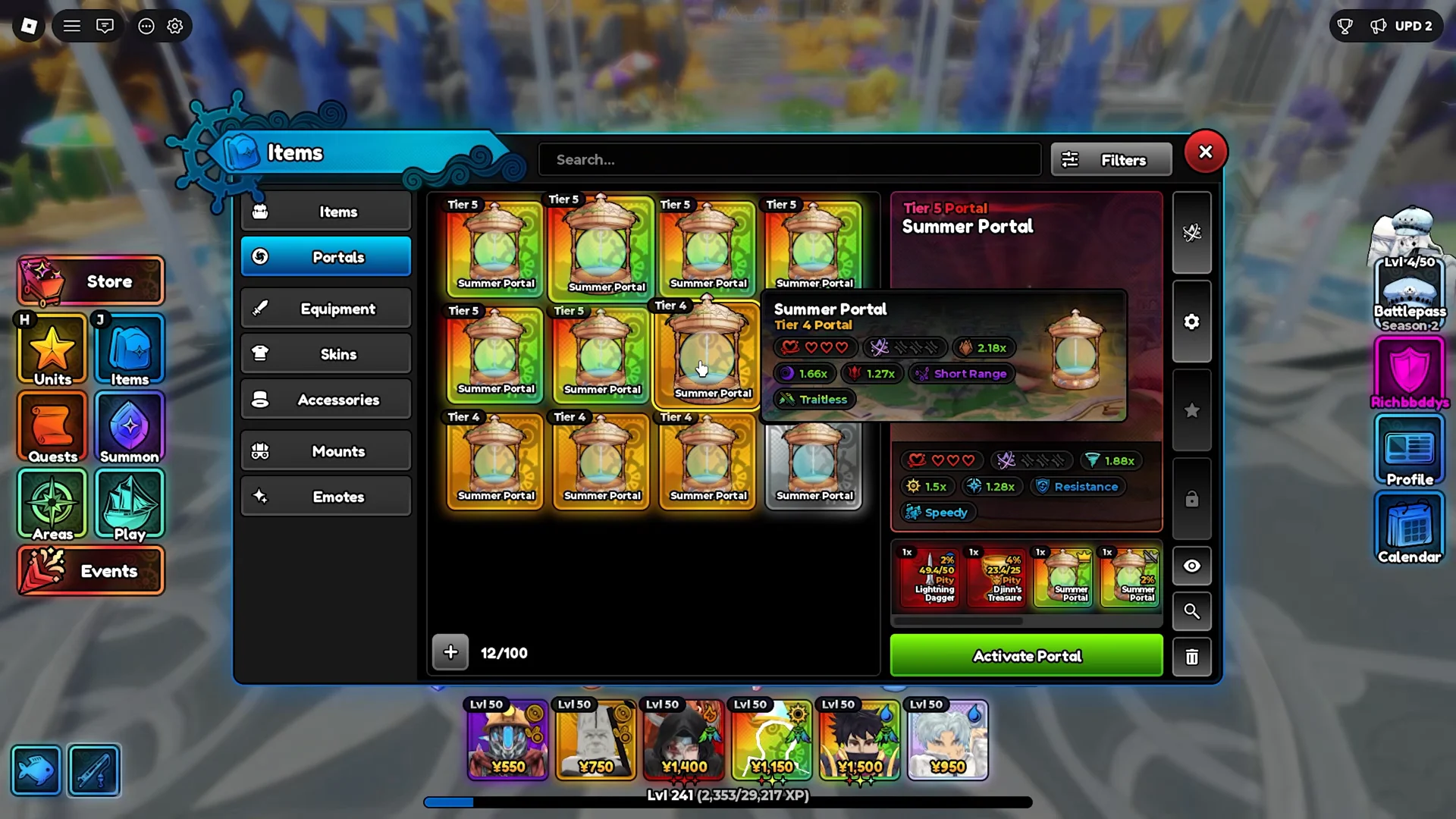
If a loop holds on a Traitless portal, it will hold anywhere, so it is the best run to validate a new setup on.
Macro team composition
The team relies on two units that generate money. If early yen is insufficient, Auto Play has nothing to upgrade and the run can stall before the boss wave. Fill the other slots with shield breaking, damage, and support. Below is the recommended Update 3.0 loadout, including each slot’s values.
| Slot / Unit | Role | Upgrade priority | Placement limit |
|---|---|---|---|
| Stone Alchemist | Money | 1 | -1 |
| Ramen Guy | Money | 1 | -1 |
| Crow (Black Fire) | Shield breaker | 2 | 1 |
| Sovereign (Djinn) | DPS | 1 | 1 |
| Lightning God (Overcharged) | DPS | 2 | 1 |
| Eclipse Hunter (Savior) | Support / buffer | 4 | 1 |
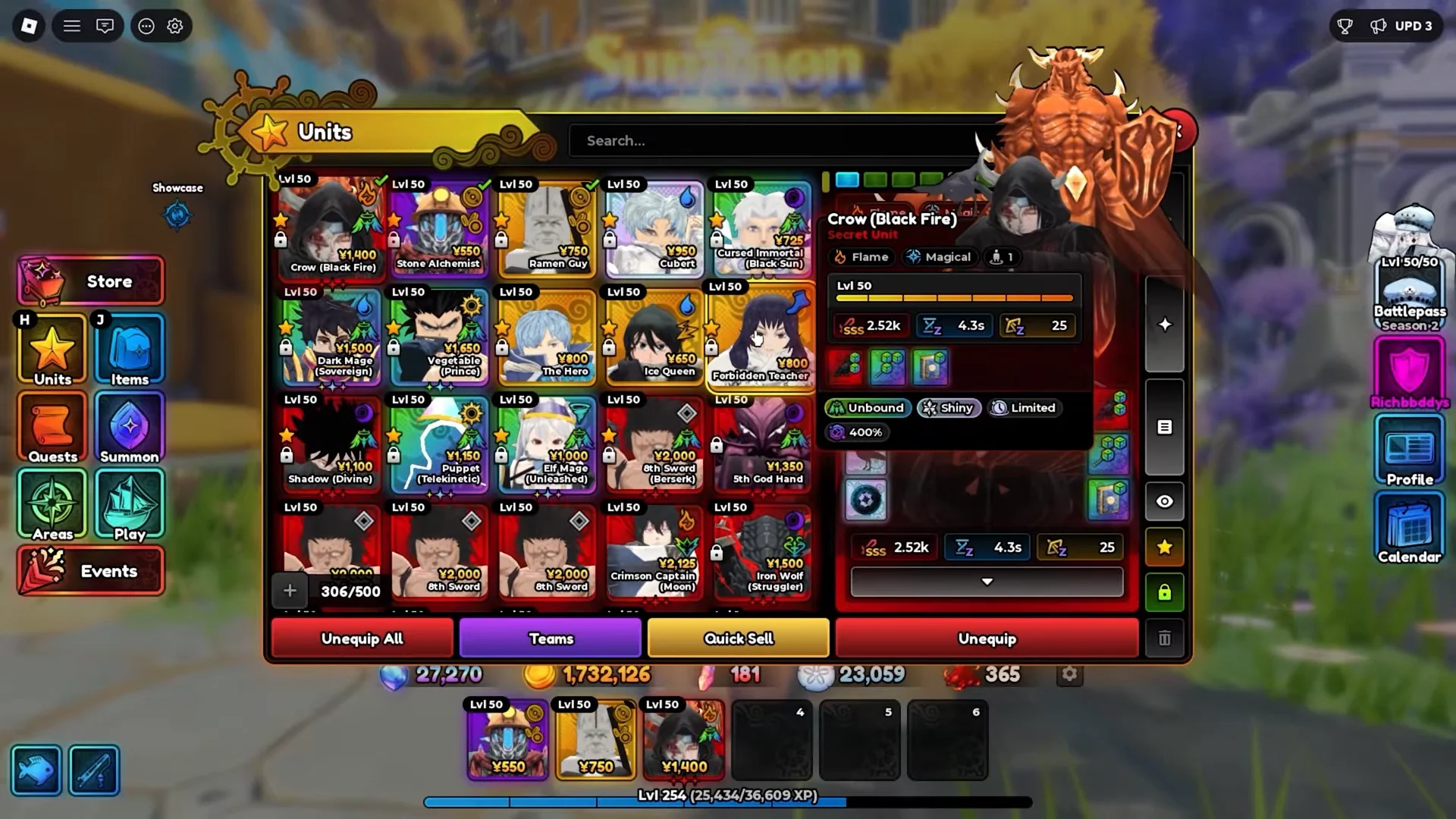
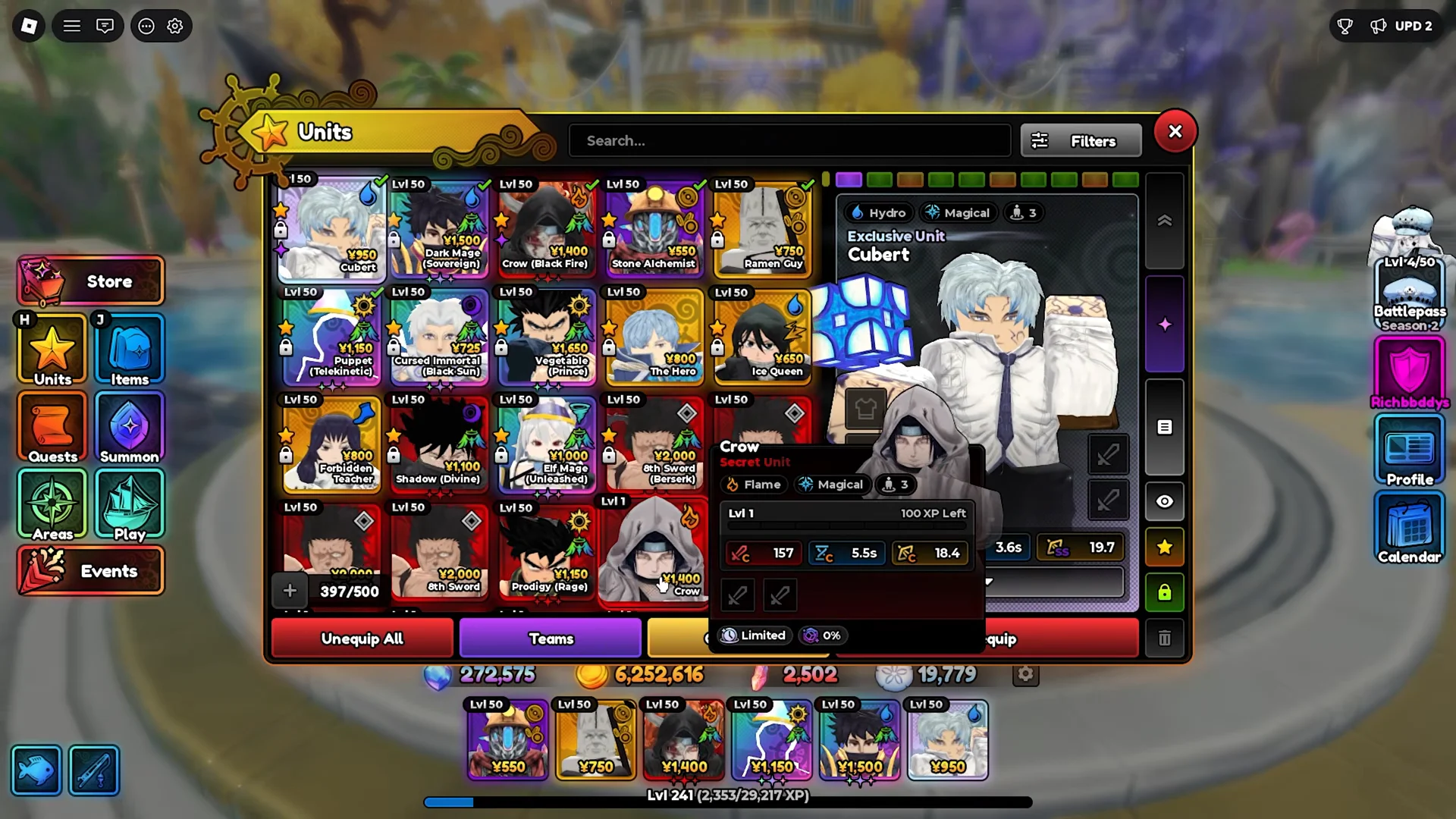
Crow (Black Fire) is included to break the large shields portal enemies build up. Eclipse Hunter (Savior) boosts your damage dealers, with Cubert as an alternative. When using Cubert, switch Auto Upgrade OFF and choose None for targeting; this keeps his cubes on one character rather than making them move around erratically.
The Update 2.0 team followed the same pattern with slightly different names. It paired Ramen Guy and Stone Alchemist for money, Crow (Black Fire) for shields, then Puppet (Telekinetic) and Dark Mage (Sovereign) for damage, with Cubert as support. Any strong Unbound damage unit can slot into the DPS roles if you are missing the exact picks.
In-game settings to configure first
Set these before you record anything, because the game saves them and carries them across every loop the macro triggers. Start in the Gameplay settings and set the following.
- Auto Vote Start: on
- Auto Retry: on
- Auto-Upgrade Placed Units: off
Open Auto Play Settings next. Select Preset 2, position the Auto Play zone just ahead of the main road intersection to cover the lane, set Normal Unit Range to 1, and Farm Unit Range to 5. This zone placement lets your units reach most of the path.
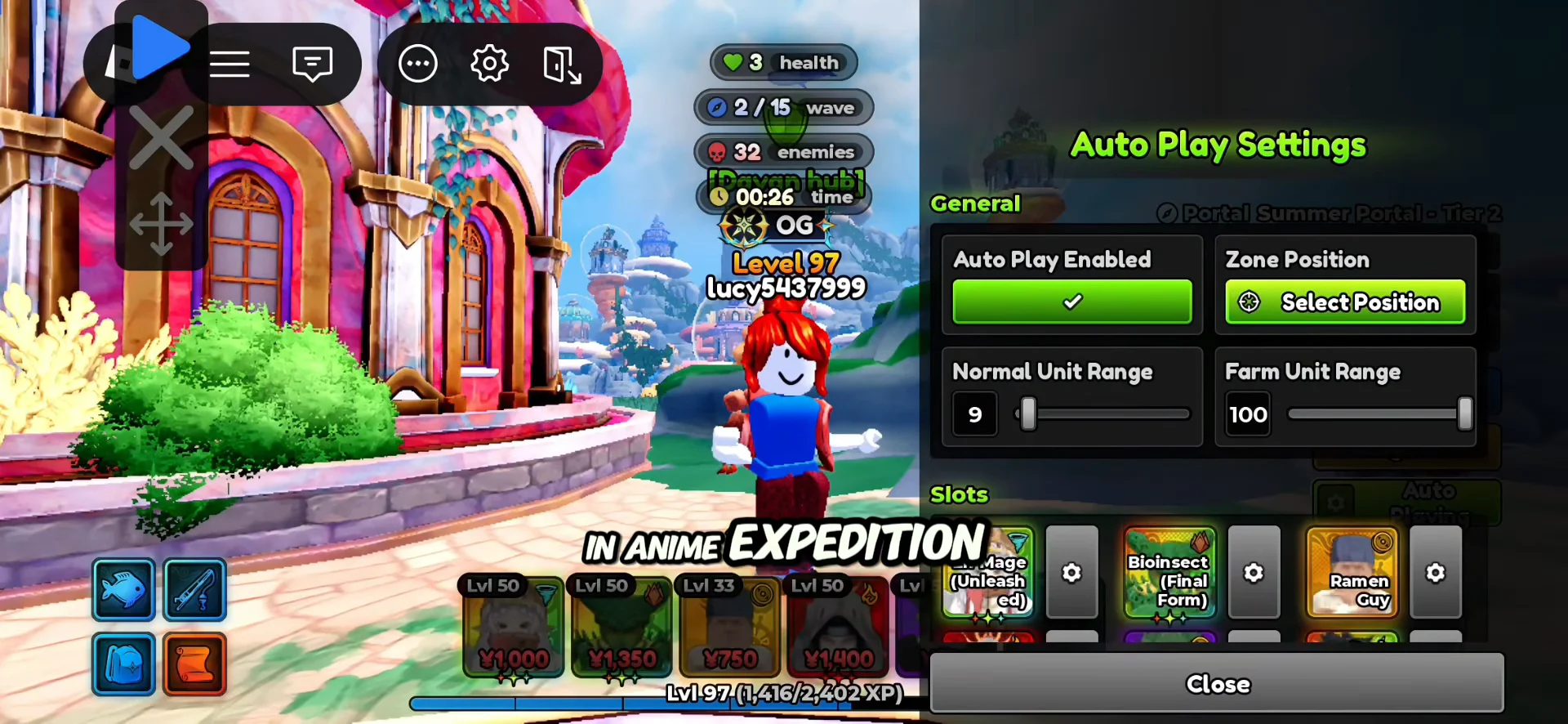
Inside each slot, set the two money units to upgrade priority 1 and leave their placement limit uncapped so Auto Play can flood the board with income early. Give Crow (Black Fire) Auto Upgrade on and, if you want its shield break to land cleanly, keep Auto Abilities off. Every DPS and support unit gets a placement limit of 1.
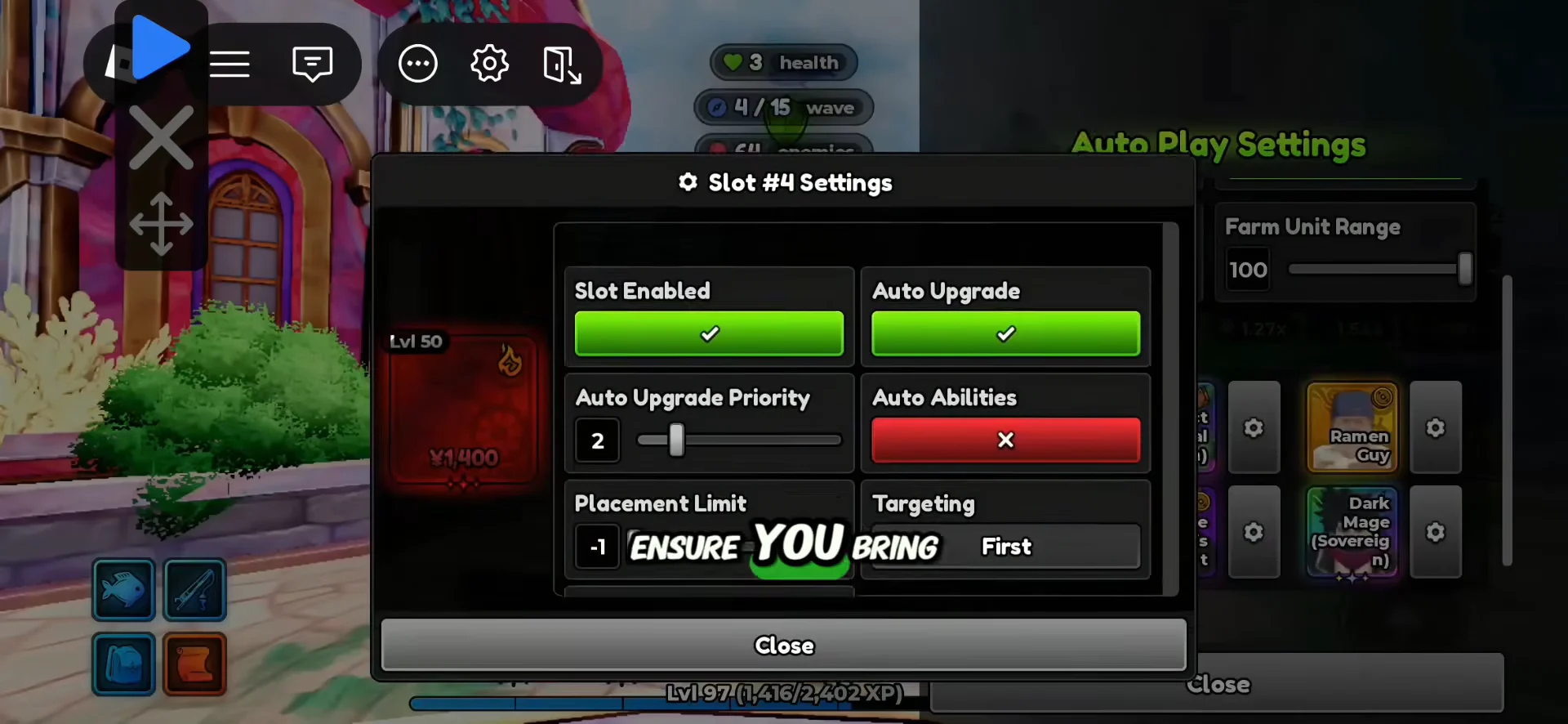
The placement limit is the setting most people skip, and it is the usual reason a Traitless run fails. Left uncapped, Auto Play drops all three copies of every unit, which drains the yen your upgrades needed and stalls the run halfway through.
Record the portal loop in TinyTask
TinyTask is a compact third-party tool for recording and replaying mouse actions. Since the recording runs for only a few seconds, begin it precisely where the loop will return each time.
Whether to augment portals
On lower tiers your team can clear without trouble, adding an augment to the recording is worthwhile: the portal gets harder, but reward odds improve. Before the match begins, open Augment Portal, select Max, choose Augment 3, then close the menu.
Leave Tier 5 Infernal Portals unaugmented. With full augments, the Traitless modifier pushes enemy health beyond 70,000 HP at wave 1. Auto Play cannot defeat them, and the loop will break on its first run.
Confirm the loop is running
During playback, check for the Auto Playing indicator, units appearing at your calibrated position, and upgrades increasing automatically. The handoff is the clearest test: after the boss falls, the reward screen opens, the recorded clicks run, and another portal begins with no input from you. Seeing that sequence twice consecutively confirms the loop is stable, so you can leave it running.
When repeats fail, check a few common causes. With Auto Retry disabled, the game remains at the results screen. A unit cap higher than 1 can let extra units spend the yen needed for upgrades. Starting the recording too soon or ending it too late may capture actions that miss the reward screen. Changes to your stock can also leave the inventory click pointing at an empty spot. Finally, an augmented portal may be too difficult for your team. Limit the recording to the few menu actions between runs and leave the rest to Auto Play and Auto Retry.