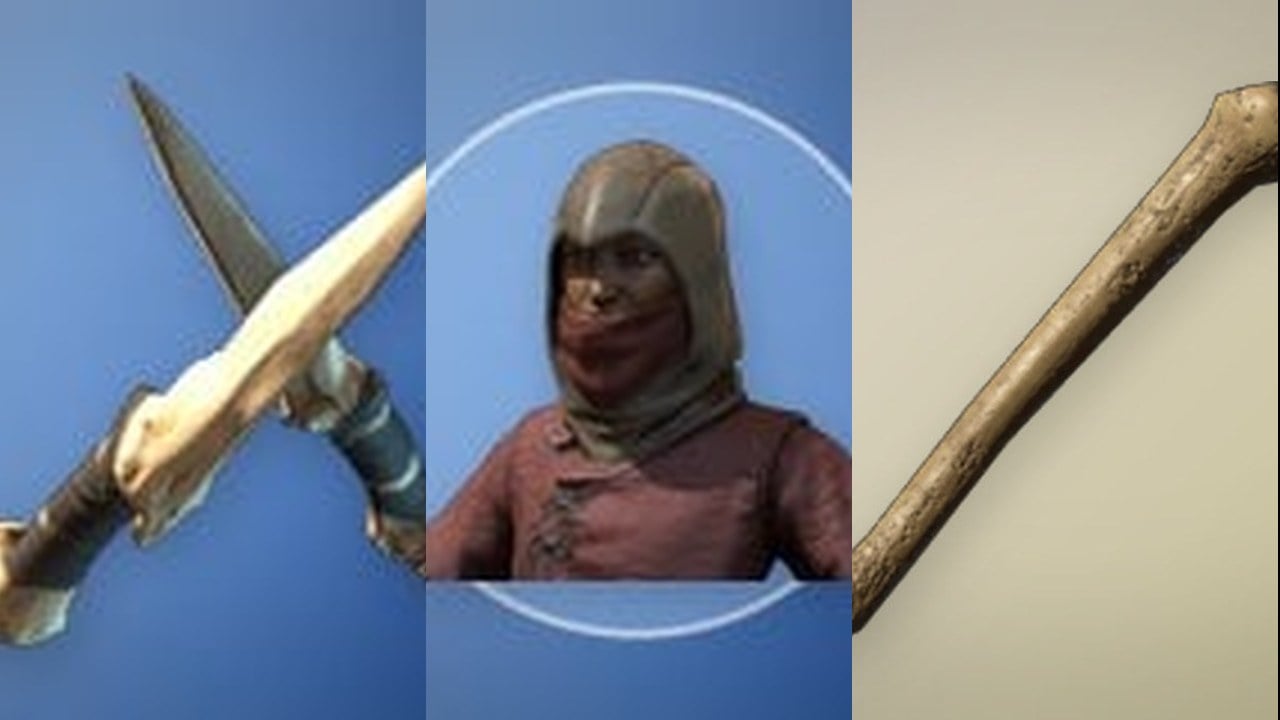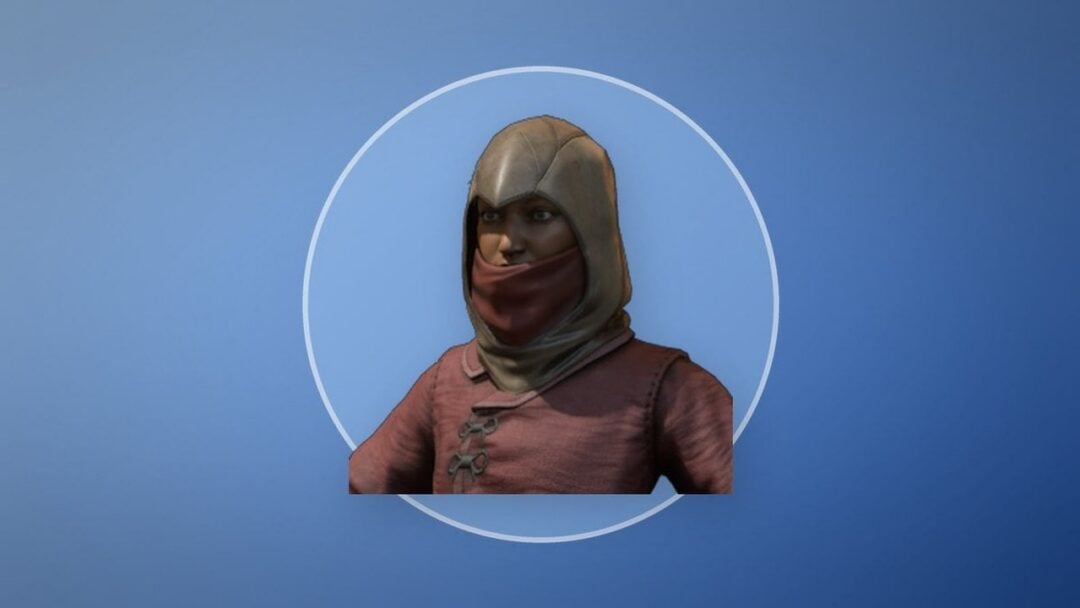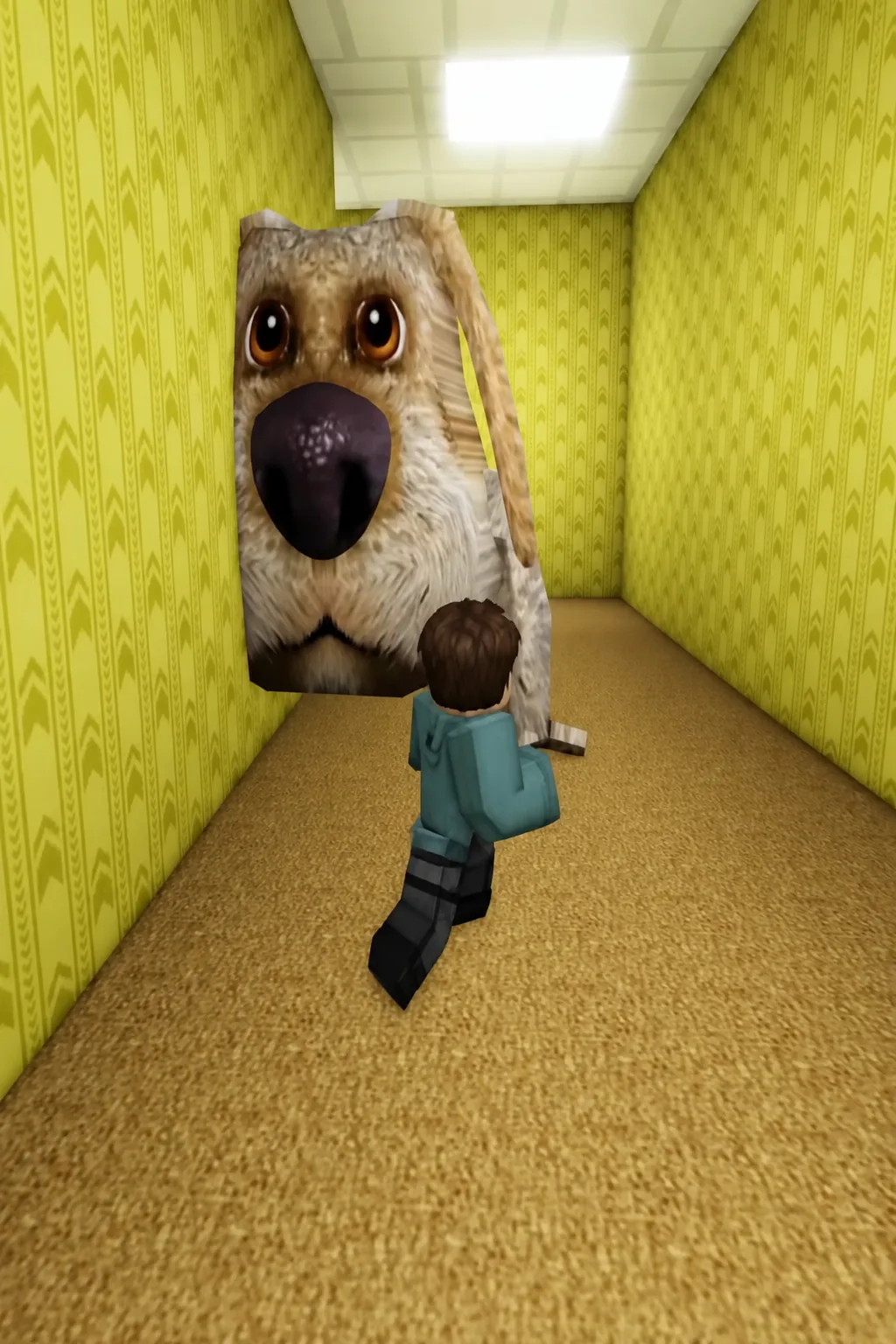
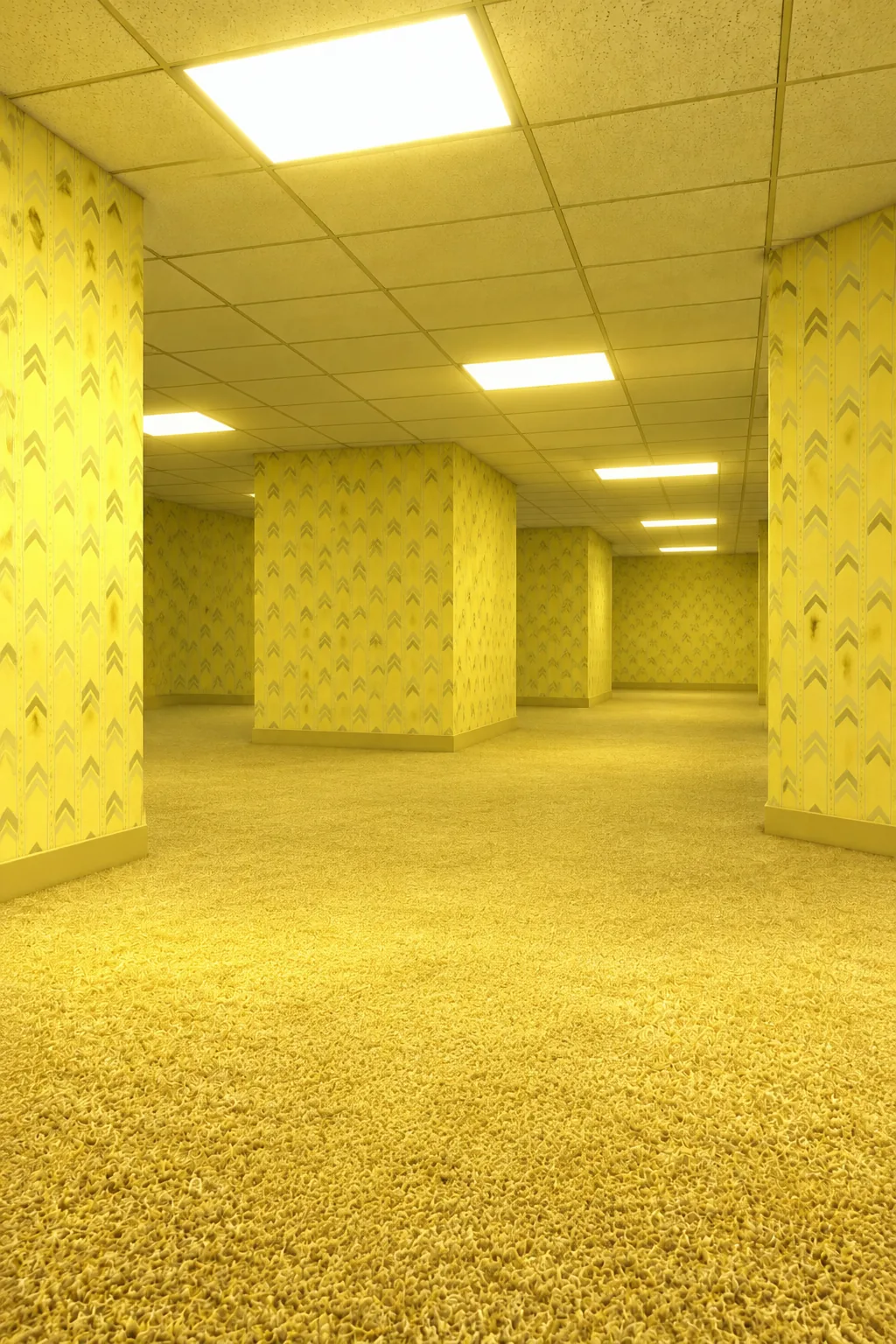
Most of the morphs in Backrooms Morphs 2 are sitting in plain sight along the corridors. The yellow-hooded skin is not. It is tied to a golden trophy tucked inside the wall of a vertical shaft, and the only way to reach it is to fall down that shaft first and then climb back up.
Quick answer: Drop through the floor hole marked “Cold” in the yellow maze, land in the ice room, then climb the black line running up the shaft and touch the golden trophy embedded in the shaft wall. “SKIN UNLOCKED” confirms it.
What the Cold shaft trophy gives you
Backrooms Morphs 2 is built around collecting trophies hidden across the map, and each one you touch adds a morph or skin to your character options. The Cold shaft trophy hands over a yellow-hooded character skin, which fits the maze’s colour scheme and is one of the harder pickups to stumble into by accident because it sits inside a wall cavity rather than on open floor.
The experience is made by Smudge Cat Gang! and runs 25-player servers under the Morph Roleplay subgenre. It carries a Moderate maturity rating for occasional mild fear and repeated moderate violence, which is worth knowing before you hand it to a younger player.
| Detail | Value |
|---|---|
| Creator | Smudge Cat Gang! |
| Genre | Roleplay & Avatar Sim (Morph Roleplay) |
| Server size | 25 players |
| Maturity | Moderate |
| Visits | 1.4M+ |
Route to the golden trophy in the Cold shaft
The whole run takes well under a minute once you know where the hole is. You do not need any morph equipped beforehand, and you do not need to fight anything.
How to confirm the skin unlocked
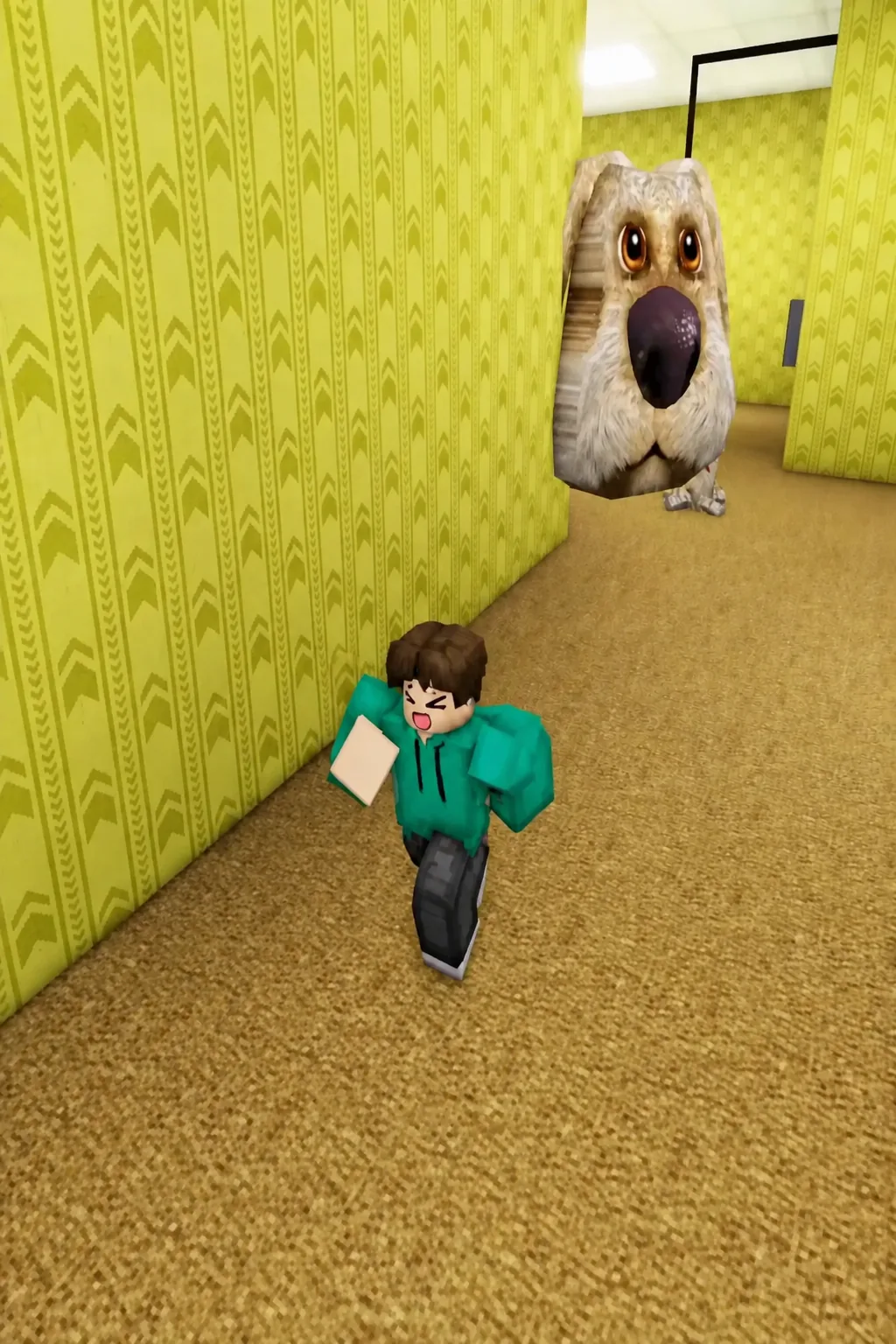
The moment you touch the trophy, a “SKIN UNLOCKED” message appears on screen. That is the only confirmation you need. From there the yellow-hooded morph is added to your collection and can be applied like any other skin you have picked up in the run.
Note: the game also awards Roblox badges for progress milestones, including ones tied to slides in the map. Those are separate from the trophy pickups and do not indicate whether this particular skin registered.
Why the trophy does not trigger
There are only a few ways this run fails, and all of them come down to position rather than timing.
- You stayed in the ice room. The trophy is not on the floor down there — it is inside the shaft wall, so you have to climb.
- You dropped into a different floor opening. Check for the “Cold” label above the hole before falling.
- You climbed past it. The trophy sits partway up rather than at the top, so climb slowly and scan the walls on the way.
- You got close but never made contact. The unlock is a touch trigger, not a proximity one.
Active codes for extra morphs
Two codes are currently working and give you morphs without any exploring. They are case sensitive, so type them exactly as written.
| Code | Reward |
|---|---|
| SUB2SMUDGECATROBLOX | 4 new morphs |
| 50KVISITS | Morph Skin |
To redeem, click the Codes icon on the left side of the screen, type the code into the text box, and hit Redeem. The reward lands on your account straight away.
The Cold shaft is a good template for the rest of the map. Trophies here tend to sit just off the obvious path — behind a drop, inside a wall, a short climb away from where the game pushes you — so when a route seems to dead-end, it is usually worth turning around and looking up before moving on.