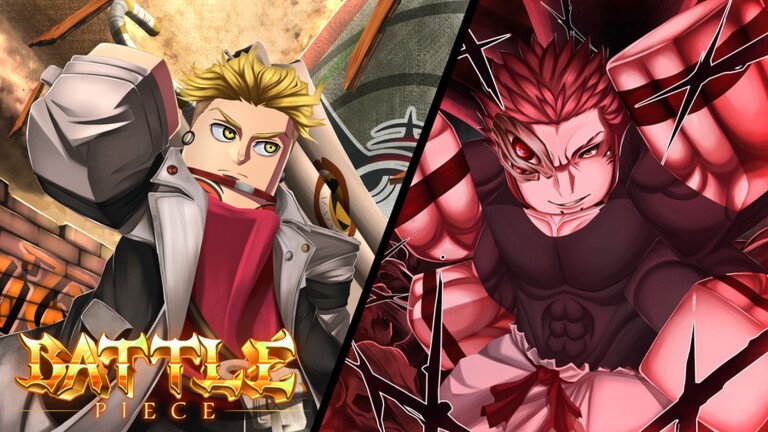
Battle Piece is a Roblox anime combat experience where players take down bandits, fight through raids, and test their builds in PvP. Codes are the fastest way to stock up on the Trait Gems and Race Orbs needed to reroll a stronger fighter without grinding for hours.
Working Battle Piece codes
Each code below can be redeemed once per account for free Trait Gems, Race Orbs, stat rerolls, or a temporary EXP multiplier. Enter them exactly as written, since Battle Piece codes are case-sensitive.
900KVISITSWOW— Five stat rerolls NEWTHE STRONGEST— Five Trait Gems NEW250KVISITSPERFECT— 15 minutes of EXP boost NEW500KVISITSCRAZY— Three Trait Gems NEW700KVISITSCRAZY— Three Race Orbs NEW20KLIKESSS— Three stat rerolls NEW30KCRAZYYY— Three stat rerolls NEW200KVISITSSSSSS— Ten Race Orbs10KLIKESSSTHANKYOUVERYMUCH— Ten Trait Gems100KVisitsWow— Five Trait GemsSORRYFORDAILYREWARDBUG— Three Race Orbs5KLikesLEZZGO— Five Race Orbs1KLikes— Five Race Orbs2KTHUMBSUP— Five Trait Gems3KLIKESSSSS— Five Trait GemsHW_SpecialCode— 2x EXP boost for 15 minutesJixxyJax— 2x EXP boost for 15 minutesRelease— 2x EXP boost for 15 minutesAlpha— 2x EXP boost for ten minutes
How to redeem codes in Battle Piece
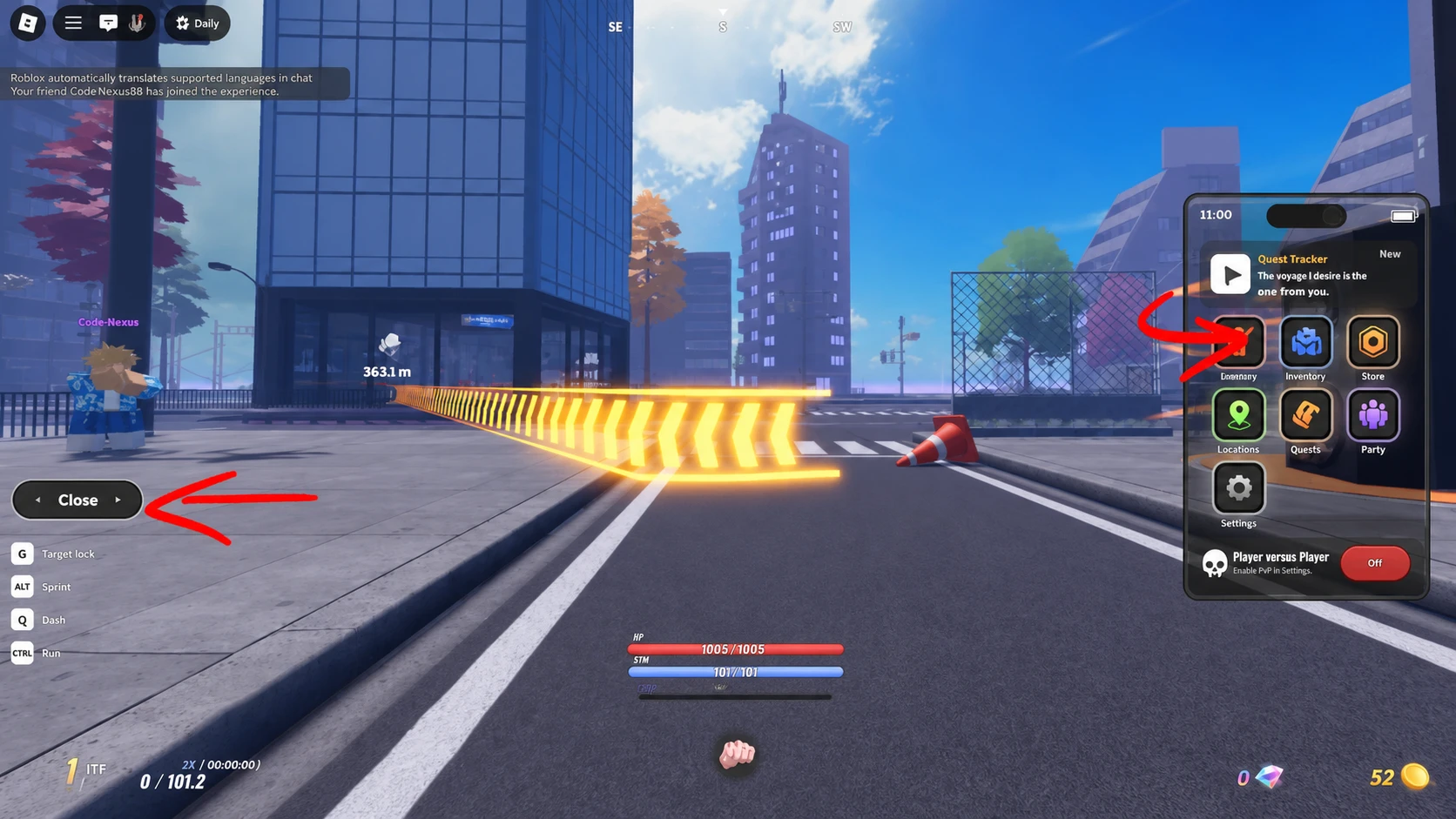
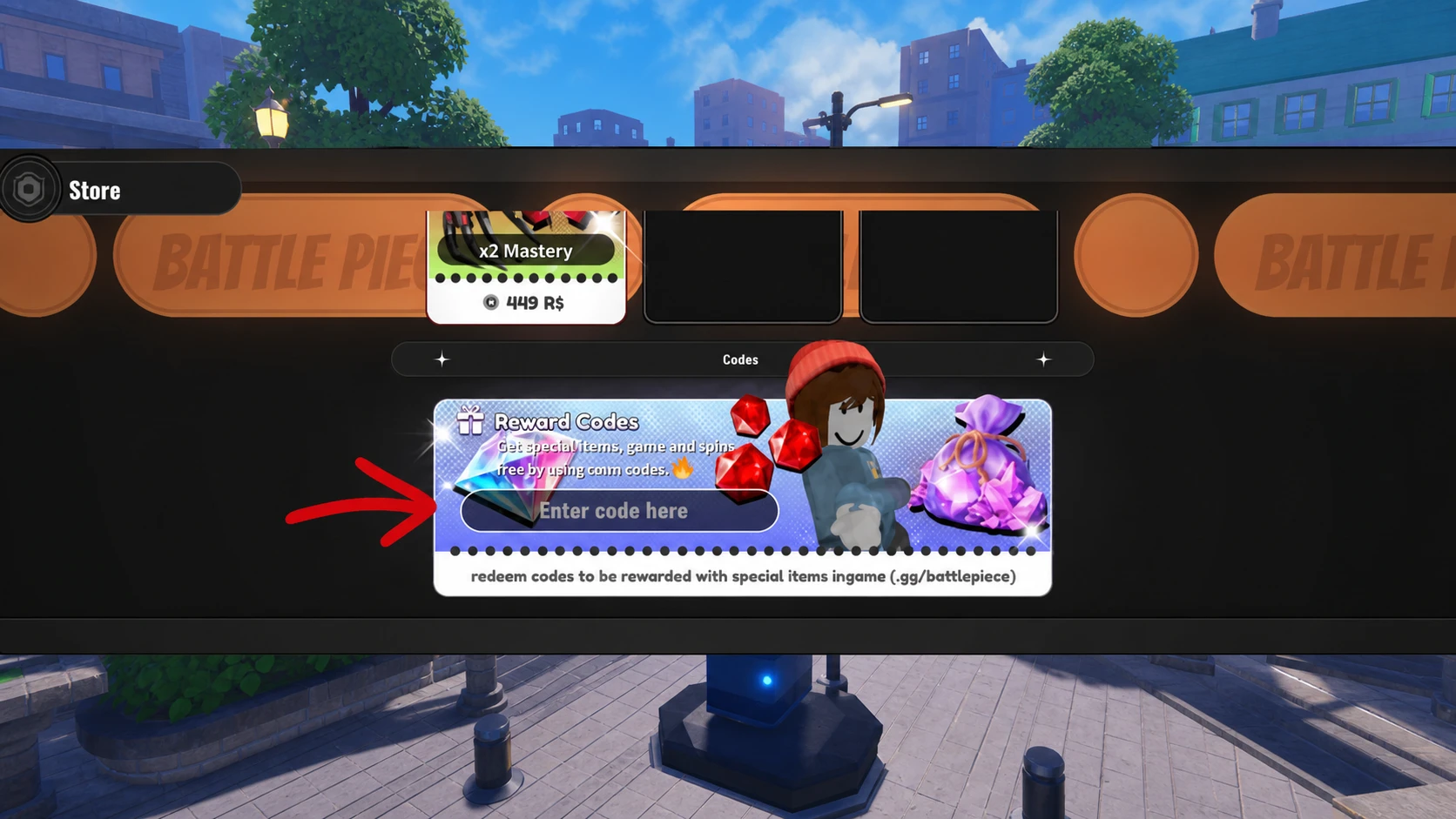
Codes must be entered from inside the game’s Shop menu. You’ll get a confirmation and see your Trait Gems, Race Orbs, or EXP boost applied immediately once a code goes through.
If the Menu button doesn’t appear on the reroll screen, open the Daily button in the top-left corner instead, claim any reward available there, then close it. The Menu button should show up in the bottom-left corner afterward.
Where to find new Battle Piece codes
Battle Piece doesn’t post new codes directly on its Roblox game page. Instead, the developers share them through the official Battle Piece Discord server, usually in a dedicated codes channel. If the Discord link isn’t visible from the game page, your Roblox account may need age verification that matches the Discord age requirement for your region.
Redeem codes as soon as you spot them, since Trait Gems and Race Orbs are otherwise slow to earn and a bad reroll can cost you real grinding time.