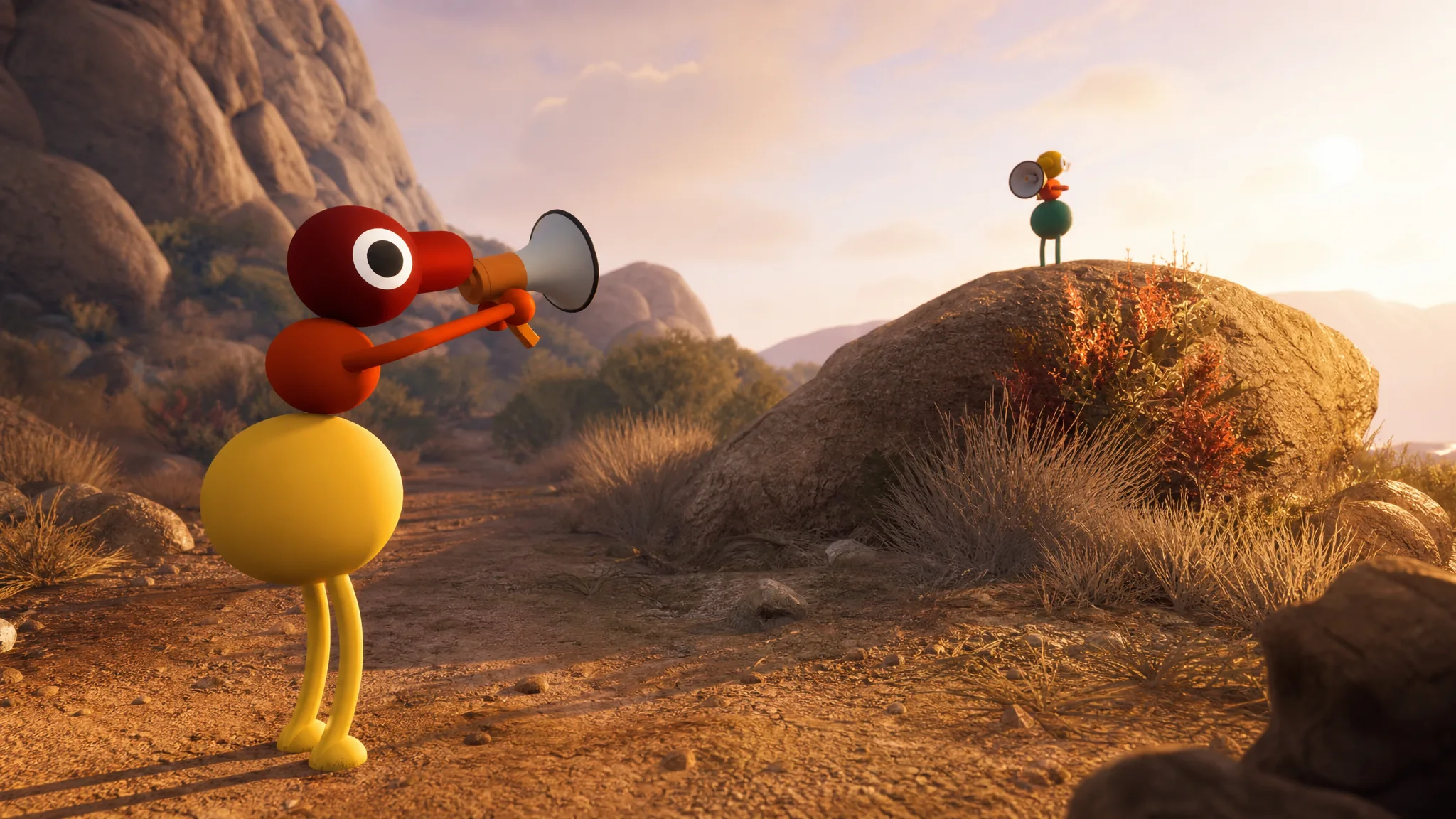
Big Walk is built for a group, so the first thing to sort out before anyone starts is how everyone joins the same world. The game runs entirely online, it supports crossplay across every listed platform, and it fits between two and twelve players in a single session. Getting connected depends on whether your friends are all on one system or spread across several.
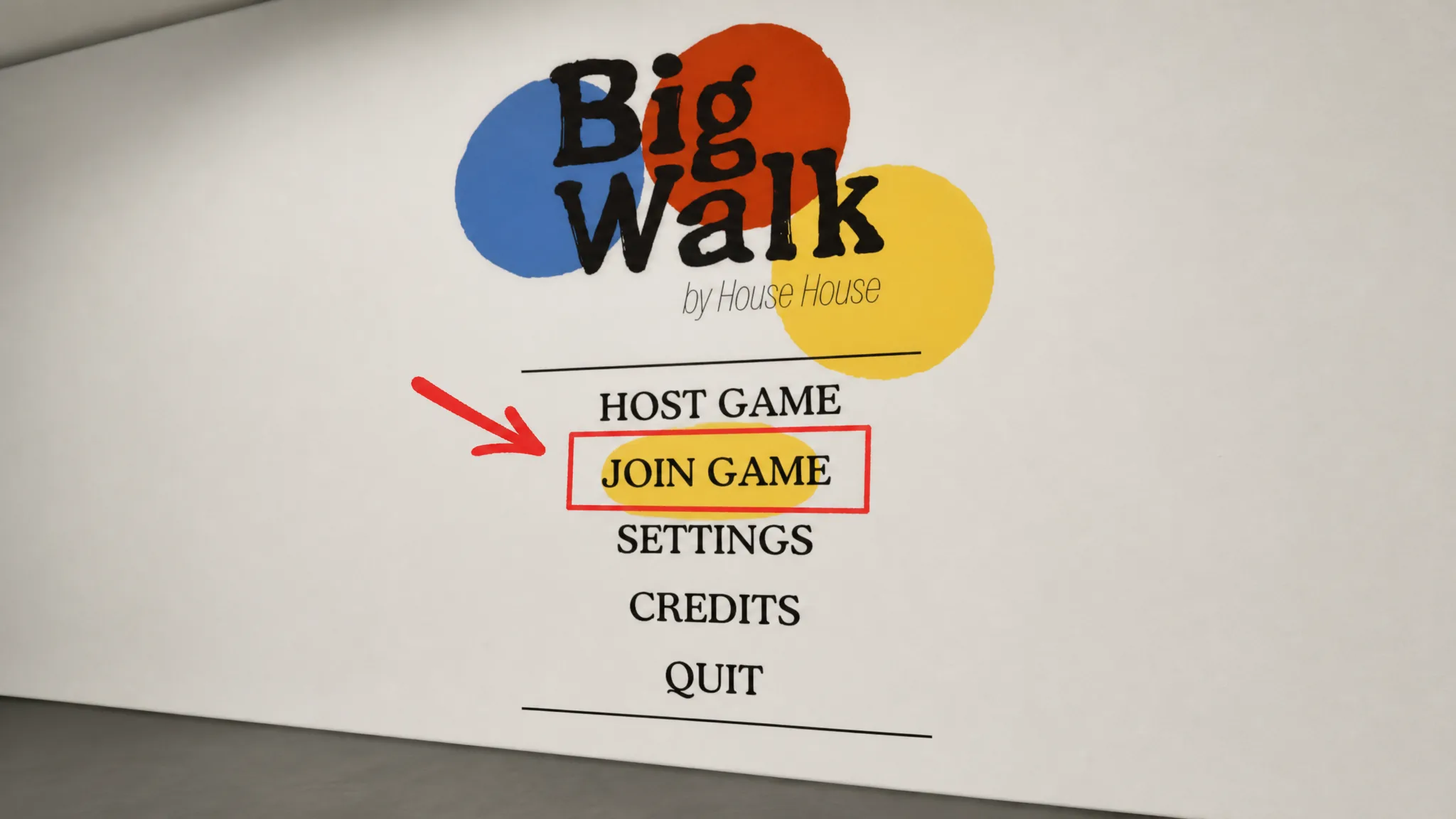
Quick answer: Big Walk has no local co-op or split-screen. To play together, one person hosts, then friends on the same platform join from the friends list, or friends on other platforms enter the host’s session code from the Join Game menu.
No local co-op, split-screen, or LAN play
There is no couch co-op, no split-screen, and no LAN option. Online multiplayer is the only way to play with other people. Every participant needs their own device and their own connection to the session.
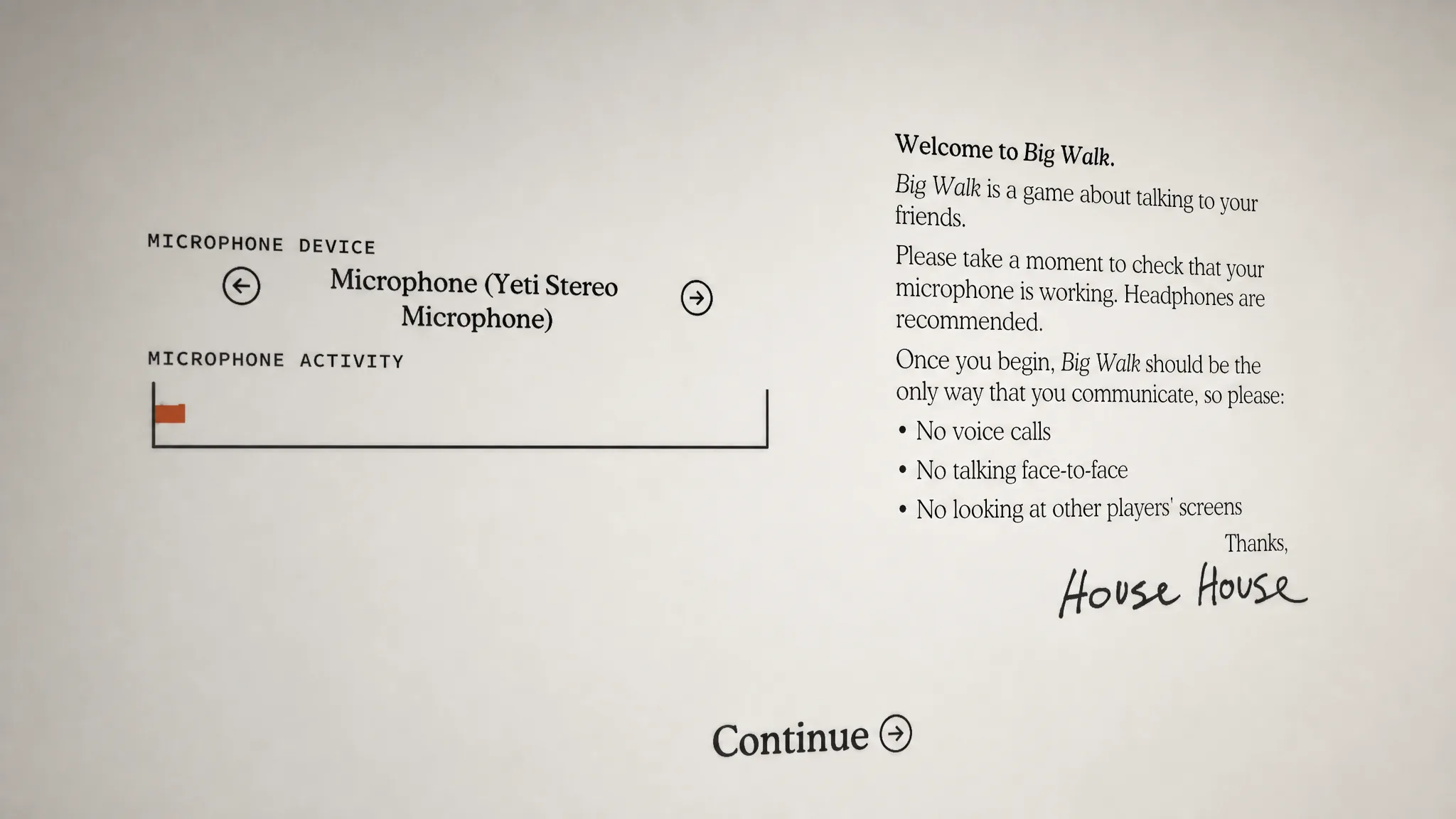
This is a design decision rather than a missing feature. Big Walk’s whole social system is built on proximity voice chat, where voices fade as characters move apart, echo down corridors, and muffle through walls. Sitting two players next to each other on the same couch breaks that mechanic entirely, since they would just talk face to face. House House even recommends avoiding out-of-game communication where possible, including hearing another player in the same physical room.
Join a friend on the same platform
If everyone in your group is on the same system, whether that is PS5, Steam on PC, or Nintendo Switch 2, joining through the friends list is the fastest route. Once the host is loaded into a session, it appears in your friends list ready to enter.
Join across platforms with a session code
When your friends are spread across different systems, Big Walk connects everyone with a unique session code. Each session generates one automatically. The host shares that code, your friends type it in, and they drop straight into the game world.
Note: Entering a code drops you directly into the starting area, so make sure everyone is ready before anyone types theirs in. Otherwise your group ends up scattered across the map before you have had a chance to regroup.
Crossplay and supported platforms
Big Walk fully supports crossplay, so mixed groups can walk together regardless of hardware. There is no matchmaking, so you always play with people you invite through the friends list or a shared session code.
| Detail | Support |
|---|---|
| Platforms | Windows, macOS, PlayStation 5, Nintendo Switch 2 |
| Crossplay | Yes, across all listed platforms |
| Matchmaking | None; invite-based only |
| Local co-op / split-screen | Not supported |
| LAN play | Not supported |
Player count and group size
A single session holds two to twelve players. Two players make a focused co-op run, while a full lobby of twelve turns into a much messier scramble to stay coordinated across a large world. The game scales for both, with separate world versions for two players, three players, and four or more. Whatever the size, each player still needs their own device.
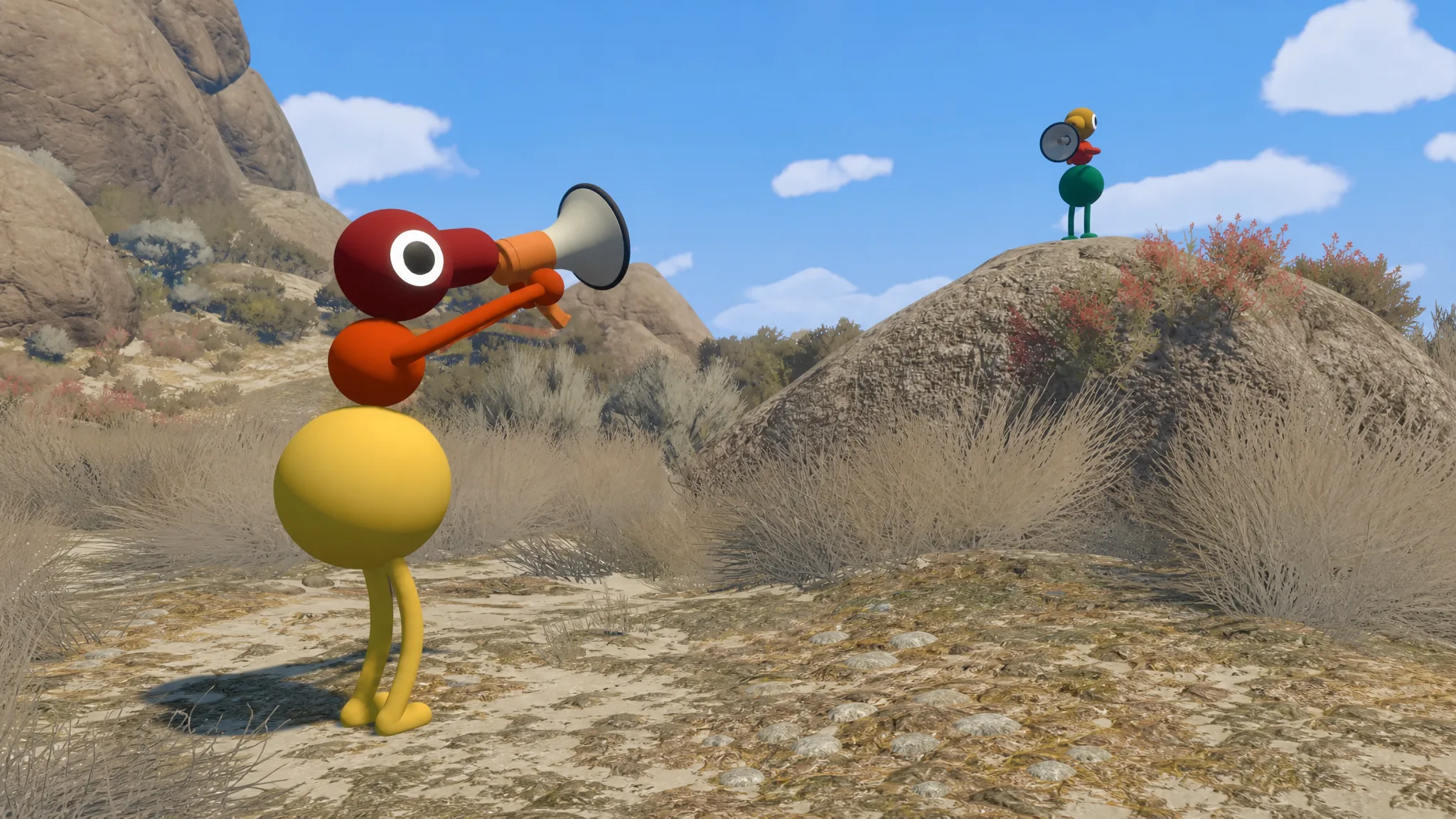
Tip: Resist jumping into an outside voice call the moment a friend goes quiet. When the proximity audio fades out, that silence is the game telling you someone wandered too far. Fixing it inside the game, using tools like walkie-talkies, megaphones, or hand gestures, is the intended way to stay in touch. Routing around it with an external call skips past the part that makes the whole thing work.
House House has not announced any plans for couch co-op, split-screen, or LAN play. Given how tightly the proximity communication system is woven into the game’s identity, a local option is unlikely to arrive in the near term. For now, plan around one supported system per player, pick a consistent host to hold the world save, and share a session code before you set off.