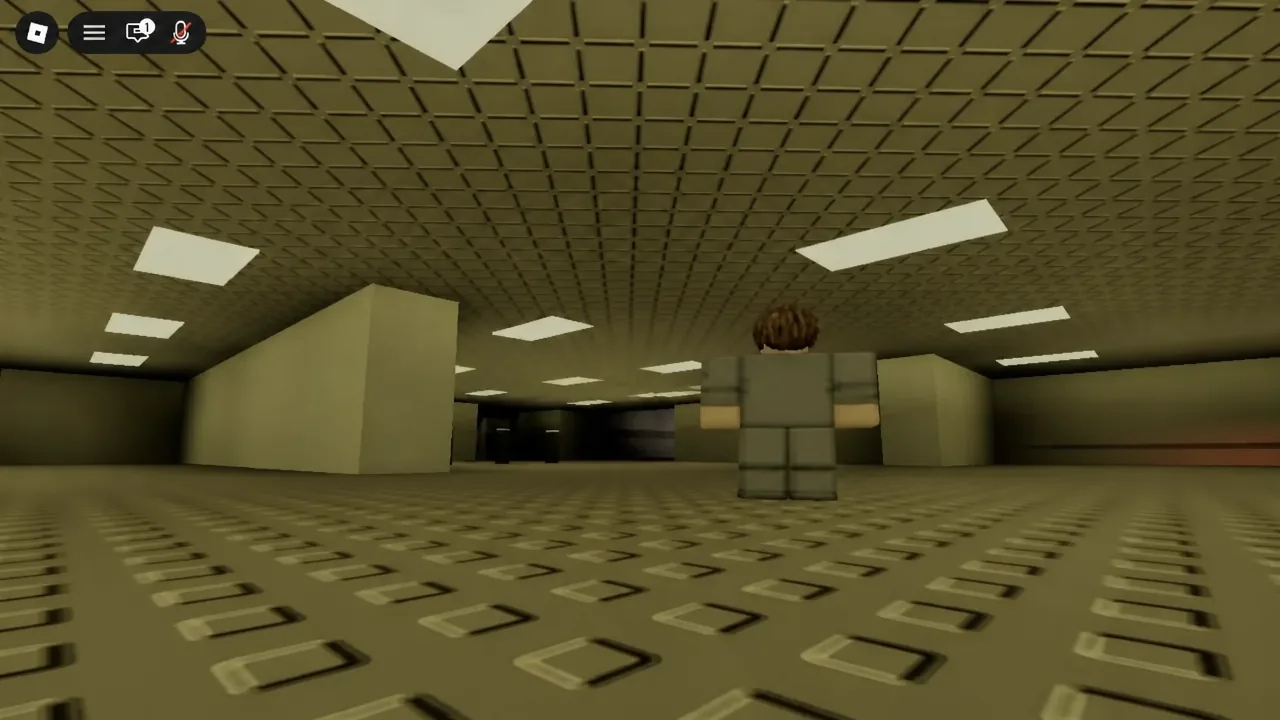
Bloxrooms drops you into endless rooms stitched together from games you half-remember, and it does very little to explain itself. There is a title screen, a lobby, a portal, and then a yellow corridor that all looks the same in every direction. The actual mechanics are simple once you know where the buttons are.
Quick answer: Press PLAY on the title screen, walk into a portal gate in the lobby, set your party size between 1 and 8, then hit CREATE and wait out the teleport countdown to load into a level.
Join the right Bloxrooms experience on Roblox
Search results are crowded with lookalikes, including a separate game called Blackrooms that uses a different currency and different codes. The one you want is [Beta] Bloxrooms, and the creator line under the title must read Bloxrooms Corporation. Servers hold up to 30 explorers, it is free to play, and it runs on PC, mobile, and console.
Note: there are no working promo codes for Bloxrooms right now. Any video promising a redeemable string is either recycled from another game or fake.
Start a run from the lobby
PLAY and CREDITS. Click PLAY. You spawn in the lobby as an explorer with your username attached, and nothing is hunting you yet.BACKPACK, INDEX, and SHOP, plus a cash balance that starts at $0. The shop is where cash from artifacts eventually turns into gear, so there is nothing to spend on a first run.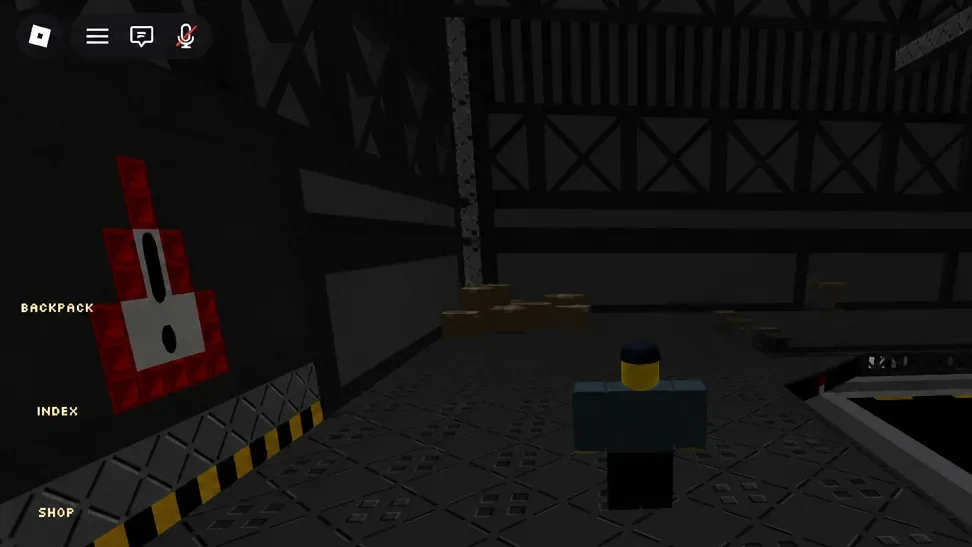
CREATE PARTY panel opens, with a Party Size slider and a Friends Only toggle. Set the size to 1 if you want a solo run, or up to 8 if you are bringing people.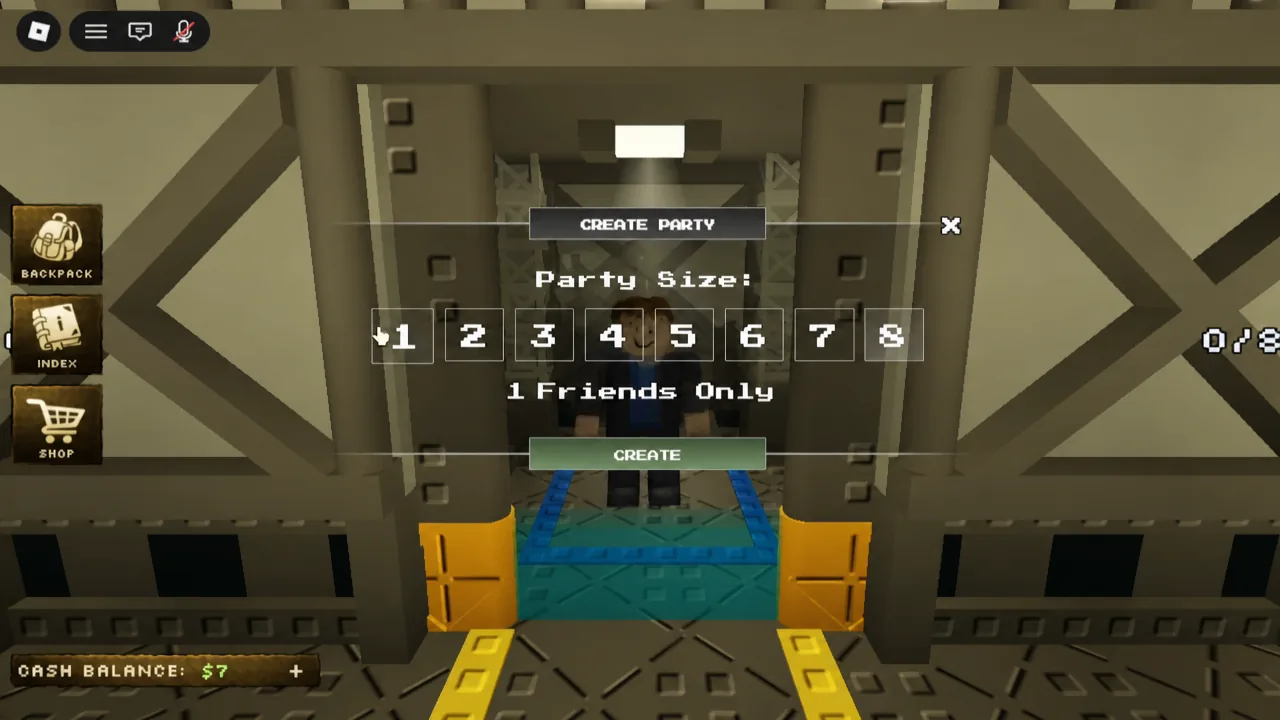
CREATE. A countdown starts, the screen switches to TELEPORTING..., and you get a LEAVE PARTY option if you change your mind before it finishes.FINISHED!, and there is a SKIP option on the intro. On your first successful load, the Welcome to the Bloxrooms! badge pops automatically.Controls and the in-run HUD
Once you are in a level, the button row stays with you. Backpack, Index, and Settings remain on screen, so you can check what you are carrying without dropping out of the run. Movement is standard Roblox, but two keys matter more than anything else.
| Input | What it does |
|---|---|
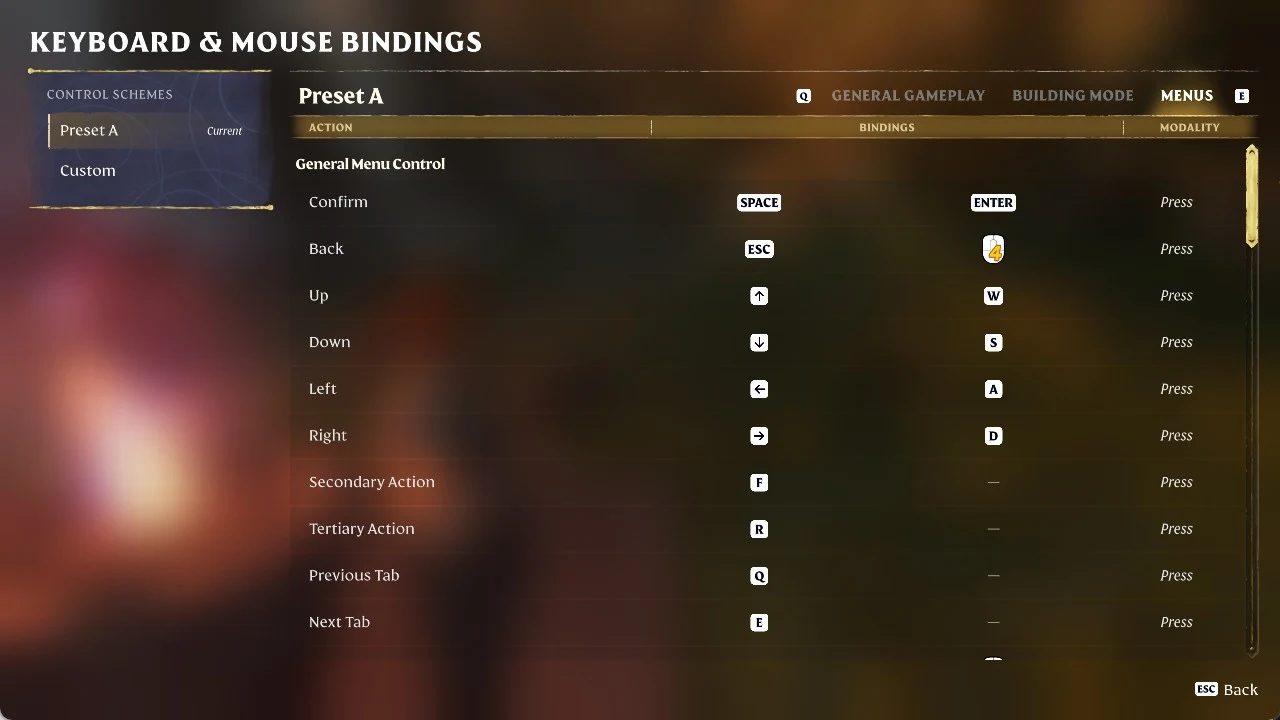
F | Toggles the flashlight. It does not function everywhere, so a dead beam is not always a bug. |
Y | Switches your camera perspective. |
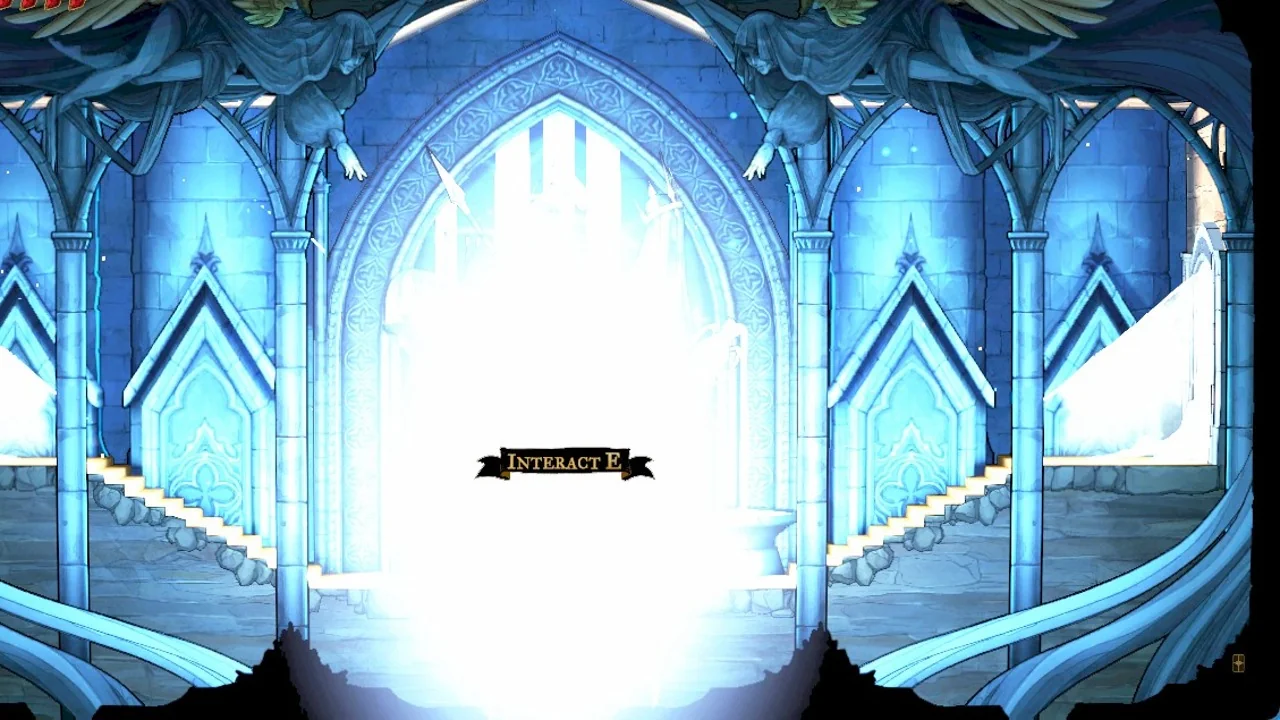
Hold E | Collects an item when the HOLD [E] TO COLLECT prompt appears. |
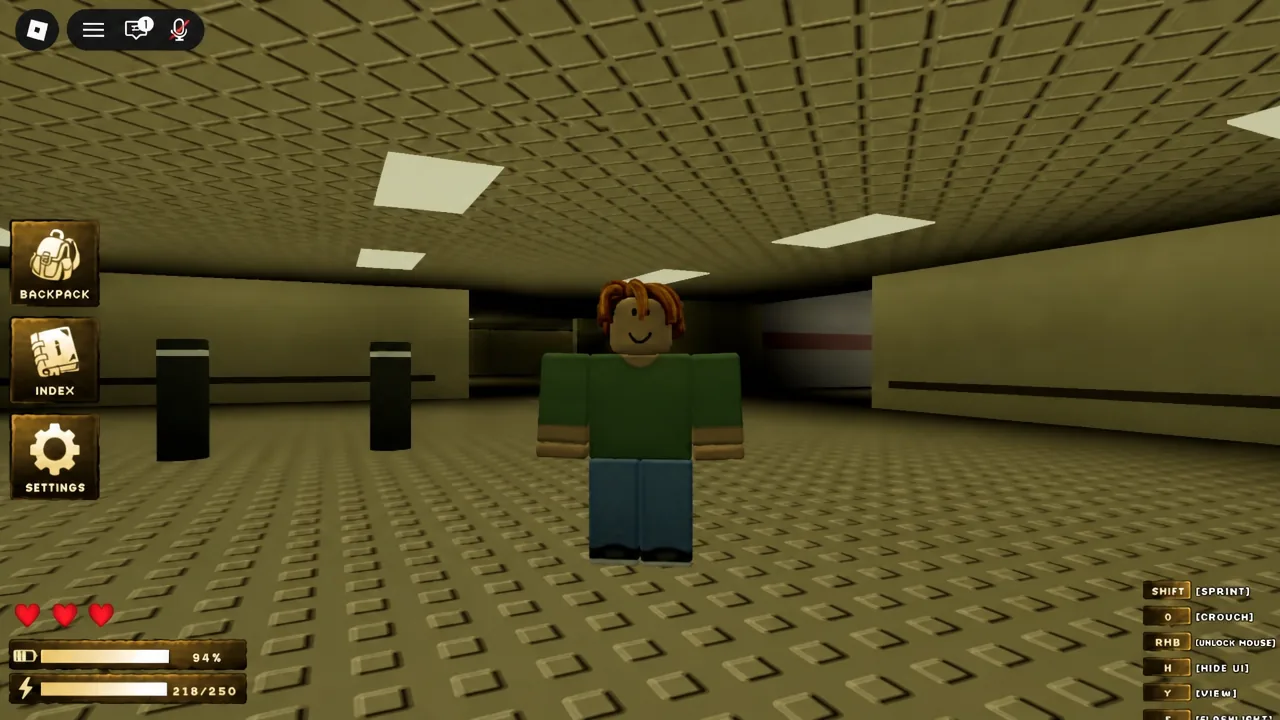
Sprint stamina is a real resource rather than a cosmetic bar. Burning it on a long straight corridor is the usual reason players get caught with nothing left when something turns up behind them.
Reading a misremembered level
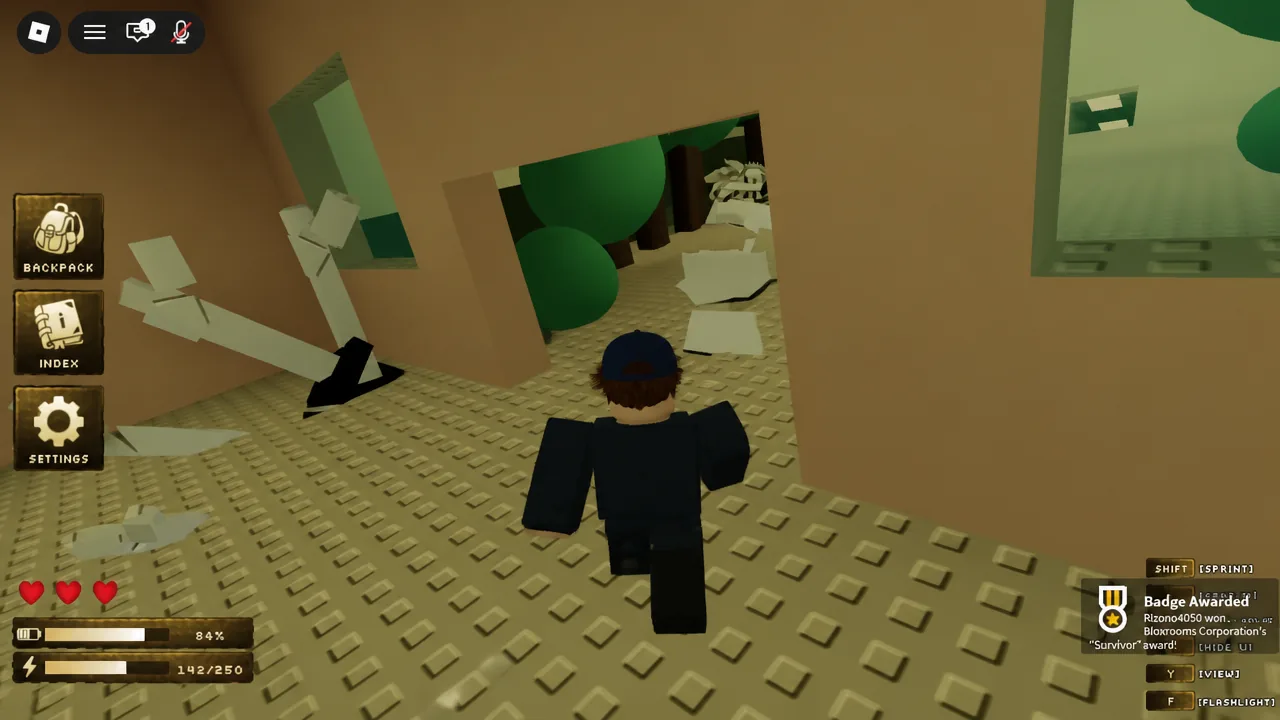
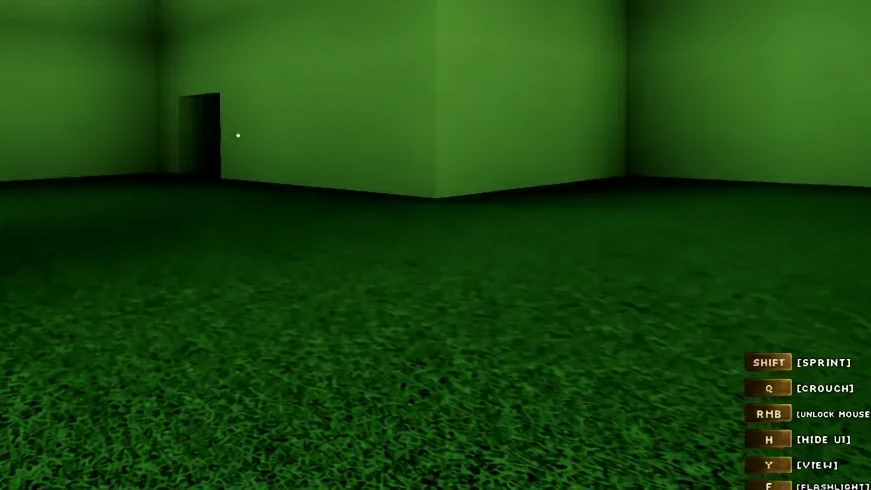
Bloxrooms does not ship a numbered level list. The design pitch is endless rooms built from games that have been bent out of shape, so you will hit a yellow maze, then a suburban street that is somehow indoors, then a wall of stacked logos that decays as it repeats. Rooms quote a familiar genre and then get the details wrong on purpose.
That makes memorising individual rooms useless. What works is picking distinctive intersections, odd openings, and points where the architecture changes, and treating those as anchors. If you pass the same decay pattern twice, you have looped and need to break direction rather than push forward.
A few rules that hold up across sessions:
- Mark decisions with chalk gear rather than trusting the wallpaper. Left, right, dead end.
- Point the light at the floor. Yellow items on yellow carpet vanish otherwise.
- A door that looks like a safe room from the game being parodied is not safe. Entities ignore those rules.
- Long indoor streets with clear sightlines make good reset points, because you can see something coming.
- If building tools have wrecked a route in a busy server, rejoin instead of assuming you found a new area.
Collect artifacts and turn them into cash
The progression loop is short. You scavenge artifacts out of rooms, sell them for cash, and spend that cash on gear that lets you go further before something ends the run. Still lifes, the posed exhibit-style scenes you find in dim rooms, are worth scouting from the doorway rather than walking into.
Pickups are handled with a hold, not a tap. Walk up to an object until HOLD [E] TO COLLECT appears, hold the key, and wait for the confirmation. In the PARTY.EXE HOUSE area, a neighbourhood-themed room, collecting the PIRATE HOOK also awards the Survival badge.
How to confirm it worked
Each stage gives you a clear signal, so you never have to guess whether something registered.
| Action | Confirmation you should see |
|---|---|
| Party created | Countdown starts and the screen reads TELEPORTING... |
| Level loaded | Asset counter reaches FINISHED!, then a Badge Awarded pop-up for Welcome to the Bloxrooms! |
| Item picked up | The hold prompt is replaced by a collected message naming the item |
| Pirate Hook obtained | Survival badge appears on your Roblox profile |
If the welcome badge never fires, you almost certainly loaded a clone rather than the Bloxrooms Corporation build. Check the creator name on the experience page before you favourite anything. And if the flashlight refuses to switch on, try a different area before assuming your keybind is broken, since some spaces disable it outright.
There is no published exit and no credits roll waiting at the bottom of the game. Depth here is really just how long you have stayed in a session without losing your bearings, which is why gear upgrades and disciplined marking matter more than raw speed. Bank your cash, restart the loop, and go a little further each time.