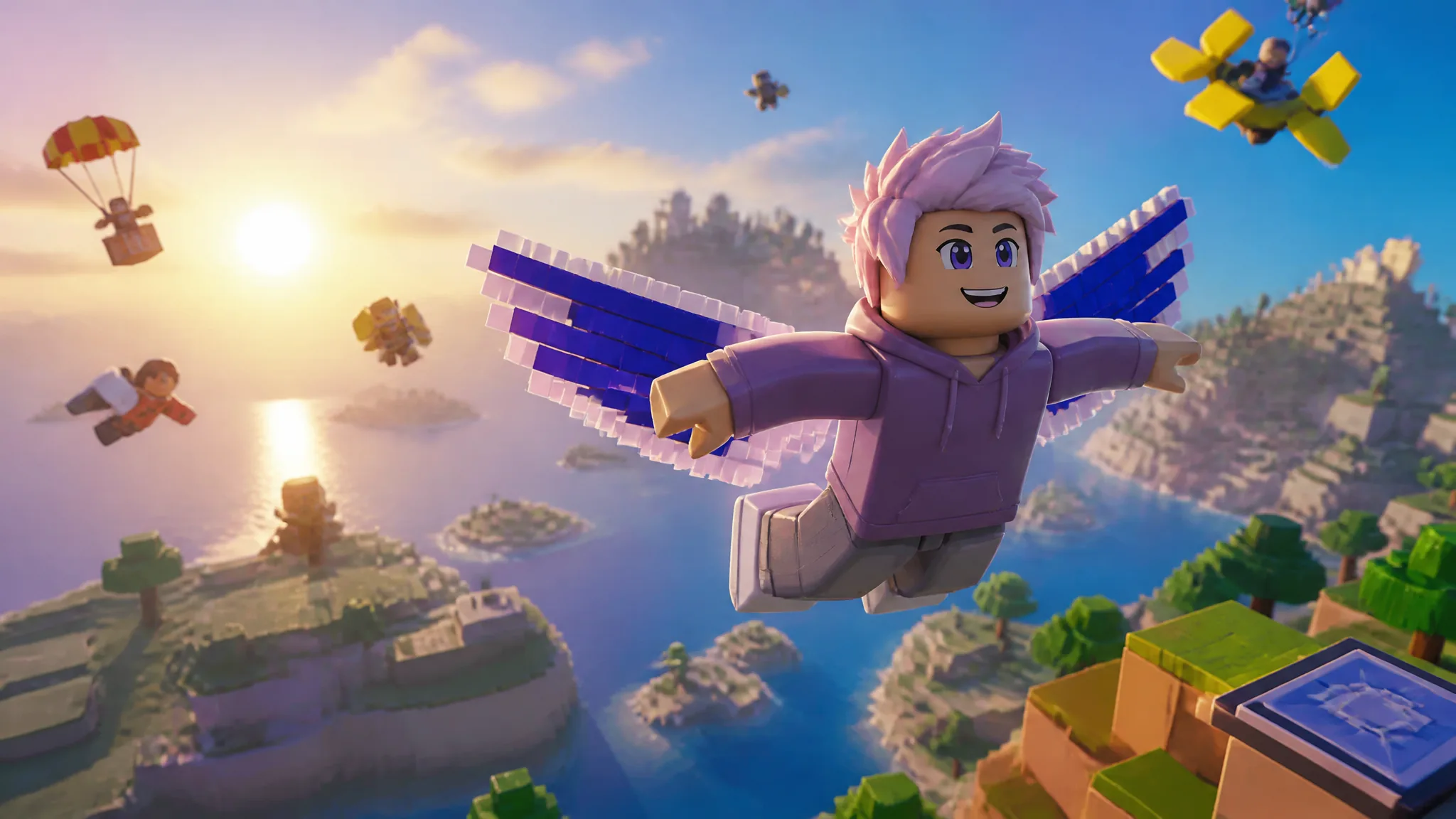
The Blurple 8-Bit Wings are the one reward in The Hunt: Roblox 20 that you cannot earn inside the event itself. There is no level to beat and no badge to collect. The wings live behind a Discord Quest, and the only thing standing between you and the accessory is 15 minutes of playtime with the Discord app running.
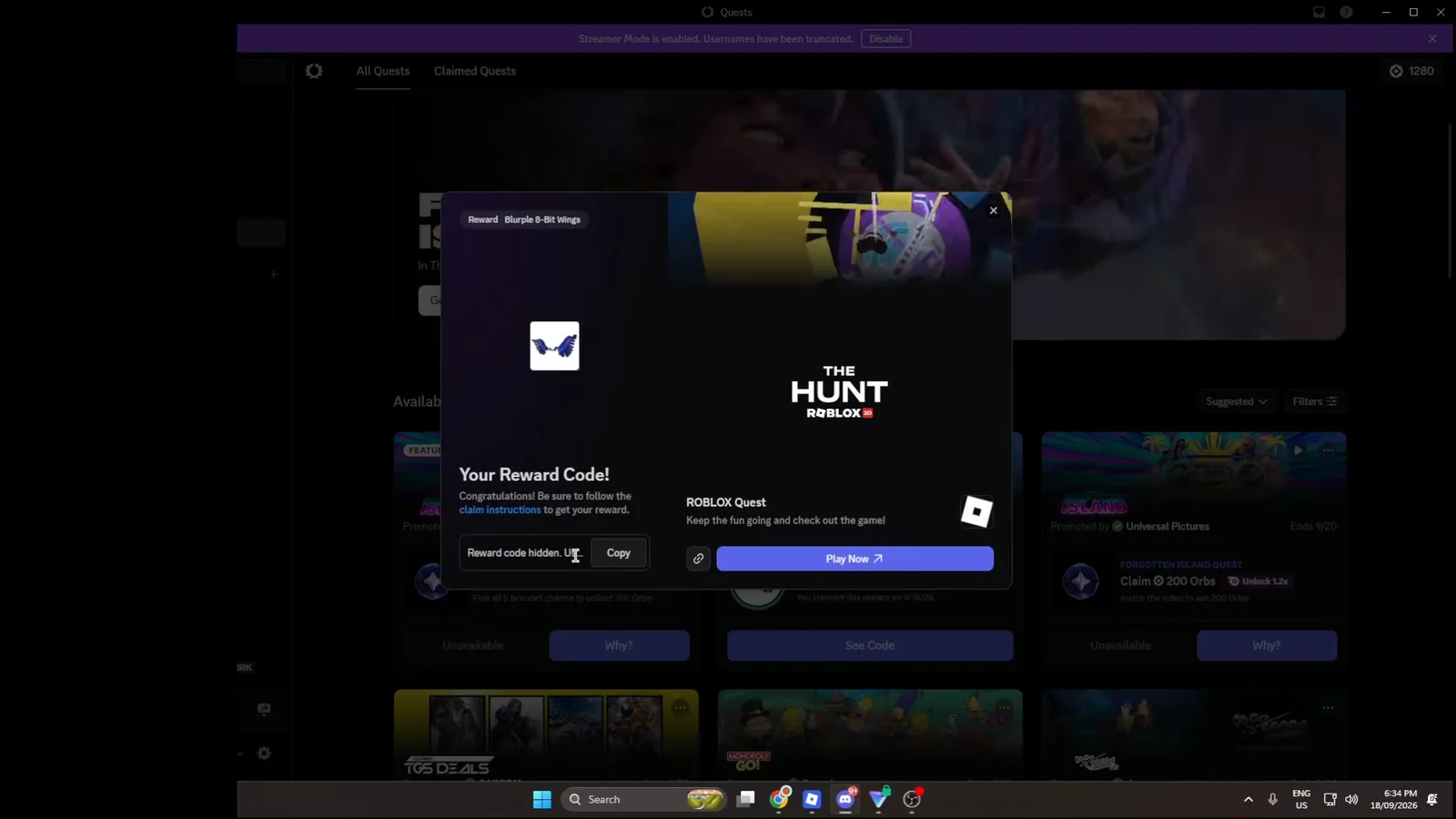
Quick answer: Accept The Hunt: Roblox 20 quest in Discord’s Quests tab, keep Discord open, play the experience for 15 minutes, then claim the code and redeem it on the Roblox redemption page.
Blurple 8-Bit Wings requirements and deadline
Everything about the unlock is fixed. You need a Discord account, the Discord client open on the same machine or device, and a single 15-minute session in The Hunt: Roblox 20. The reward arrives as a one-time code rather than dropping straight into your avatar inventory.
| Requirement | Detail |
|---|---|
| Quest name | The Hunt: Roblox 20 |
| Where to accept | Discord Quests tab |
| Playtime needed | 15 minutes |
| Reward | Blurple 8-Bit Wings (back accessory) |
| Reward format | Single-use gift card code |
| Availability | Region-restricted |
| Quest window closes | September 19, 2026 |
Once the window closes on September 19, 2026, the quest disappears from the Discord Quests menu and the reward can no longer be claimed or redeemed.
Region restriction: why the Roblox quest may not appear in Discord
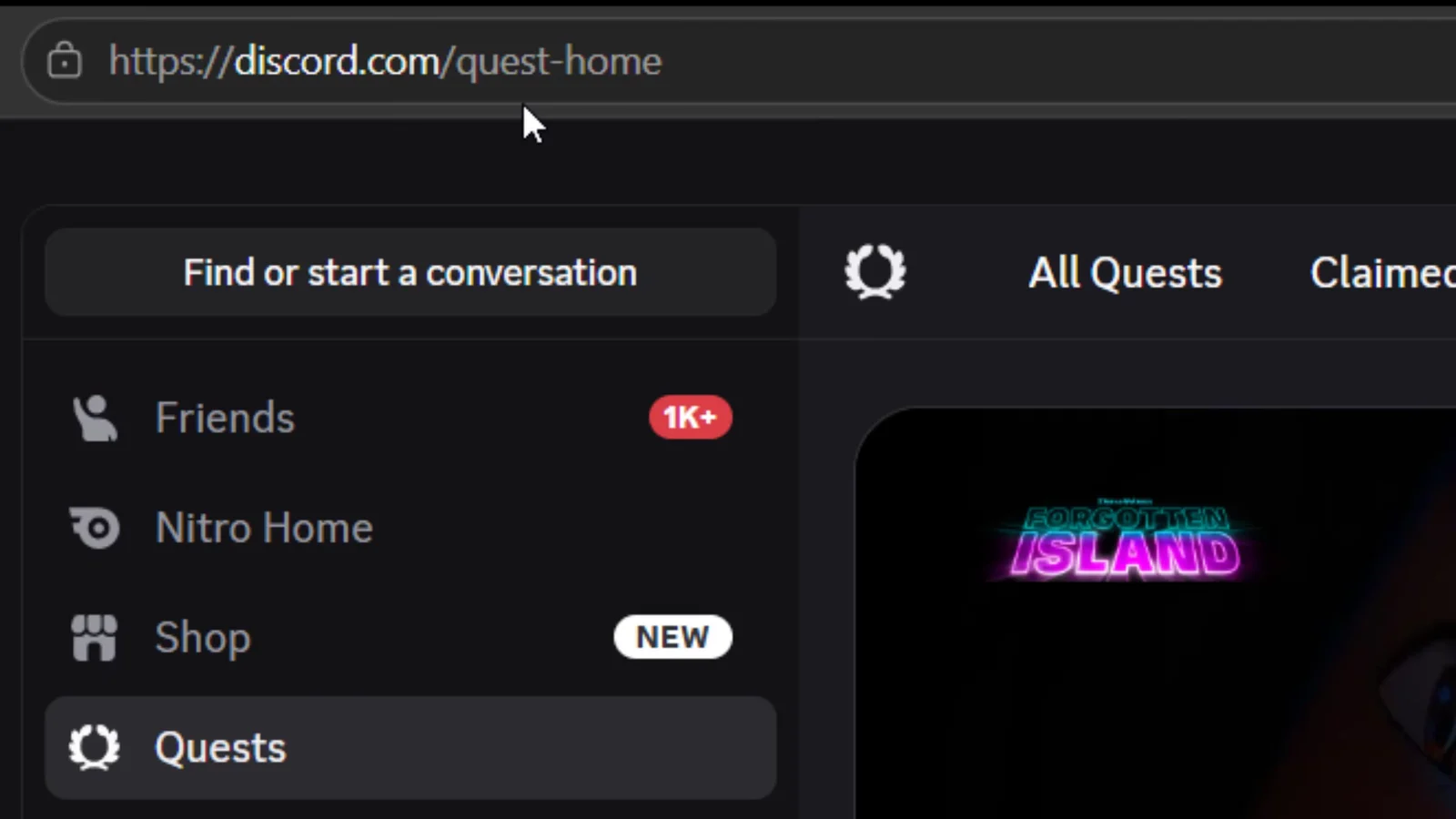
This is the part that trips most people up. The Roblox quest is not offered everywhere. Players outside the supported region open the Quests tab and simply do not see it listed, or get an ineligibility message when they try to open the quest link directly.
Loading the Discord quest page from a country such as England returns nothing for Roblox at all. The rest of the quest list still populates normally, which makes the absence easy to misread as the quest having already ended.
Connecting through a VPN set to a United States location makes the quest visible again, on desktop or on mobile Discord. Running Roblox and a VPN together on a phone can cause noticeable performance problems.
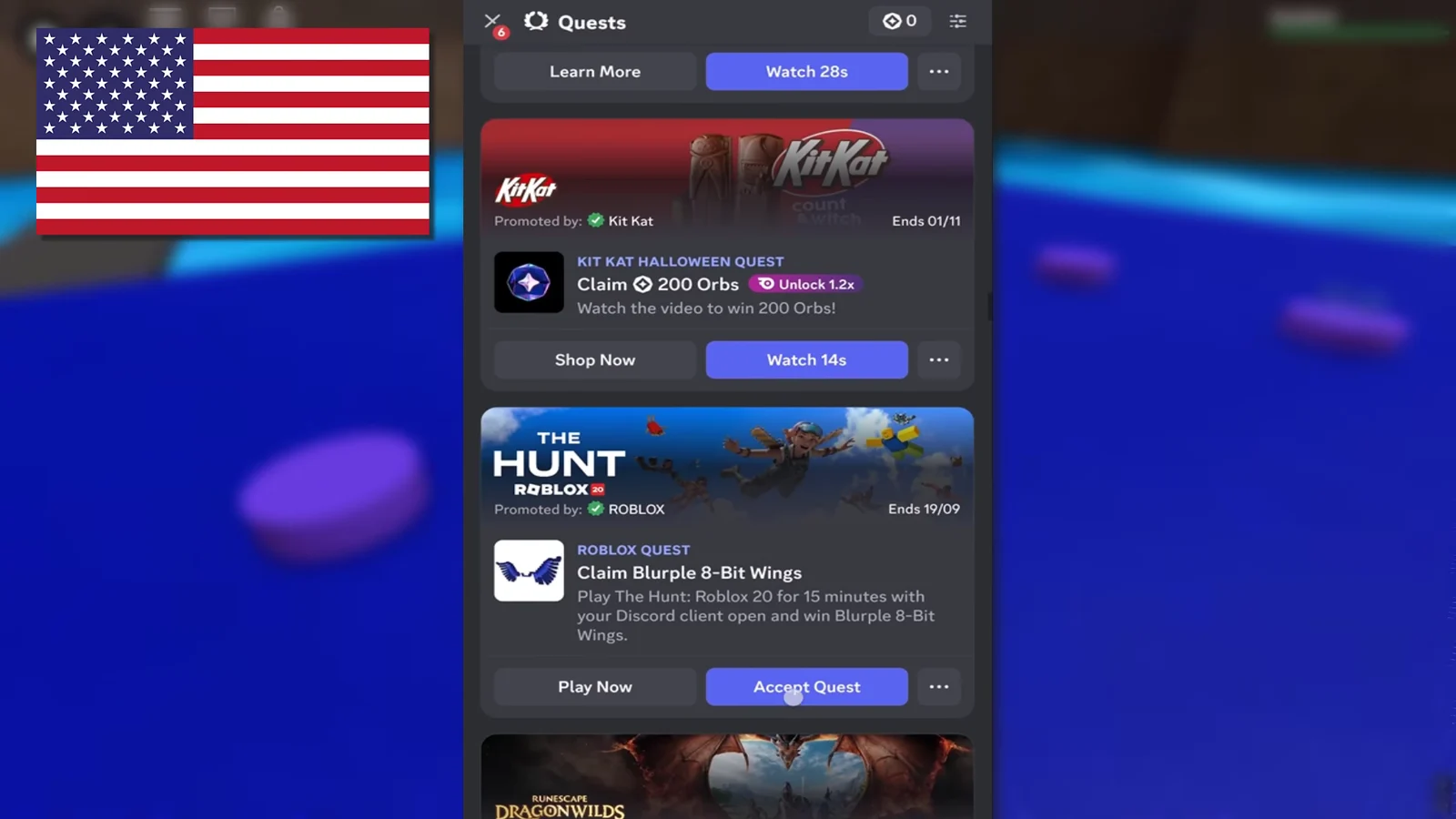
How to complete the Discord Quest for the Blurple 8-Bit Wings
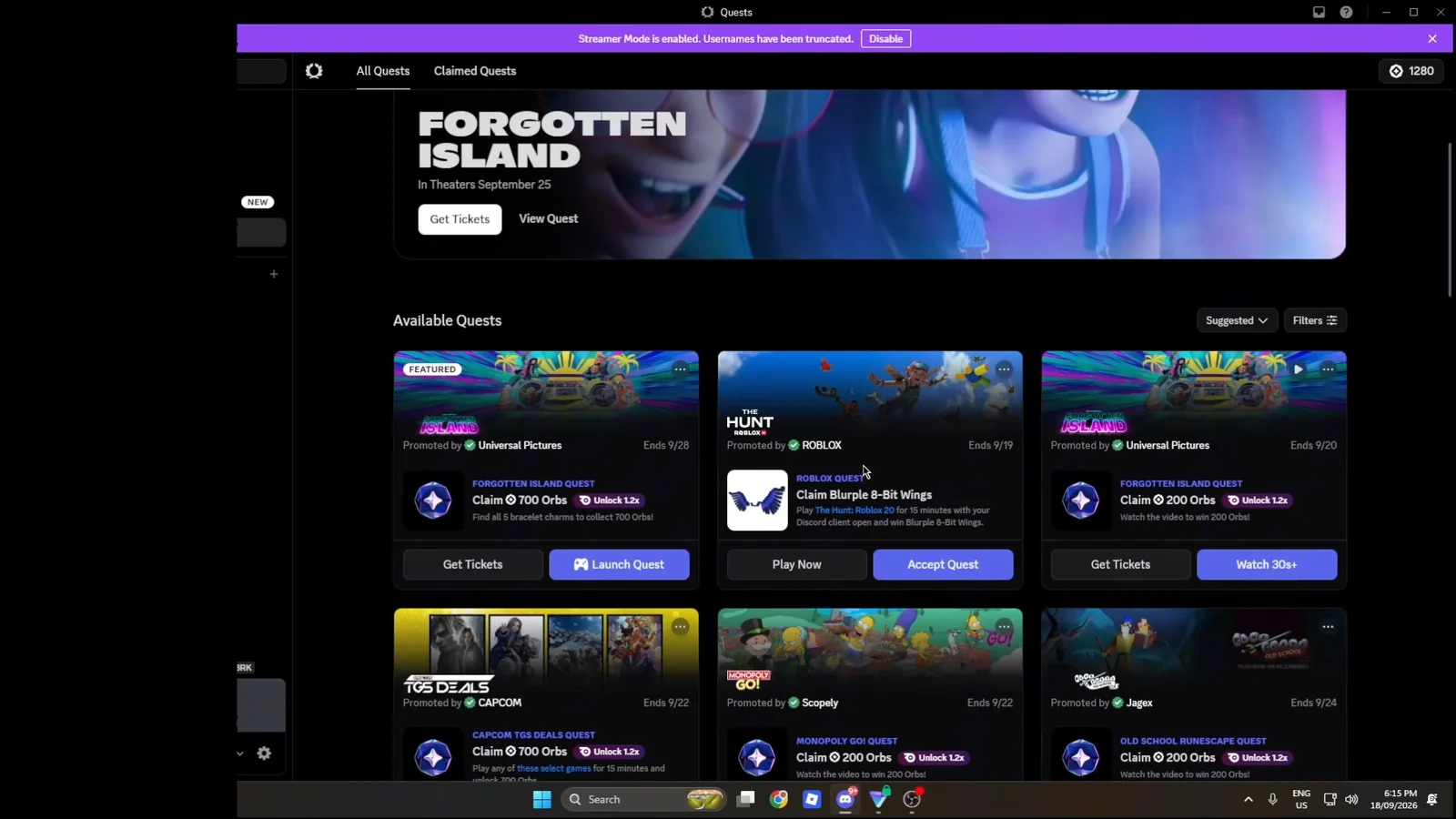
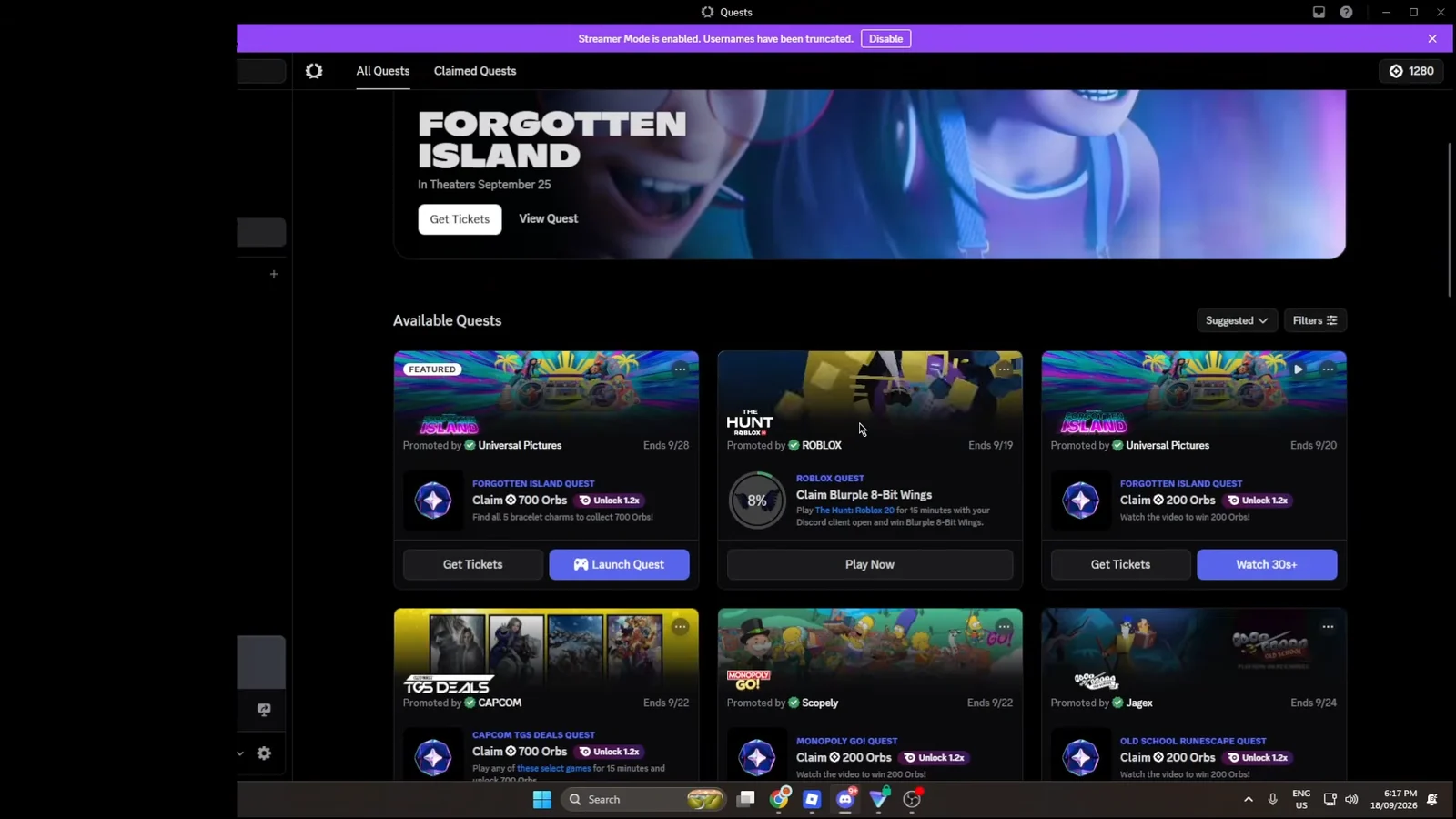
Redeem the code and confirm the wings are in your inventory
Copy the code from Discord and open the Roblox redemption page while signed in to the account you want the accessory on. Paste it into the text field and press Redeem.
A Code Successfully Redeemed pop-up naming the Blurple 8-Bit Wings is your confirmation. To double-check, open the Avatar Editor and look under Recently Added in your inventory, where the wings should be sitting ready to equip.
The accessory itself is a back item built around a retro pixel look, with blocky feather shapes in blurple and black. It reads as a deliberate throwback, which fits an event built around Roblox’s own history.