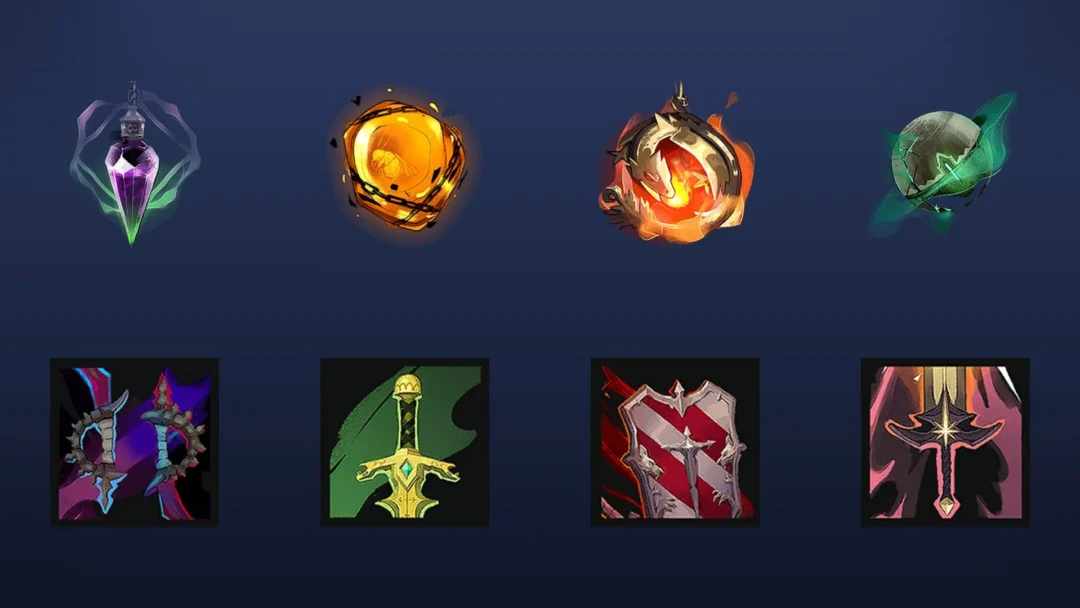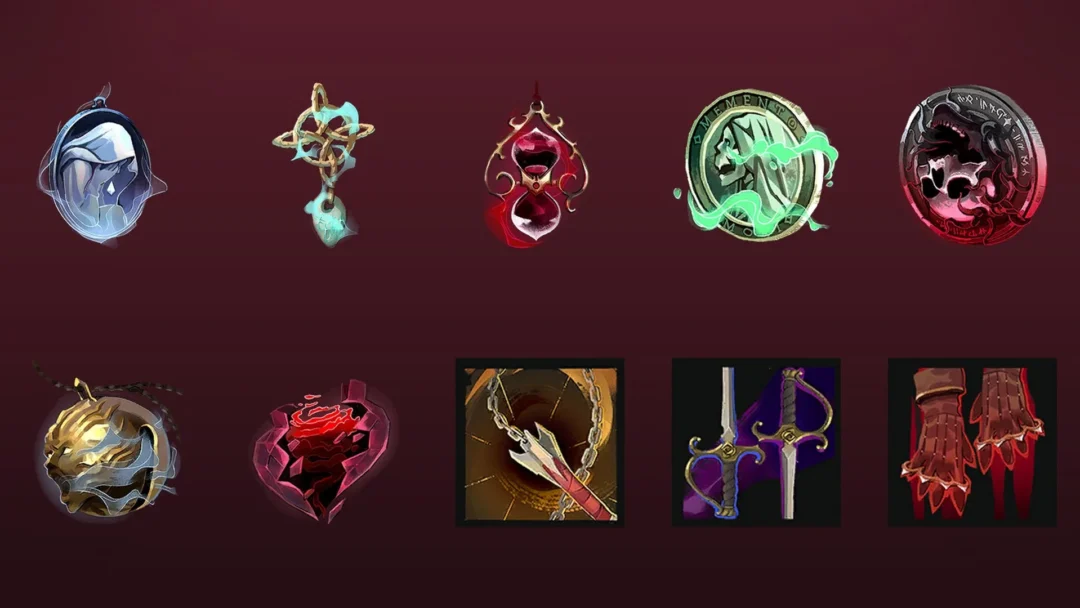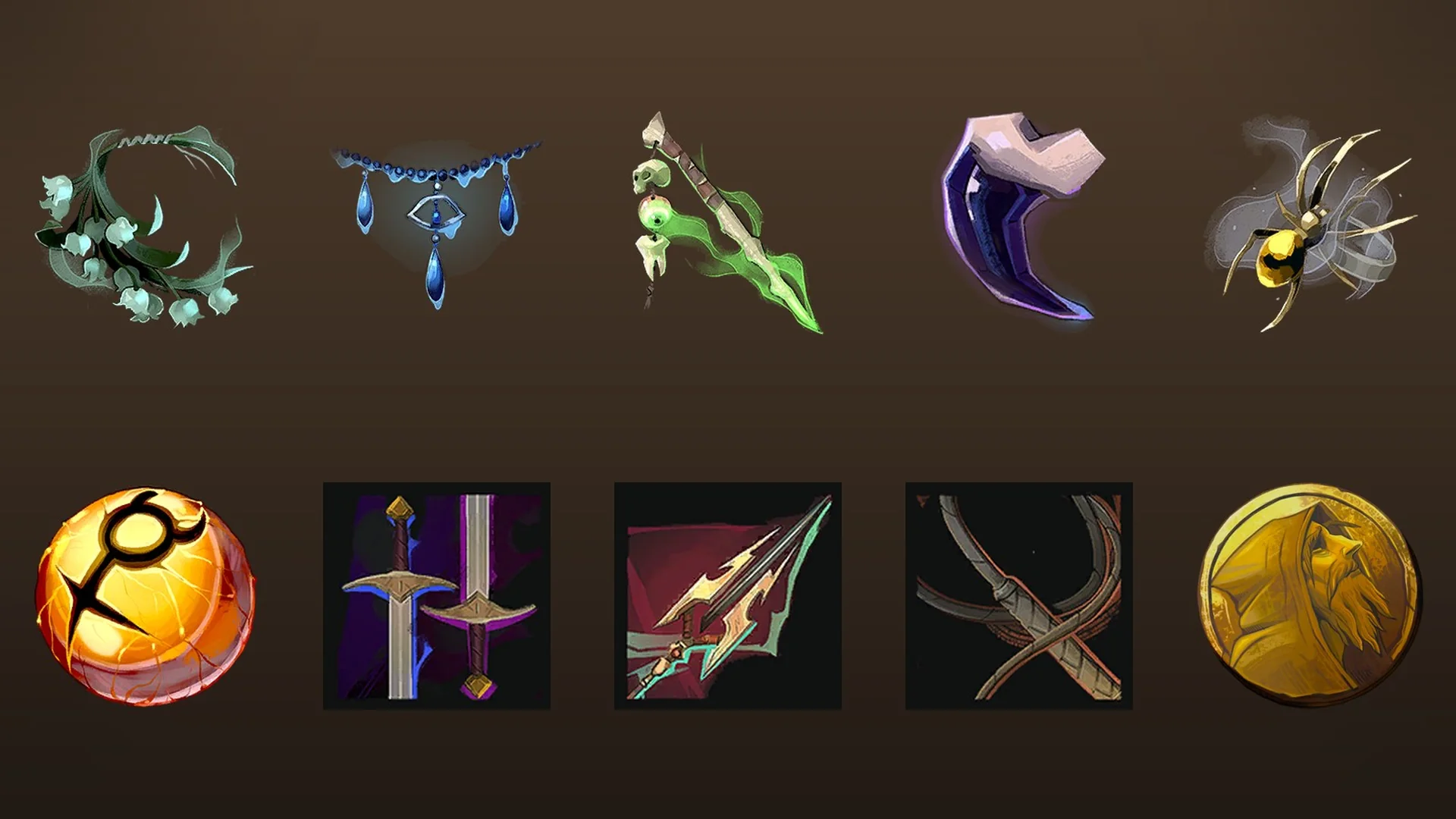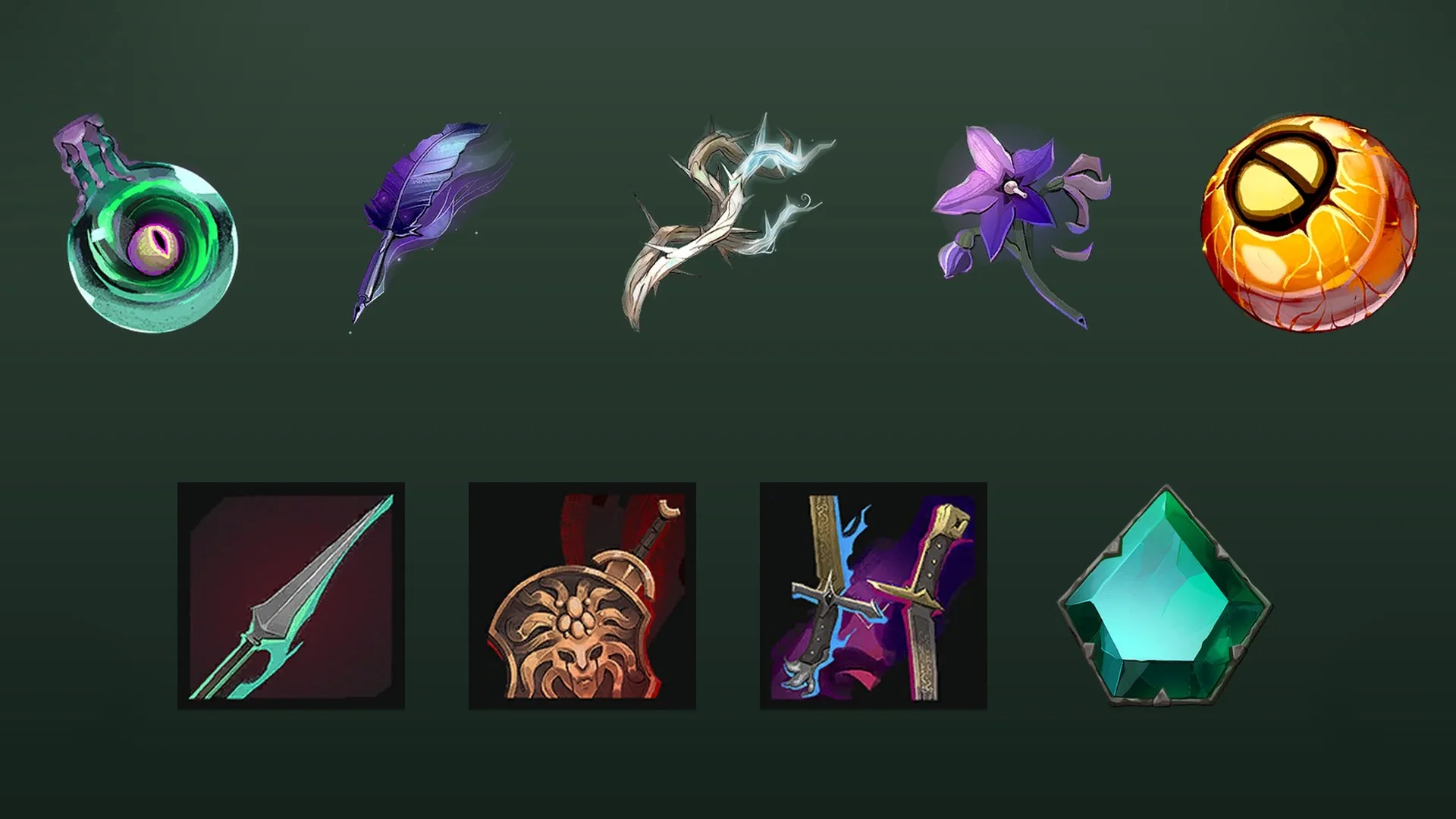
Build a +1 Obby hands you an empty building plot and two shops, then asks you to turn both into a course you can sprint across. Every part you place adds something to run on, and every run adds speed and levels. The money you earn goes straight back into more parts, which is the entire game in a sentence.
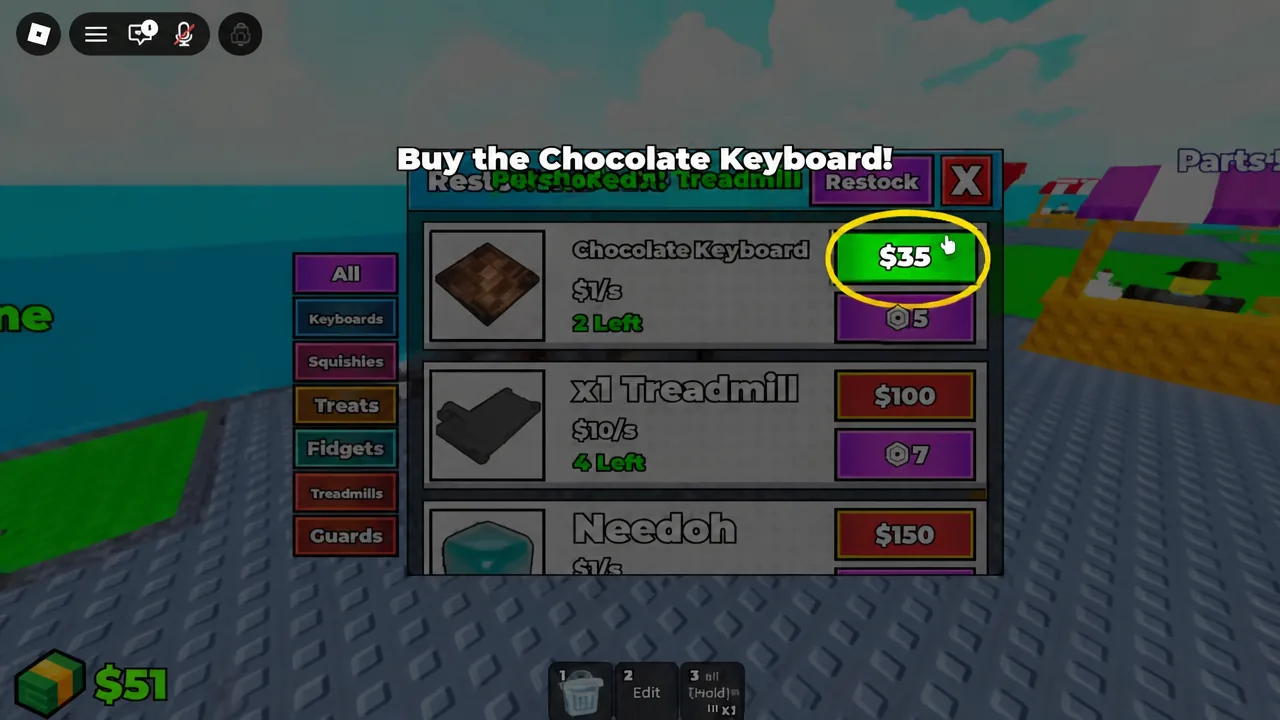
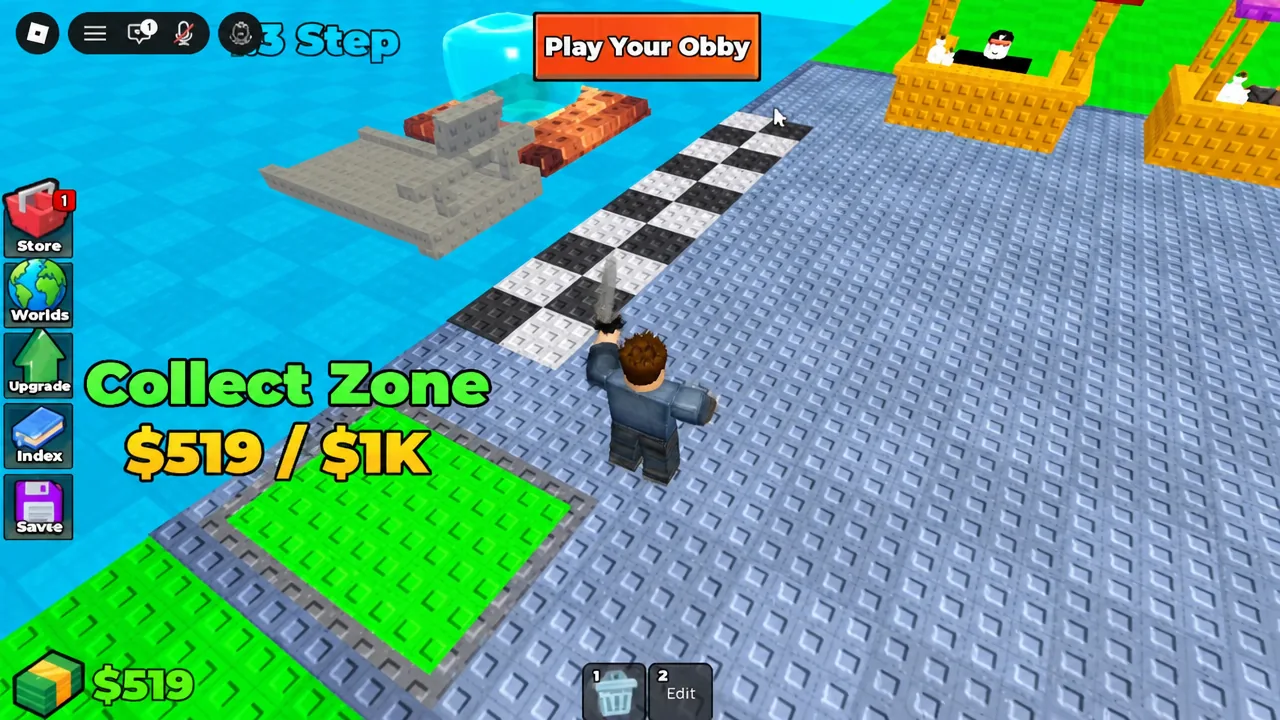
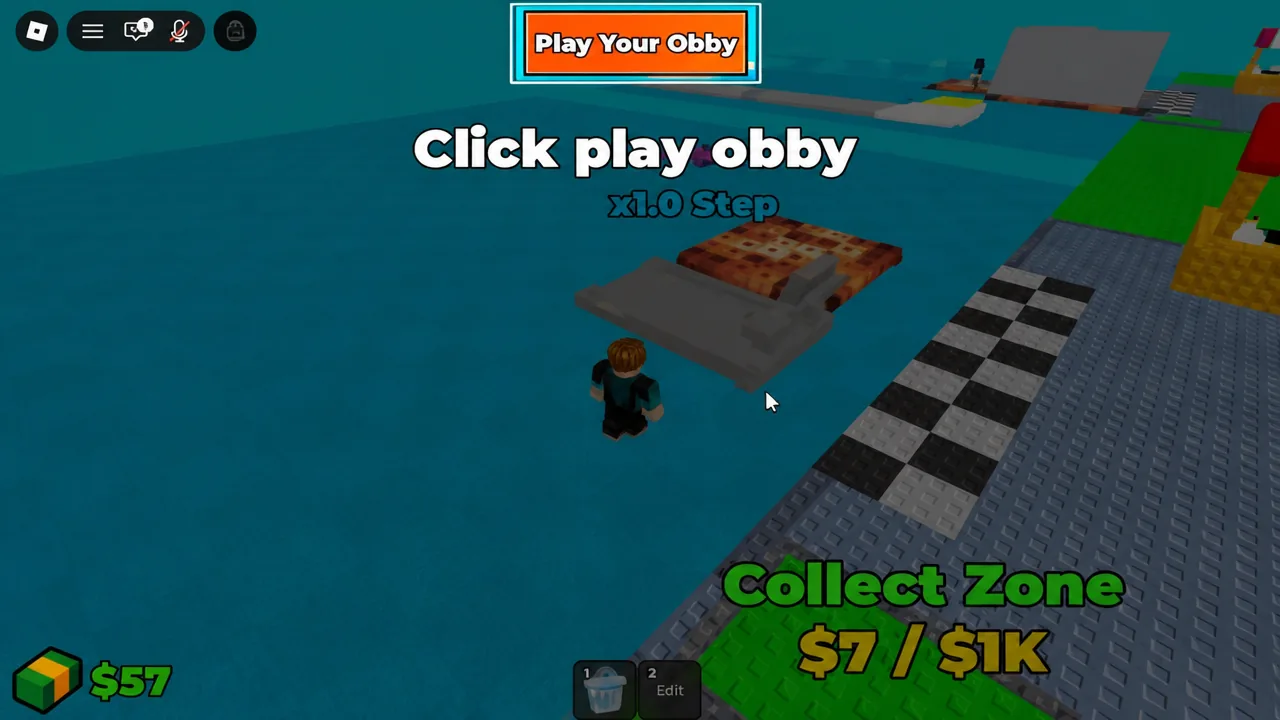
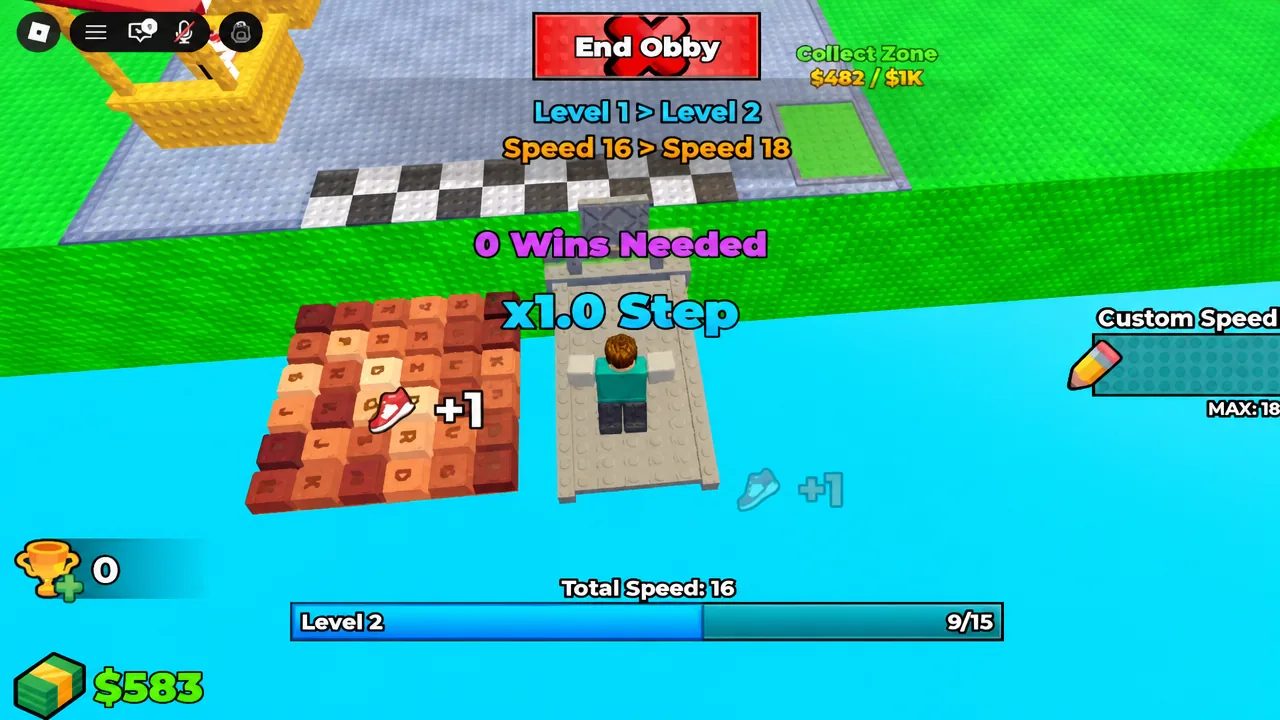
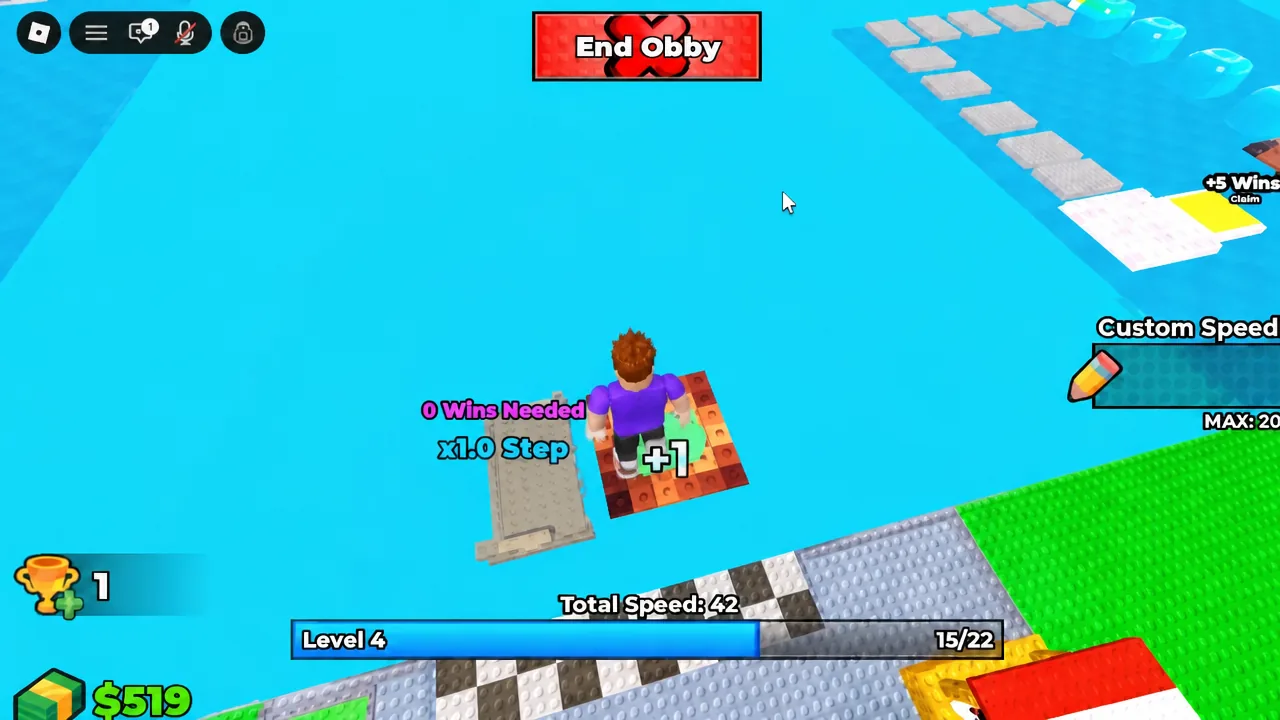
Quick answer: Buy the x1 Treadmill ($100) and Chocolate Keyboard ($35) from the ASMR Shop, equip and place both on your grid, grab your cash at the Collect Zone, then hit “Play Your Obby” and run across everything you placed to gain speed and level up.
How the build-and-run loop works
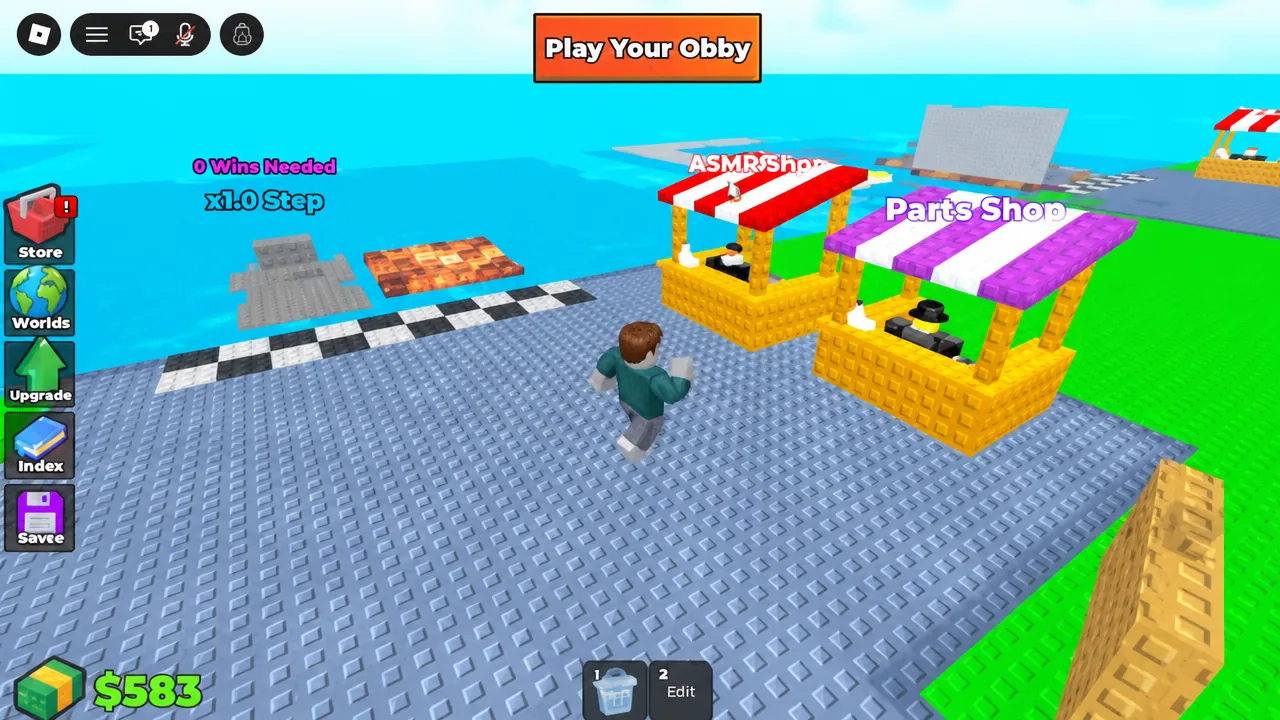
The game runs on a four-beat cycle that never really changes. You purchase parts, place them on your plot, play your obby to convert those parts into speed and levels, then collect the cash that has piled up at the Collect Zone. More parts on the ground means a longer run, and a longer run means more speed and more earnings on the next pass.
Two shops feed that loop. The ASMR Shop sells the themed step objects — keyboards, a treadmill, a Needoh — while the Parts Shop sells the plain geometry you use to connect everything together and stretch the course out. You will bounce between the two constantly, since floors are cheap and the flashier ASMR items carry the higher price tags.
Shop prices for obby parts
Prices are fixed per item, so you can plan purchases around what the Collect Zone has banked for you. The Small Floor is the cheapest thing you can buy and the most useful early, because it gives the ASMR items somewhere to sit.
| Shop | Item | Price |
|---|---|---|
| ASMR Shop | Chocolate Keyboard | $35 |
| ASMR Shop | x1 Treadmill | $100 |
| ASMR Shop | Needoh | $150 |
| ASMR Shop | Candy Keyboard | $1K |
| Parts Shop | Small Floor | $25 |
| Parts Shop | Platform | $55 |
| Parts Shop | Cylinder | $70 |
Placement controls for the building grid
Once an item is equipped, a preview follows your cursor over the grid. These keys handle everything you need to line a part up before you commit it.
| Action | Key |
|---|---|
| Place | C |
| Rotate | R |
| Tilt | T |
| Move up | Q |
| Move down | E |
Tip: use Q and E to stack parts at different heights rather than laying everything flat. A course with elevation gives you more surface to run across in the same amount of plot space.
Your first run, from spawn to first payout
How to confirm the tutorial is finished
After your first run, buy the Needoh ($150) from the ASMR Shop and place it to widen the course. Then collect again, visit the Parts Shop, pick up a Small Floor ($25), and place it. Once that last part lands, the game confirms with “Tutorial complete! Keep building your +1 obby!”
Two other on-screen readouts tell you the loop is functioning. The Collect Zone counter should be moving upward between runs, and the Total Speed value should be higher at the end of a run than it was at the start. If speed is not climbing, you probably ran past your parts instead of over them — the course only counts what you actually step on.
From there it is repetition with bigger numbers. Cheap floors from the Parts Shop extend the path, ASMR items add the step objects worth running on, and the Candy Keyboard at $1K sits as the first real savings goal once your plot is producing steady cash. Keep the run continuous, keep placing, and the levels take care of themselves.