Build A Basketball Team rewards players who cycle through card draws smartly, and codes are the fastest way to stack up extra Rerolls and Refreshes without grinding for them. Below is every code currently redeemable, along with the ones that have already expired.
Working Build A Basketball Team codes
Enter these exactly as shown, since the redemption box is case-sensitive.
surprise— Grants 25 Rerolls and 15 Refreshes NEWwhoops— Grants 50 Rerolls and 15 Refreshes NEW600k— Grants 50 Rerolls and 15 Refreshesthx— Grants 20 Rerolls and 10 RefreshesUpdate— 10 rerolls and 15 refreshes
How to redeem codes in Build A Basketball Team
Expired Build A Basketball Team codes
These no longer redeem, so skip typing them in.
300ktuff— Previously gave 15 Rerolls and 10 RefreshesUpdate3— Previously gave 10 Rerolls and 15 Refreshes
Where new codes get announced
New codes tend to land alongside game updates and community milestones like visit or favorite counts. The developer posts announcements on the official Discord server and on the Bloxive Studios Roblox community page, so those are the best places to catch a fresh drop early.
What Rerolls and Refreshes do
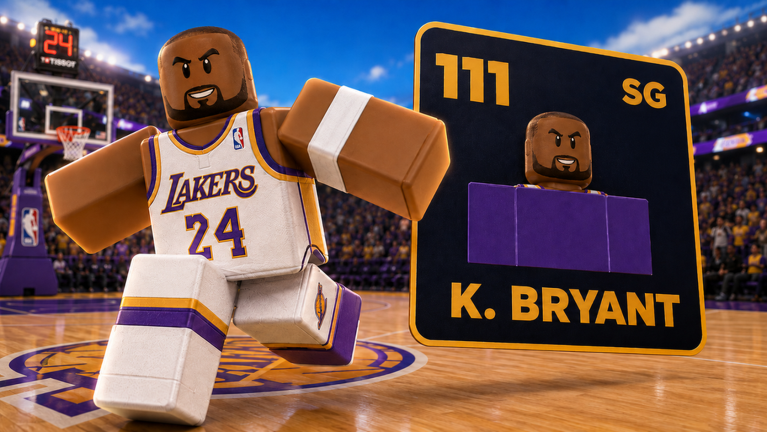
Build A Basketball Team is a card-collecting Roblox experience where the goal is assembling the highest-rated roster from players across different teams and eras. Rerolls let you cycle through a new set of player options during a draft, while Refreshes reset your available picks, giving you another shot at pulling a stronger card without spending in-game resources. Stacking free Rerolls and Refreshes from codes means more chances to land star players and fine-tune roster chemistry before locking in a lineup.