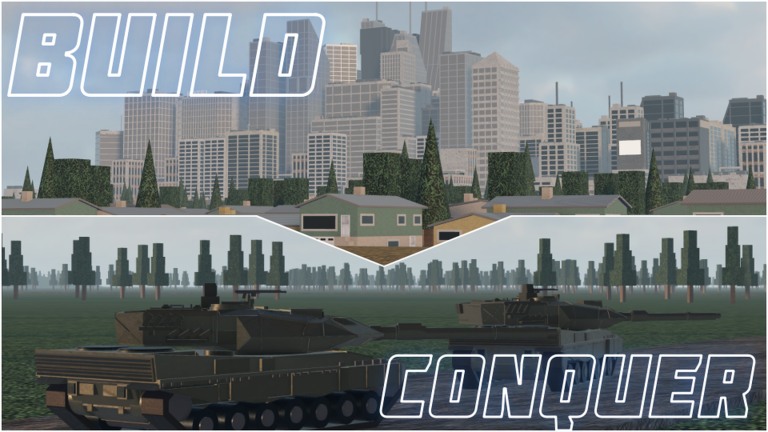
Build and Conquer drops you onto an empty plot with a fixed budget and asks you to turn it into a working nation. The opening minutes decide how fast your economy stabilizes, because every building needs a road, power, and water before anyone will move in or go to work. Here is how to found your country, wire up the basics, and reach the point where money arrives on its own.
Quick answer: Name your country and create the plot, lay a road, place the free water tower and wind turbine, then add houses and a shop within 4 studs of that road. Money pays out every 30 seconds once residents move in.
What every new nation starts with
You begin on an allocated plot marked by a cyan border, with $2,500 in starting funds. A plot notification confirms your slot, such as “Plot 2 Of 8”. That starting cash has to cover your first roads, housing, and commerce, so spend it in order rather than all at once.
Two utility buildings are handed to you for free. The first water tower and the first wind turbine cost nothing, and placing them early removes the main reason buildings refuse to activate. Your first barracks and your first research office are free as well, so you never have to pay full price to unlock those systems.
There are no redemption codes for Build and Conquer. The Slop Company has not released any yet, and a code box appearing in your session does not mean one has been issued. Any code claiming to work in this experience is coming from a different, similarly named game. Watch the official Roblox game page and community for the first batch rather than trying strings from elsewhere.
Found your country and lay the first road
Open the country creation menu, type a country name into the field, and pick a flag. Click Create Country to claim your plot.

In the hammer-icon construction menu, choose the Roads tab. Draw a section of standard two-lane road to act as the backbone for connections to your first buildings.
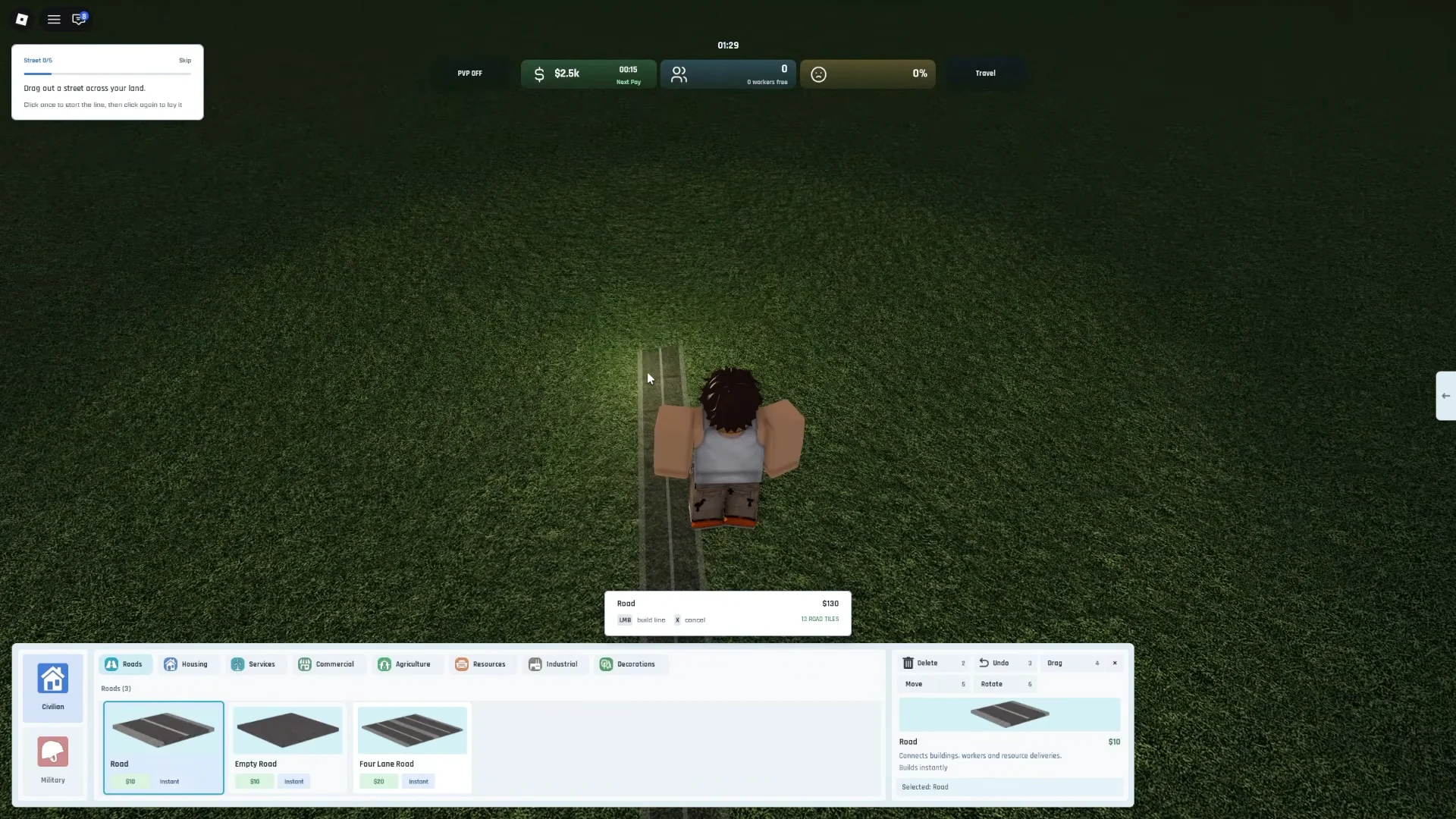
Standard road costs $10 per unit, while empty dirt road is free. Rough out your grid with dirt road when you just need placement space, and save paid road for the lanes that carry traffic.
Leave room to grow. A parallel grid with U-turns gives you structured blocks for extra rows of houses and shops later, and avoids expensive teardowns when you expand.
Connect power and water
Under the Services tab, place your free water tower and your free wind turbine next to the road. Water and energy only reach a building through a direct connection, so position them close to where your houses and shops will stand. Wind or solar energy cannot pass through water buildings, so keep those networks separate.
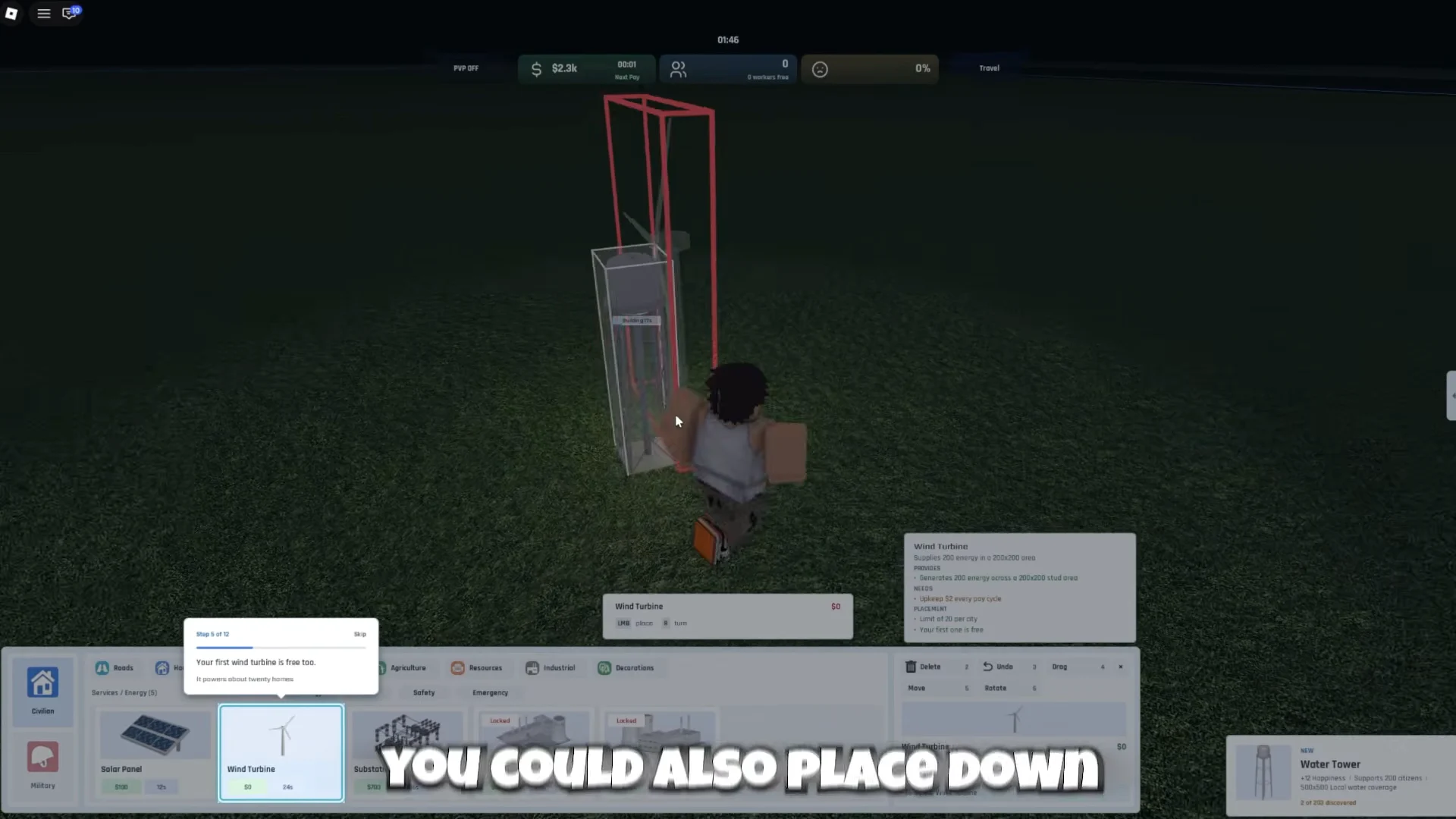
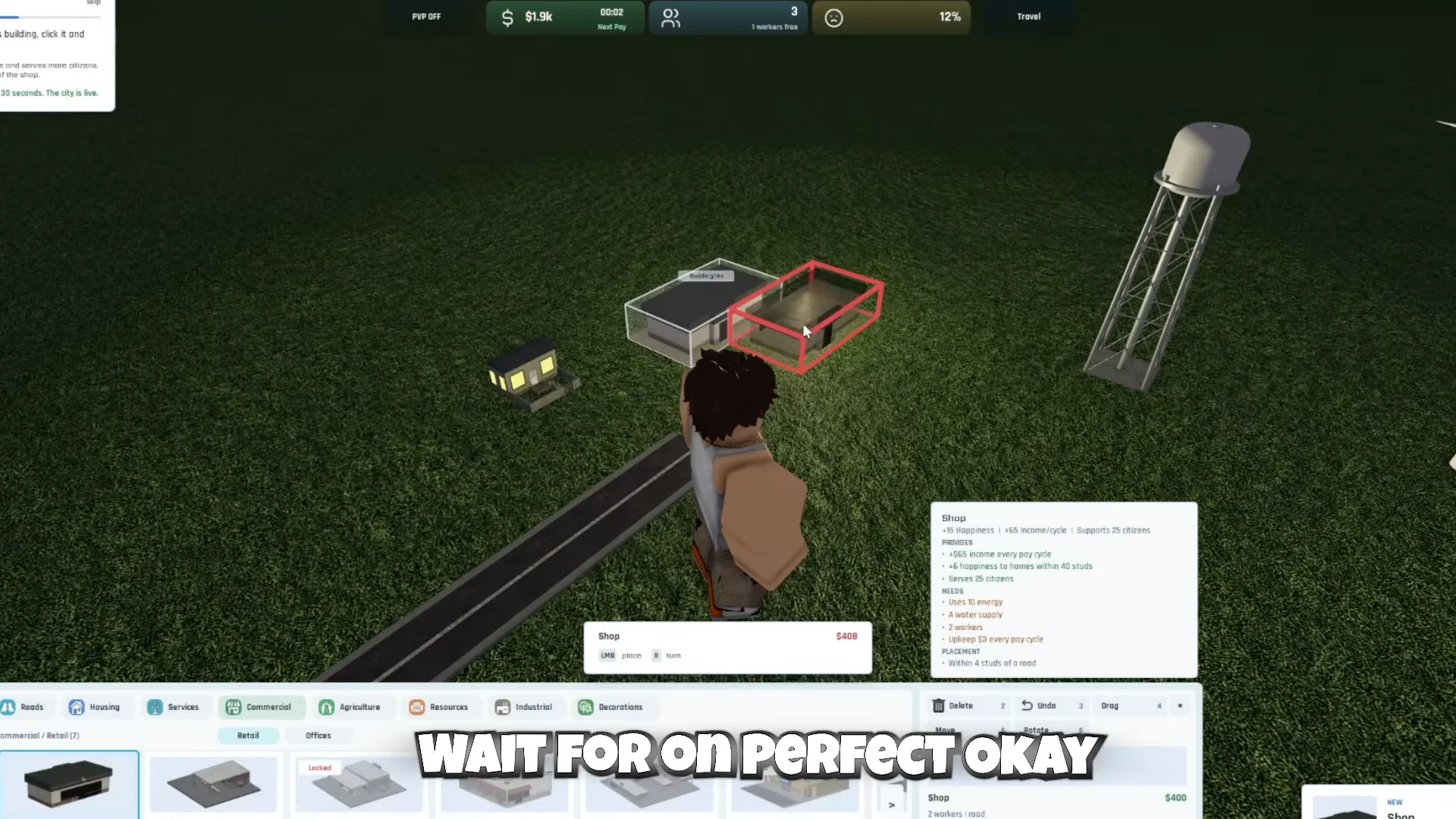
Every building ghost shows a colored outline while you place it. A green box means the spot is valid; a red box means something is wrong, usually that the building is not within 4 studs of an active road, or that it lacks energy, water, or available workers. Clear the red before you confirm.
Add housing, a shop, and your first income
A free barracks under the Military tab unlocks troop recruitment, but it is an upkeep cost with no early payoff, so place it and move on. Keep your spending on housing and commerce until income is steady.
Reach 15 available workers for the research office
The Small Research Office needs 15 available workers before it will place. Try it too early and you get a “Not enough available workers” warning. The fix is more population, which means more housing connected to road, power, and water.
Single-family houses add population slowly, so lean on denser housing to close the gap fast. A Middle Class Apartment adds +18 residents in one placement, compared with +3 from a basic Residential House. Lay down a row of houses or drop an apartment, then try the research office again.
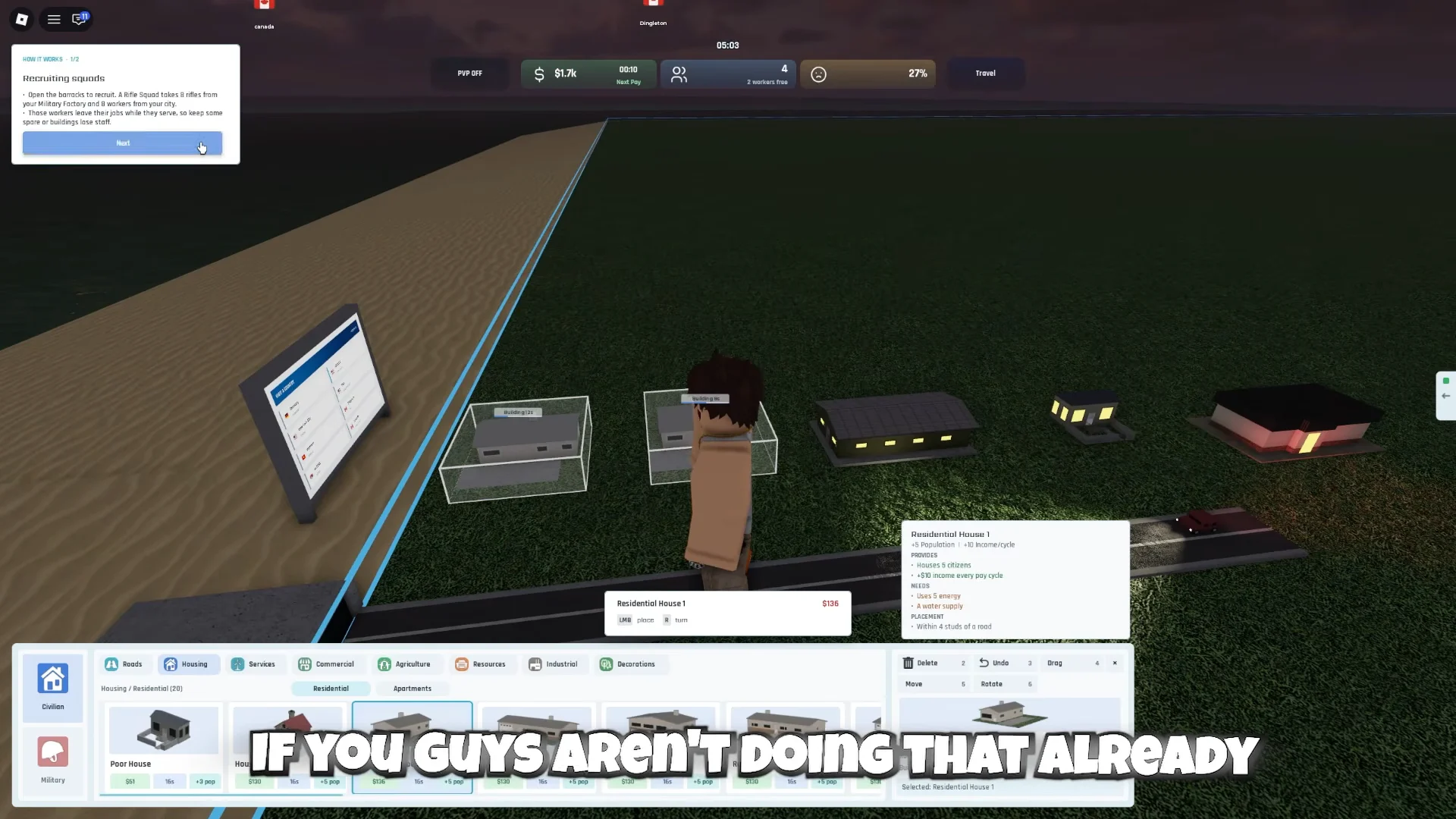
New population only helps when there are jobs, utilities, and happiness to support it. Mass-building housing with nowhere to work drops happiness and raises support costs, which cuts into the income you are trying to grow.
Starter building costs and effects
These are the buildings you place in the first hour. All of them must sit within 4 studs of a road and have their energy and water needs met, or they stay inactive.
| Building | Price | Effect | Needs |
|---|---|---|---|
| Residential House 1 | $100 | +3 residents, +$20/cycle | 1 energy, 1 water |
| Middle Class Apartment 1/4 | $450 | +18 residents, +$130/cycle | 5 energy, 4 water |
| Shop | $300 | 2 jobs, supports 20, +$65/cycle | 2 energy, 2 water |
| Small Gas Station | $350 | 2 jobs, supports 20, +$65/cycle | 2 energy, 2 water |
| Small Research Office | $400 | 15 research jobs, $10 upkeep | 10 energy, 8 water |
| Farm Field | $100 | 1 job, +1 food/cycle | Next to a Farm Field/Wheat Farm |
| Barracks | $1,000 | 1 job, trains Rifle Recruits | 2 energy, 2 water |
The Shop gives +2 happiness to homes within 40 studs but -2 to homes within 20 studs, so set commerce a short distance from your bedrooms. Farm Fields must be placed next to another Farm Field or a Wheat Farm, and spare food can be sold for extra profit.
How money pays out
Net income arrives once every 30 seconds. The Finances window lists shop revenue, resident tax, and worker productivity as income, with upkeep and utility funding deducted as expenses. A healthy early city earns a positive net profit after these costs.
For steady cash, build in the order that keeps costs below output. Housing and roads create workers, farms and utilities keep buildings running, then stores and factories multiply income. Over-expanding housing before jobs exist is the most common reason a balance drains instead of grows.
- Keep a cash reserve for repairs and utility shortfalls instead of spending every coin.
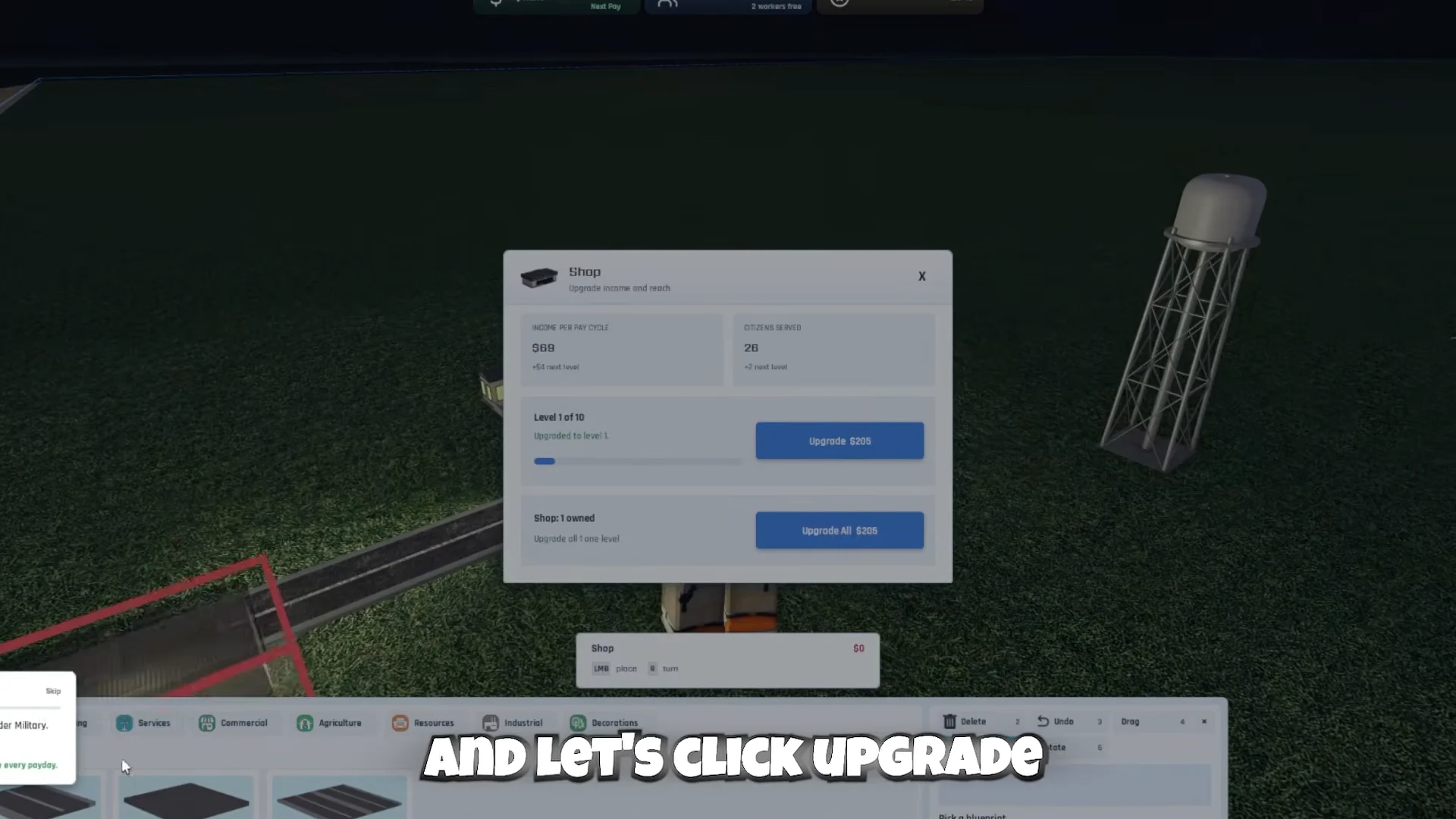
- Upgrade existing shops and gas stations to raise income per cycle without new upkeep.
- Expand power and water ahead of each construction wave, not after it.
- Delay heavy military spending until civilian income is dependable.
Place the research office and start the M16
Once you have 15 available workers, place the Small Research Office from the Research tab. It draws 10 energy and 8 water and carries a $10 upkeep per cycle, so confirm your utilities have spare capacity first.
Click the office to open its research tree, labeled SLOPARMS. Only one project runs at a time, and each needs funding to progress. Select the M16 under Infantry, Rank I, and click Start Research. It takes 5 minutes with funding up to $1,000, and clearing it opens later weapons like the Bloated M16, TRG-21 Interceptor, and Minimi, which are then built in a Military Factory.
How to confirm your city is running
You know the setup worked when placed buildings show a green outline and switch from a construction state to active, and when a citizen moves into your first house. Open the Finances window and check that net profit is positive after upkeep and utility funding. If the M16 is researching, its progress bar advances toward the 5-minute mark on its own. With residents housed, shops staffed, and research ticking, your nation is stable enough to expand into more housing, commerce, and eventually military production.