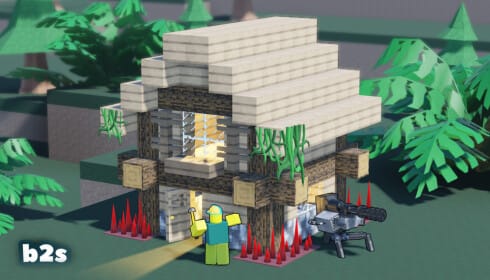
Build Defense drops you into a fortified base under siege from zombies, spiders, and other threats, and surviving each wave depends on how fast you can stack up resources. Promo codes hand out coins, power-ups, and building materials that speed up that process without extra grinding.
Working Build Defense codes
These codes are confirmed to work right now. Redeem them soon since Build Defense codes typically run for a limited time before the developer swaps them out.
4th— 1 free Building Blockswift— 1 God Apple and a Toxic Venom firework
How to redeem Build Defense codes
Code redemption in Build Defense happens through the in-game store rather than a settings menu, so the steps are a bit different from most other Roblox titles.
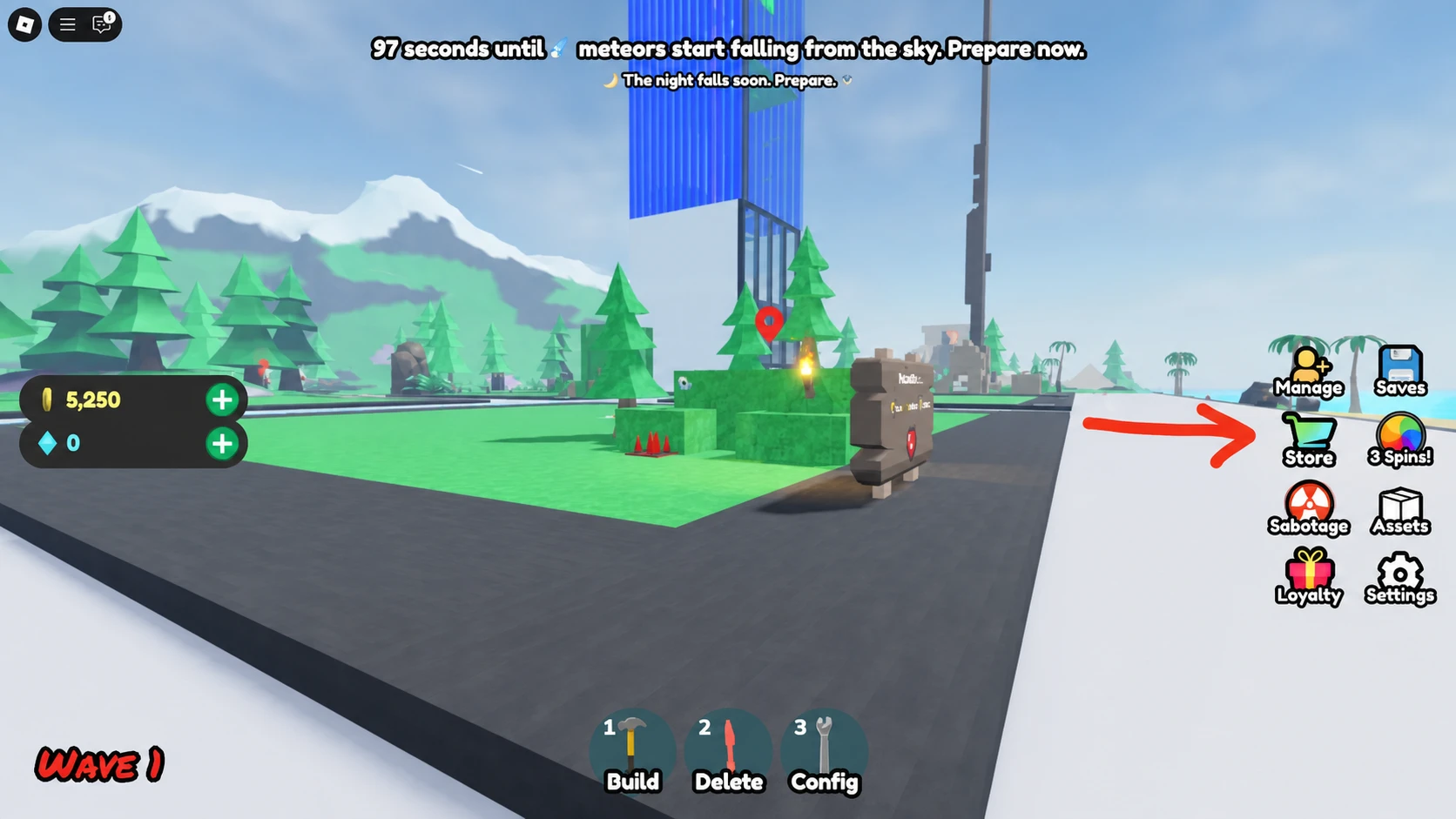
A successful redemption shows the reward landing directly in your inventory or currency total. If nothing changes after pressing Redeem, double-check the spelling and capitalization before trying again.
Expired Build Defense codes
These codes no longer produce rewards but are listed for reference.
Where new Build Defense codes get announced
The developer behind Build Defense, swiftplay!, shares new codes alongside game updates on its official X account. The Build Defense Discord server is another reliable spot to catch codes as soon as they go live, and joining the swiftplay! Roblox group gets you announcements about updates, events, and code drops as well.
Codes tend to accompany milestones like follower counts, big updates, or seasonal events, so checking these channels around those moments gives you the best shot at grabbing a fresh code before it expires.