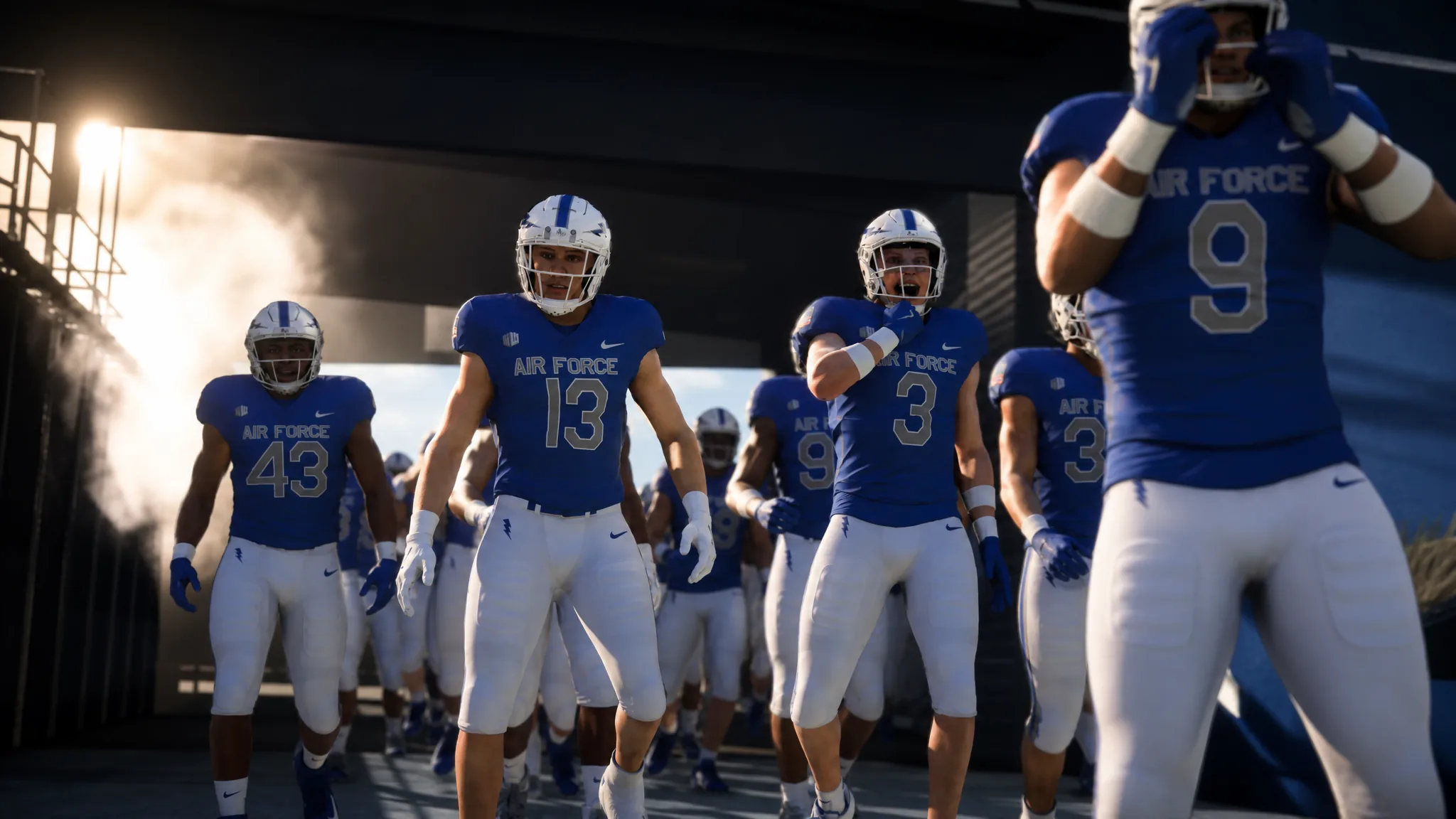
Team Builder is the web tool that lets you design a College Football 27 program from scratch and then drop it straight into your game. You can rebuild your favorite real school, revive a throwback squad, or invent a fully fictional university, then use it in Play Now, Dynasty, and Road to Glory. Everything happens on a desktop website first, and the finished team gets imported through the game’s Download Center.
Quick answer: Open the Team Builder website on a Windows or macOS desktop browser, sign in with your EA Account, select Create, finish the Brand, Uniforms, Stadium, Program, and Roster tabs, then choose Save and Submit. The team then appears in the game’s Download Center.
What you need before you start
Team Builder does not run inside College Football 27 itself. It lives on a separate website, and you cannot use it while you are logged into the game at the same time. A few requirements decide whether it will work for you at all.
| Requirement | Detail |
|---|---|
| Device | Desktop browser on Windows or macOS. Phones, tablets, and Chromebooks are not supported. |
| Account | An EA Account and an active internet connection. |
| Platform login | You may also need an account on the console or service you play on. |
| Where content works | Play Now, Dynasty, and Road to Glory. Team Builder content is usable in offline Play Now and private Dynasty modes, though an internet connection and EA account are still required. |
| Other | Age restrictions may apply. |
The five tabs you customize
A team is split across five tabs. You can move between them freely, and each one controls a different part of how your program looks and plays.
| Tab | What you set |
|---|---|
| Brand | Logos, color palette, apparel brand, and fonts. |
| Uniform | Home and away kits, including helmet, jersey, and pants styles, textures, and colors. |
| Stadium & Field | Stadium name, capacity, crowd, atmosphere, structure, and game-day presentation. |
| Program | Team overview, per-player appearance and ratings, plus Offensive and Defensive Playbooks under Strategy. |
| Roster | Dealbreakers, ratings, abilities, appearances, hometowns, and names. |
How to build a team step by step
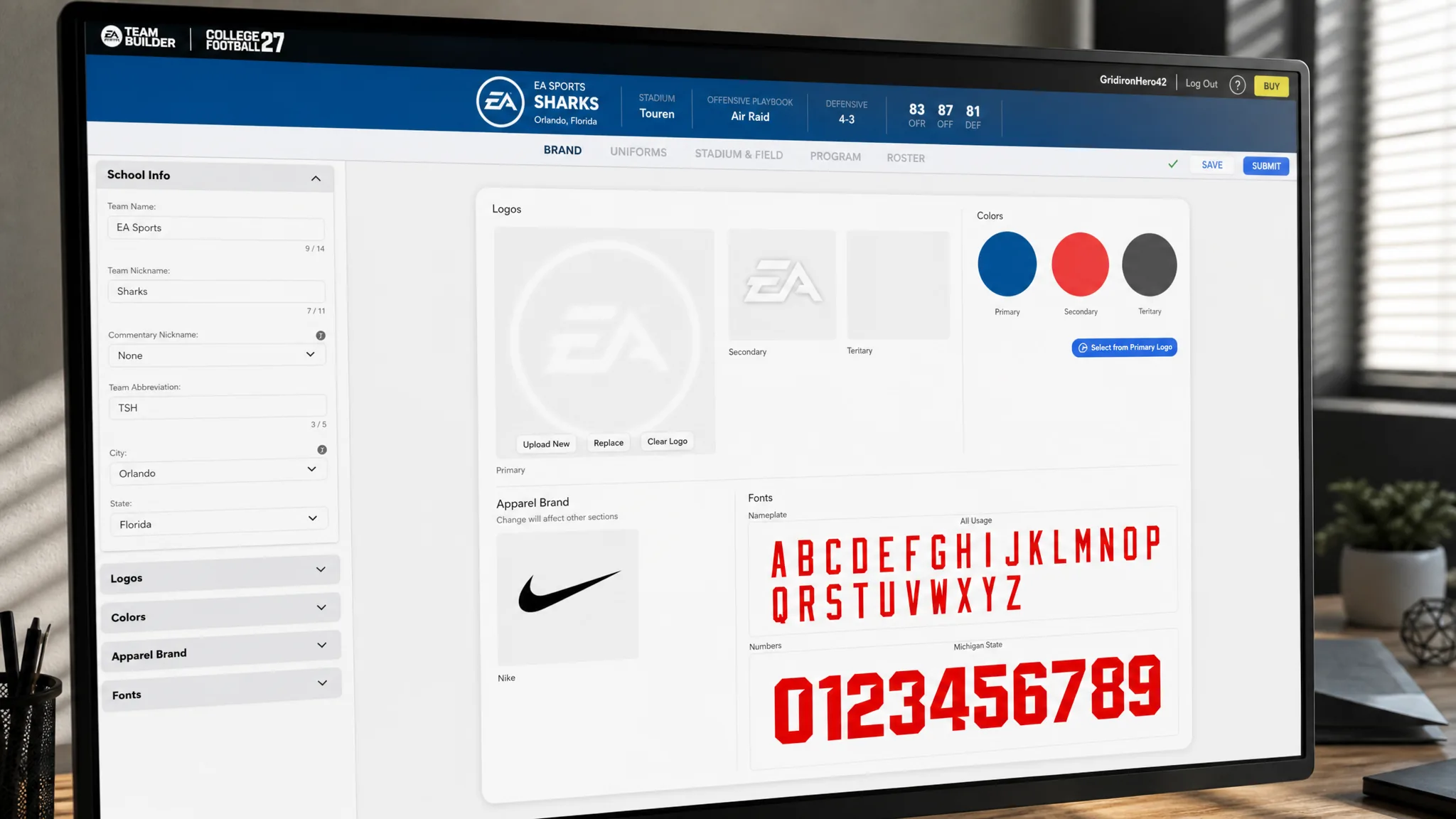
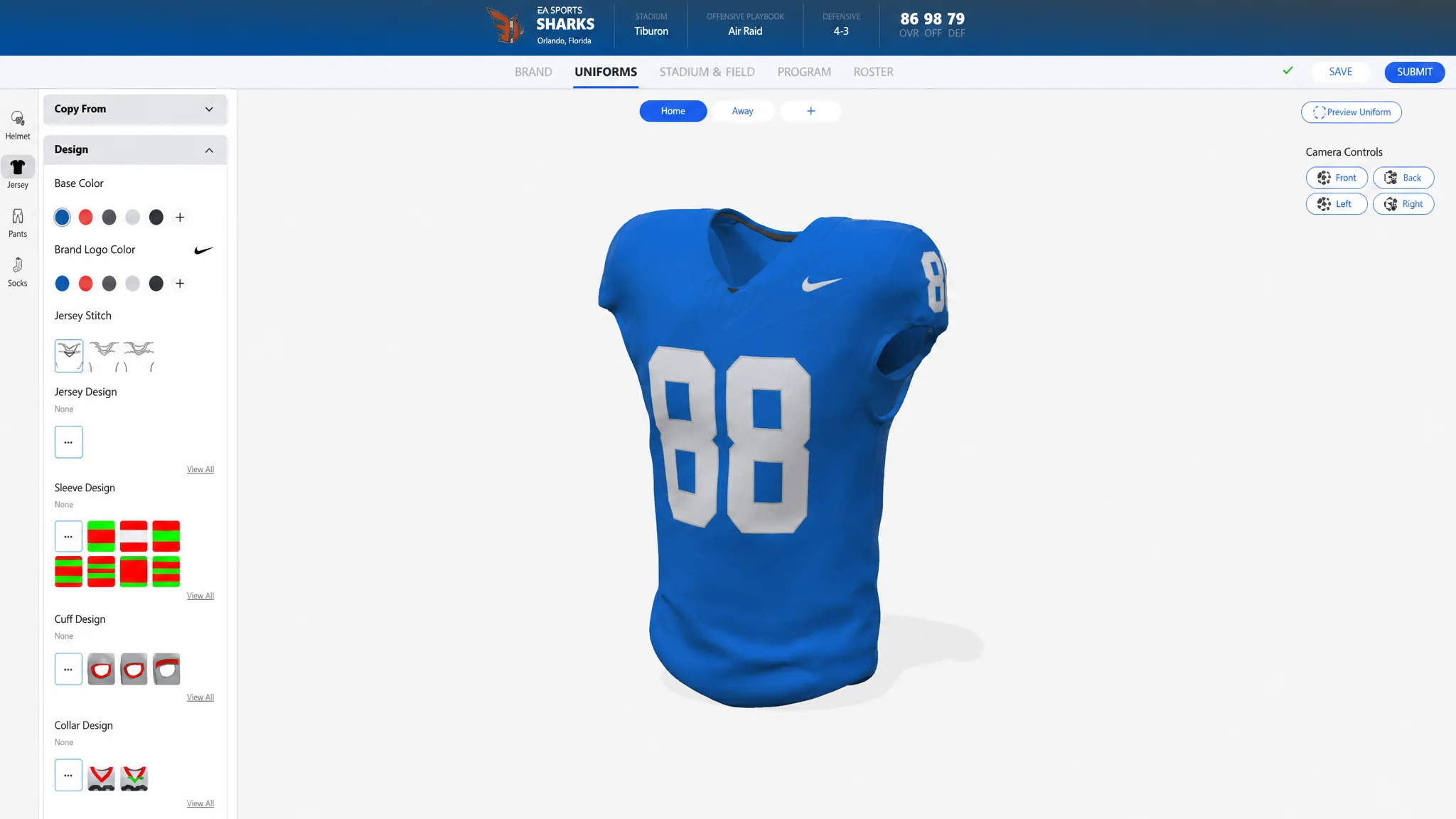
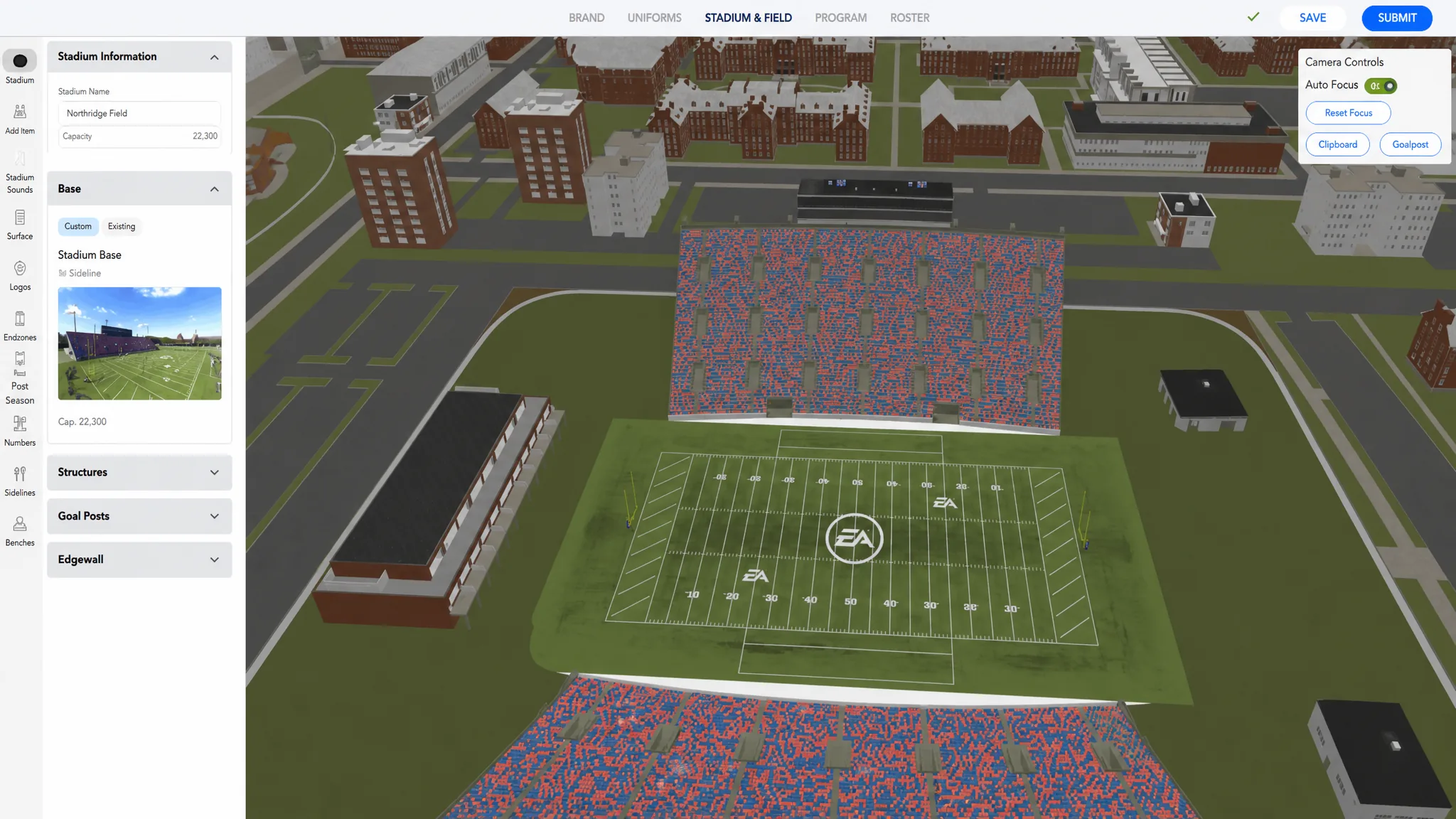
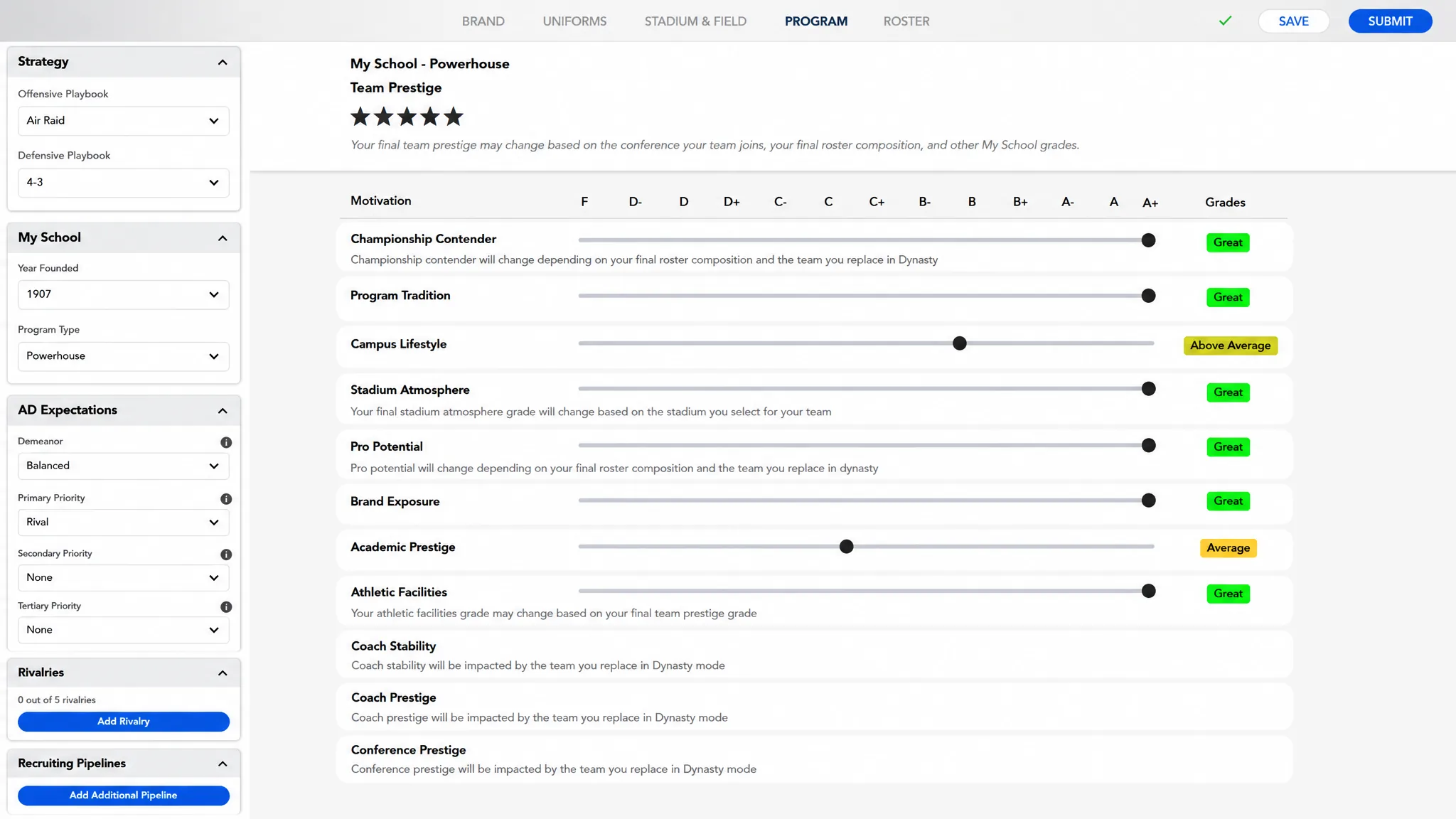
Getting your team into the game
Once you have saved and submitted a creation, open the Download Center inside College Football 27. Your own team shows up there ready to download, alongside teams shared by other players. Add them to a league, and you can run a Dynasty save with those custom schools included. You know the import worked when the team appears in the Download Center list and can be selected for your mode.
The expanded Stadium Builder
Dynasty players who use Team Builder get access to Stadium Builder, which has grown well past the simple options in earlier titles. When you set up your venue, you can pick an existing stadium, which covers real venues, the older generic stadiums, and a wider set of high school stadiums, or you can go Custom.
Custom starts from one of four base stadiums, ranging from large, higher-end designs down to smaller sites. That base choice matters, because the size and the base you select determine which options you can adjust afterward. From there you can add a backdrop, a large jumbotron, an end zone building, or an edge wall, and even change your goalposts and their color and padding. A live preview with adjustable camera angles shows each change as you make it.
Crowd and sound customization sit alongside the structure work. You can set base colors and color percentages, build stripe-out patterns like checkerboards or vertical and horizontal stripes, and combine conditions so your crowd changes for night games, Top 25 matchups, or the first conference game of the year. The gameday soundscape draws from more than 150 commentary nicknames, over 100 sound effects, 66 band rousers, 54 chants, 11 licensed PA tracks, 7 generic fight songs, and unique commentary for rivalry games.
New Team Builder features this year
Several additions change how a custom team behaves once it is in your game rather than just how it looks.
- You can set historical team records, including rushing, passing, and sack marks, so players have real numbers to chase during games.
- Your school’s region now drives weather and the dynamic time of day, so a Northeast program sees far more snow than a southern one.
- You can edit a team during the offseason. When prompted to update, the game imports your latest save from the website, so make every change you want before you choose to update.
- You can replace Road to Glory college teams with your created teams, letting you play through that mode as your own program.
Because you can refresh a team each offseason, a long Dynasty run supports gradual growth. You can start with a modest stadium and build toward a larger one over multiple seasons, updating the design between years as your program climbs. That turns Team Builder from a one-time cosmetic pass into an ongoing part of how your custom school evolves.