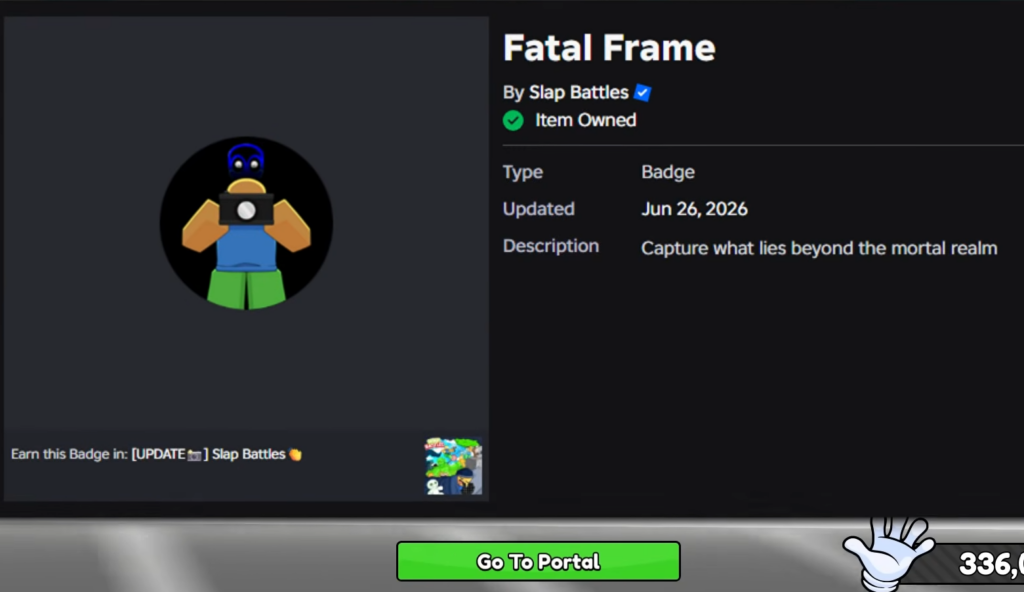
The Camera Glove is the centerpiece of a fresh Slap Battles update that leans into a simple idea: cameras that watch the arena can now shoot back. Instead of only spotting other players, the glove arms those cameras so they can fire lasers, turning surveillance into an offensive tool. It ties into the Fatal Frame badge, the marker tied to this addition.
Quick answer: Play Slap Battles during the Camera Glove update window (Fri, Jun 26, 4:00 PM through Fri, Jul 3, 4:00 PM) to access the new glove content and the Fatal Frame badge.
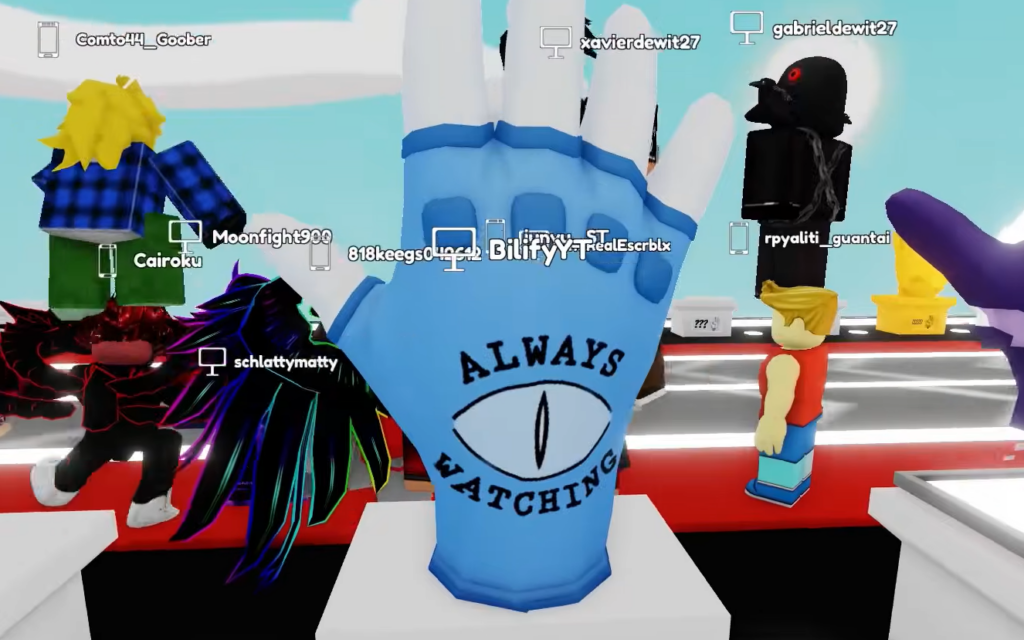
What the Camera Glove does in Slap Battles
The glove builds on the familiar camera concept by adding a weapon to it. Where a standard camera only lets you see players around the map, the Camera Glove gives those cameras a laser attack. The result is a tool that combines watching opponents with the ability to hit them from a distance.
This is the central hook of the update, and it sits alongside the Fatal Frame badge that the update introduces.
Camera Glove update window and details
| Detail | Information |
|---|---|
| Item | Camera Glove |
| Associated badge | Fatal Frame |
| Update window | Fri, Jun 26, 4:00 PM – Fri, Jul 3, 4:00 PM |
| Game | Slap Battles on Roblox |
The window above is when the Camera Glove update is active. Logging in and playing inside that period is the practical way to engage with the new content while it is live.
How to access the Camera Glove content
The update is time-limited. Once the window on July 3 closes, the live event period for this content ends, so taking part before then is the safest approach.
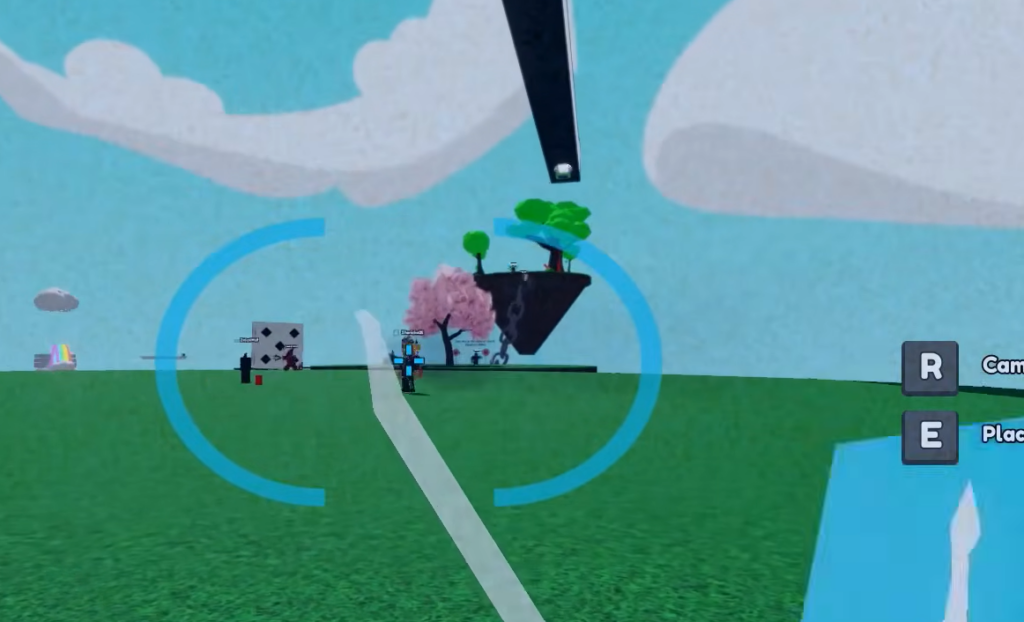
The Camera Glove keeps the camera identity that Slap Battles players already recognize, but the laser-firing twist changes how those cameras play. If you want it tied to your account, jump into the game while the update is running and watch for the Fatal Frame badge to confirm the unlock.