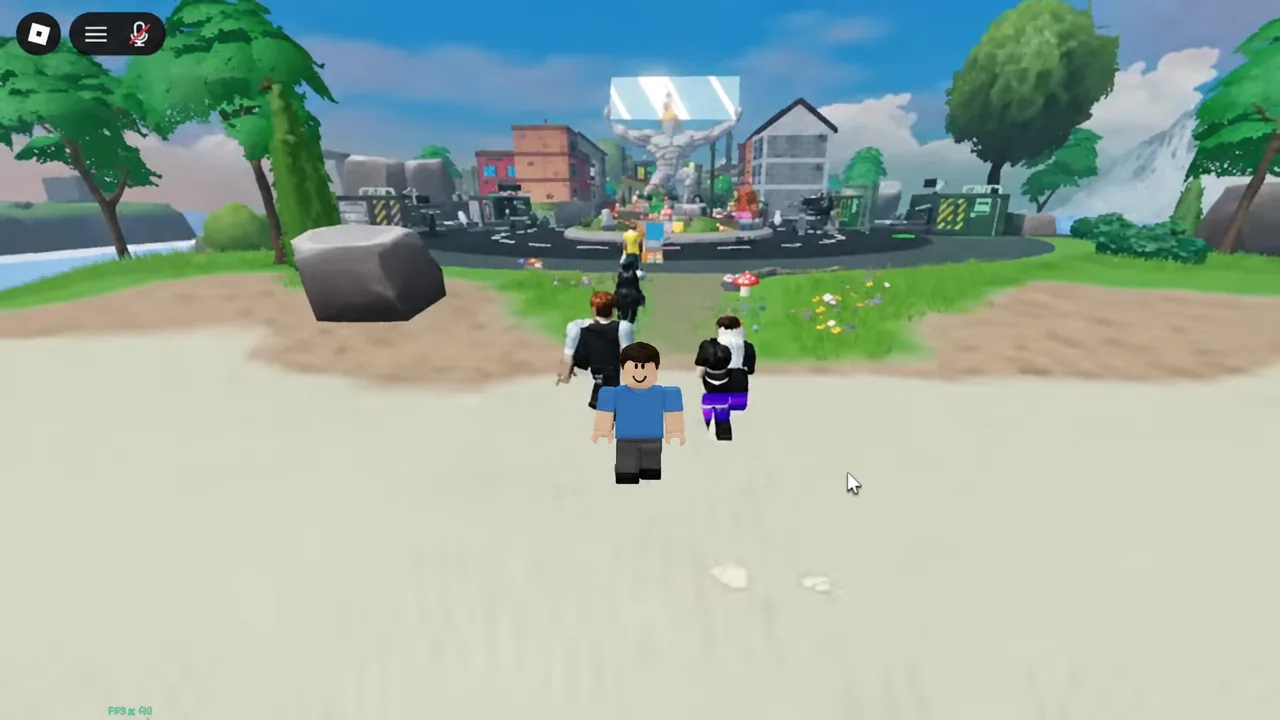
Two avatars, one long sheet of glass, and a construction site that wants to break it. Carry the Glass Together is a co-op obby from Ritronics Studios where neither player can finish anything alone, because the pane only exists while two people are holding it. The lobby branding sometimes reads Bring the Glass, which is the same experience under a slightly different name.
Quick answer: Stand on a glass generator conveyor in the lobby until the “Waiting for a partner” banner appears. When a second player joins, a five-second countdown spawns the pane between you.
Carry the Glass Together game details
| Detail | Value |
|---|---|
| Developer | Ritronics Studios (ritonton) |
| Genre | Obby & Platformer |
| Players needed | 2 |
| Price | Free |
| Platforms | PC, phone, tablet, console |
| Server size | 26 |
| Maturity | Minimal |
| Voice chat | Not supported |
| Status | Early beta, still updating |
The experience has passed 6.4 million visits and regularly sits above 6,000 concurrent players, so finding a lobby with spare bodies in it is rarely the problem. Controller support is live alongside keyboard and touch, and there is no in-game voice channel to lean on.
How to pair up at a glass generator
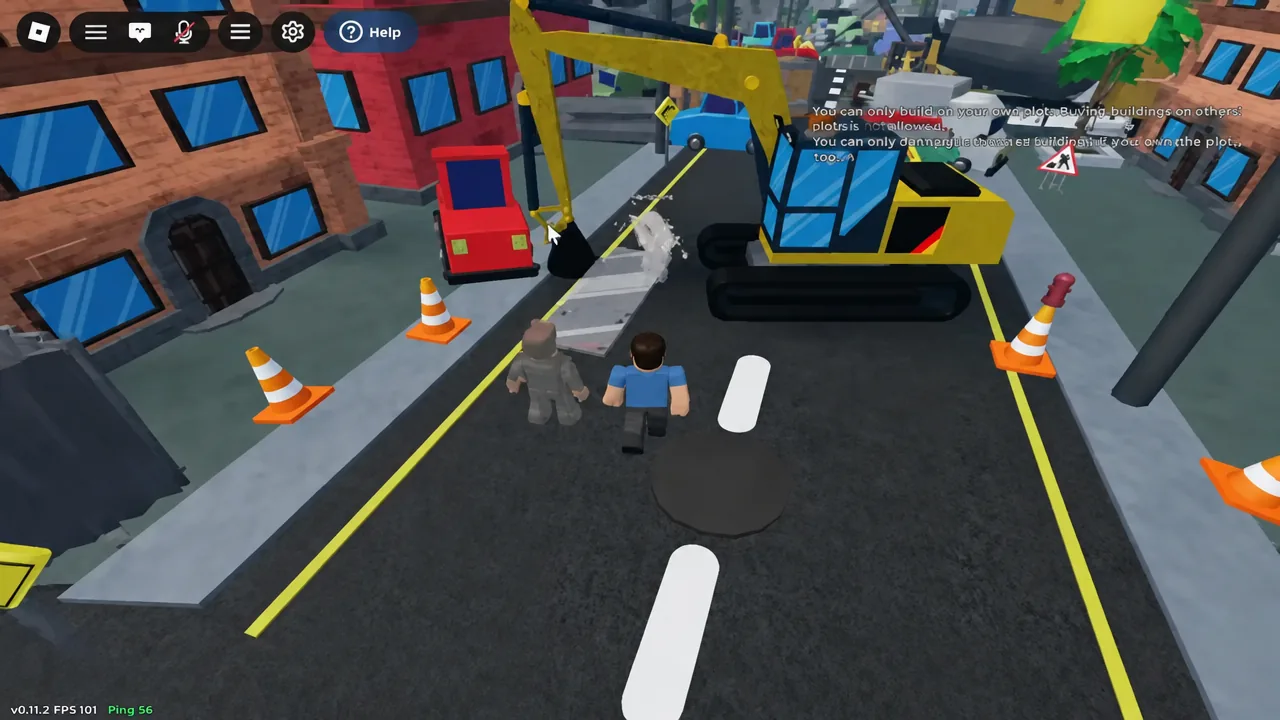
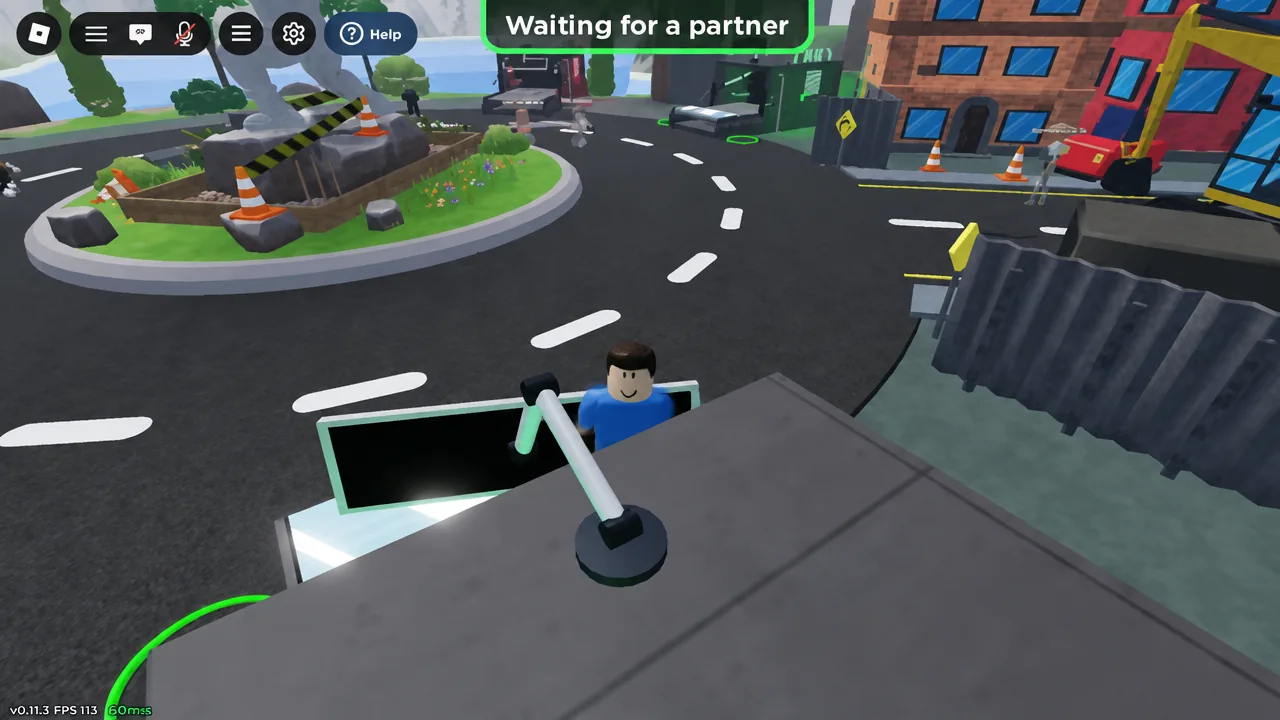
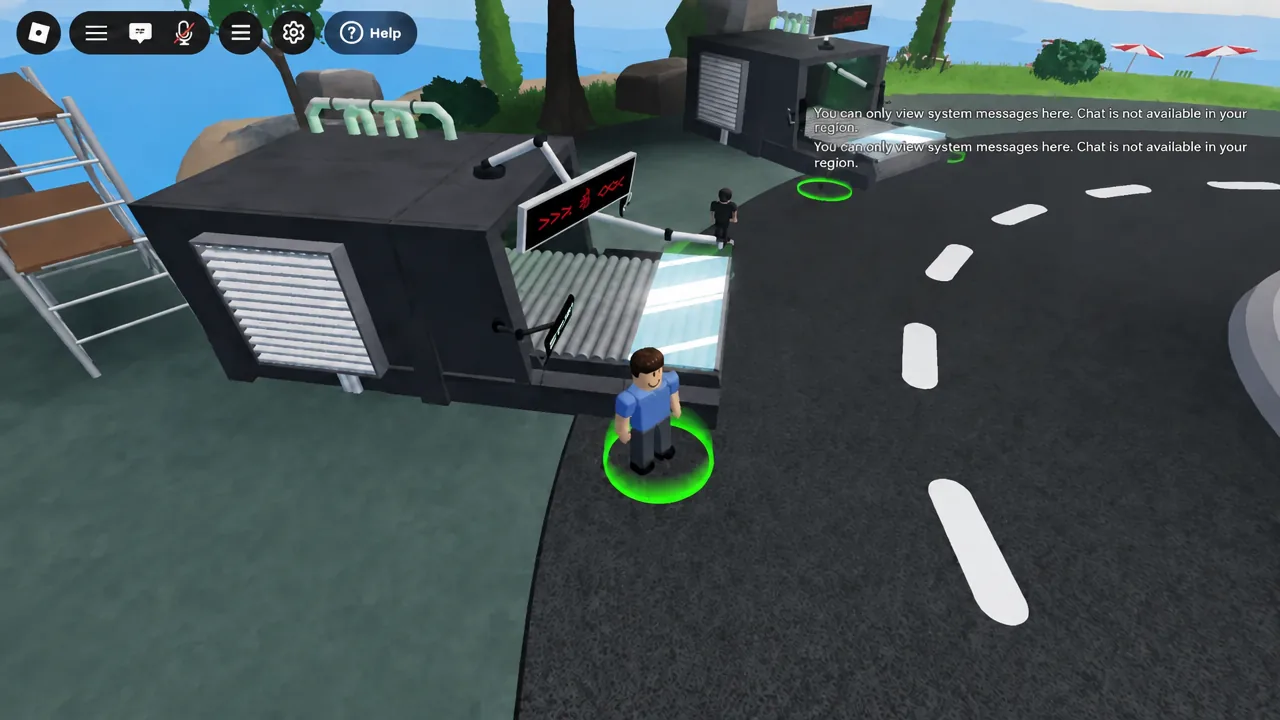
Text chat is restricted in some regions, and the lobby will tell you so with a system-only message. If that is your case, sort out who leads and who follows outside the game before you touch the pane.
Change the sprint setting before your first run
Open Settings from the main menu and check how sprint is bound. The default is Hold, and switching it to Toggle means you are not pinning a key or a thumb while also steering a shared physics object. On phone in particular, an accidental sprint is the fastest way to over-extend and snap the pane.
Movement is otherwise standard Roblox: walk, jump, and rotate the glass. The rotation input is surfaced in-game when you need it, so you do not have to memorise it in advance.
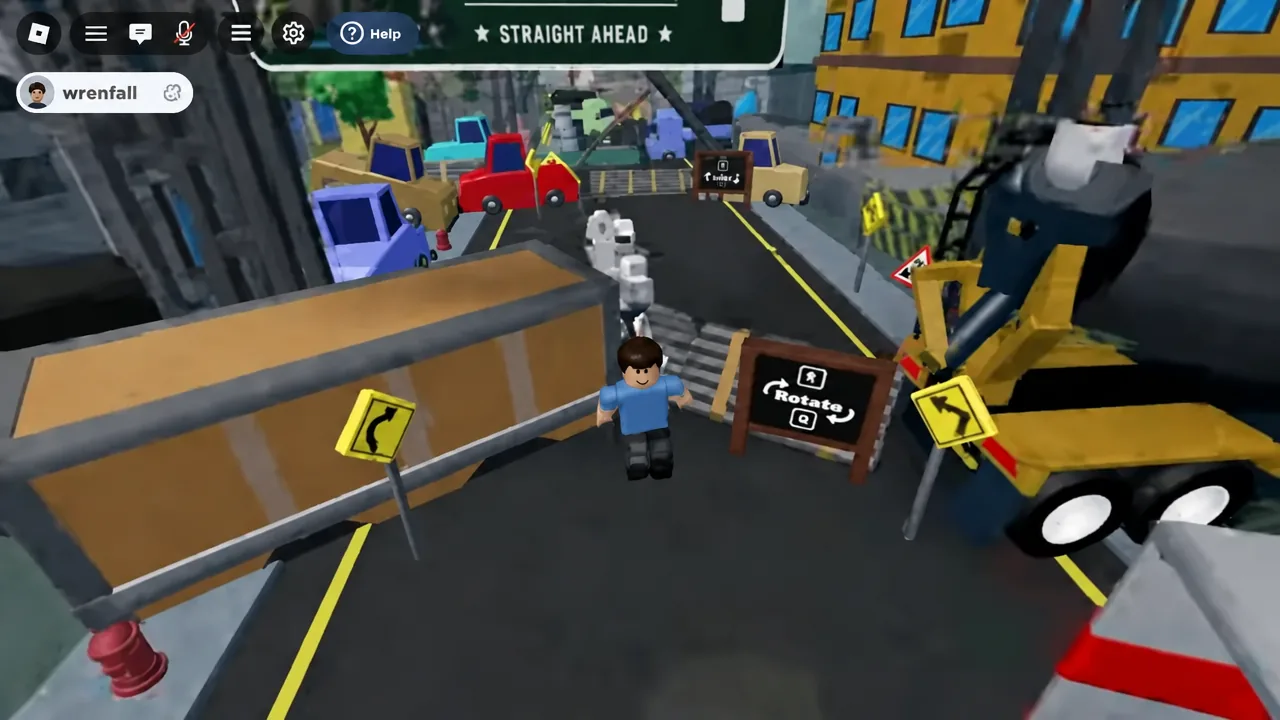
Reading the course signs: Rotate, Straight Ahead, Right Lane
The route is signposted like roadworks, and the signs are instructions rather than decoration. Rotate means the pane has to be turned before it fits through whatever is next. STRAIGHT AHEAD and RIGHT LANE tell you which side of the obstacle to commit to, which matters because the two of you cannot swap positions mid-gap without dragging the glass across something solid.
When a rotation prompt appears, it highlights the key you need on screen. Both players should stop moving first, rotate, then walk again. Turning while walking is where most duos clip the pane into a barrier.
What shatters the glass and how Rewind works
The pane is a shared physics object. It breaks on contact with world geometry, and the course is built out of things designed to make that happen.
- Moving vehicles on the street sections
- Swinging hammers over narrow walkways
- Construction barriers, cones, and striped beams
- Tight gaps taken without rotating first
- One player stretching too far from the other
When the glass hits something, it shatters immediately and a Rewind countdown takes over. You are put back at a previous safe point with a fresh pane rather than being sent to the start, which is what makes repeated attempts on a single obstacle practical instead of punishing.
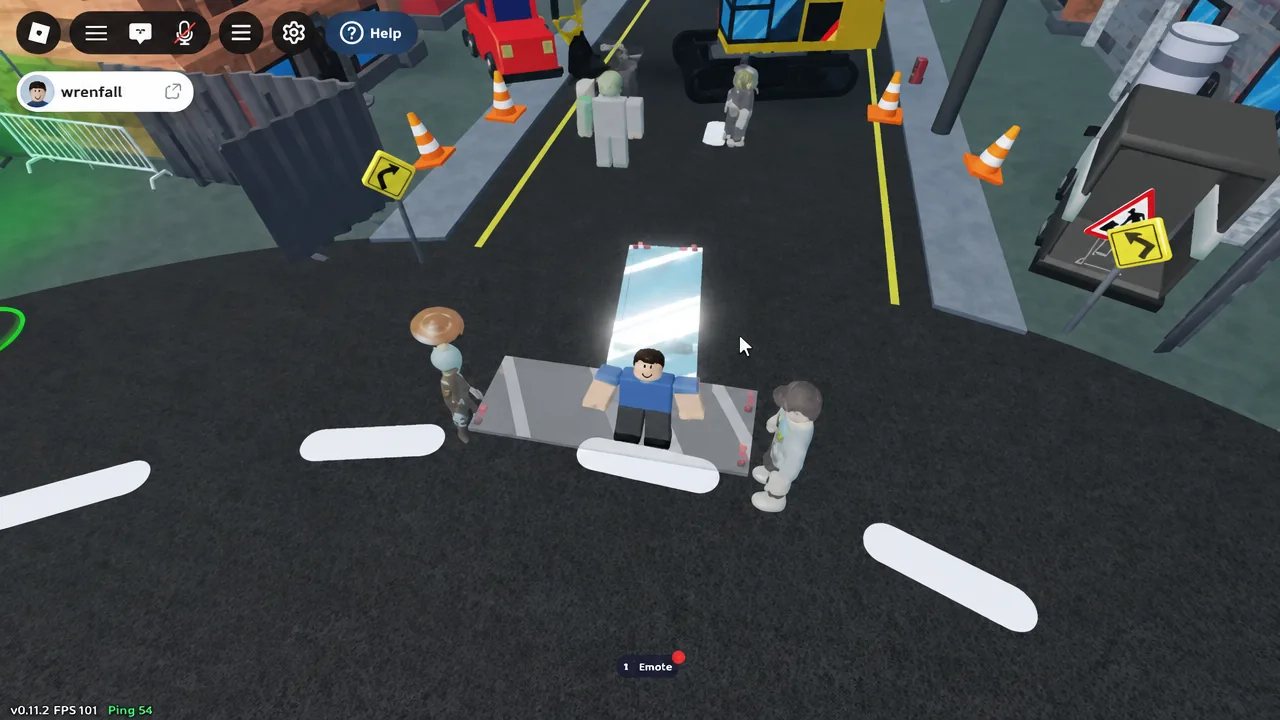
A Rewind restores your position, not your plan. After a reset you both have to pick the pane up again and face the same direction before anyone moves.
Checkpoints and confirming your progress saved
Checkpoints are built into the course so a shatter does not wipe the climb. The practical test is simple: walk both avatars fully onto the marked platform rather than clipping a corner, then let the next break confirm it. If a Rewind puts you back further than you expected, the checkpoint did not register and the previous one is still your resume point.
Favouriting the experience is worth doing before you climb, because it makes rejoining after a disconnect a single tap. If your partner drops out, the pane goes with them, and you need a second player again before the course will let you continue.
The game is an early beta from a solo developer, so expect the occasional odd camera angle or avatar clipping through the glass between patches. Updates and announcements go out through the Ritronics Studios group, which is also where new content gets flagged first.