Quick answer: Craft a Drill repair kit (INT 9: 2 Scrap panel, Nails, Chunk of plastic, Bundle of wires), right-click a Drill pod while carrying it, then hold S inside the pod for 5 seconds to drop 2 layers.
Drill pods in Casualties: Unknown are broken transport pods stuck in the ground on the early layers. Once you fix one, it drills you straight down two layers, which skips a lot of walking and digging. It also leaves your ears ringing, and the pod can’t be used again.
Drill pod: What it looks like and what it does
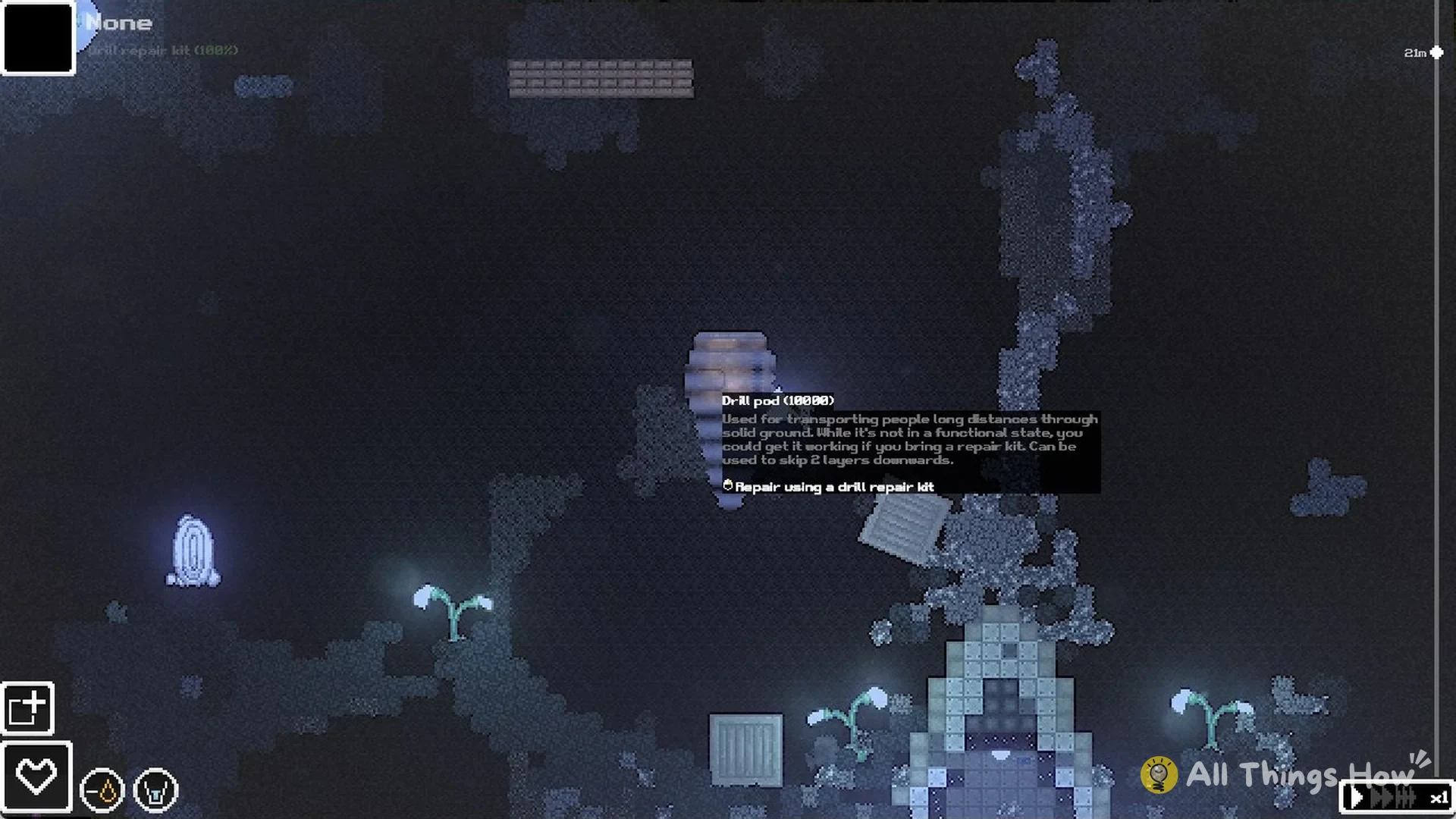
A Drill pod looks like a brown metal box with a hatch, set into the floor. Its drill bit points down into the ground underneath, so most of the pod is buried and you mainly see the top. In one run, a pod sat a short walk from the starting area on layer 1, at a depth of 21 m.
Put your cursor over an unrepaired pod and its tooltip shows the name “Drill pod” with this description:
“Used for transporting people long distances through solid ground. While it’s not in a functional state, you could get it working if you bring a repair kit. Can be used to skip 2 layers downwards.”
Under that, the prompt “Repair using a drill repair kit” shows next to the right mouse button icon. That prompt tells you the pod takes a kit and that right-click is how you use it.
Drill repair kit recipe (INT 9)
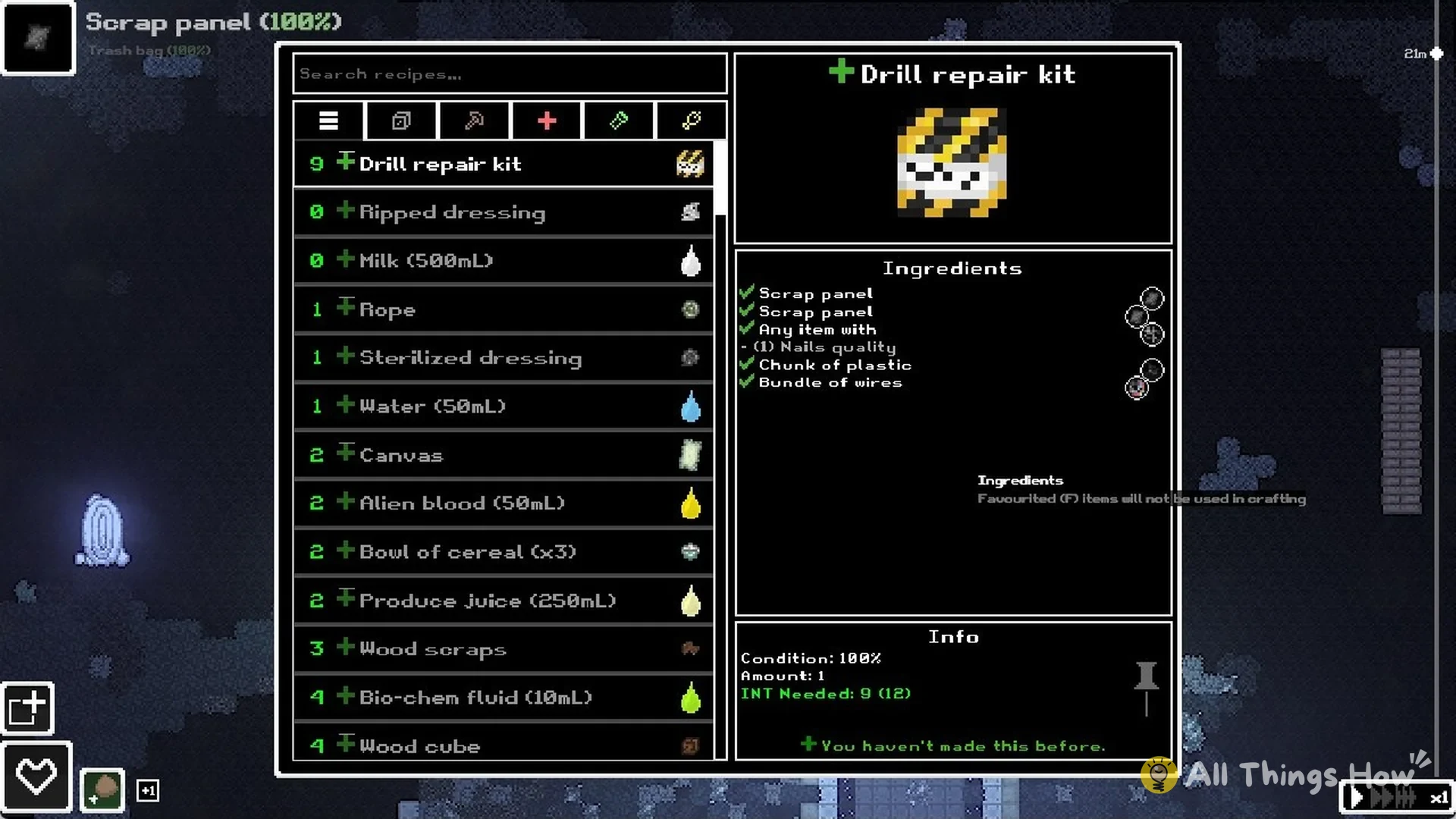
In the crafting menu, the Drill repair kit recipe says “INT Needed: 9”, so your character must have INT 9 to make one. The Casualties: Unknown crafting guide explains how INT works and lists every recipe. The menu lists these parts for the kit:
| Ingredient | Amount |
|---|---|
| Scrap panel | 2 |
| Any item with the Nails quality (Nails) | 1 |
| Chunk of plastic | 1 |
| Bundle of wires | 1 |
Each ingredient you have gets a green tick in the recipe. When all four rows are ticked, click the kit’s picture at the top of the details pane (“Create”) to craft it.
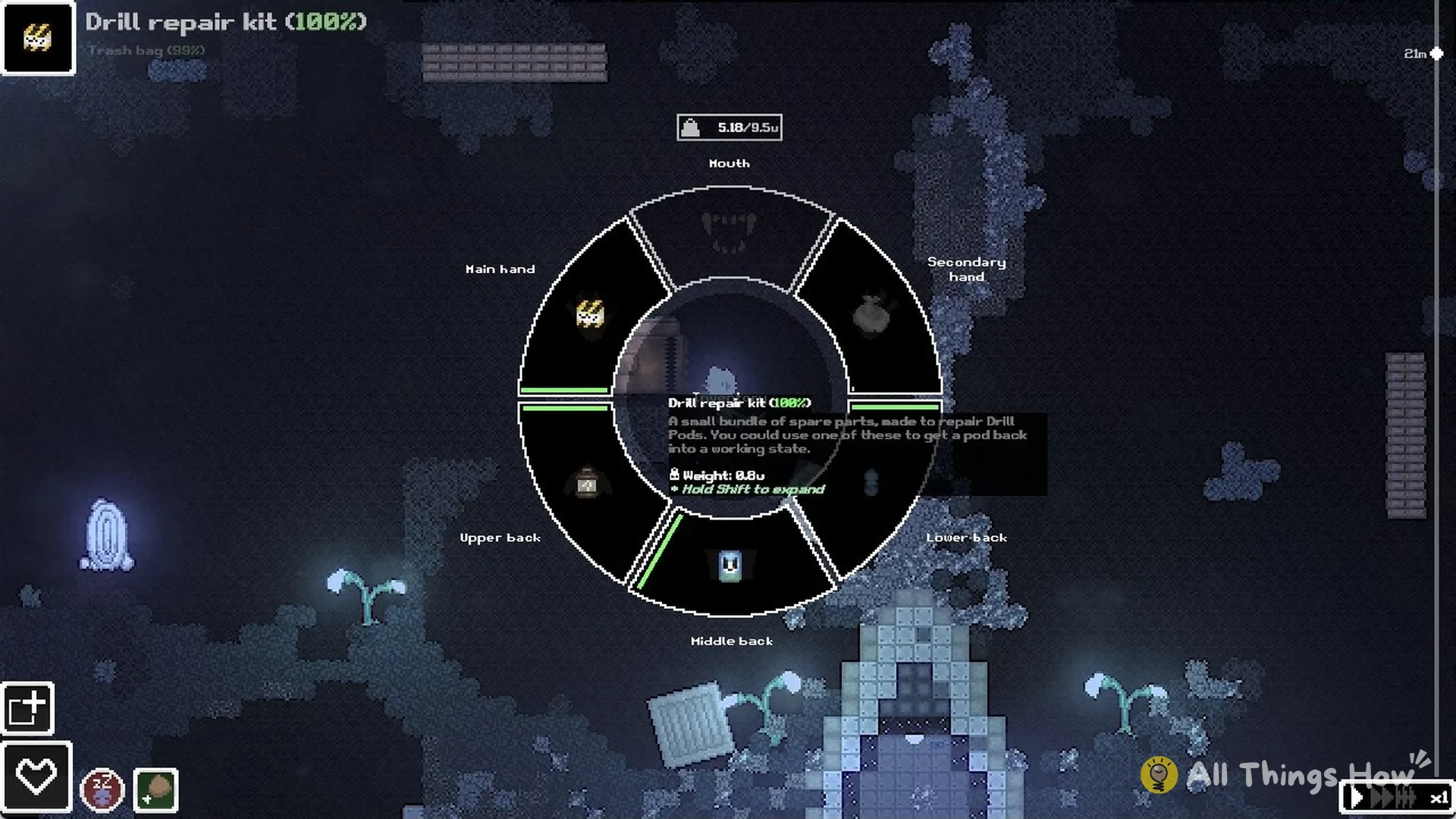
The finished kit weighs 0.8u. Its tooltip reads “Drill repair kit” with the line “A small bundle of spare parts, made to repair Drill Pods. You could use one of these to get a pod back into a working state.” The kit gets used up on the repair, so you need one per pod.
Repair the Drill pod and ride it down
Carry the Drill repair kit with you. Holding it in a hand works.
Head to the Drill pod and hover your cursor over it until you see “Repair using a drill repair kit”. Make sure your cursor is over the pod, not your character.
Right-click the pod. The kit disappears and the pod’s text changes to “Used for transporting people long distances through solid ground. Crouch inside it to skip 2 layers downwards. Might cause some hearing loss, as the soundproofing is worn out.” That new text is how you know the repair worked.
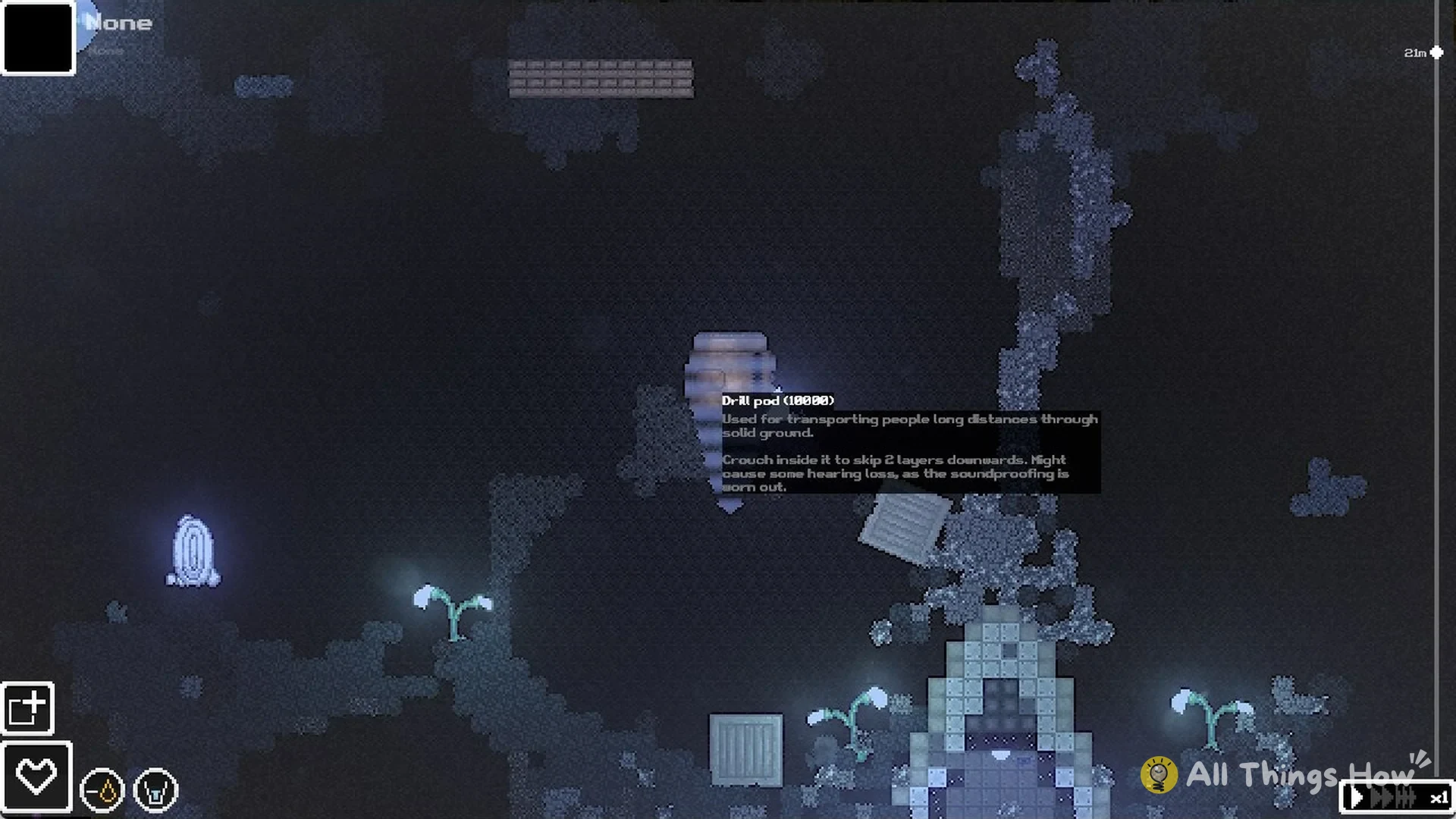
Step into the repaired pod so your character is standing inside it.
Hold S to crouch. A purple action bar shows up above the pod, and you need to keep holding for about 5 seconds until it fills.
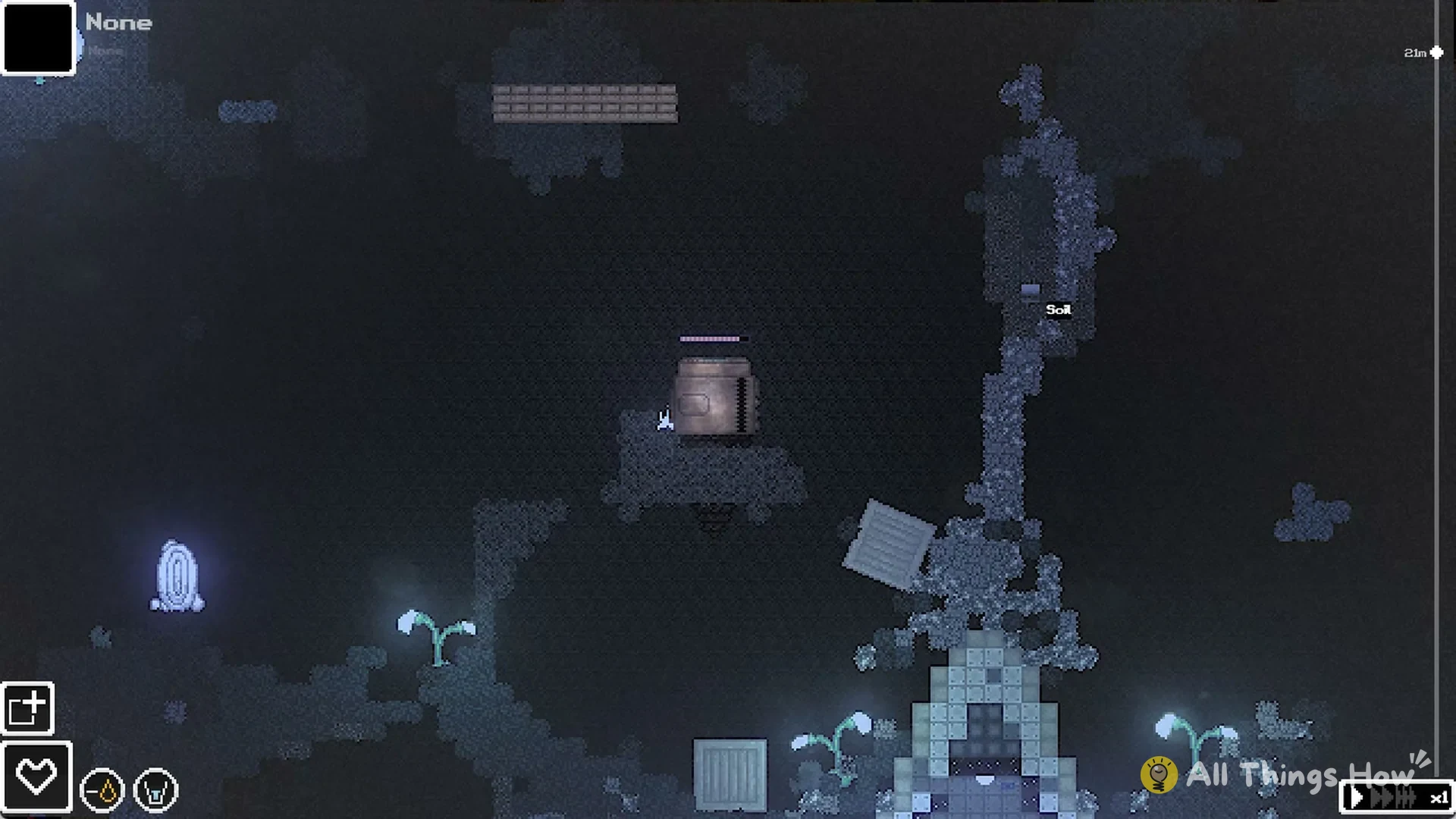
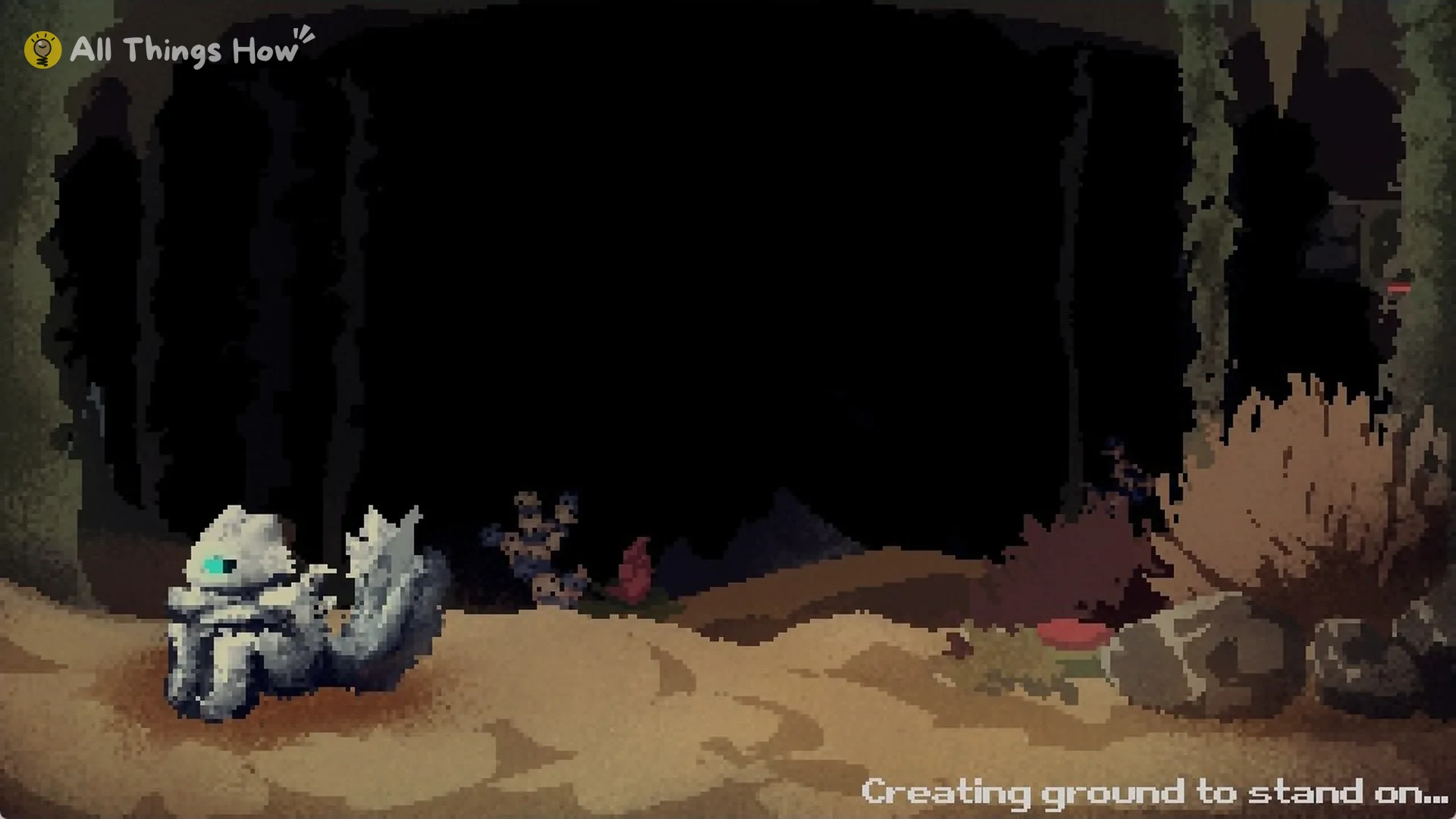
Once the bar is full, the game cuts to the loading screen while it builds the next layer.
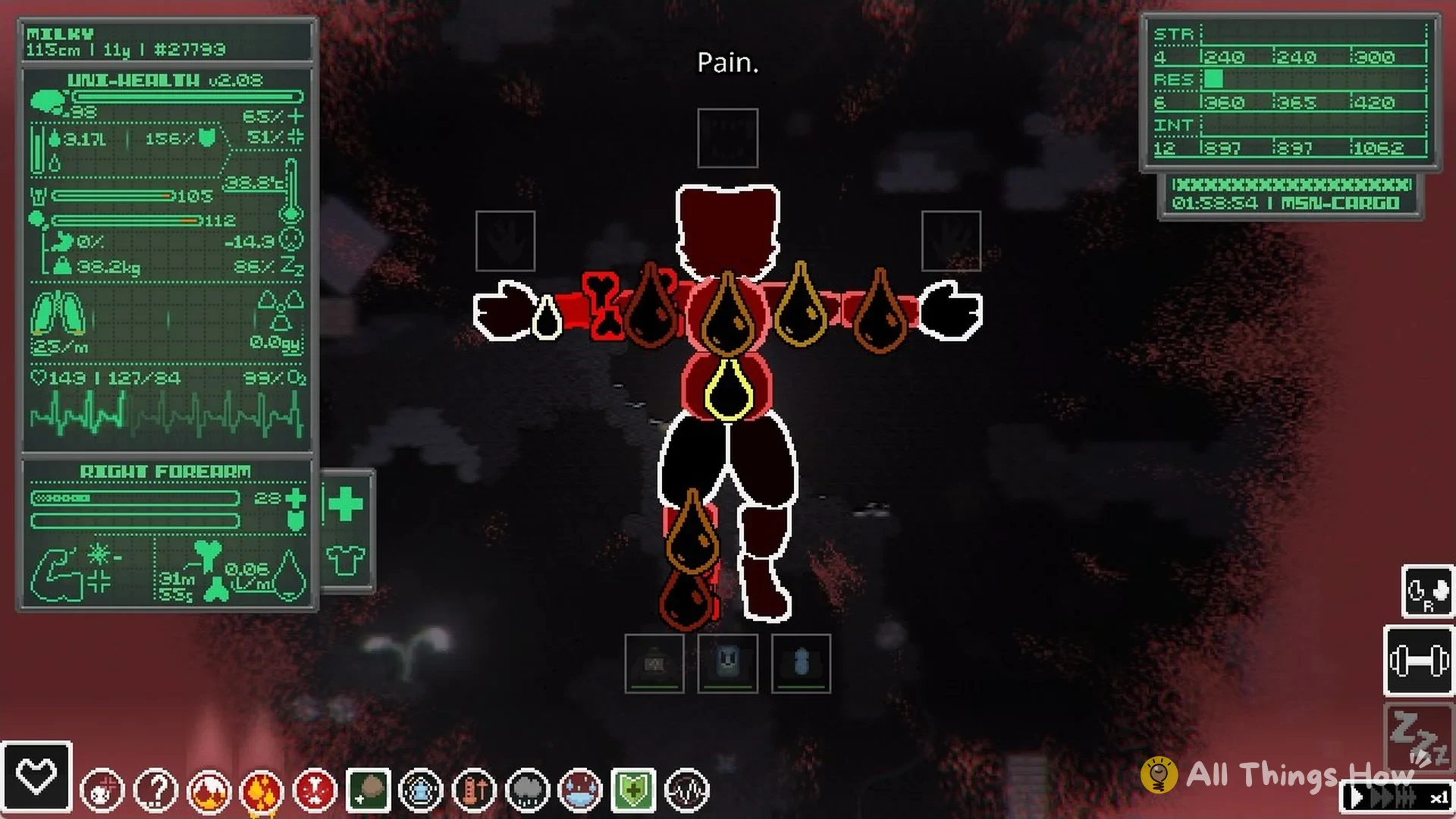
Your character must be conscious to do any of this. If they faint, you can’t hover over or use anything, and the pod won’t respond. Milky, the narcoleptic character from the Casualties: Unknown beginner’s guide, uses energy quickly and may pass out beside the pod. Sleep from the health panel first, then wake up before you begin.
Arriving on layer 3, the Dried desert
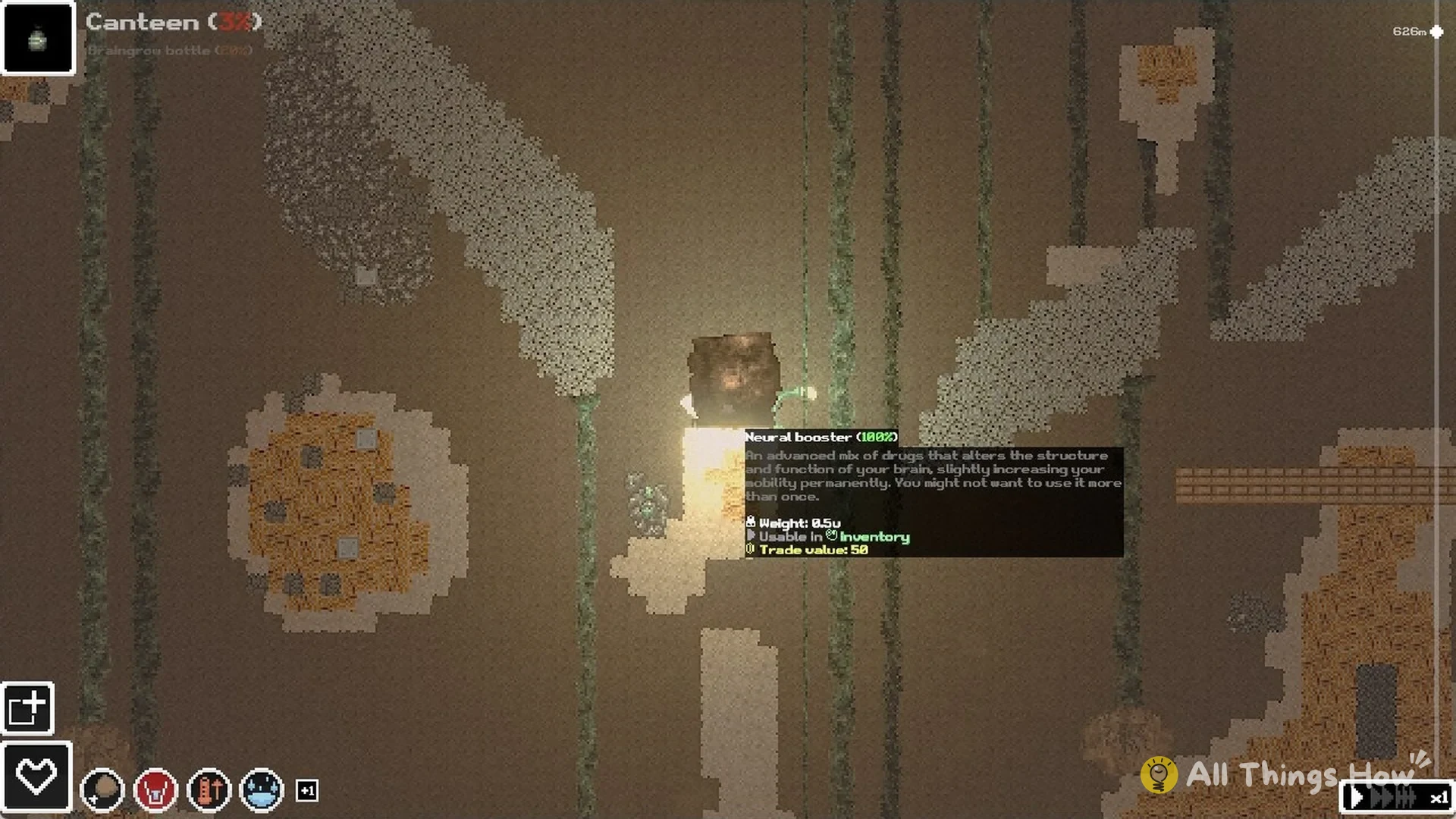
Riding from layer 1 drops you on layer 3. The title card reads “Layer 3” and “Dried desert”, and the depth meter at the top right of the screen jumps from 21 m to 626 m. Your character says “I must be careful now. This is a new, unknown area.” You’ll also be a little hungrier and thirstier than when you got in.
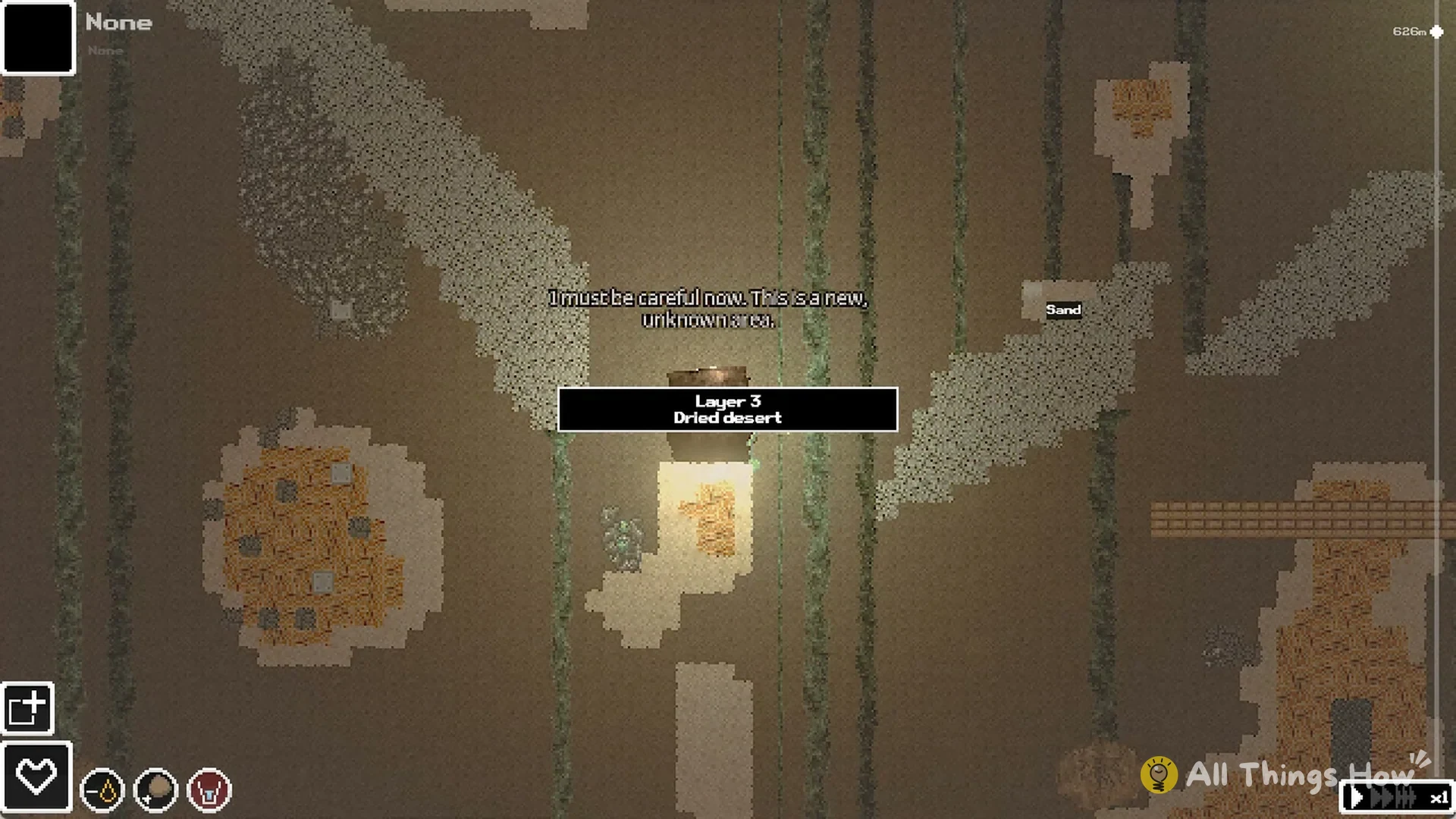
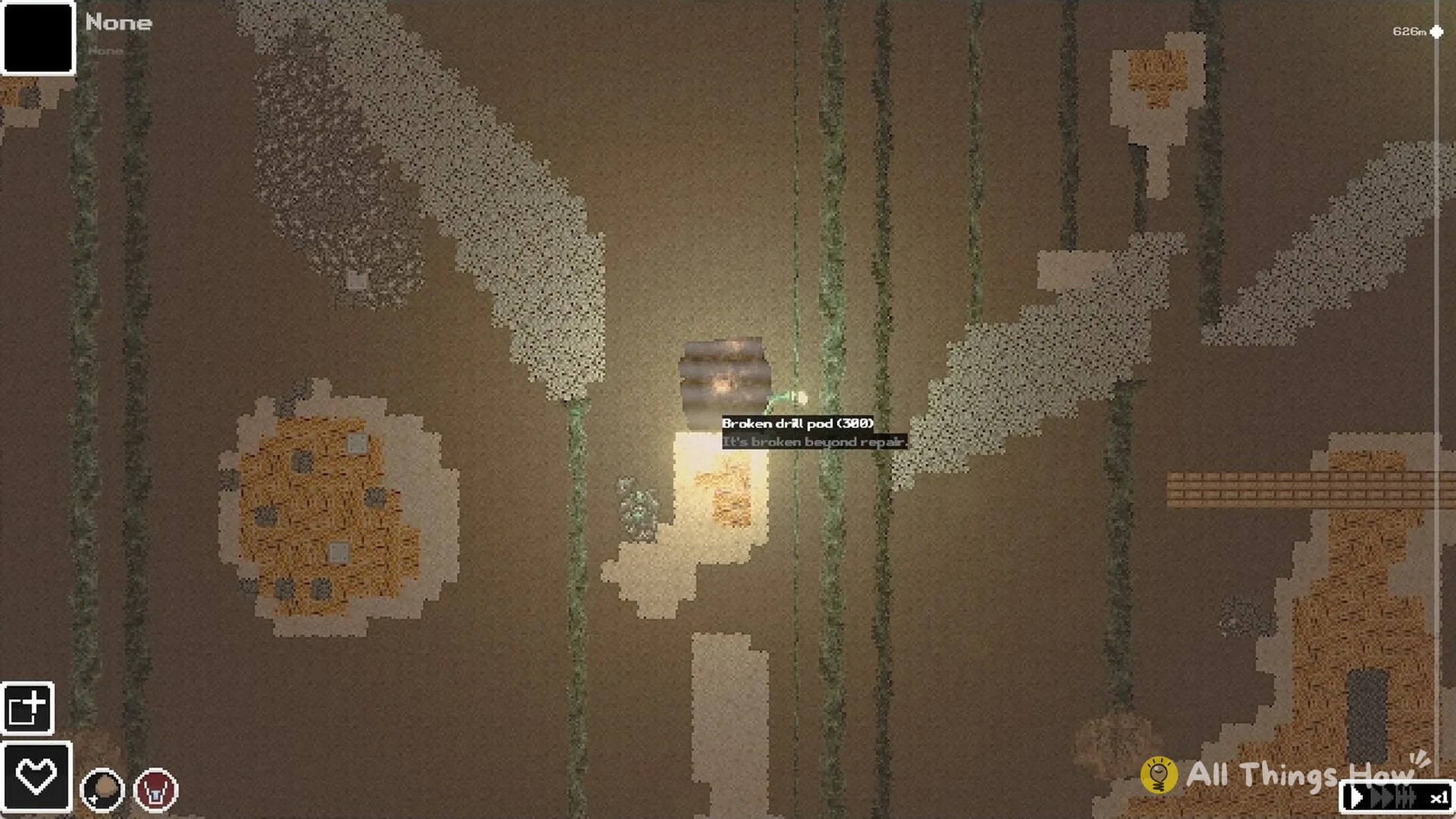
The pod arrives beside you, labeled “Broken drill pod”. Its tooltip reads “It’s broken beyond repair.”, so you get just one ride down from each pod.
The worn soundproofing warning on the repaired pod is real. After the ride, every game sound plays about 10 percent quieter with a faint ringing on top, and both fade out on their own over about 3 minutes. No moodle shows up and nothing changes on screen, since the hearing loss only affects sound.