
Category
iOS
-

iOS 27 Features: Siri AI, Apple Intelligence, and Release Date
Everything Apple confirmed for iOS 27, from the revamped Siri to camera changes, supported iPhones, and beta timing.
-
Shortcuts in iOS 27 Will Build Automations From Plain English
Apple Intelligence turns a written description into a working shortcut, removing the manual step-by-step setup.
-
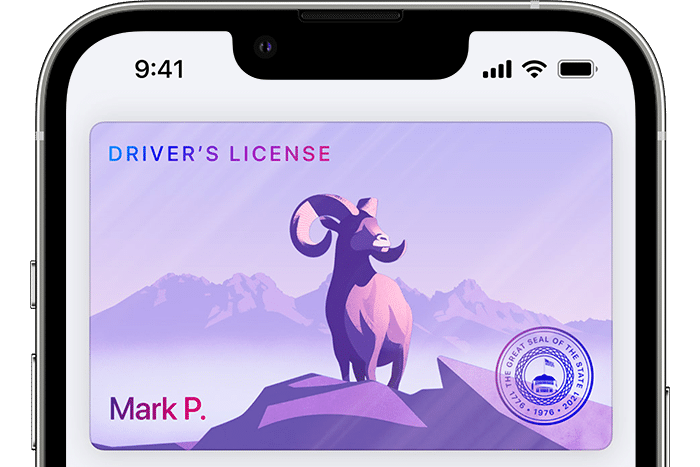
Apple Wallet driver’s licenses reach nine states, with more on the way
The iPhone and Apple Watch ID feature remains limited three years in, but more states have signed on and TSA support is growing.
-
Safely clean your iPhone camera lens — and use iOS 26 lens hints
The right cloth, the right motion, what to avoid, and the setting that reminds you when it’s time.
-
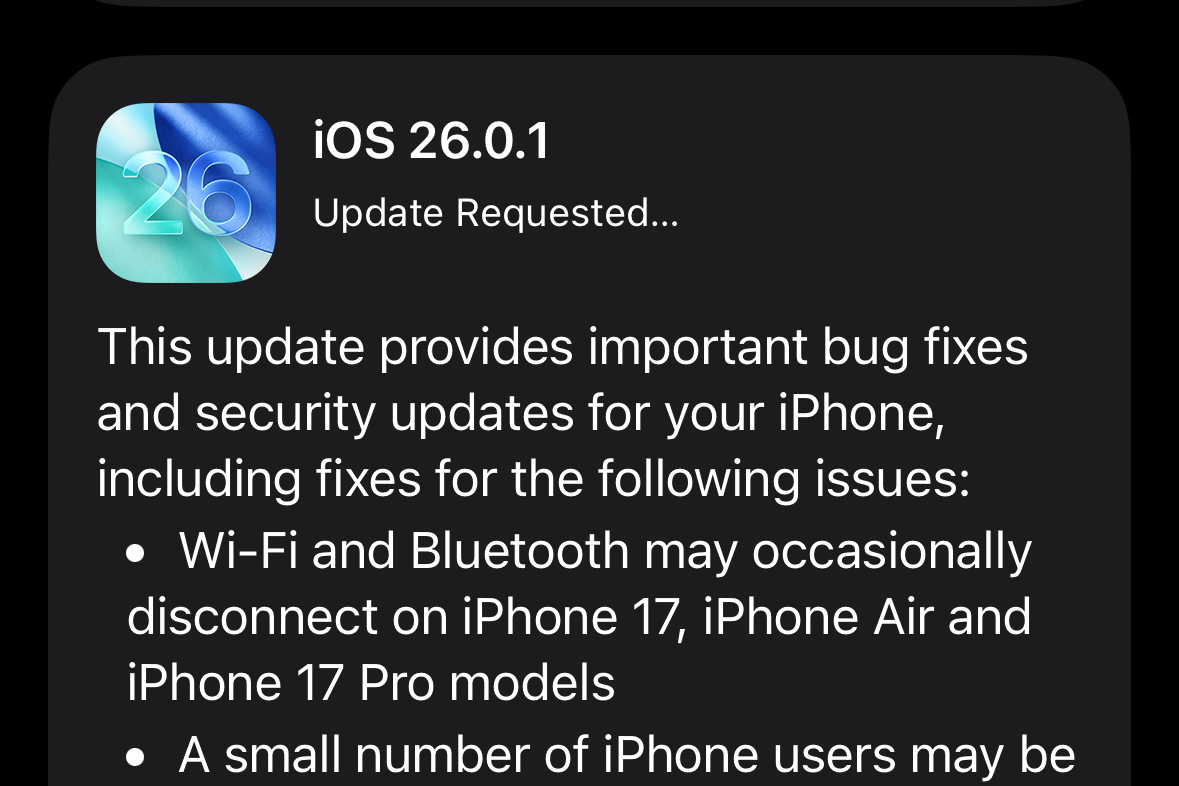
iOS 26.0.1 — key fixes for iPhone 17 Wi‑Fi, camera, and more
Apple’s first iOS 26 patch targets wireless dropouts, photo artifacts, and a font parser security bug.
-
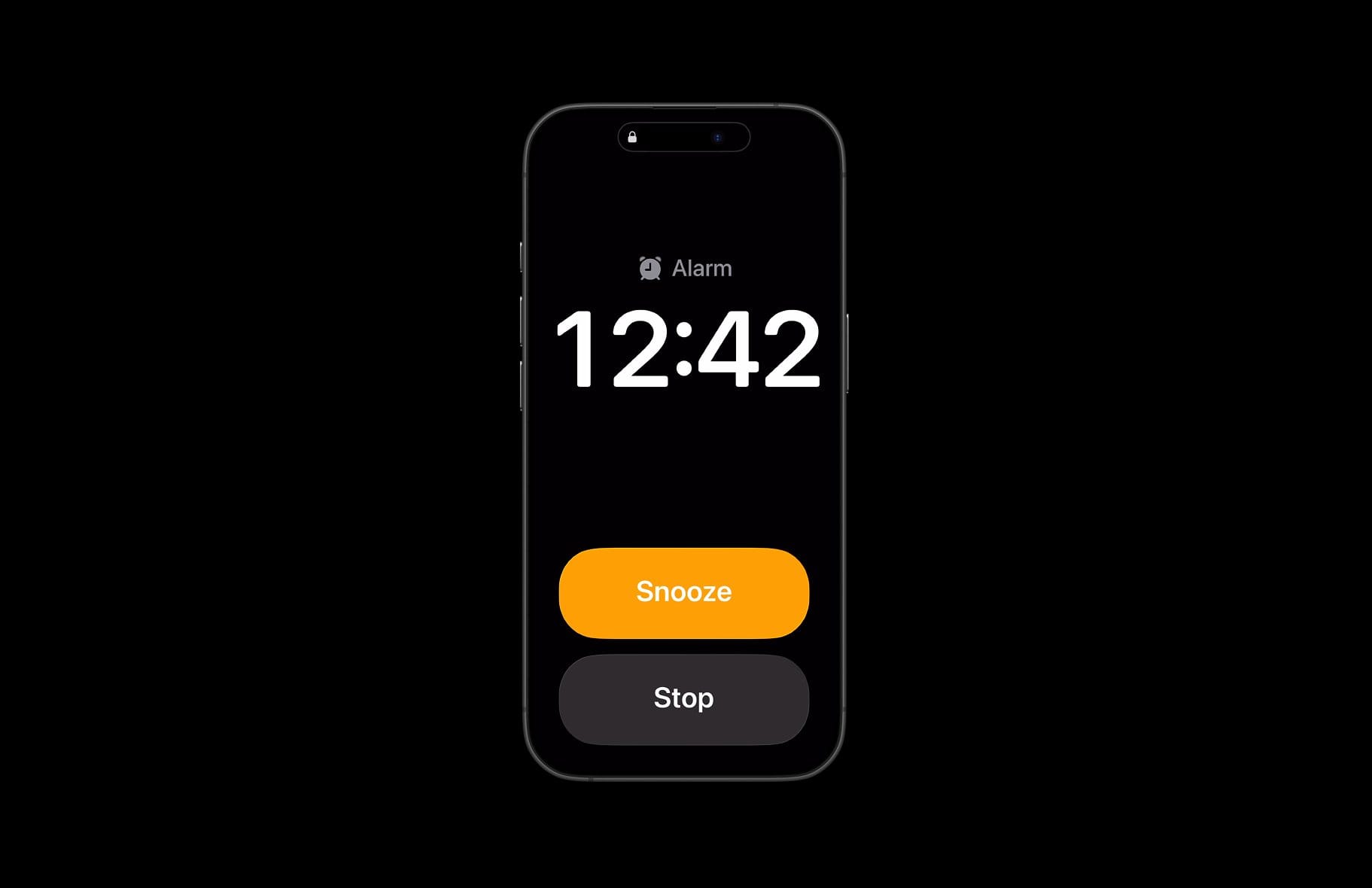
iOS 26 alarm not going off — causes, fixes, and safe workarounds
Users report three‑second cutoffs and silent Sleep alarms; here’s how to restore reliable wakeups.
-
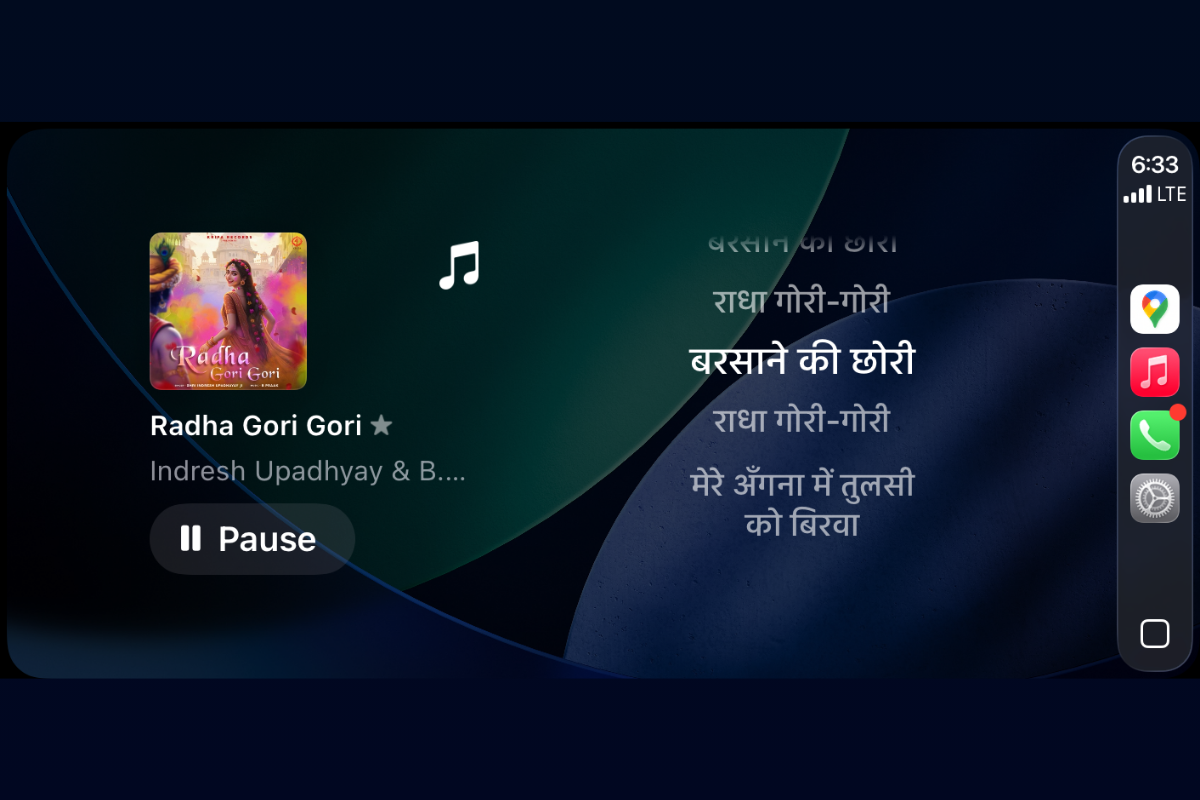
How to Get live lyrics on CarPlay (iOS 26) with Dynamic Lyrics widget
Use iOS 26’s CarPlay widgets to display time‑synced lyrics from a third‑party app.
-
Face ID not working on iOS 26 — fixes and when to get service
Step-by-step methods to restore Face ID after the iOS 26 update.
-
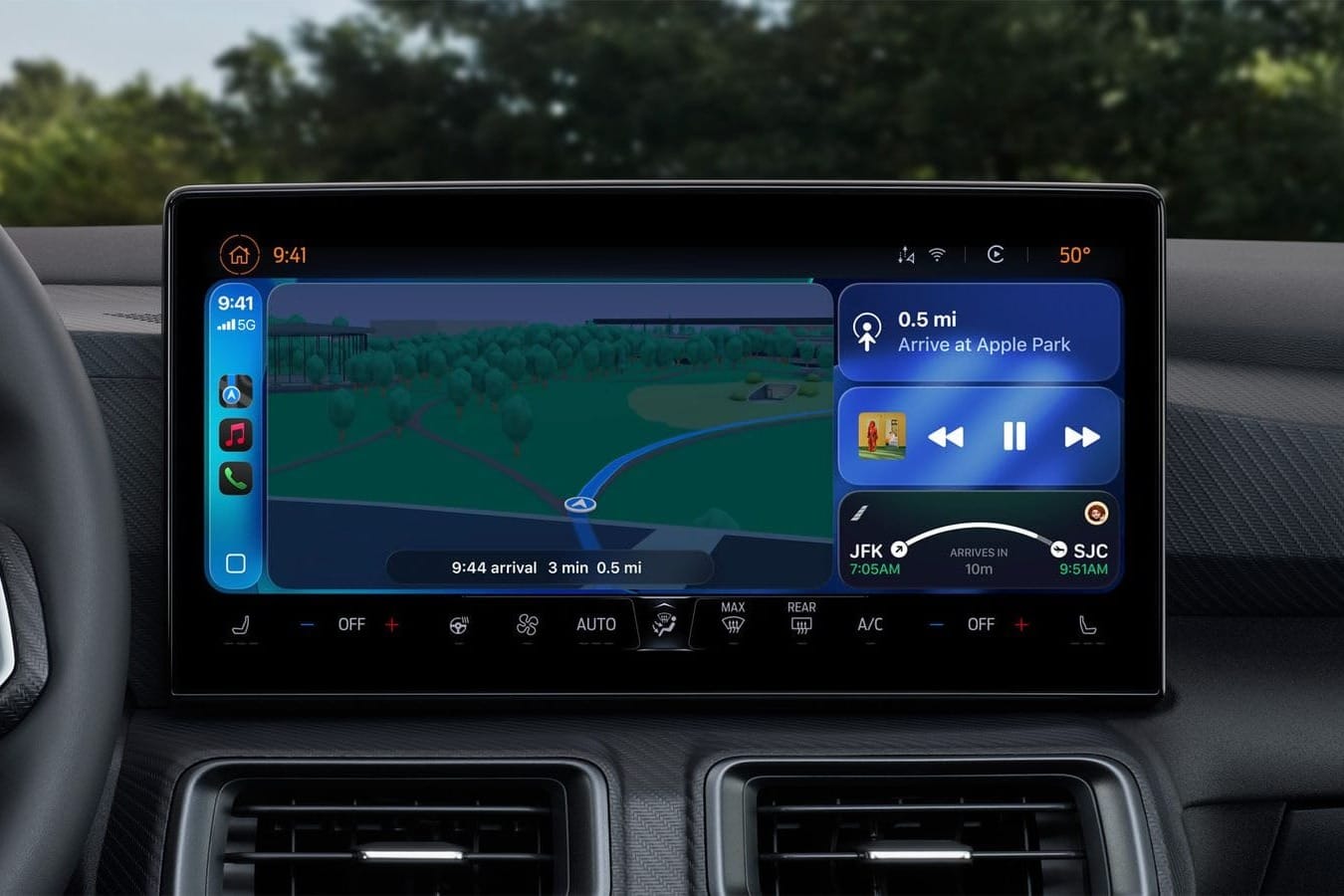
iOS 26 CarPlay updates: Video playback, widgets, Live Activities, and more
Apple’s update brings its new design to the dash and adds tools for messaging, navigation, and parked moments.
-
Save battery on iOS 26: Settings that reduce drain
Use Adaptive Power plus core iOS settings to extend daily runtime on supported iPhones.

