iOS 27 is Apple’s next major iPhone software release, built on top of the Liquid Glass look introduced with iOS 26. The headline change is a rebuilt Siri, now called Siri AI, that holds conversations, reads what’s on screen, and pulls answers from the web. Apple is also spreading new Apple Intelligence tools across Safari, Photos, Messages, Mail, and more, while spending real effort on speed and stability.
Quick answer: iOS 27 is in developer beta now after its WWDC reveal on June 8, 2026, with a public beta in July and the final release expected in September 2026 for iPhone 11 and newer.
iOS 27 release date and beta timeline
Apple showed off iOS 27 during its WWDC keynote and pushed the first developer beta the same day. A public beta follows in July, and the software then goes through several months of testing before the full launch in the fall. Apple usually ships new iPhone software in the second week of September, which points to Monday, September 14 as a likely date based on past patterns.
| Stage | Timing |
|---|---|
| First developer beta | June 8, 2026 |
| First public beta | July 2026 |
| Final public release | September 2026 |
If you want to try it early, the developer beta is available through Apple’s developer downloads page. Beta software can be unstable, so expect bugs, battery drain, and app incompatibilities until the public release.
Which iPhones support iOS 27
iOS 27 runs on iPhone 11 and every newer model. Apple Intelligence and the newest Siri features stay limited to recent hardware, and the most demanding additions, such as the customizable Siri voice, need an iPhone 17 or later. The iPhone 15 and older will not get Apple Intelligence features.
- iPhone 11, 11 Pro, 11 Pro Max
- iPhone 12 series
- iPhone 13 series
- iPhone 14 series
- iPhone 15 series
- iPhone 16 series
- iPhone 17 series
Siri AI: The big change in iOS 27
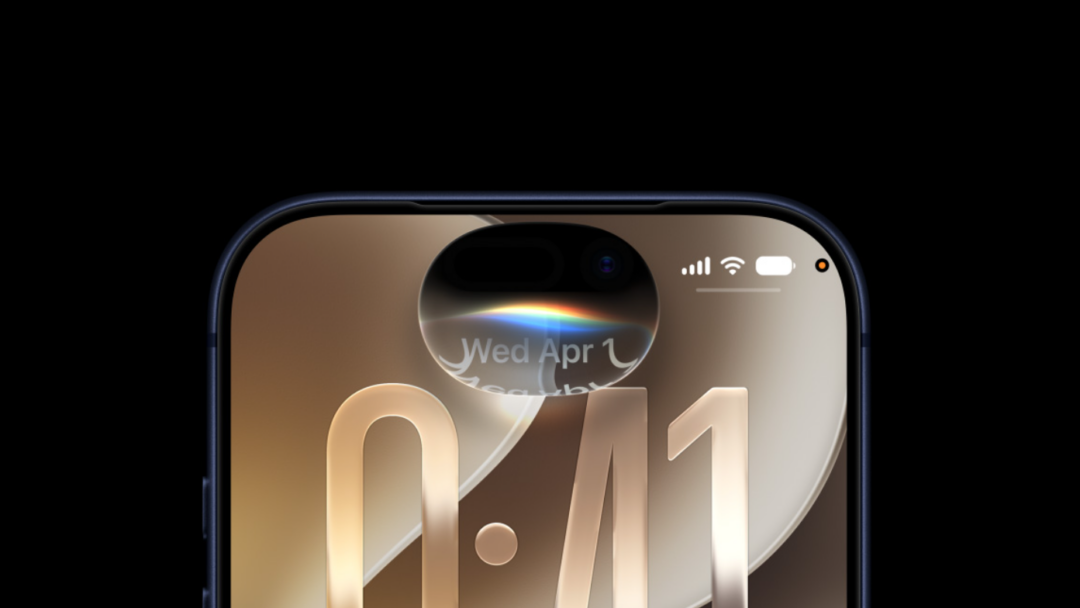
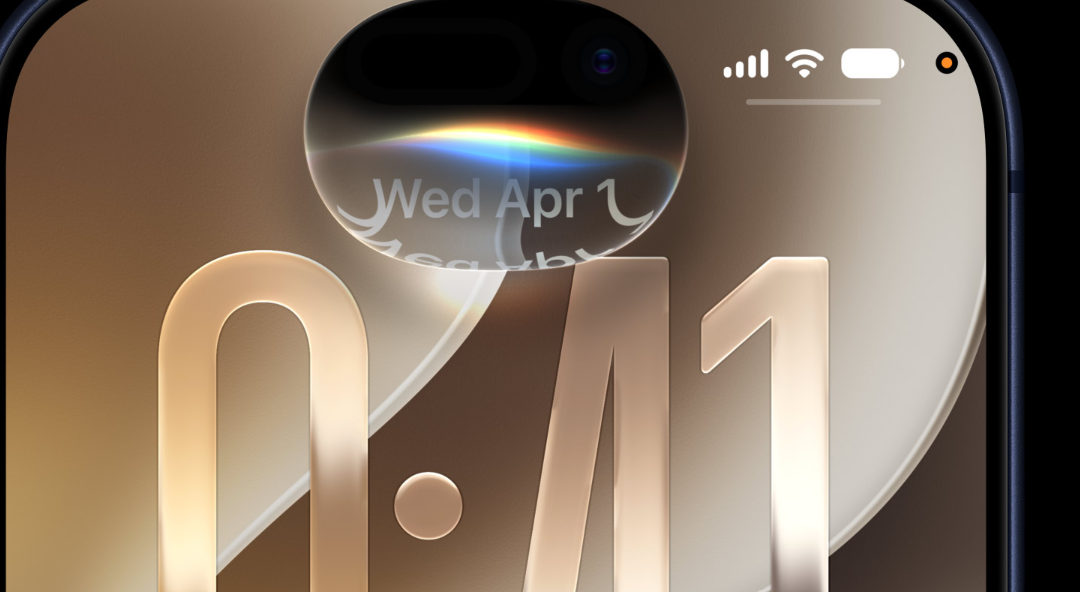
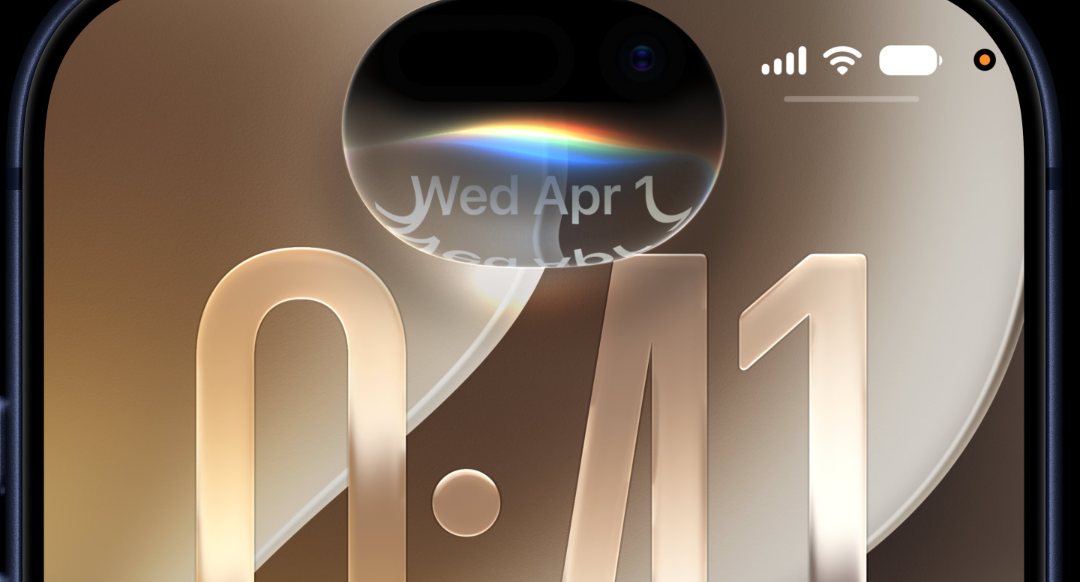
Siri AI is the new name for Apple’s assistant. It is built to feel conversational, answer open-ended questions, and remember context from your messages, emails, photos, and notes. Siri AI can also look at what’s on your screen and use information from the web to give up-to-date replies. When you trigger it, the response shows up through the Dynamic Island as a pill-shaped animation and a results card.
Three abilities anchor the upgrade. Personal context lets Siri dig through your own content, so you can ask it to find old photos, a specific email, or a note. App actions let it do things inside apps like Messages, Music, and Reminders, including editing a recently sent message or adding a song to a playlist. Onscreen and visual intelligence extend Siri into the Camera app, where you can show it what you see and ask questions about it.
There is also a dedicated Siri app for the first time. It keeps a synced chat history through iCloud, lets you pin important conversations, and continues those chats across your Apple devices. Conversations look like message threads, and new chats open with suggested prompts. At launch, Siri AI works in English, with more languages to follow.
Siri voice and dictation
Siri gets a more natural, expressive voice, plus controls to adjust pace and expressiveness. That voice customization requires an iPhone 17 or newer. Dictation is also improved with better speech recognition and automatic punctuation, capitalization, and formatting, so spoken words turn into cleaner text.
Apple Intelligence across core apps
Beyond Siri, Apple Intelligence reaches into the apps you use every day. The features below are the main additions in iOS 27.
| App | What’s new |
|---|---|
| Safari | Groups tabs into topics, a Notify Me feature that watches webpages for changes like price drops or restocks, and a Describe an Extension tool to build extensions from a description. |
| Photos | Spatial Reframing to fix composition after a shot, Extend to fill missing areas when straightening or changing aspect ratio, and an improved Clean Up for removing elements. |
| Phone | Call Context surfaces relevant info when you call a business, such as a flight confirmation code from Mail when calling an airline. |
| Image Playground | Creates photorealistic images, supports edits by description or by selecting objects, and adds a SynthID watermark to AI images. |
| Passwords | Flags weak, duplicated, or compromised passwords and offers to update them automatically. |
| Shortcuts | Describe a Shortcut lets you explain what you want in plain language, and Shortcuts assembles the actions across apps. |
| Messages and Mail | Suggests actions based on conversation context and offers smarter replies that match your writing style. |
| Calendar | Creates or edits events from a natural-language description, picking out contacts, locations, and details as you type. |
| Home | Groups related notifications, generates video descriptions, and highlights notable clips for supported HomeKit Secure Video cameras. |
| Maps | Flyover renders sharper detail using aerial imagery, including architecture and individual trees. |
| Podcasts | Makes it easier to switch between watching and listening to video podcasts. |
Camera app changes in iOS 27
Visual Intelligence moves from the Camera Control button into the Camera app itself as a new Siri mode, sitting next to Photo, Video, Portrait, and Panorama. In Siri mode, the shutter button shows the Apple Intelligence logo so you know the feature is active. Siri can then identify objects, plants, animals, art, and books, and answer questions about what you’re pointing at using the web.
Two new scanning tricks arrive through Siri mode. You can scan nutrition labels for calorie and macronutrient tracking in the Health app, and you can scan phone numbers and addresses on business cards to add them to Contacts.
The Camera app also becomes customizable. An advanced layout lets you swap the top row of shortcuts for controls you choose, now called widgets, covering things like flash, exposure, timer, depth of field, photo styles, and resolution. Widgets come from a tray that slides up from the bottom and are sorted into basic, manual, and settings categories. The default quick-tap layout stays for everyone else, and new grid and level options join the existing tools.
Performance and system changes
A large part of iOS 27 goes into making iPhones faster and steadier after a rocky iOS 26 cycle. Apple says apps launch faster, AirDrop and external drive transfers move quicker, and photos add to your library more rapidly. Network performance improves, and a more powerful system-wide search index helps you find things faster. The company says it addressed dozens of common everyday frustrations across the system.
Design and Liquid Glass refinements
Liquid Glass stays, but Apple tuned it for better readability, more even refraction, and stronger contrast. A new opacity slider lets you adjust the interface from ultraclear to fully tinted across elements like tab bars and menus. Icons, toolbars, sidebars, and window shapes get small polish, and the separate search tab introduced in apps like Music, Podcasts, and News is folded back in with the other navigation options.
Parental controls and child safety
iOS 27 expands parental controls with more granular limits and a redesigned Screen Time. The new tools focus on time and access rules that adapt to a child’s age.
| Feature | What it does |
|---|---|
| Ask to Browse | Extends Ask to Buy to the web, so children request permission before visiting new sites, and parents approve in Messages. |
| Communication Safety | Helps block nudity in Messages, FaceTime, and other apps, and intervenes before children see gore or violent content in shared media. |
| Time Allowances and schedules | Set limits by category like Entertainment, Games, and Social Media, with schedules that change app availability by time or day. |
| Redesigned Screen Time | Shows average usage and most-used apps, with quick options to limit or extend access in the moment. |
Foldable iPhone interface in iOS 27
Apple’s first foldable iPhone is expected in September with a 5.5-inch display when folded and a 7.8-inch display when opened like a book. iOS 27 adds the interface work to support it. The phone runs iOS rather than iPadOS, and it won’t run iPad apps. When unfolded, it shows an iPad-style layout with two apps side by side, the first time multitasking comes to the iPhone, and many Apple apps gain a sidebar on the left. A split-screen landscape option can adapt smartphone apps to the wider display at the system level. When closed, the device looks and behaves like a standard iPhone.
Taken together, iOS 27 is less about a flashy new look and more about a smarter assistant, wider AI tools across the apps you already use, and a system that runs faster. The developer beta is live today, with the public release lined up for the fall alongside Apple’s newest iPhones.