
Category
Windows
Windows 11, Windows 10, troubleshooting, and tips for power users.
-
Steam game file verification on PC: what it does and how to run it
Learn what Steam’s “Verify integrity of game files” check actually does, when to use it, and the exact clicks to run it.
-

How to make an external USB drive show up inside a Hyper-V VM
Practical ways to expose a USB disk to a Hyper‑V virtual machine so it appears as a local drive instead of a redirected share.
-

Windows 11 Canary build 28020.1371 focuses on small but important fixes
Start menu glitches, File Explorer flicker, keyboard timing, and a nasty Terminal freeze bug are all addressed in this 26H1 build.
-
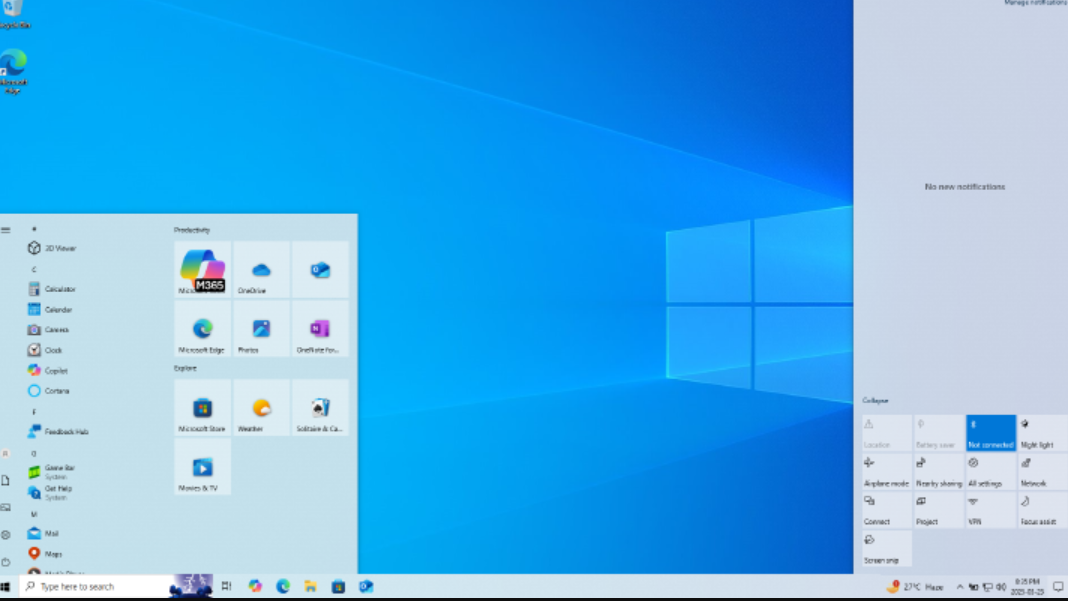
Fix the Missing “Enroll now” Button for Windows 10 Extended Security Updates (ESU)
Use these registry and command-line fixes to force-enable Consumer ESU and restore the missing enrollment option in Windows Update.
-
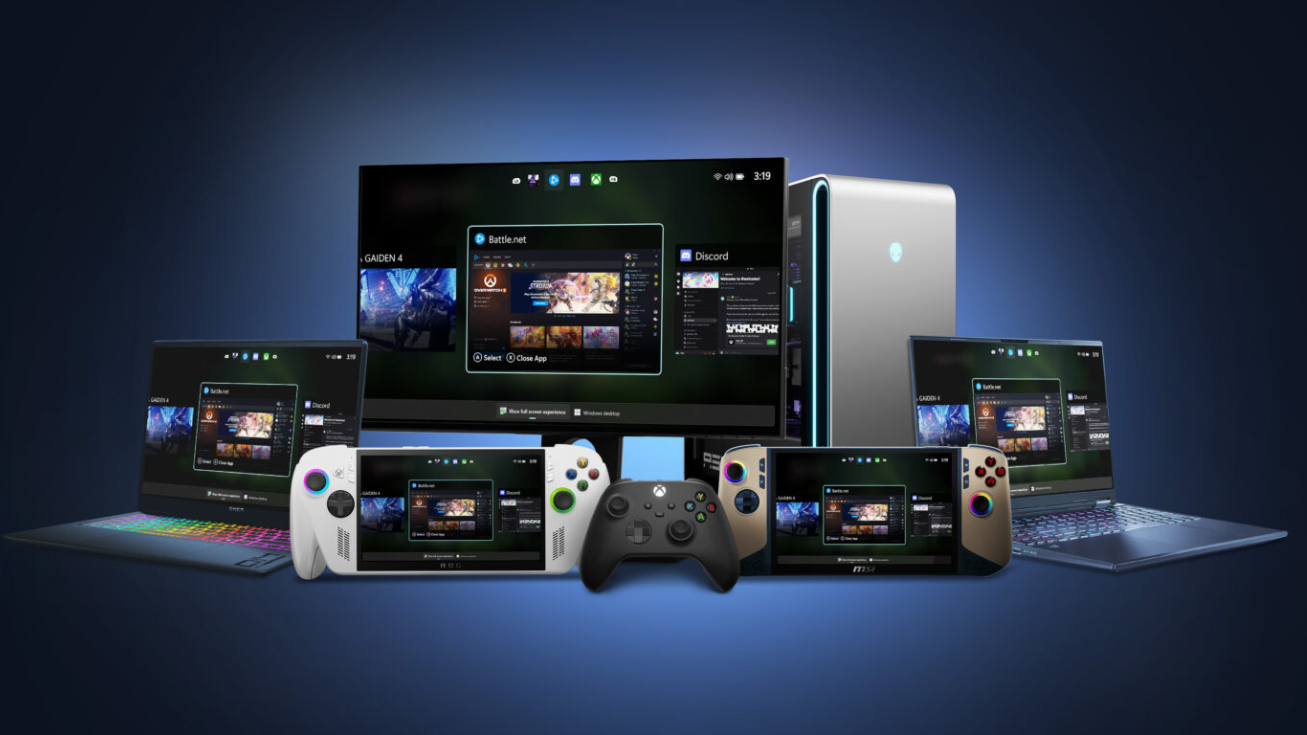
Xbox FSE (Full Screen Experience) on Windows 11: Setup, controls, and performance
Learn how the Xbox full screen experience works on handhelds and PCs, how to turn it on, and what to expect day to day.
-
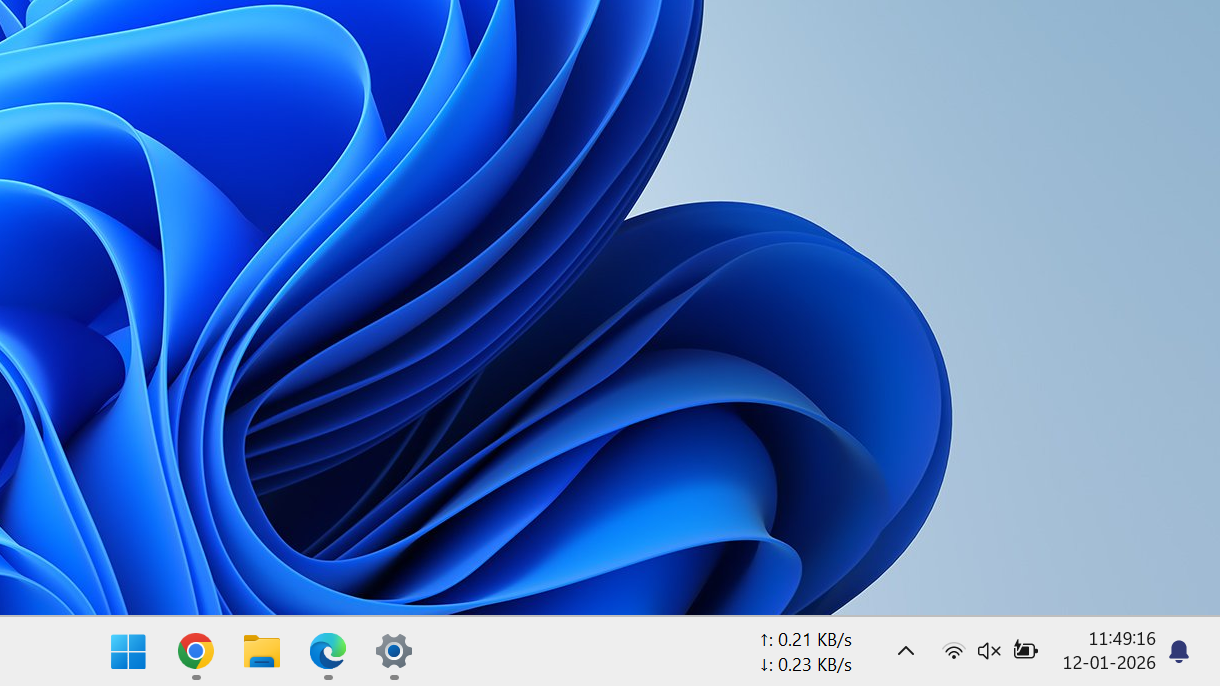
How to show seconds on the Windows 11 taskbar clock
Enable seconds on the taskbar clock in Windows 11 using Settings, the Registry, or PowerShell, and understand the trade-offs.
-
Windows 11 build 26220.7535 brings Copilot image descriptions and admin Copilot controls
Key changes in the latest Dev and Beta build focus on accessibility, AI management, developer app continuity, and a handful of focused fixes.
-
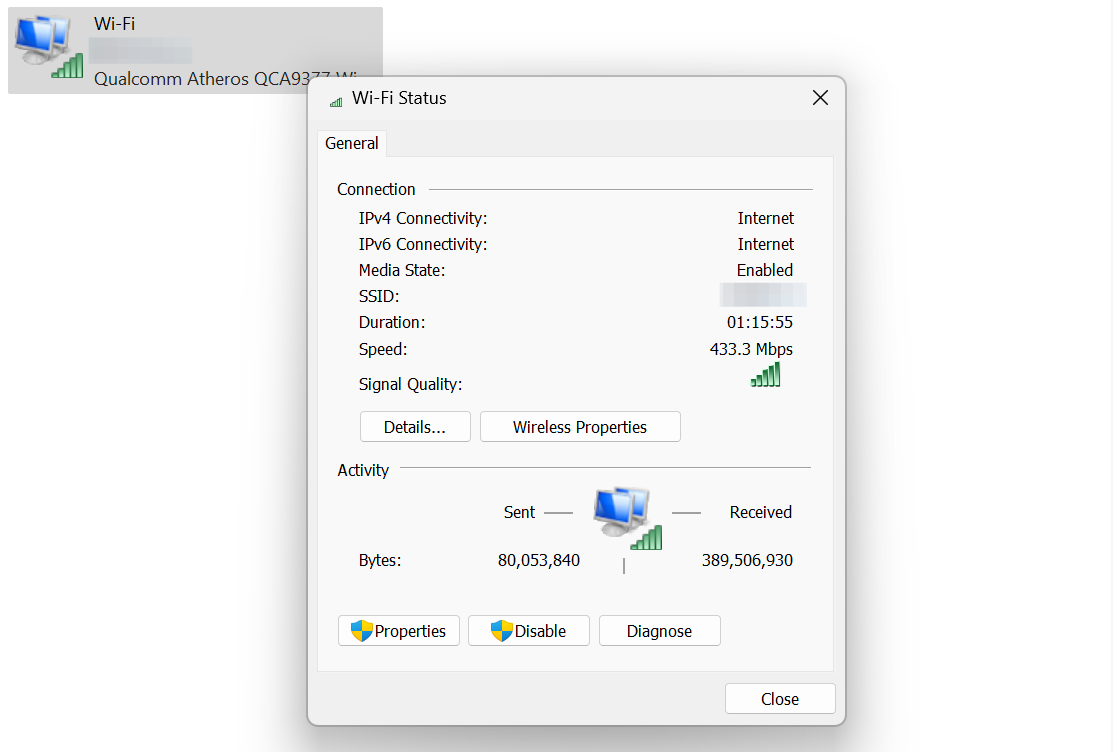
How to View Wi‑Fi Adapter Status and Settings on Windows 11
Learn how to open, read, and manage Wi‑Fi adapter settings in Windows 11 using Settings, Control Panel, and advanced options.
-
“New CPU installed, fTPM/PSP NV corrupted” error explained (and what to press)
What that scary firmware message means, when it is safe to press Y, and how to stop it coming back.
-
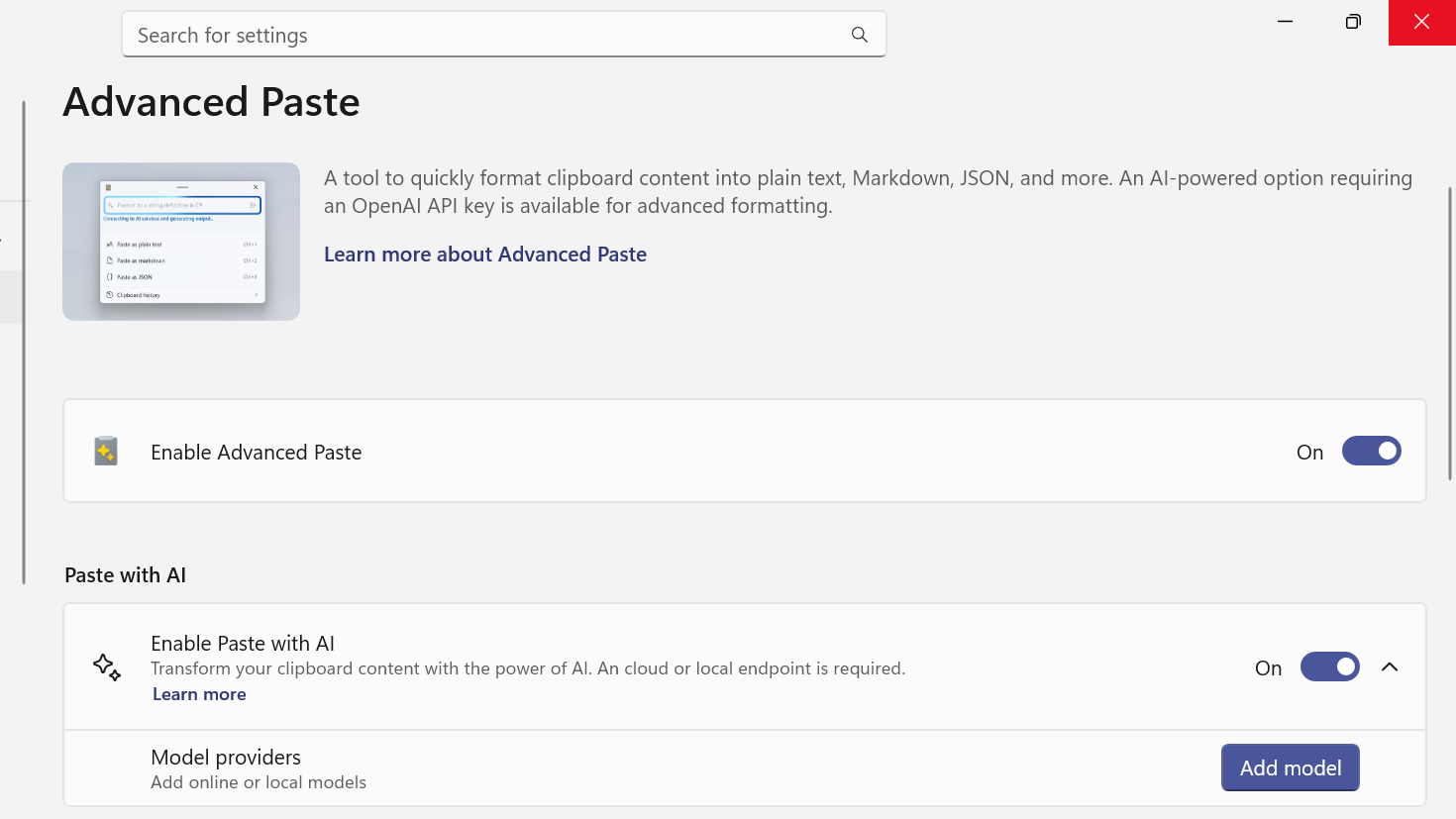
How to add a model provider to PowerToys Advanced Paste with AI
Configure Advanced Paste in PowerToys to use OpenAI, Azure, Gemini, Mistral, or local NPUs through Foundry Local and Ollama.
