
Category
Windows
Windows 11, Windows 10, troubleshooting, and tips for power users.
-
Windows 11 build 28020.1362 reshapes handheld gaming and Copilot+ PCs
Microsoft’s latest Canary build expands Xbox Full screen experience, deepens on-device AI features, and cleans up core Windows 11 UX.
-
Windows 11 build 28000.1340 reaches Canary with 24H2/25H2 features and key fixes
Microsoft’s latest Canary Channel build turns on more October preview features, pauses Administrator Protection, and addresses Storage Spaces failures.
-
Windows 11 KB5072033 (Dec 2025) update: What it changes and how to install it
KB5072033 for Windows 11 24H2 and 25H2 delivers December’s security fixes, File Explorer dark dialogs, gaming tweaks, and new settings.
-
Windows 11 build 26220.7344 brings MCP, smarter app updates, and MIDI overhaul to Dev and Beta
Microsoft’s latest 25H2 Insider build adds native Model Context Protocol support, a unified app update hub, and a modern MIDI stack.
-
Windows 11 KB5070311 (26200.7309 / 26100.7309) explained
An optional preview update for Windows 11 24H2 and 25H2 that expands dark mode, tweaks the shell, and quietly fixes several bugs.
-
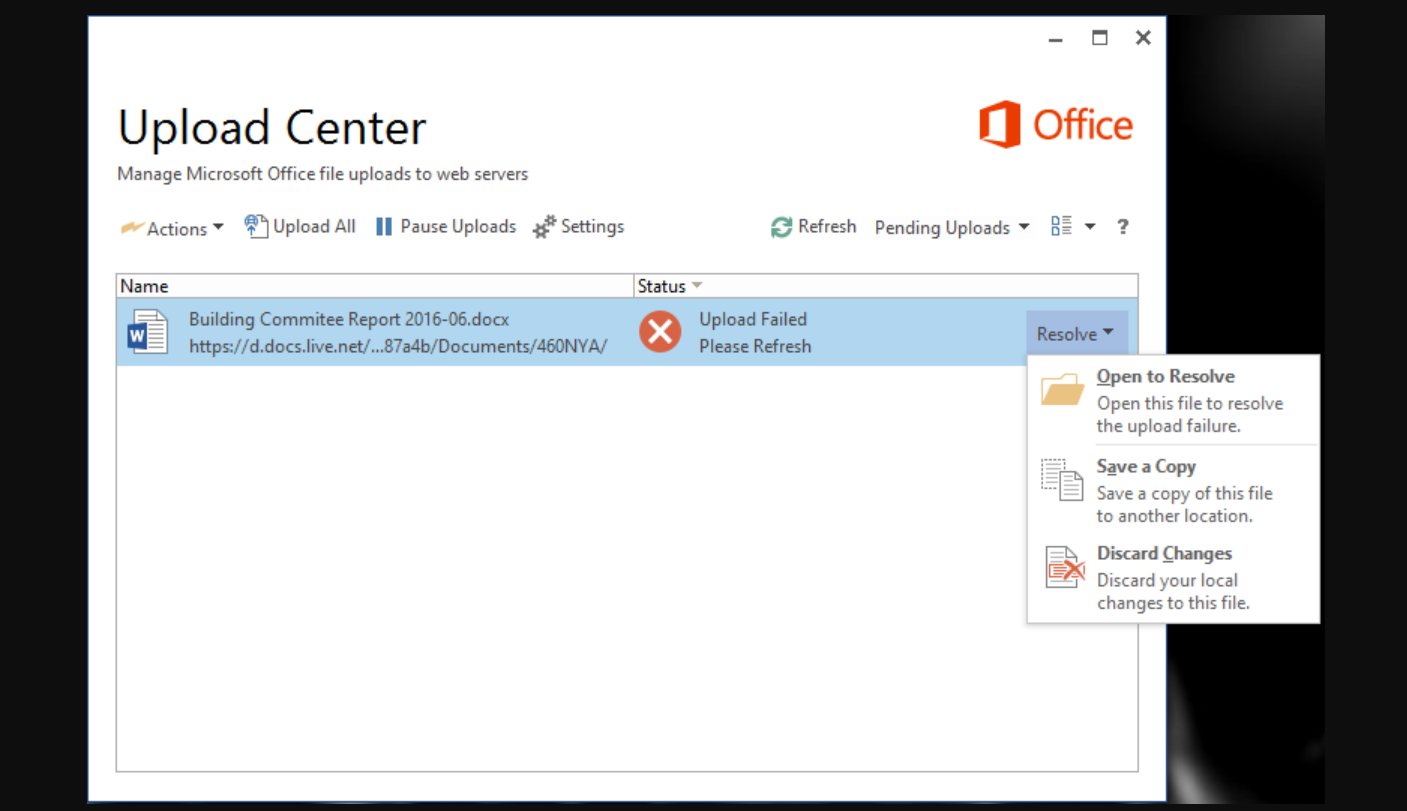
Disable Microsoft Office Upload Center in Windows (Office 2010–2016)
Learn several reliable ways to stop Microsoft Office Upload Center from starting or showing in the taskbar on Windows.
-
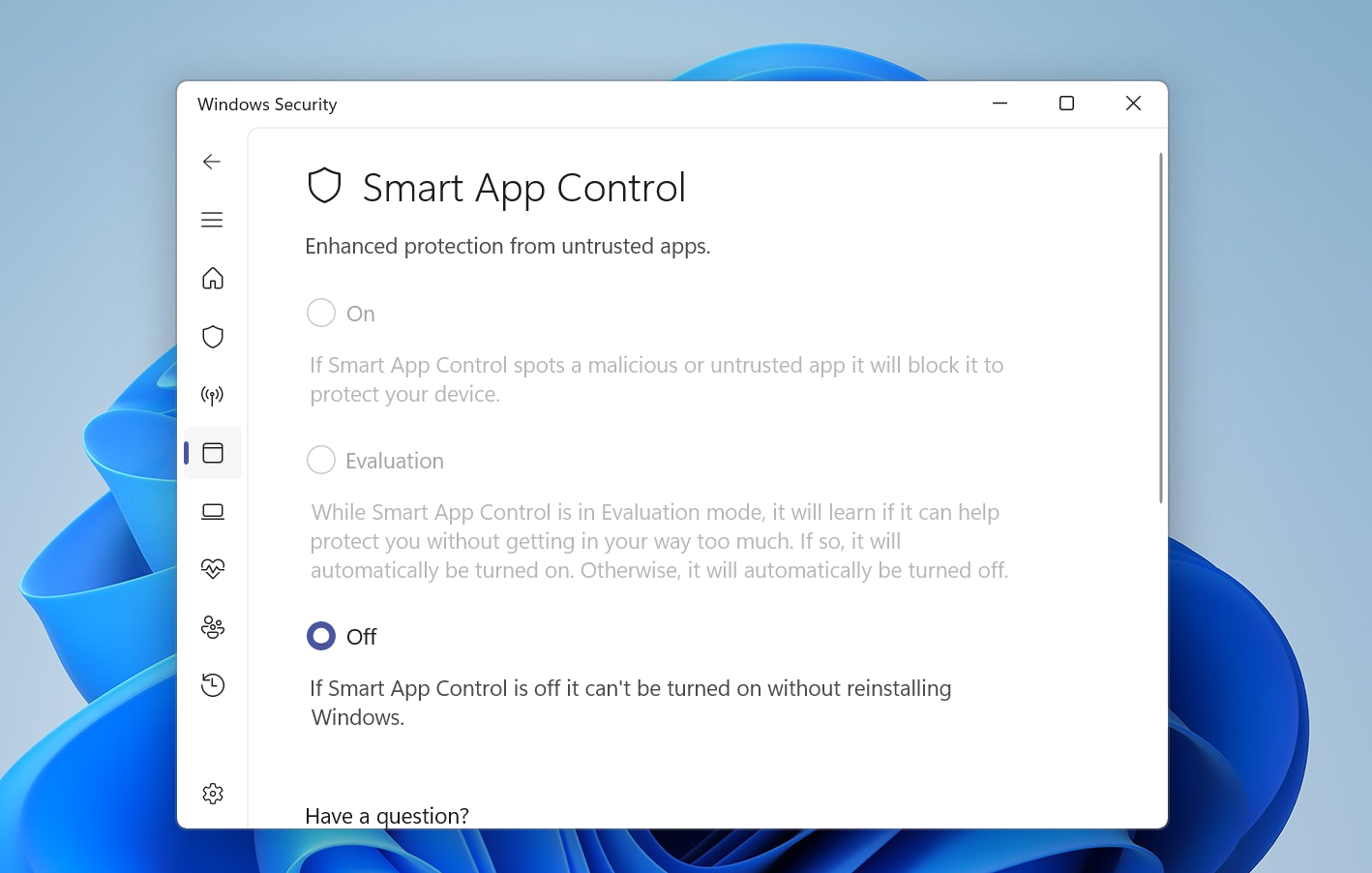
How to Turn Smart App Control Off in Windows 11 Safely
Learn how to disable Smart App Control in Windows 11, what it changes, and how to get it back if needed.
-
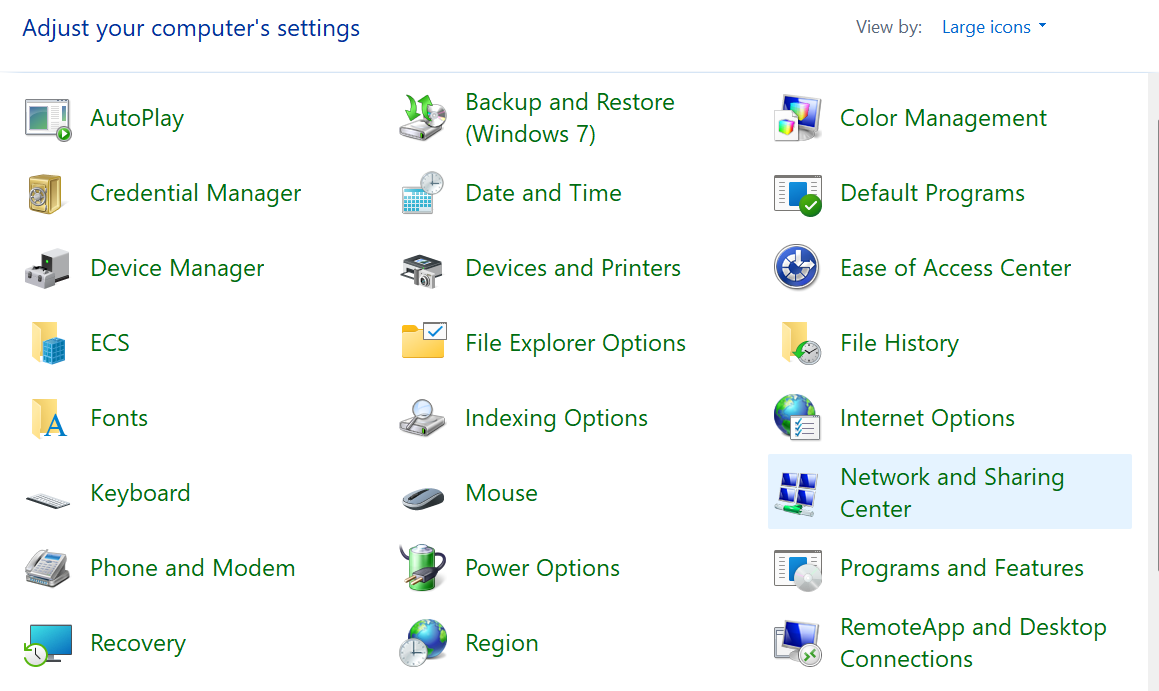
Windows 11 Network and Sharing Center Not Opening Fix
Repair system components, restart key services, and restore access to Network and Sharing Center on Windows 11.
-

Xbox full screen experience now surfaces cloud save sync status on PC
Microsoft’s console-style UI on Windows 11 now shows when Xbox Cloud Gaming saves were last synced before you launch a game.
-
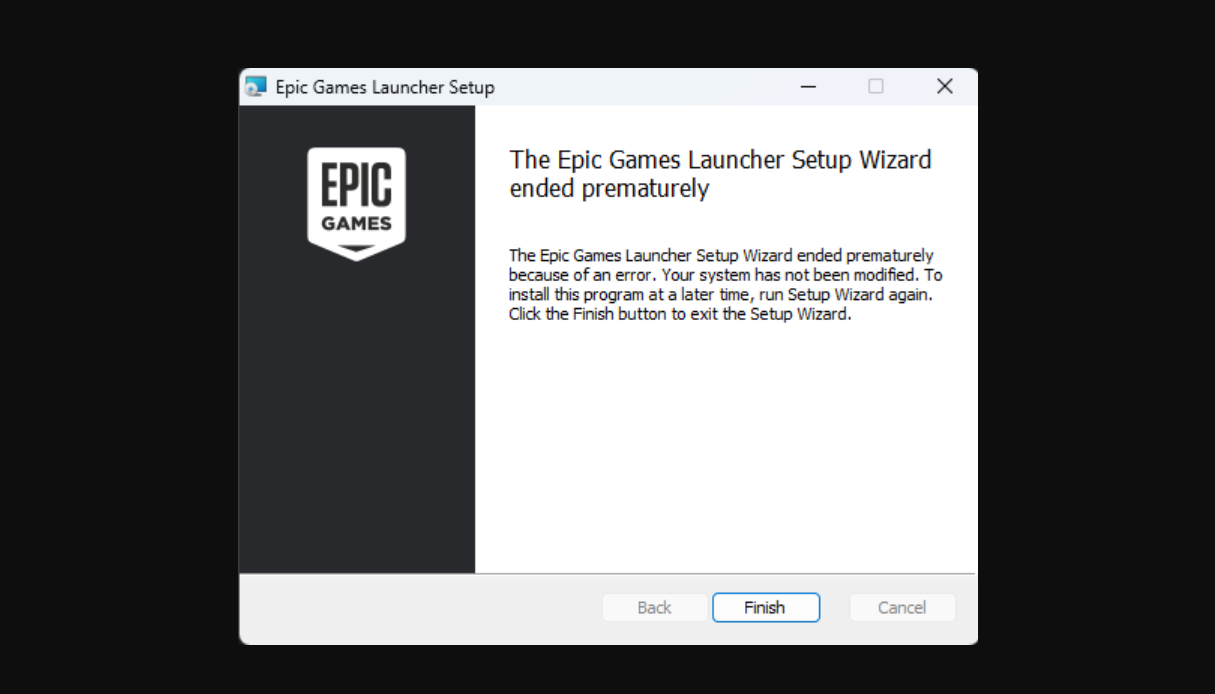
Epic Games Launcher “Setup Wizard Ended Prematurely” error on Windows
Practical fixes for installing the Epic Games Launcher when the setup wizard exits with an error on Windows 10 and 11.

