
Category
Windows
Windows 11, Windows 10, troubleshooting, and tips for power users.
-
How to Fix the I/O Operation Has Been Aborted Error in Windows 11
Resolve the “The I/O operation has been aborted because of either a thread exit or an application request” error on Windows 11 by following…
-
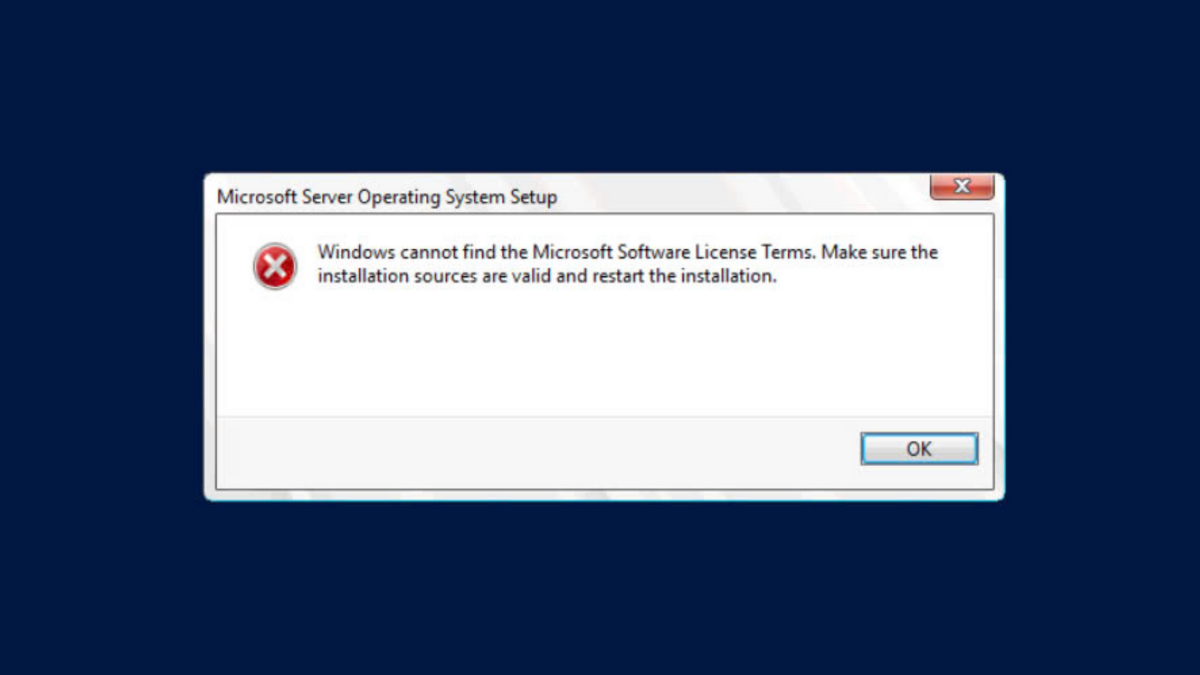
How to Fix Windows Cannot Find the Software License Terms Error on Windows 11
Multiple solutions for resolving the “Windows cannot find the software license terms” error during Windows 11 installation or upgrade.
-
How to Fix “The Installation of This Device Is Forbidden by System Policy” Error on Windows 11
Detailed solutions to resolve the “installation of this device is forbidden” error and successfully install drivers or devices on Windows 11.
-
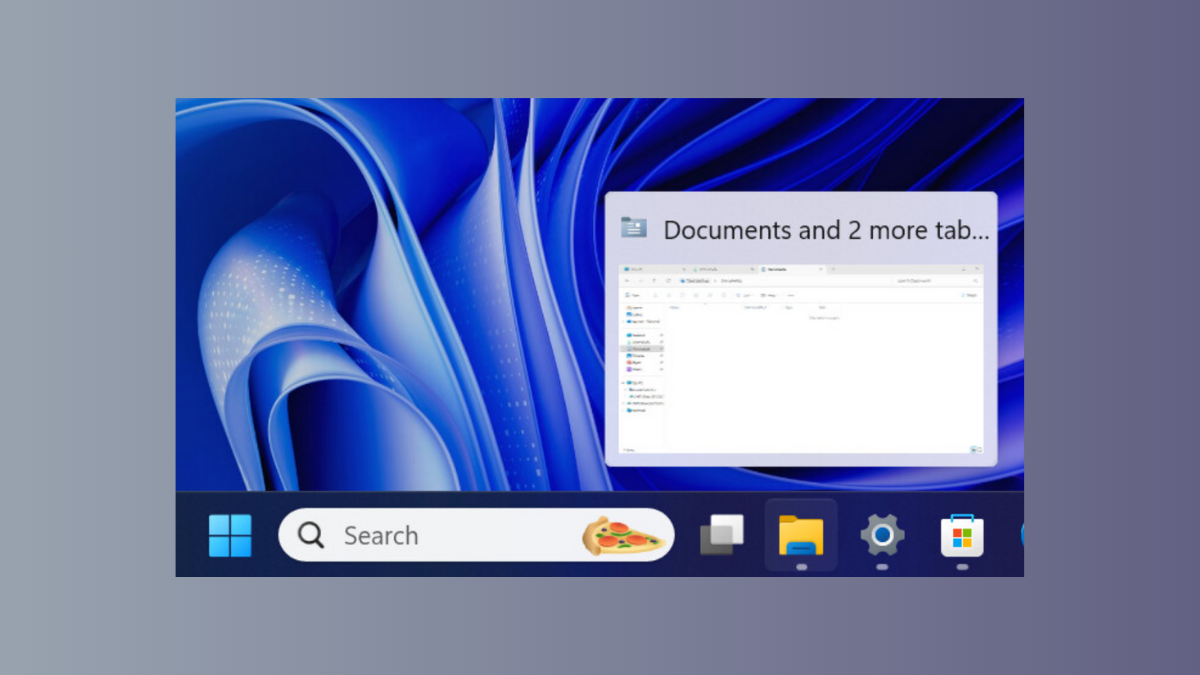
How to Fix Taskbar Thumbnail Preview Not Appearing in Windows 11
Restore missing taskbar thumbnail previews in Windows 11 with these effective solutions, from system setting checks to registry and group policy adjustments.
-
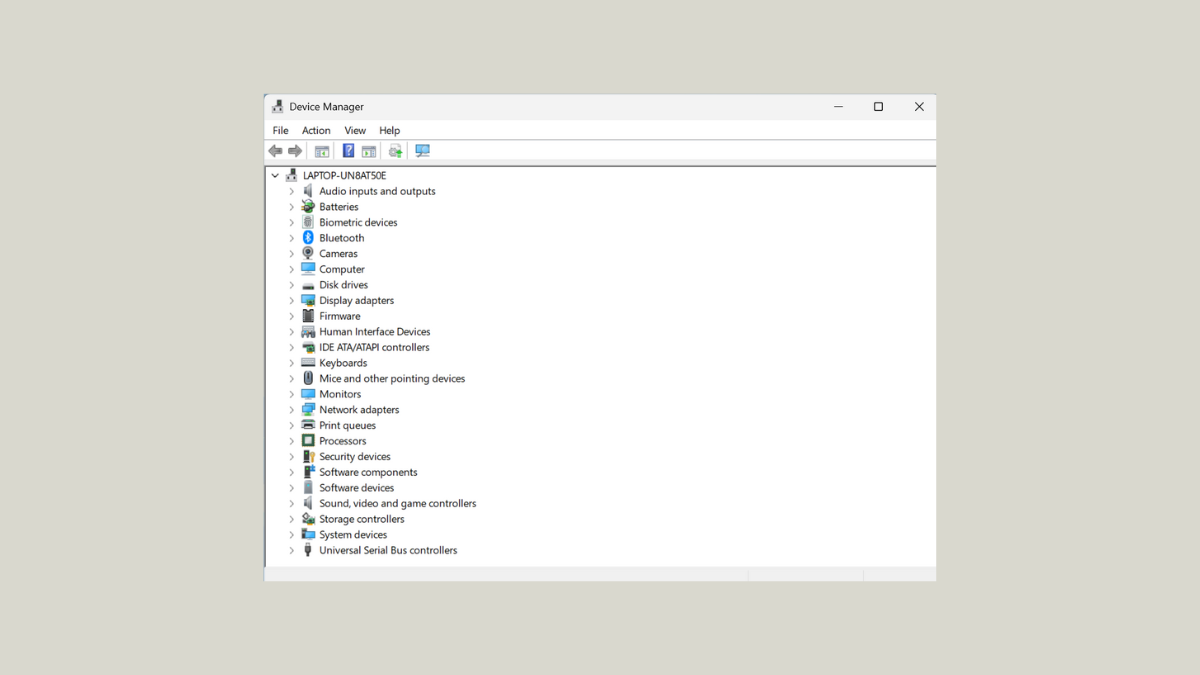
How to Fix Device Manager Refreshing Constantly in Windows 11
Resolve Device Manager repeatedly refreshing in Windows 11 by identifying the root cause and applying targeted solutions to restore stable hardware management.
-

How to Fix Unable to Rename Files in Windows 11
Resolve file and folder renaming issues in Windows 11 with proven solutions, covering system bugs, permissions, and common obstacles.
-
How to Fix Upgrade Error 0xe06d7363 in Windows 11
Resolve Windows 11 upgrade failures caused by error 0xe06d7363 with detailed troubleshooting steps, from system file repair to advanced update techniques.
-

How to Fix Print to PDF Not Working on Windows 11
Resolve issues with Microsoft Print to PDF in Windows 11 by following these solutions for missing printers, 0KB files, or error messages.
-
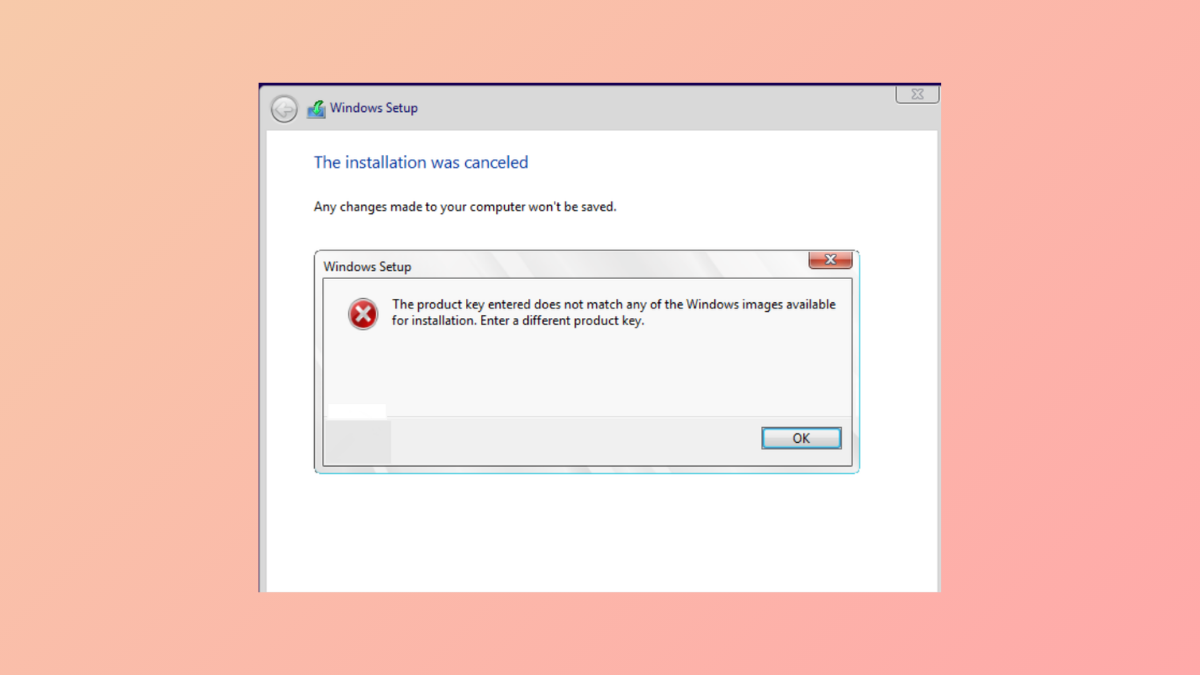
How to Fix “The Product Key Entered Does Not Match Any of the Windows Images Available” Error During Windows 11 Installation
Resolve Windows 11 installation failures caused by mismatched product keys and installation media with practical solutions.
-
How to Fix Windows Search Not Finding Files in Windows 11
Detailed steps to restore reliable file search results in Windows 11 File Explorer and Start menu.