
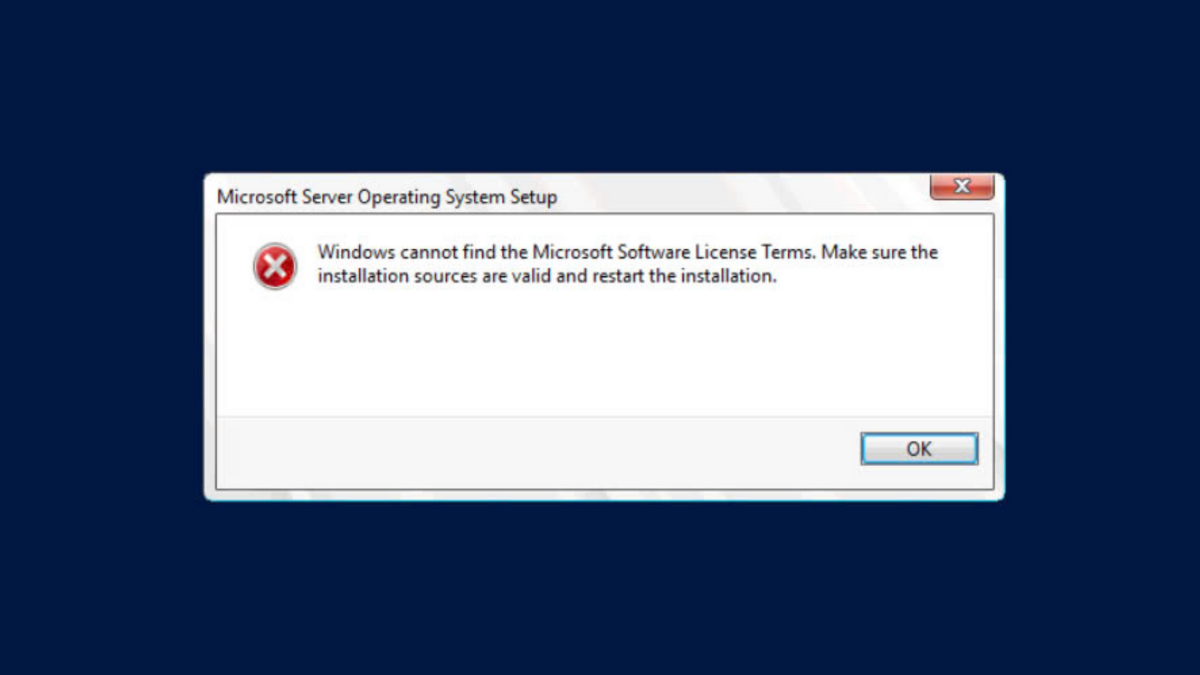
The “Windows cannot find the software license terms” error interrupts Windows 11 installation or upgrade, often stopping the process before setup can continue. This issue typically points to problems with installation media, hardware connections, or corrupted update files. Addressing these underlying causes restores the normal installation workflow and allows Windows 11 to proceed.
Delete SoftwareDistribution Download Files to Reset Update Components
Clearing out the C:\Windows\SoftwareDistribution\Download folder removes potentially corrupted or incomplete update files, forcing Windows to download a fresh copy of the installation package. This method is especially effective when the error appears during an in-place upgrade from Windows 10 to Windows 11.
C:\Windows\SoftwareDistribution\Download. You may need administrator permissions to access and modify this folder.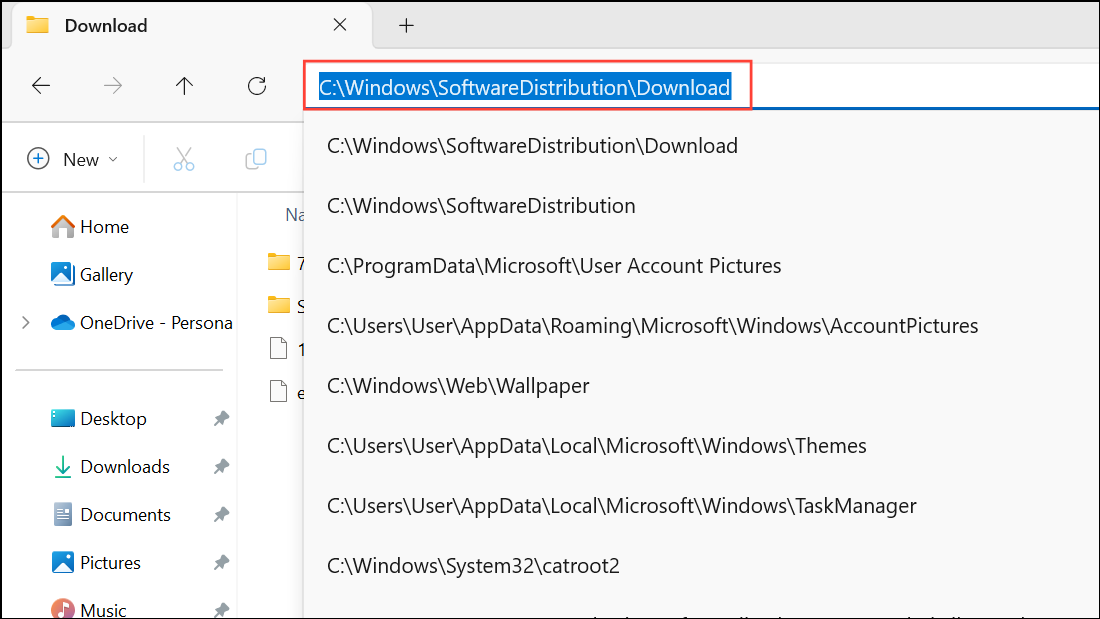
Download subfolder and delete them. These are temporary files related to Windows Update and can be safely removed.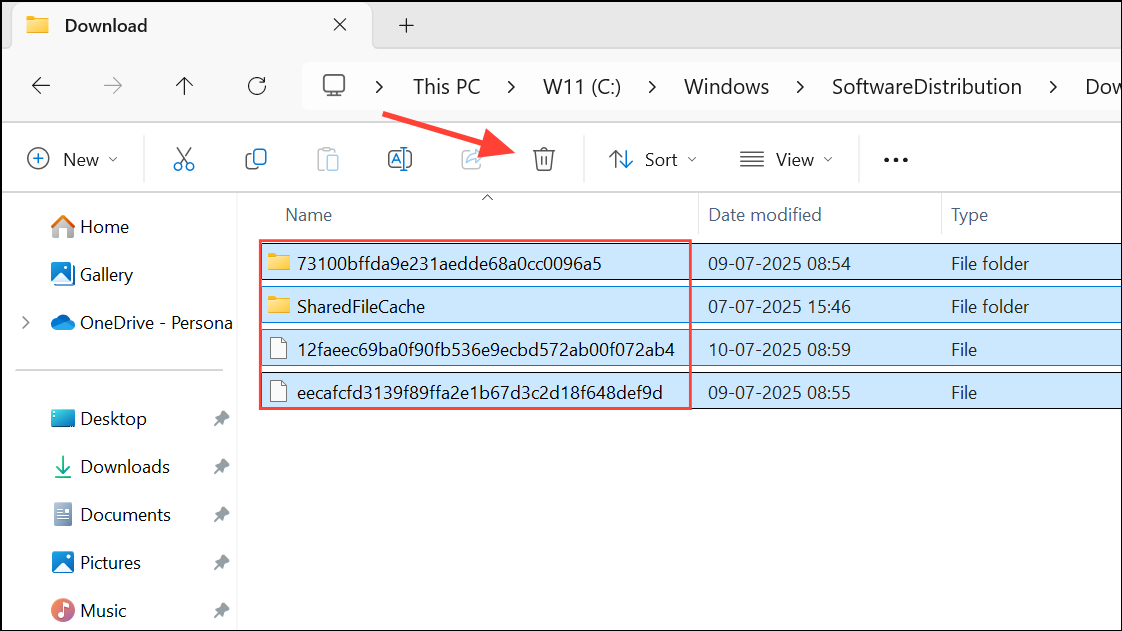
Recreate or Replace the Installation Media
Corrupted or incomplete installation media frequently causes this error during a clean install of Windows 11. Creating a new USB installer using the official Media Creation Tool or a different USB drive often resolves the problem.
If the issue persists, try using a different USB stick or another USB port, especially if your current drive is old or unreliable. Faulty USB drives or ports can prevent the installer from reading all necessary files, triggering this error.
Disconnect Unnecessary Hardware During Installation
Peripheral devices or extra storage drives sometimes interfere with the installation process, leading to missing license terms or other setup errors.
Reset BIOS/UEFI Settings to Default
Incorrect BIOS or UEFI firmware settings can block Windows setup from accessing required files, resulting in the license terms error. Restoring defaults removes potential conflicts.
Del, F2, F10, or another key during startup, depending on your motherboard).Remove Installation Media at the Install Now Screen (Advanced)
Some users have found that briefly removing the installation USB at the “Install Now” screen, then reconnecting it when prompted for files, can bypass the license terms error. This method is less conventional and should be used only if other approaches fail.
This process forces the installer to reload files from the USB and may resolve file read errors that prevent the license terms from displaying.
Resolving the “Windows cannot find the software license terms” error on Windows 11 typically involves refreshing update files, rebuilding installation media, or eliminating hardware conflicts. With these steps, installation should progress smoothly and display the license agreement as intended.



