
Category
Windows 11
-

Microsoft puts agentic Copilot at the center of Windows 11
New updates push voice-first control and task‑doing AI across settings and apps.
-
Windows 11 KB5066835 (Oct 2025): what’s fixed, what might change, and how to install
Microsoft’s October cumulative update bumps 24H2/25H2 to 26100.6899/26200.6899 with security fixes, reliability updates, and a few removals.
-

Connect Copilot to Gmail, OneDrive, and more on Windows 11
Link Microsoft and Google accounts to search emails, files, and contacts directly from Copilot.
-
Windows 11 Dev build 26220.6780 (KB5067103) adds a dark Run box
The latest Dev Channel update also restores Administrator Protection and fixes Taskbar, Start menu, and File Explorer bugs.
-
Windows 11 support end dates — Home, Pro, Enterprise, and more
There’s no single cutoff; support depends on your edition and the specific Windows 11 version you’re running.
-
Set your Windows 11 user folder name during OOBE (Insider builds)
A hidden command lets you pick C:\Users folder name during setup, with a few limits and caveats.
-
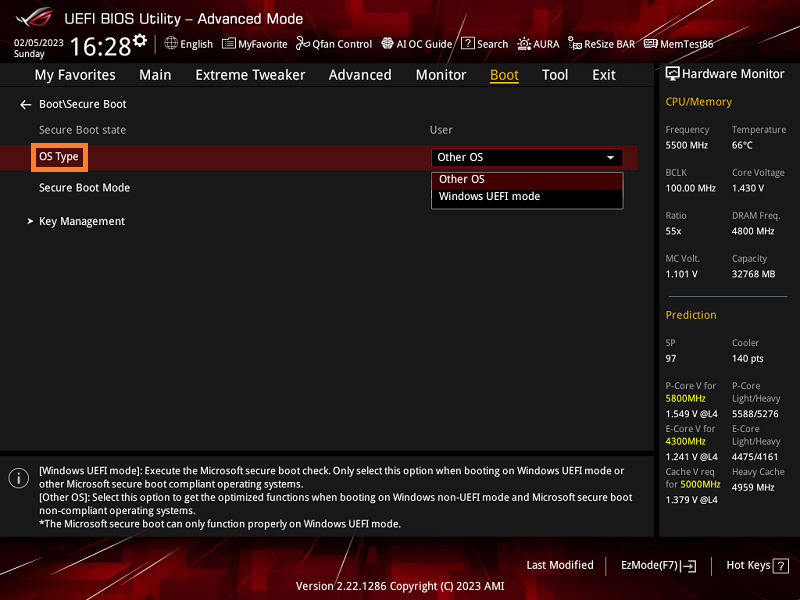
Enable Secure Boot on ASUS motherboards and laptops (UEFI)
Turn on Secure Boot in BIOS, verify it in Windows, and resolve greyed‑out options.
-
Windows 11 25H2 ISO (64‑bit) — how to download from Microsoft
Where to get the official x64 image, plus Arm64, Insider, and Enterprise options.
-
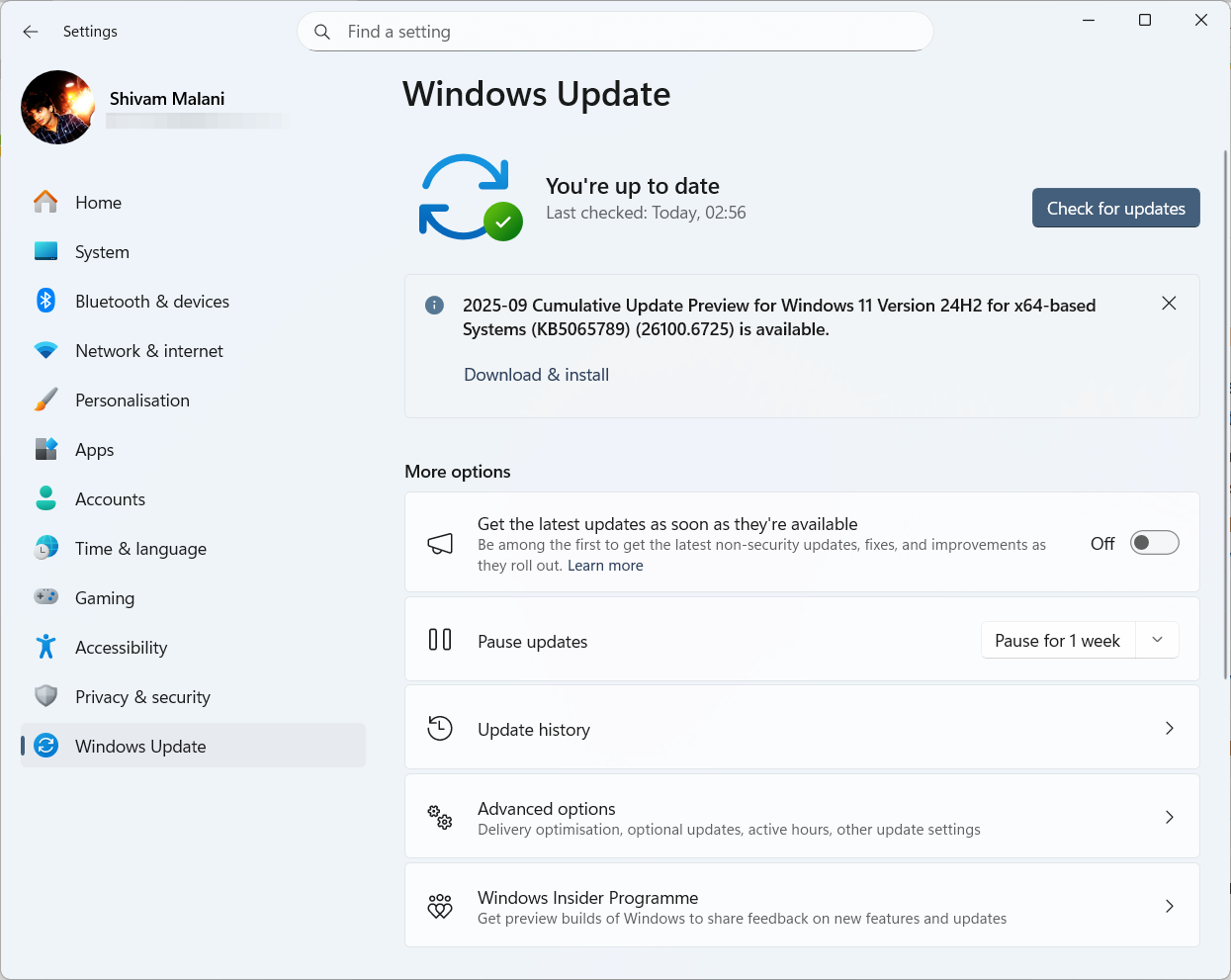
Windows 11 KB5065789 (24H2/25H2) — AI actions, gaming and Hello fixes
September’s preview bumps 24H2/25H2 to .6725 with AI menu tools and fixes for WSUS, Sandbox, HDR, and Hello.
-
Make a Windows 11 25H2 USB for unsupported PCs — Rufus, Ventoy
Create bootable media that skips TPM, Secure Boot, RAM, and online account checks using official ISOs.

