
Category
Windows 11
-
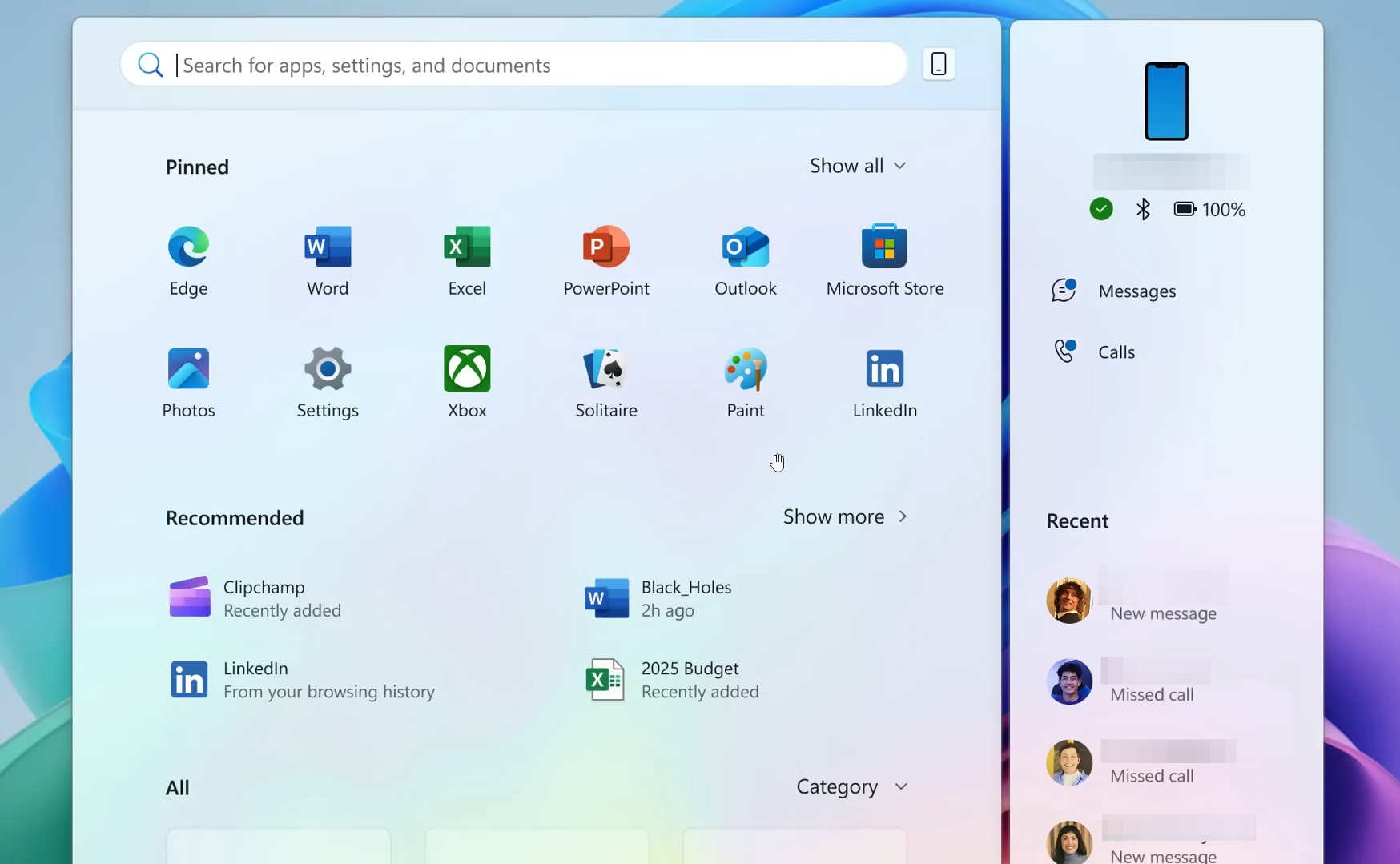
Windows 11 KB5067036 (Nov 2025 preview) brings a new Start menu
Release Preview builds 26100.7015 and 26200.7015 add a new Start menu, battery percentage, admin protections, and fixes.
-
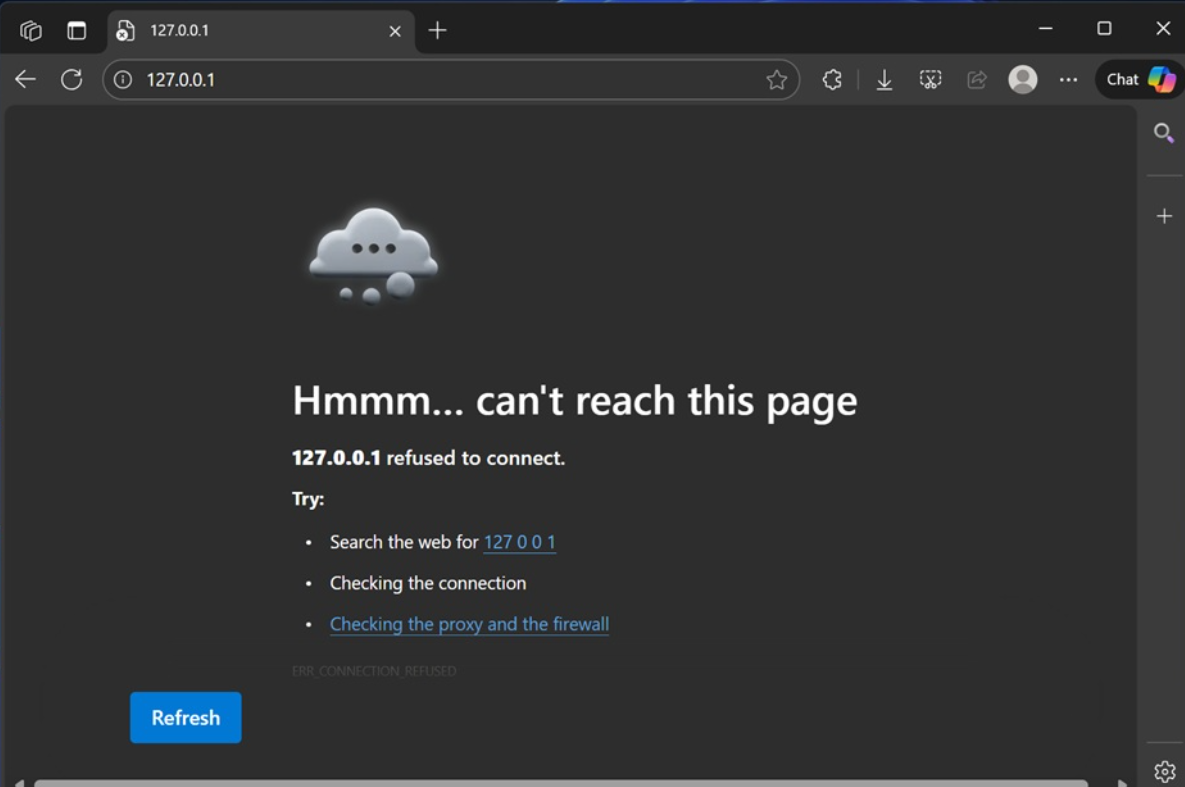
Fix Windows 11 KB5066835 breaking localhost (HTTP/2 bug)
Restore local IIS/Kestrel sites using Windows Update, KIR policy, registry, or safe uninstall.
-
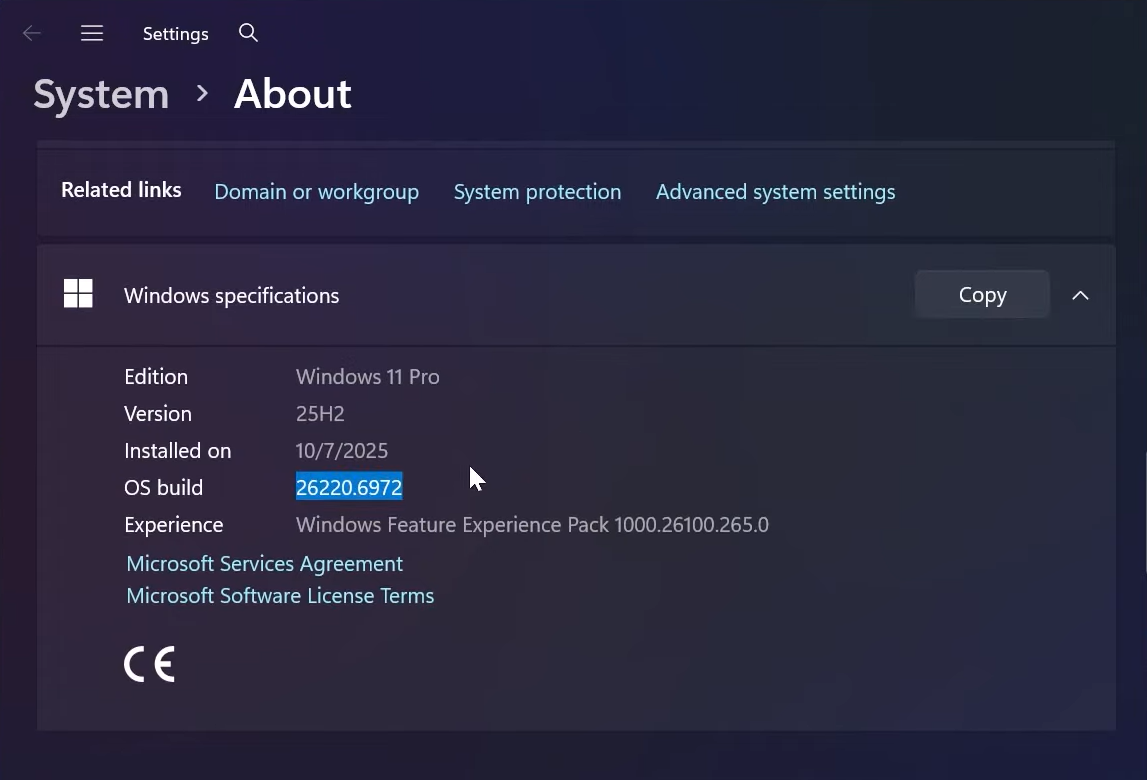
Enable new dark mode dialogs in Windows 11 (25H2 Insider)
Turn on hidden dark UI for Run, Folder Options, and file operations with ViVeTool on recent Insider builds.
-
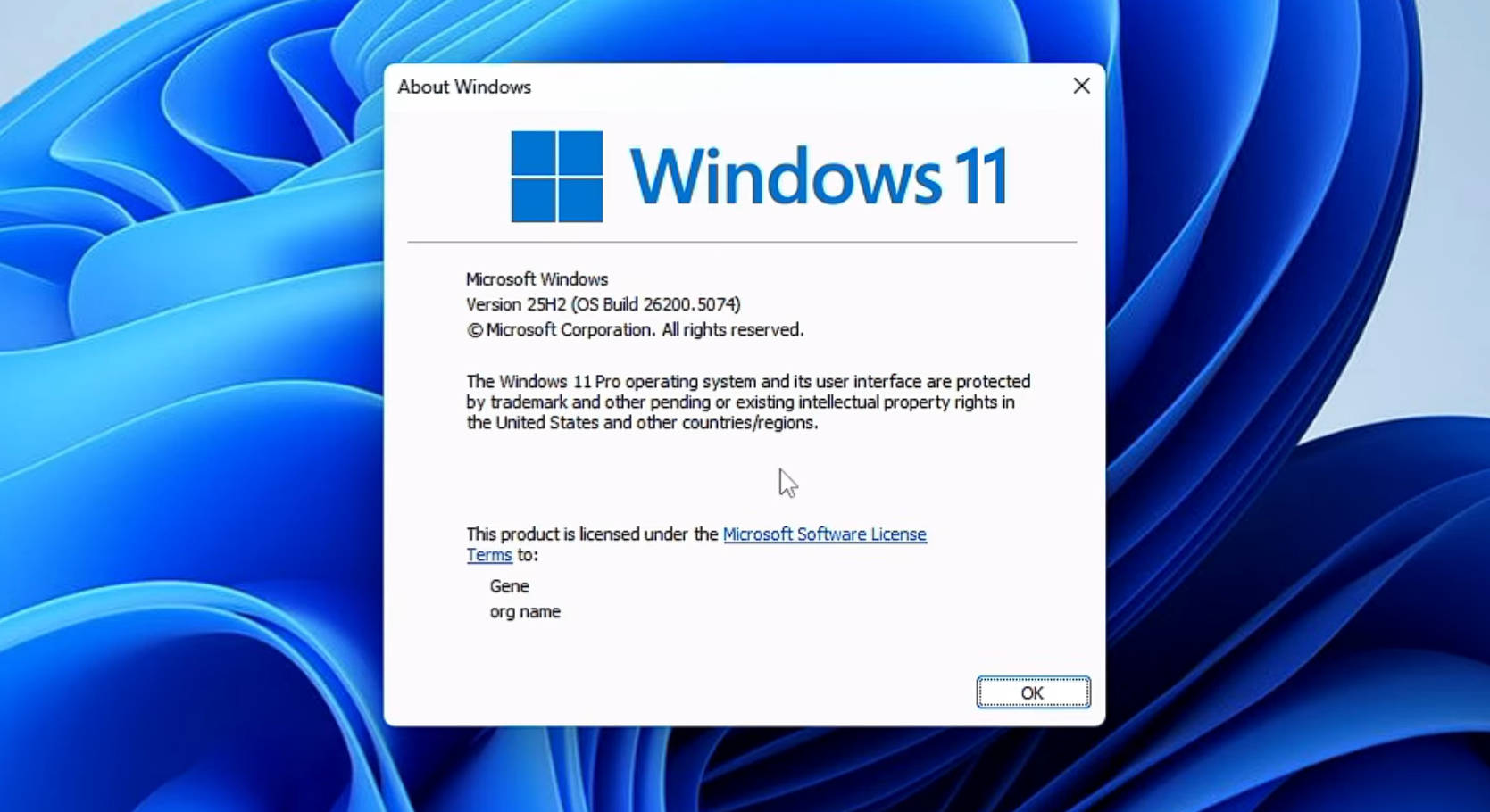
Windows 11 25H2 tiny11 on x64 and arm64 — what’s new, how to get it
A lean 25H2 build now exists for Intel/AMD and ARM PCs, with a script to roll your own from official ISOs.
-
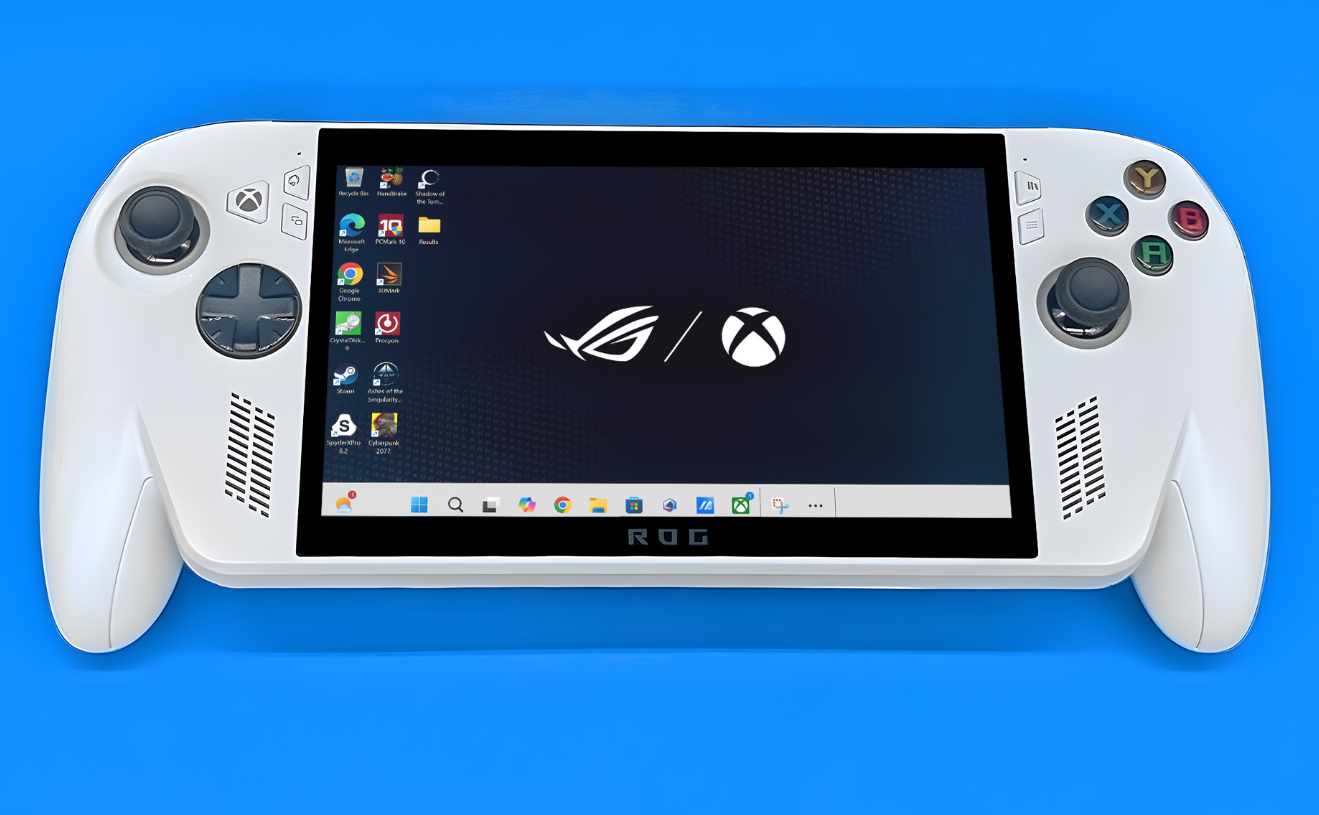
Factory reset Xbox Ally X on Windows 11 (Reset this PC, BIOS)
Use Windows Reset or ASUS Cloud Recovery to return the handheld to factory defaults, with clear trade‑offs.
-
Fix File Explorer’s PDF preview warning in Windows 11 (25H2)
Why File Explorer now blocks some PDF previews and the safe, fast way to restore them for trusted files.
-
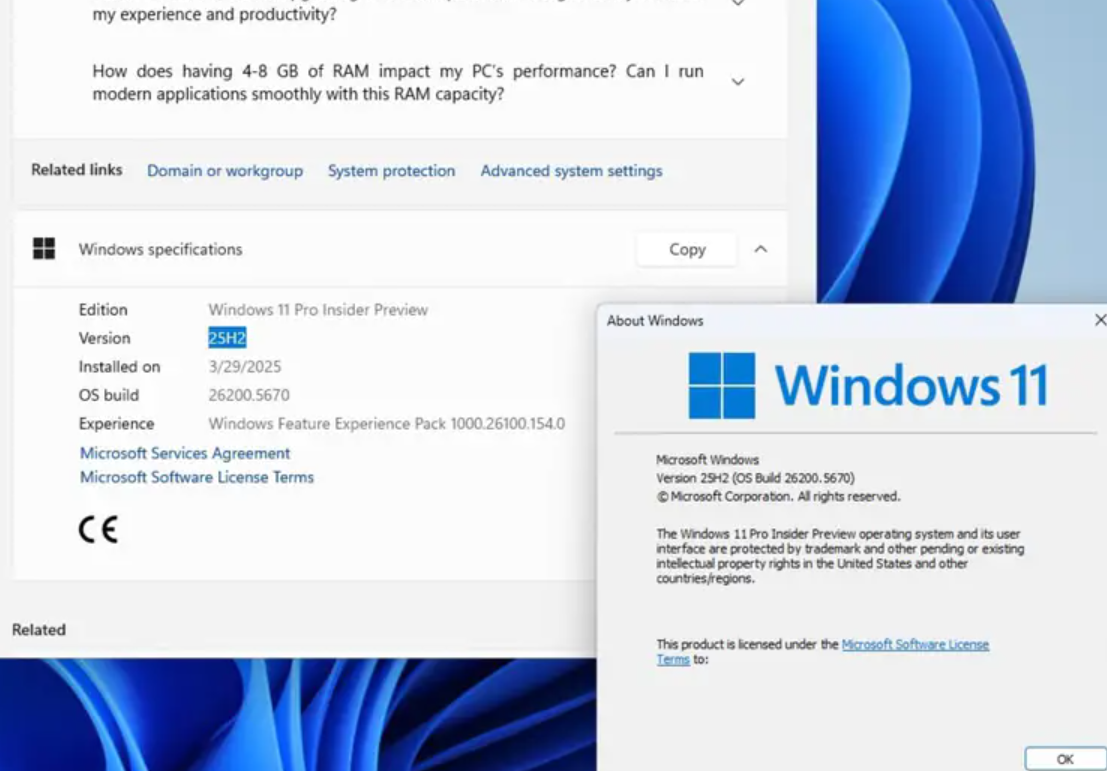
Is Windows 11 25H2 stable? What to expect before you update
A look at the rollout, known issues, and when it makes sense to install the Windows 11 2025 Update.
-
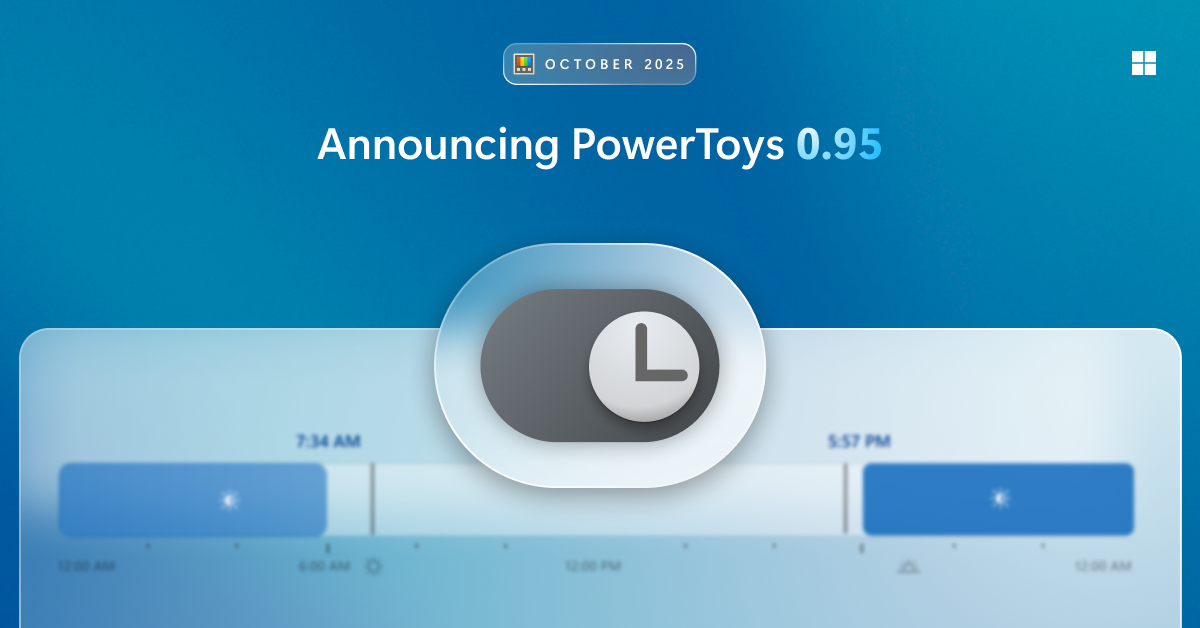
PowerToys Light Switch for Windows — Automatic theme scheduling
Set Windows to switch between light and dark modes by time, sunrise/sunset, or a manual shortcut.
-
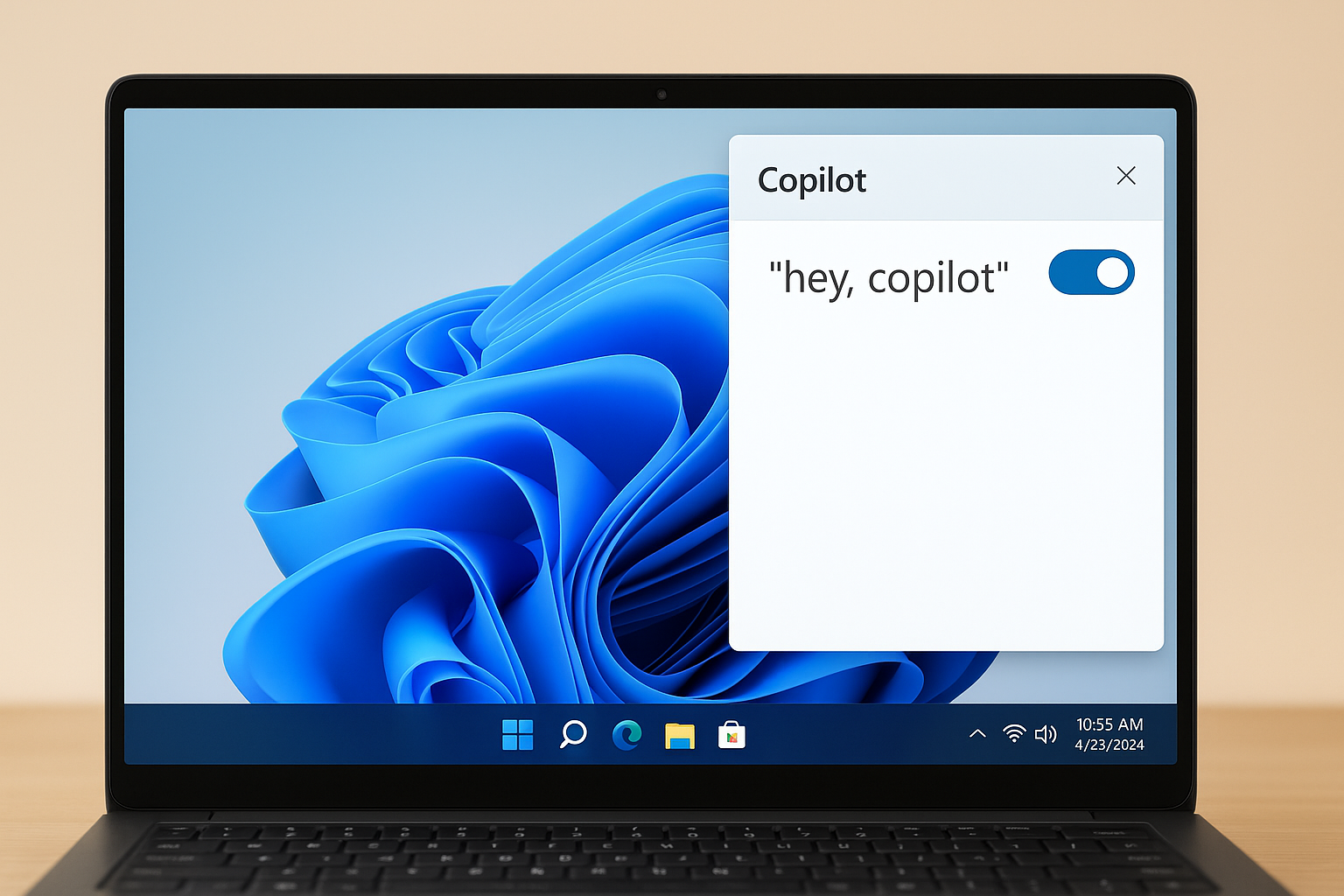
How to Enable “Hey, Copilot” on Windows 11 — Setup, voice use, and fixes
Turn on the wake word in the Copilot app, start hands‑free voice, and fix common issues with clear steps.
-

Windows 11 is becoming an agentic OS you can talk to
Copilot Voice, Vision, and Actions aim to let your PC understand context and carry out tasks on your behalf.