
Category
Windows 11
-
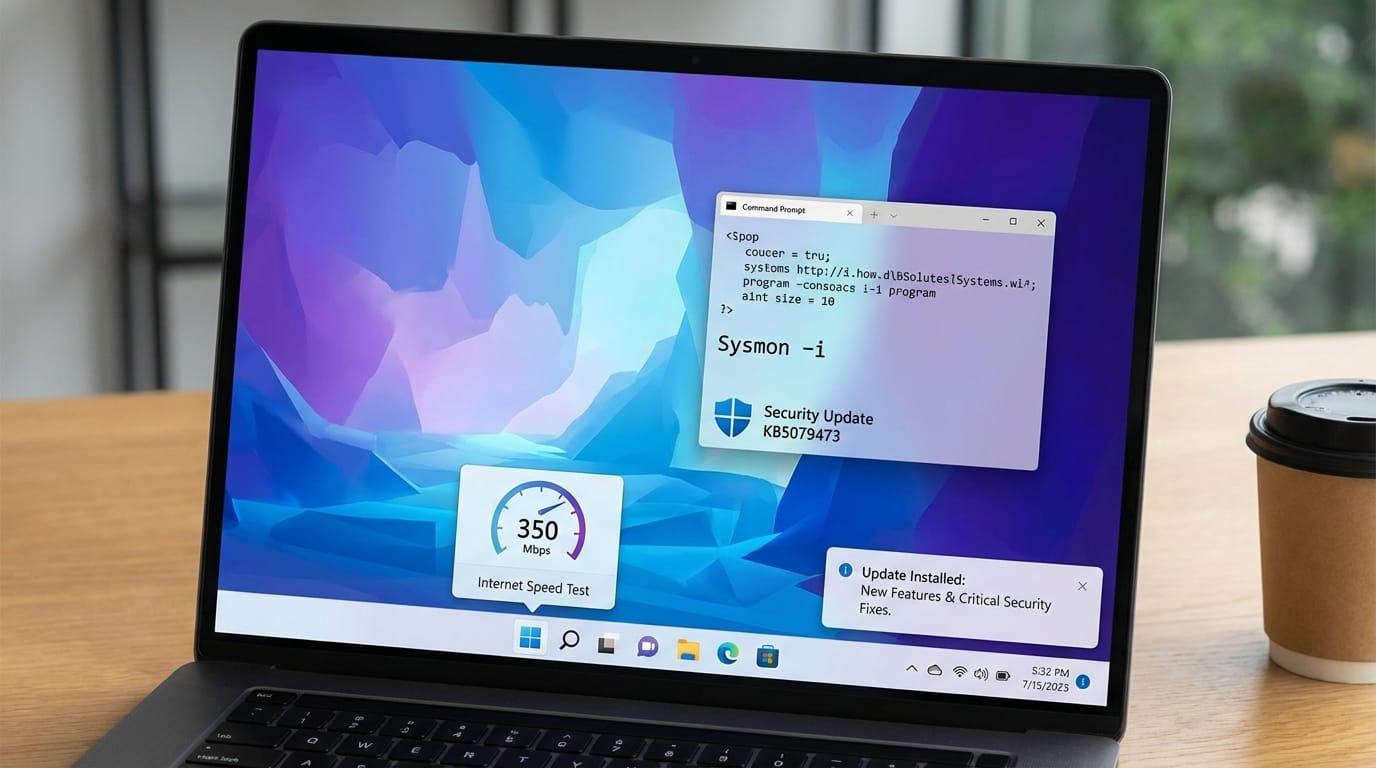
Windows 11 KB5079473: New features, zero-day fixes, and native Sysmon
The March 2026 mandatory update adds a taskbar speed test, WebP wallpaper support, and patches for six actively exploited vulnerabilities.
-
Windows 11 Home encryption: Turn on Device Encryption the right way
On Windows 11 Home, the built-in option is Device Encryption, not the full BitLocker control panel.
-
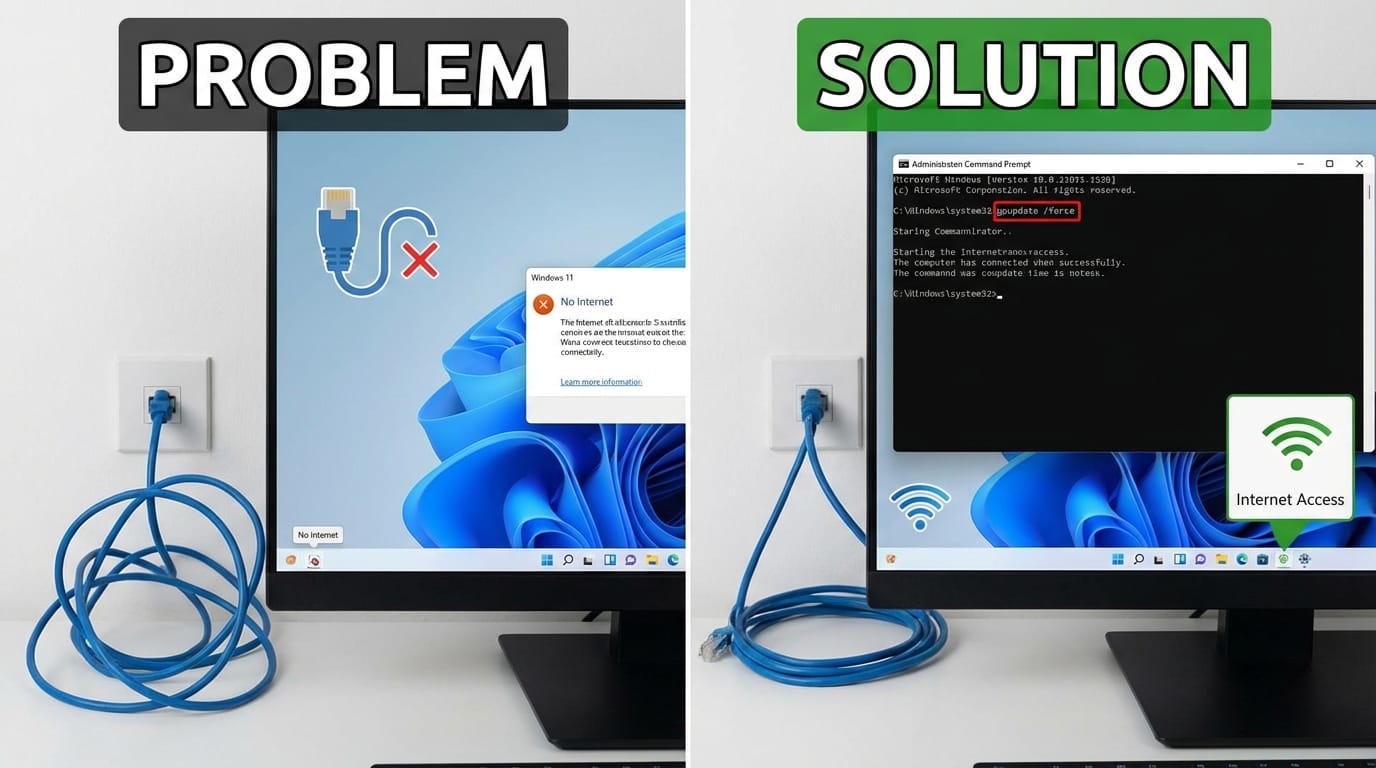
Windows 11 Update Can Break Ethernet Internet — How to Restore Connectivity
A Windows 11 upgrade can wipe key wired authentication policies, leaving PCs offline until group policies are refreshed.
-
Windows 11 KB5077241 brings internet speed tests and native Sysmon support
The February 2026 preview update adds taskbar network tools, Emoji 16.0, and pan-tilt camera controls.
-
KB5007651 Keeps Reinstalling on Windows 11 — What It Is and How to Fix It
Microsoft’s recurring Windows Security platform update has a long history of bugs, loops, and workarounds.
-
Windows 11 Build 26300.7733 Brings Native Sysmon to Dev Channel
The latest Dev Channel preview adds built-in system monitoring and fixes for File Explorer and cloud storage apps.
-
Windows 11 Canary Build 28020.1495: WebP wallpapers and a few key fixes
What changed, what got fixed, and the two issues you’re most likely to notice after installing.
-
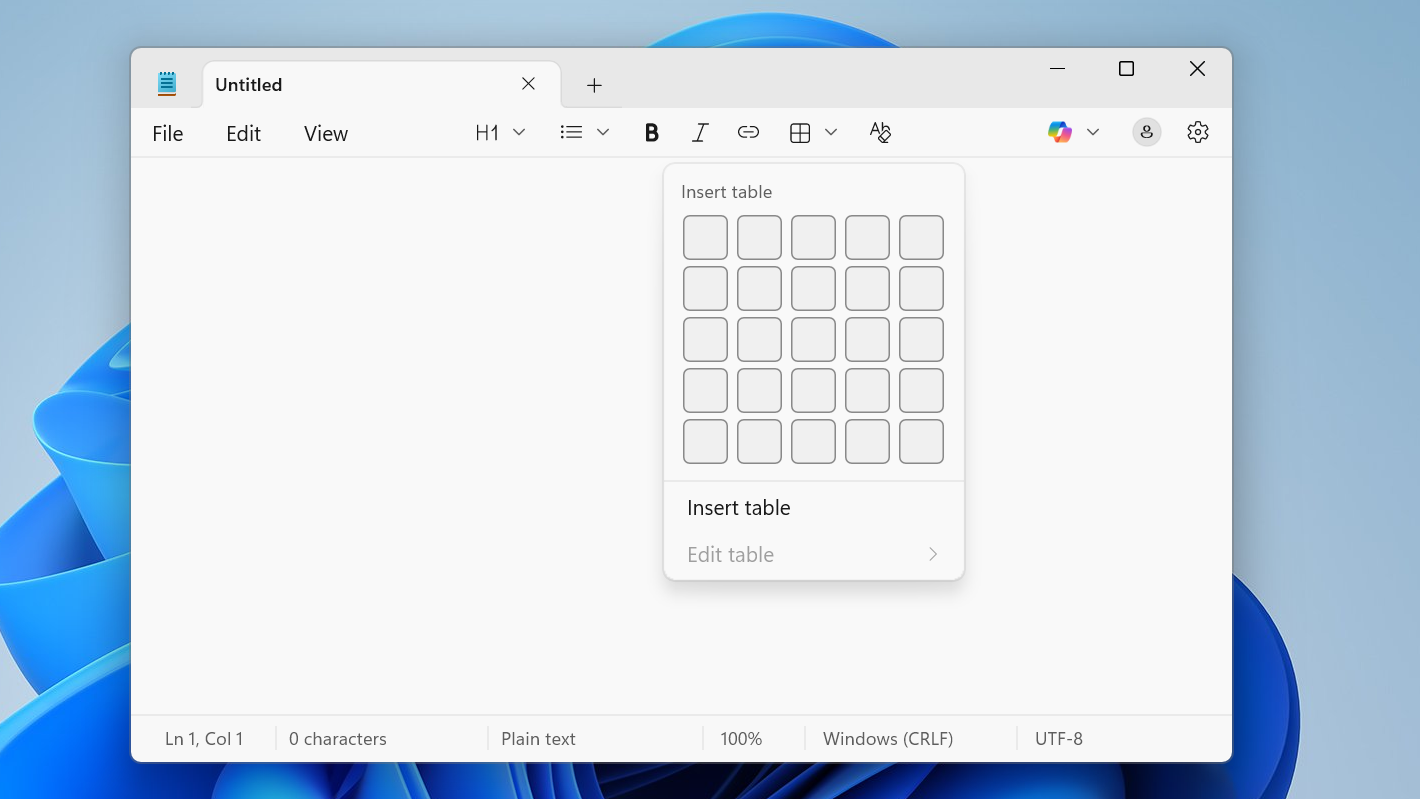
Notepad on Windows 11 can do tables — here’s how to use them
Learn how to create, edit, and manage tables in the new Notepad for Windows 11, including Markdown-style layouts.
-

How to use AI agents from the Windows 11 taskbar
Learn how the new Ask Copilot box and taskbar icons let AI agents run, monitor, and complete tasks on your Windows 11 PC.
-
How to disable touch screen on Windows 11 without breaking everything else
Turn off touch input on a Windows 11 laptop or tablet using Device Manager or PowerShell, and keep it disabled reliably.

