
Category
Windows 11
-
How to Update Network Drivers on Windows 11
Four reliable ways to refresh your Wi-Fi or Ethernet driver and fix dropouts, slow speeds, and connection errors.
-
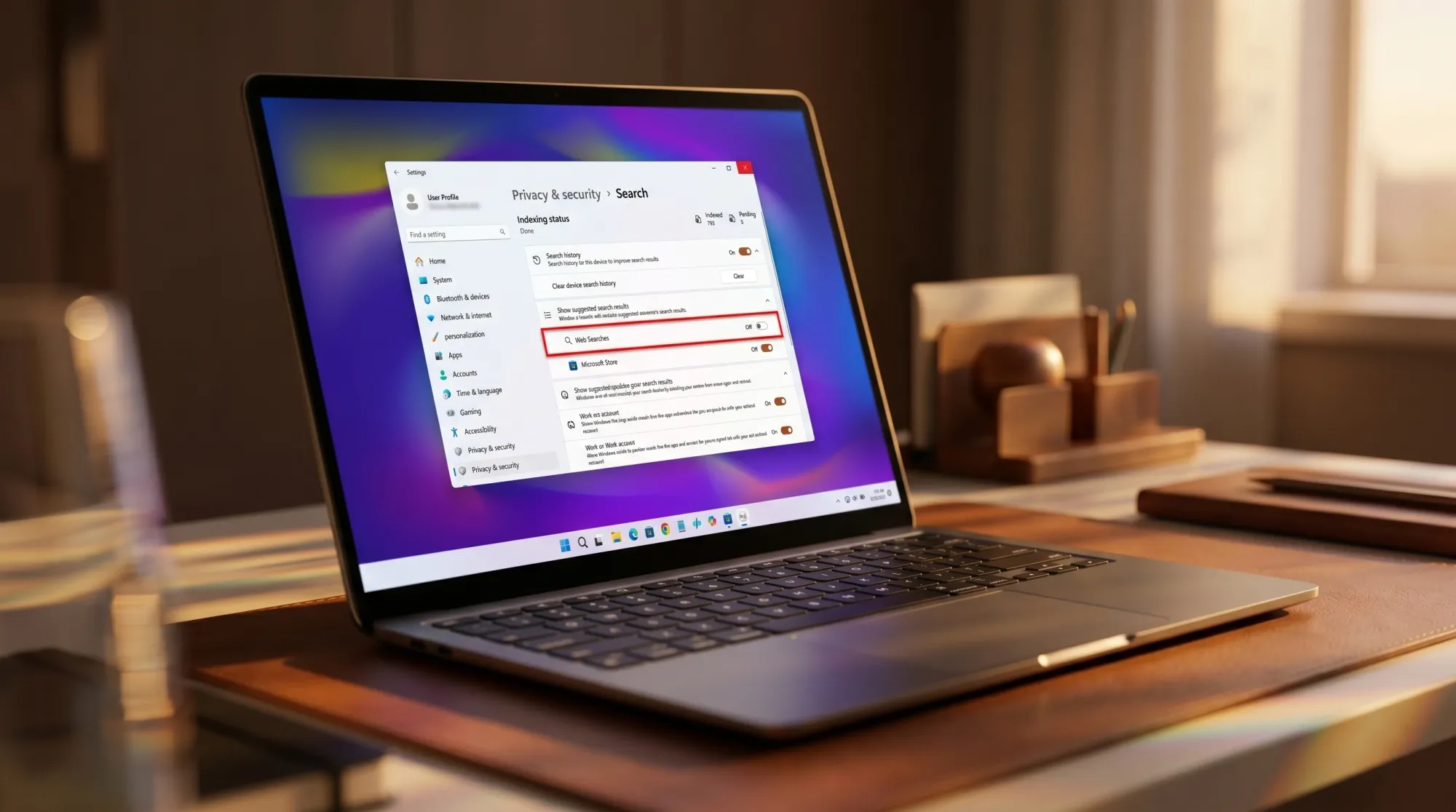
Windows 11 Search Will Let You Turn Off Bing Web Results in Settings
A new toggle under Privacy & security puts the option a click away, replacing Registry edits outside the EU.
-

How to Turn Off Bing Web Results in the Windows 11 Start Menu
A registry tweak, a Group Policy switch, and a Settings toggle that strip Bing links out of Start menu search.
-
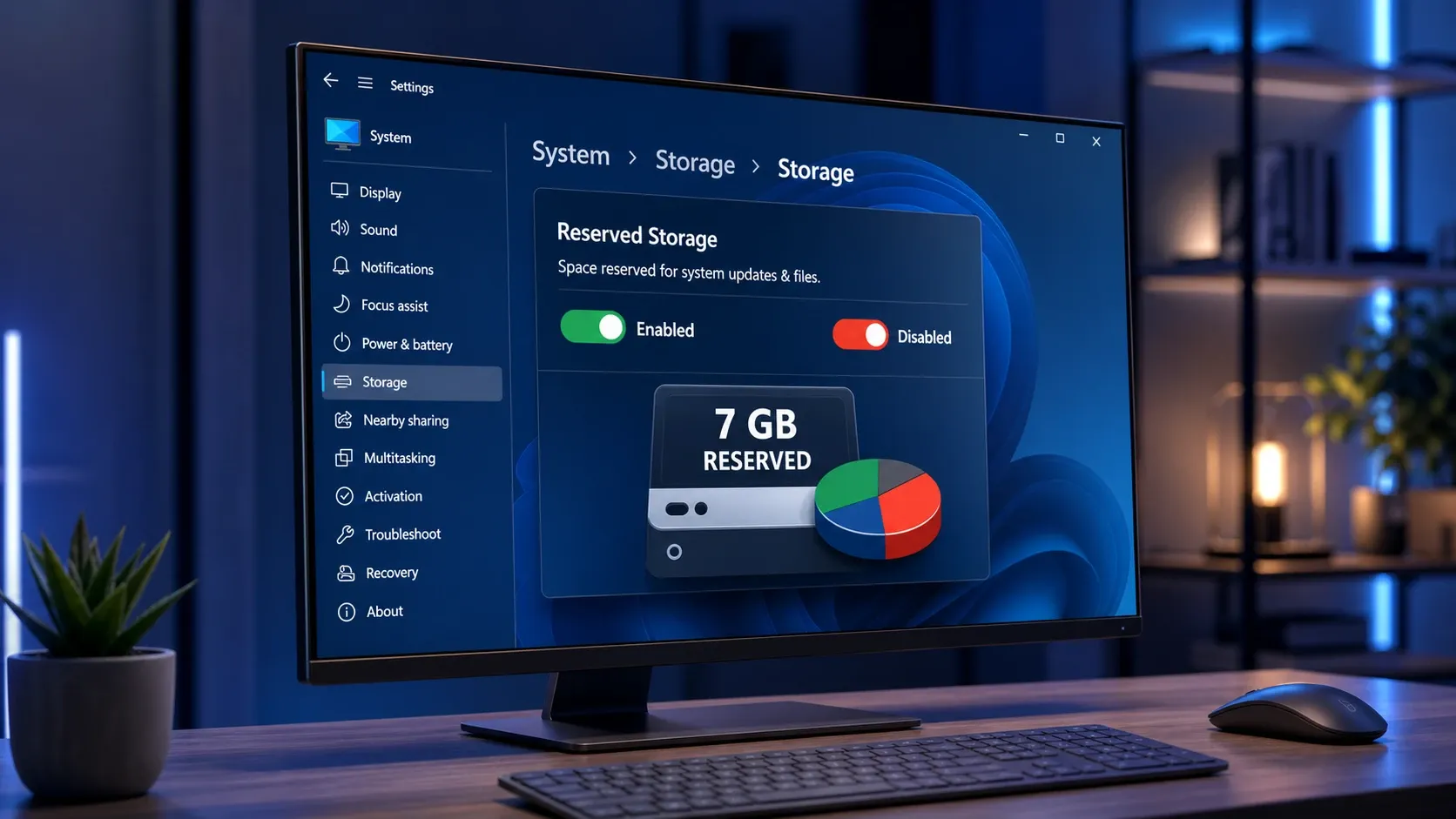
Turn Reserved Storage on or off in Windows 11 to reclaim ~7GB
The exact DISM, PowerShell, and Registry methods to toggle Windows 11’s reserved disk space and confirm the change worked.
-
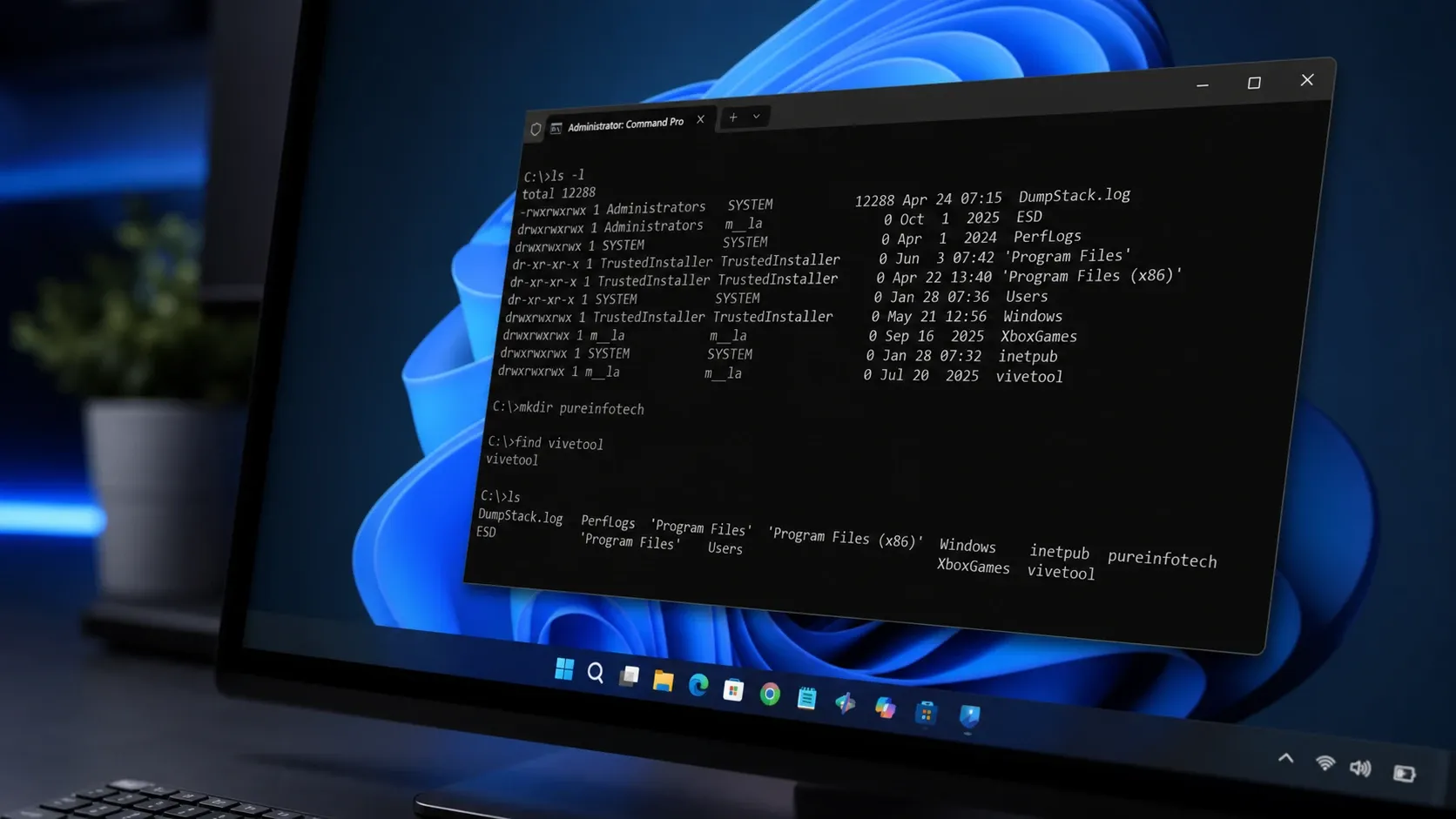
Coreutils for Windows 11: Native Linux Commands Without WSL
Microsoft’s Rust-based build runs ls, cp, rm, and dozens more directly in your Windows shell.
-
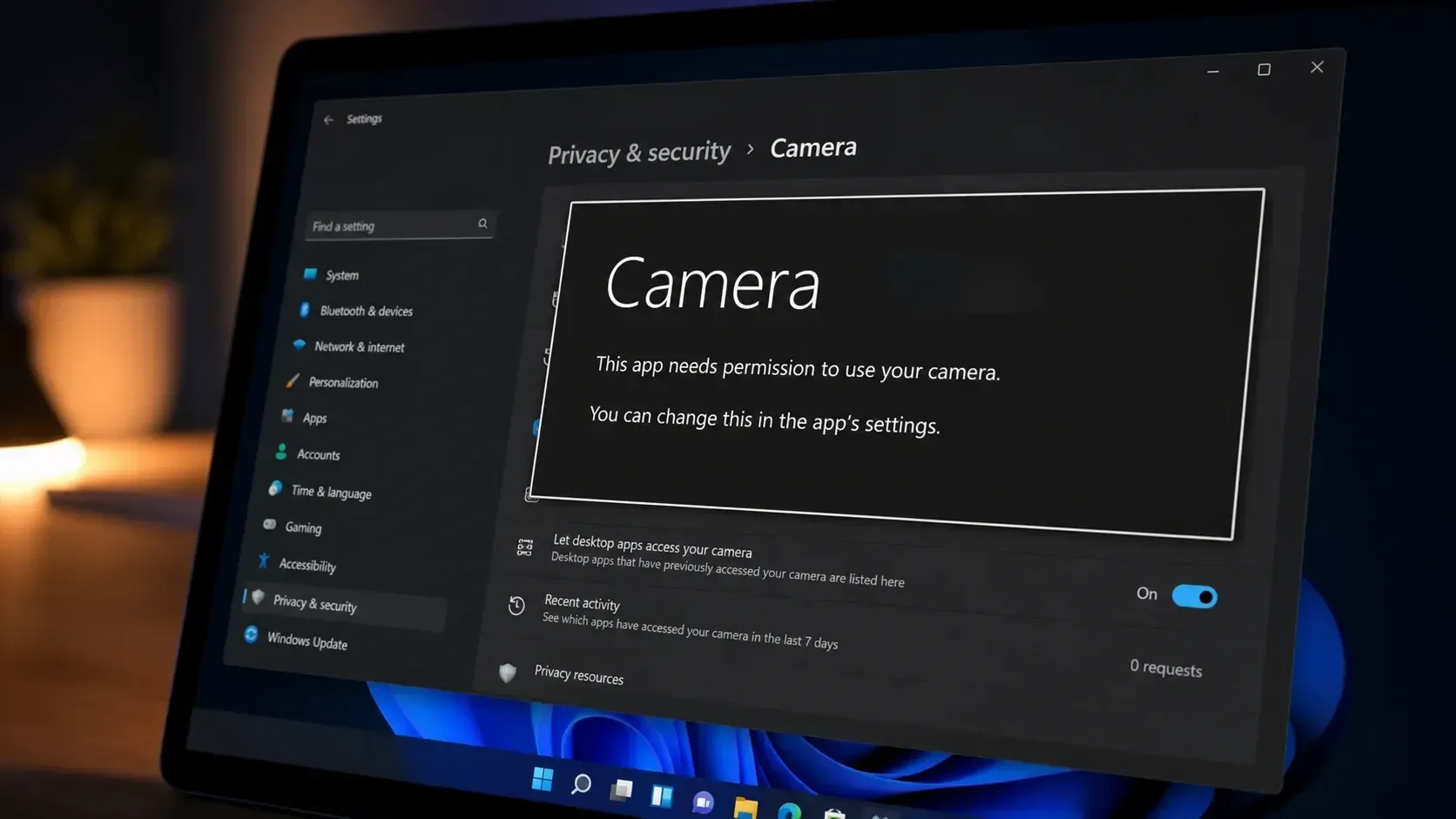
Fix the ‘This app needs your permission to use your camera’ error on Windows 11
Turn on camera access and the app’s toggle in Privacy & Security to clear the block and get your webcam working.
-
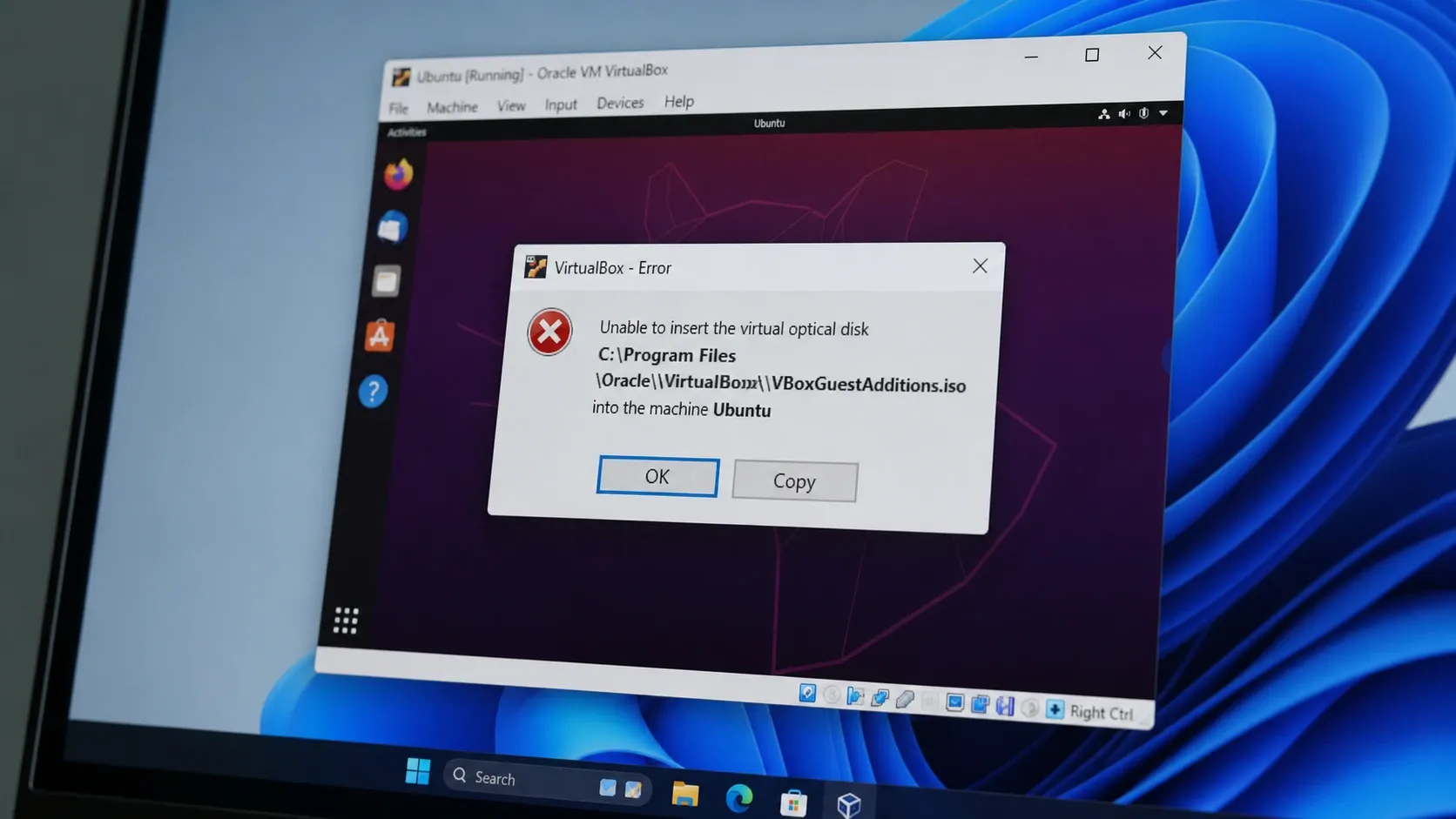
Fix VirtualBox “Unable to insert the virtual optical disk” (VERR_PDM_MEDIA_LOCKED)
Eject the locked disc image, then mount Guest Additions inside the guest to clear the error for good.
-

Registry Editor: How to Fix “Cannot import, Error accessing the registry”
The fastest paths through permission, ownership, and Safe Mode fixes when a .reg file refuses to merge.
-

How to Safely Shrink the WinSxS Folder in Windows 11
Reduce the component store size using built-in tools without breaking updates or system recovery.
-
WiFi Option Missing in Windows 11: Causes and Fixes
Restore the wireless toggle and network list with adapter, service, driver, and network reset fixes that target each common cause.