
Category
Windows 11
-
Windows 11 Precision Touchpad Gestures: Auto, Accelerated, and Single-Finger Scroll
Microsoft is testing four new precision touchpad gesture options in Windows 11 Experimental Build 26300.8376 under Settings.
-
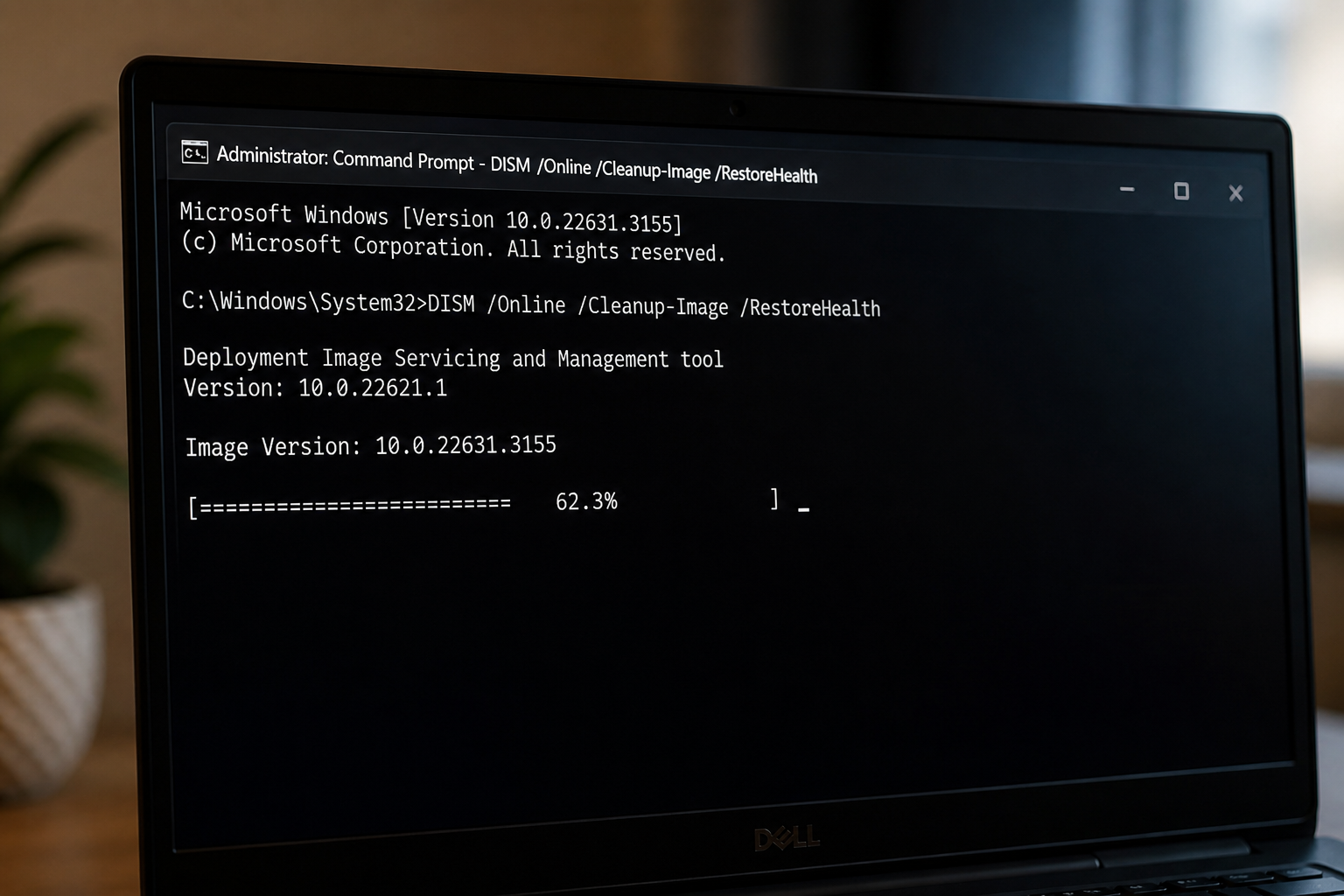
DISM Stuck at 62.3% on Windows 11: Fix and Verify
Why the RestoreHealth scan pauses at 62.3 percent and the exact actions that get it moving again.
-
Windows 11 KB5083631 Extra Restart Explained (Secure Boot Certificate Update)
Why the April 2026 preview update can reboot twice on some PCs, plus the BitLocker recovery prompt to watch for.
-
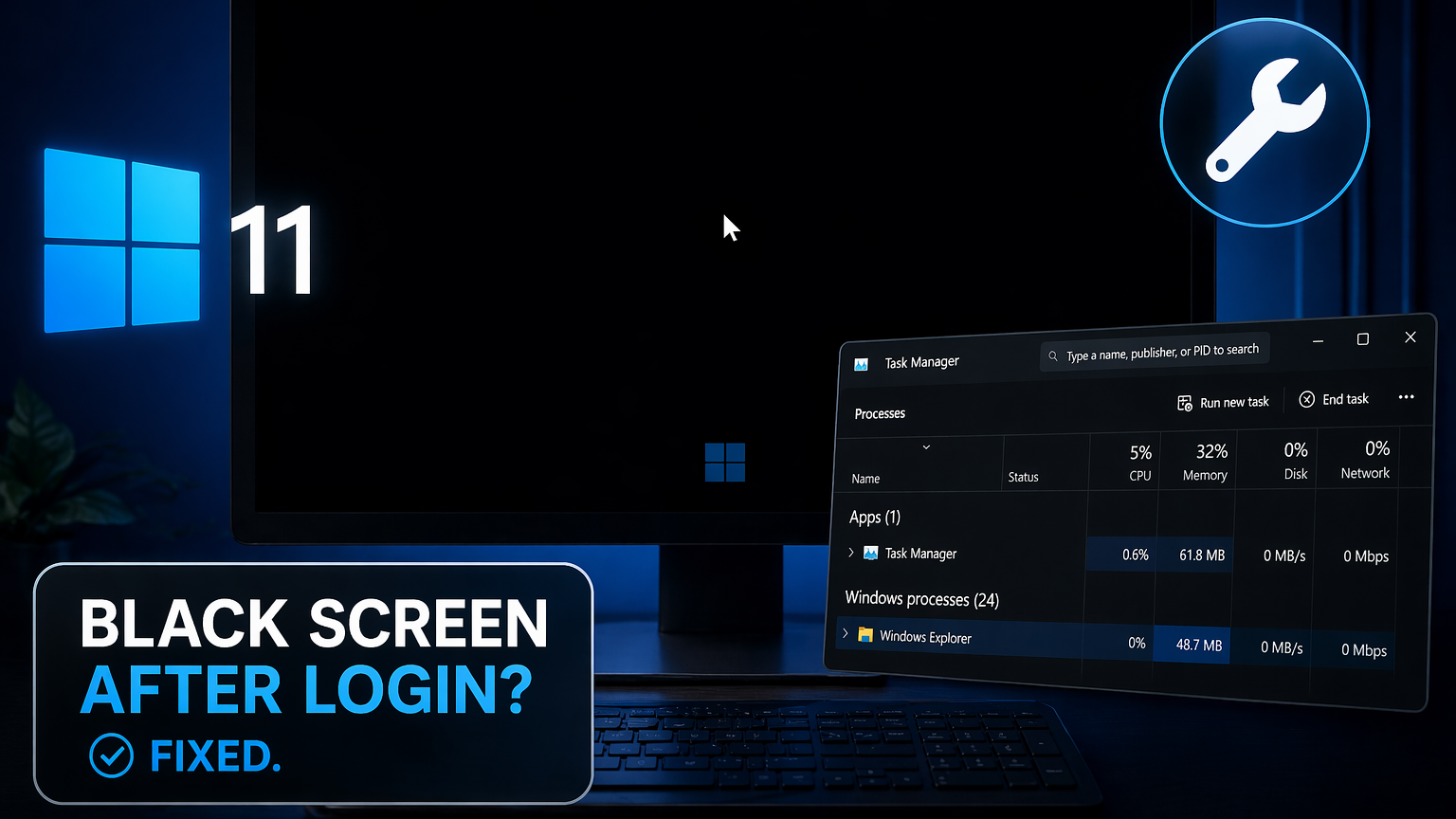
Black screen after login on Windows 11: How to fix it
Recover your desktop when Windows 11 boots to a blank screen with only a cursor visible.
-

Windows 11 KB5083769 Boot Loop: What’s Happening and How to Recover
The April 2026 Patch Tuesday update is leaving some PCs stuck in pixelated crashes and endless recovery cycles.
-
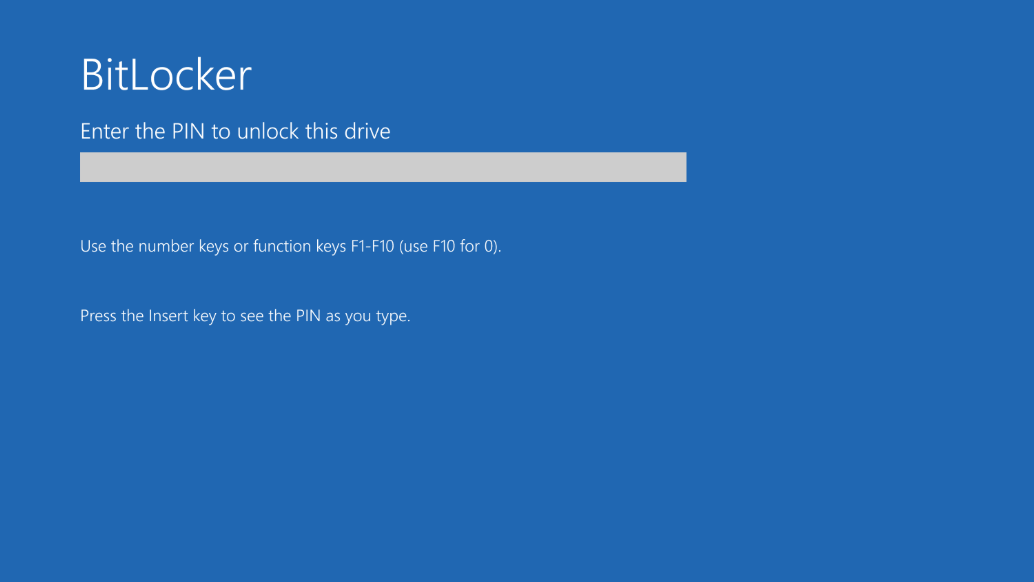
Windows 11 KB5083769 BitLocker recovery bug and install problems
The April 2026 cumulative update can trigger a BitLocker recovery prompt on devices with a specific PCR7 Group Policy configuration.
-
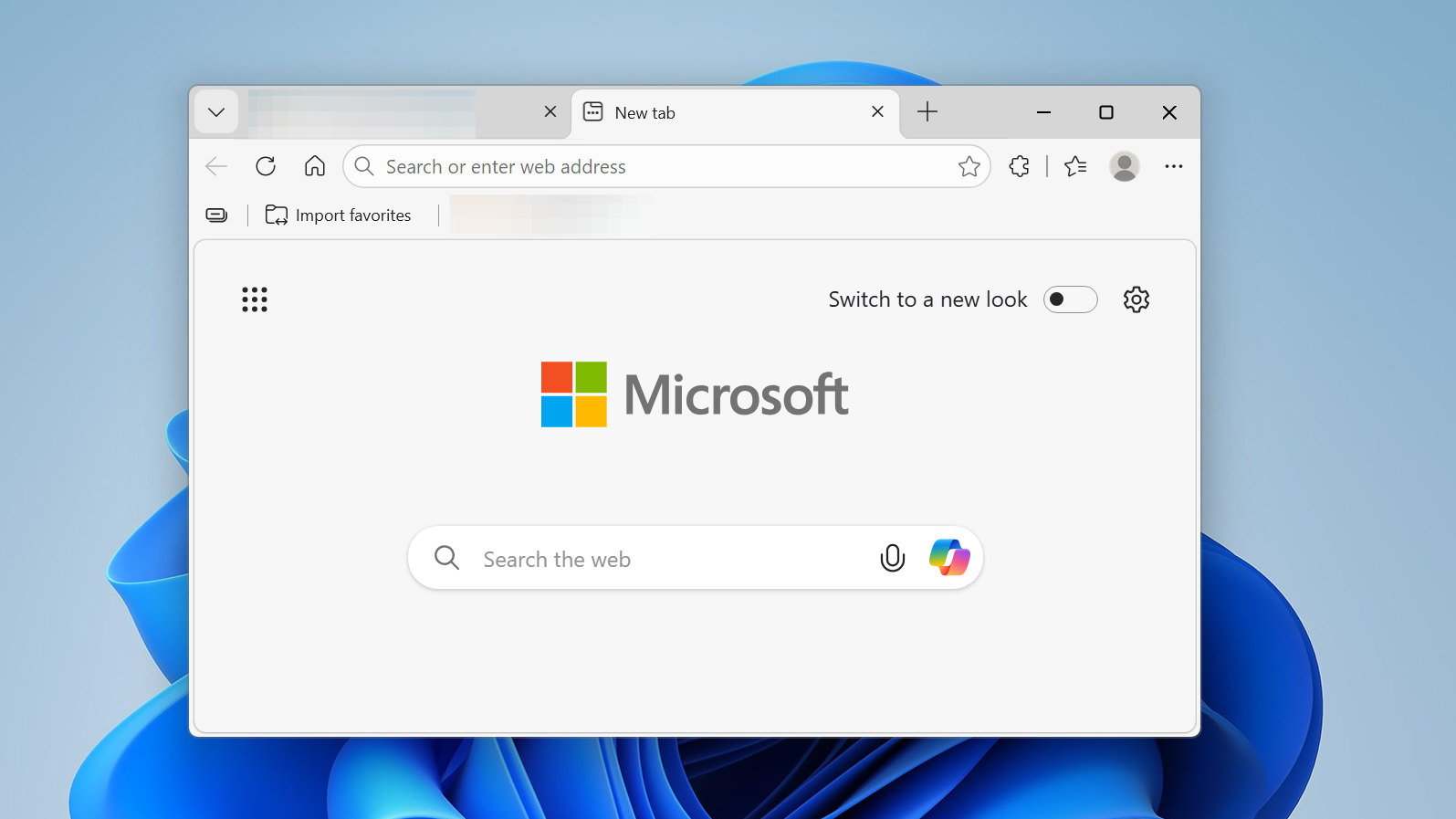
Why Windows 11’s April Update Auto-Opens Microsoft Edge After Restart
The April Patch Tuesday update launches Edge on some PCs to show a promotional feature tour, ignoring your default browser.
-
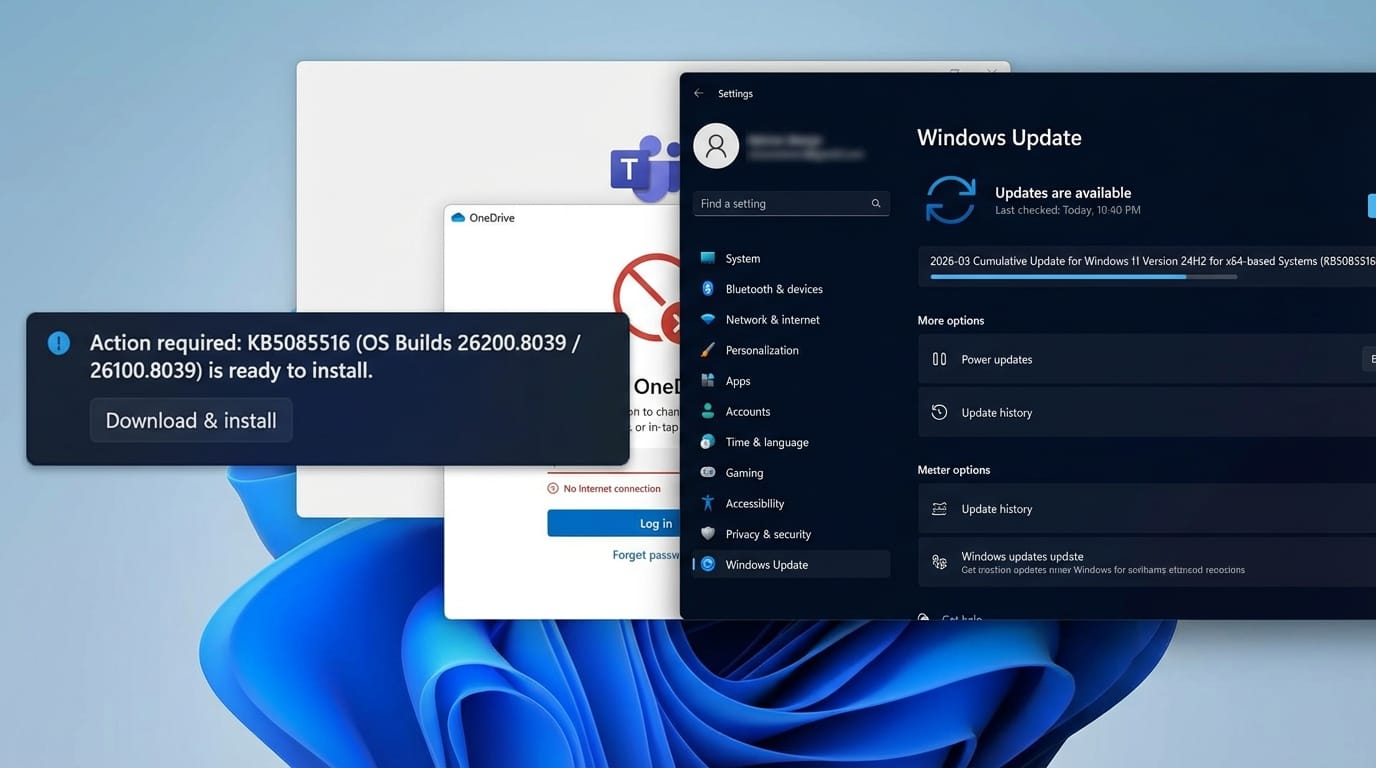
How to Fix the Windows 11 Microsoft Account Sign-In Bug With KB5085516
Microsoft’s out-of-band patch resolves the “no Internet” error that blocked sign-in across Teams, OneDrive, Outlook, and Office apps.
-
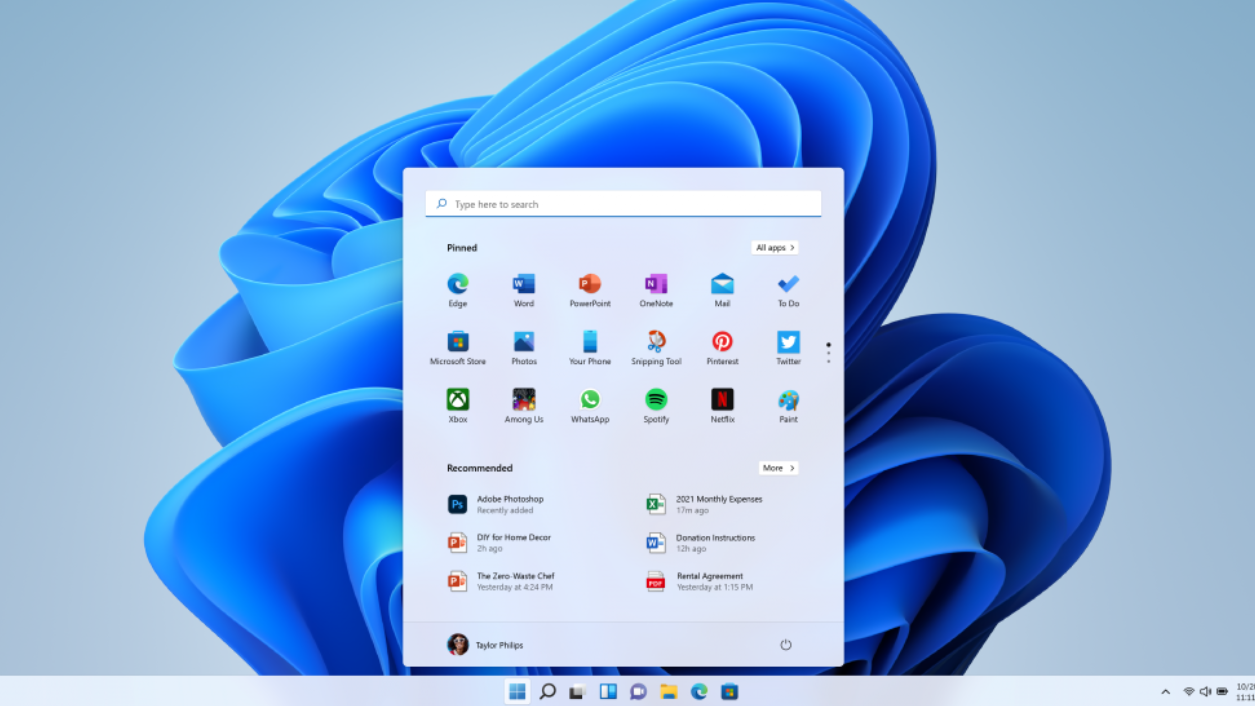
Windows 11 build 28020.1685 adds voice renaming and cleaner storage
The latest Canary update brings File Explorer voice typing and a more reliable way to remove Windows.old files.
-
Windows 11 Dev build 26300.7965 brings back Administrator protection
The latest Dev Channel update adds just-in-time admin protection and a small set of File Explorer and sharing changes.
