
Category
Windows 11
-
How to fix error code 0xc0000001 on Windows 11
These fixes will resolve the 0xc0000001 error and let you boot into Windows again
-

How to fix Printer not activated, error code 30 on Windows 11
It’s easy to get rid of this error with these straightforward fixes.
-

How to fix Display Resolution greyed out on Windows 11
These fixes will solve this problem on your PC in no time.
-
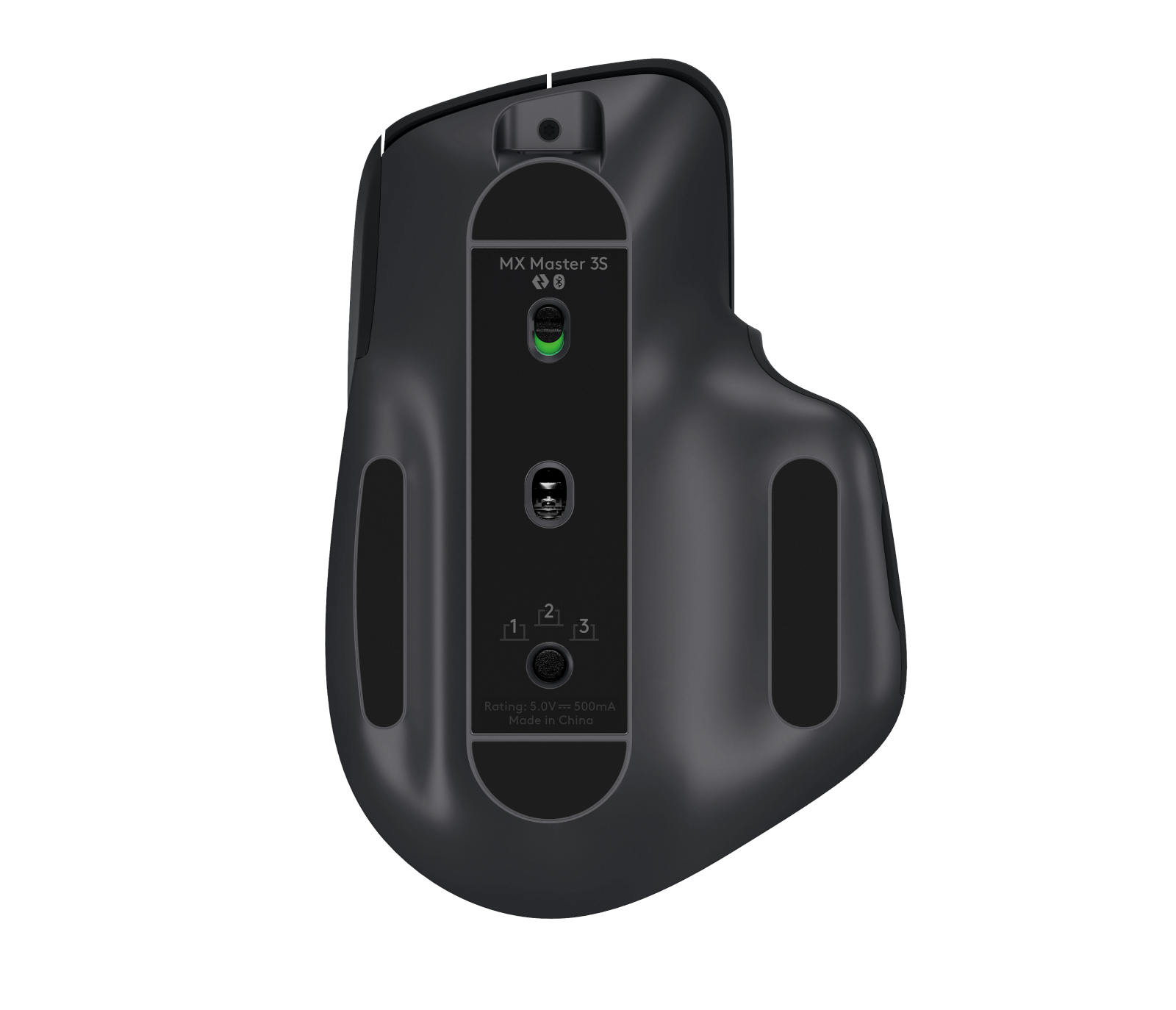
How to fix Logitech MX Master mouse connection issues on Windows 11
Step-by-step guide to reconnect your Logitech MX Master mouse to Windows 11
-

How to fix the ‘Something didn’t go as planned’ error in Windows 11
These fixes will straighten out the problem in no time.
-

How to restore missing Quick Access in Windows 11 File Explorer
Easy fixes to get back your favorite Quick Access in Windows 11
-
How to check SSD temperature on Windows 11
Suspecting your SSD’s temperature might be too high? It’s easy to check it.
-

How to take a screenshot on Windows 11 without Print Screen button
No print screen button? No problem! Capture your screen with these methods.
-

How to get rid of yellow border around screen in Windows 11
These fixes will help you get rid of the yellow border on your screen.
-
Windows App (preview) vs. Microsoft Remote Desktop: What’s the Difference?
Comparing Microsoft’s remote access solutions for Windows: features, compatibility, and performance.