
Category
Windows 11
-
Windows 11 is bringing agenda events back to the Taskbar calendar
The new Agenda view surfaces upcoming meetings and events directly in the Notification Center, rolling out in preview from December 2025.
-
Nvidia’s GeForce 581.94 hotfix targets Windows 11 KB5066835 gaming slowdown
The emergency driver update aims to reverse frame rate drops seen after Windows 11’s October 2025 cumulative update.
-
Windows 11 KB5068860 brings a quiet Canary build focused on fixes
Build 28000.1199 (26H1) arrives in the Canary Channel with no new features, just low‑level tweaks and stability work.
-
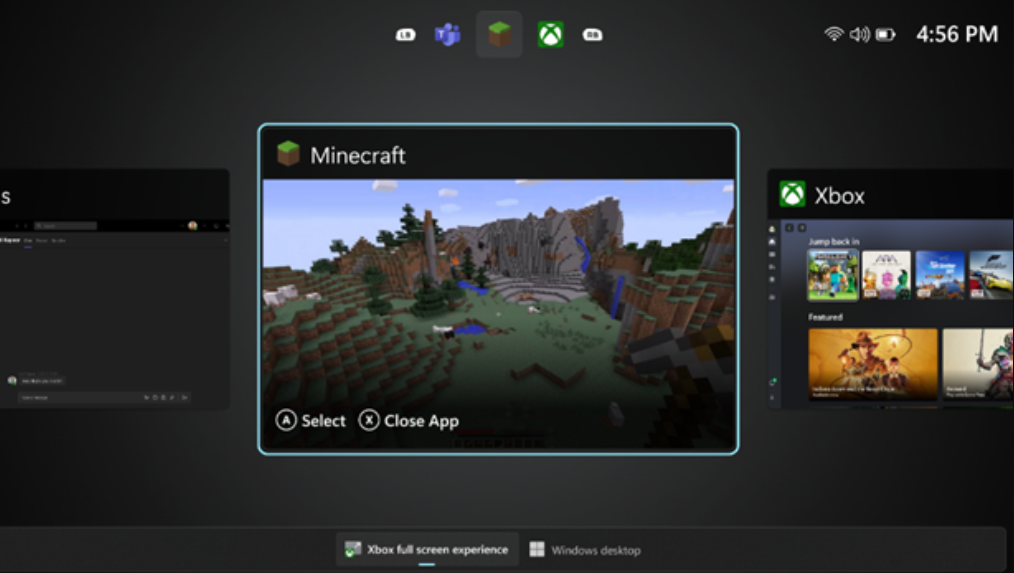
How to Enable Windows 11’s Xbox full‑screen mode on handhelds and PCs
Turn on the new console‑style experience with Windows 11 25H2, a couple of flags, and a small display shim for desktops.
-
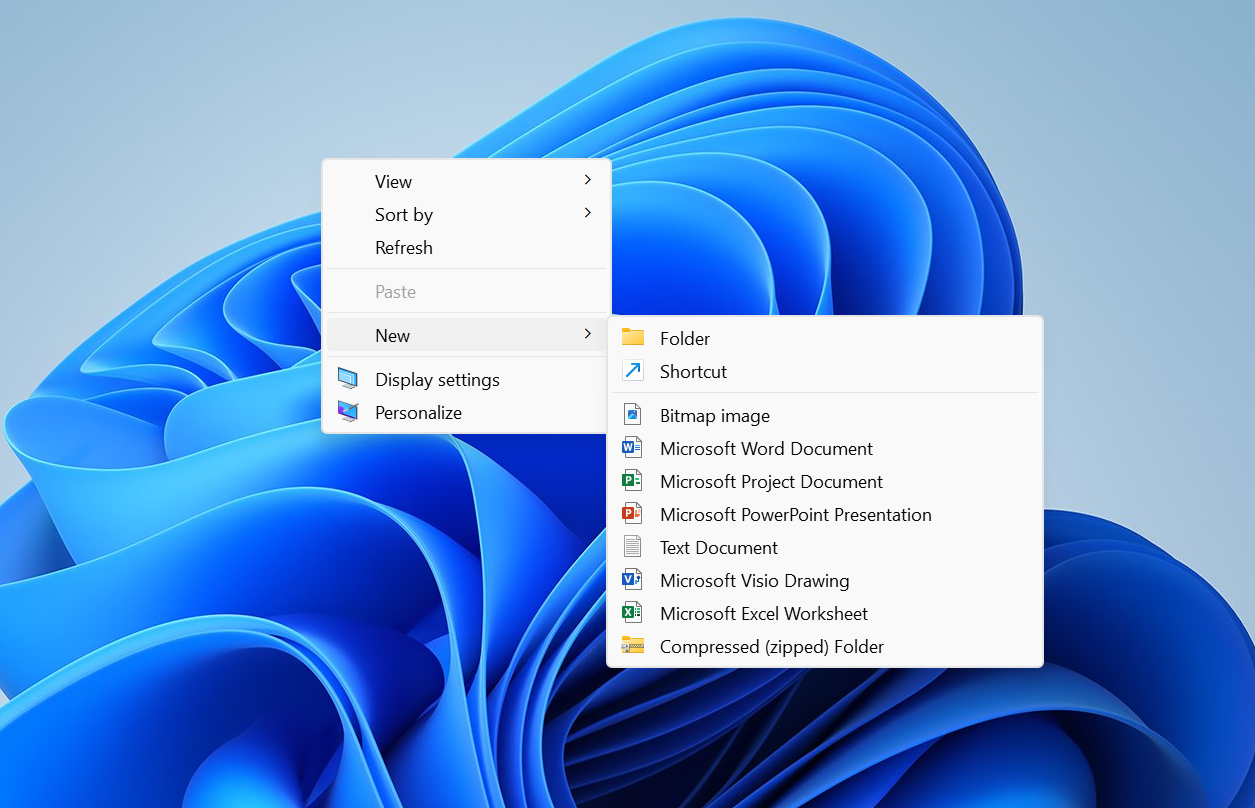
Windows 11’s right‑click menu is getting split, context‑aware menus
Microsoft is testing a new “Split Context Menu” that groups related actions, trims duplicates, and can cut menu height by up to 38%.
-

Fix Clipchamp screen recording on Windows 11 — permissions and setup
A practical checklist to resolve grayed-out record buttons, mic errors, and missing screen capture.
-
Windows 11 KB5068861 (Nov 2025) — fixes, features, and how to install
The November Patch Tuesday update for 24H2 and 25H2 delivers critical security fixes, a Task Manager shutdown fix, and gradual UI changes.
-
Windows 11 build 26220.7070 (KB5070300) focuses on Widgets and recovery
Insiders in Dev and Beta get a cleaner Widgets start, recovery updates, and a brief window to switch channels.
-
Windows 11 26H1 hits Canary as build 28000 — here’s what it actually is
Microsoft flips Canary to “26H1,” a platform-only release for new silicon, not a feature update you’ll install on 25H2.
-
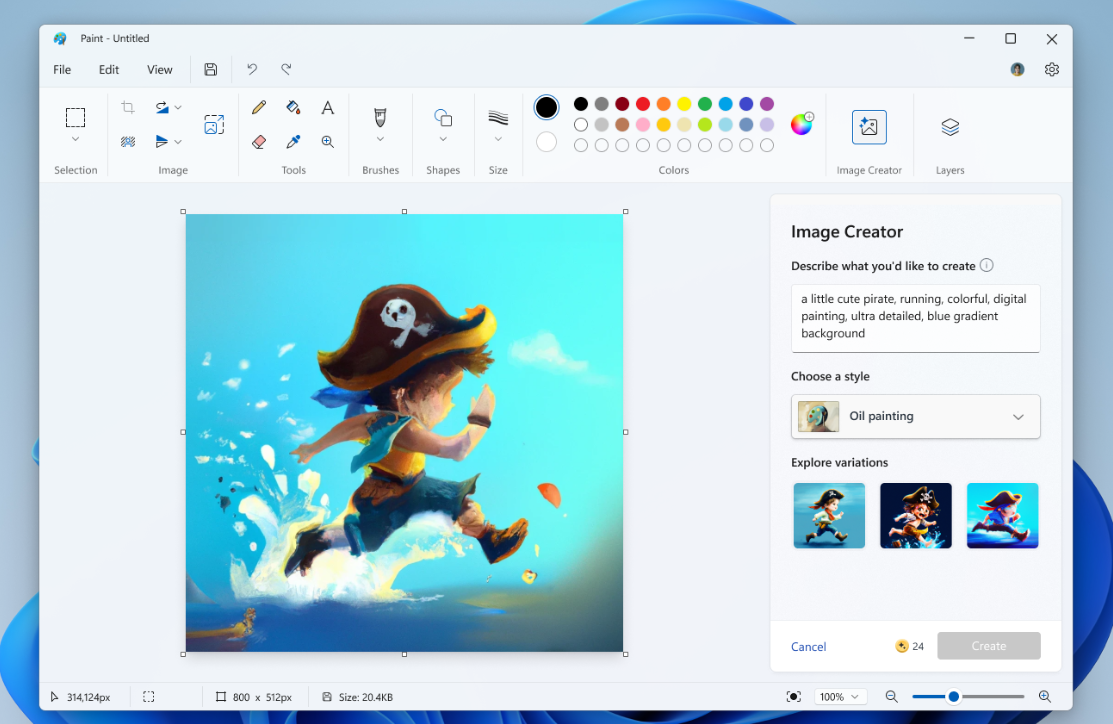
Disable AI features in Windows 11 Paint — Generative Fill and more
Use policy, registry, CMD/PowerShell, and Intune to turn off Generative Fill and Image Creator in Paint.
