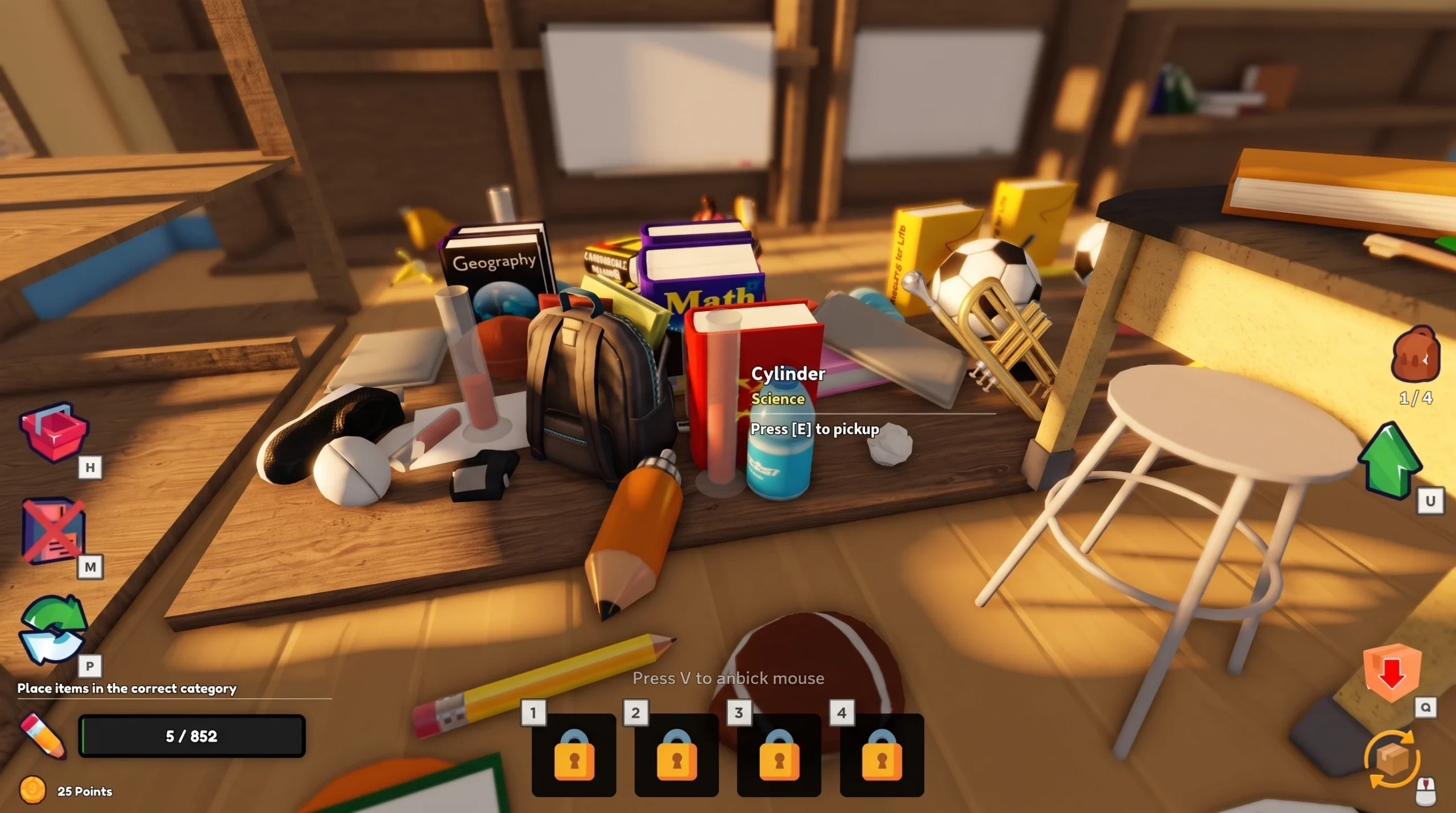
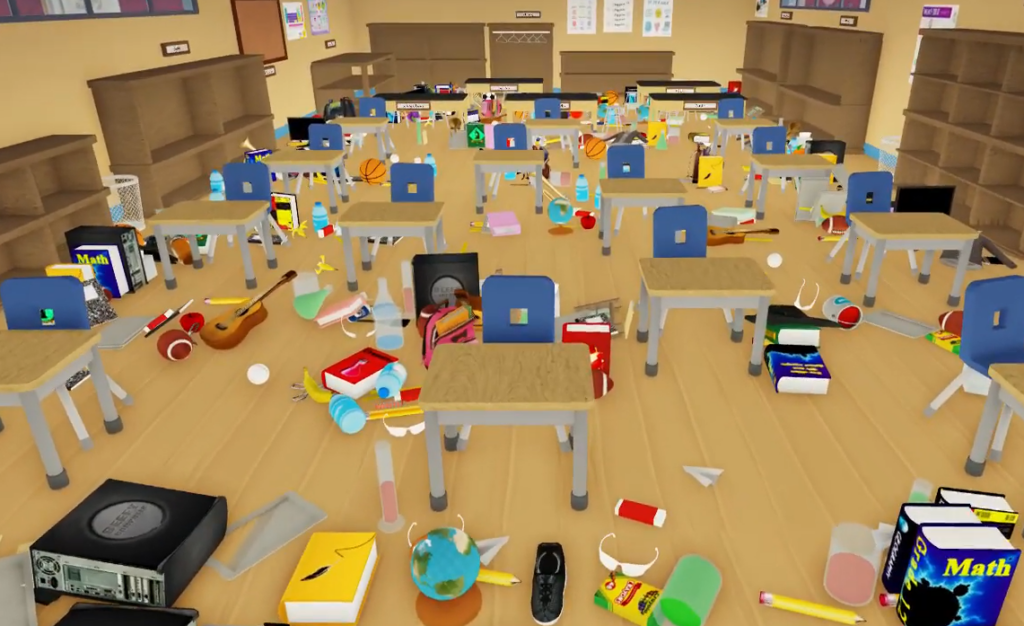
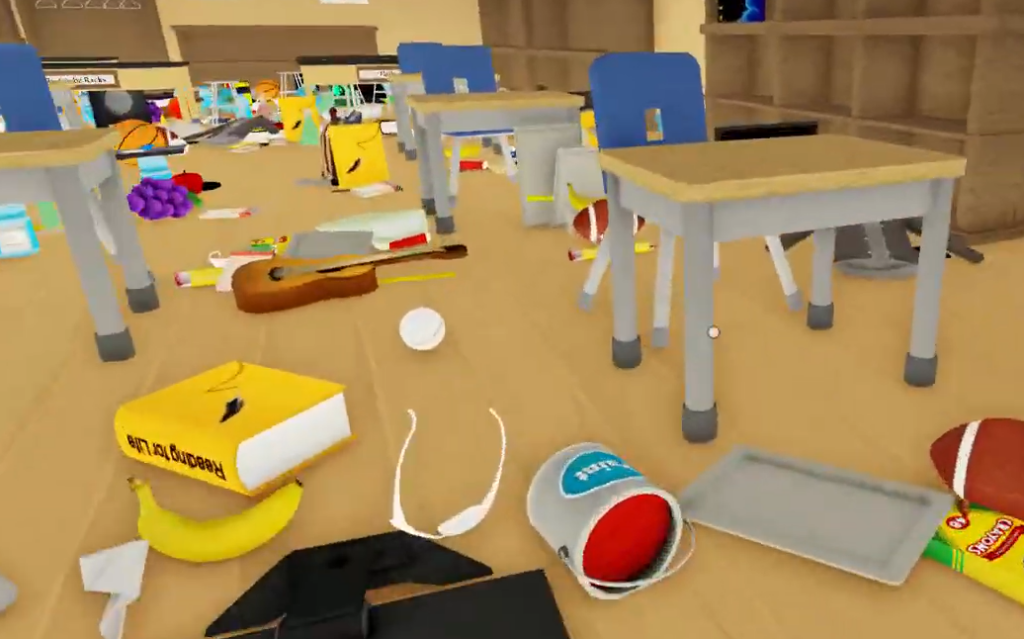
Clean the School drops you into a wrecked classroom filled with more than a thousand school supplies, and your job is to sort, clean, and restore every item to its correct shelf, table, or area. The loop rewards speed and knowing exactly where things go, so the fastest runs come from memorizing placements and buying the right upgrades early.
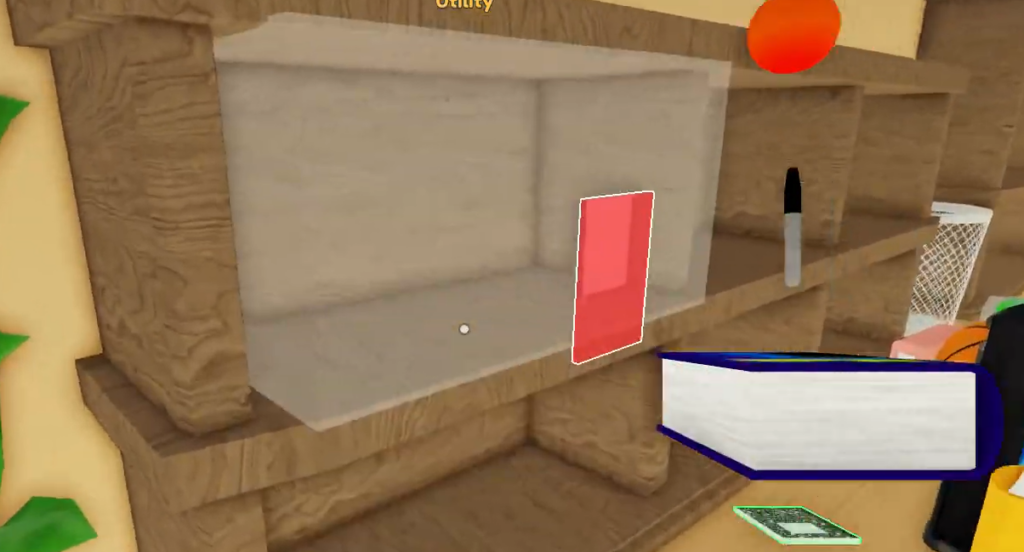
Quick answer: Pick up items until your slots are full, read each item’s name and category, then place it on the labeled destination and confirm the green highlight. Spend your Points on Carry Capacity and Planogram first to cut travel time and reveal correct shelves.
Controls for PC and console
The control scheme is short, and the interact button does most of the work. Note that on PC, pressing T wipes your save, so avoid it unless you want to reset your progress.
| Action | PC | Console |
|---|---|---|
| Interact / place | E | RT |
| Drop item | Q | B / O |
| Use item | Click | — |
| Cycle selection | — | Y / △ |
| Abilities | — | D-Pad |
| Wipe save | T | — |
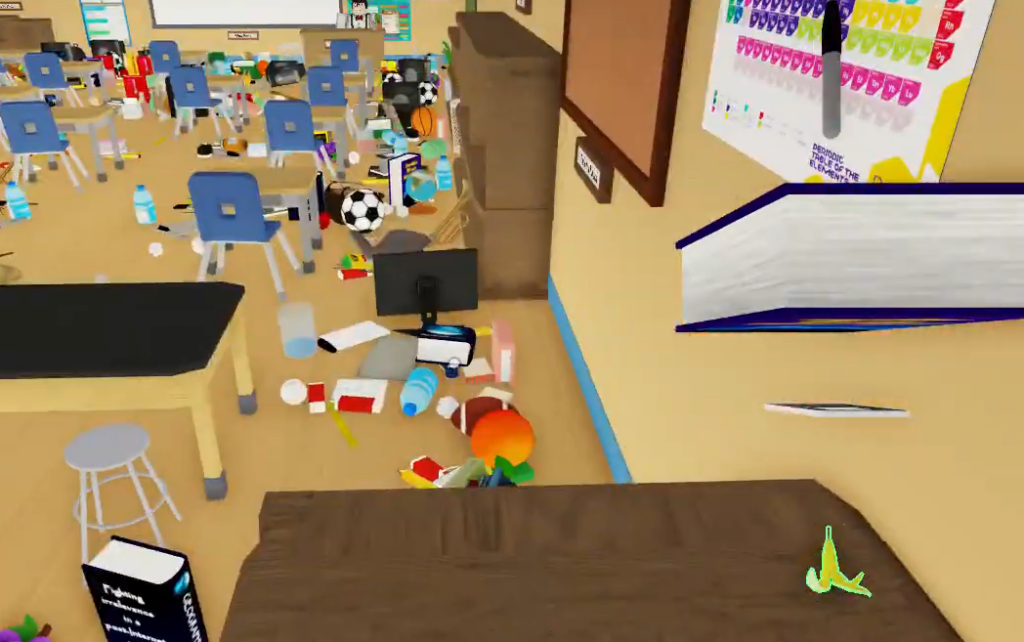
Item placements: where each item goes
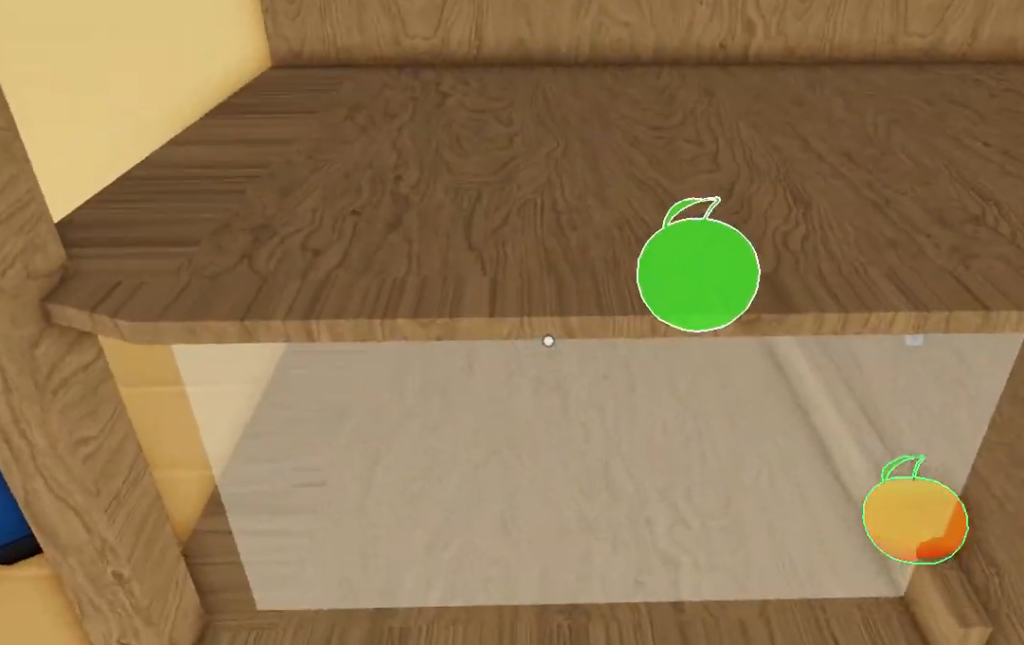
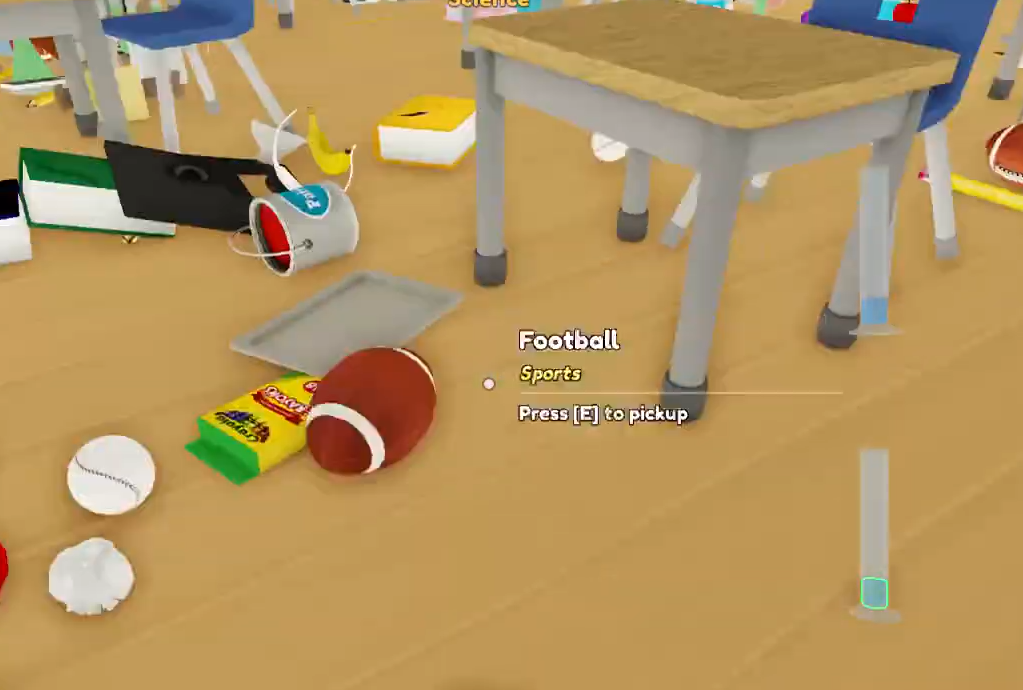
Every item has one correct destination, and the game marks it with a green placement highlight when you are standing in the right spot. Read the item name rather than trusting its shape, since similar-looking objects can belong to different areas. These are the confirmed destinations for common early items.
| Item | Category | Put it here |
|---|---|---|
| Flask | Science | Flasks shelf |
| Cylinder | Science | Cylinder table |
| Football | Sports | Sports area |
| Soccer Ball | Sports | Sports area |
| Basketball | Sports | Sports area |
| Baseball | Sports | Sports area |
Categories in the game cover Science, Sports, Arts & Crafts, Utility, Snacks, Textbooks, Computer Science, and Trash. Grouping items by category before you place them keeps your trips short, since most items in the same category land in the same corner of the room.
The core cleaning loop
Upgrades and their Point costs
Upgrades split into two types. Abilities change how you find or place items, while powerups improve the basic cleaning loop. Each upgrade runs on a scale from L0 (locked) up to L5, and you pay Points to move up each step.
| Upgrade | Type | First cost | What it does |
|---|---|---|---|
| Carry Capacity | Powerup | 50 Points | Carry more items before returning to a shelf |
| Auto Pickup | Ability | 75 Points | Automatically picks up items near you |
| Planogram | Ability | 75 Points | Highlights the correct spot for the held item |
Carry Capacity is the strongest opening buy because every route benefits from fewer return trips. Its cost climbs as you level it, following a clear ladder.
| Carry step | Cost |
|---|---|
| 4 → 6 | 50 Points |
| 6 → 8 | 75 Points |
| 8 → 10 | 113 Points |
| 10 → 12 | 169 Points |
Planogram earns its keep while you are still learning where things go, since it points to the right destination for whatever you are holding. Auto Pickup shines in dense piles, letting you sweep up items without clicking each one. Once destinations become second nature, Carry Capacity keeps paying off long after Planogram loses value.
The five classroom badges
Five badges track your progress from the first shelf all the way to a spotless room. They unlock automatically as your completion percentage climbs, so there is nothing extra to collect beyond cleaning.
| Badge | Requirement |
|---|---|
| Your First Shelf! | Complete your first shelf |
| 25% Complete! | Clean 25% of the classroom |
| 50% Complete! | Clean 50% of the classroom |
| 75% Complete! | Clean 75% of the classroom |
| 100% Complete! | Clean the entire classroom |
Nearly everyone who plays finishes their first shelf, which awards the Your First Shelf! badge to essentially every player. Completion thins out from there, with roughly two-thirds of players reaching 25% and about half reaching 50%, so the back half of the room is where most runs slow down.
How to confirm a placement worked
A placement only counts when the green highlight appears and the item leaves your hands onto the shelf or table. If an item will not place, you are usually standing at the wrong destination, so check the item name and match it to the labeled area rather than a similar-looking spot. Your completion percentage ticks up as shelves fill, and each badge pops on its own once you pass its threshold.
The room is designed to feel larger than it looks, with desks and chalkboards spread out to add distance between areas, which is exactly why Carry Capacity and grouping by category matter so much. You can jump in and start cleaning through the official Clean the School page on Roblox, which supports up to 20 players per server.