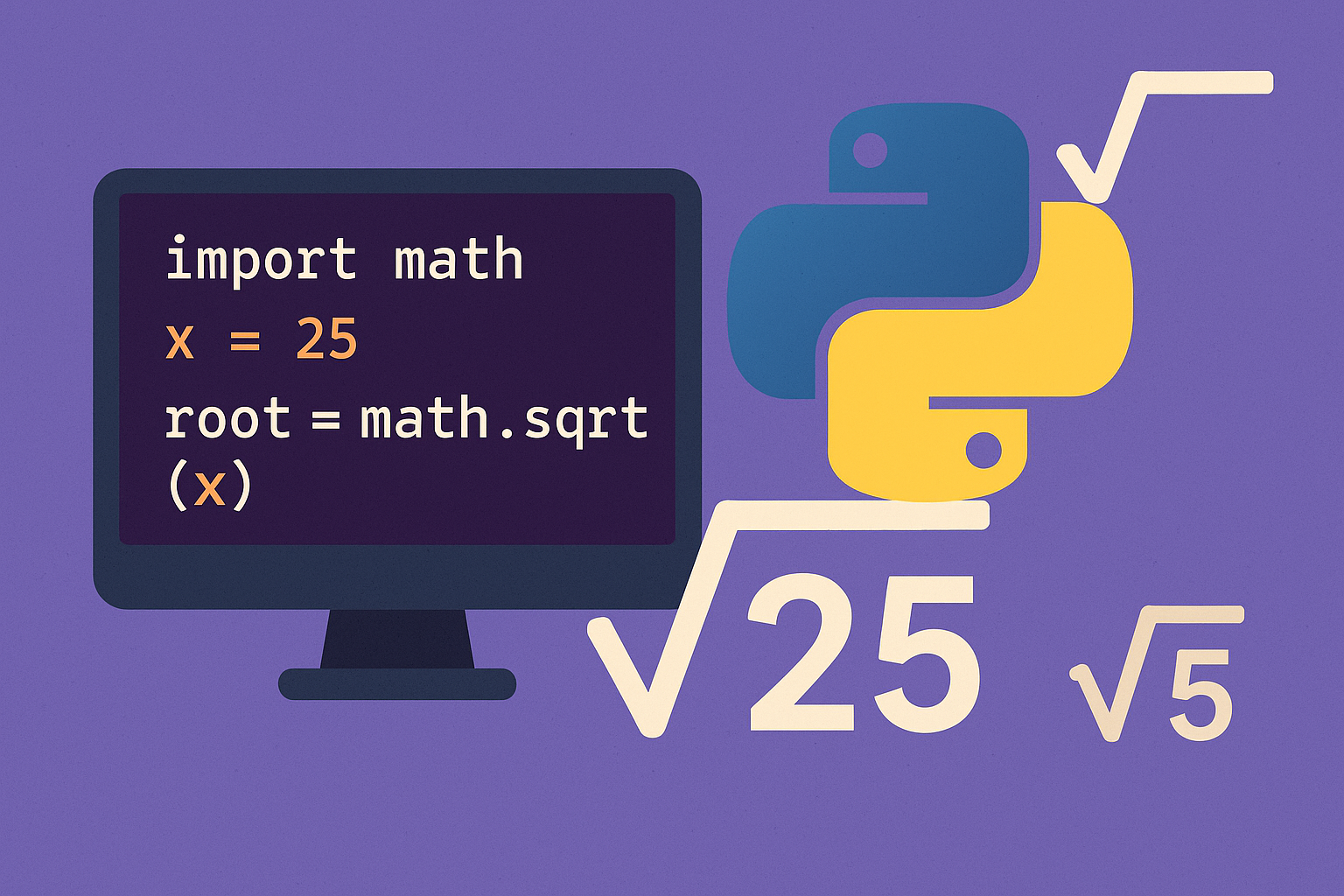
Call math.sqrt() to compute real square roots in Python. For negative or complex inputs, switch to cmath.sqrt(). When you need elementwise roots over arrays, use numpy.sqrt(); for integer-only results (floor of the root), use math.isqrt().
Method 1 — Use math.sqrt() for real, non-negative numbers
import mathmath.sqrt(49) # 7.0
math.sqrt(70.5) # 8.396427811873332
math.sqrt(0) # 0.0def safe_sqrt(x):
import math
try:
return math.sqrt(x)
except ValueError:
return "Use cmath.sqrt() for negatives."a, b = 27, 39
run_distance = math.sqrt(a**2 + b**2) # 47.43416490252569Method 2 — Use cmath.sqrt() for negative or complex inputs
import cmathcmath.sqrt(-25) # 5j
cmath.sqrt(8j) # (2+2j)z = cmath.sqrt(-4)
z.real, z.imag # (0.0, 2.0)Method 3 — Use NumPy for vectorized square roots over arrays
import numpy as nparr = np.array([4, 9, 16, 25])
np.sqrt(arr) # array([2., 3., 4., 5.])a = np.array([4, -1, np.inf])
np.sqrt(a) # [ 2., nan, inf]
np.emath.sqrt(a) # [ 2.+0.j, 0.+1.j, inf+0.j]
np.sqrt(a.astype(complex)) # [ 2.+0.j, 0.+1.j, inf+0.j]Method 4 — Use the exponent operator or pow() when you cannot import a module
Raise to the power of one-half with the power operator.
9 ** 0.5     # 3.0
2 ** 0.5 # 1.4142135623730951Respect precedence for negatives; parentheses are required to avoid applying unary minus after exponentiation.
-4 ** 0.5      # -2.0  (interpreted as -(4 ** 0.5))
(-4) ** 0.5 # (1.2246467991473532e-16+2j) complex resultpow(16, 0.5) # 4.0Method 5 — Get integer square roots (floor) for exact integer math
import math
math.isqrt(10) # 3 (since 3*3 = 9 ≤ 10 < 4*4)n = 49
r = math.isqrt(n)
is_perfect_square = (r * r == n) # TrueNotes and pitfalls
math.sqrt()works for real, non-negative inputs and returns a float; zero is valid.- Negative inputs need
cmath.sqrt()to obtain a complex result. numpy.sqrt()is vectorized and fast for arrays; negative real values producenanunless you usenp.emath.sqrt()or complex dtype.- The exponent operator
**andpow()can compute square roots but are less explicit; prefermath.sqrt()for readability and typically better speed. - Floating-point results can be inexact for very large integers; use
math.isqrt()for exact integer-floor results.
Pick math.sqrt() for standard real inputs, cmath.sqrt() for negatives/complex values, and numpy.sqrt() when you need vectorized operations; use math.isqrt() for exact integer floors.