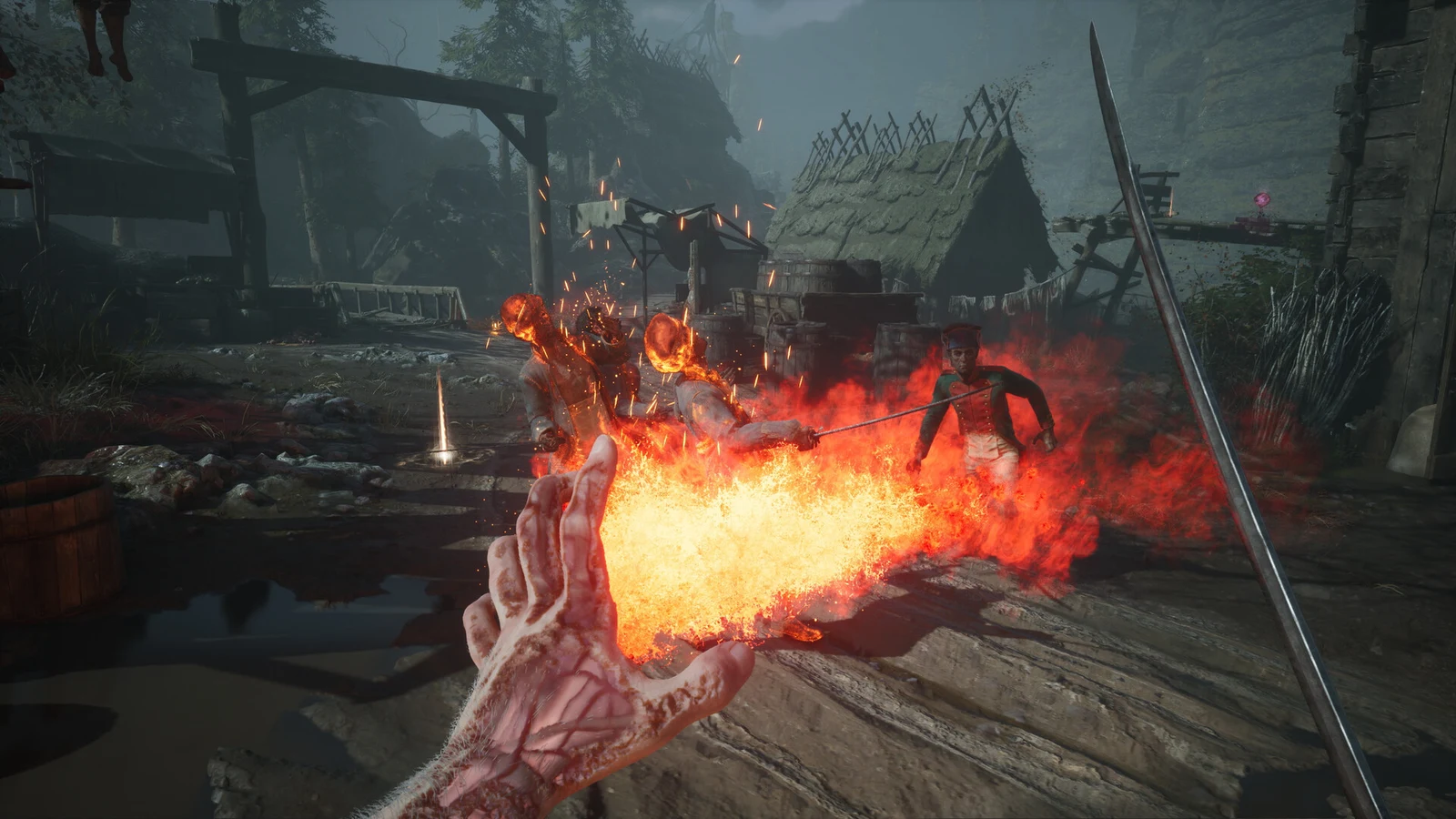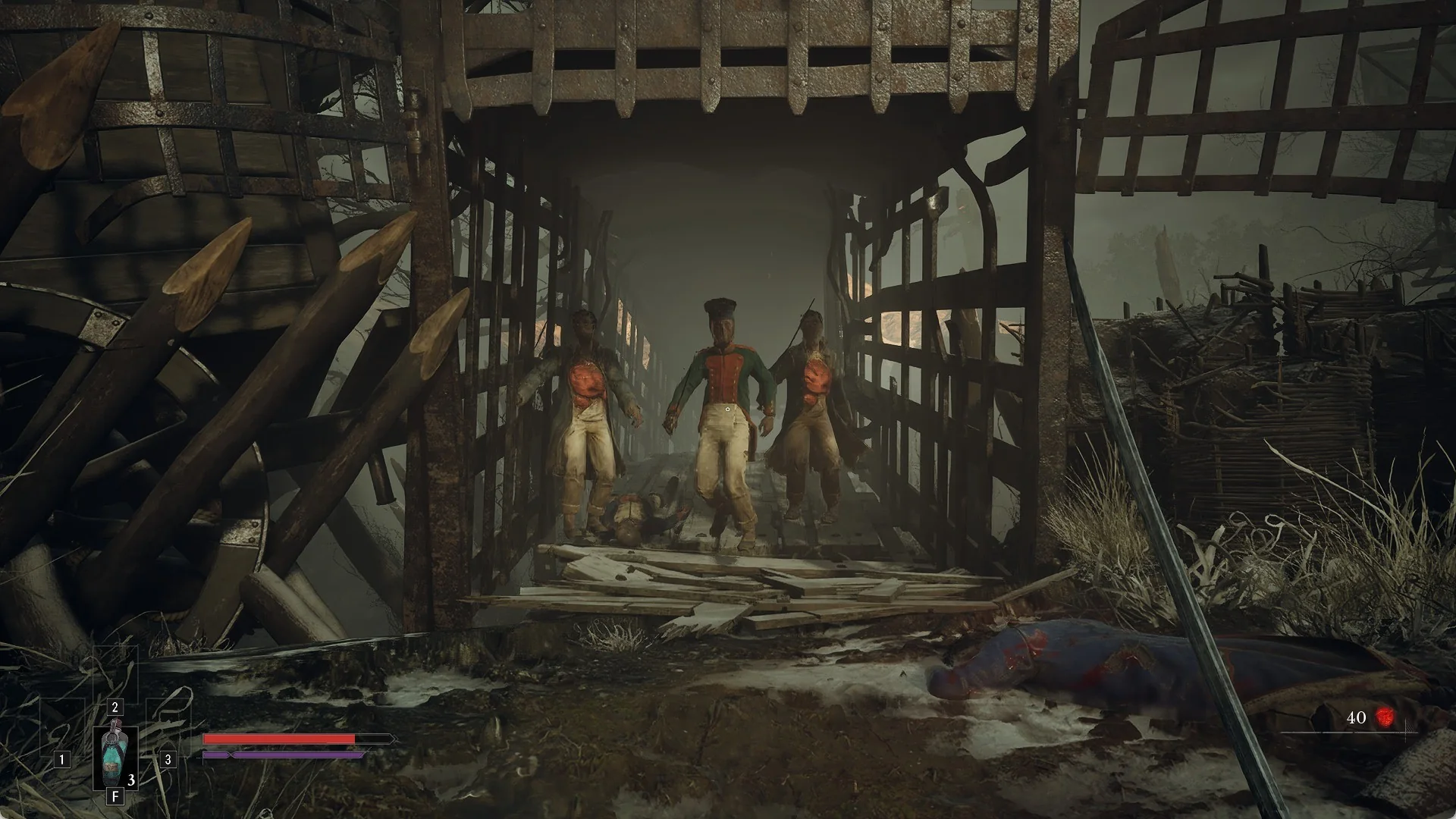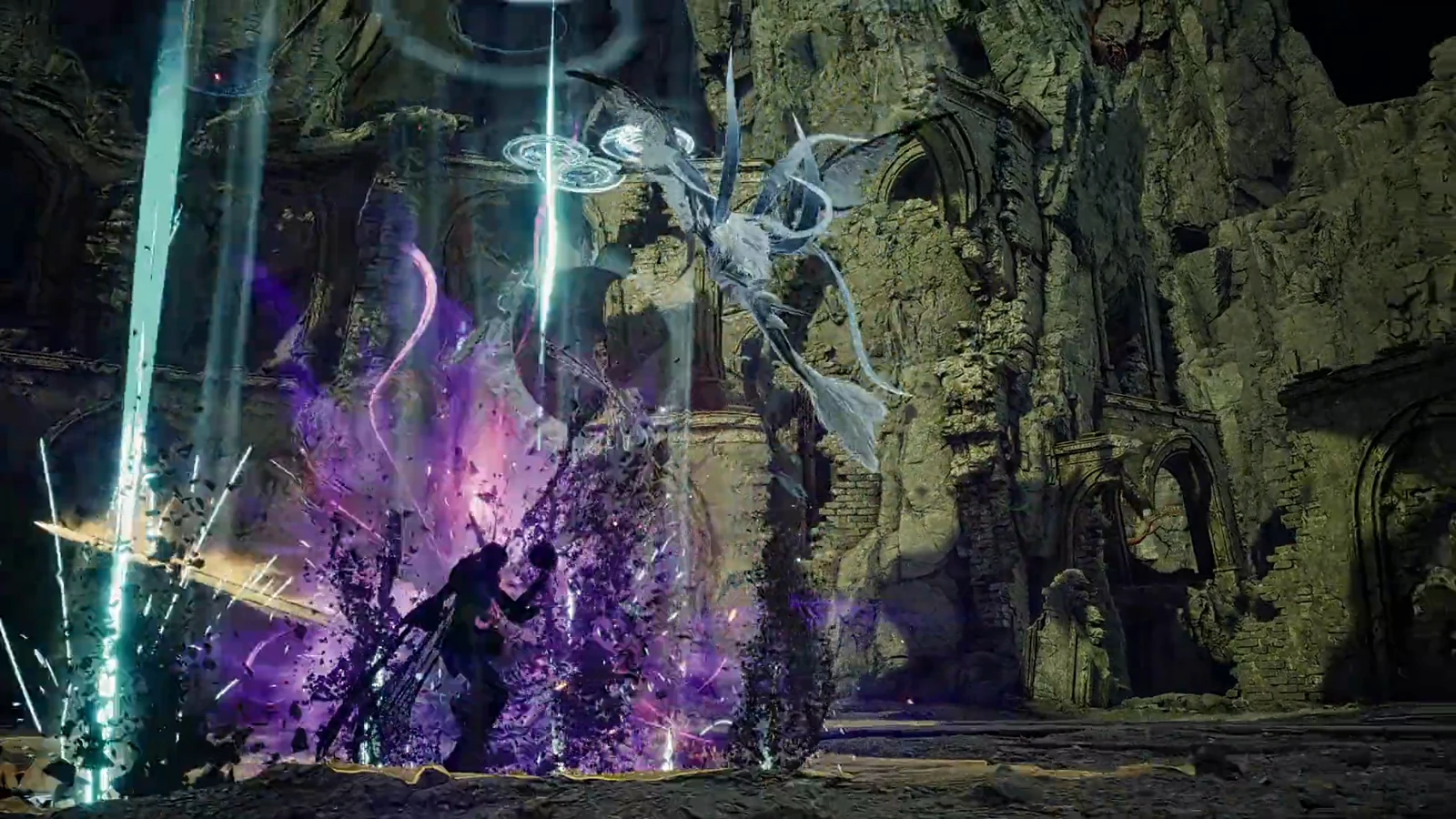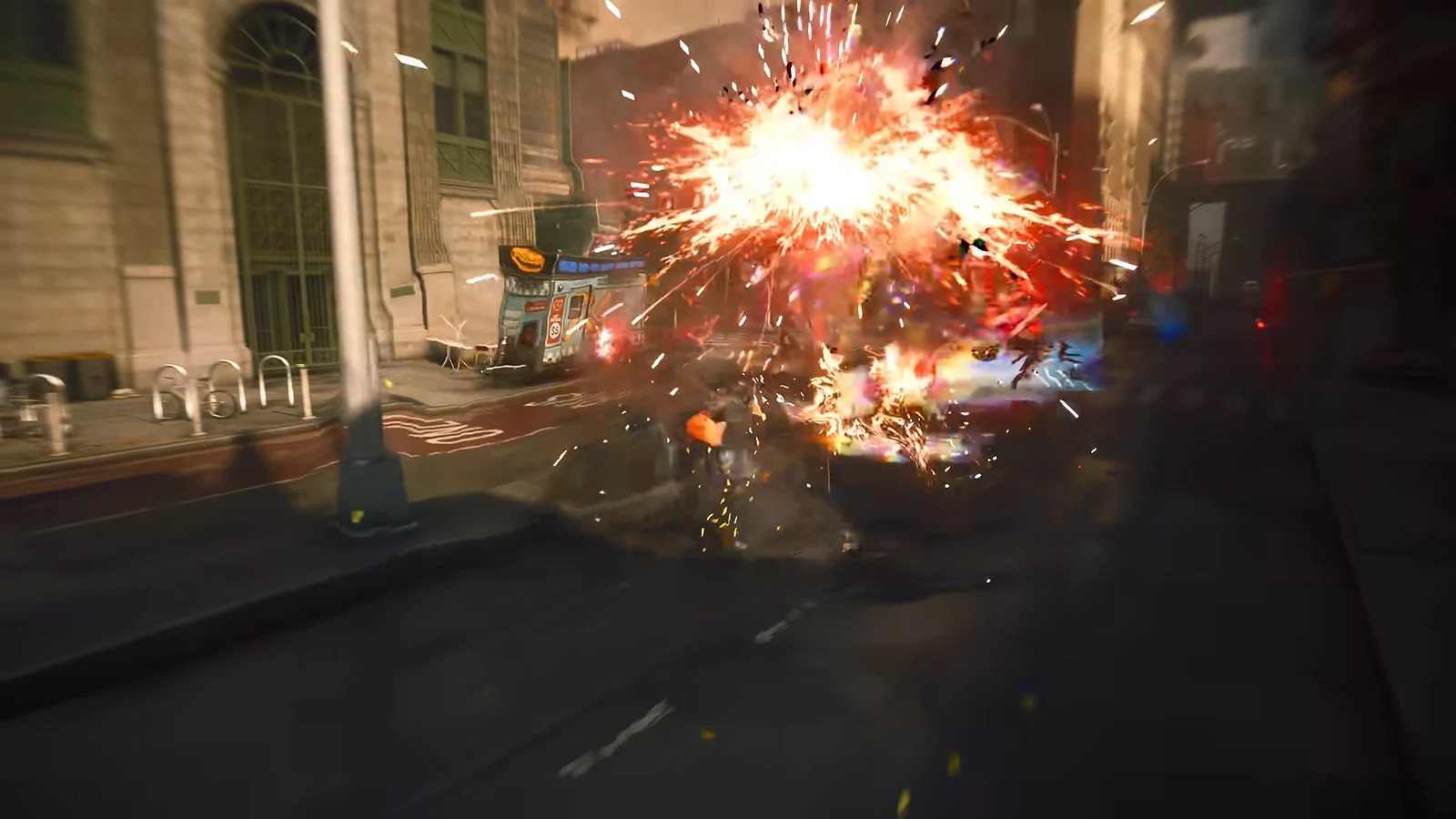
Remedy built Control Resonant around a 60fps target, and that decision shapes how the game is split up on PlayStation hardware. The base PS5 gets two graphics modes. The PS5 Pro gets three, plus hardware ray tracing and a different upscaler. The gap between the two consoles is bigger than the frame rate numbers suggest.
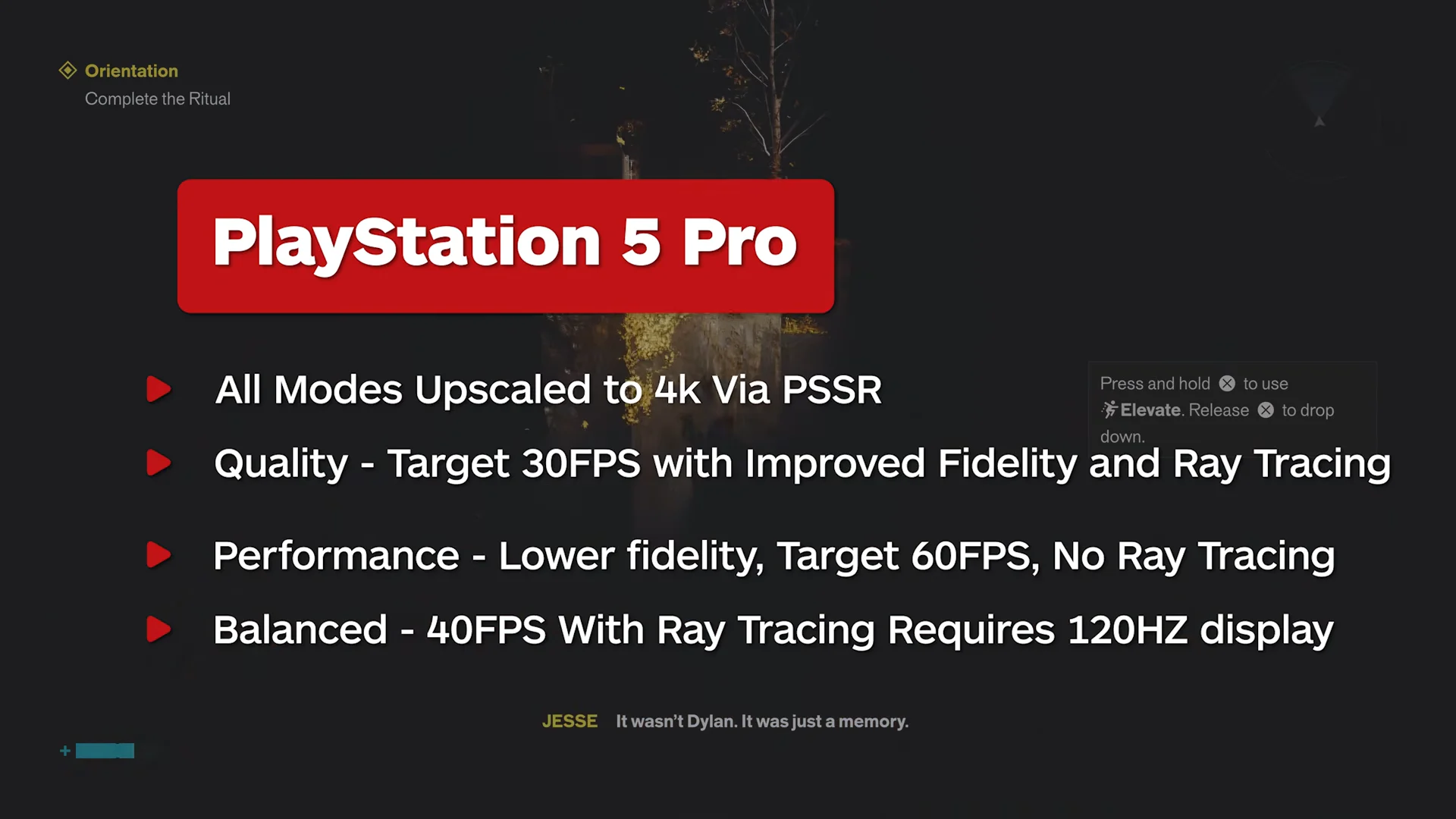
Quick answer: Pick Performance on either console for 60fps. Ray tracing only exists on PS5 Pro, in the 30fps Quality and 40fps Balanced modes, and Balanced requires a 120Hz display.
All Control Resonant graphics modes on PS5 and PS5 Pro
| Console | Mode | Target | Output and upscaler |
|---|---|---|---|
| PS5 | Performance | 60fps | 1440p, FSR |
| PS5 | Quality | 30fps | 2160p, FSR |
| PS5 Pro | Performance | 60fps | 2160p, PSSR |
| PS5 Pro | Balanced | 40fps | 2160p, PSSR |
| PS5 Pro | Quality | 30fps | 2160p, PSSR |
On the base console, the two modes trade sharpness for smoothness in the usual way. Performance targets 60fps and outputs at 1440p, while Quality drops to 30fps and pushes the image up to 4K. Neither one uses hardware ray tracing.
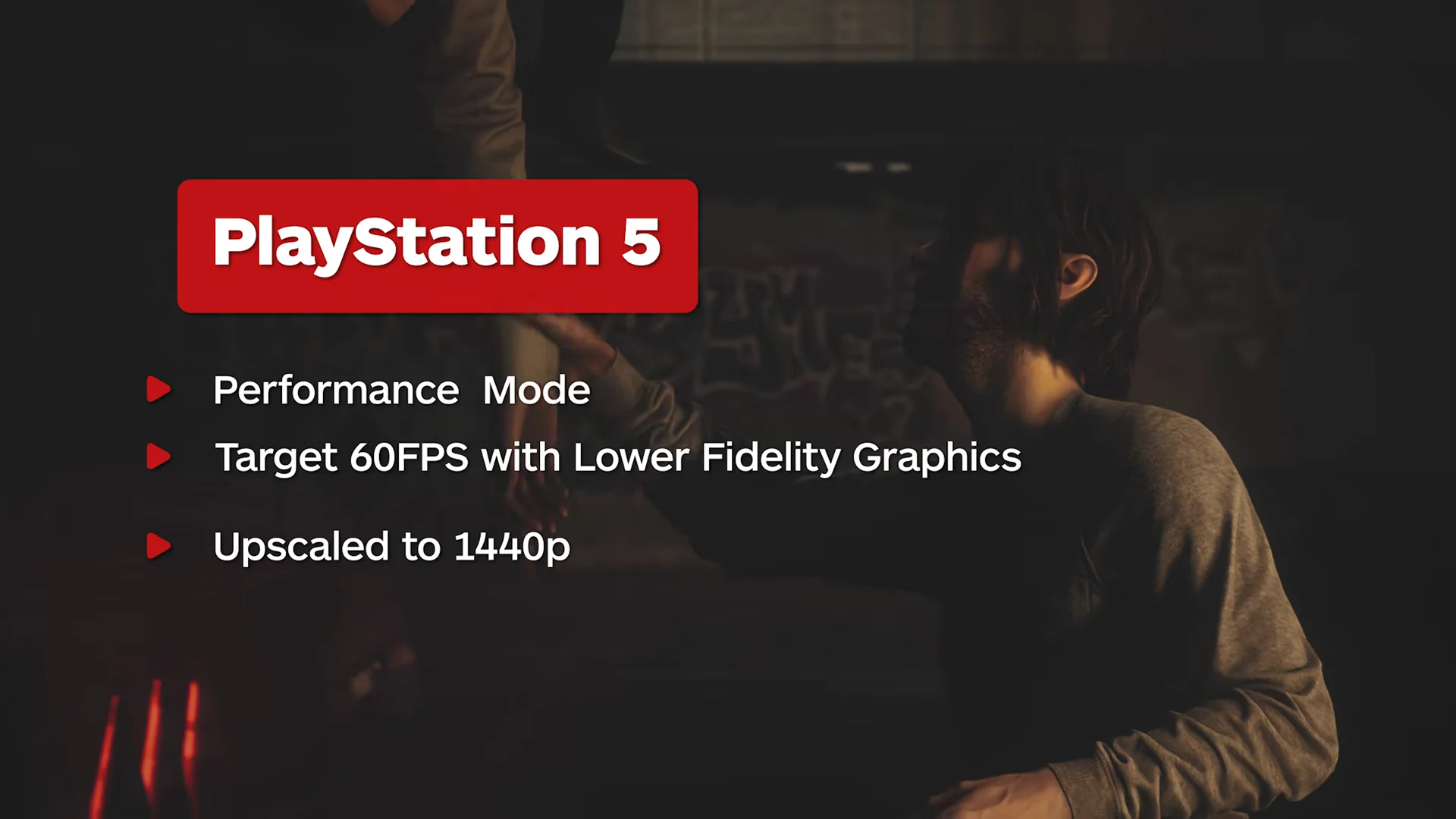
The PS5 Pro adds a third option and moves every mode to a 4K output using PSSR. Quality runs at 30fps with ray tracing, Performance runs at 60fps without it, and Balanced sits between them at 40fps with ray tracing intact.
Internal resolution: what the consoles actually render
The advertised output figures are post-upscale numbers. What each mode renders internally before reconstruction is a much better guide to how clean the picture looks in motion.
| Mode | Internal resolution | Reconstructed to |
|---|---|---|
| PS5 Performance | ~864p | ~1440p (FSR) |
| PS5 Quality | ~1260p | ~2160p (FSR) |
| PS5 Pro Performance | ~864p | 2160p (PSSR) |
| PS5 Pro Balanced | ~1080p | 2160p (PSSR) |
| PS5 Pro Quality | ~1224p | 2160p (PSSR) |
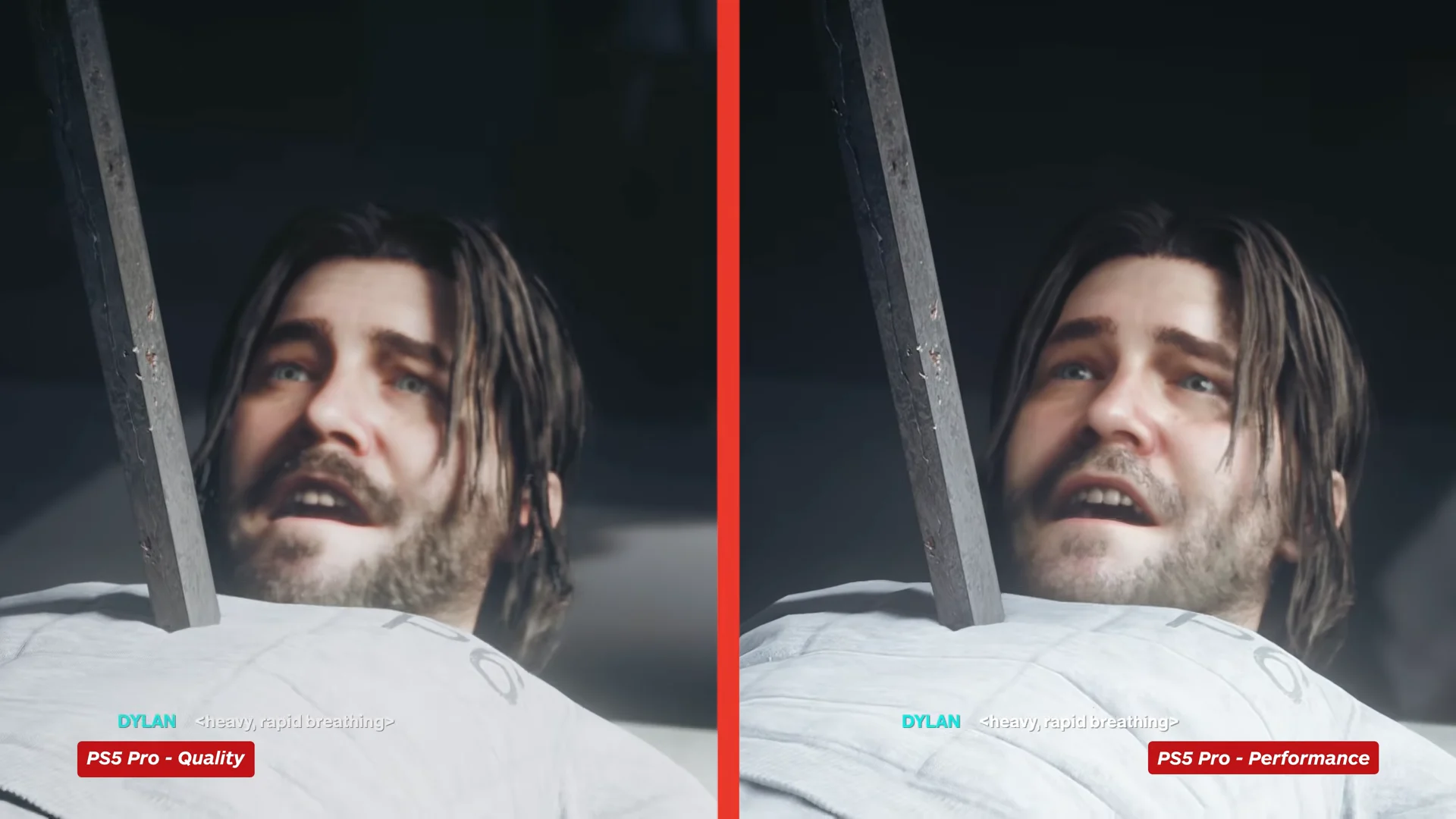
PS5 Pro Performance renders the same rough pixel count as base PS5 Performance, yet it looks considerably cleaner. The difference is PSSR, which resolves fine detail far better than FSR and cuts down the shimmering and aliasing that the base console leaves behind on hair, distant geometry and thin edges.
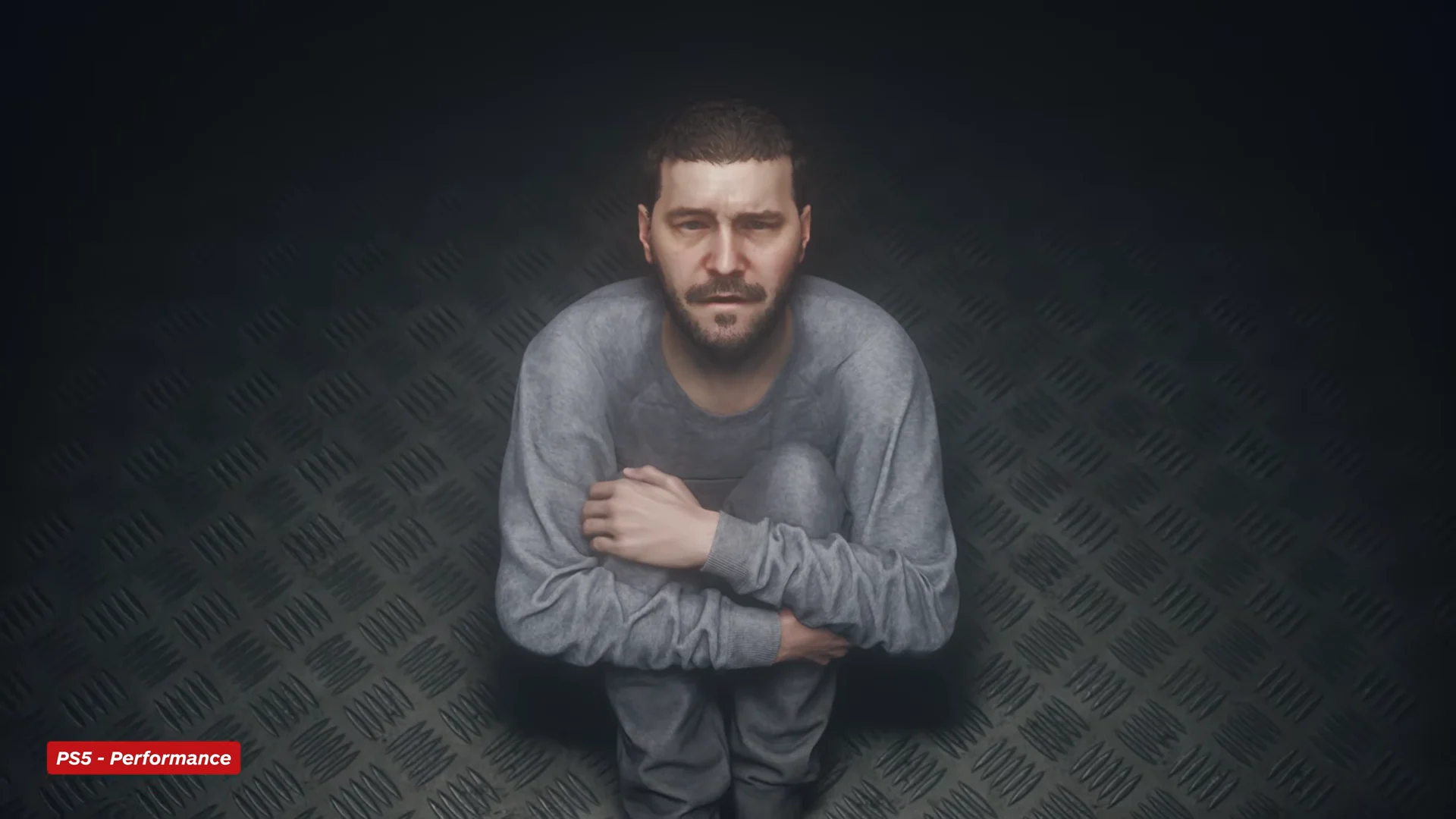
Base PS5 Quality does produce a sharper image than its Performance mode, along with slightly better shadow coherency and reflection clarity. It still carries visible FSR artefacts and shimmer, so the extra pixels do not fully clean the picture up.
Ray tracing is PS5 Pro only
Hardware ray tracing appears in exactly two places: the PS5 Pro’s Quality mode and its Balanced mode. No mode on the base PS5 has it, and no other console version does either.
- Ray-traced reflections across glossy city surfaces, replacing screen-space reflections that break up when on-screen detail is occluded.
- Ray-traced shadows with variable penumbras, which tighten up contact shadows around characters and props.
- Identical ray tracing feature set in both Quality and Balanced, with only the internal resolution and frame rate target changing.
The rest of the lighting is shared across every version. The game leans on a precalculated global illumination solution with screen-space ambient occlusion, plus volumetric lighting and atmospheric fog, so environments look consistent even without ray tracing. What you lose on the base console is the reflection and shadow precision, not the overall look.
Frame rate stability in each mode
Base PS5 Performance holds its 60fps target well for most of the game. The dips are concentrated in two places: brief stutters during traversal, and heavy transparency effects during the first boss encounter, where the drop is significant. Quality mode on the base console is a stable 30fps.
PS5 Pro Performance is the steadier 60fps option of the two consoles, though it is not flawless in the busiest fights. Balanced is the least consistent mode on the Pro, since the ray tracing workload bites during demanding sections.
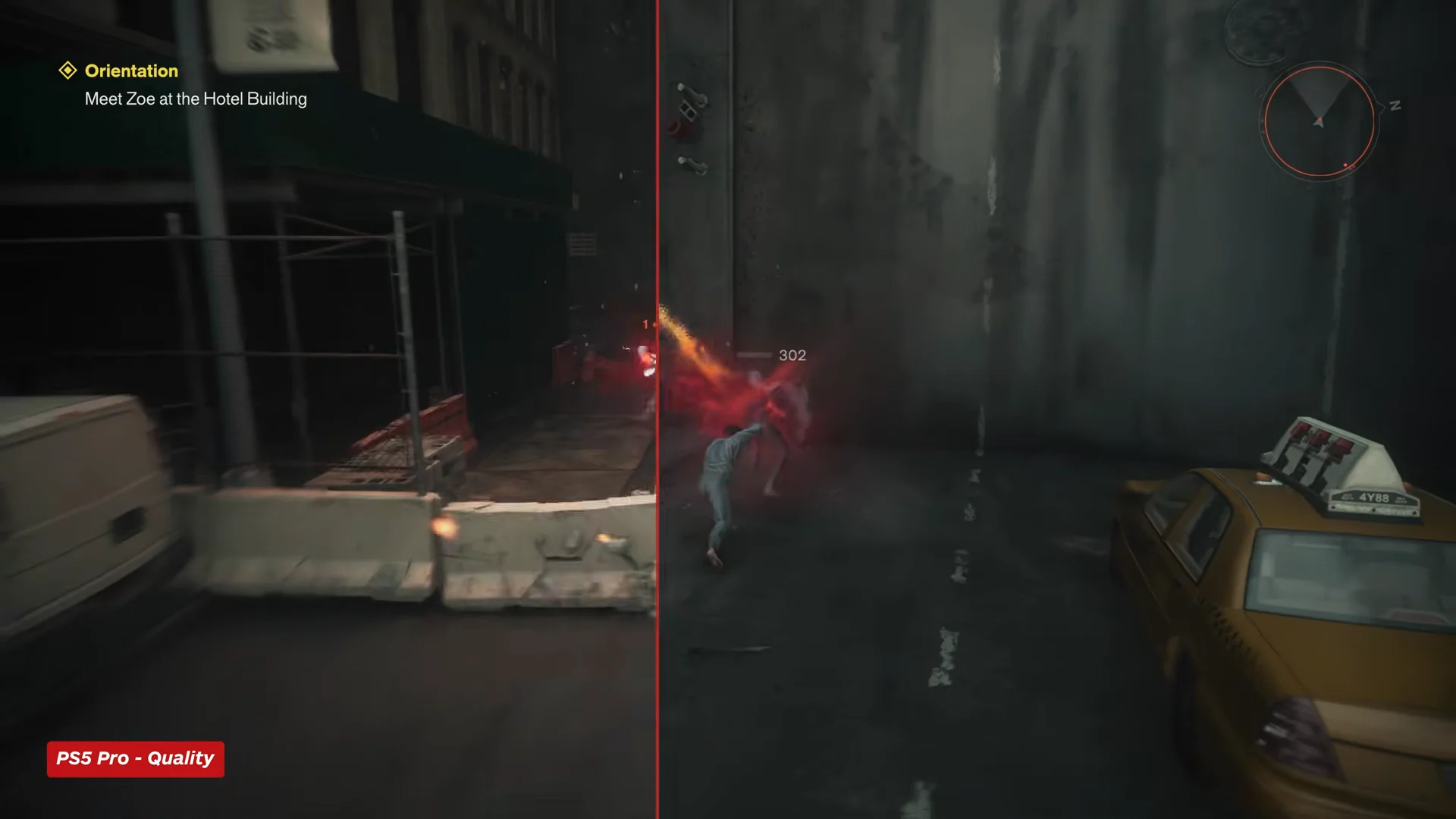
If you have a VRR display, Balanced becomes a much easier recommendation, since the mode’s wobble is smoothed over rather than felt as judder.
Balanced mode requires a 120Hz display
Balanced is the only mode with a hardware gate attached. It targets 40fps, which needs a 120Hz-compatible display to present correctly, so it will not appear as an option on a 60Hz TV or monitor. You also need a PS5 Pro, since the mode does not exist on the base console.
To confirm it is running, open the graphics mode setting in game. If your display is connected at 120Hz, Balanced appears alongside Quality and Performance and can be selected; if the entry is missing or greyed out, the console is not outputting at 120Hz.
Which mode to choose
This is a melee-driven action game, and the combat was designed around 60fps from the start, so responsiveness is the deciding factor for most players. On base PS5, Performance is the clear pick despite the softer 1440p image. Quality’s extra sharpness is not worth halving the frame rate outside of screenshots.
On PS5 Pro, Performance gives you 60fps with an image that is already a step above anything the base console produces. Balanced is the alternative if you want the ray-traced reflections and shadows and can live at 40fps. Quality is the hardest to justify, since it adds nothing over Balanced beyond a modest internal resolution bump at half the frame rate.
Give any mode a few minutes before deciding. The prologue is enclosed and does not stress the engine; once the city opens up and traversal and lighting changes come into play, the differences between modes are much easier to judge.
Control Resonant launches on September 24th, 2026 for PS5, Xbox Series X/S and PC, with a macOS version arriving later in the year. The Digital Deluxe Edition opened two days ahead of the standard release. Whichever console you are on, the mode list is fixed at launch, and only the PS5 Pro gets the 40fps middle ground.