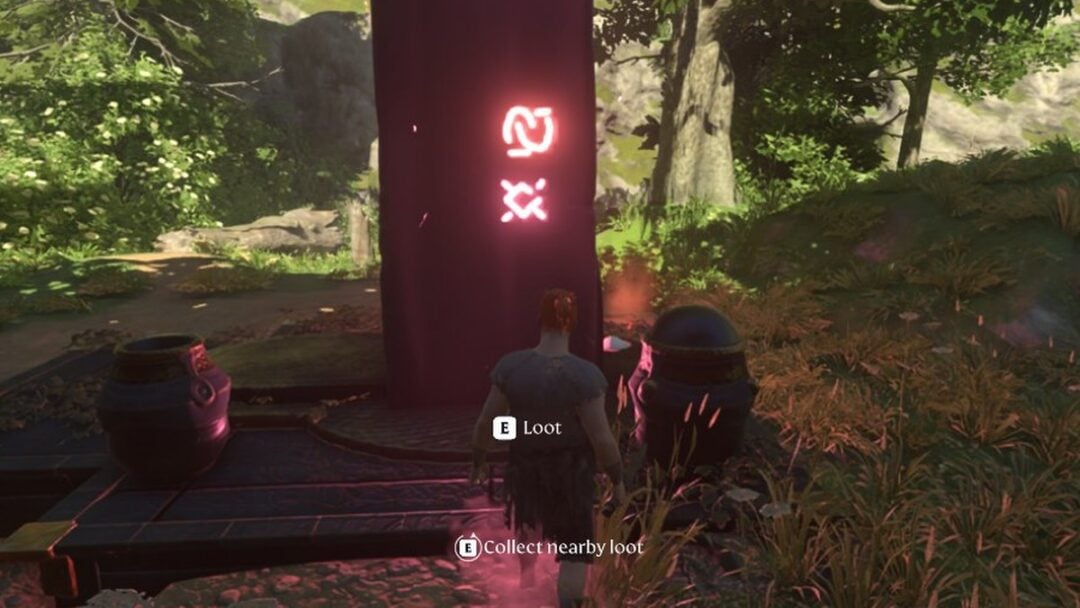
The first Instant Photo you pick up in Central shows a room full of pigeons hanging motionless outside a high-rise window. That room is real, it sits inside the Watchtower in Central 3, and walking into it starts the side objective Freeze Frame: Capture the Camera. The Altered camera responsible bolts the moment it sees you, so the encounter is less a fight than a positioning puzzle.
Quick answer: Take the Instant Photo from a desk in the Field Office lobby, head below Zoe’s Watchtower office, trigger the camera, drop down to reset it, then climb back up and shut its lid from behind.
Where to find the Instant Photo in the Field Office lobby
The photo sits on an office desk with an old computer terminal, in the circular lobby area of the Field Office in Central 2. Run between the desk clusters and look for the L1 / Examine prompt on the console. Picking it up gives you +1 Instant Photo, filed under Key Items as a Quest Item.
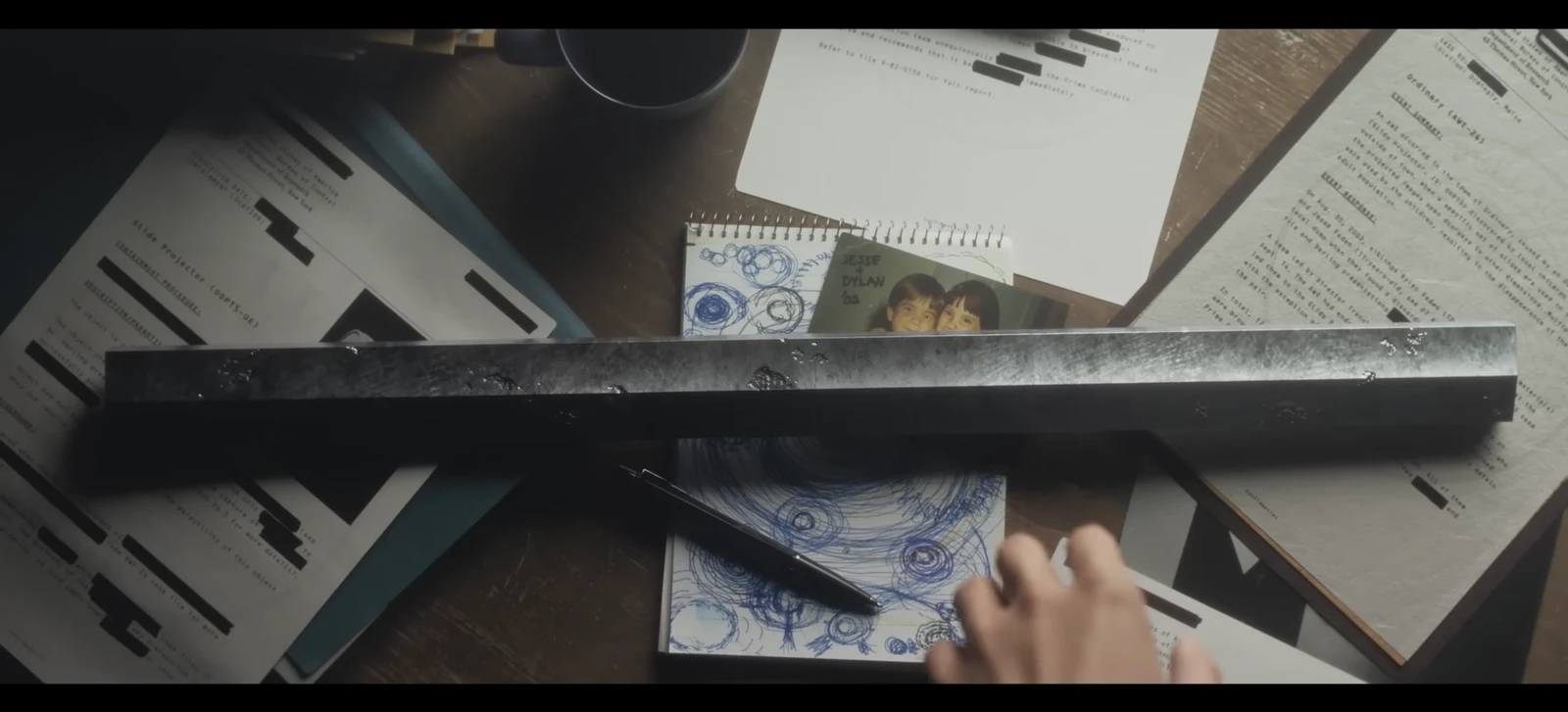
Its description is deliberately unhelpful. It reads only “A photo taken somewhere in Central” and asks where the picture was taken, so the image itself is the clue. Open it in the inventory and note the details.
- Birds frozen in mid-air on the other side of a window
- A high-rise view over the city, shot from inside a room
- Bare, unfinished construction surfaces rather than a furnished office
While you are in the lobby, grab the Level 1 Keycard from Arisit’s desk. It opens every FBC clearance level 1 door and you will need it for the West Incursion Zone checkpoint later in the same chain.
Watchtower route: from Zoe’s office down to the frozen room
The room in the photo is inside the Watchtower in Central 3, near the Central Checkpoint and the Underground Supply Route. If you have already unlocked the Field Office rooftop fast travel door, the quickest approach is to fast travel straight to the Watchtower. Otherwise, use Zoe as your landmark, since her office is marked on the Central 3 map as an IMPORTANT PERSON.
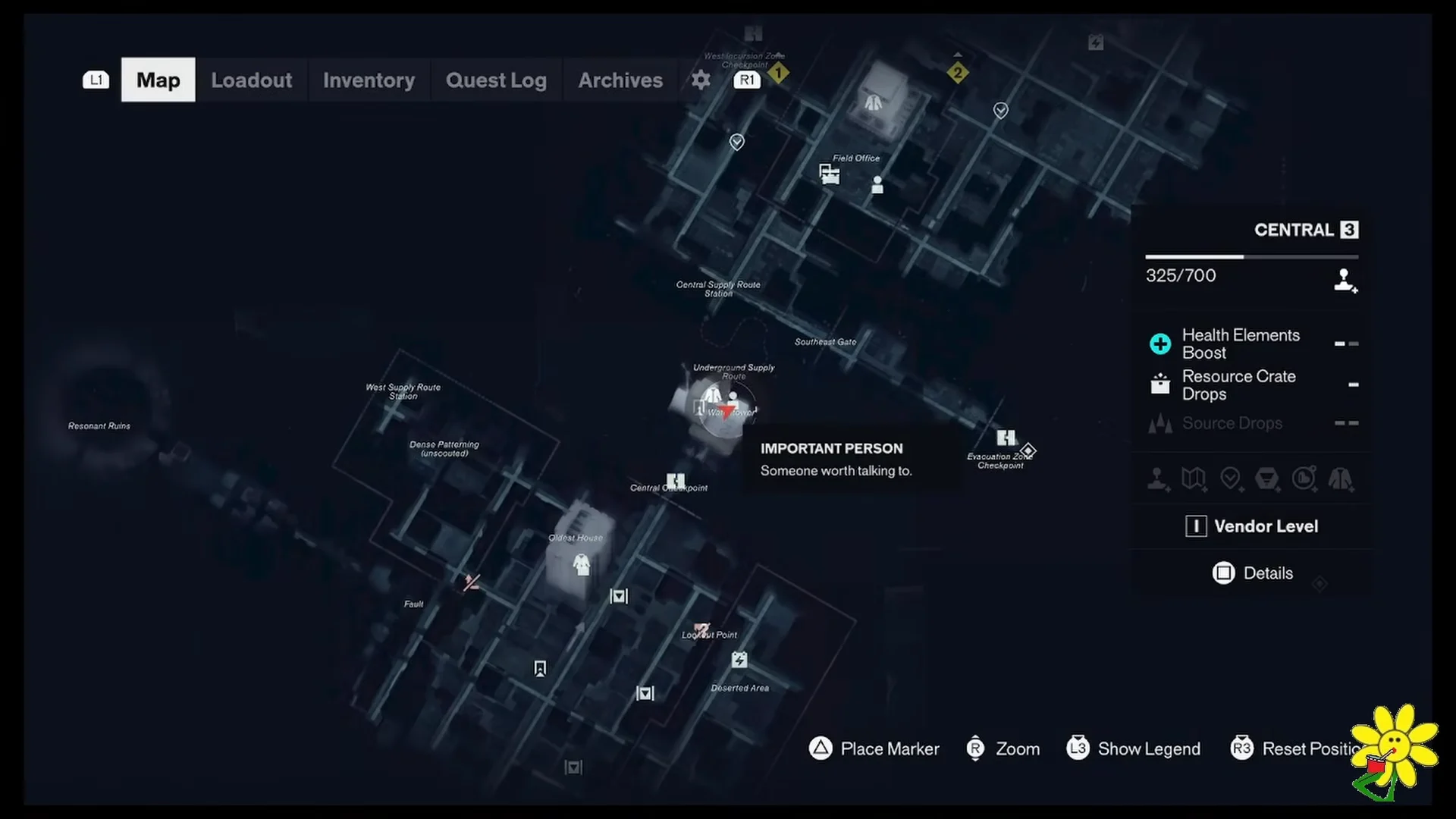
From Zoe’s office, go out and downstairs. You are heading two floor levels below her, through the maintenance and storage sector signposted UNDERGROUND SUPPLY ROUTE on the wall. The route runs through warehouse interiors before it opens into the storage area you need.
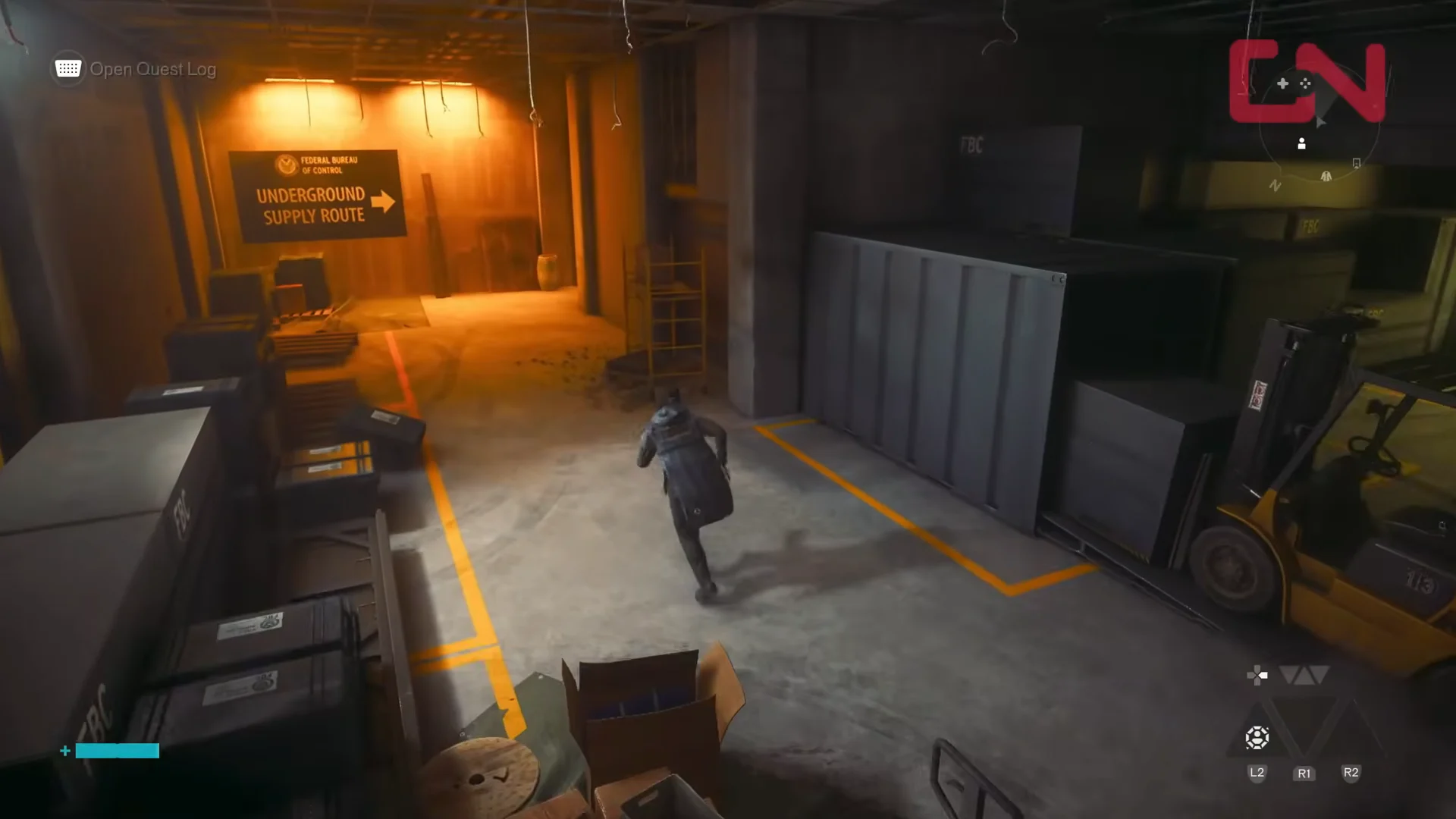
At the bottom, look for the red-lit shelving. Climb the storage racks and scaffolding and pull yourself through the wall openings until you reach a tall, unfinished construction room with a high ceiling. That room is the one in the photo.
What the camera does when it triggers
Stepping into the room sets off a flash. Dylan freezes in place, and so does everything around him, including the pigeons and a set of traffic cones left hanging in mid-air. The side objective Freeze Frame: Capture the Camera appears in the quest tracker under Side Stories at that moment.
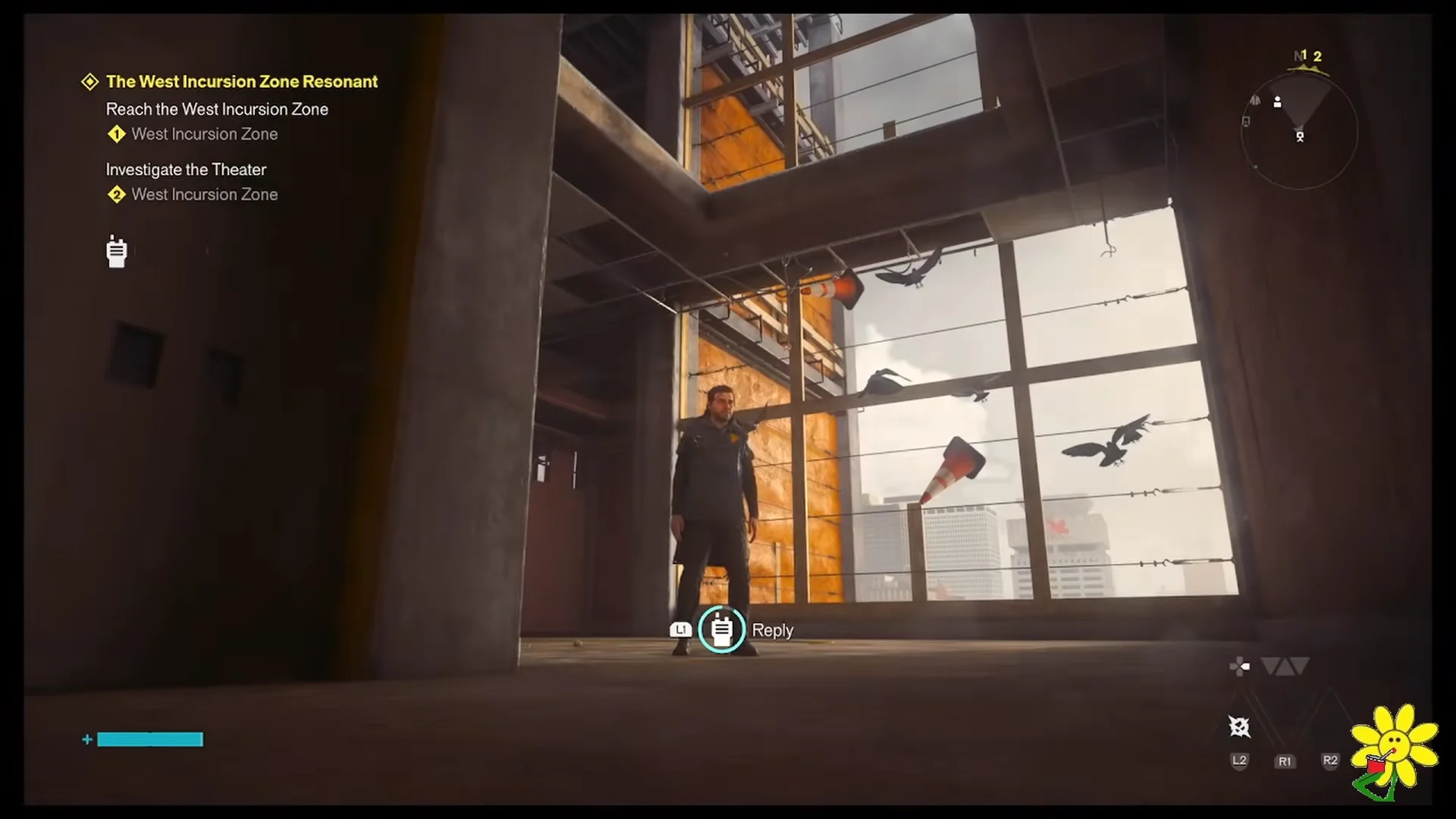
Zoe calls in over the radio once you can move again, asking whether you were frozen in ice. You can reply with “Yes, I was a popsicle” or “I couldn’t move” — the choice is flavor and does not change the objective. The camera’s own marker also appears on the map near the Underground Supply Route and Central Checkpoint, which is useful if you leave and come back.
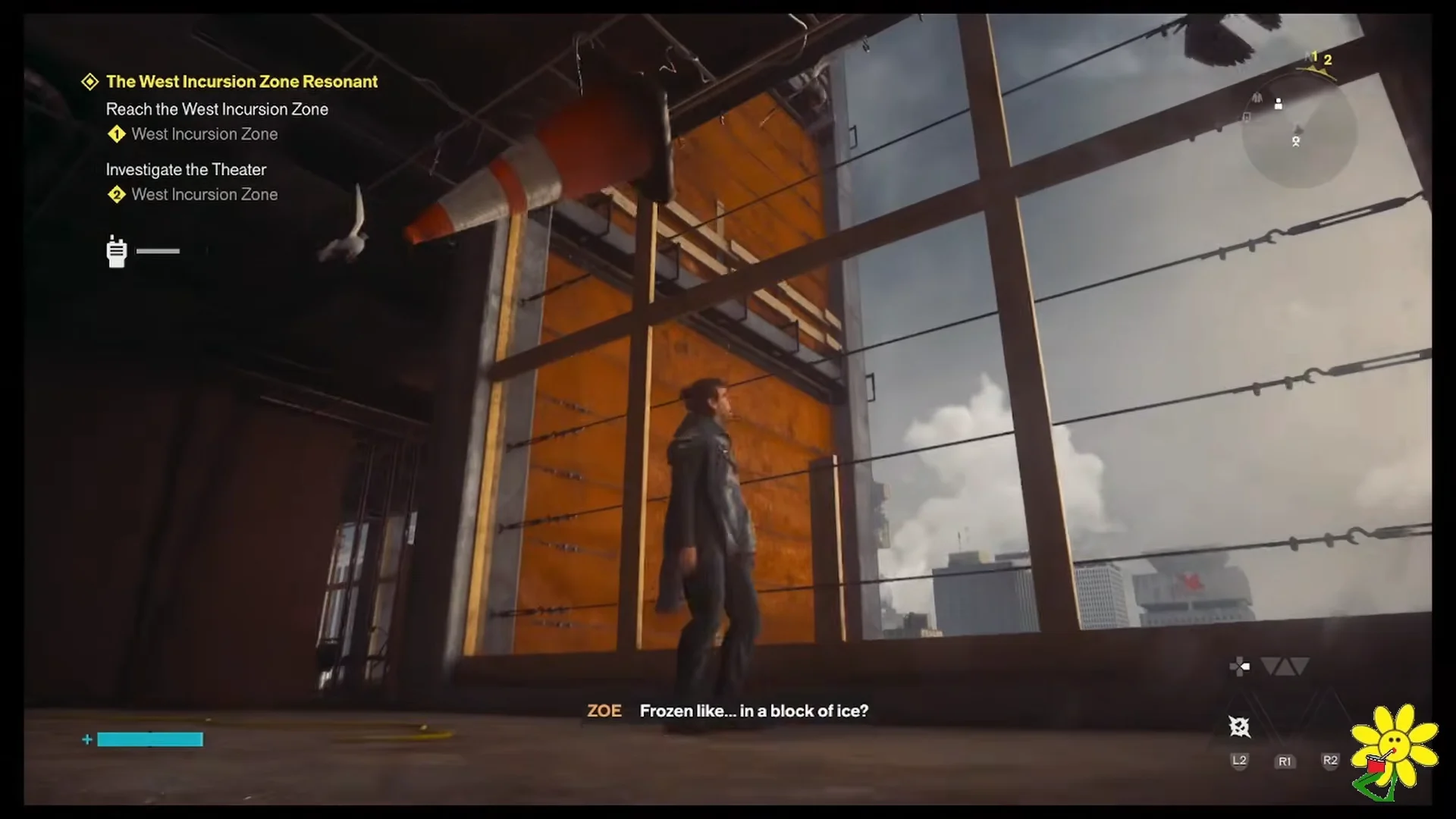
Do not walk at the camera across the main floor. It runs and disappears the instant it is seen head-on, and you have to reset the whole encounter.
How to capture the Watchtower camera
L1 on the Shut Camera Lid prompt. The camera vanishes and the room unfreezes.Rewards and how to confirm the Instant Photo is completed
Closing the lid pays out immediately, and Zoe radios in again with the follow-up. Here is what lands in your inventory and on the HUD.
| Reward | Detail |
|---|---|
| Completed Instant Photo | +1, replaces the blank photo |
| Undefined Reading | +1 |
| Source | Two payouts, +120 and +52 |
| Quest update | Investigate the Locations in the Photos |
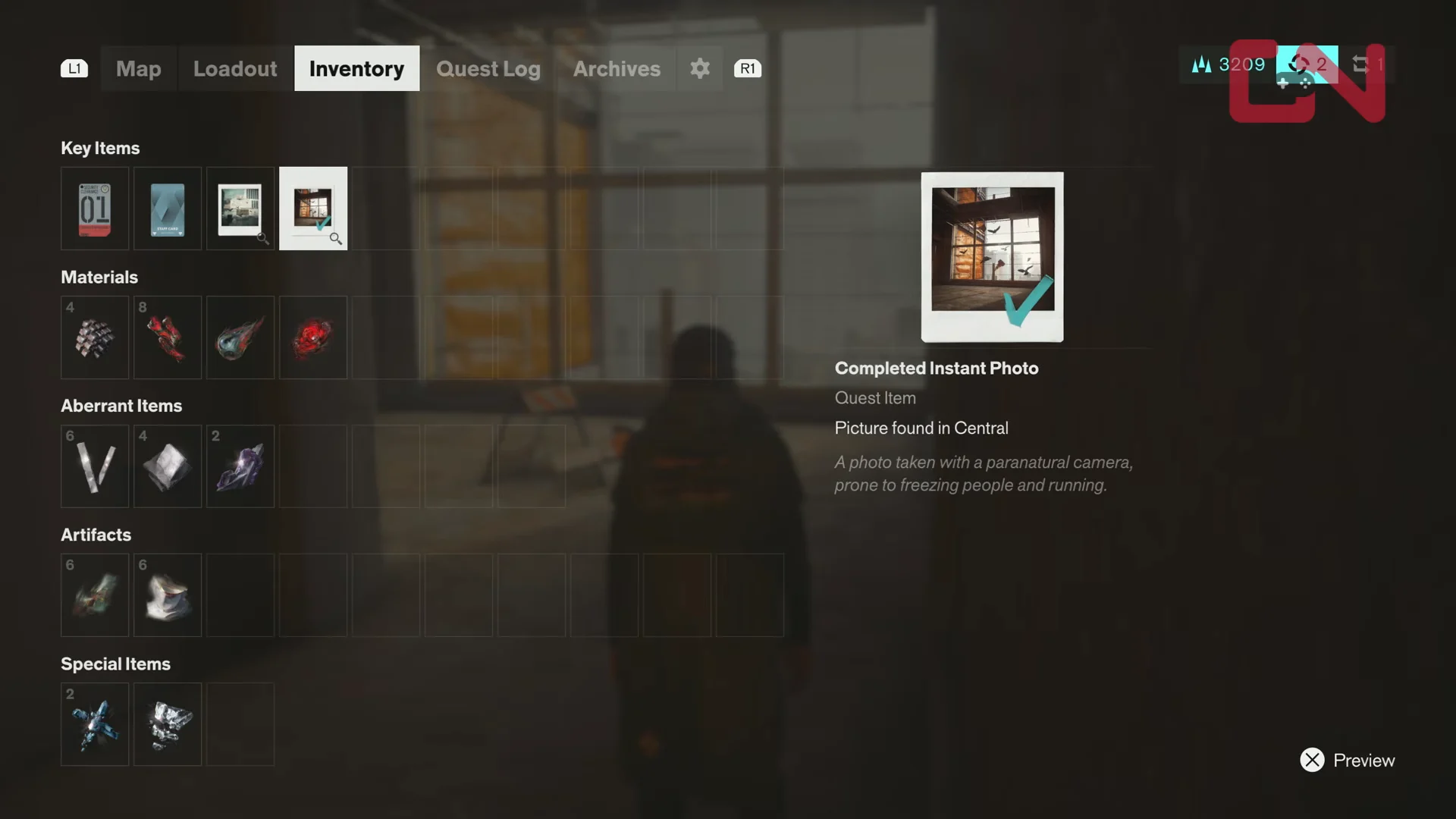
To verify it stuck, open the inventory and check Key Items. The entry should now read Completed Instant Photo with a green checkmark, described as a picture found in Central taken with a paranatural camera that is prone to freezing people and running. If it still shows as a plain Instant Photo, the lid was never shut and the camera is waiting back on its tripod.
Where Freeze Frame goes next
Zoe points you toward Langston at the Field Panopticon once the first camera is contained, and the objective shifts to investigating the remaining photo locations. The second Instant Photo shows a rooftop framed against billboards, which puts it past the West Incursion Zone Checkpoint — the clearance door there is what the Level 1 Keycard opens.
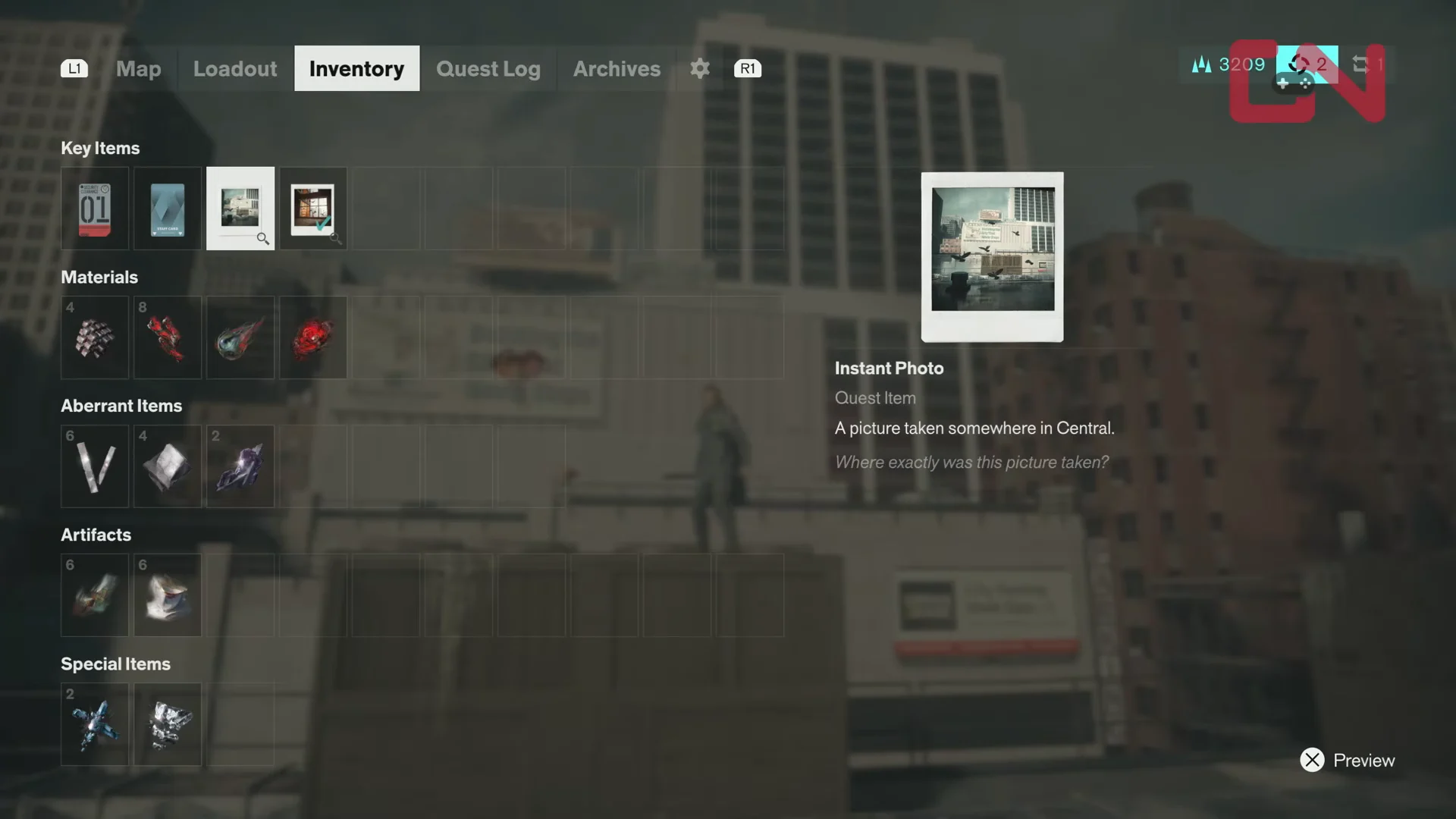
That second camera sits in an open rooftop doorway and works on the same logic. Getting caught in its flash freezes you, and you reset it by dropping down through the warehouse stairs and pushing out to the street. The difference is the Hiss Distorted enemies waiting on the ground floor, so clear them before you climb the interior stairwell and come up behind the tripod. Shutting that lid updates the tracker to Search for More Camera Locations, and the same green checkmark confirms the second photo.