
Running a PowerShell script as a regular Windows application is often more practical for non-technical users than asking them to open a console and type commands. PS2EXE solves this by wrapping a .ps1 script into a standard .exe that can be double-clicked like any other program.
What PS2EXE does (and what it does not do)
PS2EXE builds a .NET executable that contains your PowerShell script and starts it through the PowerShell engine when the EXE runs. It simplifies running scripts and bypasses execution policy checks, but it does not remove the need for PowerShell on the machine, and it does not securely hide your code.
Compiled EXEs created by PS2EXE can be “reverse-extracted” back to their original PowerShell code with an -extract option, so clear-text secrets in scripts remain readable. Treat EXEs created with PS2EXE as convenience wrappers, not as a security boundary.
Install PS2EXE from PowerShell Gallery
PS2EXE is distributed as a PowerShell module on PowerShell Gallery and can be installed directly from a PowerShell session.
Run as administrator so the module can be installed for your system or user as needed.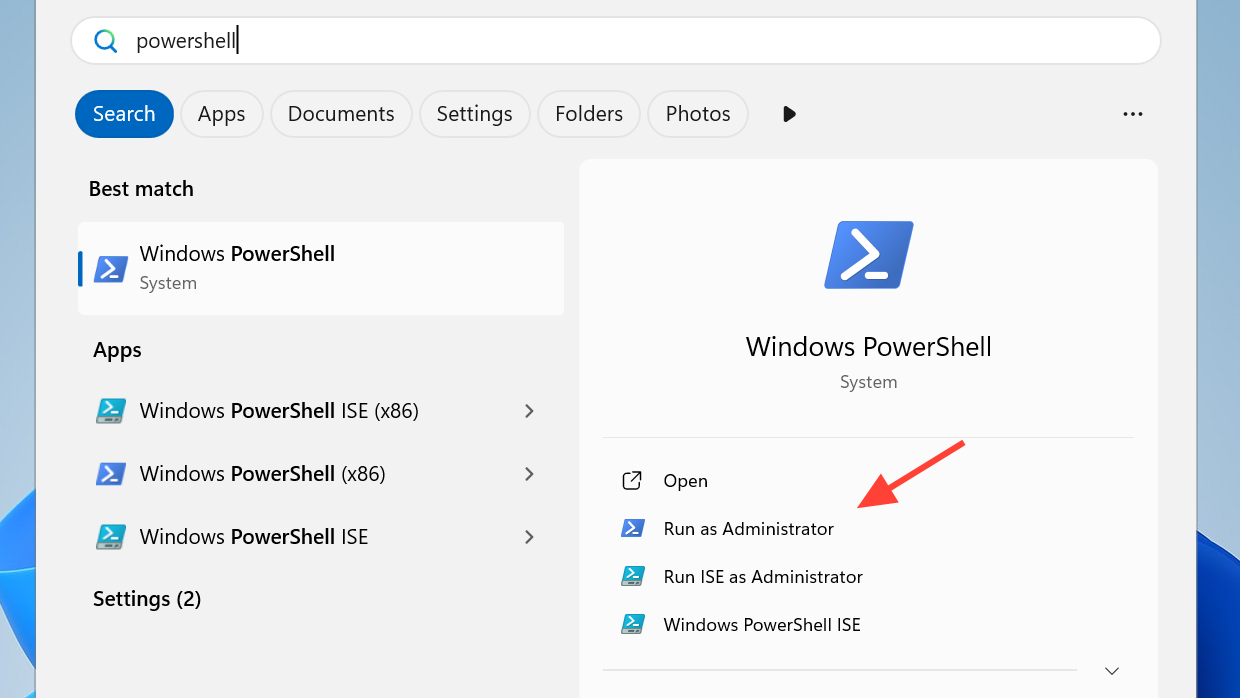
Install-Module ps2exe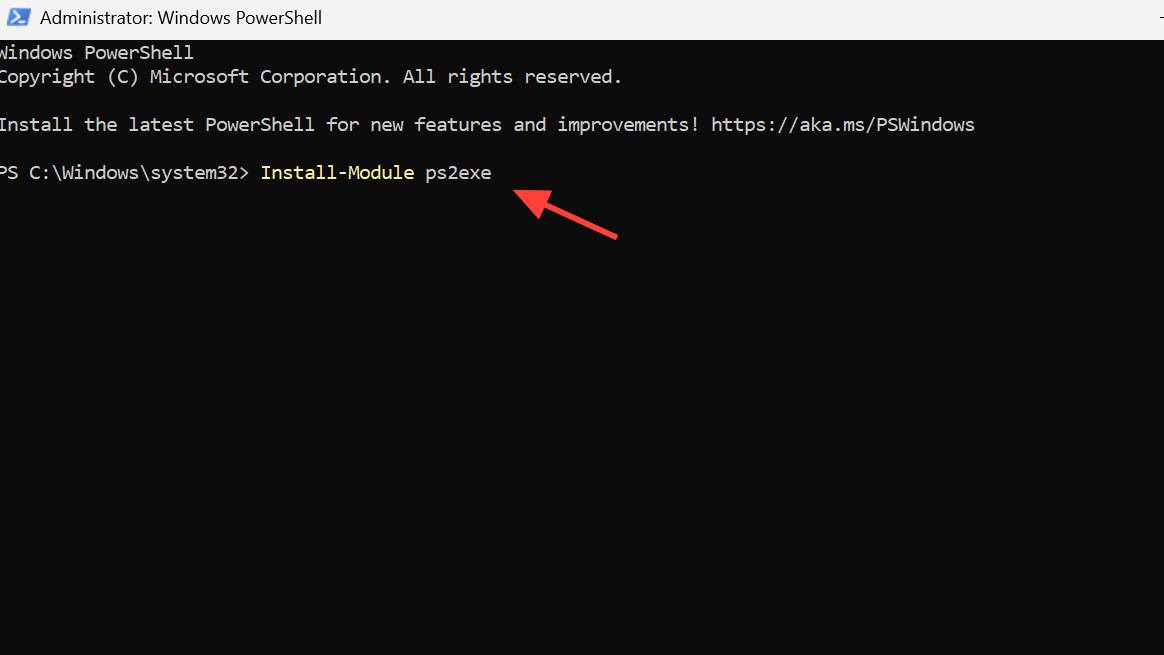
If you are prompted about an untrusted repository, type Y and press Enter to continue. PowerShell then downloads and installs PS2EXE from the gallery.
Method 1: Convert a PowerShell script to EXE (basic usage)
Once the module is installed, a simple command compiles a .ps1 file to an .exe. This is the quickest way to turn a script into a clickable application.
Calc.ps1. Use Get-ChildItem or File Explorer to verify the file is present.Set-Location C:\Path\To\Your\Scripts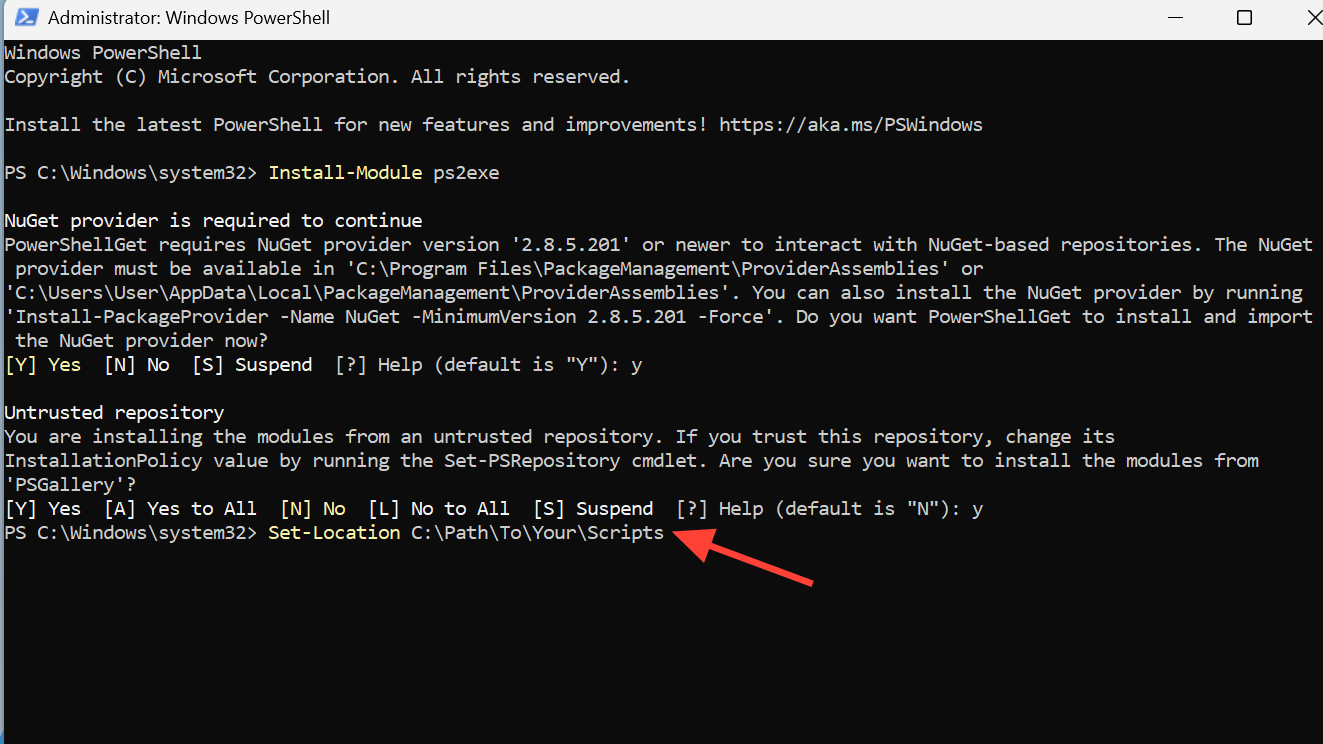
ps2exe Calc.ps1 MyCalc.exe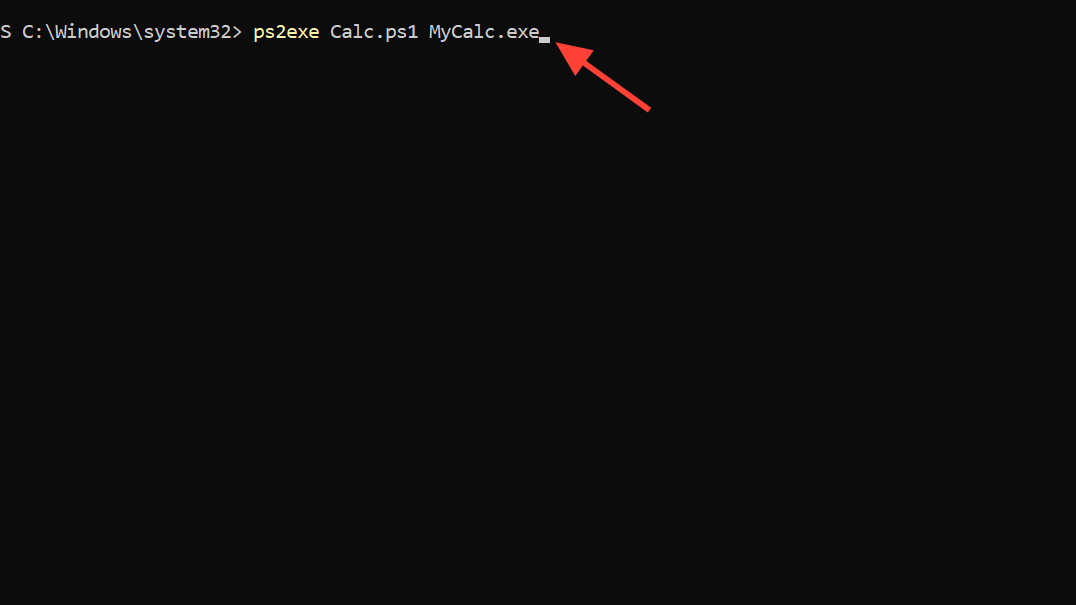
Get-ChildItem in PowerShell or look in File Explorer to see the new MyCalc.exe file in the same directory.Method 2: Create a GUI-style EXE with no console window
For scripts that display a graphical interface or that should run quietly in the background, it is often better to hide the console window. PS2EXE includes a parameter that compiles the executable as a GUI application.
-noConsole parameter so that no PowerShell console window appears when the EXE runs.ps2exe .\YourScript.ps1 .\YourScript.exe -noConsole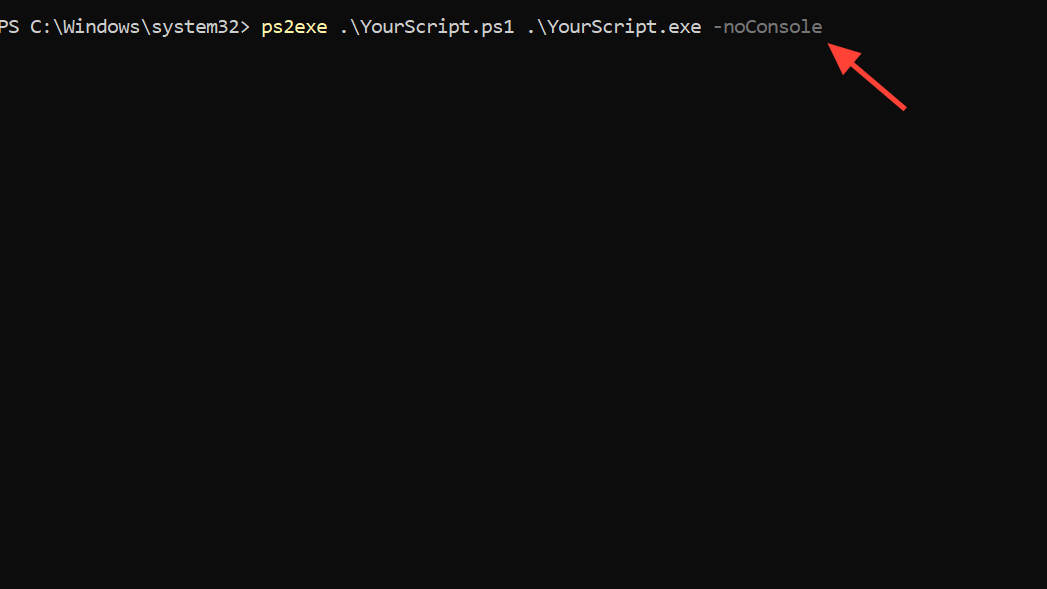
Method 3: Add icon, version, and metadata to the EXE
Windows displays attributes such as icon, description, version, and copyright in File Explorer. PS2EXE can embed these details into the compiled EXE so it looks like a regular application instead of a generic file.
.ico format, for example Calc.ico, and place it in the same folder as your script. This file will be used as the application icon.ps2exe Calc.ps1 MyCalc2.exe -IconFile "Calc.ico" -Title "Poseys Calculator" -Copyright "Copyright (C) 2024, All Rights Reserved" -Version "1.0"Properties. On the Details tab, verify that the description, version, and copyright fields show the values you provided.Method 4: Use the PS2EXE GUI frontend (win-ps2exe)
For those who prefer not to remember command-line parameters, PS2EXE also provides a Windows GUI frontend named win-ps2exe. It exposes the same options through a form with text boxes and checkboxes.
ps2exe command without errors before trying the GUI.win-ps2exe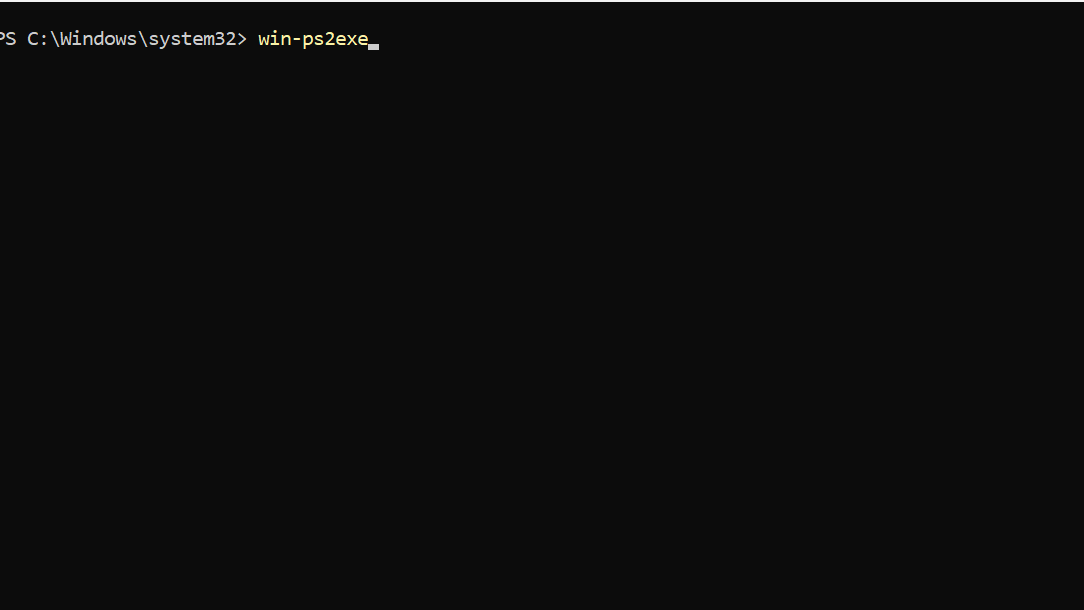
Reverse-extract PowerShell code from a PS2EXE executable
PS2EXE allows extracting the embedded PowerShell script back out of a compiled EXE. This is useful for debugging, but it also demonstrates why embedding secrets in scripts is unsafe.
MyCalc.exe. Use a Command Prompt or PowerShell session for this step.-extract option and specify the name of a new PowerShell file to hold the recovered script.MyCalc.exe -extract:CalcCode.ps1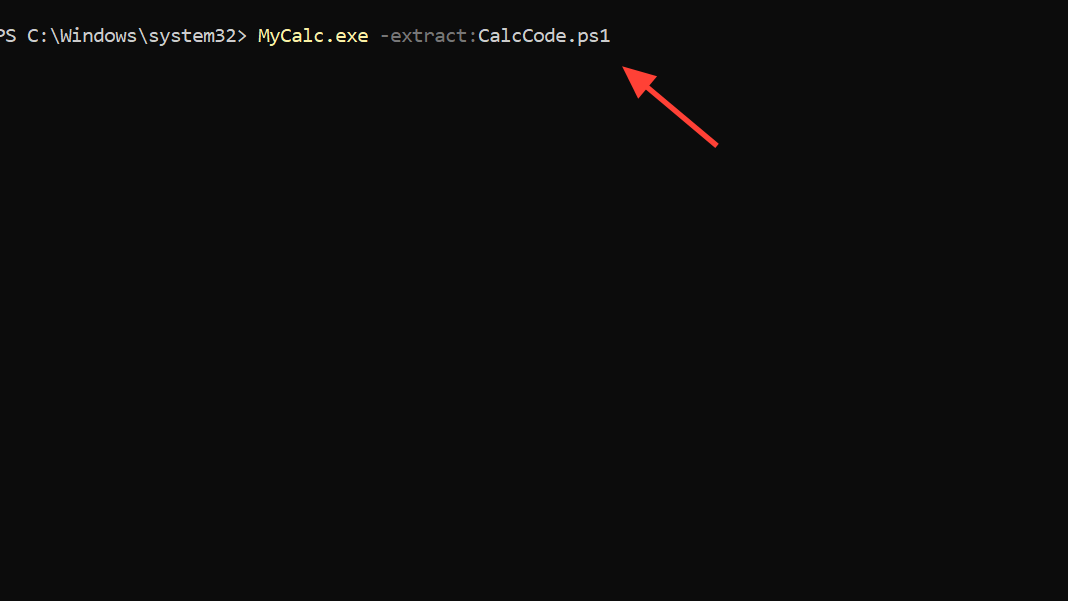
CalcCode.ps1 file exists in the folder. Open it in a text editor or use type in a console to see the script content that was stored in the EXE.Security and antivirus considerations
Executables produced by PS2EXE run as regular Windows programs and can bypass PowerShell execution policy, so they need to be handled with the same level of care as any other unsigned binaries. Some antivirus engines also flag EXEs built with PS2EXE because malicious scripts have been packaged with the same tool in the past.
PS2EXE offers a practical way to package PowerShell scripts as Windows executables, whether you use the command line or the GUI frontend, and a bit of planning around icons, metadata, and security makes the resulting tools much easier to ship and maintain.





