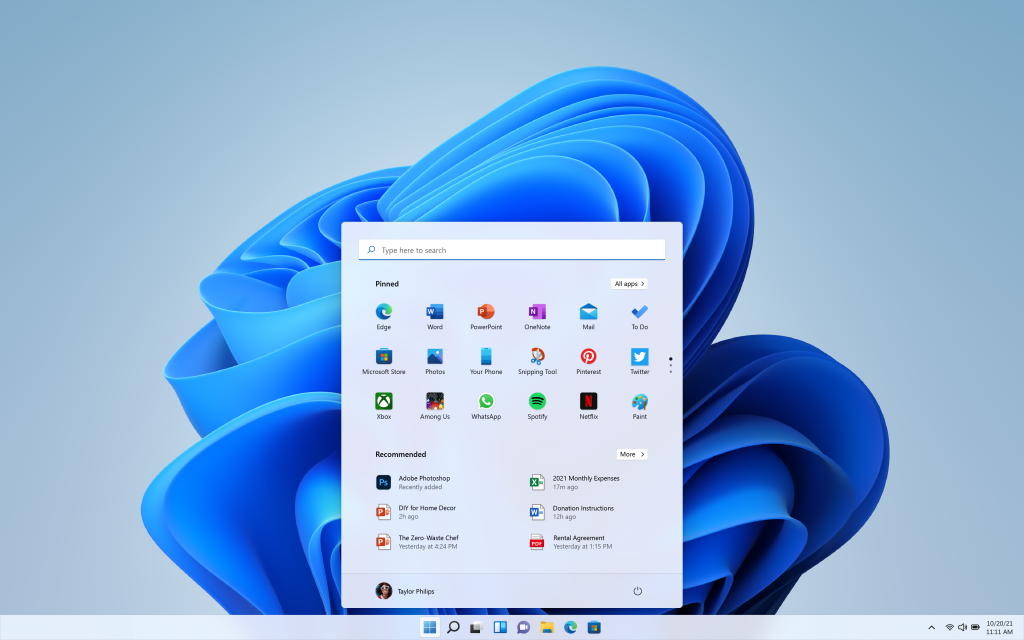
Windows 10 22H2 and Windows 11 22H2 sit on opposite ends of the same transition. One is the last feature update Windows 10 ever received, while the other is the first major update to Windows 11. The most important difference between them is not a menu or a color scheme. It is support. Windows 10 22H2 no longer receives security patches, and Windows 11 continues to be developed and maintained.
Quick answer: Windows 10 22H2 is the final Windows 10 release and reached end of support on October 14, 2025, so it gets no more security updates unless you enroll in Extended Security Updates. Windows 11 22H2 is a supported release with a redesigned interface and stricter hardware requirements. If your PC meets those requirements, move to Windows 11 to keep receiving security fixes.
Support status: the difference that matters most
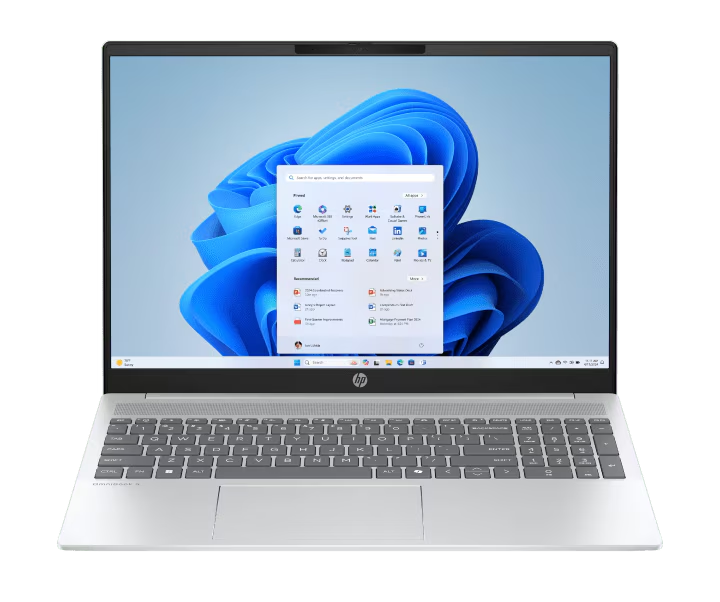
Windows 10 22H2 marked the end of the line for Windows 10. There are no further feature updates planned, and on October 14, 2025 the operating system reached end of support. Devices still running it no longer receive monthly security updates, bug fixes, time zone updates, or technical support.
Windows 11 22H2, by contrast, is part of a product line Microsoft is still actively servicing, with later versions such as 23H2, 24H2, and 25H2 building on it. Staying on a supported Windows 11 release means you continue to receive protection against new security threats.
| Item | Windows 10 22H2 | Windows 11 22H2 |
|---|---|---|
| Role in its line | Final Windows 10 feature update | First major Windows 11 update (2022 Update) |
| Availability | Released October 2022 | Released September 20, 2022 |
| Security updates | Ended October 14, 2025 (unless enrolled in ESU) | Supported |
| Future feature updates | None | Yes, through later Windows 11 versions |
Interface and feature differences
Windows 10 22H2 is a small update. Compared with 21H2, it introduced no significant new features. Its main purpose was to keep Windows 10 stable on systems that could not move to Windows 11, which is why many users saw no visible changes after installing it.
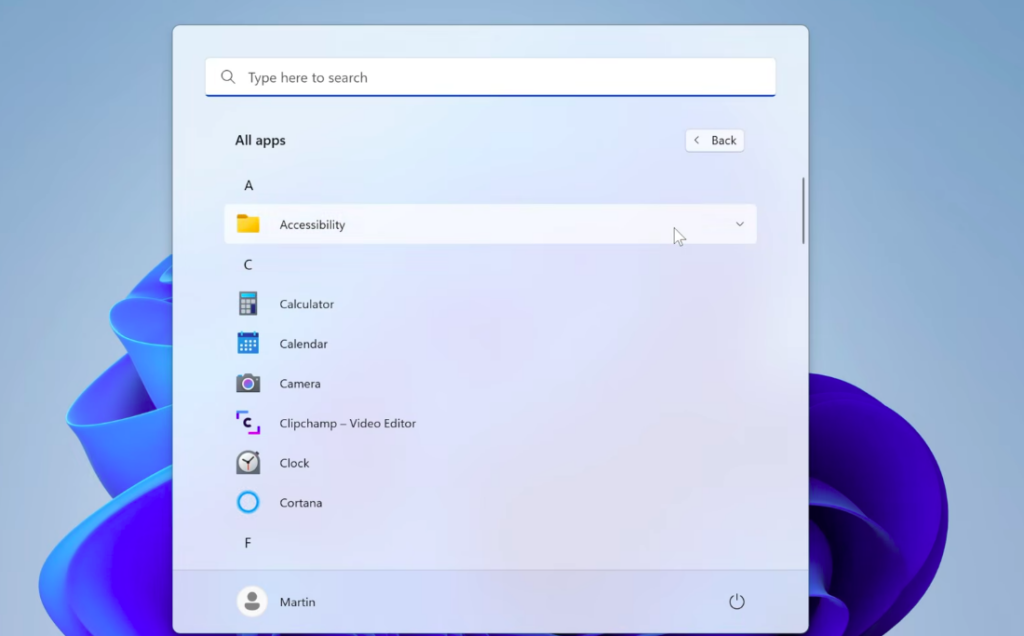
Windows 11 22H2 takes a different direction. It carries the Fluent design interface, tighter cross-device integration, and features such as Snap Layouts, which let you arrange open apps into predefined on-screen grids. It represents a redesigned experience rather than a maintenance release.
Windows 11 system requirements
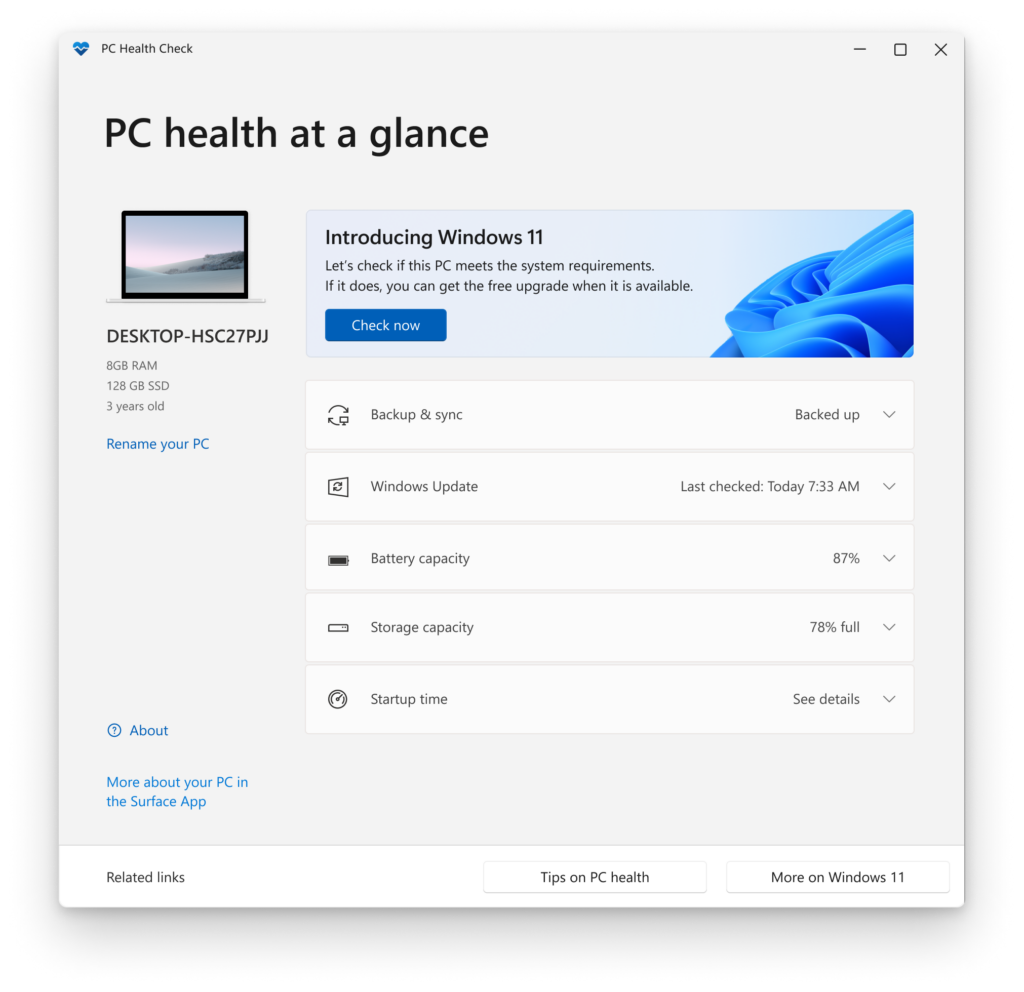
The biggest practical barrier between the two releases is hardware. Windows 10 22H2 runs on a wide range of older machines, but Windows 11 22H2 enforces a stricter list of requirements. A PC must meet all of them to upgrade.
| Component | Windows 11 requirement |
|---|---|
| Processor | 1 GHz or faster, 2 or more cores, compatible 64-bit CPU or SoC (Intel 8th Gen or newer, AMD Zen 2 or newer, or Qualcomm 7 and 8 Series) |
| Memory | 4 GB or more |
| Storage | 64 GB or more of available space |
| Firmware | UEFI, Secure Boot capable |
| Security chip | TPM version 2.0 |
| Graphics | DirectX 12 or later with WDDM 2.0 driver |
| Display | High-definition display larger than 9 inches diagonally, 8 bits per color channel |
| Account | Internet connection and Microsoft account required for Windows 11 Home and some features |
If a PC lacks TPM 2.0, Secure Boot, or a supported processor, it will not qualify through the normal upgrade path. In that case you would either upgrade the hardware or replace the machine.
Check whether your PC can move to Windows 11
Upgrade from Windows 10 22H2 to Windows 11
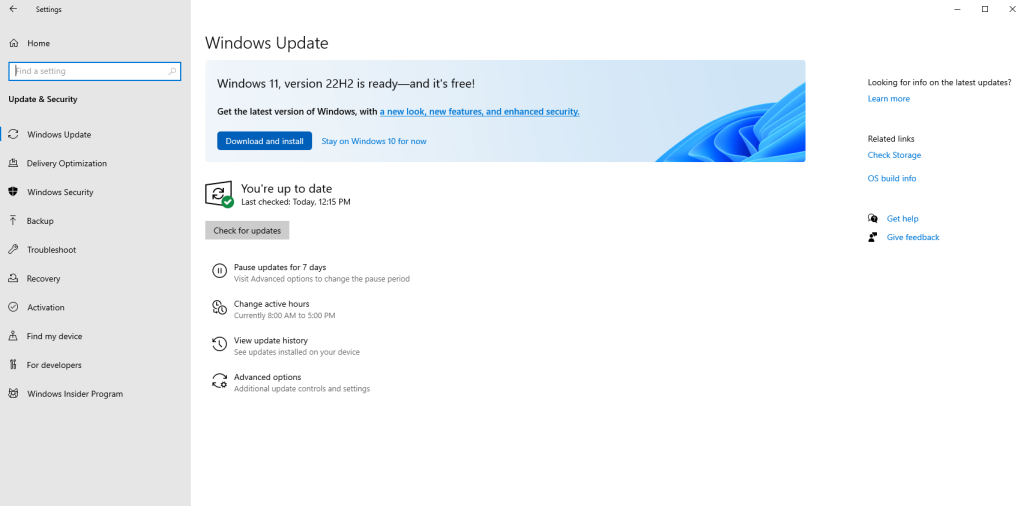
Once a PC passes the compatibility check, you can move to Windows 11 directly from Windows 10 22H2. Before you start, make sure you have a stable internet connection and enough free storage, and create a backup of your files.
A Windows 11 product key activates correctly after the upgrade, so you can update first and then activate. The upgrade completes when the desktop returns running Windows 11 with your existing files and programs in place.
Staying on Windows 10 22H2 safely
If your hardware cannot run Windows 11 and you are not ready to replace the machine, Extended Security Updates (ESU) are the way to keep receiving security fixes on Windows 10 22H2. The program is available to organizations of all sizes, and for the first time it can also be used on personal Windows 10 PCs.
You can enroll a personal device and review the terms through the Windows 10 Consumer Extended Security Updates program. Without ESU or an upgrade, a Windows 10 22H2 PC keeps working but stops receiving the protection that a supported Windows 11 release still provides.
The choice comes down to hardware and support. Windows 10 22H2 is a finished product with no further development, while Windows 11 22H2 and its successors continue to be maintained. If your PC qualifies, moving to Windows 11 keeps you on a supported path. If it does not, ESU is the bridge that keeps Windows 10 22H2 secure while you plan your next machine.