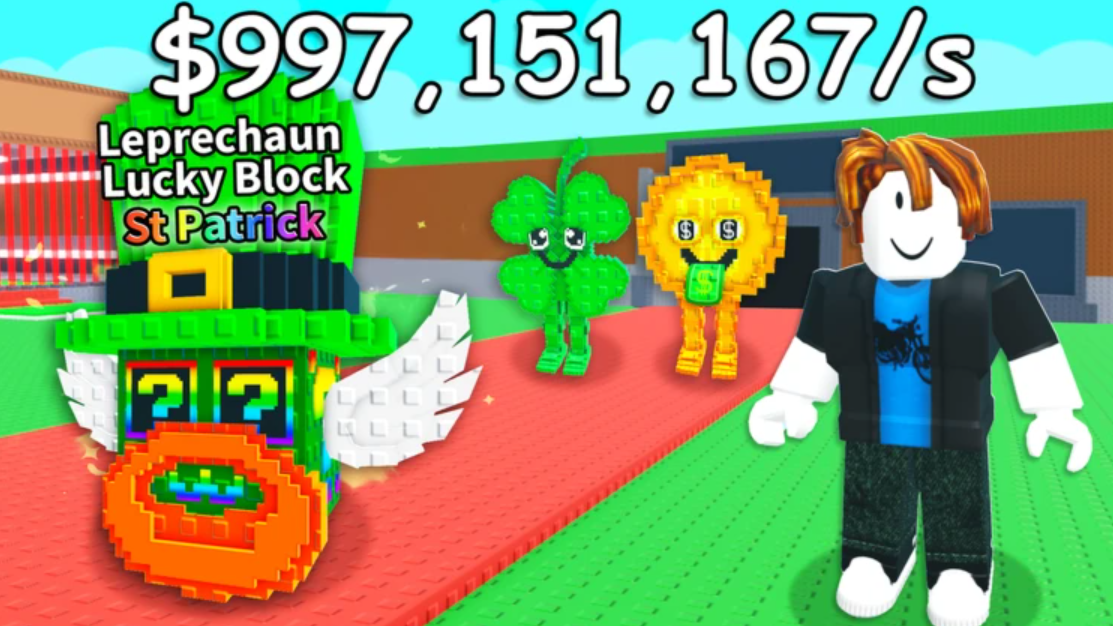
Roblox Steal a Brainrot does not support private server creation directly from PlayStation 4, PlayStation 5, Xbox One, or Xbox Series X consoles. Console players must use a secondary Roblox account on a mobile device or PC to create the server, then join it from their main console account. This method prevents other players from stealing items and allows uninterrupted trading between accounts.
Quick answer: Create a free secondary Roblox account, use it on mobile or PC to purchase and configure a private server for 79 Robux, enable friend joining, then join the server from your console account through the connections menu.
Requirements for Console Private Servers
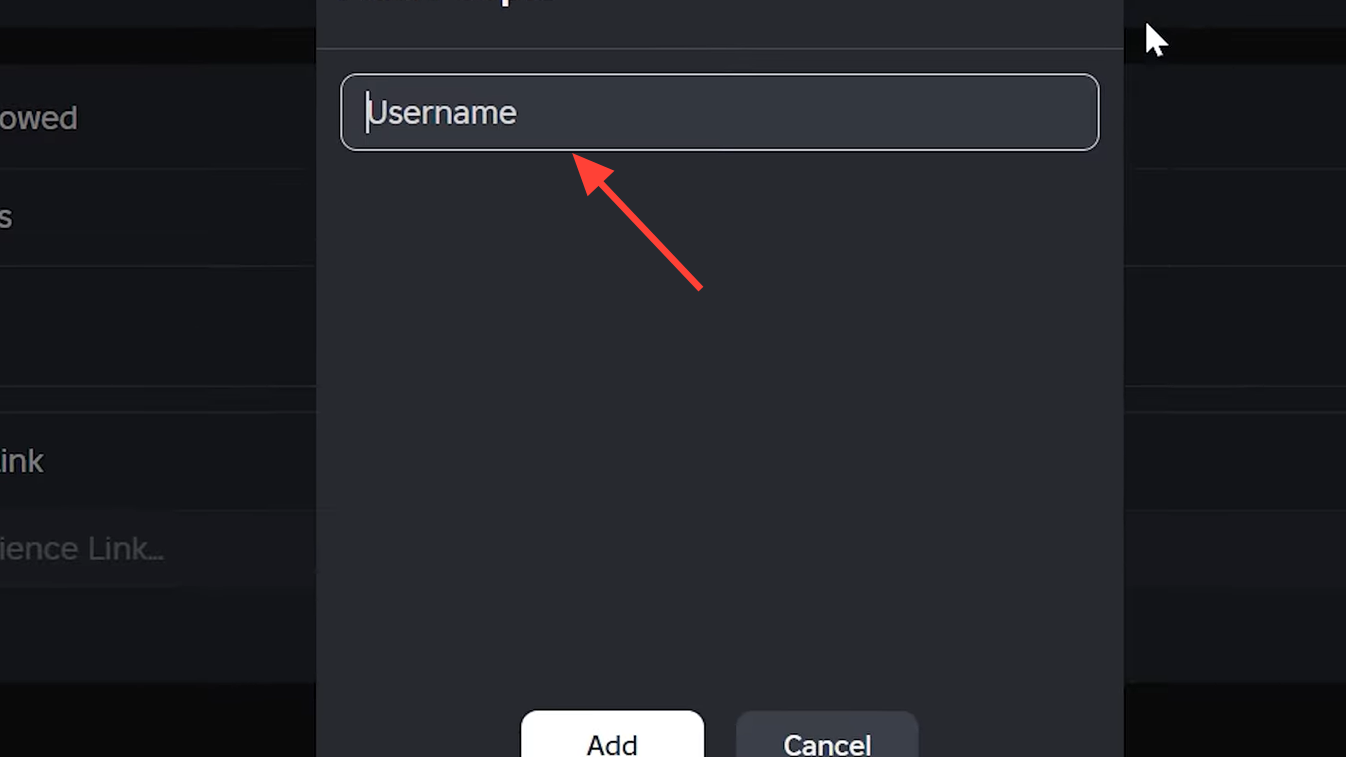
Console versions of Roblox lack the server browser interface available on PC and mobile. You need a secondary Roblox account accessible through a smartphone or computer to create and configure the private server. The main console account joins through the friends or connections list after the secondary account hosts the server.
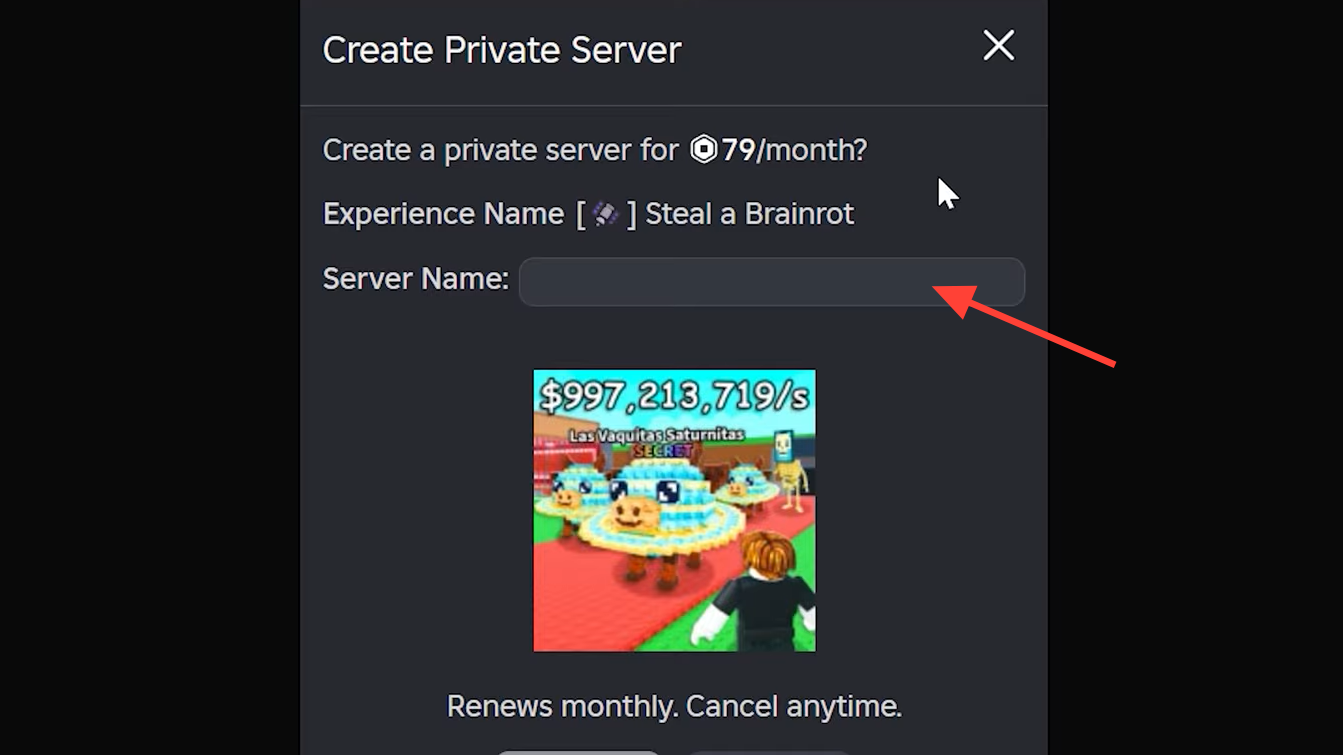
Private servers for Steal a Brainrot cost 79 Robux per month. Some other Roblox games offer free private servers, but Steal a Brainrot requires this subscription. The cost renews automatically unless canceled.
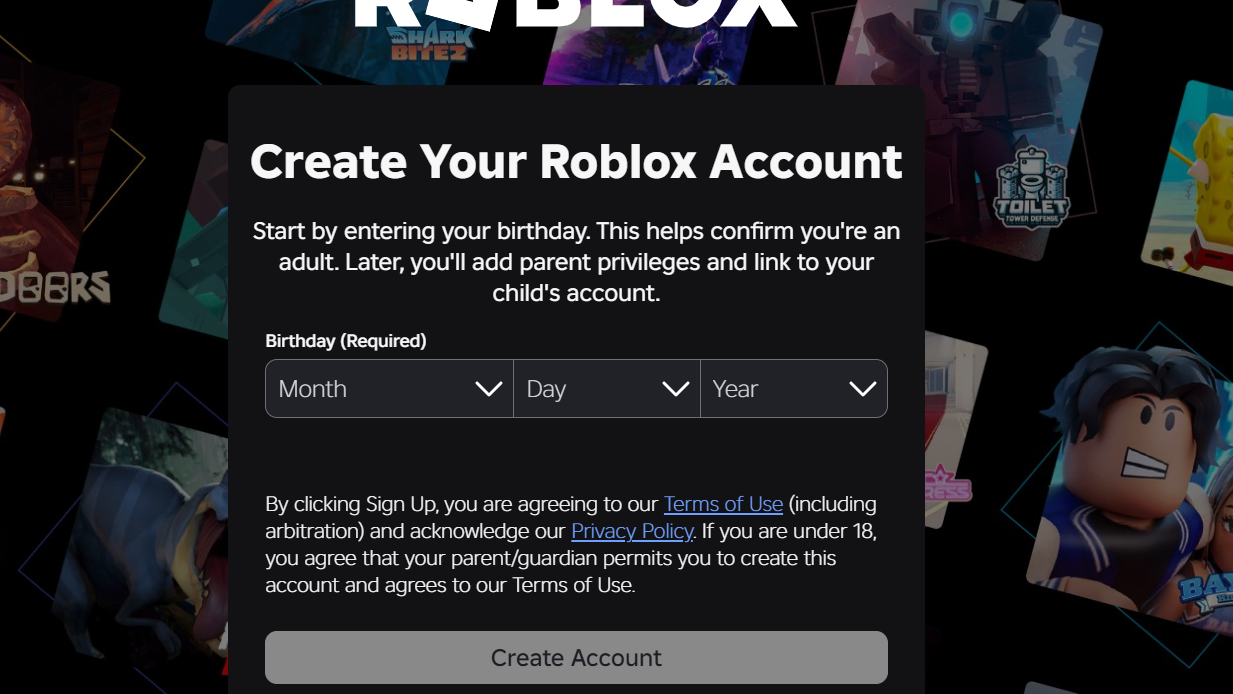
Create a Secondary Roblox Account
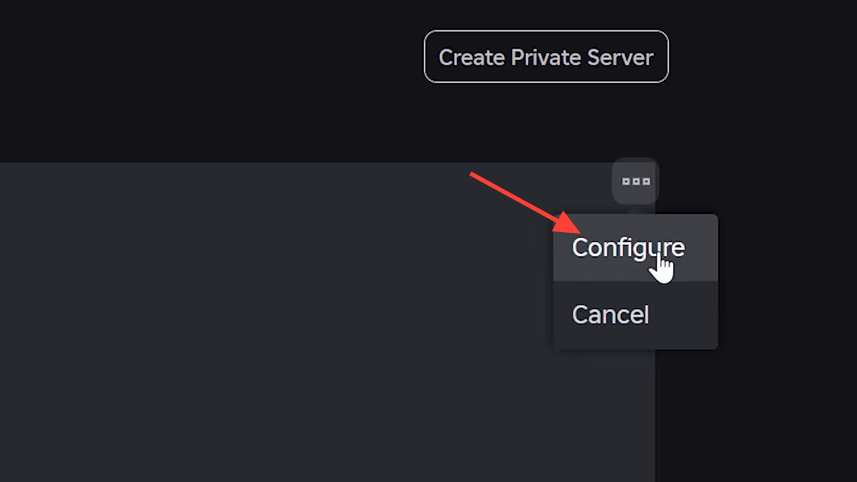
Purchase and Configure the Private Server
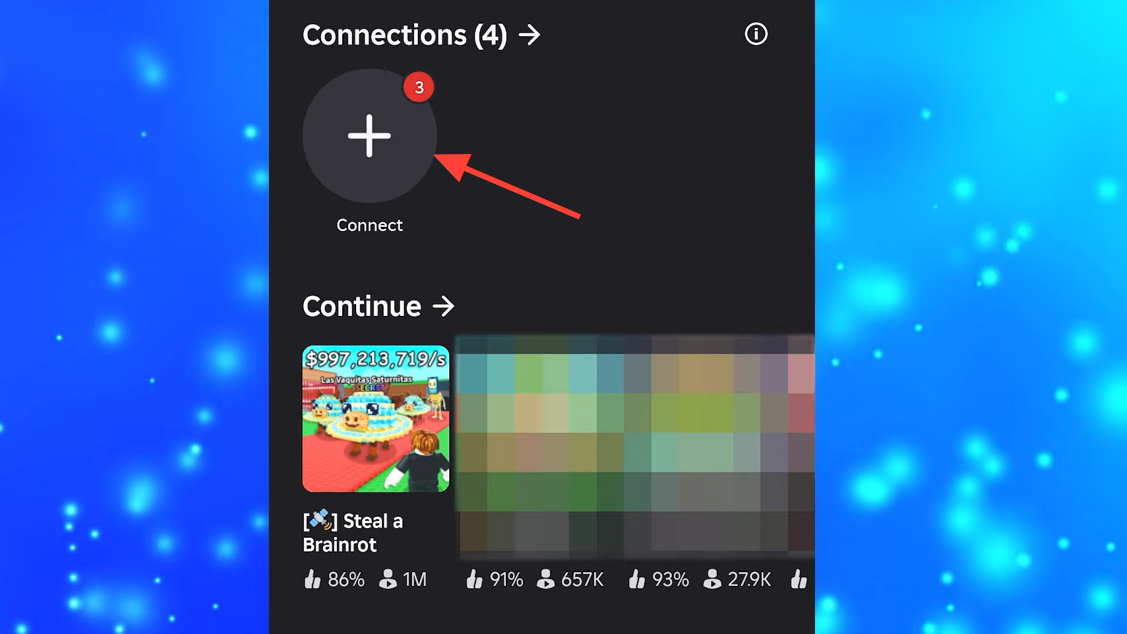
Join the Private Server from Console
The console loads you into the private server. Textures may take a moment to render fully, but you will be alone in the server instance with only accounts you explicitly invite.
Manage or Cancel the Subscription
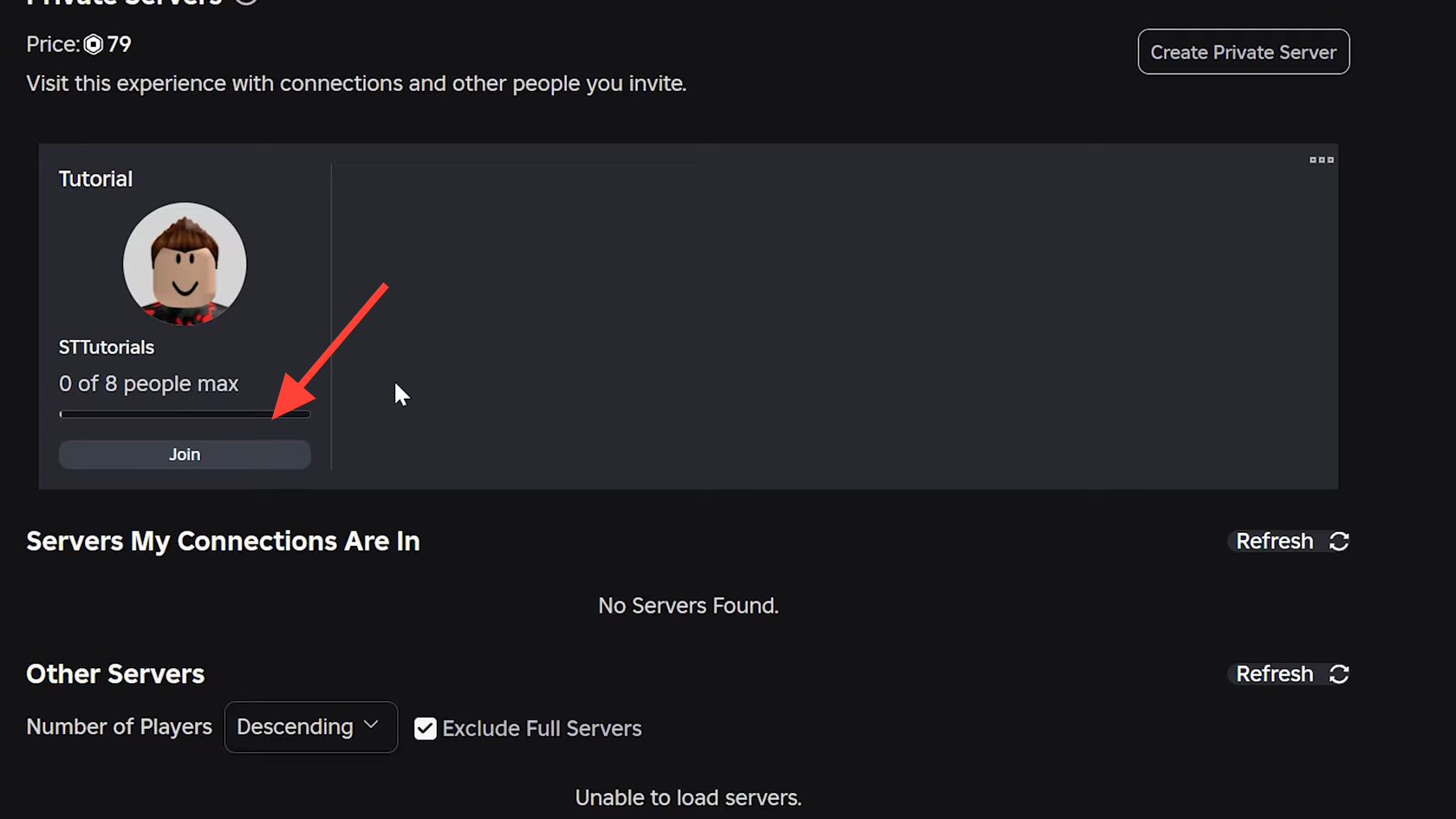
Private server subscriptions renew each month automatically. To cancel, log in to your secondary account on mobile or PC and navigate to the Steal a Brainrot game page. Scroll to Servers, tap the three-dot menu next to your private server, and select Cancel Subscription.
The server remains active until the current billing period ends. The cancellation confirmation displays the expiration date. After that date, the server becomes inaccessible unless you renew the subscription.
Verification and Common Issues
You know the private server works when your console account loads into an empty instance of Steal a Brainrot with no other players present. The server name you created appears in the server list on your secondary account.
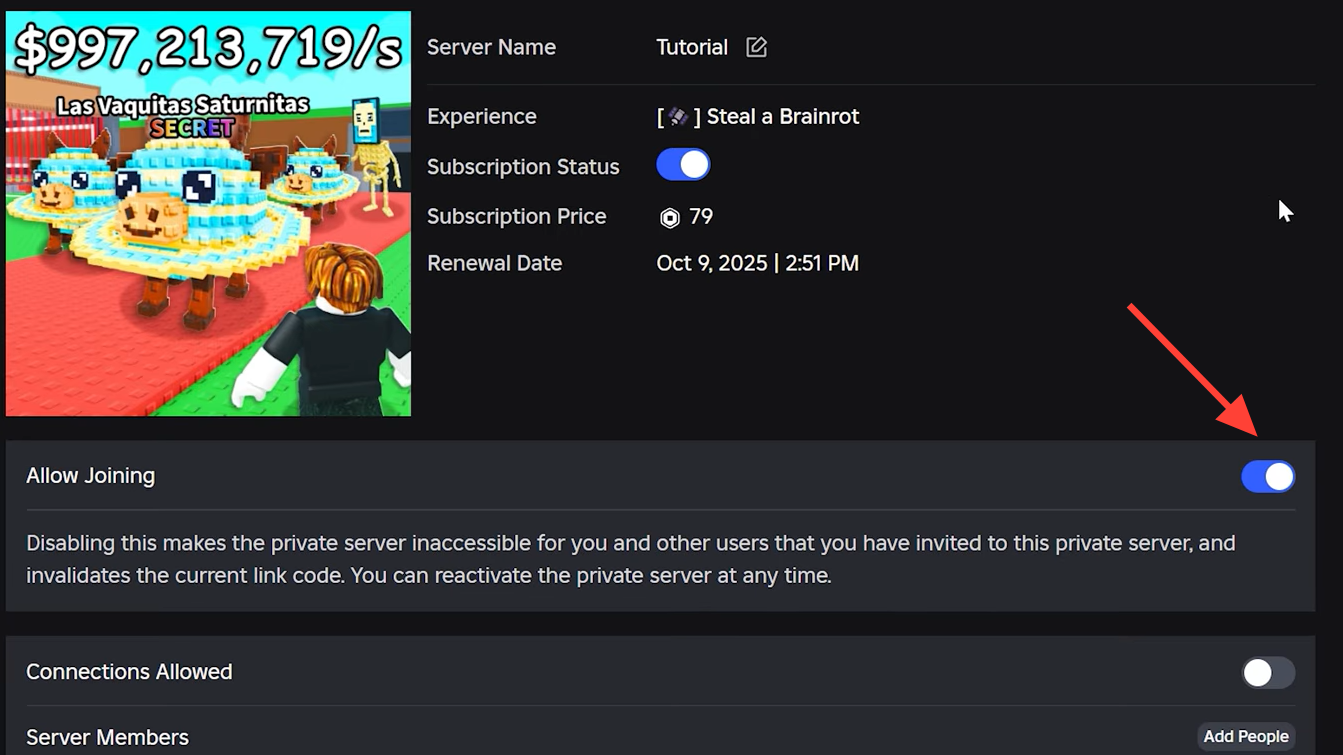
If your console account cannot join, verify that Allow Friends to Join is enabled in the server configuration. The secondary account must remain online and inside the private server for the console account to join through the connections menu. If the secondary account leaves the server, the console account loses the join option until the secondary account rejoins.
Some players report that the private server does not appear in the connections list immediately. Wait a few seconds after the secondary account joins, then refresh the connections menu on console. If the issue persists, restart the Roblox app on console and check again.