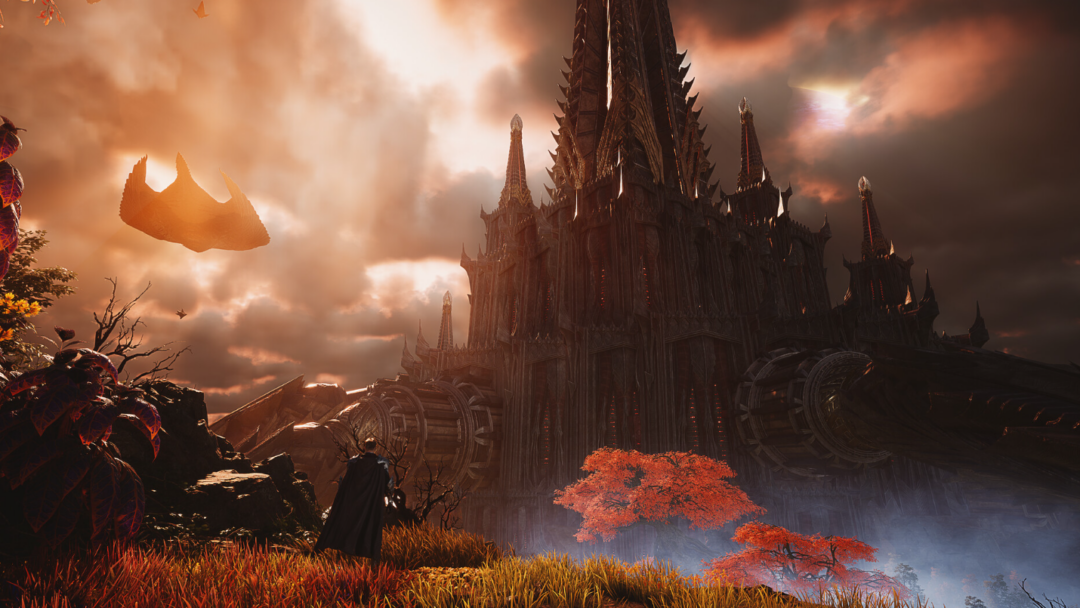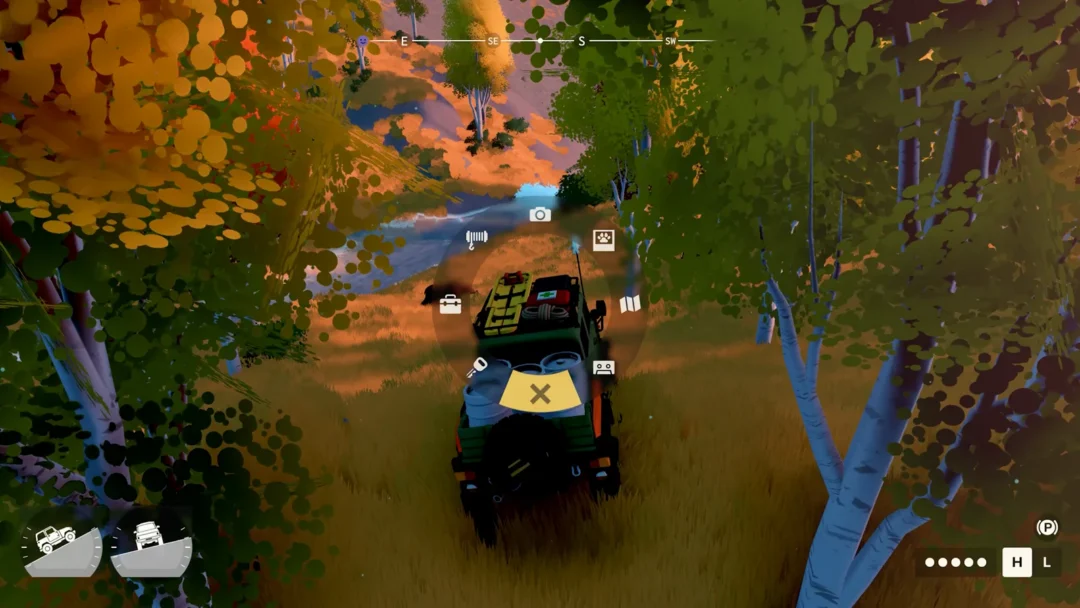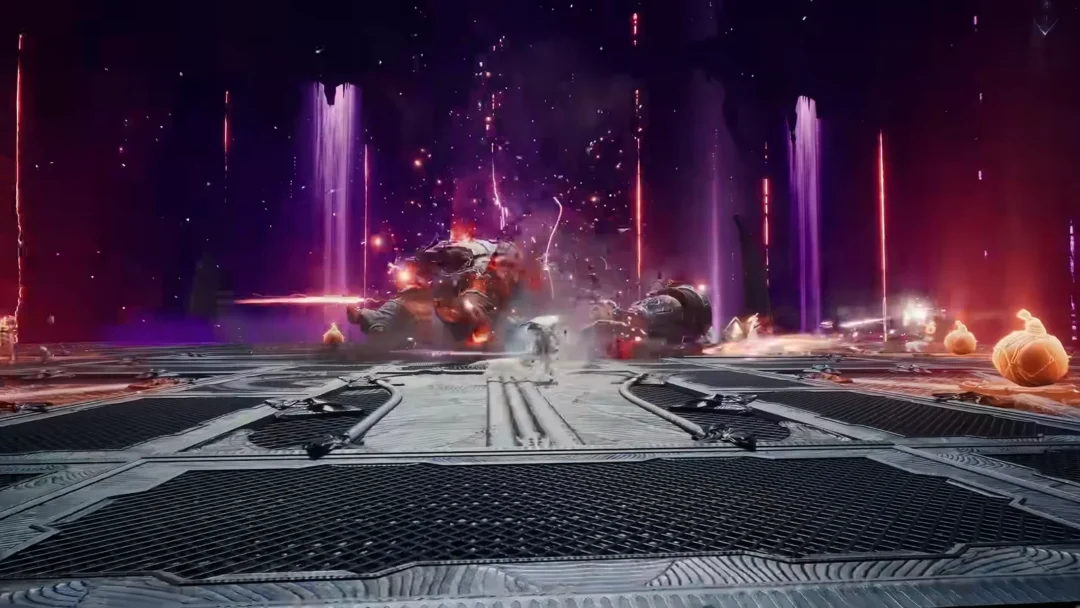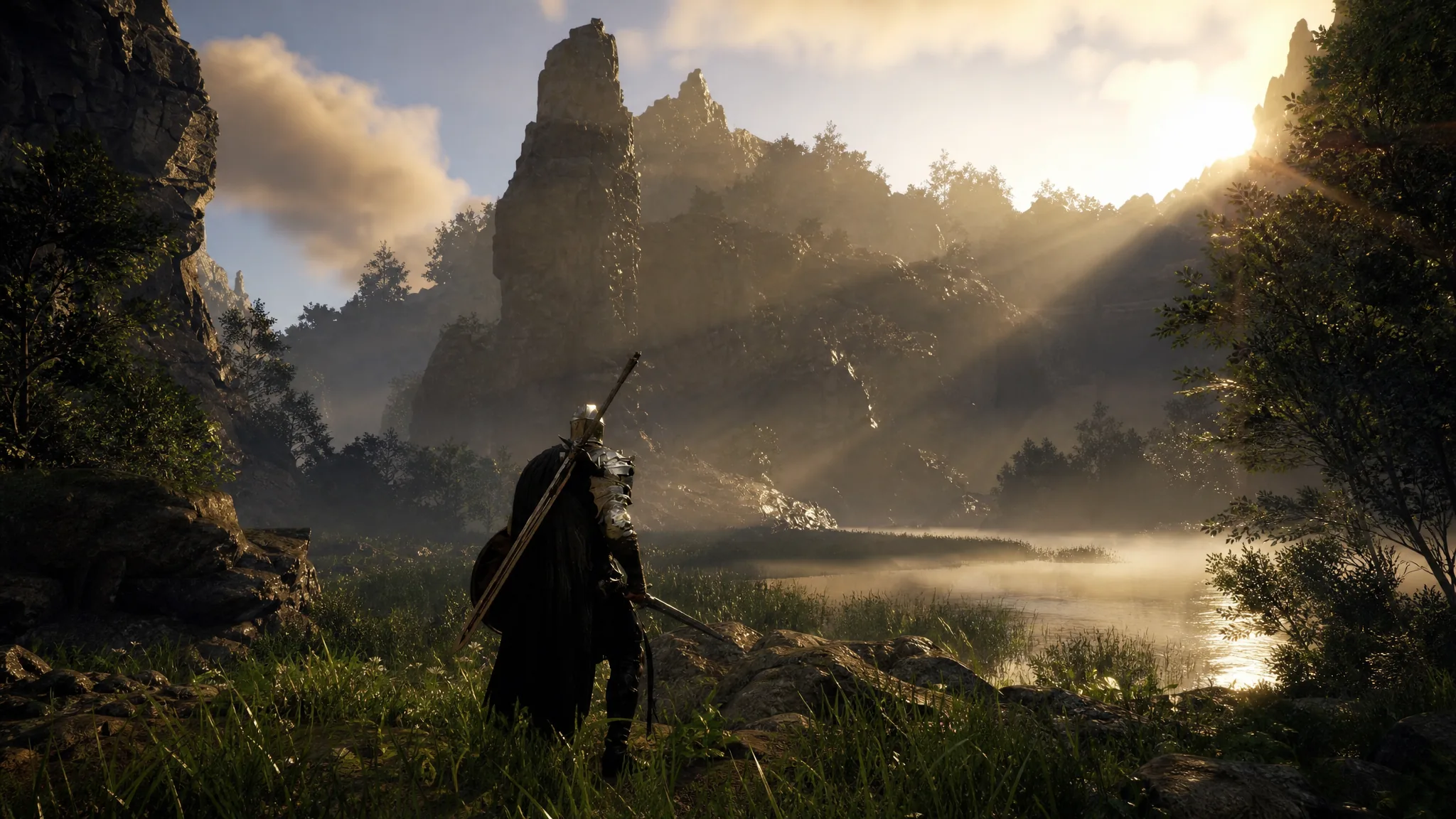
Pearl Abyss has pushed patch 1.18.0 live for Crimson Desert across all platforms, and it leans on system tweaks rather than fresh content. The headline shift moves research spending off Silver, tidies up how you track quest knowledge, and gives the map two distinct fog states so completionists can see what they still have not touched.
Quick answer: Research projects at the six institutes now cost Camp Funds instead of Silver, a new “Quests” knowledge category appears at the bottom of Journal → Knowledge, and Lock-on Camera Rotation gains a three-way Manual, Semi-auto, and Auto setting.
Research now spends Camp Funds instead of Silver
The biggest economy change swaps the currency behind institute research. Projects that previously drained your Silver now draw from Camp Funds instead. Early options, such as the Pororin and Scholastone entries, stay cheap. Deeper, lategame research carries far higher price tags, so these projects become a real drain on your camp economy.
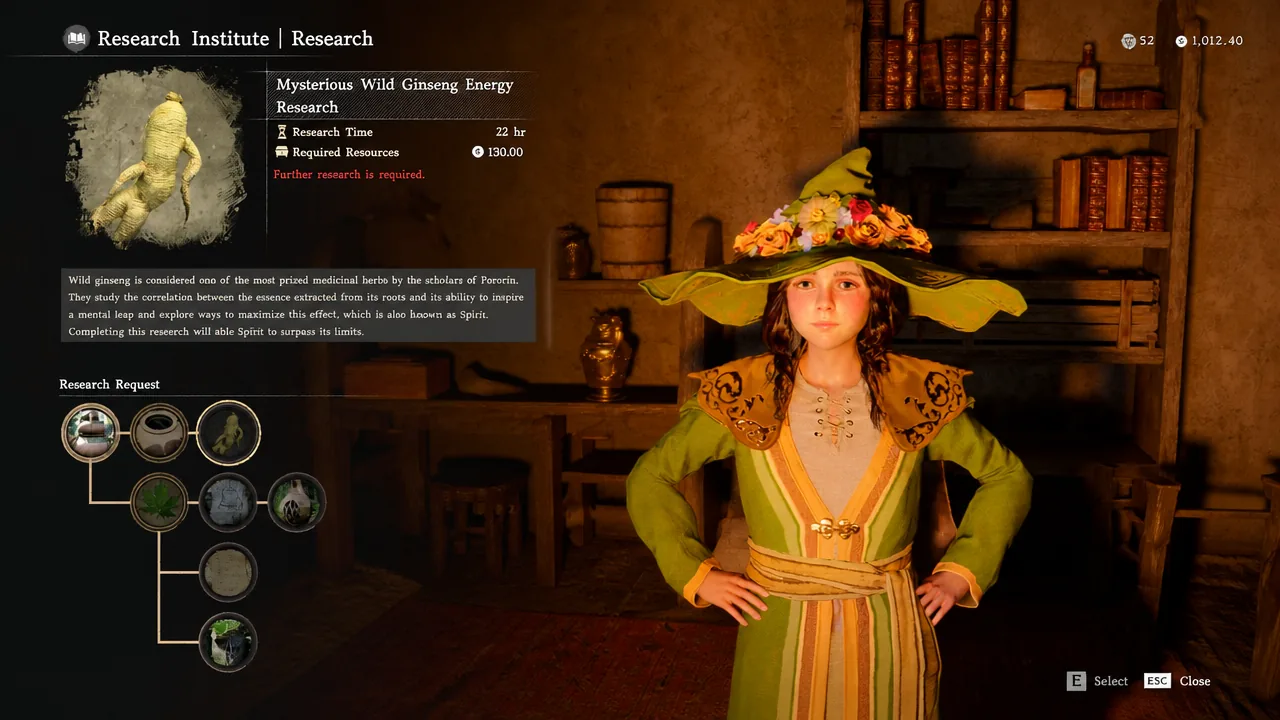
The practical effect is that Silver is freed up for other purchases, while Camp Funds become the resource you actively manage to keep researching. Building a steady income routine through Dispatch missions matters more after this change, since the priciest projects can otherwise stall your progress.
New Quests knowledge category and 8 sub-categories
Knowledge tracking gains a dedicated “Quests” box. Open Main Menu → Journal → Knowledge and scroll to the bottom to find it. This is a navigation aid, not a batch of new quests. It groups what you have collected so you can spot what is still missing during a playthrough.
The category splits into eight sub-categories: Main Quests, Faction Quests, Investigation Quests, Research Quests, Daily Life Quests, Guide, Archive Records, and Constellations. If you have already finished a quest, its knowledge entry is granted retroactively, so the list reflects your existing progress the moment you load in.
Map fog now shows bell and explored areas separately
The map now uses two fog shades to tell apart regions you have revealed with a bell and regions you have walked yourself. A darker fog marks areas where you have not yet rung the bell. A lighter fog filter covers spots you have not physically explored after ringing a bell nearby.
For mappers and completionists, this makes it far easier to hunt down the last uncharted corners of Pywel instead of guessing which patches of land you actually visited.
Lock-on Camera Rotation gets three modes
The old on/off toggle for Lock-on Camera Rotation is gone, replaced by three options under Main Menu → Other → Options Settings → Input. The new Semi-auto mode sits between the previous two behaviors and keeps a locked target on screen while still letting you move the camera within a limit.
| Mode | Behavior | Old equivalent |
|---|---|---|
| Manual | Freely rotate the camera with the right stick or mouse while locked on. | Enabled |
| Semi-auto | Rotate within a limited range that keeps the target in view. | New in 1.18.0 |
| Auto | Camera stays fixed on the target; no manual rotation. | Disabled |
Two related control fixes ship alongside it. You can once again lock on to targets with a ranged weapon while mounted in situations where it previously failed, and the quick slot arrow no longer moves in an unnatural way.
Quality-of-life changes for stables, kiln repair, and knowledge
Stables can now equip and swap horse gear directly from their UI, so you no longer need to manage that elsewhere. The Chapter 4 kiln repair at the Kilnden Workshop also got easier, since broken pieces can now be reattached using Force Current instead of the older method.
A handful of knowledge and quest tweaks round out this group:
- Knowledge of certain animals can now be gained by picking them up rather than killing them.
- The “Mysterious Invitation” knowledge unlocks after completing “Read the memory beneath Delesyia Castle.”
- The “Baker’s Note” item from “Haverson’s Request” moved to a new location.
- Certain boss knowledge entries have clearer wording.
- High-value trade goods can no longer be stacked and loaded in quantities up to 100.
Graphics, combat, and stability fixes
Several rendering issues are addressed. Unstable indoor lighting has been fixed in certain situations, camera jitter under low-FPS conditions is corrected, and corrupted rendering with FSR or XeSS Frame Generation on some low-end cards, including the GTX 1060, no longer occurs.
| Area | Fix |
|---|---|
| Combat / Action | Special mounts no longer get stuck crossing low ledges; players can climb through unobstructed windows; Sir Catfish stops repeating a stuck action. |
| Progression | Blocked path fixed when switching to Oongka before meeting Torstein during “Time to Face Justice.” |
| Saves / Workers | Workers now function correctly after loading a save; game no longer returns to the title screen on revive in some cases. |
| Equipment / Visuals | Clipping equipment fixed; a stray shield no longer appears in shops or dyehouses when previewing dual-wielded weapons. |
| Audio | Abyss Gear skill sound effects no longer play when their volume is set to 0. |
Other cleanups cover a range of edge cases: NPCs placed in blockaded areas, abnormal mount-riding animations, the broken abyss loop on the Abyss Skyloop Bridge, the time-lapse effect after Focus Mode, and multiple oil canisters equipping in the same heater slot. Localization quality was improved across all languages as well.
Note: These are refinements to existing systems rather than new content, so the changes apply immediately once you update on Steam, PlayStation, Xbox, Epic Games Store, or Mac. Pearl Abyss continues to add updates through the current release window, with DLC still in development and no confirmed launch date announced yet.