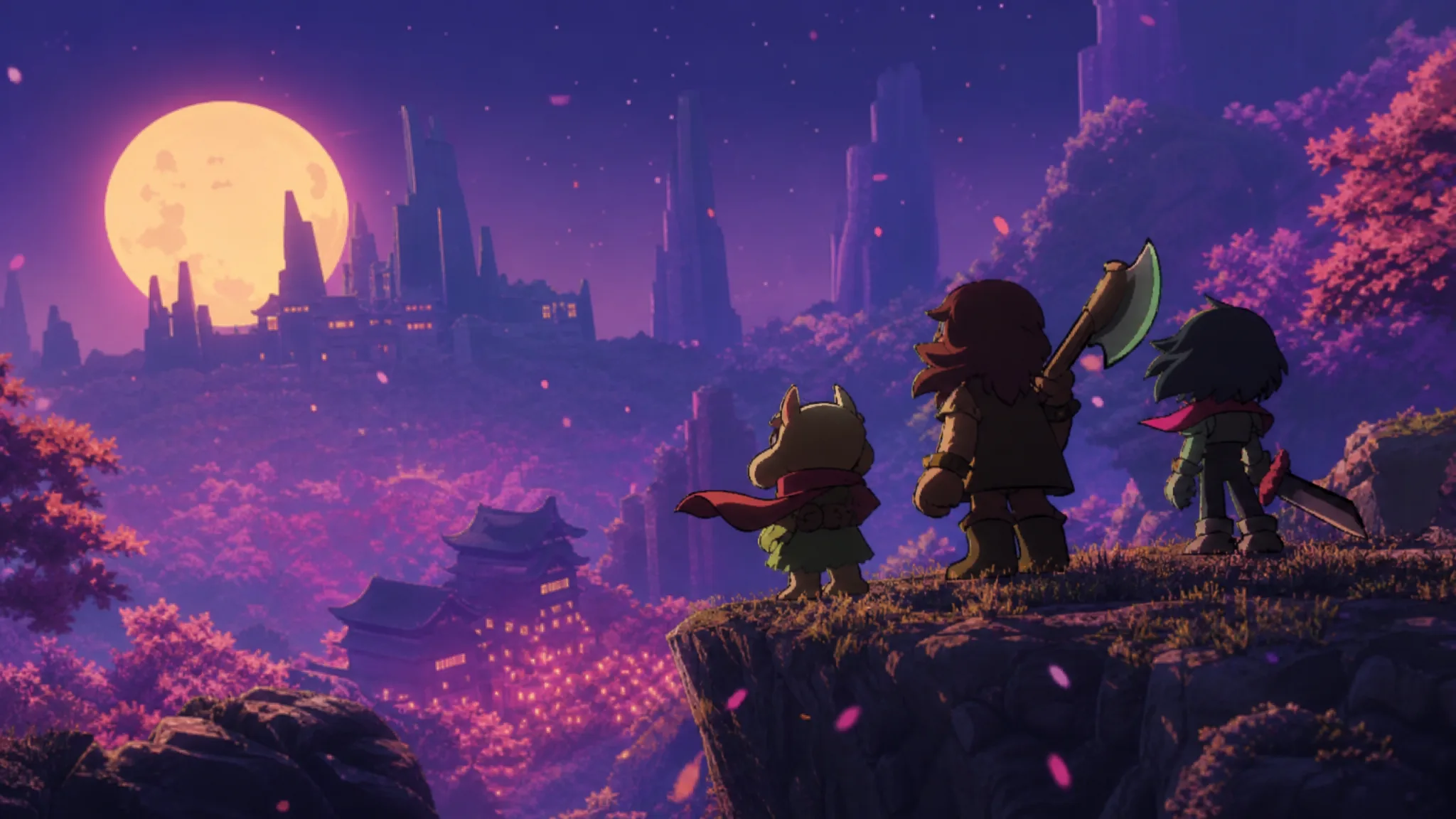
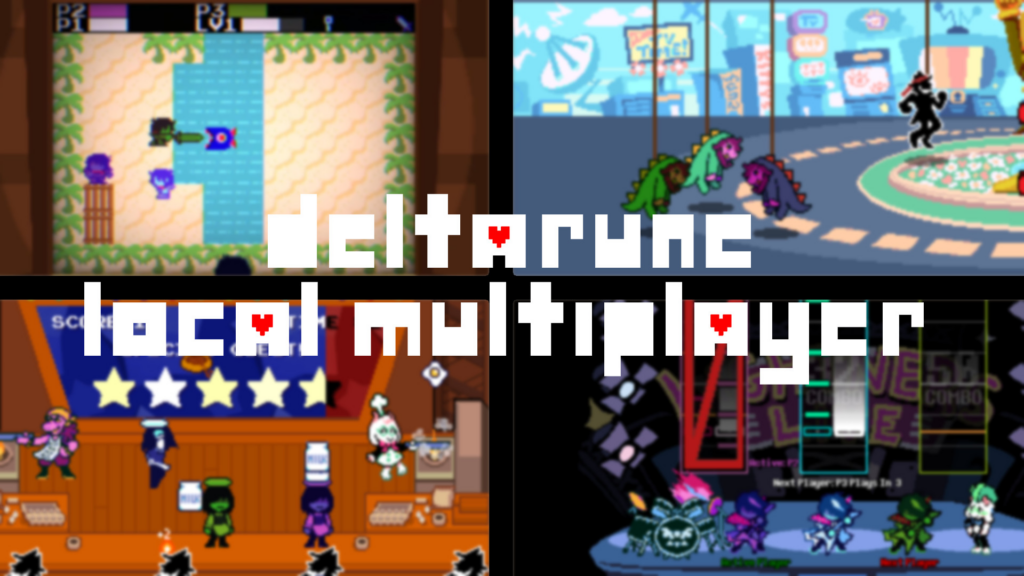
Deltarune ships as a single-player RPG, and there is no built-in way to run through Kris, Susie, and Ralsei’s adventure alongside other people. A fan-made mod changes that. The Deltarune Local Multiplayer mod, led by Yomsman, lets up to three players share the same session, jumping in whenever combat or a minigame begins.
Quick answer: Download the Deltarune Local Multiplayer mod, then patch each chapter’s data.win file with Deltapatcher (or install it through a mod launcher like
DELTAMOD or G3M). Launch the game and press the co-op controls in fights and minigames to add players.
What the multiplayer mod actually changes
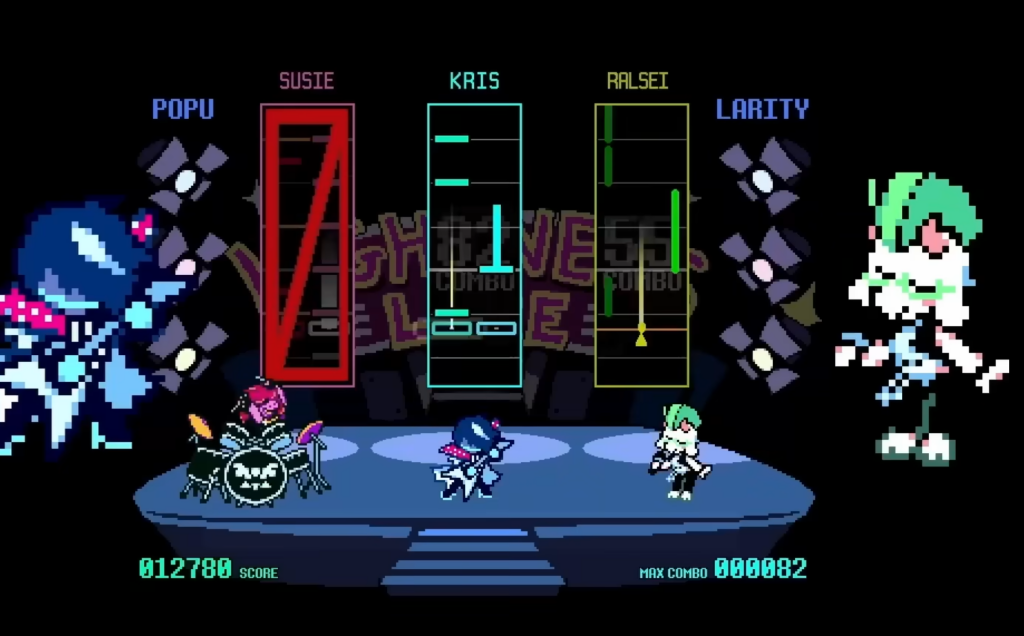
This is not full shared control of the overworld. One player still moves the party around the map and handles dialogue. The moment a battle or a minigame starts, the extra players take over. Each participant controls one character on the party’s turn, and during enemy attacks every player is represented by a colored heart, red, green, or purple, that has to dodge projectiles independently.
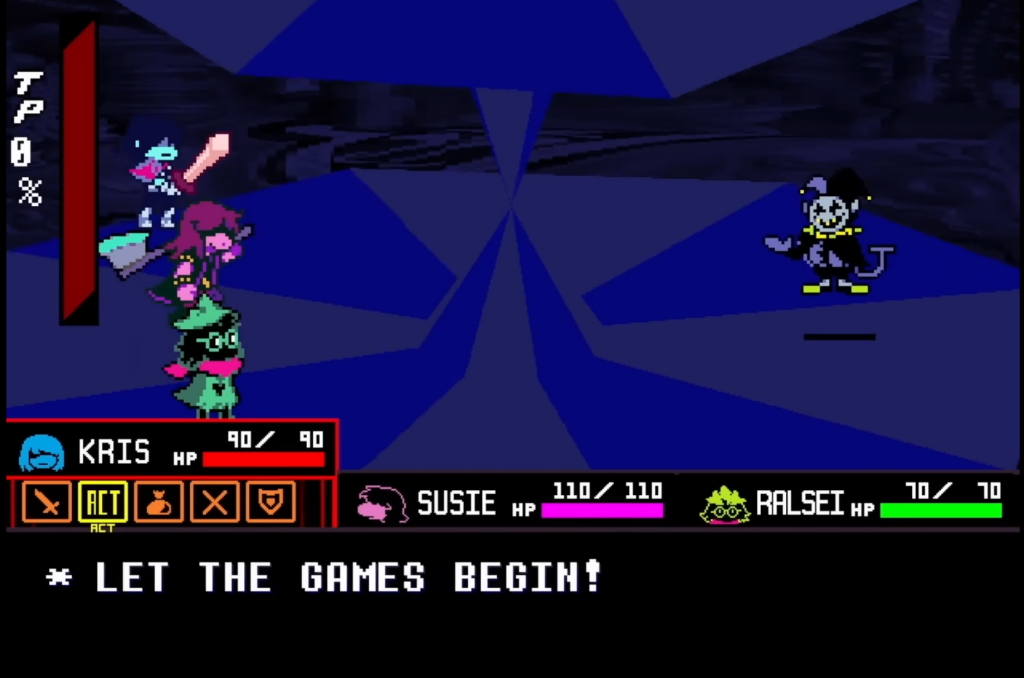
Adding two more hearts to the bullet board reshapes Deltarune’s turn-based combat. There are more targets for enemies to hit, which raises the pressure. At the same time, tight dodging from everyone builds TP quickly, and that extra TP can make hard fights, including the secret bosses, more manageable.
The mod supports all five currently available chapters. Because each chapter is a separate build with its own data file, you patch them one at a time rather than in a single step.
What you need before installing
| Requirement | Detail |
|---|---|
| Game version | The mod files target a specific game version (v1.04). The patch will only apply cleanly to a matching version. |
| Mod files | The Deltarune Local Multiplayer download from GameBanana. |
| Patching tool | Deltapatcher, unless you use a mod launcher that does the work for you. |
| Players | Up to three, all on the same device or connected through screen-sharing software. |
Always patch a copy of your game files or verify them first. Patching an already-modified data.win is the most common cause of failure.
Install the mod with Deltapatcher
data.win file. In Deltapatcher, set this as the “Original file”. Then set the mod’s xdelta file as the “XDelta patch”.
Install with a mod launcher (DELTAMOD or G3M)
Play online instead of on one couch
The mod is designed for local play on one machine. To bring in friends who are not in the room, you can share the session through Parsec or Steam Remote Play. These stream one player’s game to others and pass their inputs back.
When you play over a streamed connection, latency makes precise dodging harder. Turn on easy mode, which affects only bosses, to keep fights and especially the secret bosses playable. Without it, tight encounters can become close to impossible with lag.
Confirm it worked and fix failed patches
You know the install succeeded when Deltapatcher shows its “patch applied” confirmation for each chapter, and the game launches with the co-op options active during battles and minigames. If a patch does not apply, the cause is almost always one of two things.
| Problem | Fix |
|---|---|
| Version mismatch (mod is for v1.04 but the game is a different version) | Verify or reinstall Deltarune so the version matches the mod, or wait for the mod to update, then patch again. |
| Patching an already-modified file | Reinstall or verify the game files to restore a clean data.win, then re-run the patch. |
Once every chapter you own is patched, invite your group and let one person drive the overworld while the rest jump in for fights and minigames. It is an easy way to pull a newcomer into Deltarune and watch their reactions to its biggest moments, and the team behind the mod is expected to keep it current as future chapters arrive.