The Fortune Teller machine in the Roblox co-op horror game Demonology has been reworked, and the developer’s announcement breaks the new behavior into three named results: Jackpot, Change Weather, and Unlock Perk. Each one is delivered the same way, through a Fortune Ticket you pick up after feeding the machine a coin. Jackpot does not hand you one ticket — it floods the floor with them.
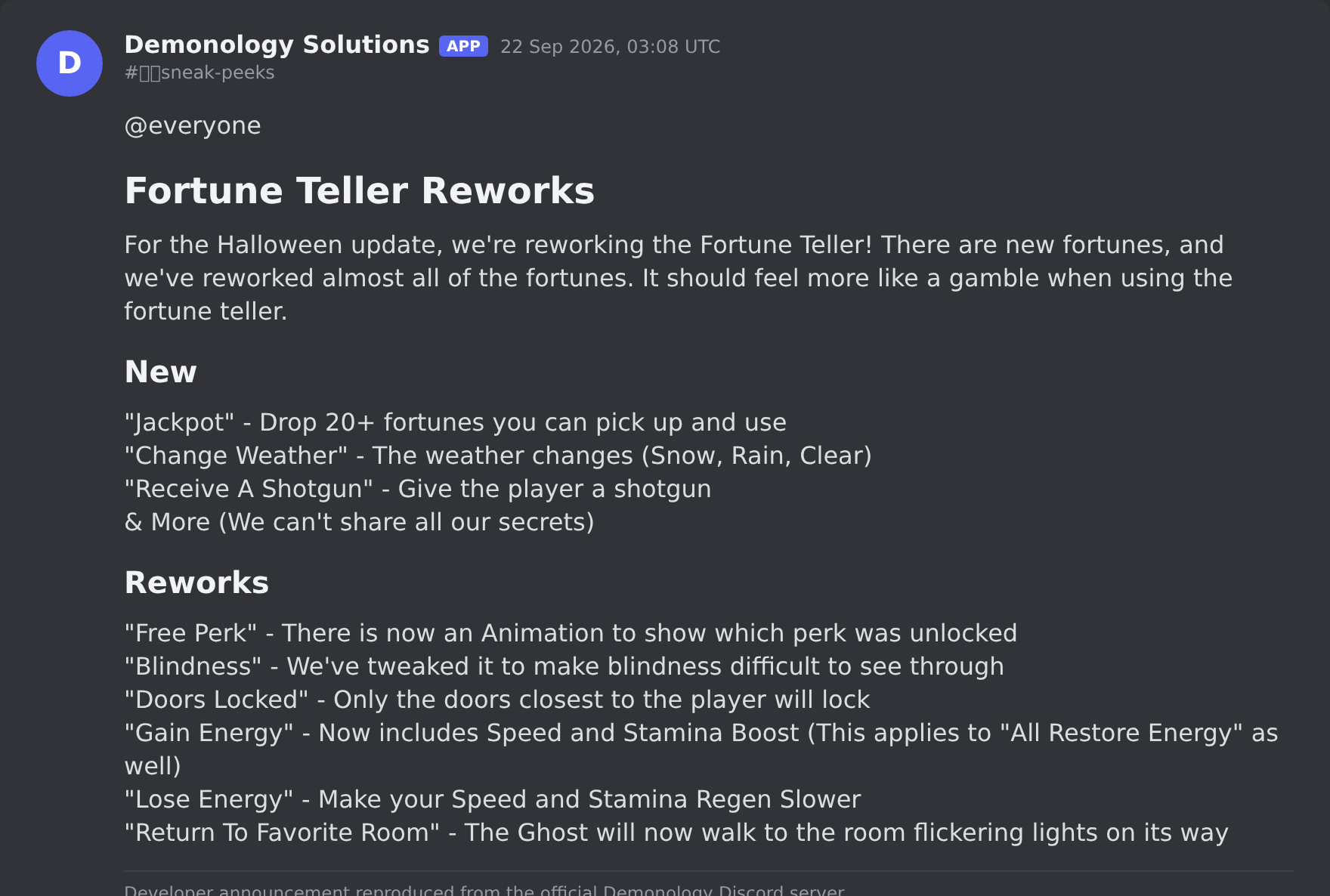
Quick answer: Insert a coin at the Fortune Teller, pick up the Fortune Ticket it produces, and read it. The text on the ticket tells you which of the three outcomes you got.
How the reworked Fortune Teller is used
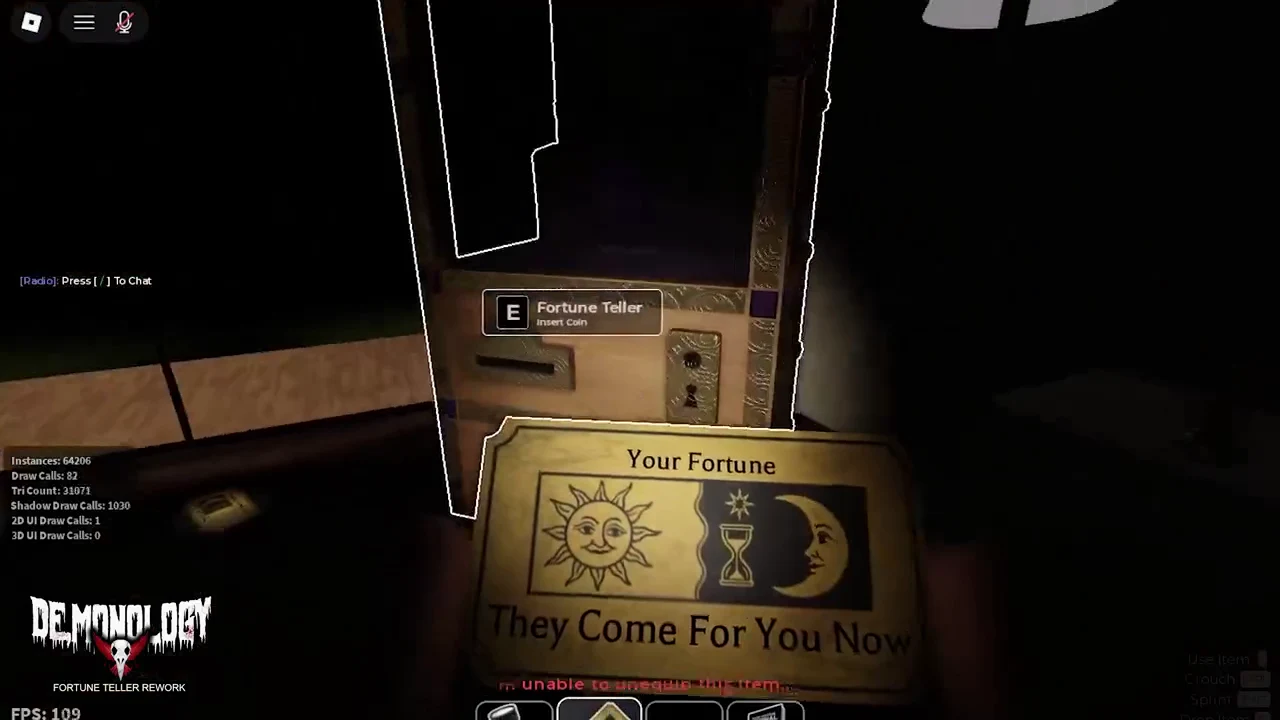
Walking up to the machine shows an [E] Fortune Teller — Insert Coin prompt. Spending the coin produces a Fortune Ticket on the ground with its own [E] Fortune Ticket — Pick up prompt, and holding it displays a “Your Fortune” readout. The wording on that readout is what identifies the result.
| Outcome | Ticket text | Effect |
|---|---|---|
| Jackpot | JACKPOT | Unlimited fortunes spawn |
| Change Weather | The Tide Shifts | Active weather changes |
| Unlock Perk | Your Tarot Should Be Read | A perk is unlocked |
Jackpot: unlimited fortunes
A Jackpot ticket reads “You’ve Been Blessed With Unlimited Fortunes.” Dozens of Fortune Tickets then spawn continuously and scatter across the floor around the machine. The ticket in hand also carries the line “I’m unable to unequip this item…”, and at least one of the tickets that spawns reads “They Come For You Now”.
In practice this turns one coin into a pile of tickets on the floor rather than a single result, so the room around the machine fills with pickups.
Change Weather: “The Tide Shifts”
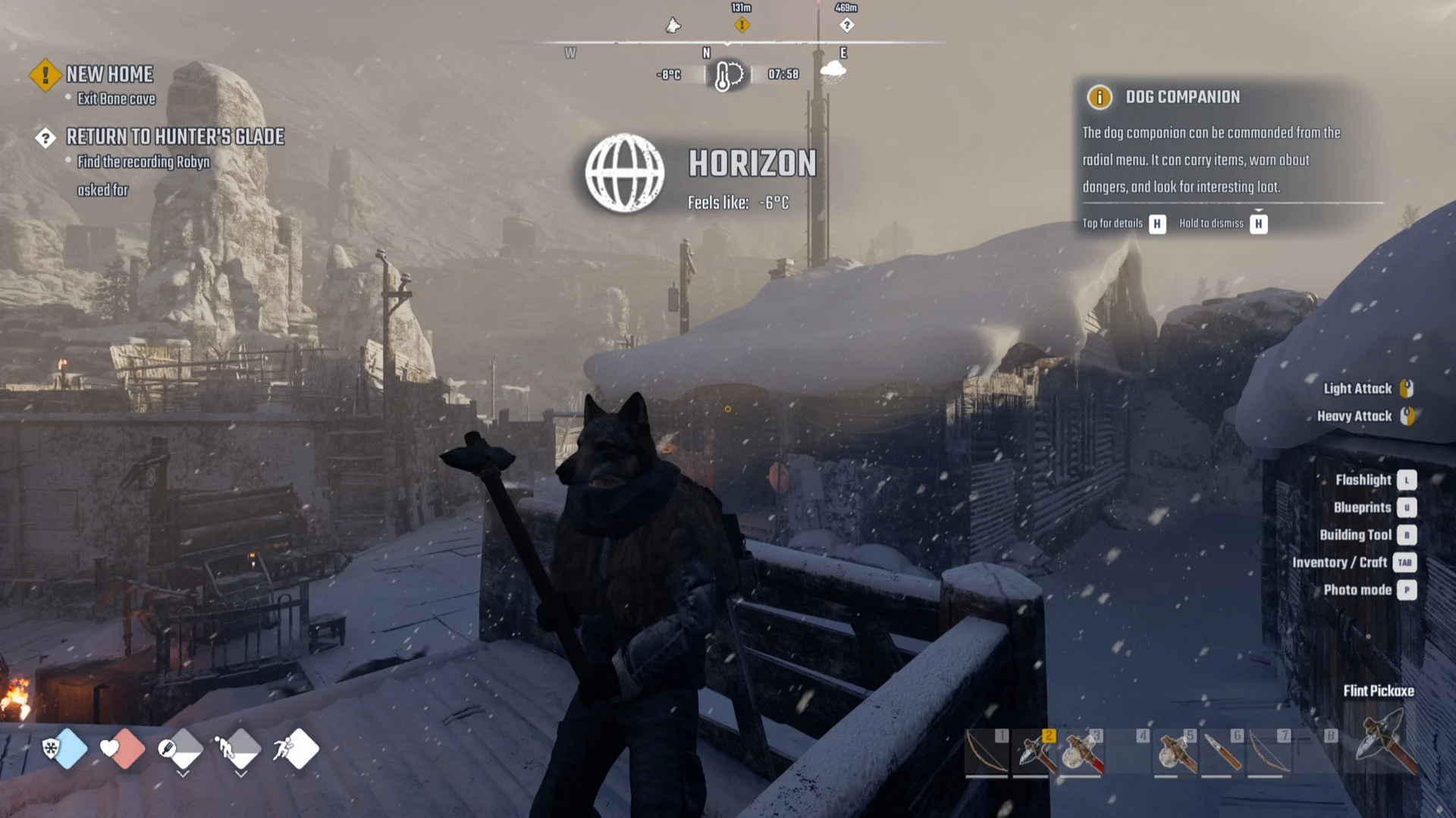
A ticket titled “The Tide Shifts” swaps the active weather on the job site, with snowfall shown as one possible result. The game confirms it with the message “The Weather Has Changed.”
Because the change applies to the environment rather than your loadout, everyone on the site sees the new conditions for the rest of the run.
Unlock Perk: “Your Tarot Should Be Read”
The third result arrives on a ticket reading “Your Tarot Should Be Read”, followed by the confirmation “A Perk Has Been Unlocked.” The game then fills the screen with the matching tarot card graphic — THE HANGED MAN in the demonstrated case.
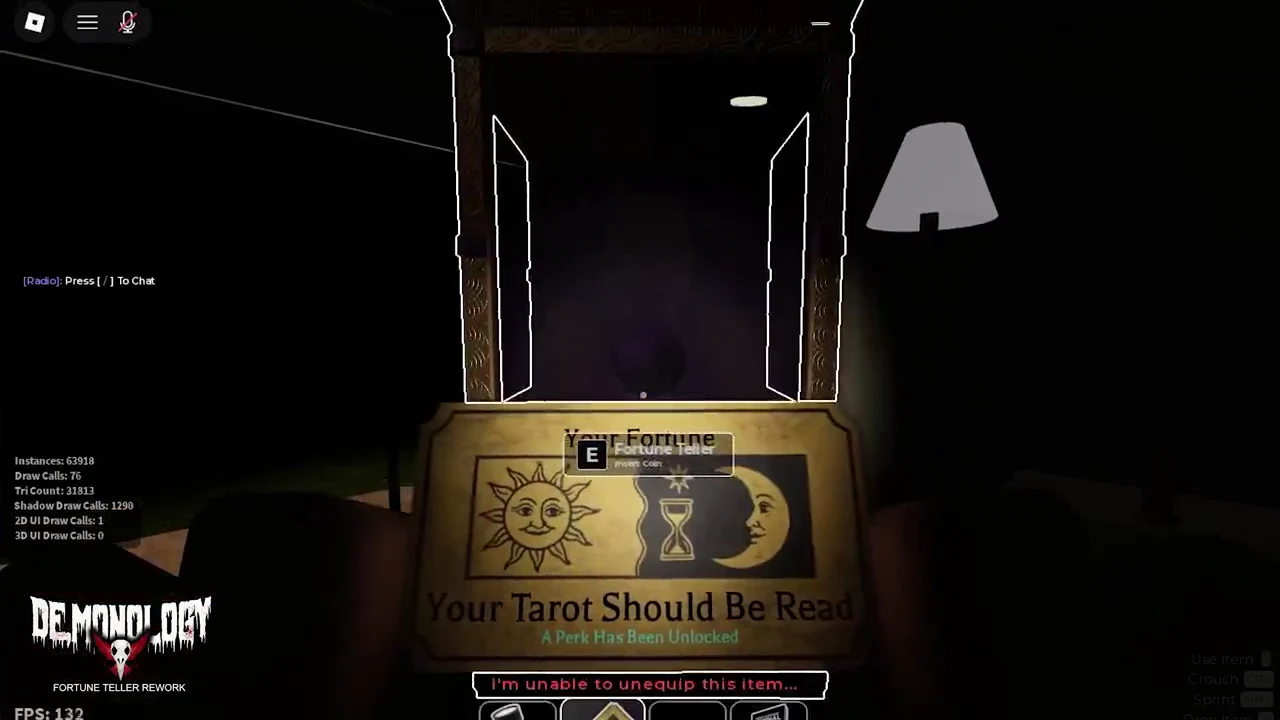
That tarot card screen is your confirmation that the perk landed. If you see the card, the unlock went through; if the ticket only reads out a fortune with no card, you drew one of the other two results instead.