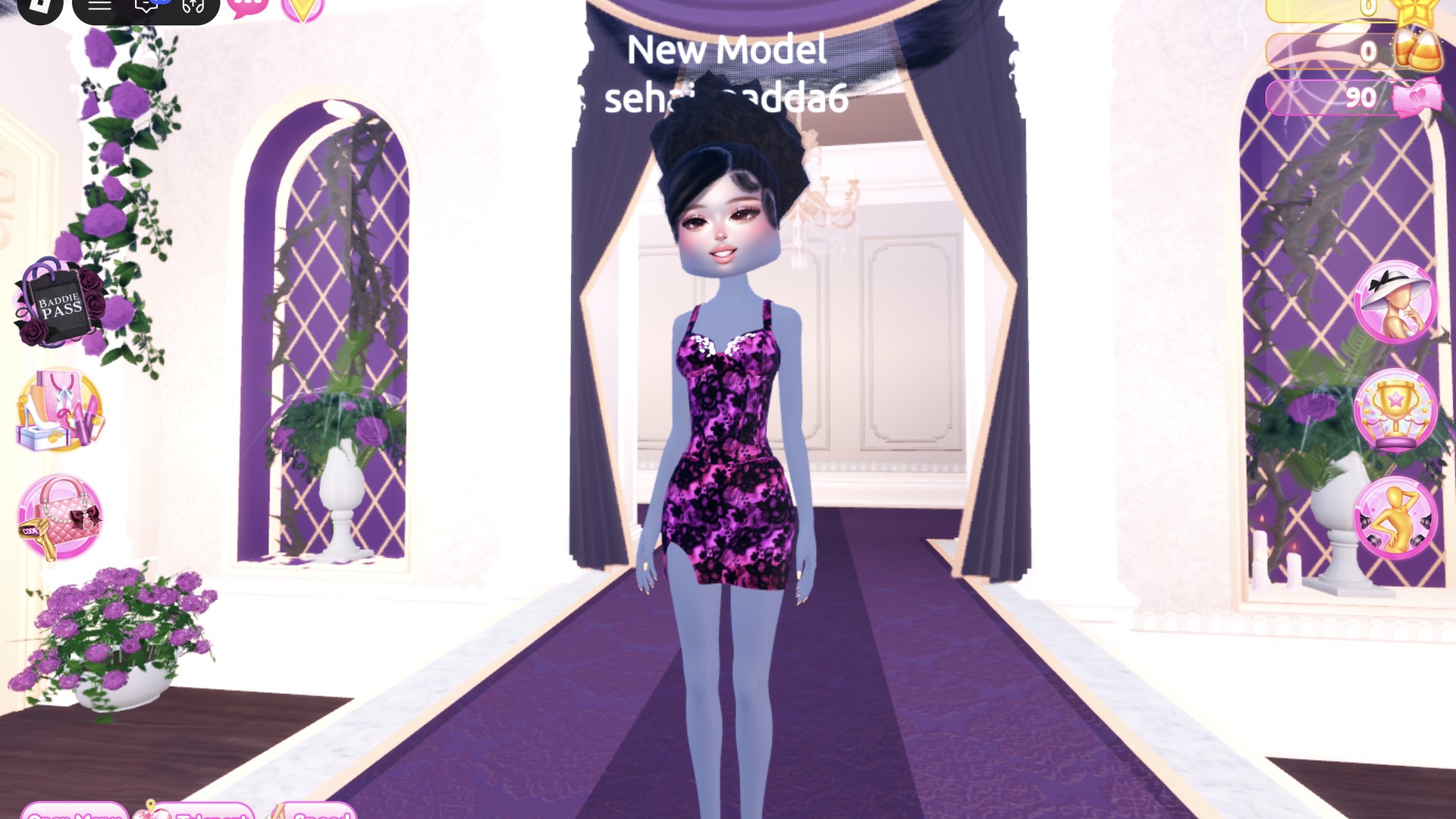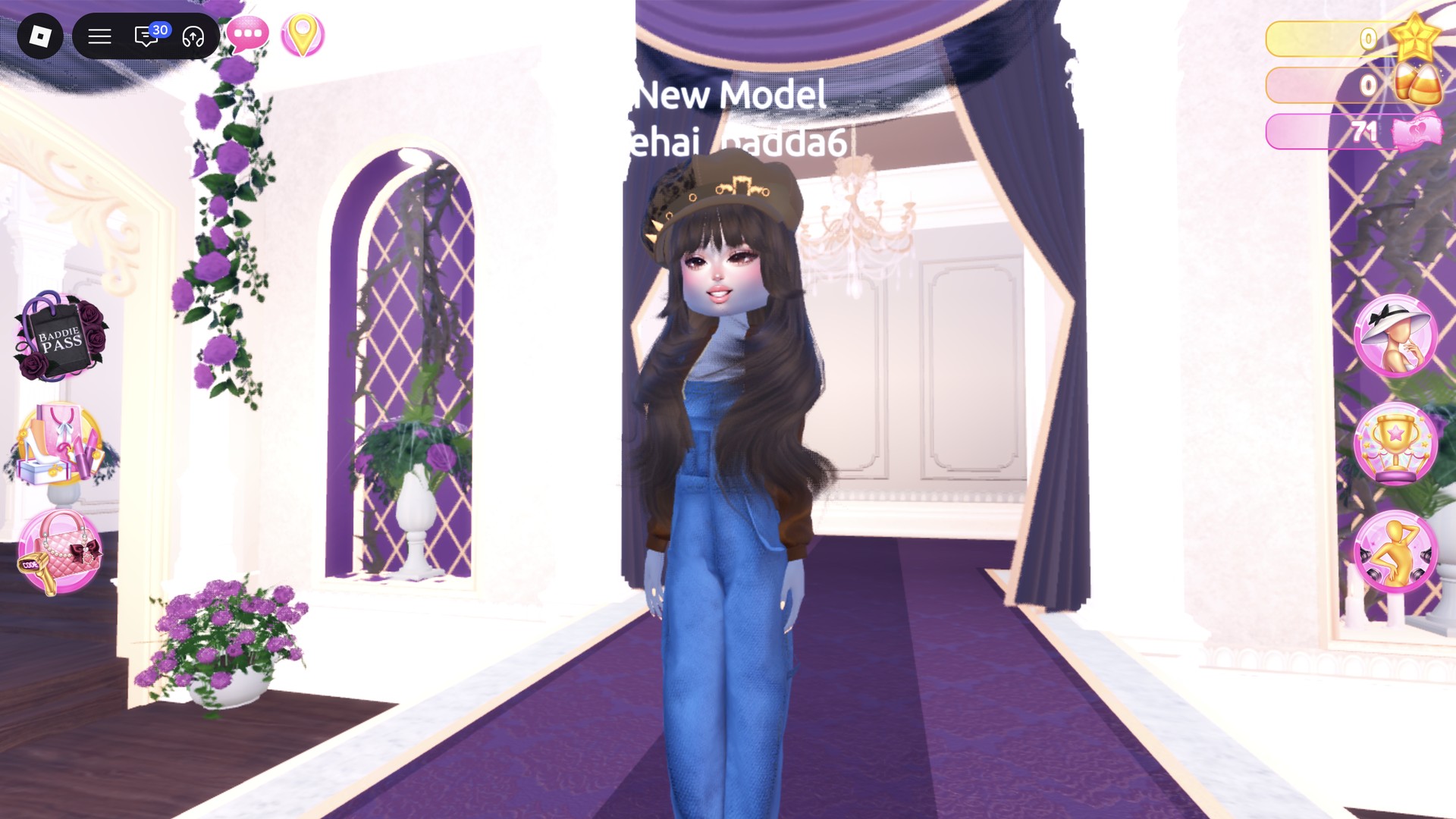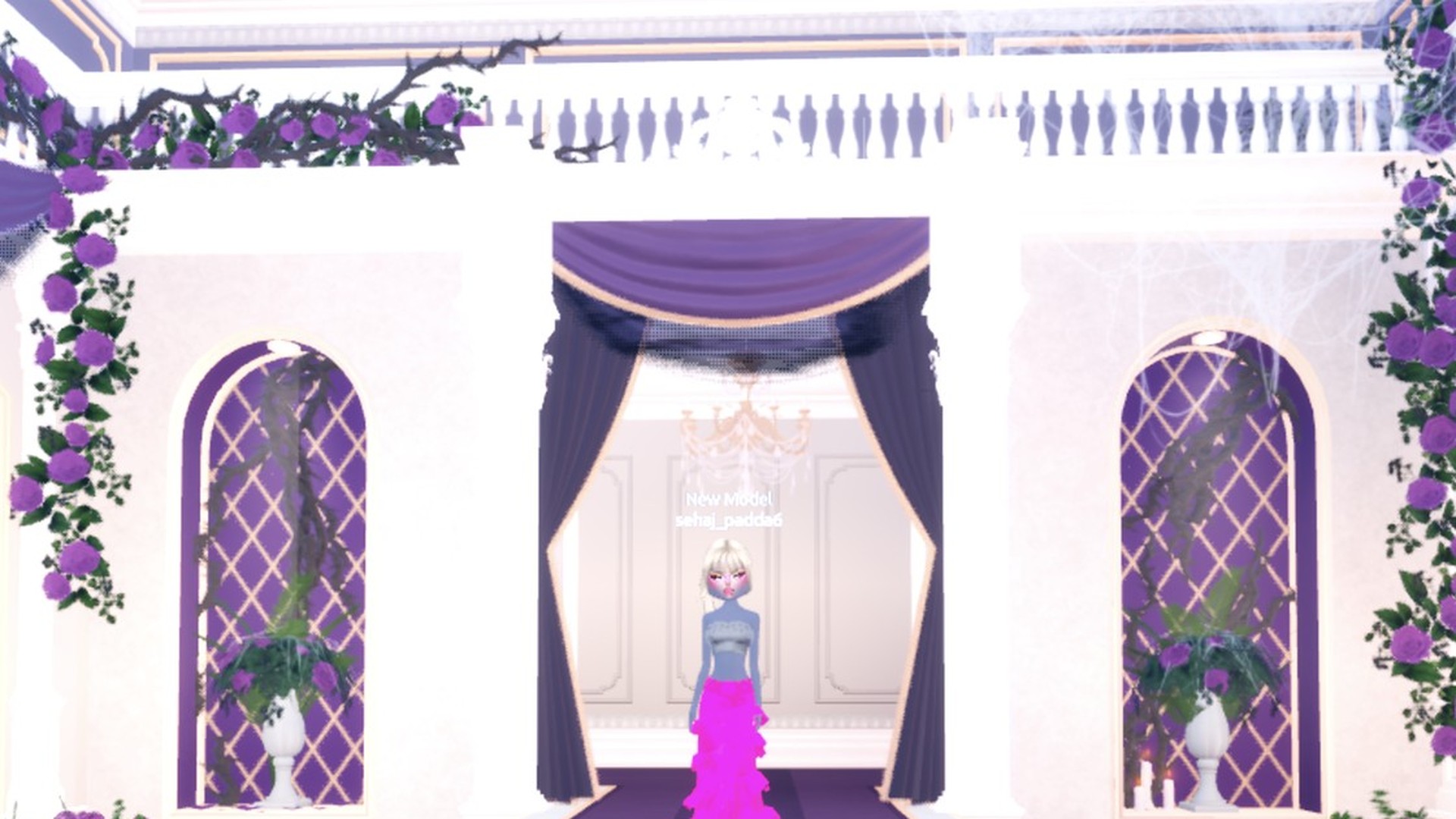
Pop culture DTI rounds ask you to dress like a famous pop icon or recreate an instantly recognizable celebrity style moment. In Dress To Impress, the Roblox fashion game, two looks cover that brief well. The first is a sparkly pop-star stage outfit. The second is a classic bombshell in a red dress with platinum hair. Neither look costs Robux. More themes are in the Dress To Impress themes guide.
Quick answer: Wear a hot pink glitter tiered skirt with a chrome corset, chrome thigh-high boots, and a platinum ponytail. For a second option, wear a bright red silk mini with red platform heels and the same platinum hair.
Where to find every Pop Culture piece
Dress To Impress doesn’t show item names, so you find pieces by where they sit in the Dressing Room and by how they look. To get to the Dressing Room, open the Teleport pin in the top left and choose “Dressing Room”.
- Long tiered skirt and corset top: both are on the dressed mannequin in front of the party-dress unit, next to the shoe shelf.
- White fitted mini: Find it on the party-dress unit’s bottom shelf, worn by the mannequin at the right.
- Boots and heels: the shoe shelf.
- Hair: the hair chairs in Lana’s Salon. Press E to use them.
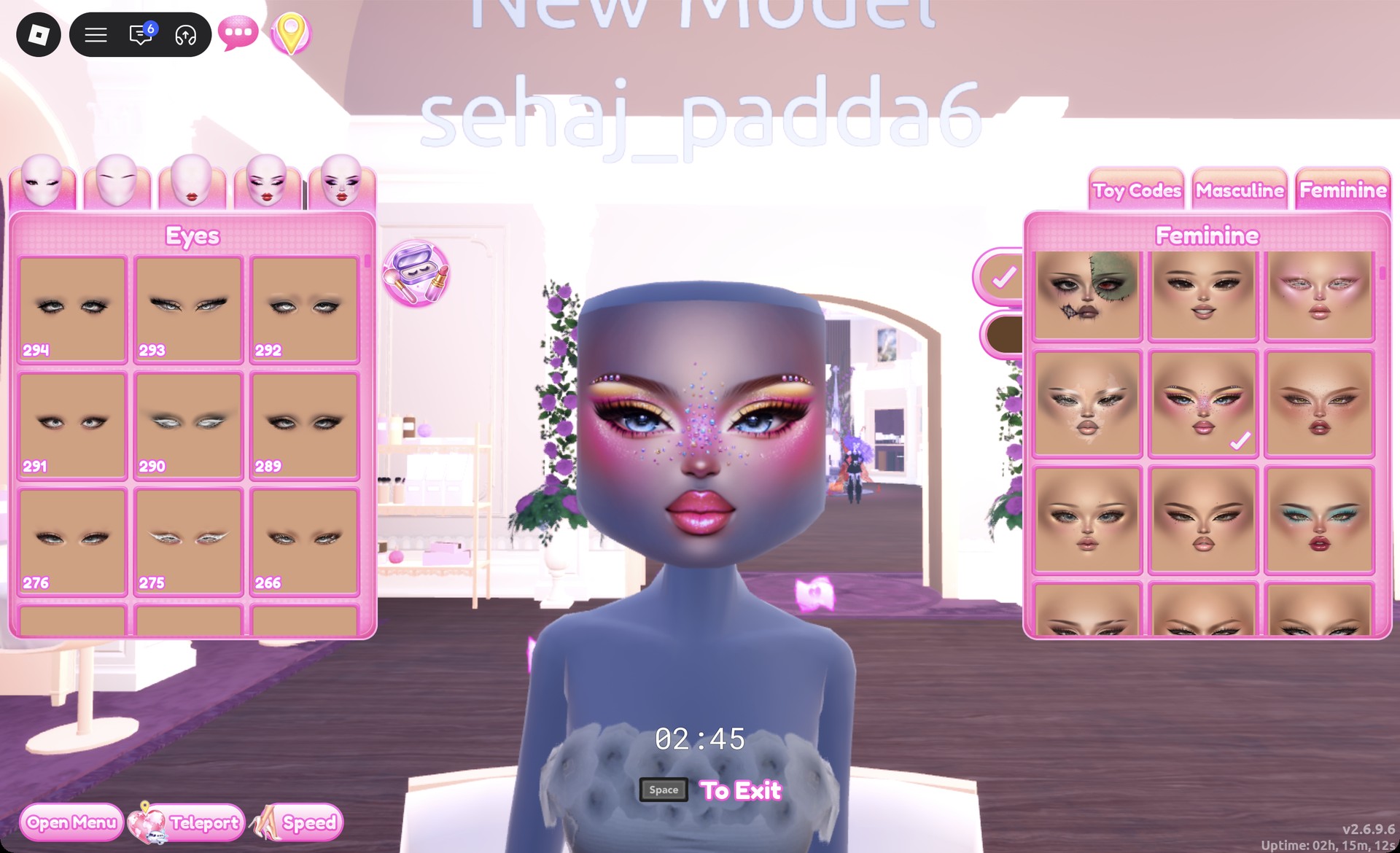
- Face: Use a vanity mirror at Lana’s Salon; press E to interact.
- Runway: open the Teleport pin and choose “Freeplay Runway”.
How recoloring works in Dress To Impress
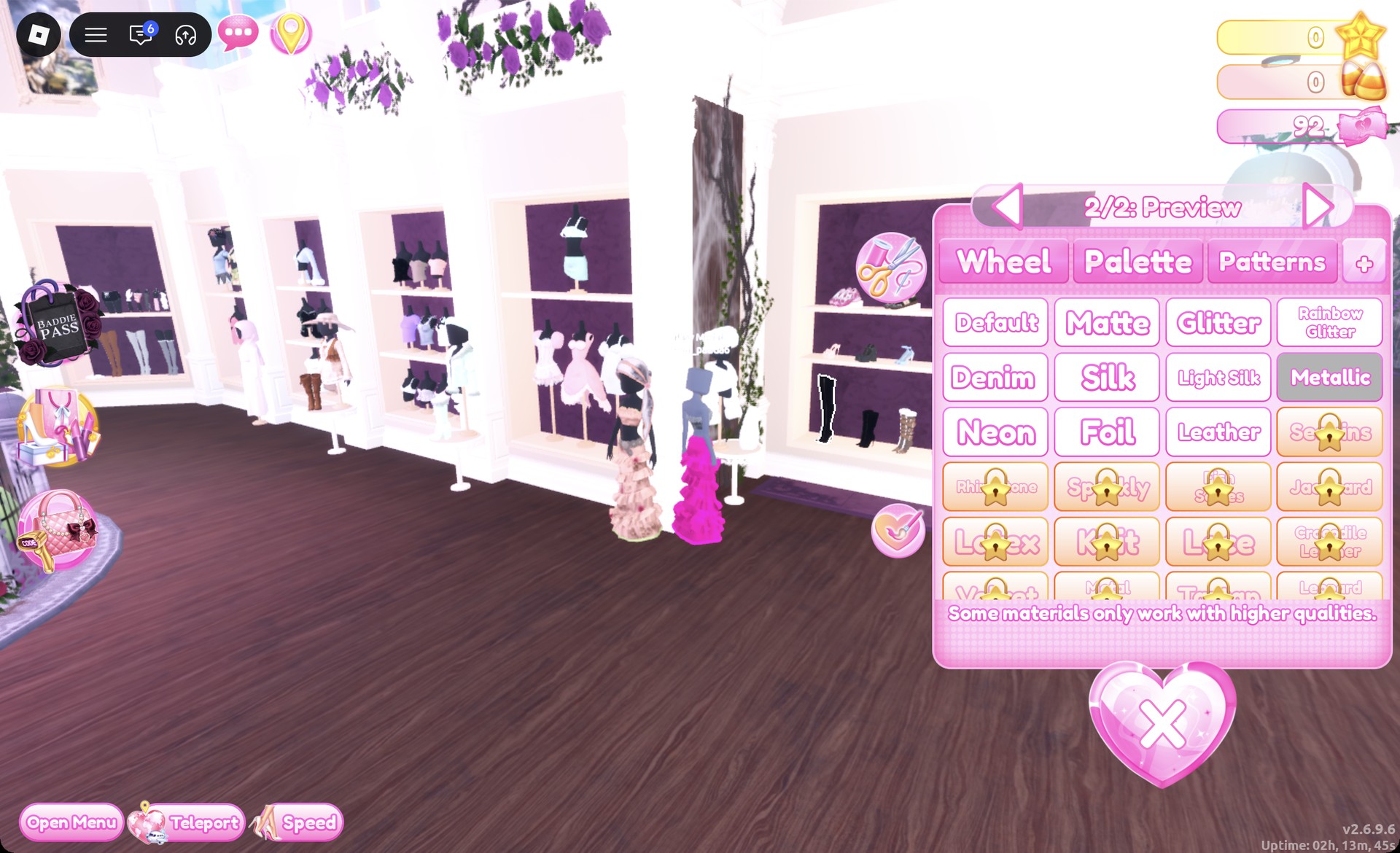
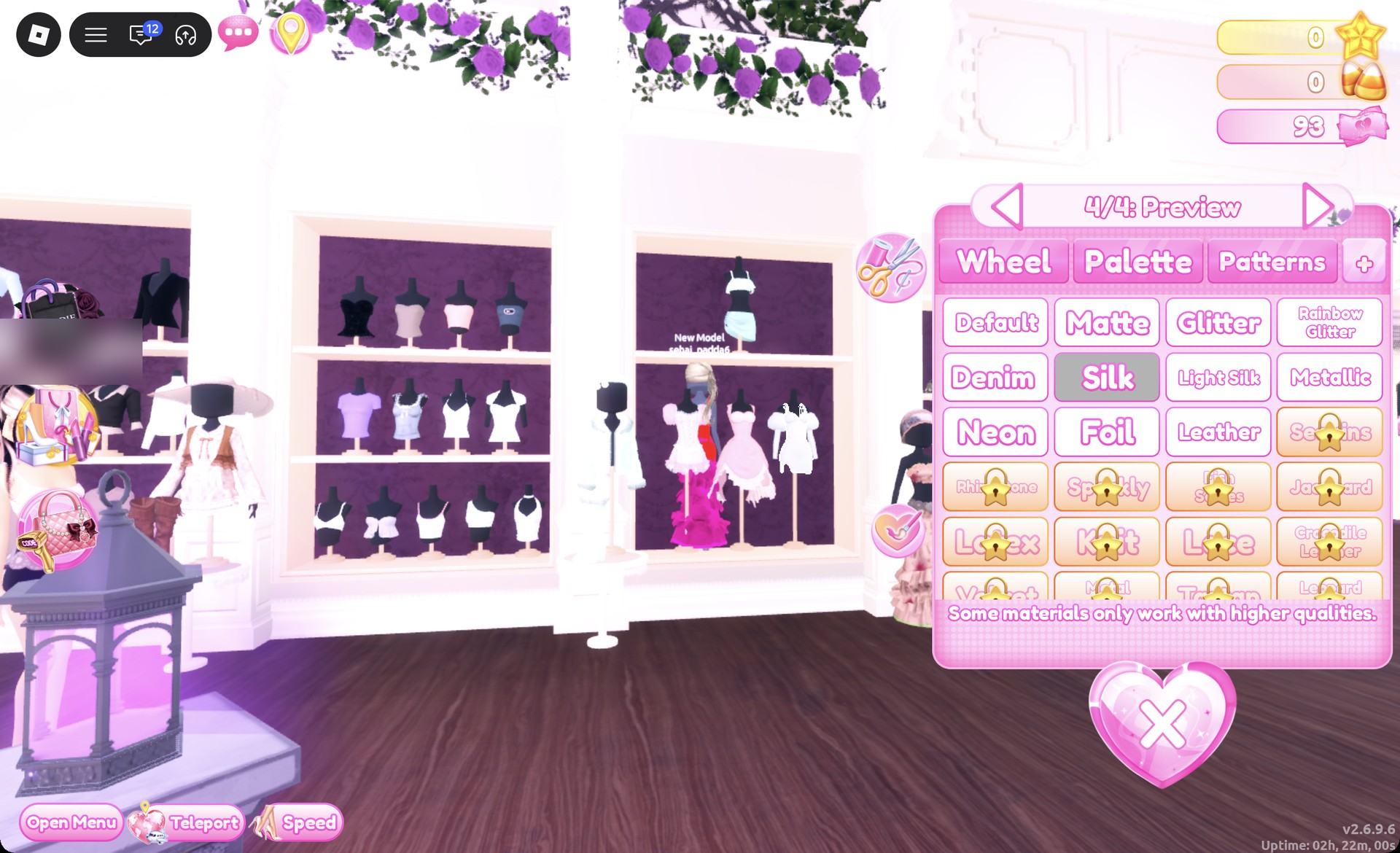
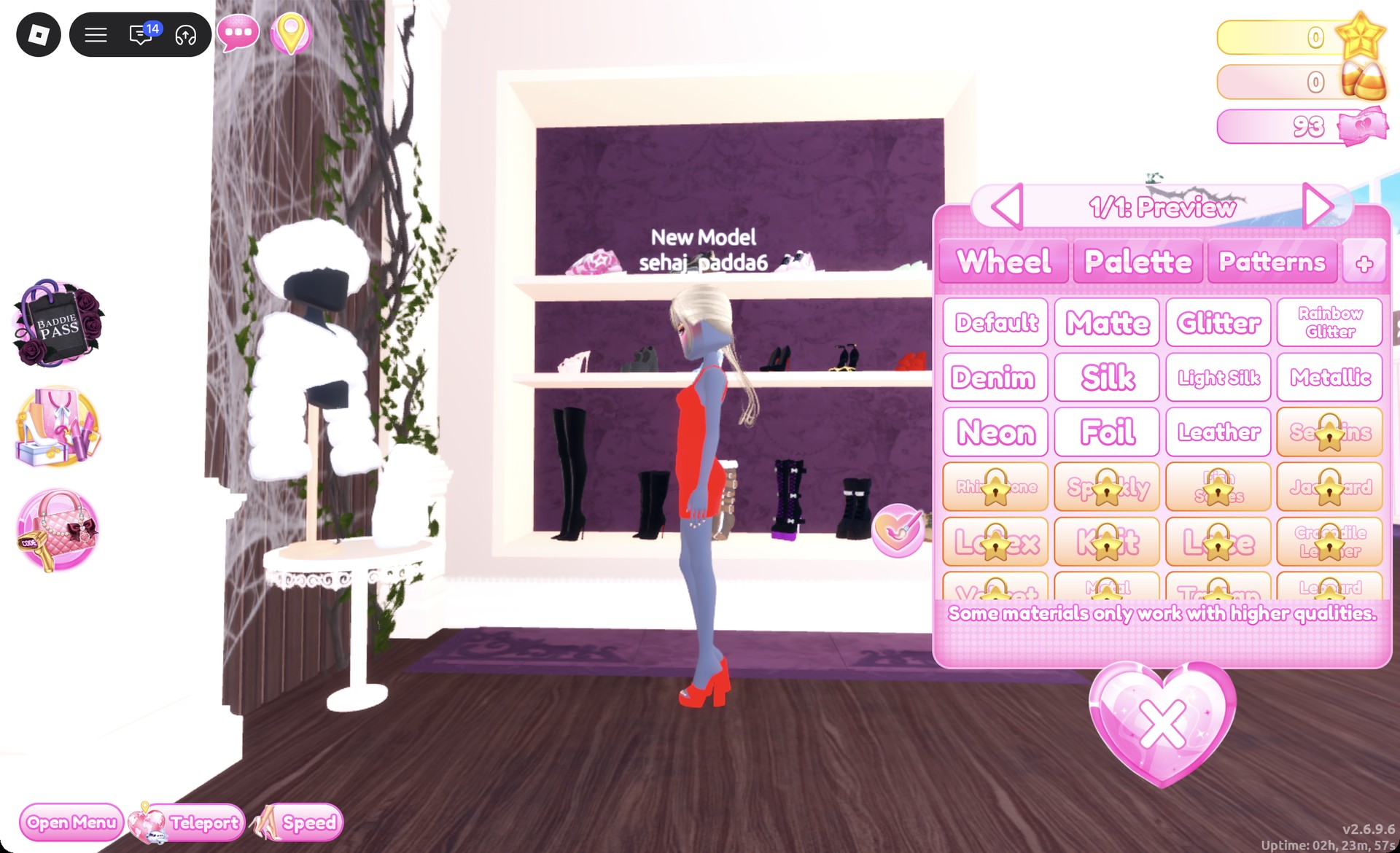
For both looks, recolor every piece and change its material. Select a piece to preview it on your avatar. The panel divides it into parts; use the arrows to switch between them. For each part, choose a color from the Palette tab, then a material from the “+” tab beside Patterns. After finishing every part, select Put On, the heart-and-tick button next to the panel.
Colors below are given as positions on the Default palette. Columns are counted from the left and rows from the top. Column 1 holds reds, column 2 holds pinks, and column 9 holds oranges and creams. Row 8 runs from white on the left to black on the right.
| Finish | Palette position | Material |
|---|---|---|
| Hot pink | Column 2, row 5 | Glitter |
| Chrome gray | Column 5, row 8 | Metallic |
| Bright red (dress) | Column 1, row 5 | Silk |
| Red (heels) | Column 1, row 5 | Glitter |
| Platinum blonde | Column 9, row 2 | None |
Glitter, Silk, and Metallic are all free. Both looks also keep the default skin tone.
Look 1: Hot pink glitter skirt with a chrome corset
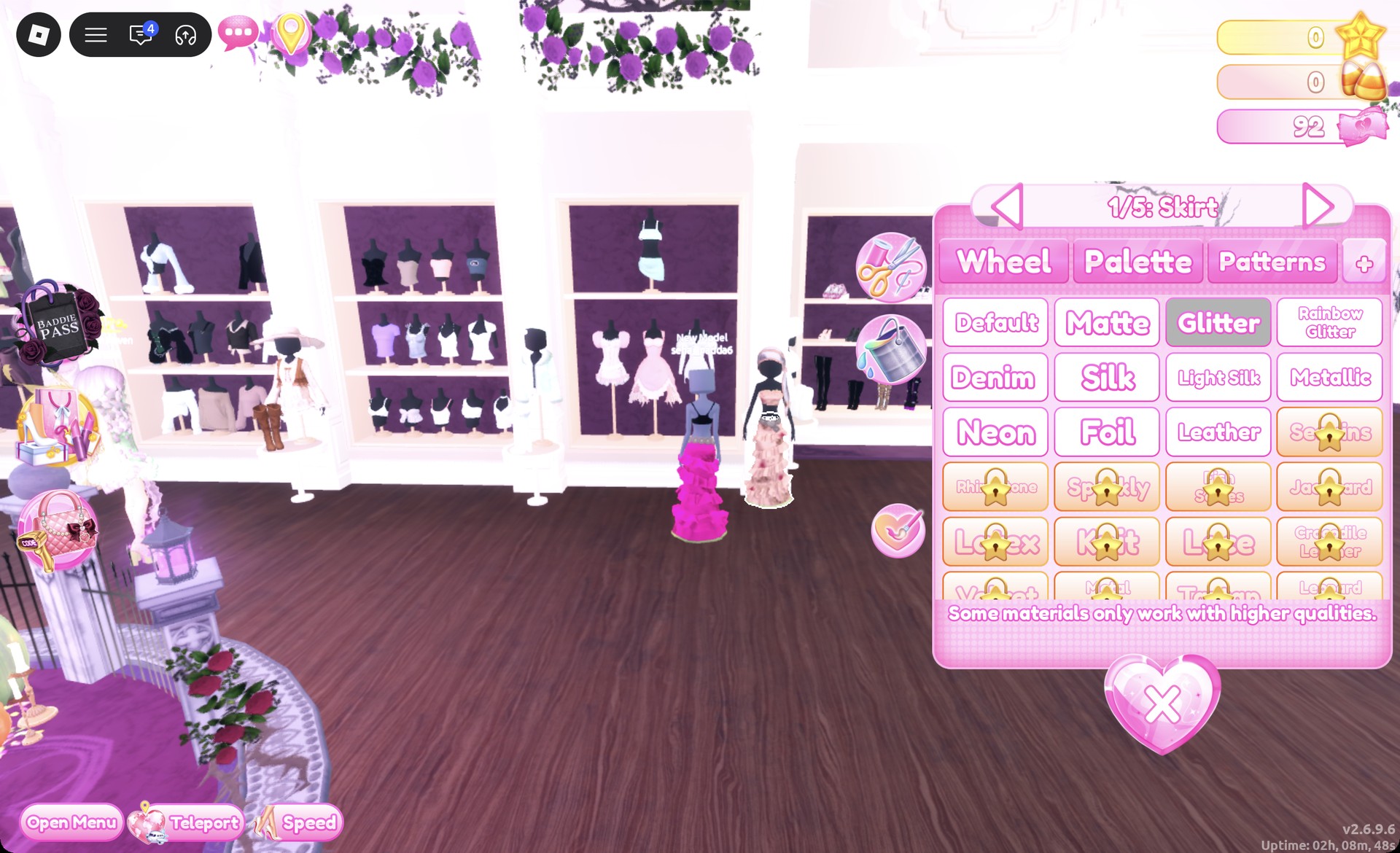
For the pop-star stage outfit, start with the long tiered skirt worn by the dressed mannequin beside the shoe shelf.
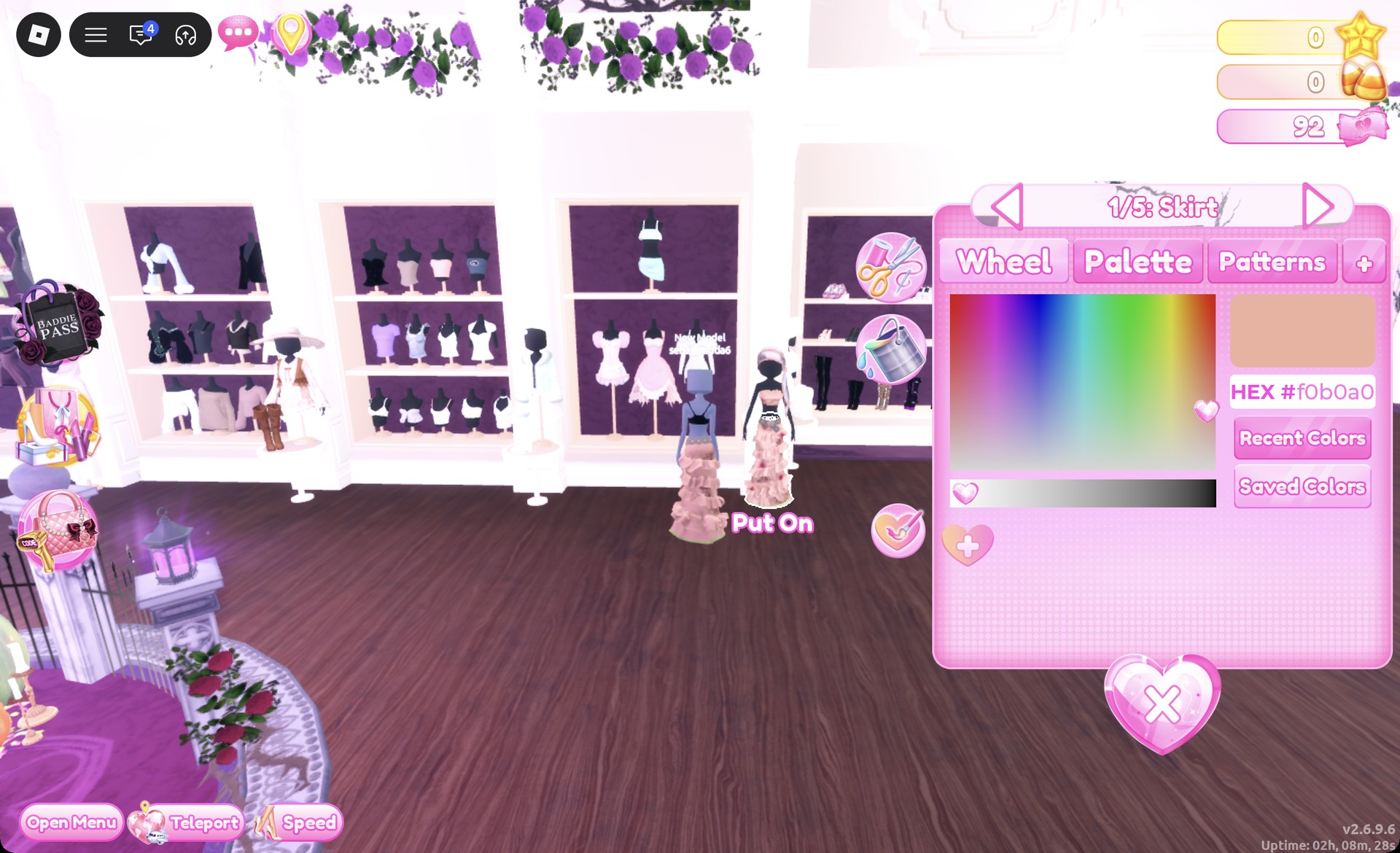
Set every part to column 2, row 5 with Glitter for hot pink, then press Put On.
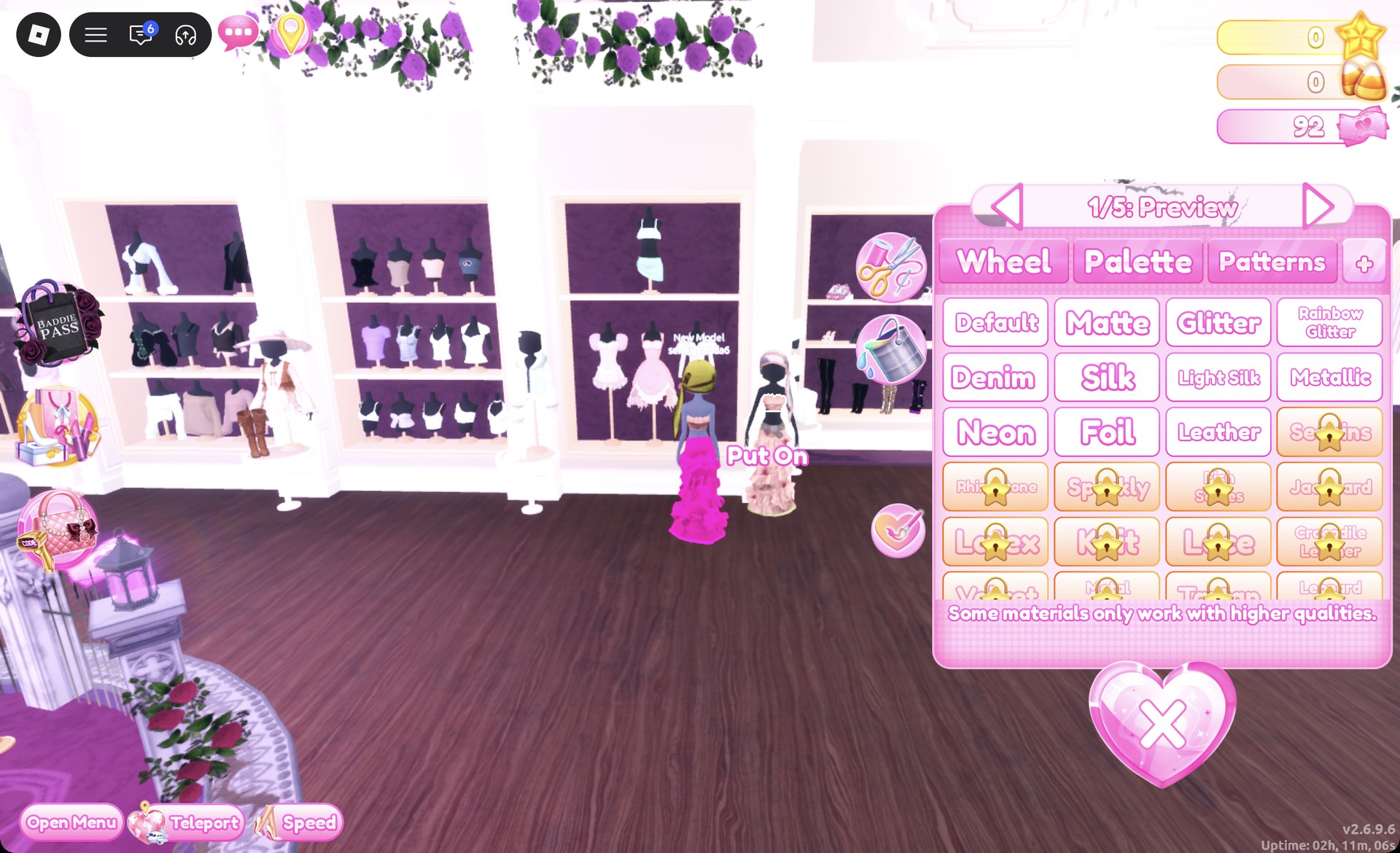
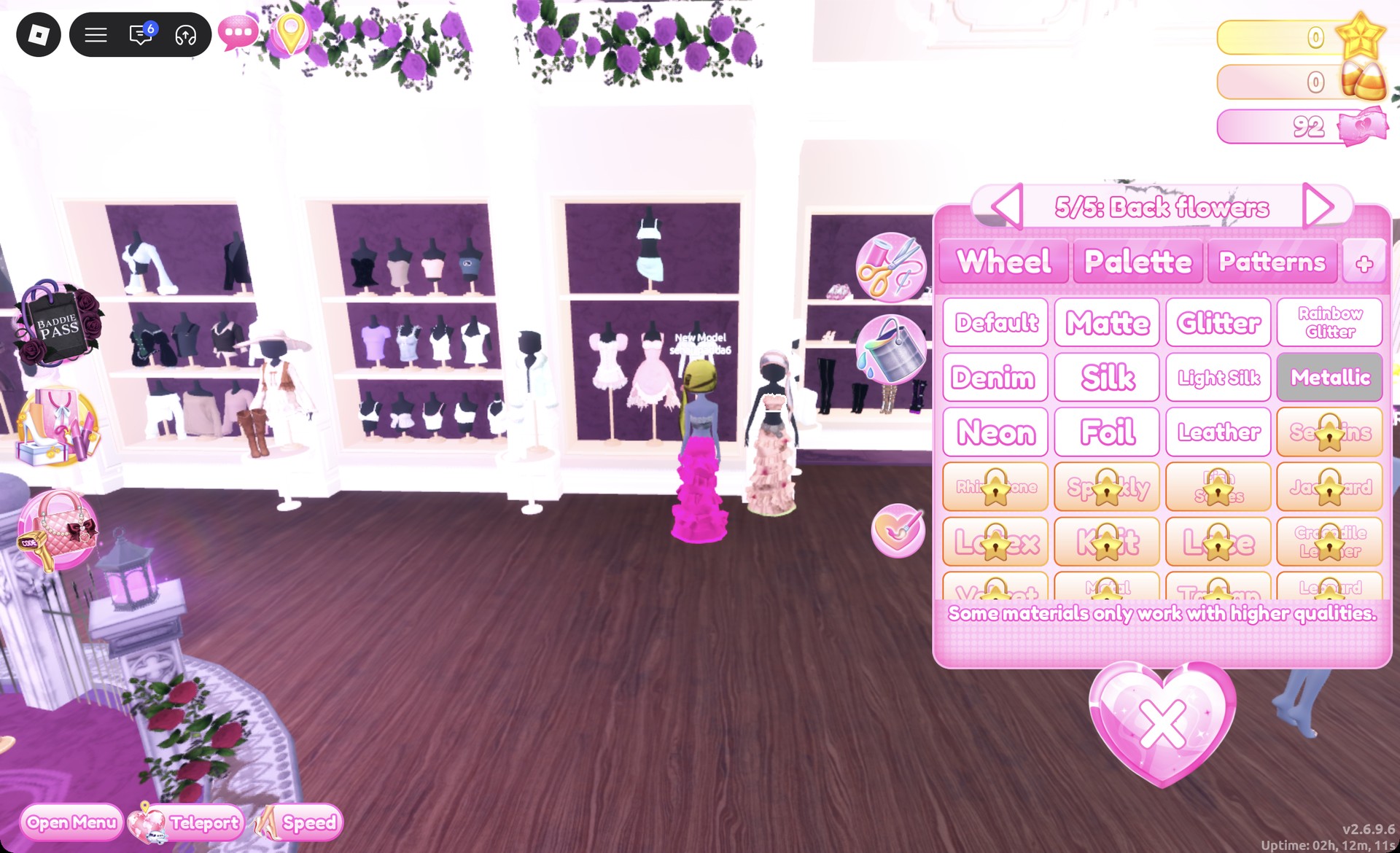
Set every part to column 5, row 8 with Metallic for chrome gray, then press Put On. The top has long sleeves.
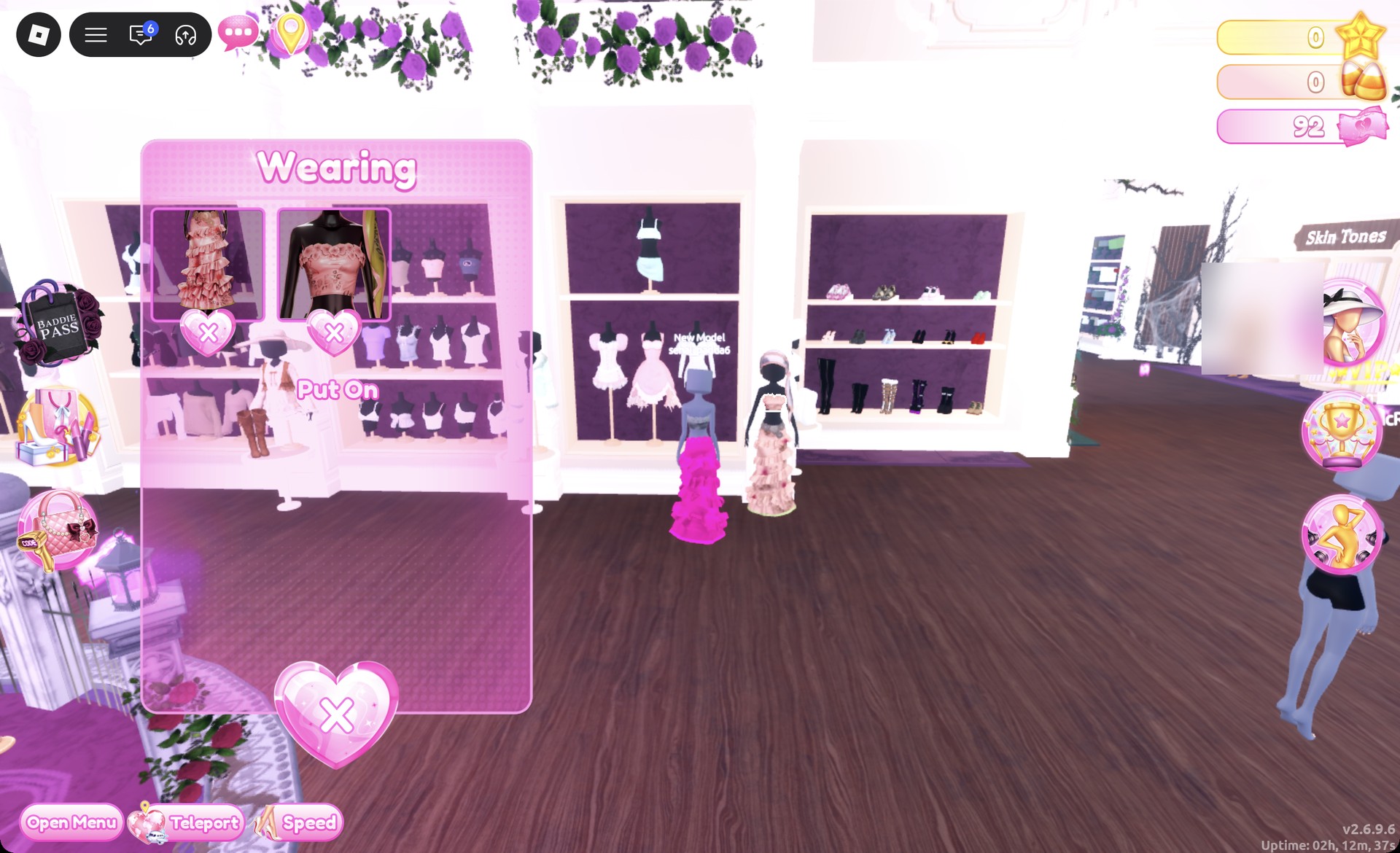
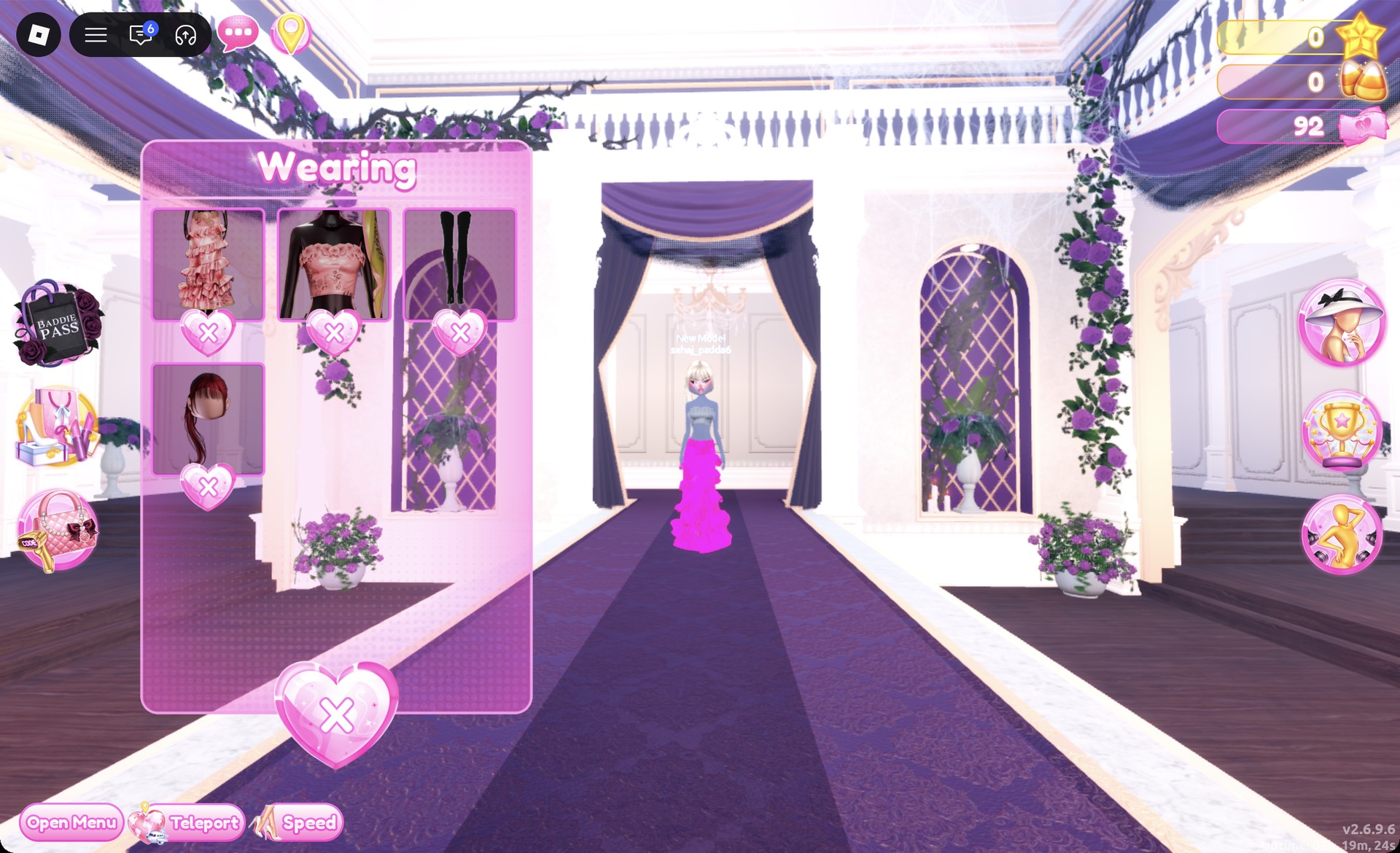
Clicking the mannequin’s head opens its headscarf hair instead of the corset. If the headscarf ends up on your avatar, remove it in the Wearing panel until only the skirt and corset are listed.
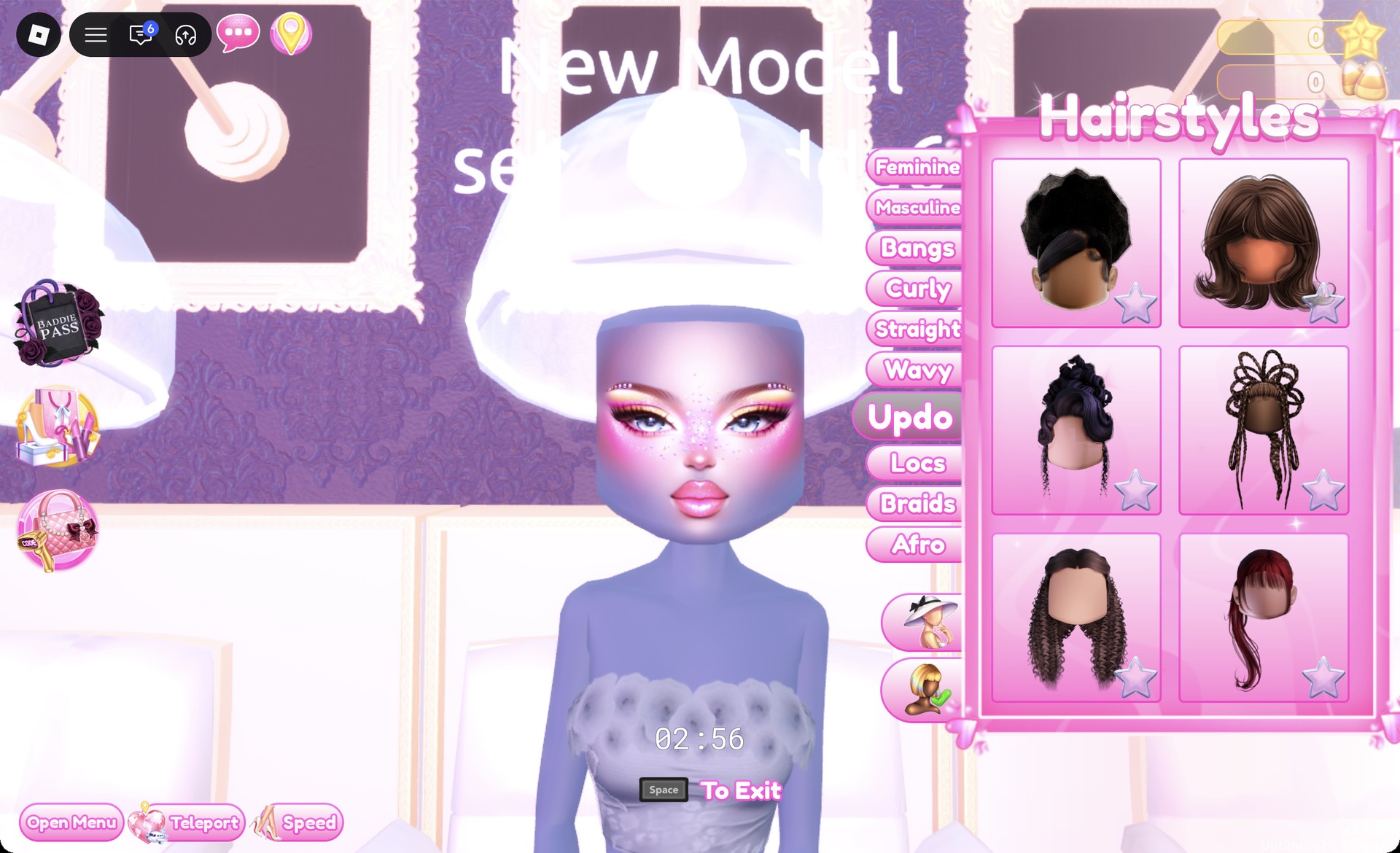
It opens in dark red on “1/1: Preview”.
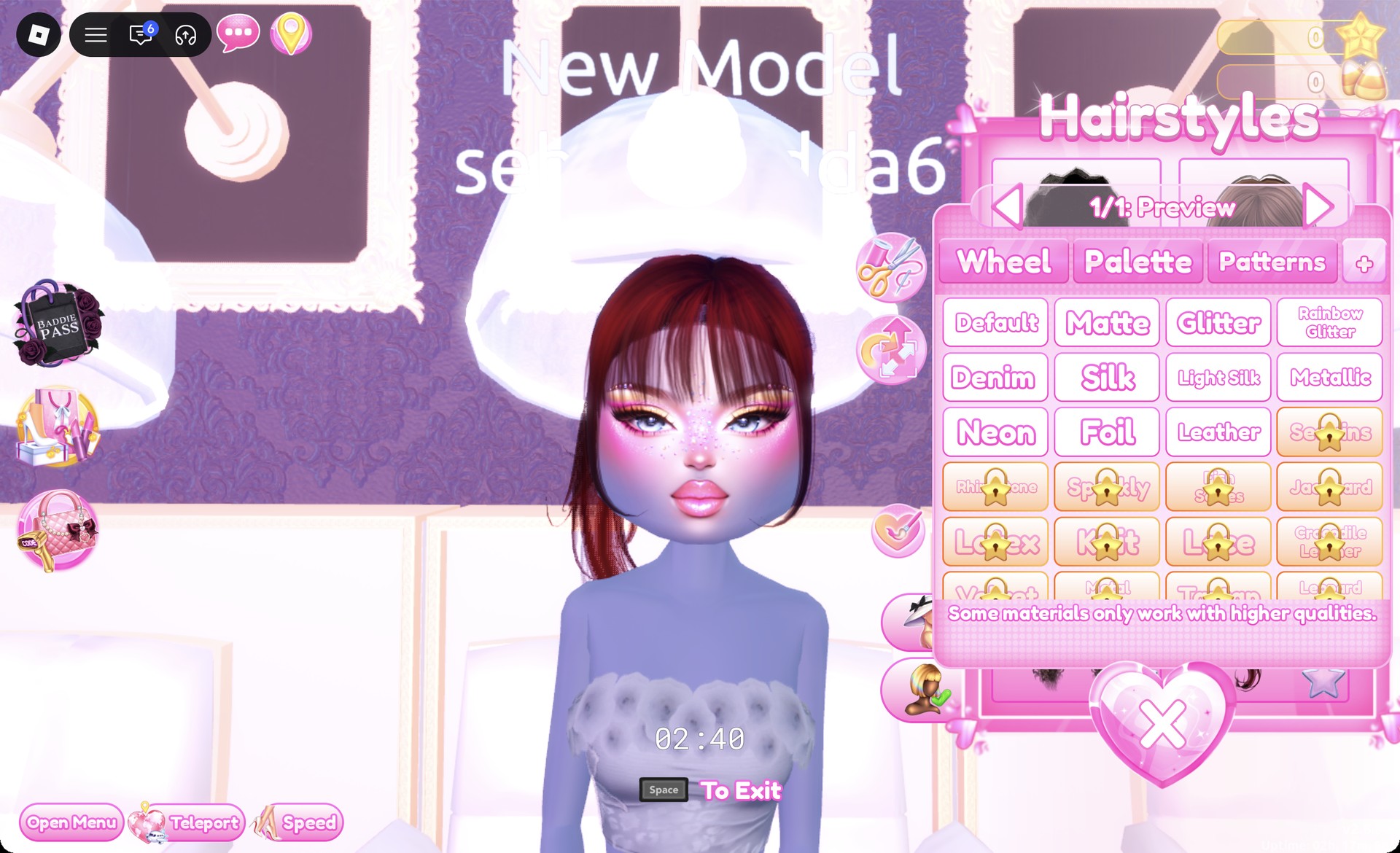
Recolor it to column 9, row 2 for platinum blonde.
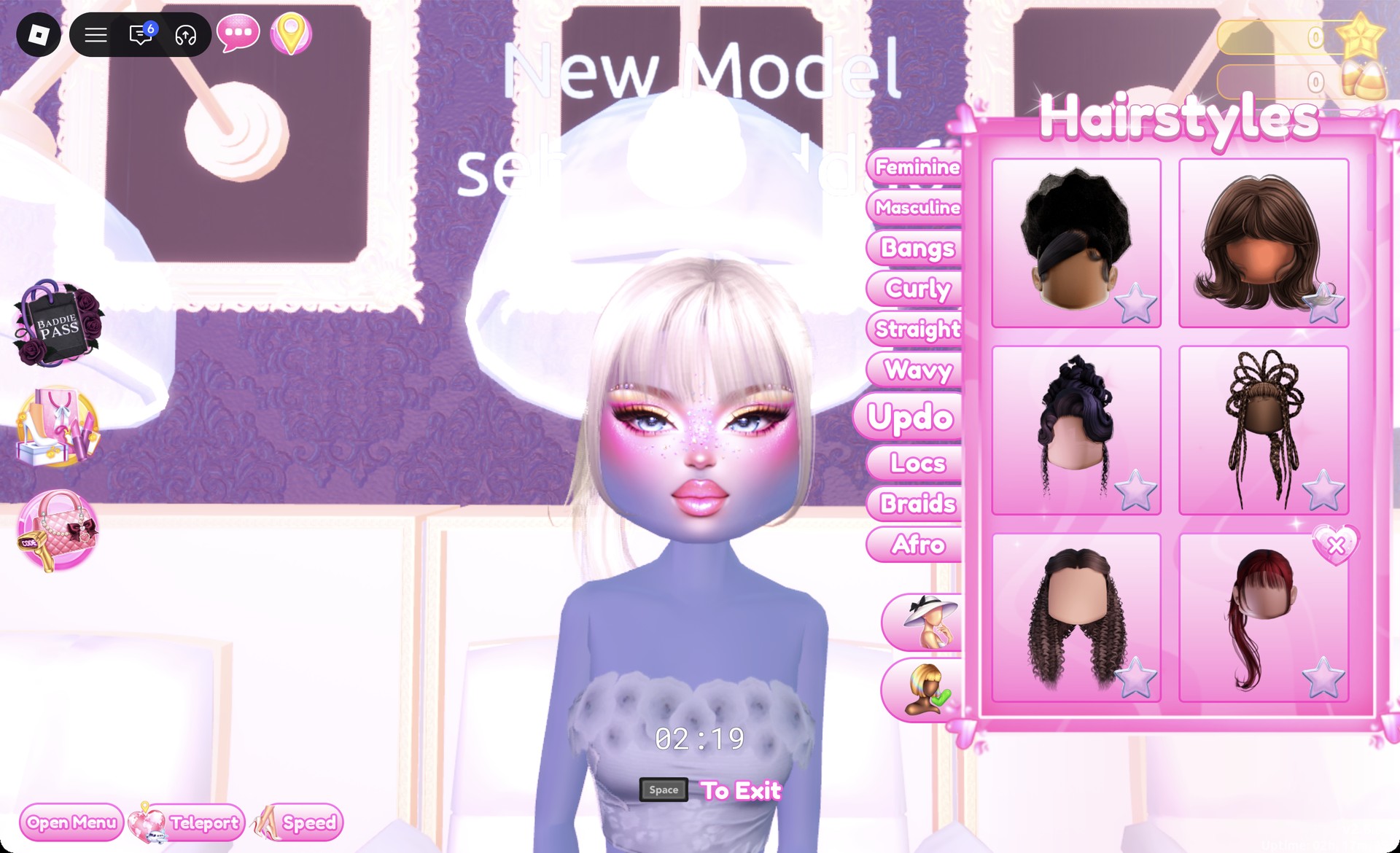
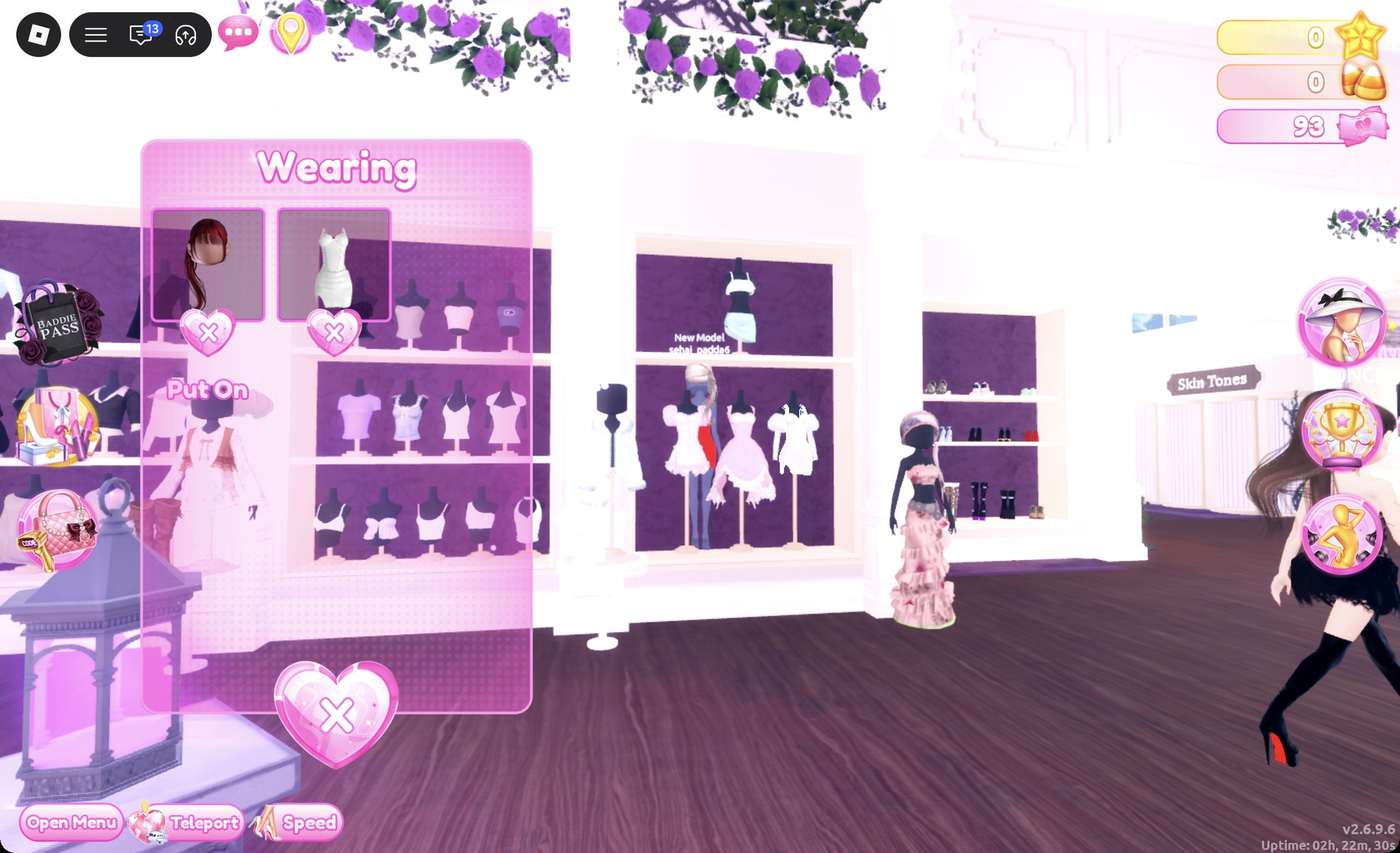
If you add a second hairstyle by accident, remove it with the X on its card so only the ponytail stays on.
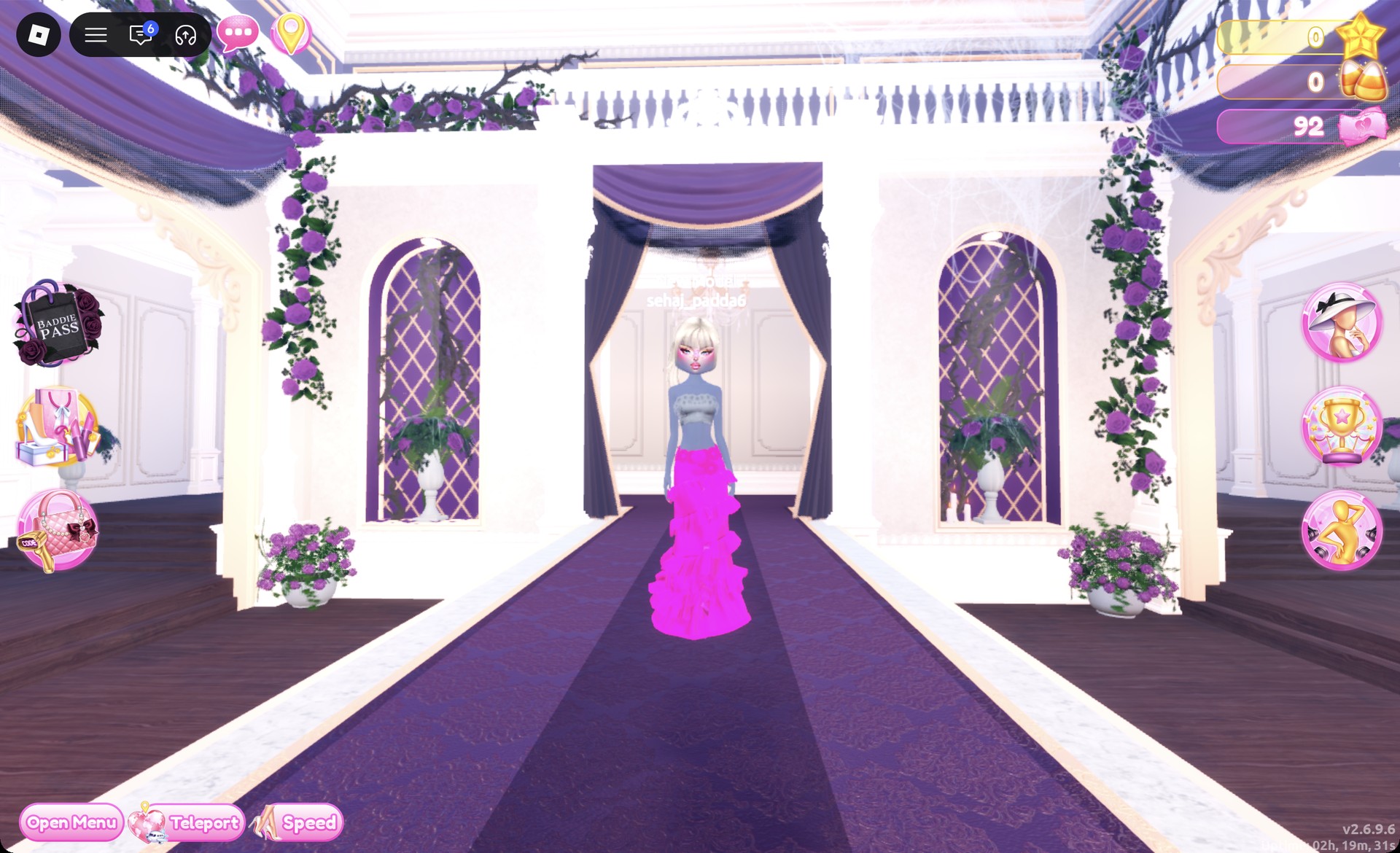
From behind, the hot pink glitter tiers fall to the floor under the platinum ponytail.
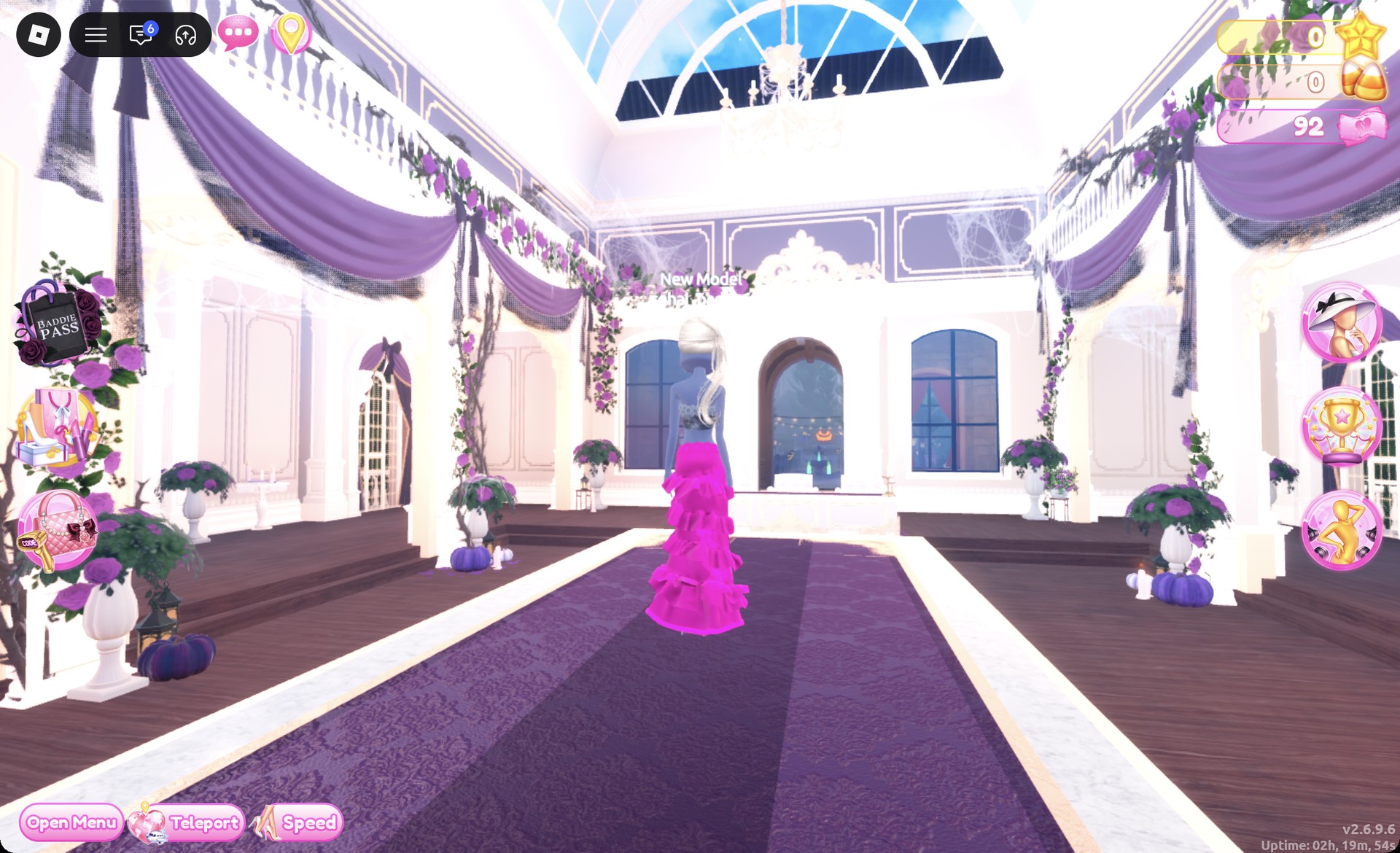
The Sparkle pose works well with the glitter skirt.
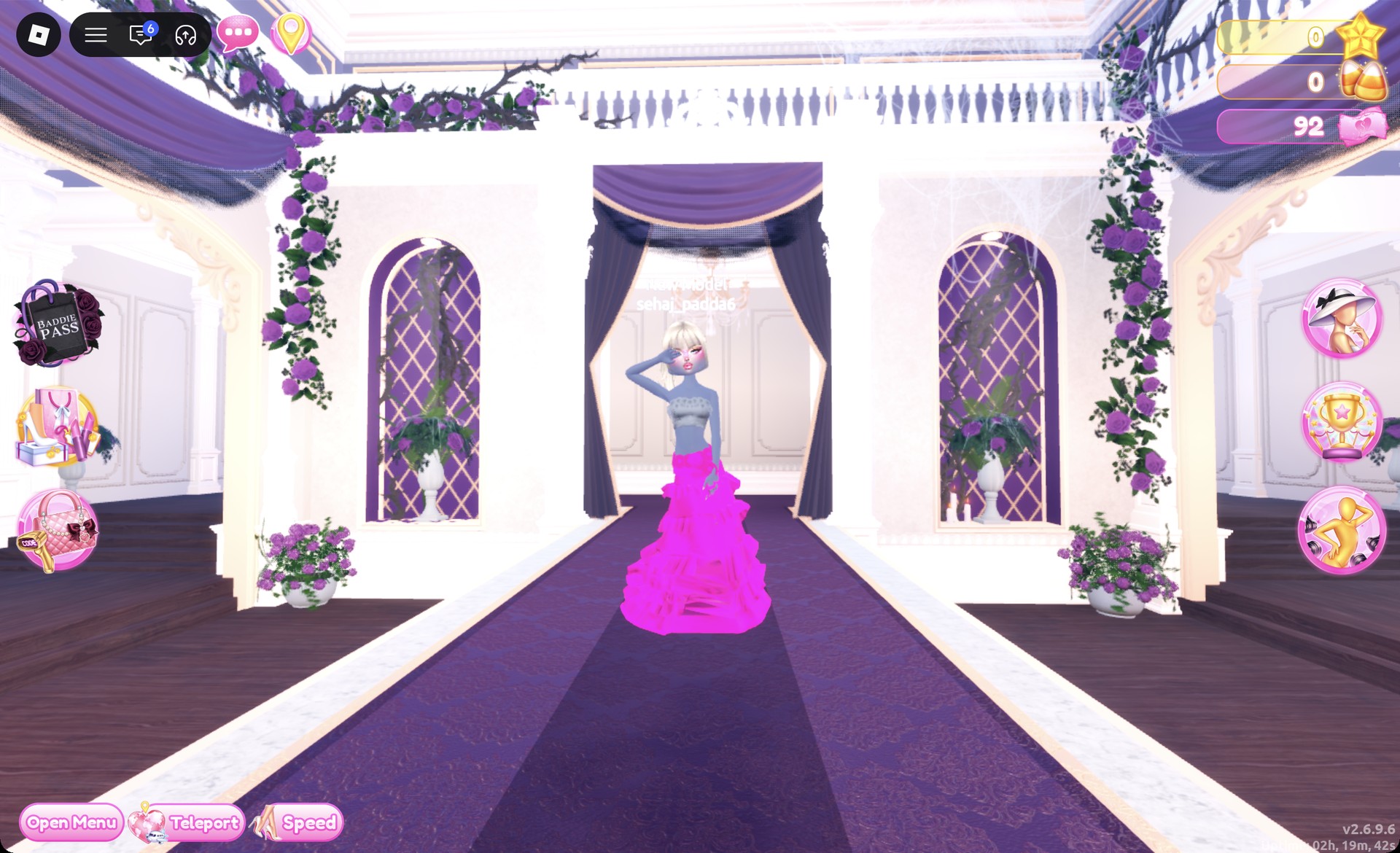
The Wearing panel should list the skirt, corset, boots, and hair.
Look 2: Red silk mini with red platform heels
The bombshell look uses a different base piece, the white fitted mini, but keeps the platinum ponytail and glitter face from Look 1.
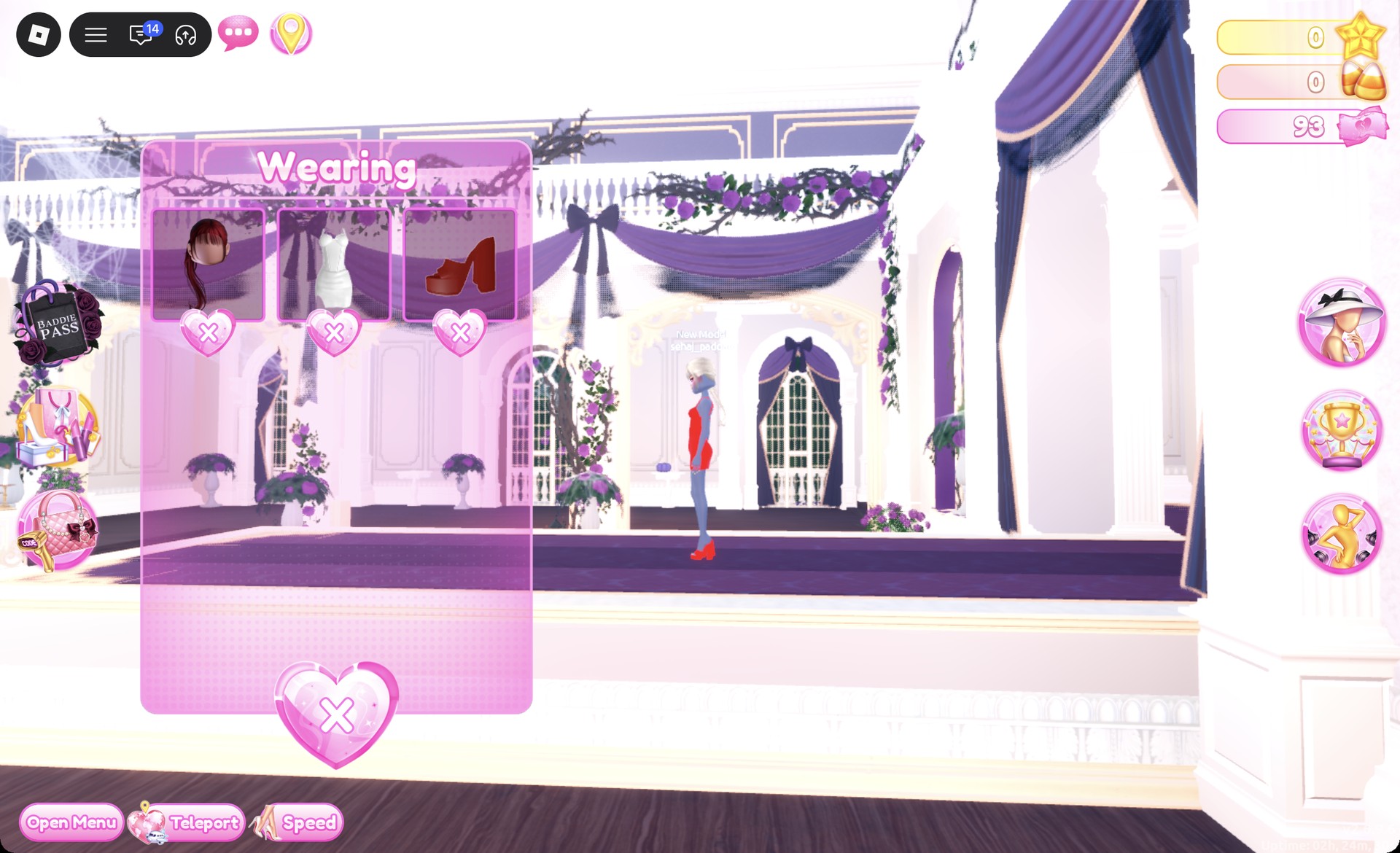
For each of the four parts, choose column 1, row 5, bright red, and Silk, then press Put On.
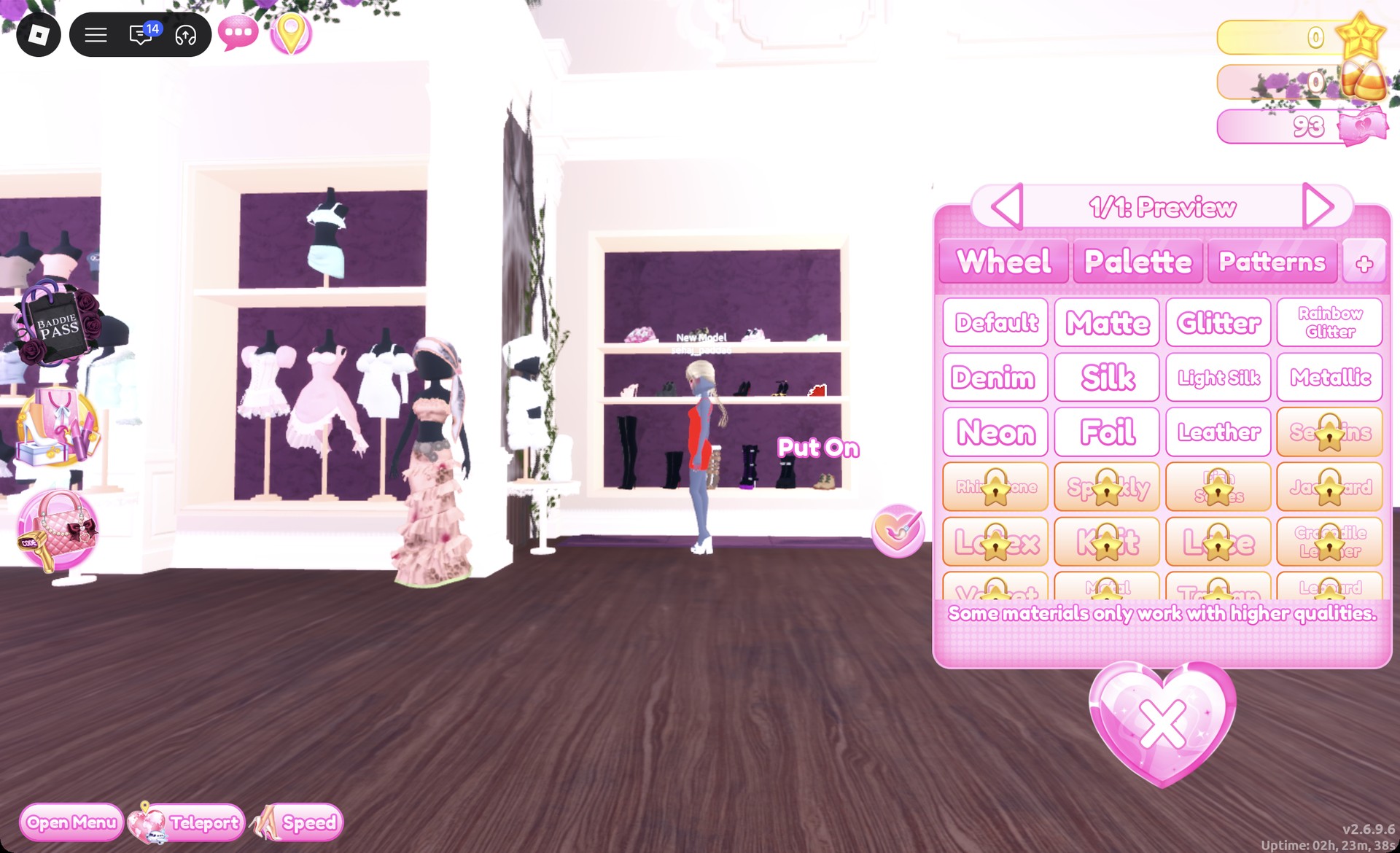
Set them to column 1, row 5 with Glitter for red, then press Put On.
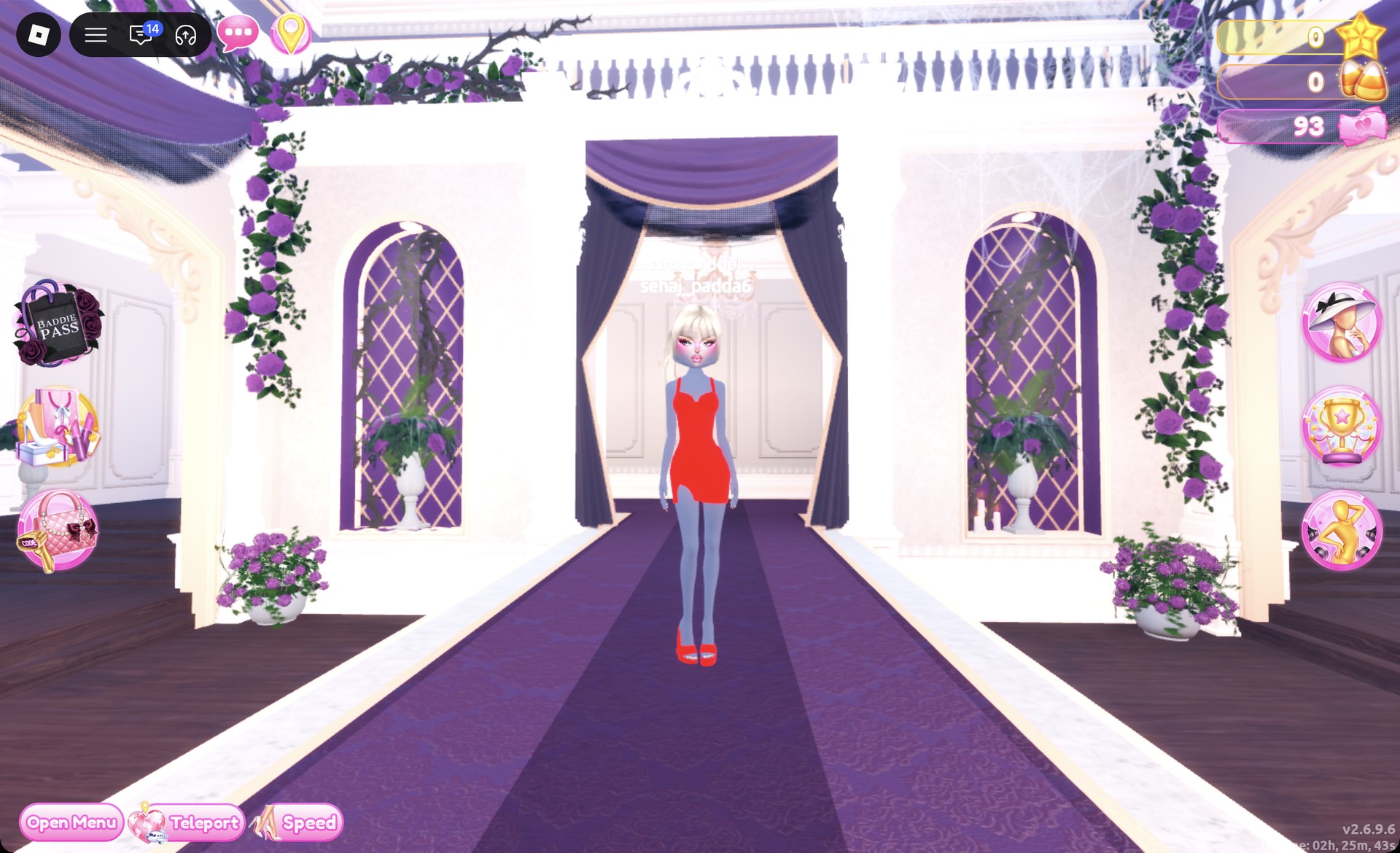
From behind, the platinum ponytail hangs down the back of the red silk mini.
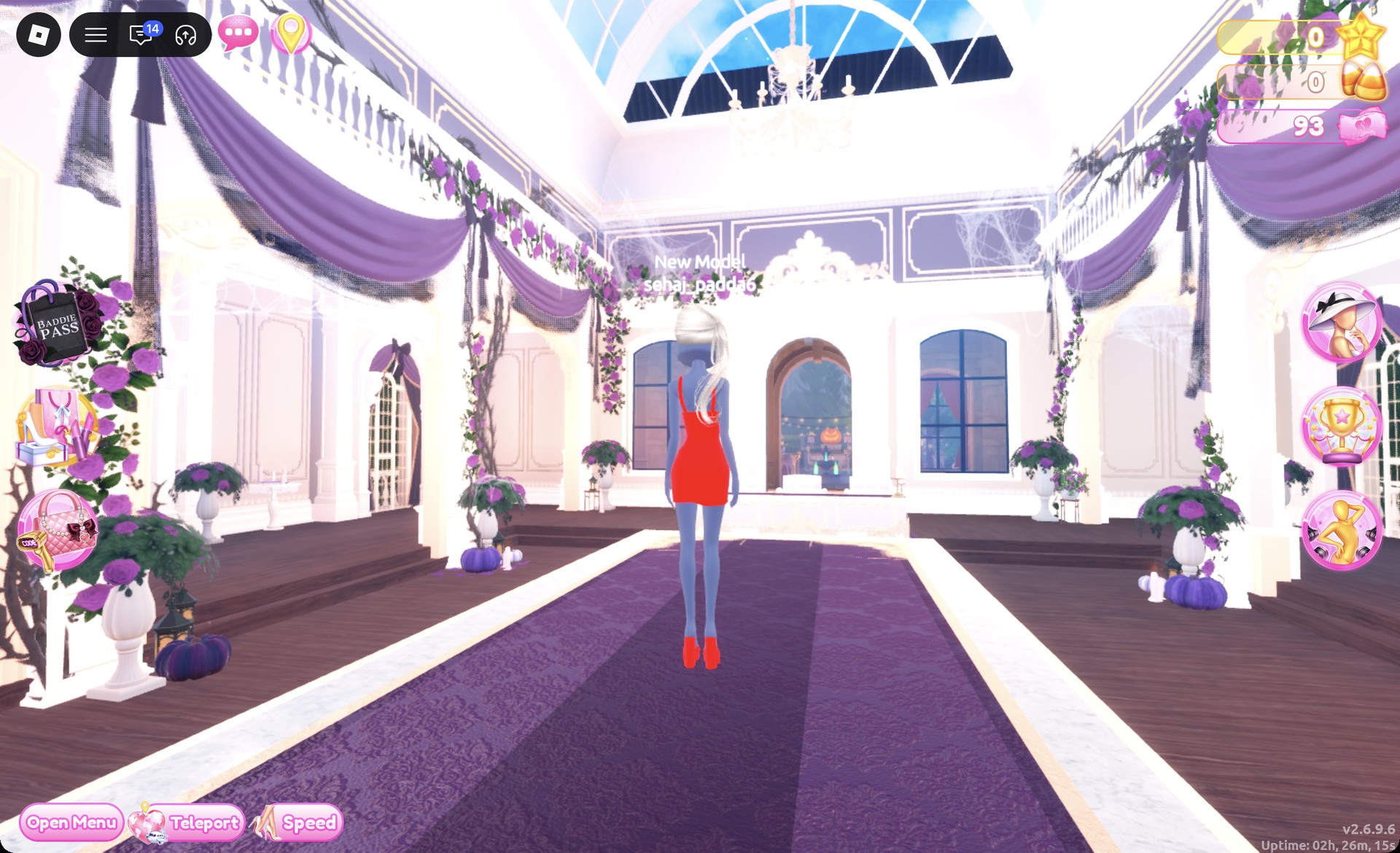
The Lilac pose suits this look.
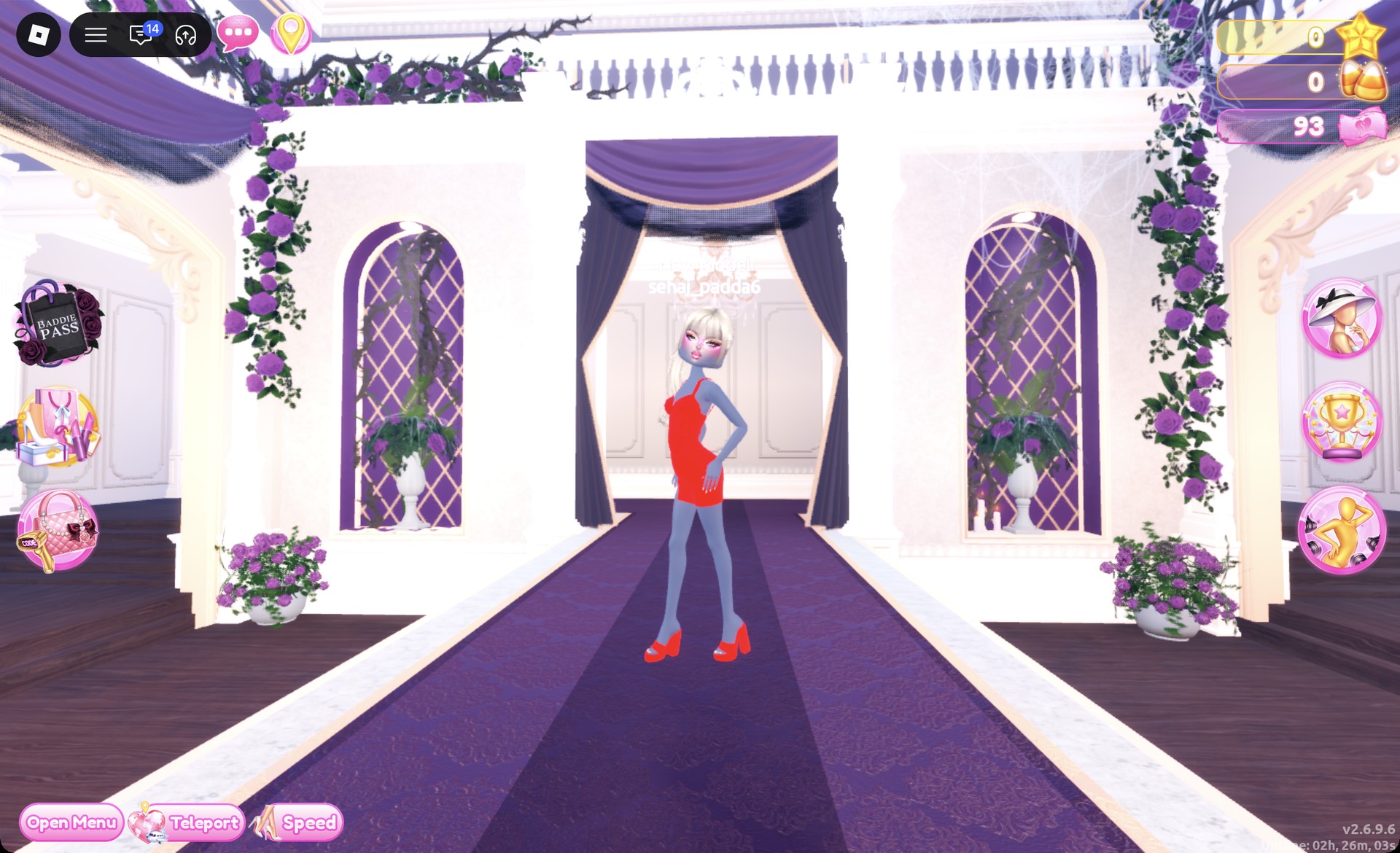
When the outfit is complete, the Wearing panel shows hair, mini, and heels.
More pop star and celebrity theme ideas
- Y2K Popstar
- Pop Art Princess
- Award Show
- Album Cover
- Jazz Club
- Instagram Model
- Every Dress To Impress theme and every free pose
Pop Culture DTI questions
What is the Pop Culture theme in Dress To Impress?
Create an outfit inspired by a well-known pop star or an iconic celebrity look. You could wear a pop performer’s stage outfit, or pair a red dress with platinum hair.
How do I do Pop Culture without VIP?
Use either look above. Every piece, color, and material in both outfits is free, so you don’t need Robux to make them.
How do I make clothes chrome in DTI?
Pick the mid gray at column 5, row 8 on the Palette tab. Then apply Metallic from the “+” tab to each part before you press Put On.