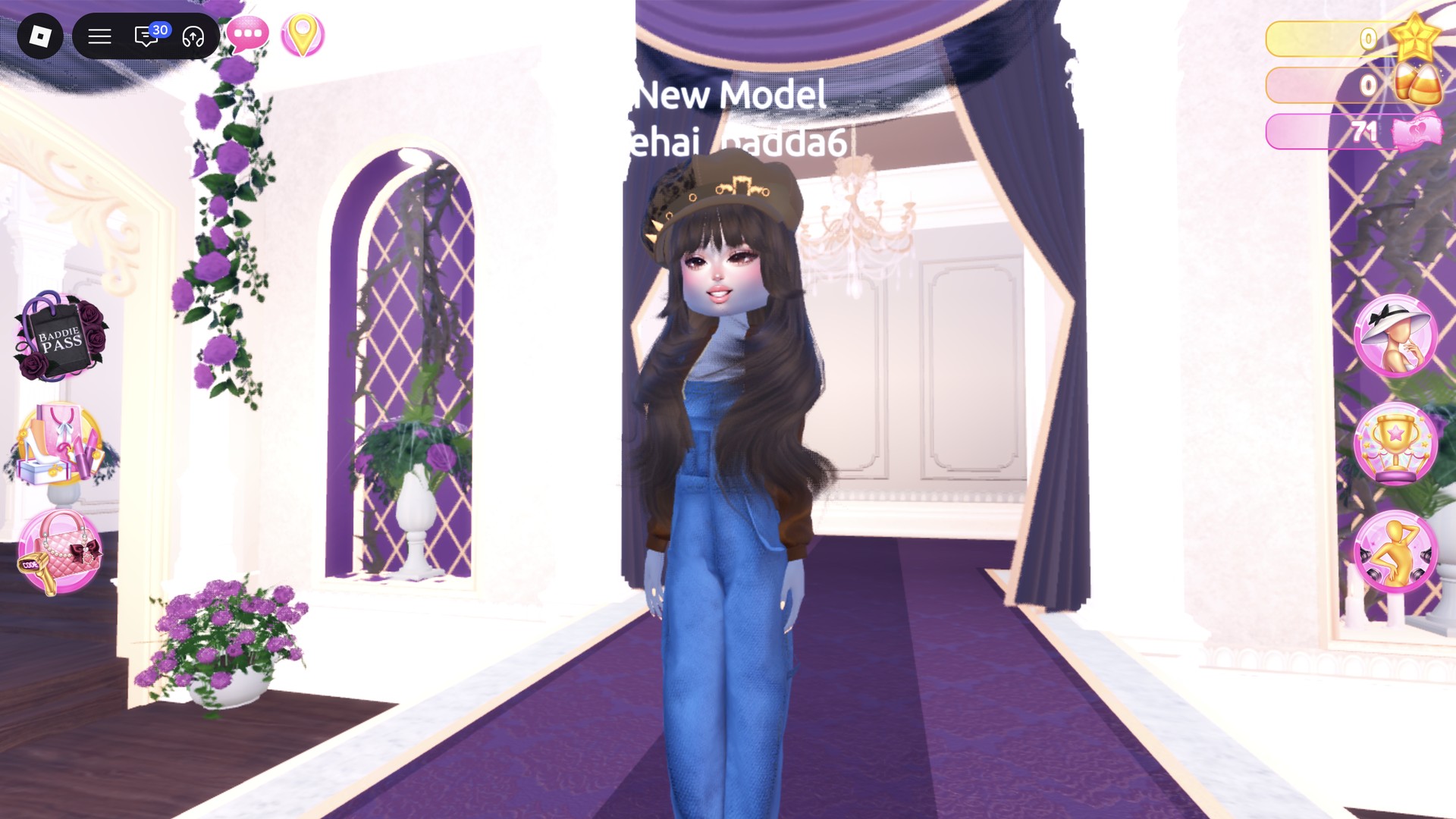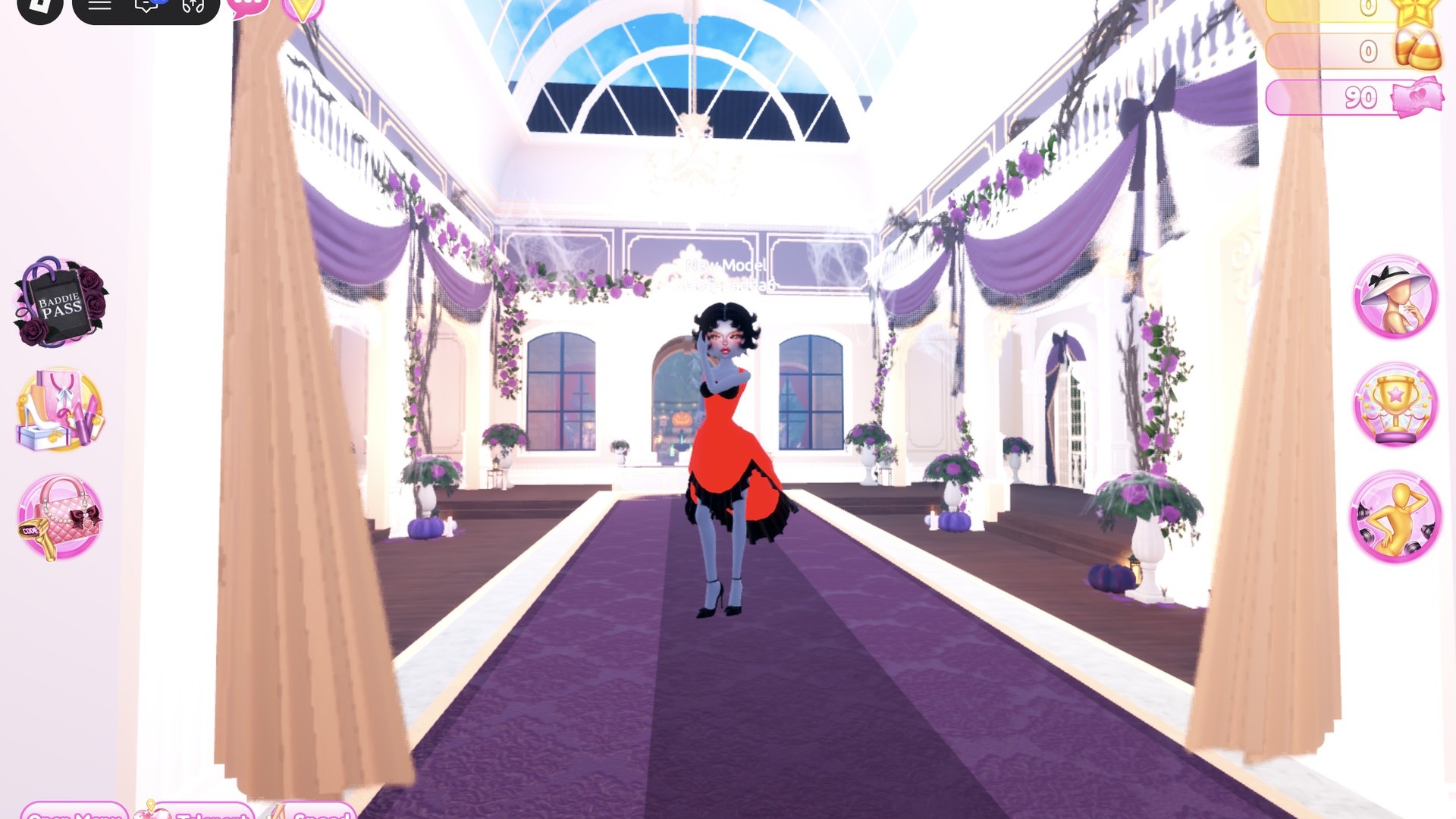
Jazz club dti rounds reward a specific kind of glamour, and Dress To Impress, the Roblox fashion game, has everything you need for it without spending anything. Both outfits below use free pieces, free colors and free materials. Each one starts from a different dress, so you can run them back to back. More themes are in the Dress To Impress themes guide.
Quick answer: Go vintage lounge singer. Wear a deep red silk ball dress with a black glitter hem, black heels, black finger waves and red nails, or a black glitter mini under a white fur jacket with a platinum updo.
The Jazz Club theme is speakeasy and lounge-singer glamour, which means deep red, black and white, glossy or glitter fabric, finger waves or a curled updo, and red lips and nails.
Where to find the Jazz Club pieces in Dress To Impress
Dress To Impress doesn’t show item names, so every piece here is described by where it sits and what it looks like. Use the Teleport pin in the top left to jump between areas.
| What you need | Where it is | How to open it |
|---|---|---|
| Pale pink ball dress | Party-dress unit, lower shelf, middle mannequin | Teleport → “Dressing Room” |
| White fitted mini | Party-dress unit, lower shelf, right mannequin | Teleport → “Dressing Room” |
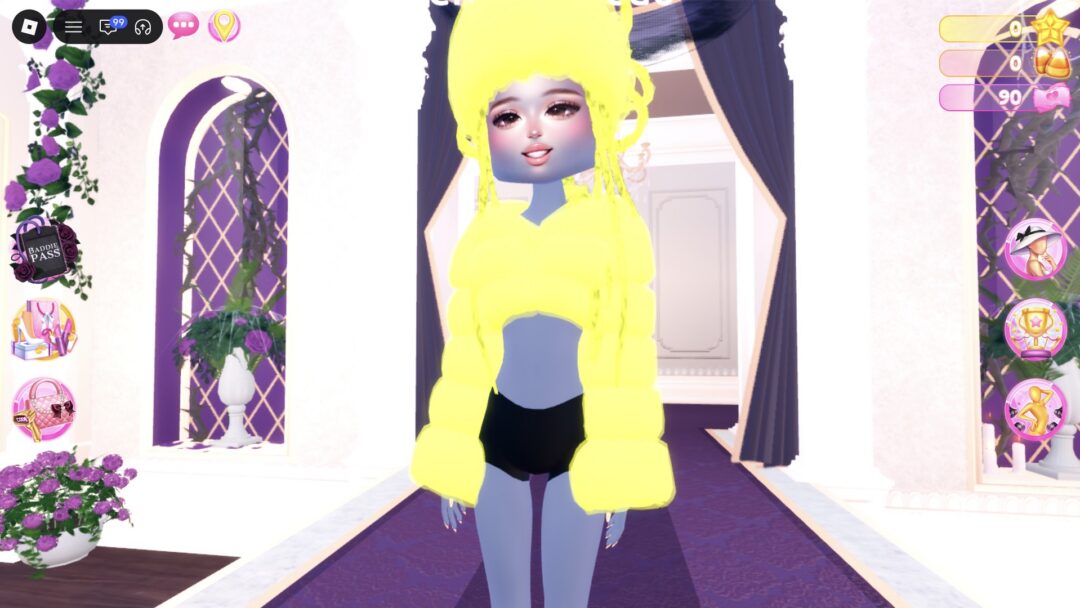
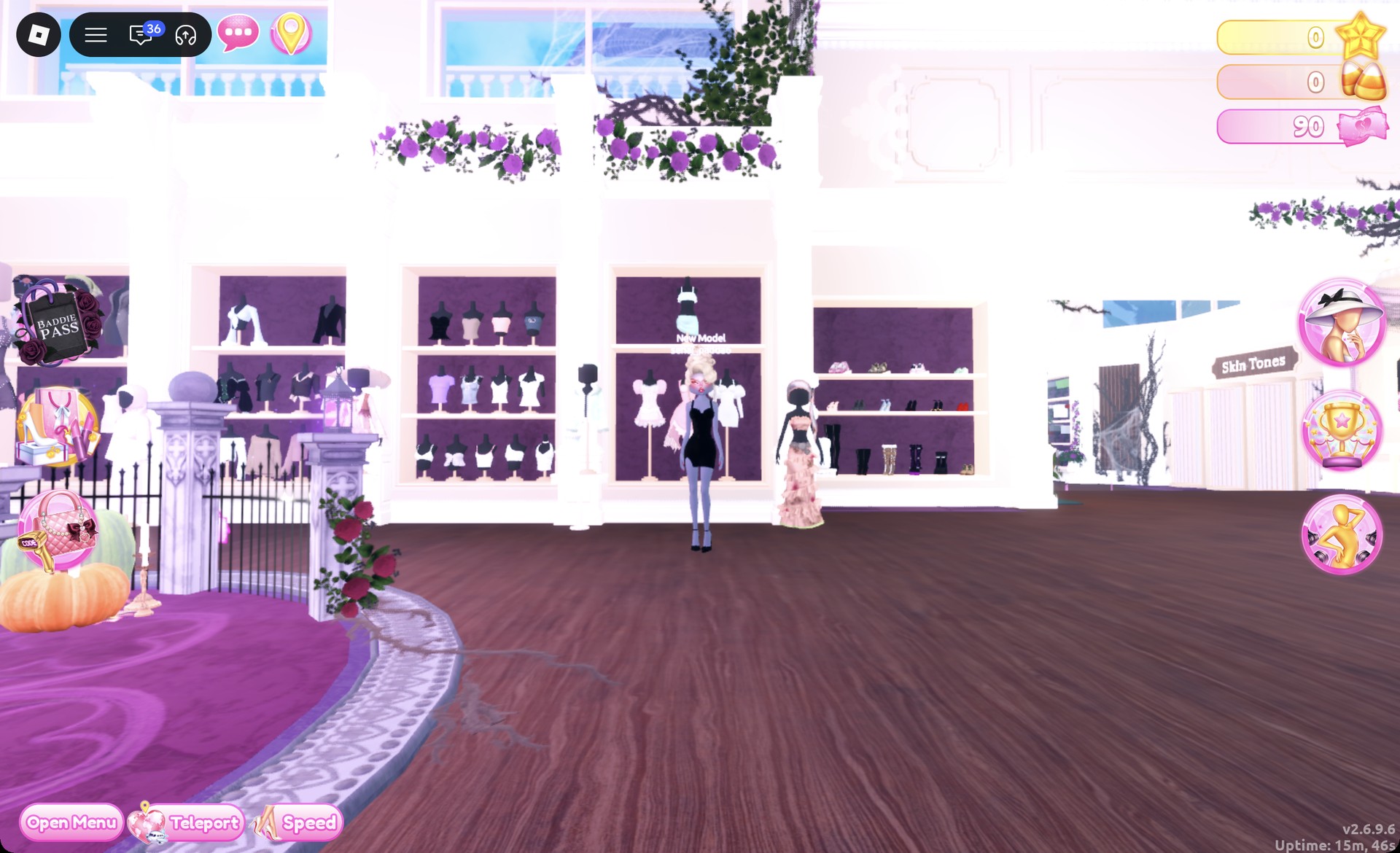
| Fluffy cropped fur jacket | Stand beside the shoe shelf | Click the jacket itself |
| Heels | Shoe shelf, middle row | Next to the party-dress unit |
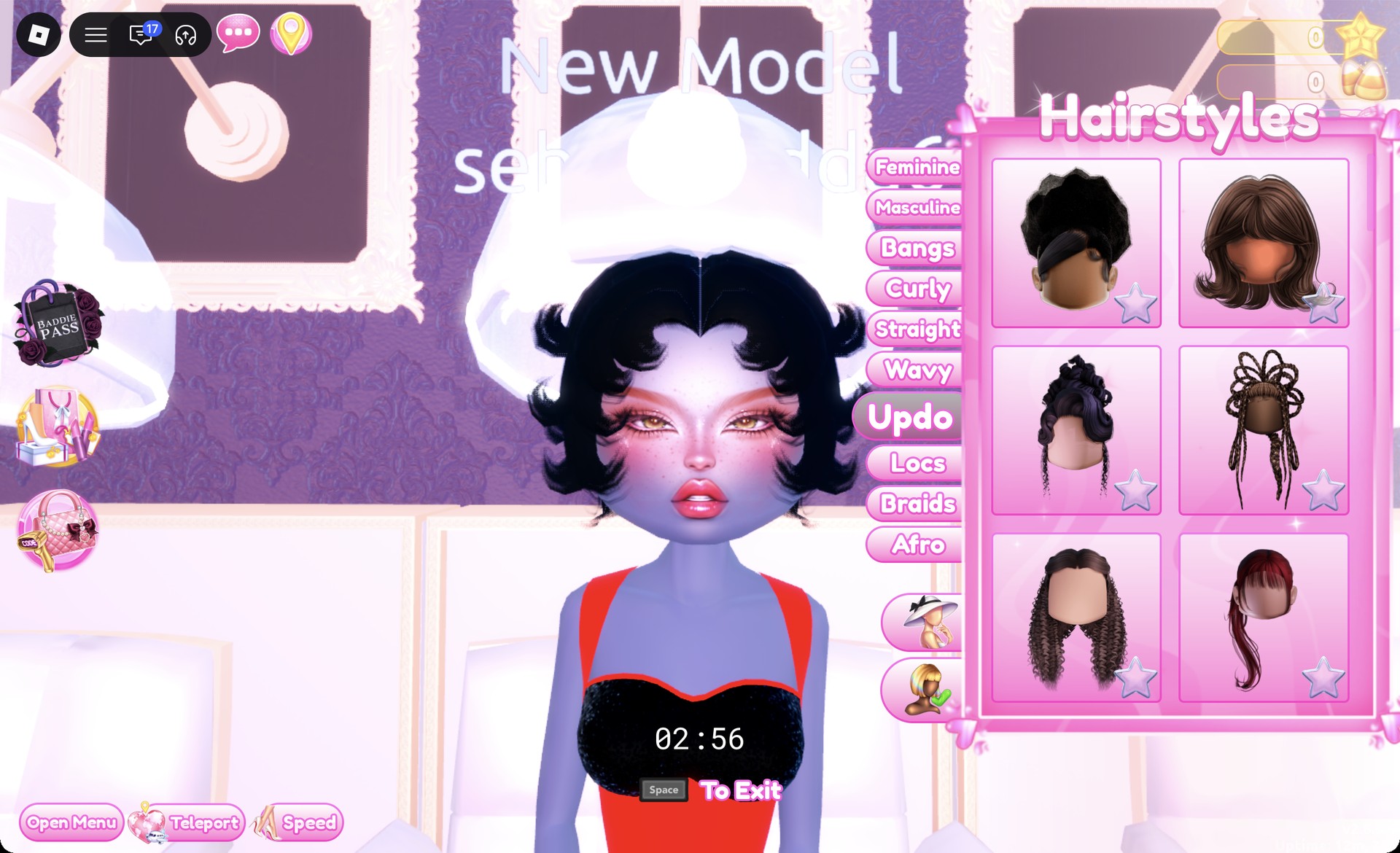
| Hair | Lana’s Salon, hair chairs | Press E |
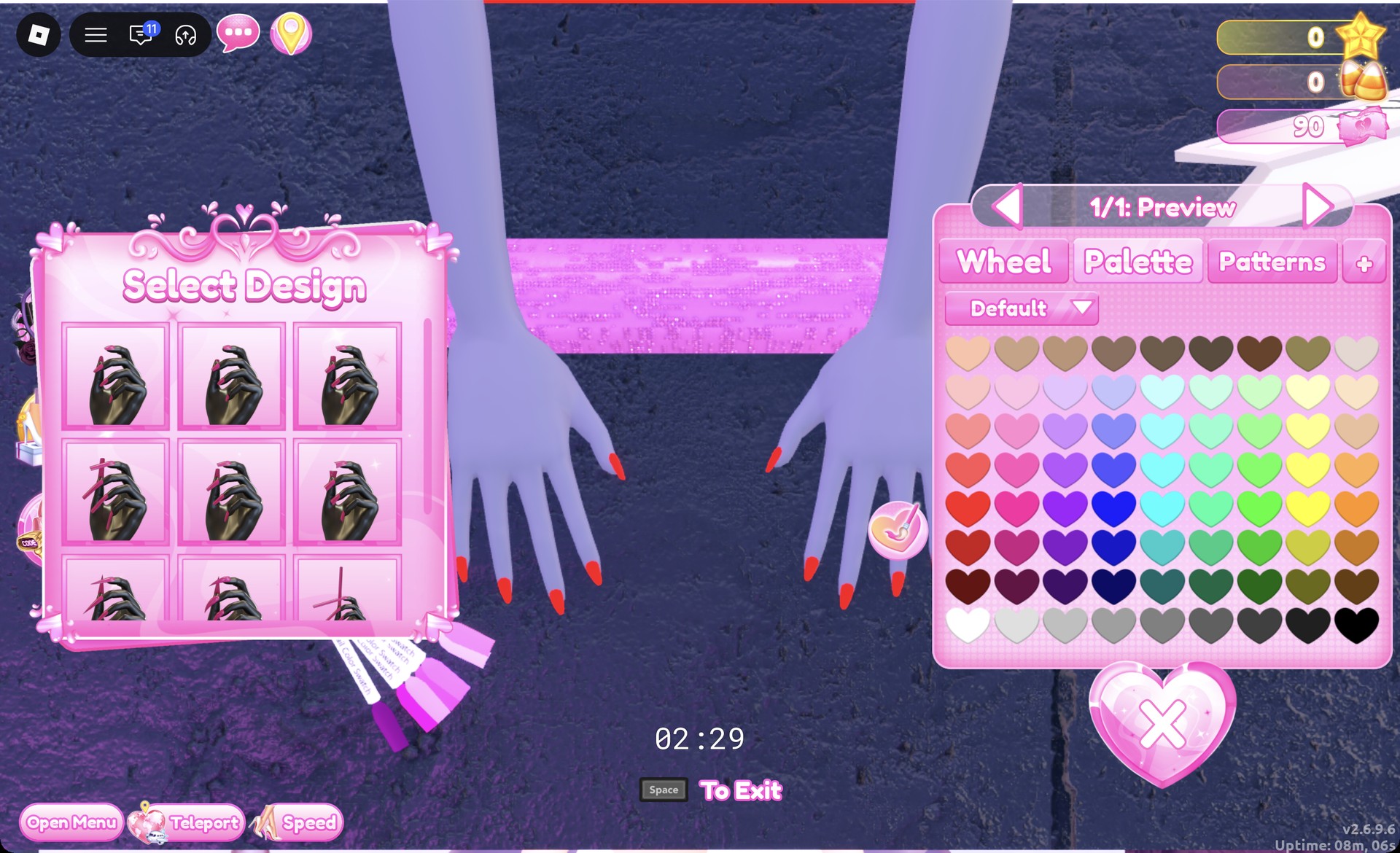
| Nails | Lana’s Salon, nail station table | Press E |
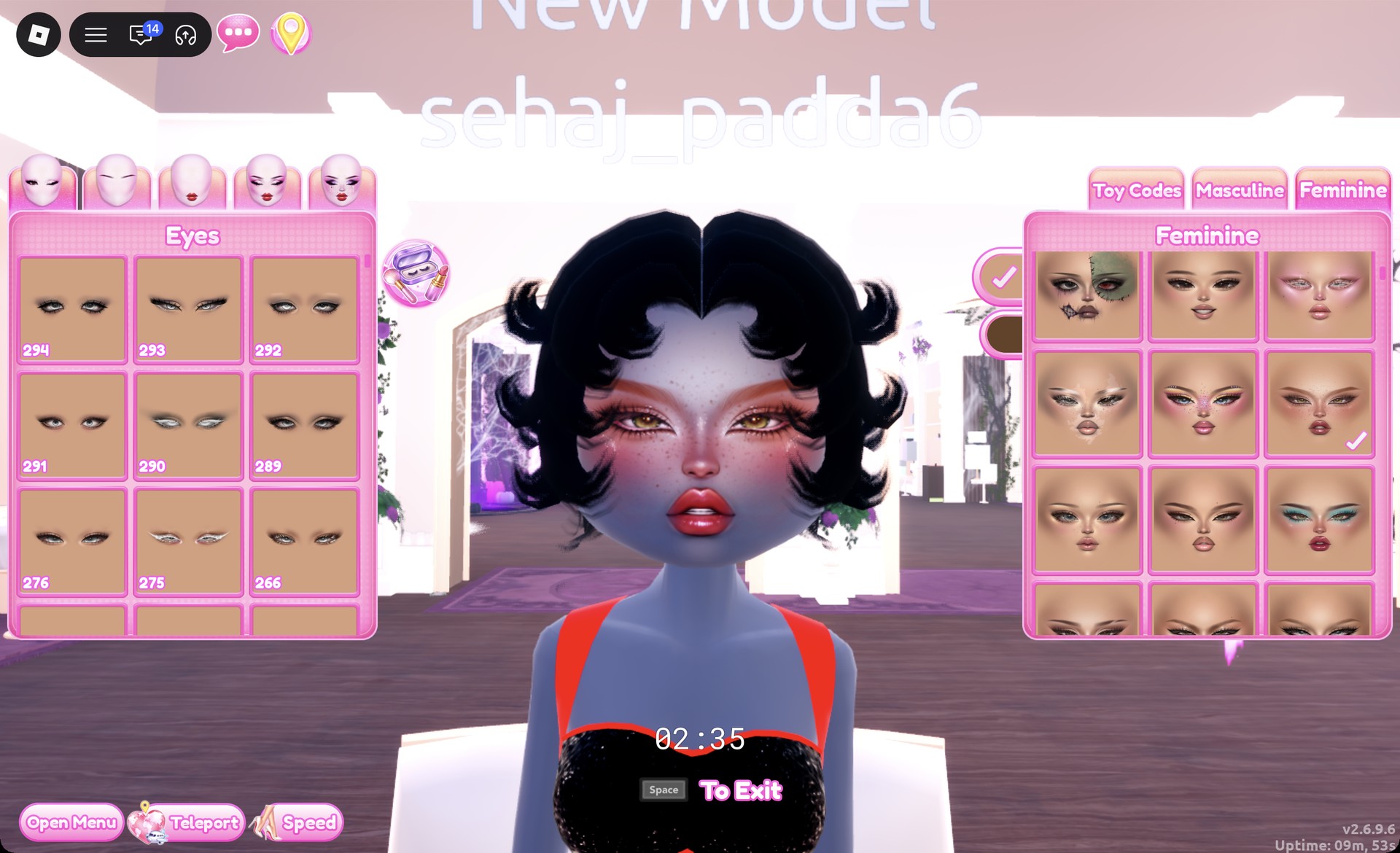
| Face | Lana’s Salon, vanity | Feminine tab |
| Runway | Freeplay runway | Teleport → “Freeplay Runway” |
The fur jacket’s stand also holds a fur hat on top. Click lower down, on the jacket, rather than the top of the stand.
How recoloring and materials work in DTI
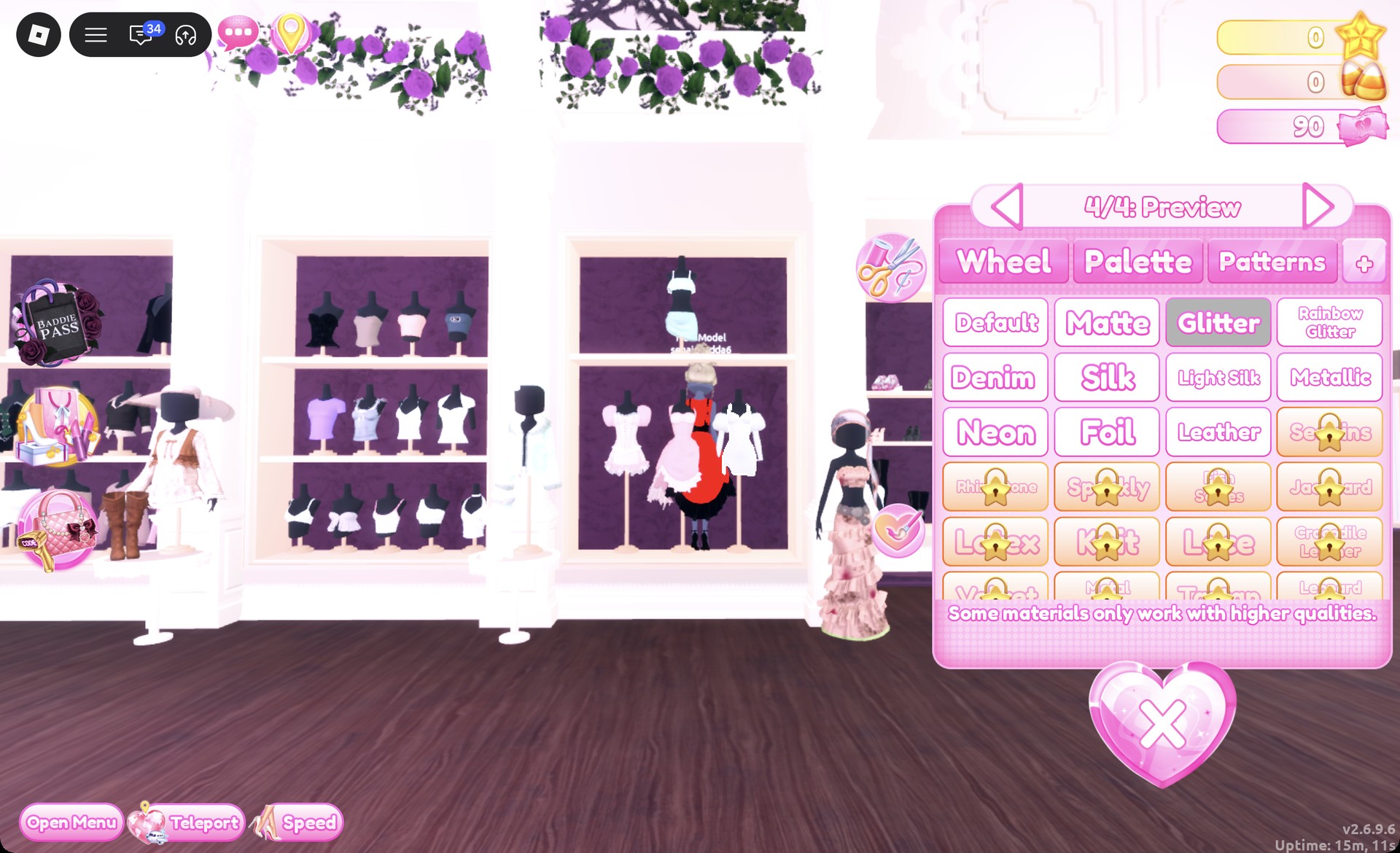
Selecting a piece opens its preview and recolor controls. The piece is divided into parts, and a counter shows your current part and the total; for example, “1/2: Preview” marks the first of two. Use the arrows to move between parts, choose a color for each on the Palette tab, and select a material from the “+” tab beside Patterns. Once all parts are set, click Put On, the heart-and-tick button next to the panel.
Every color below uses the Default palette, counted by column from the left and row from the top. Column 1 holds the reds, column 8 the yellows and column 9 the oranges and creams. Row 8 runs from white on the left to black on the right.
Silk, Glitter and Metallic are free materials. Tiles with a star lock are not needed for either look.
Look 1: Deep red silk ball dress with black finger waves
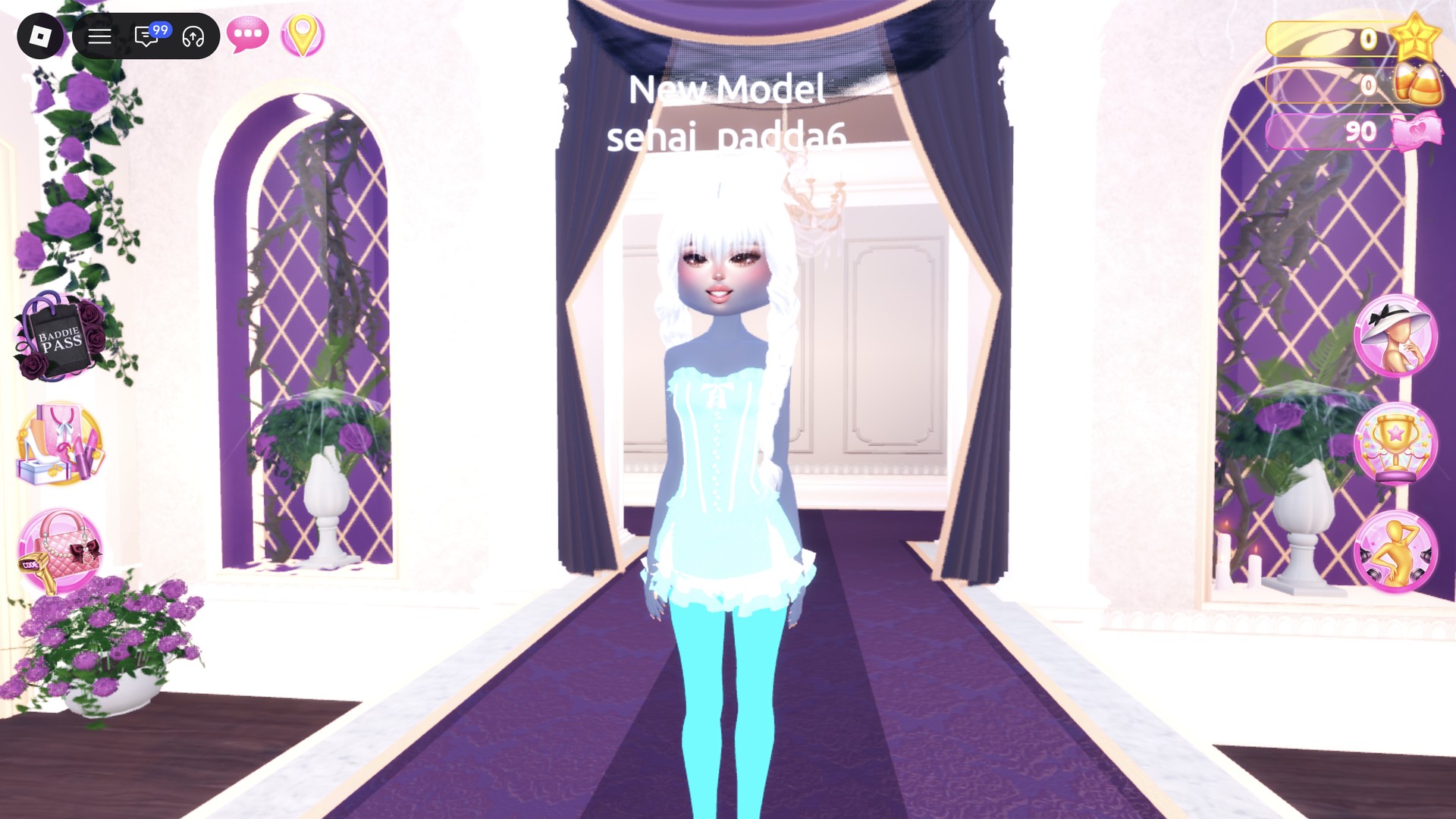
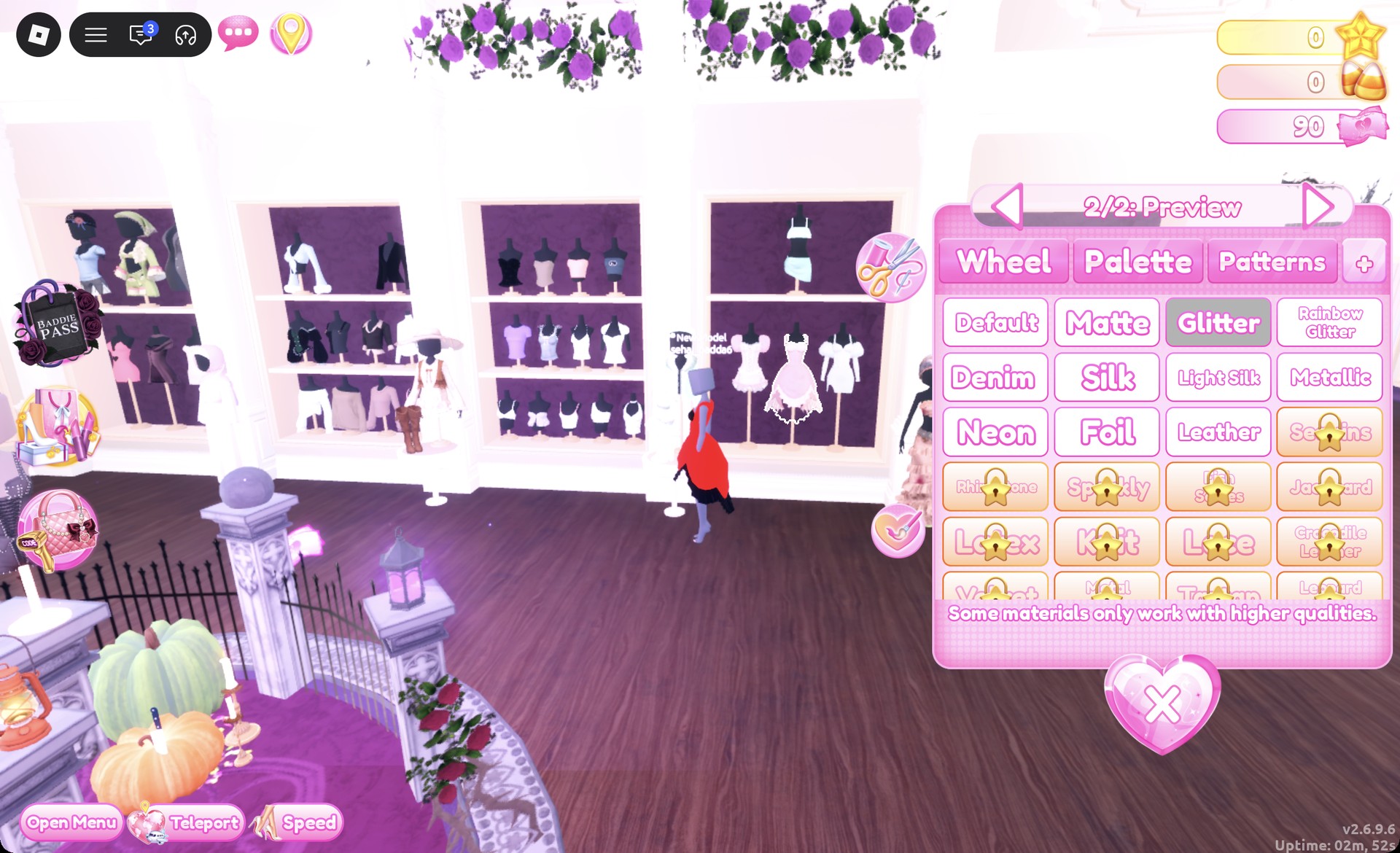
For the classic torch-singer silhouette, start with the pale pink ball dress, located on the lower party-dress shelf’s middle mannequin.
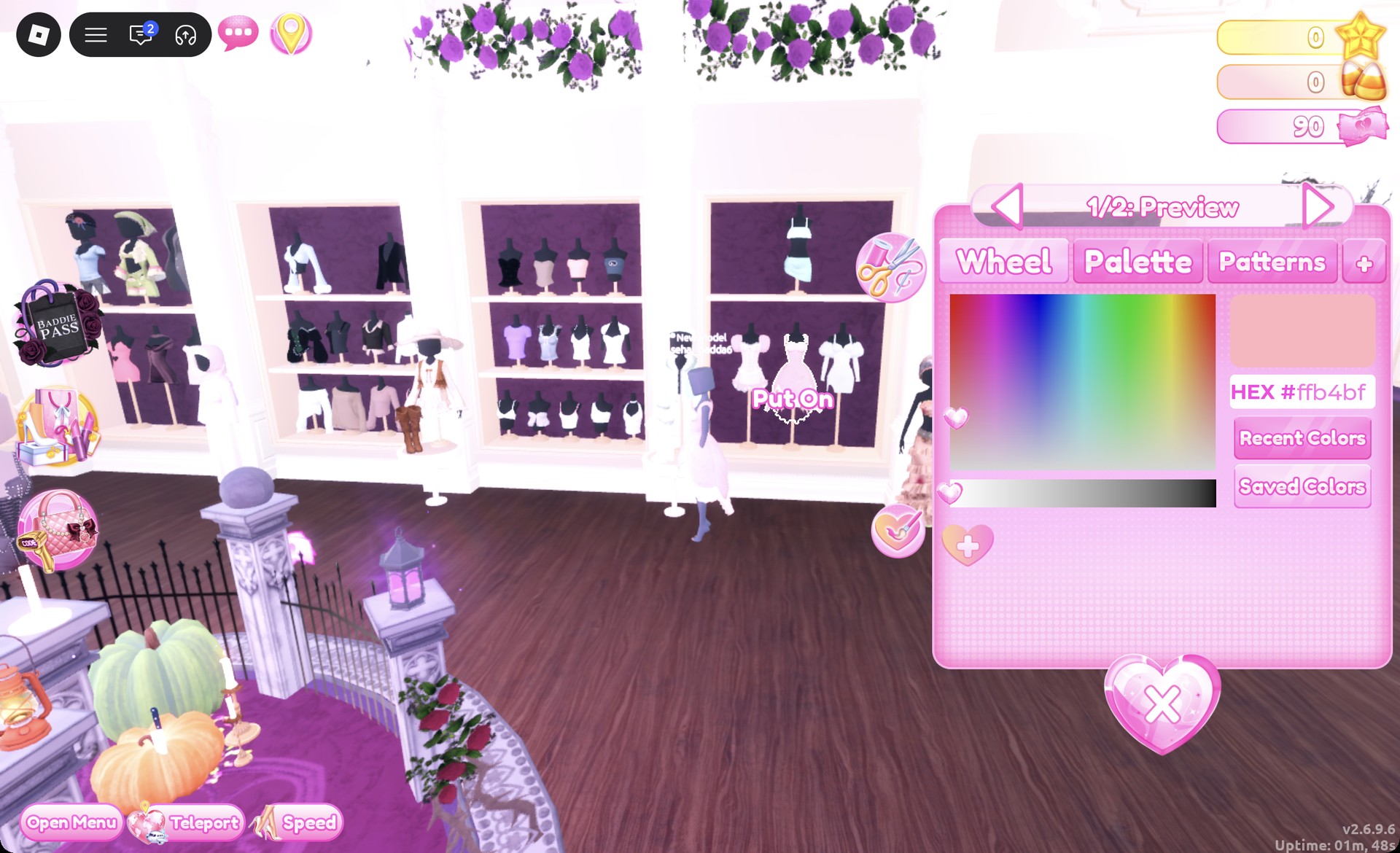
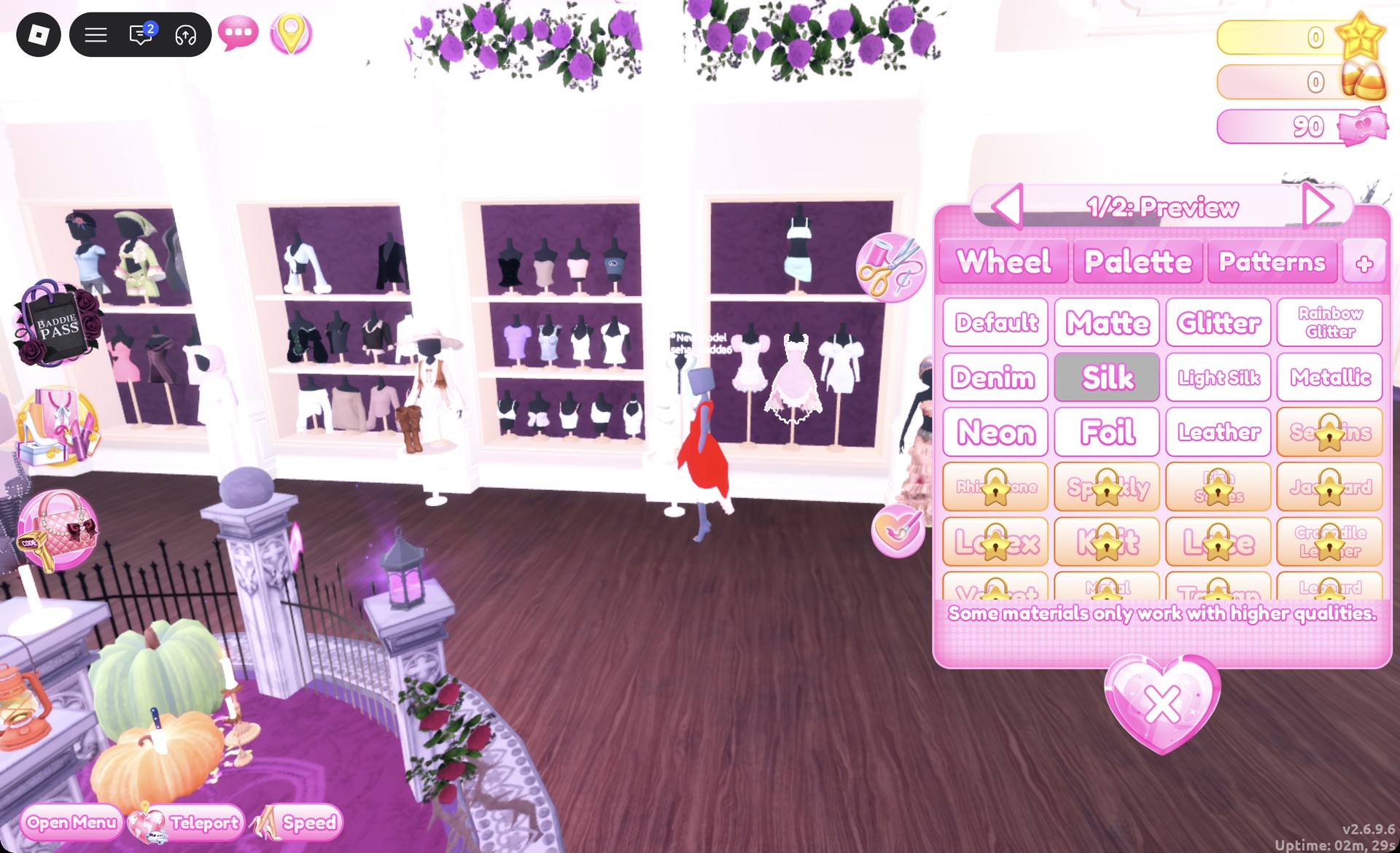
Arrow to part 2, the hem and underskirt, and pick column 9, row 8 for black with Glitter. Press Put On.
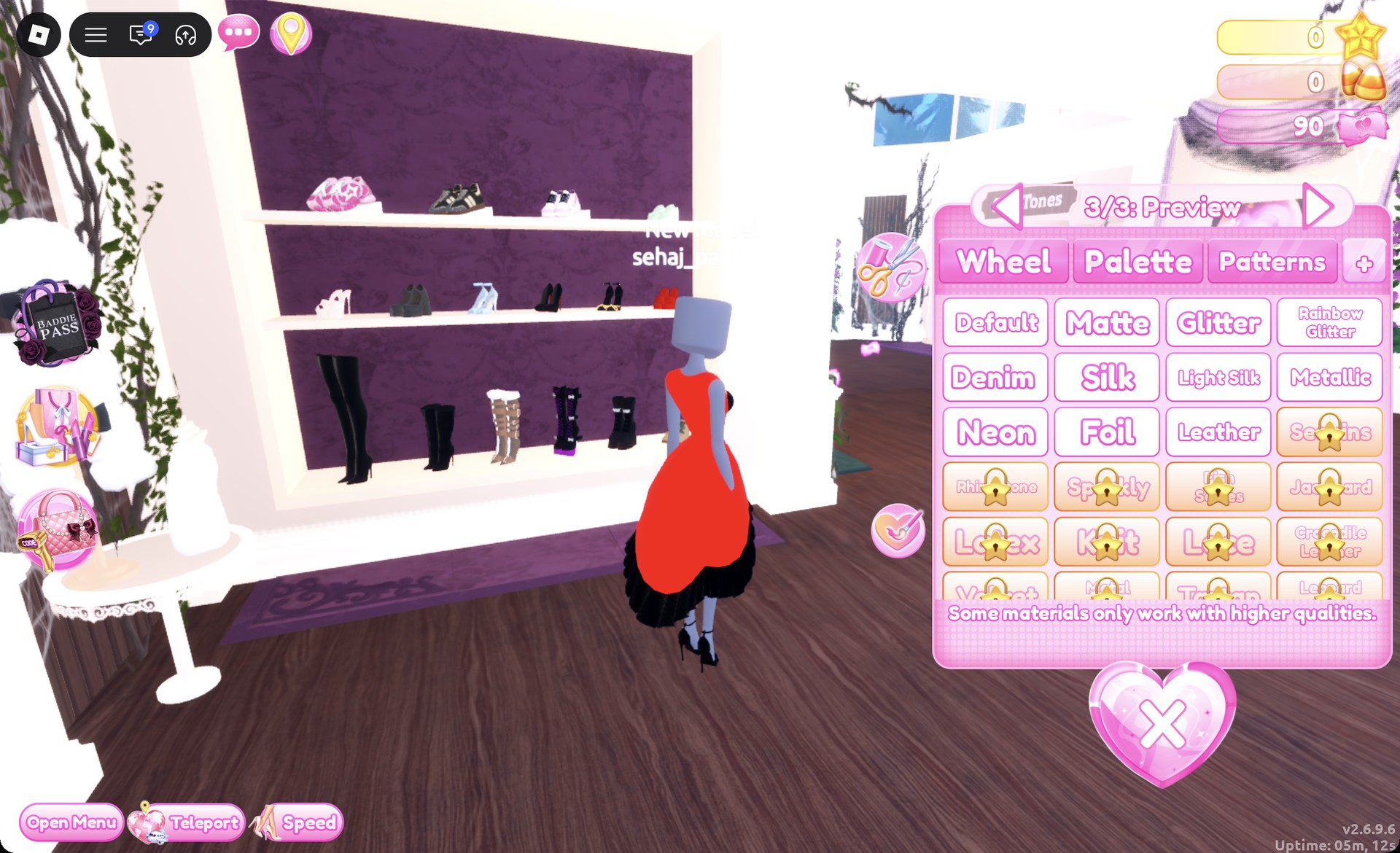
Turn both parts black (column 9, row 8) and press Put On.
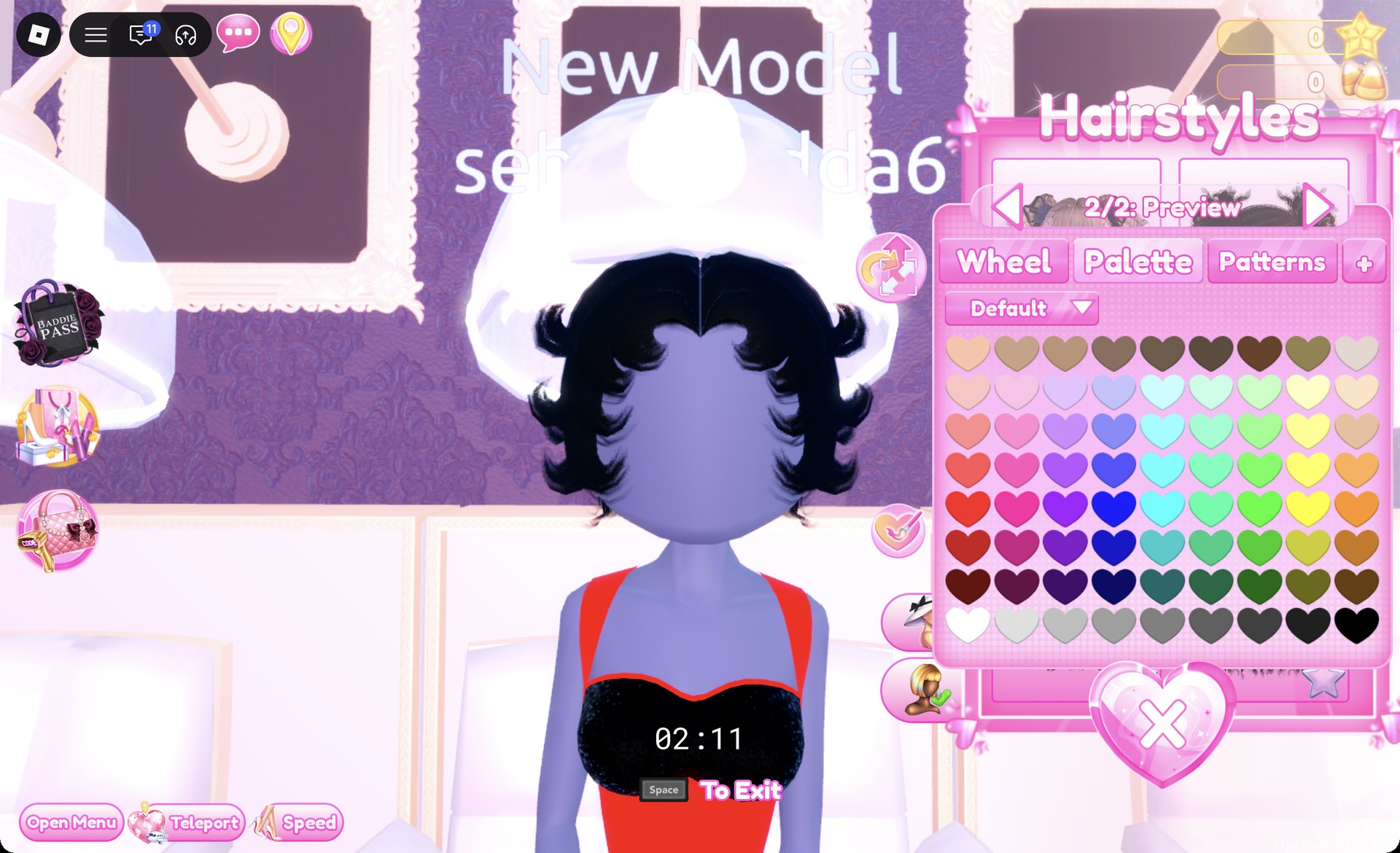
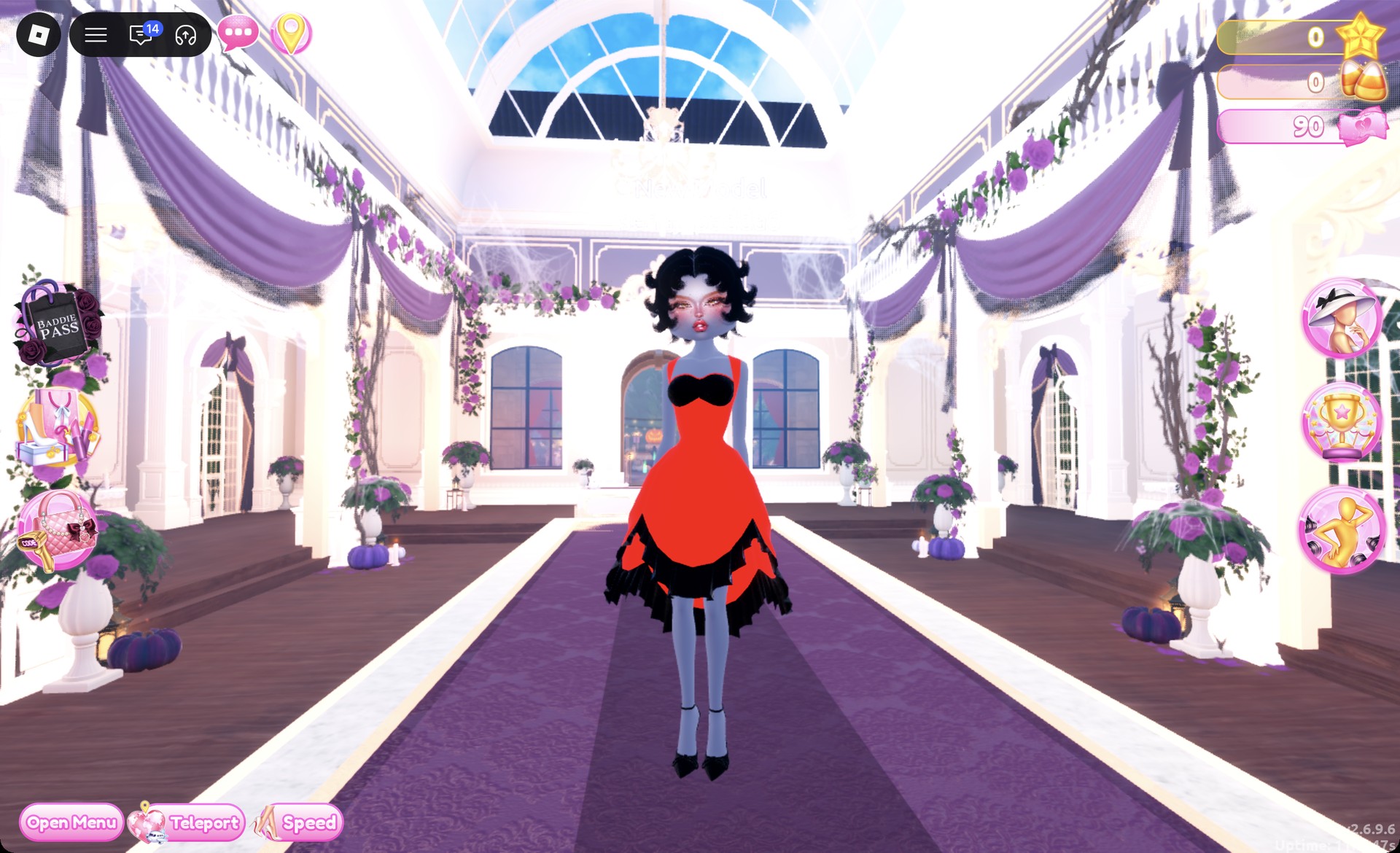
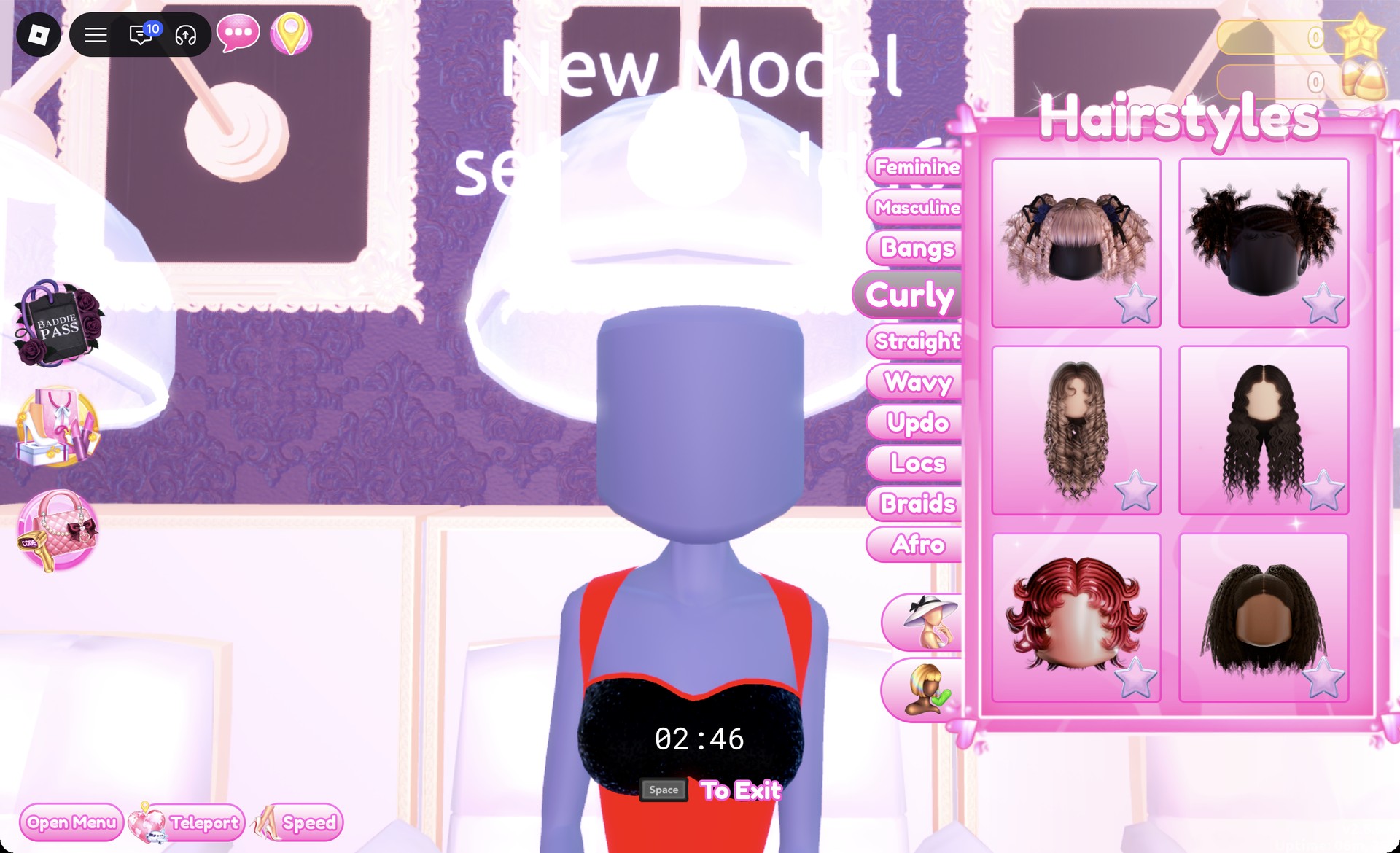
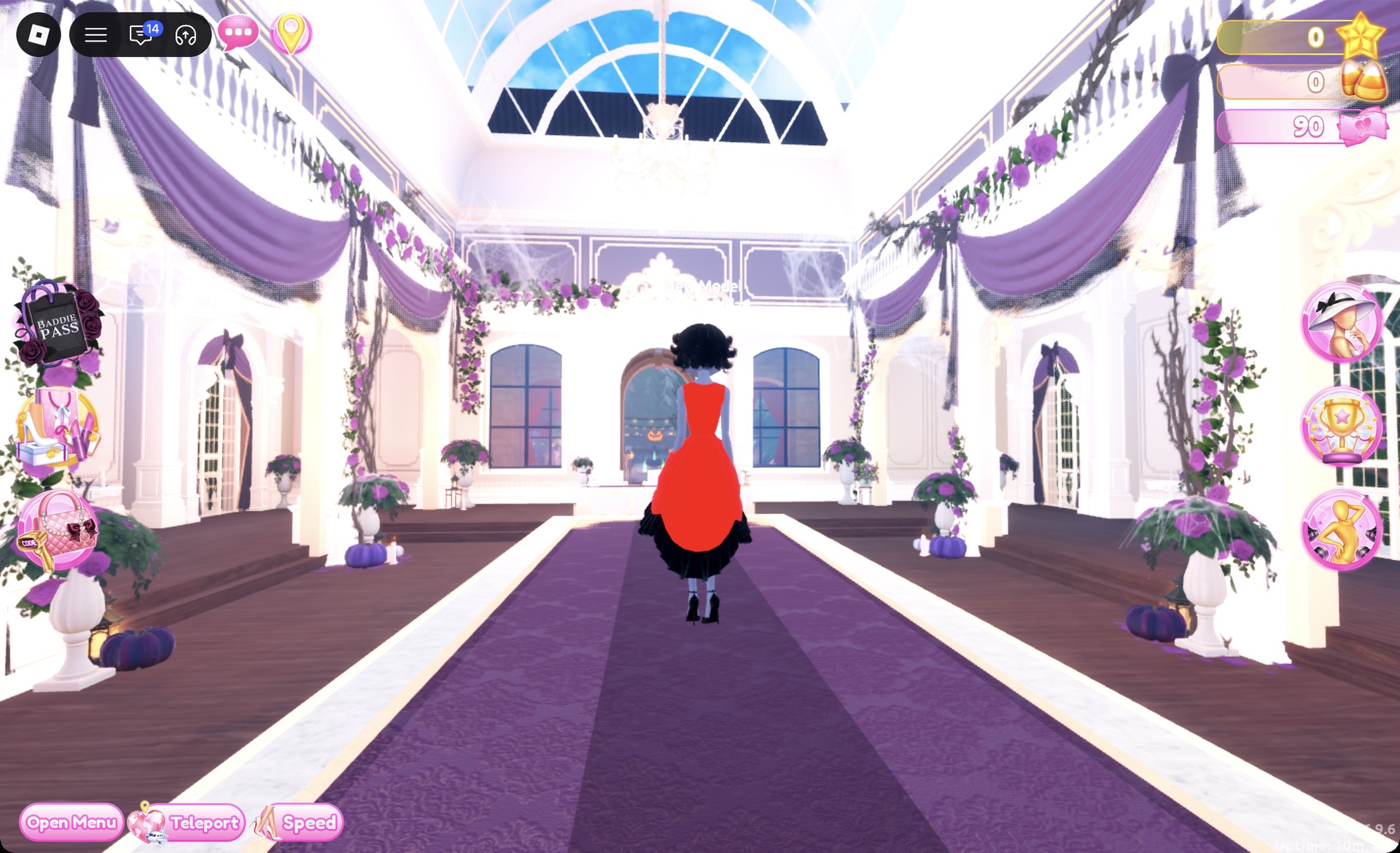
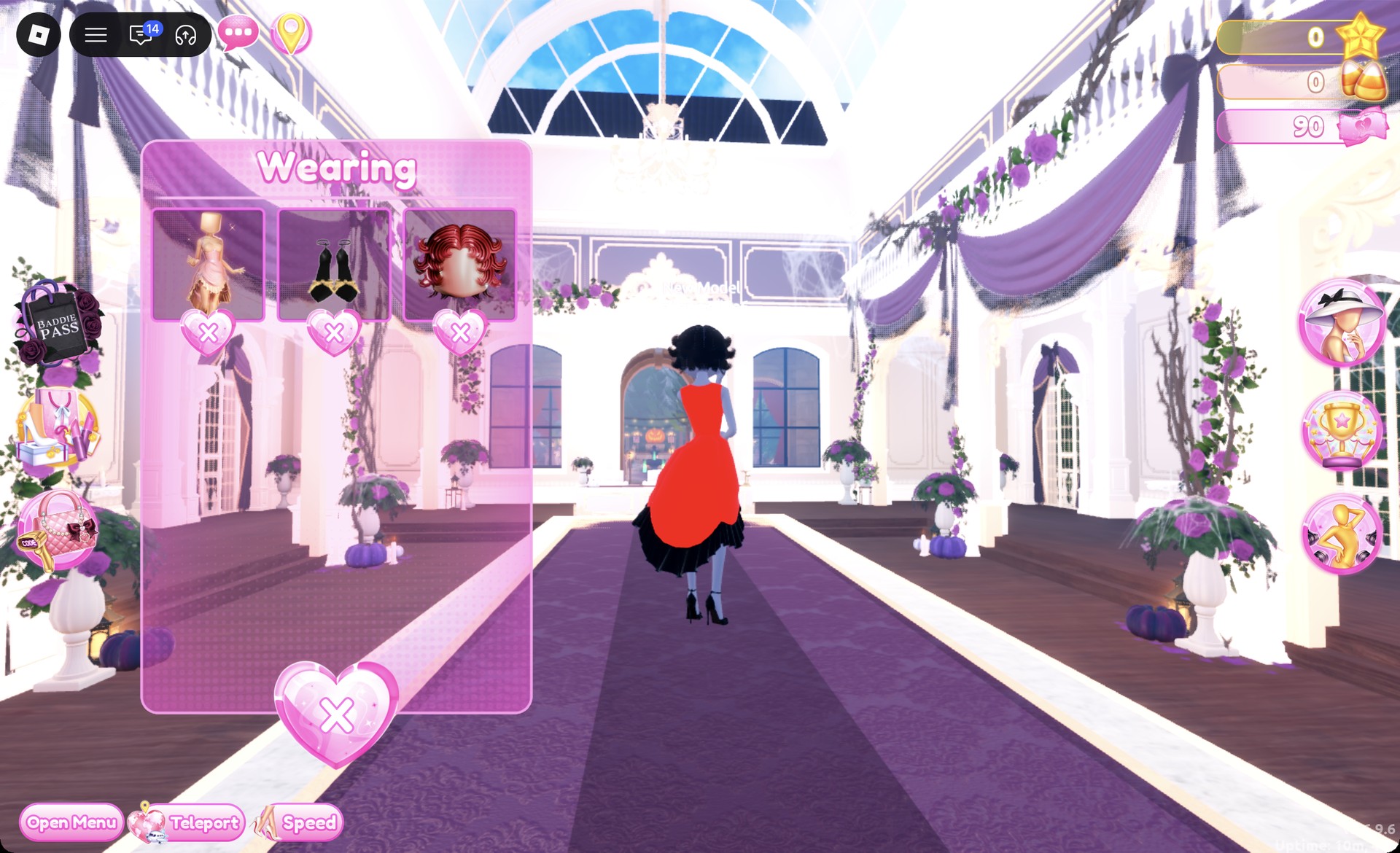
From behind, the black finger waves sit above the deep red silk, and the black glitter hem shows under the skirt.
The Satin pose suits the long skirt.
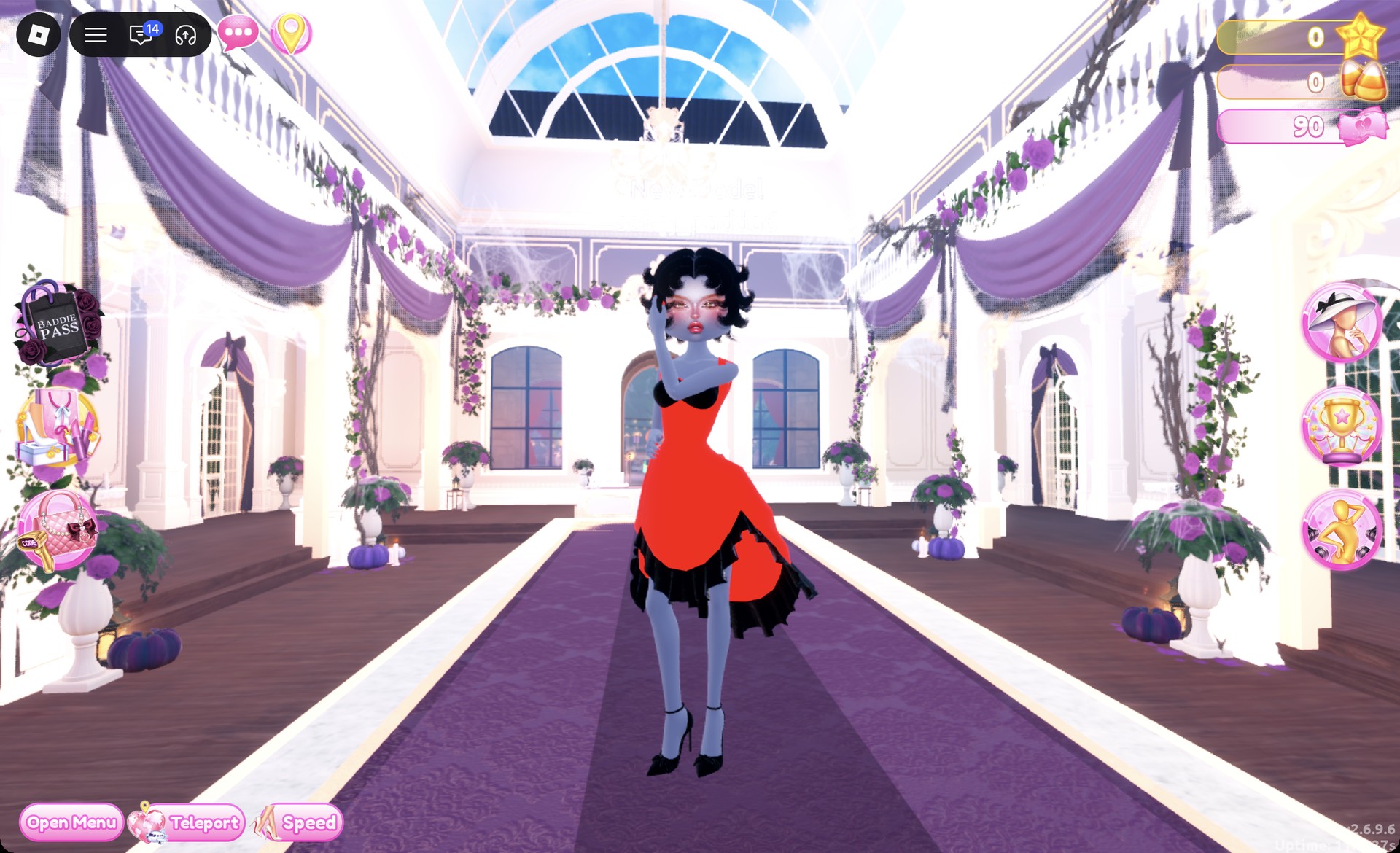
Open the Wearing panel to confirm the dress, heels and hair are all listed.
Look 2: Black glitter mini with a white fur jacket
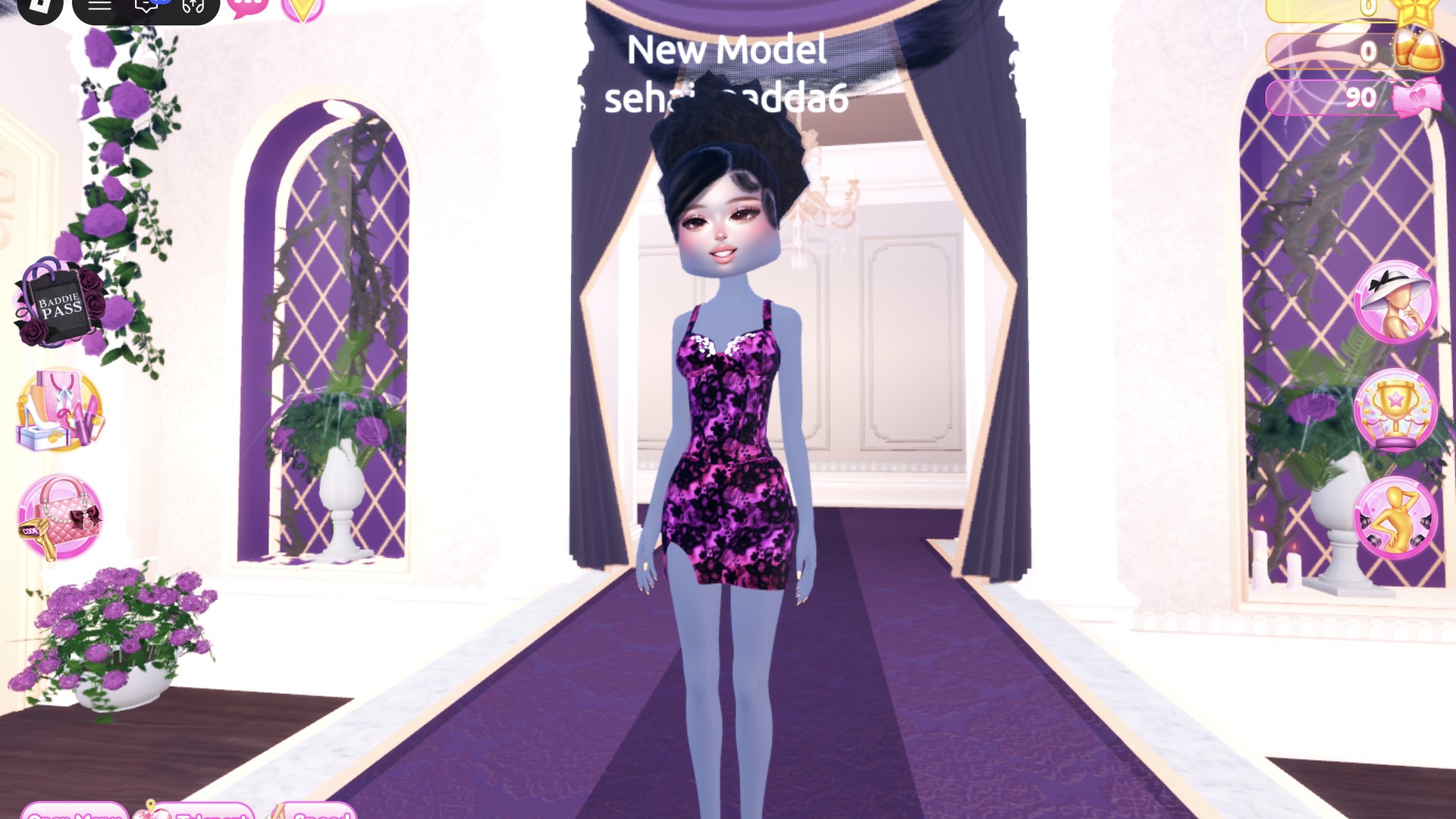
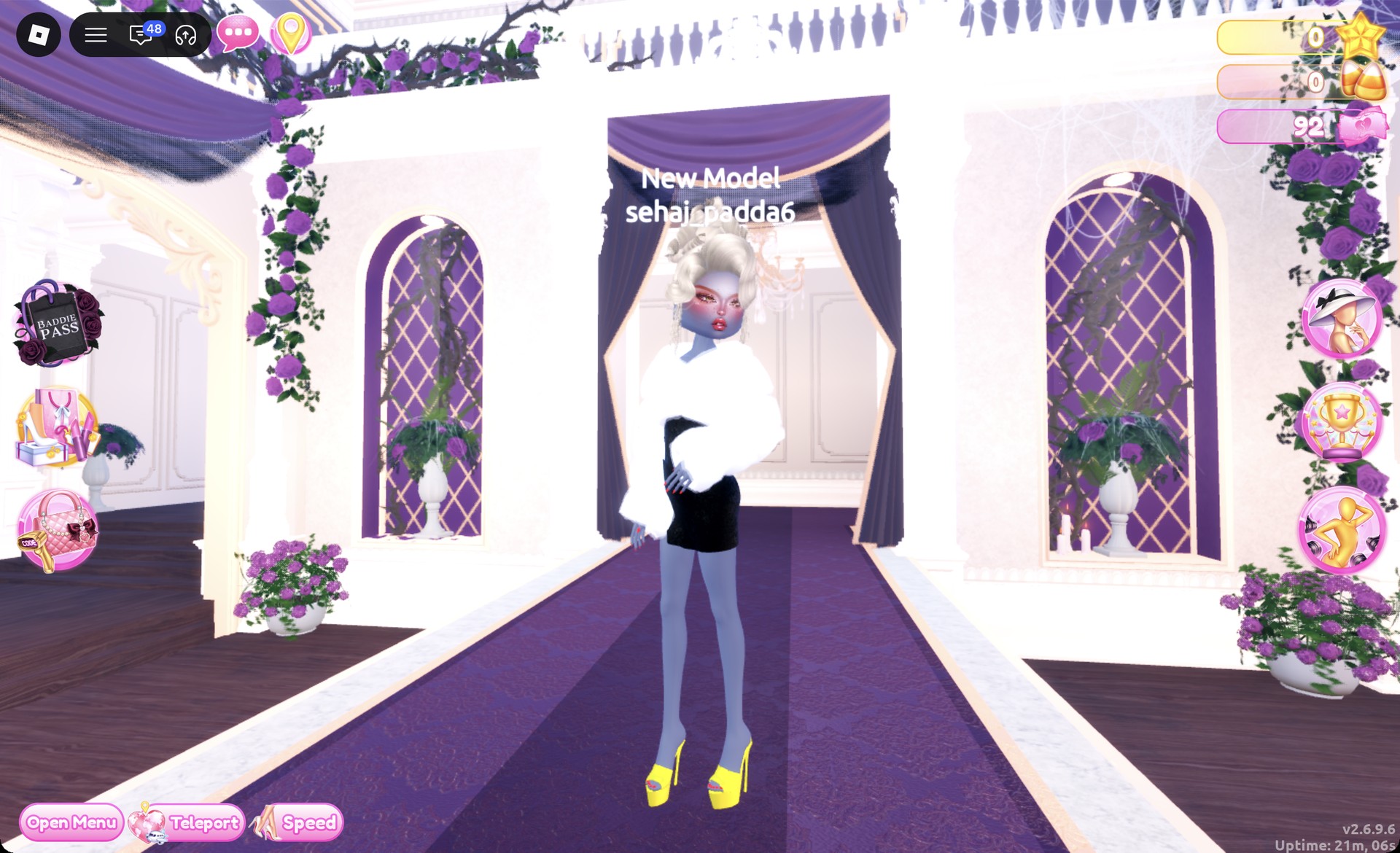
The second look swaps the gown for a shorter, flashier version in the same palette. The base piece is the white fitted mini on the lower party-dress shelf’s right mannequin. Coming directly from look 1 means removing a few items manually: DTI puts new pieces over existing ones rather than replacing them.
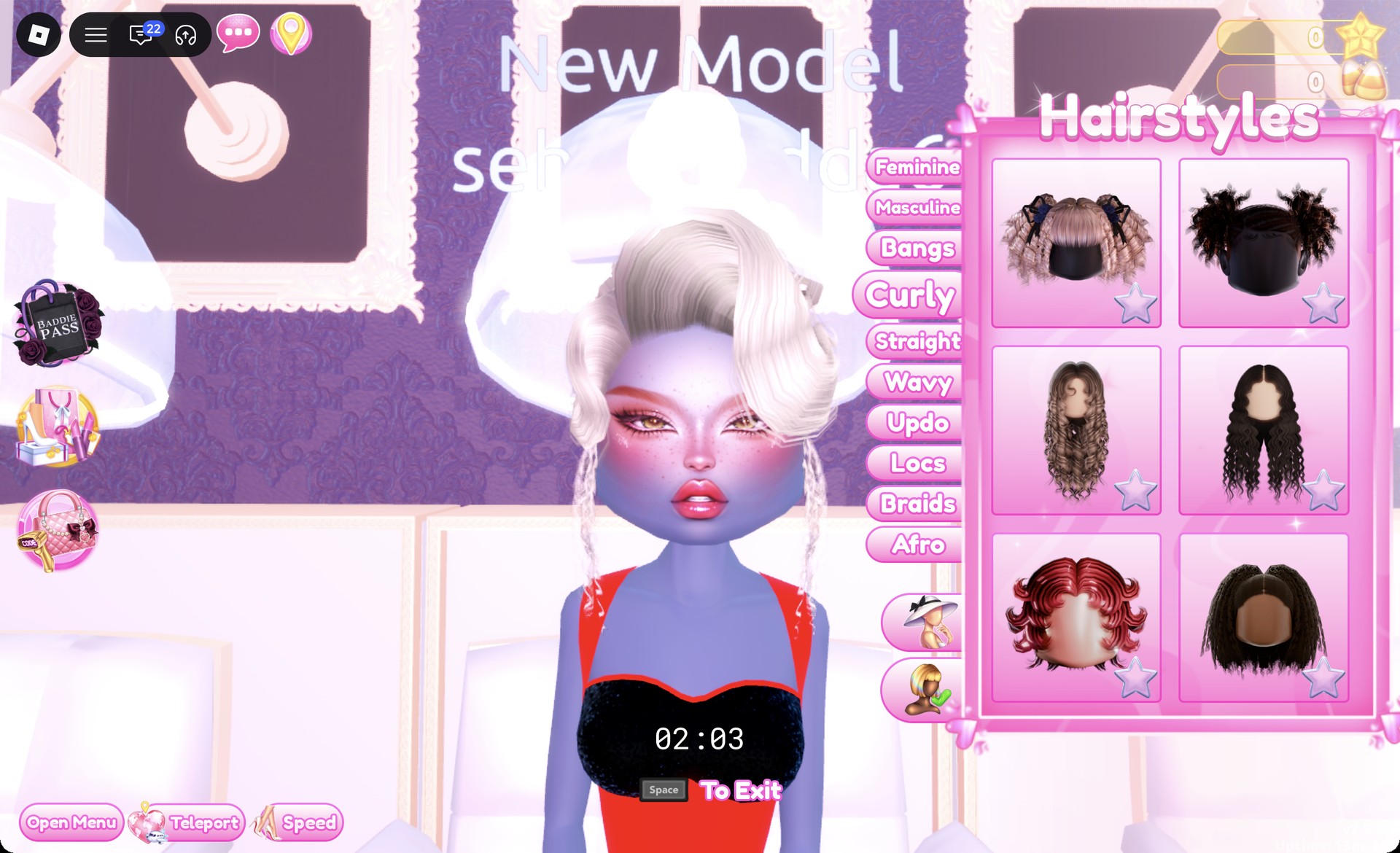
It initially appears dark at “1/2: Preview”; set both parts to column 9, row 2, the cream shade that looks platinum blonde, and click Put On.
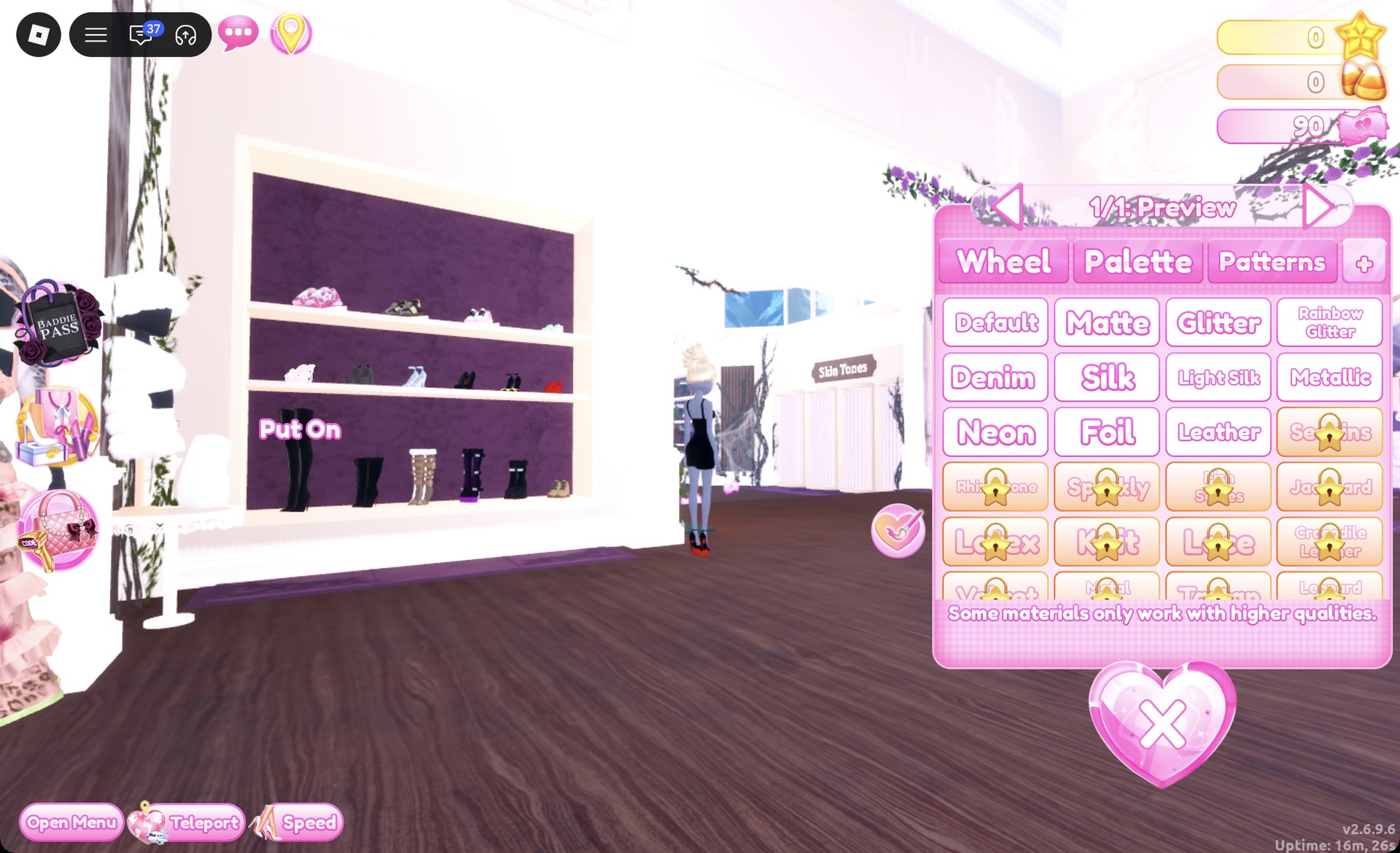
Choose column 8, row 6 with Metallic, which reads as a bright yellow rather than gold, and press Put On.
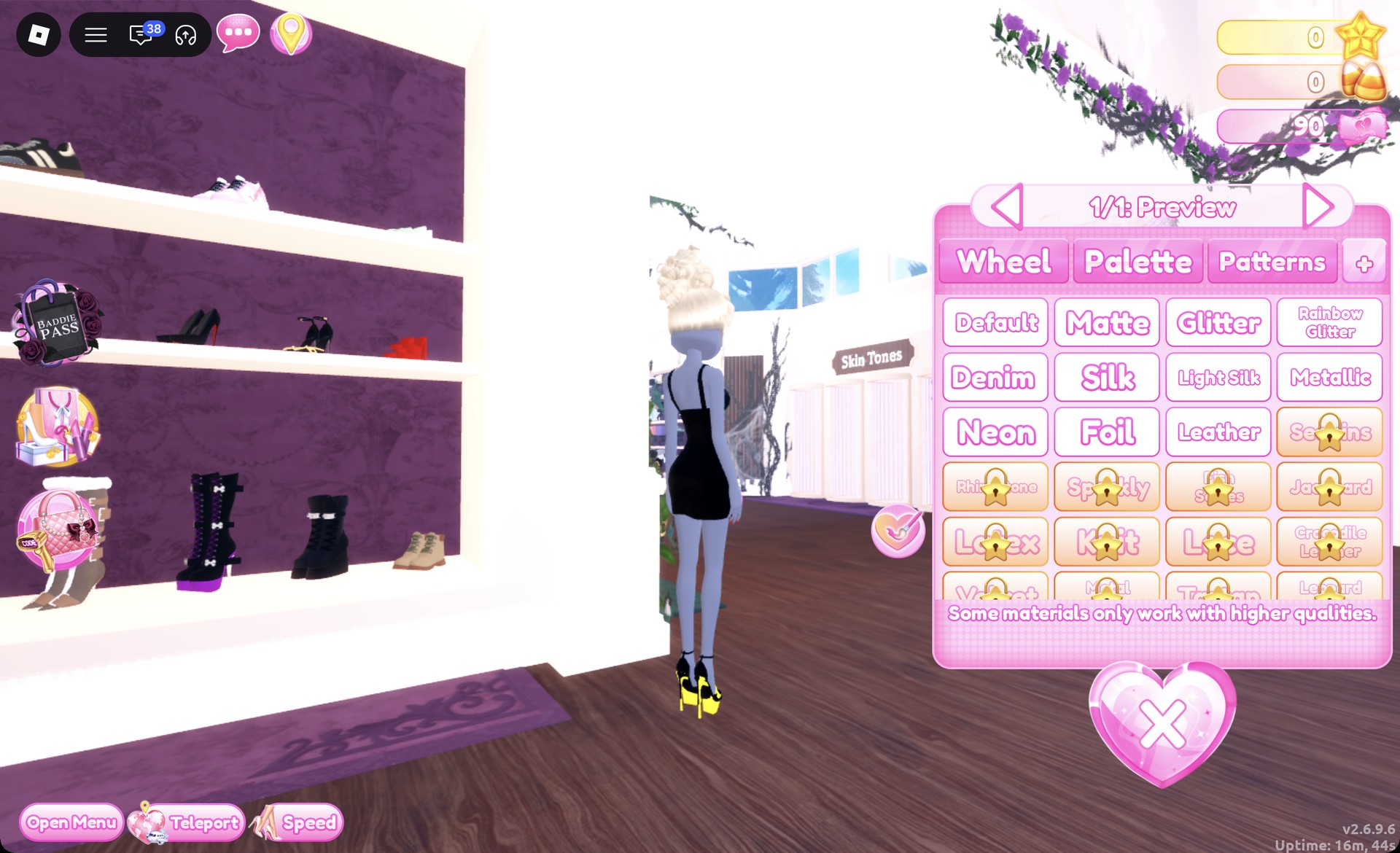
Then remove the black heels from look 1 in the Wearing panel, since both pairs otherwise stay on.
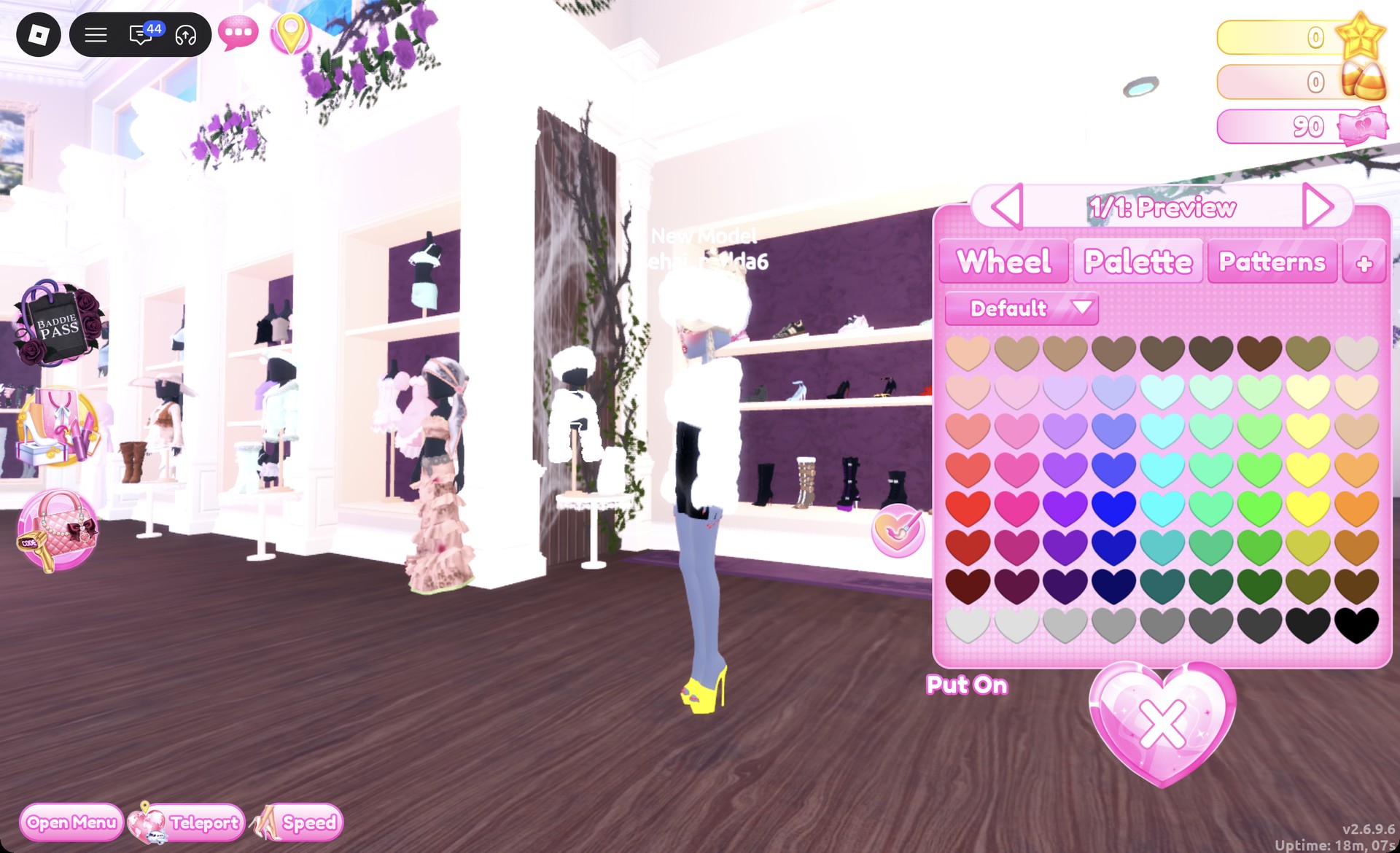
If the fur hat at the top of the stand is equipped as well, take it off in the Wearing panel.
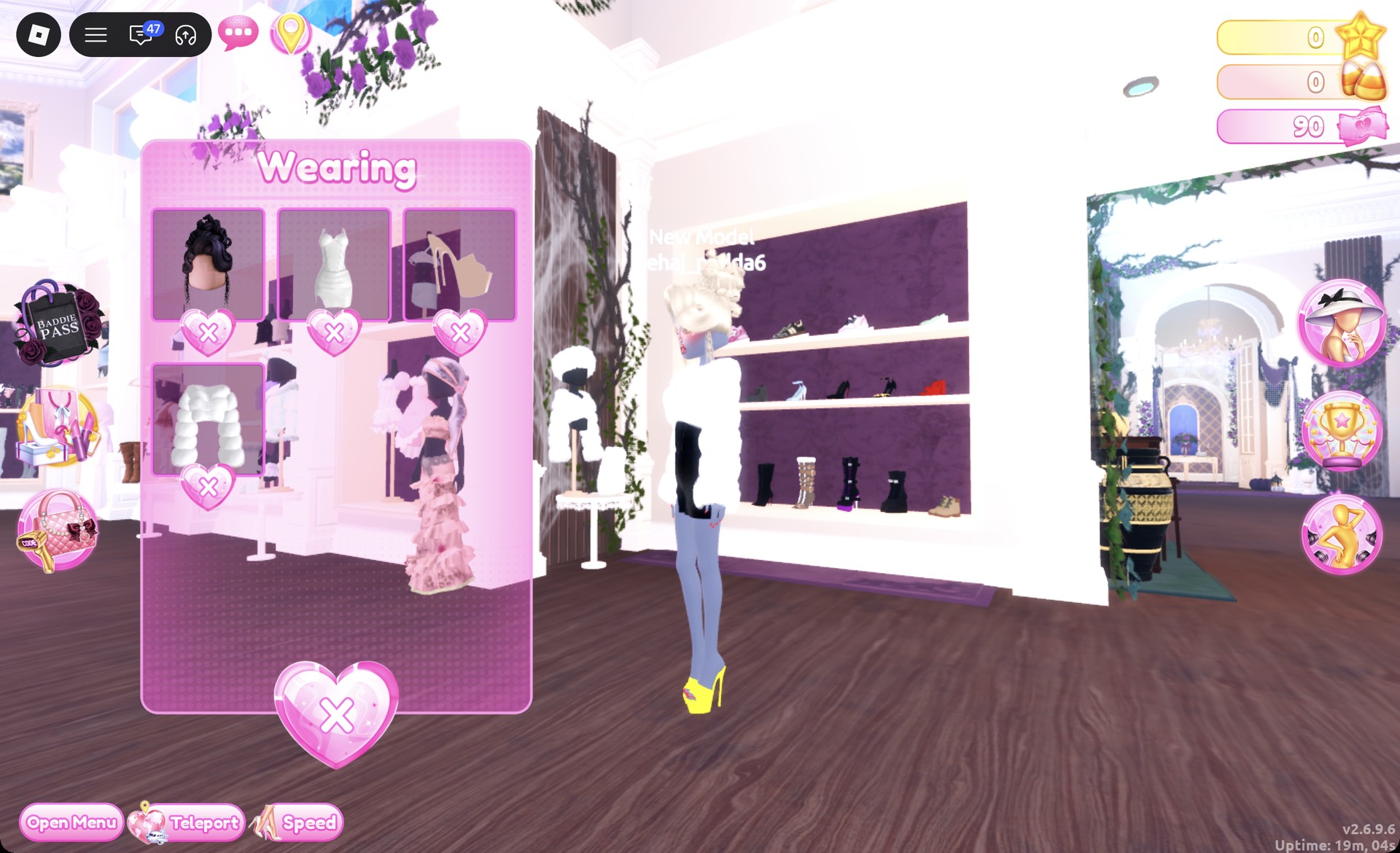
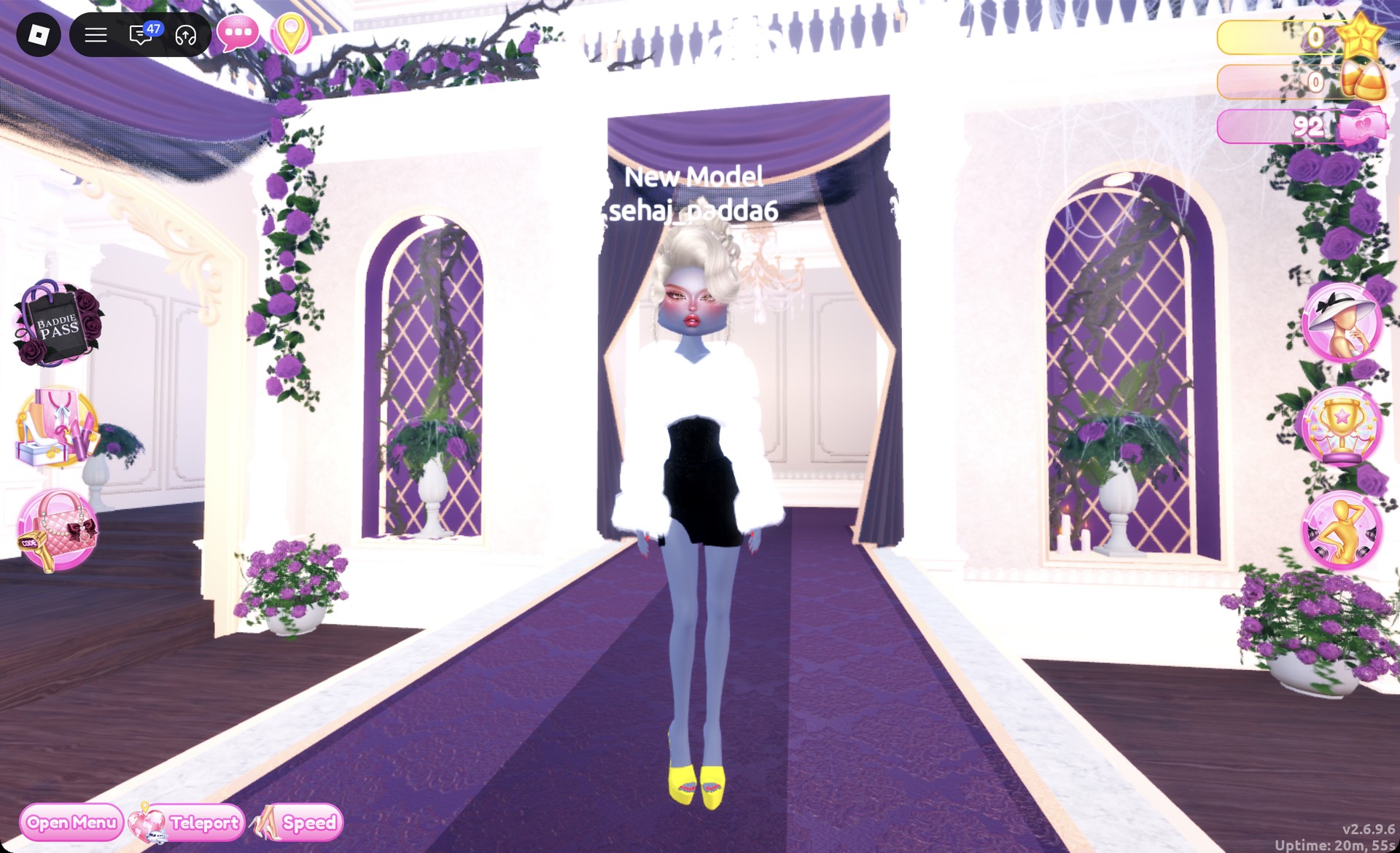
On the Freeplay Runway, check the front: the white fur jacket frames the black glitter mini and the yellow platform heels.
From behind, the platinum updo sits above the fluffy white jacket.
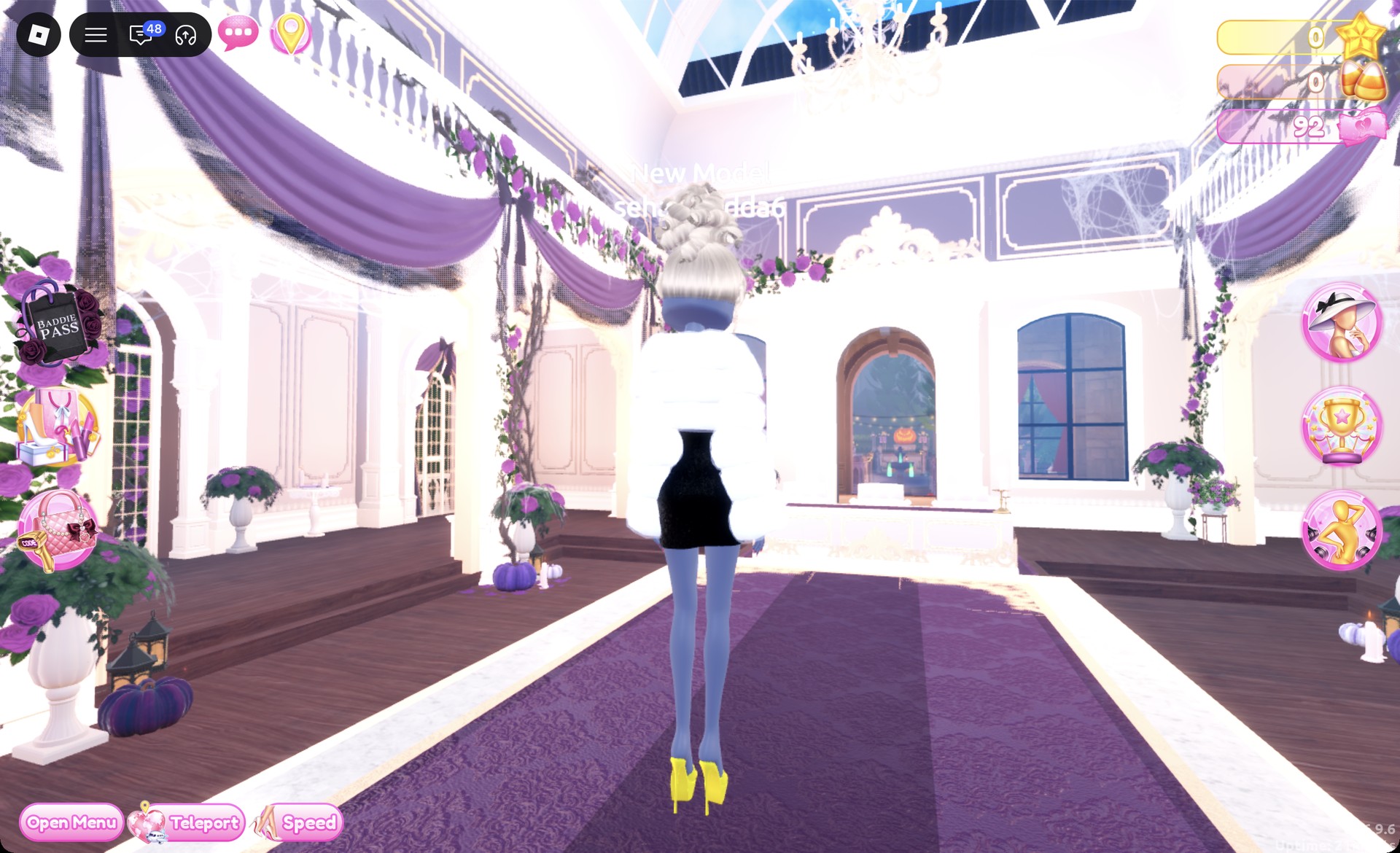
The Dazzle pose shows off the glitter.
More evening and glam theme ideas
- Casino Night
- Night Luxe
- Album Cover
- Dripping in Gold
- Award Show
- Black Lace
- Every Dress To Impress theme and every free pose
Jazz Club DTI questions
What is the Jazz Club theme in DTI?
It asks for vintage lounge-singer and speakeasy glamour: deep red, black and white, glossy or glitter fabric, retro finger waves or a curled updo, and red lips and nails.
How do I do Jazz Club in Dress To Impress without VIP?
Both outfits are free. Every piece, palette color and material in them, including Silk, Glitter and Metallic, costs no Robux, and nothing has to be bought.
How do I get red nails in DTI?
Inside Lana’s Salon, press E at the nail station table. Choose a design card on the left, then pick a red shade from the Palette on the right. Set column 1, row 6 for bright red nails.
How do I make a dress silk or glitter?
While the piece is previewing, open the “+” tab next to Patterns and choose Silk or Glitter for each part, then press Put On. You can practice either look in Freeplay Mode, which runs with no theme banner, timer or score, before a Jazz Club round comes up in Dress To Impress on Roblox.