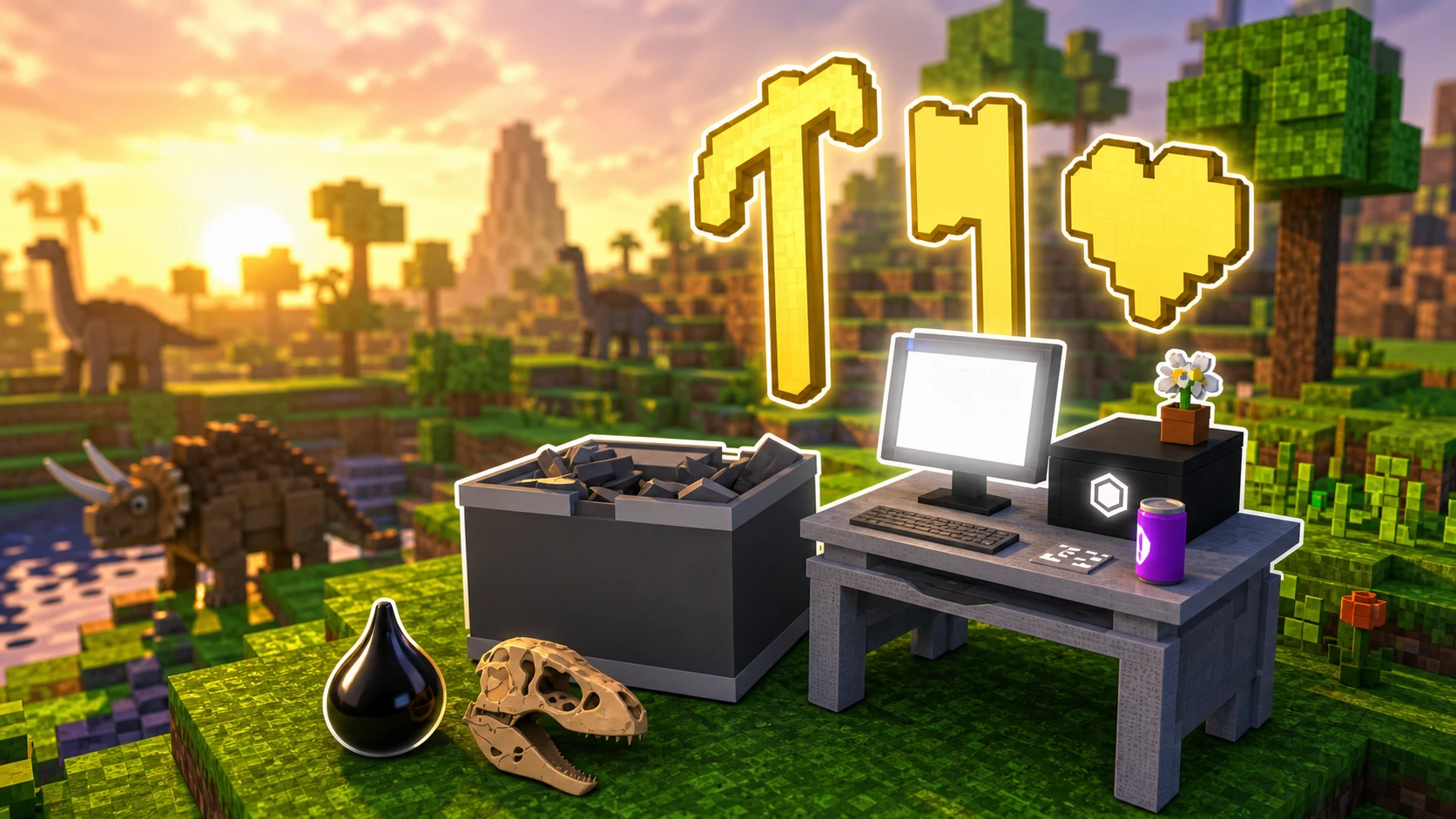
Dino World drops you into a prehistoric sandbox where you chop trees, dodge dinosaurs, and slowly turn a bare patch of land into a working base. Almost everything you want to unlock, from new classes to rare races, runs on two resources: Fossils and Crude Oil. The faster you stockpile both, the quicker you skip past the slow early grind.
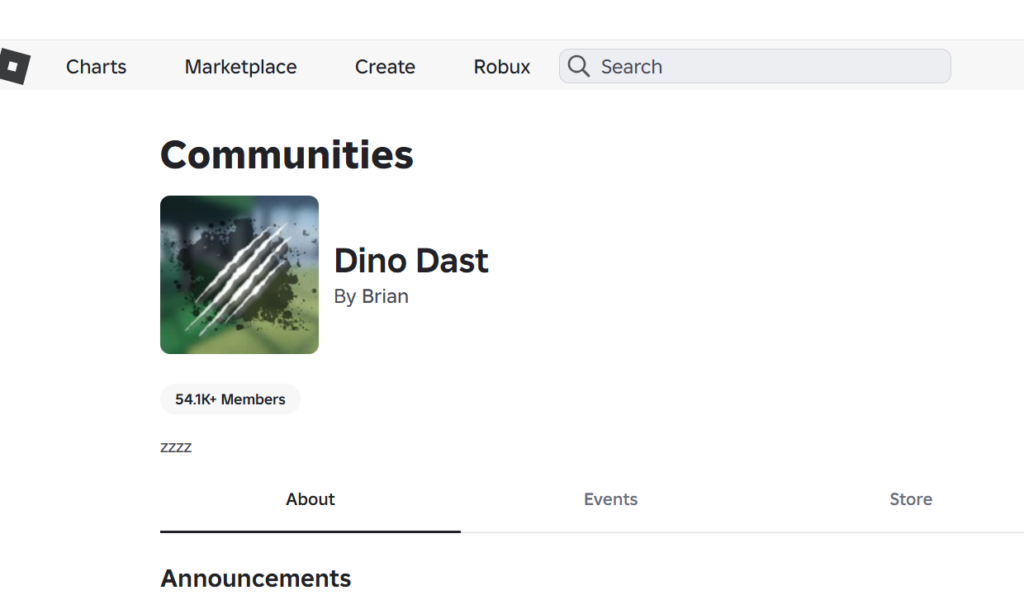
Quick answer: Join the Dino Dast Roblox group, then redeem every active code in the Codes tab to instantly bank hundreds of Fossils and Crude Oil before you gather a single resource by hand.
Grab free Fossils and Crude Oil from codes first
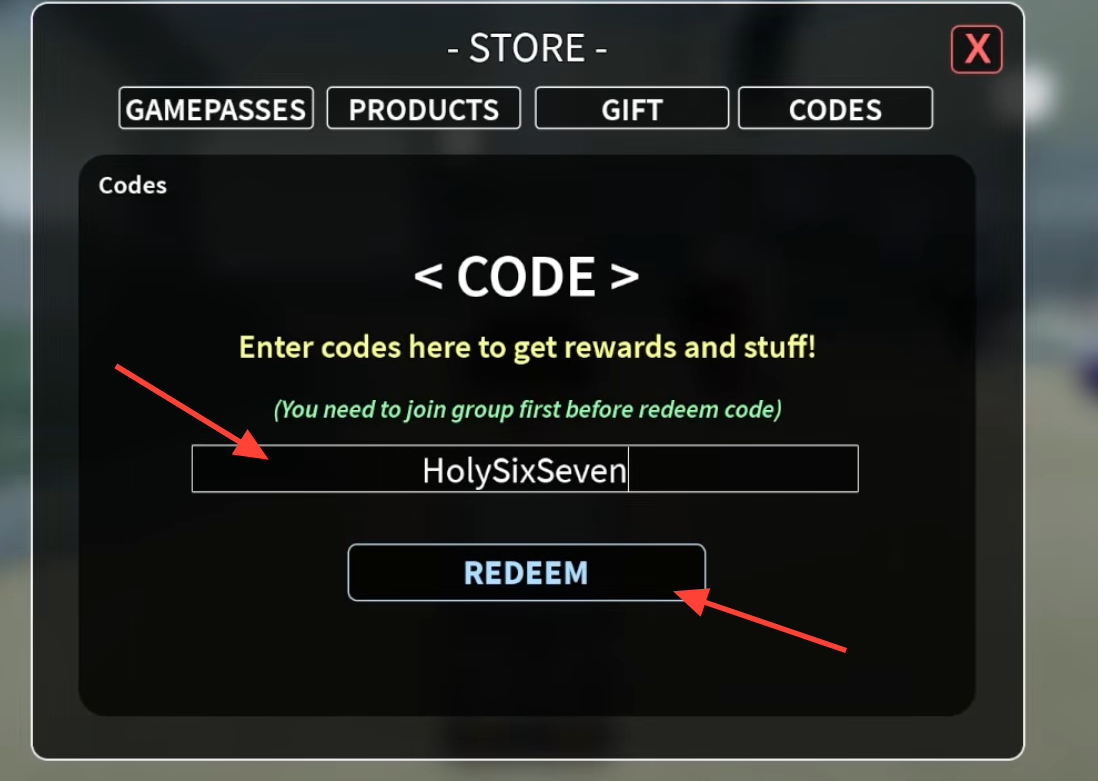
Codes are the single biggest head start in Dino World. They pay out the exact currencies you need to buy classes and reroll races, so redeem them before you do anything else. Every code is case-sensitive, so copy them exactly as written.
| Code | Reward |
|---|---|
| DAST | 500 Fossils, 25 Crude Oil |
| HOTDOG | 500 Fossils, 25 Crude Oil |
| INFSTONE | 500 Fossils, 25 Crude Oil |
| ComputerUpgrade | 150 Fossils, 10 Crude Oil |
| Leveling | 150 Fossils, 10 Crude Oil |
| FixBug | 150 Fossils, 10 Crude Oil |
| Gigan | 150 Fossils, 10 Crude Oil |
| SorryForDelayUPD | 150 Fossils, 10 Crude Oil |
| DinoWorldProMax | 150 Fossils, 10 Crude Oil |
| NewFurnace | 150 Fossils, 10 Crude Oil |
| HolySixSeven | 67 Fossils, 67 Crude Oil |
| LoadBad | 100 Crude Oil |
| NewGamemode | 20 Crude Oil |
Redeeming those three 500-Fossil codes alone gets you well past the price of your first class. New codes usually drop around updates, bug fixes, and milestones, so it’s worth checking back before each play session.
How to redeem Dino World codes
Pick a class before you spend your Fossils
Classes change how efficiently you gather and fight, and you buy them with Fossils in the lobby. Everyone starts on Default, but the paid options specialize your character early. The choices are Default, Lumberjack, Tamer, Archery, and Miner.
Lumberjack is a strong first buy for new players at 1,000 Fossils, since faster wood-cutting speeds up every crafting recipe that needs planks. Once you own it, you can pour more Fossils into upgrade levels to push that efficiency higher.
| Lumberjack upgrade | Fossil cost |
|---|---|
| Level 1 | 1,500 |
| Level 2 | 2,000 |
| Level 3 | 2,500 |
Roll for a race and understand the odds
Your race is decided by a roll, and each one has a fixed spawn rate. Beast is the rarest and hardest to land, while Angelic gives you flight, which makes exploring and escaping dinosaurs far easier. Human and Fishman are the common results you’ll see most often.
| Race | Spawn rate | Notes |
|---|---|---|
| Beast | 3.70% | Rarest roll |
| Angelic | 11.11% | Can fly |
| Vampire | 11.11% | — |
| Fishman | 37.04% | Common |
| Human | 37.04% | Common |
Because rolls consume Fossils, this is exactly where those code payouts earn their keep. Stack your currency from codes before chasing Angelic or Beast so a string of common results doesn’t leave you broke.
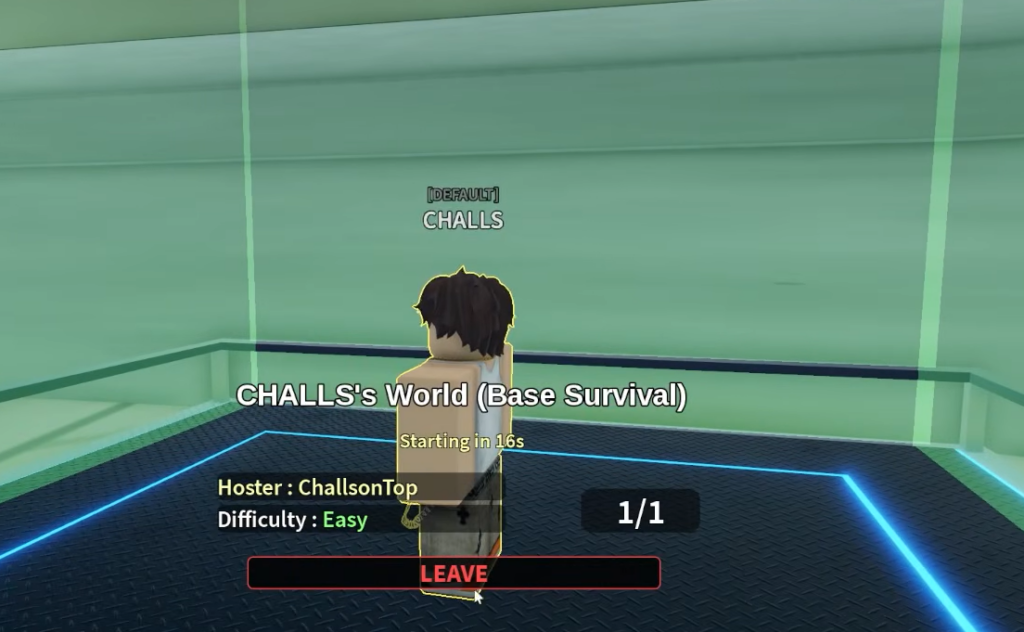
The crafting computer is your progression hub
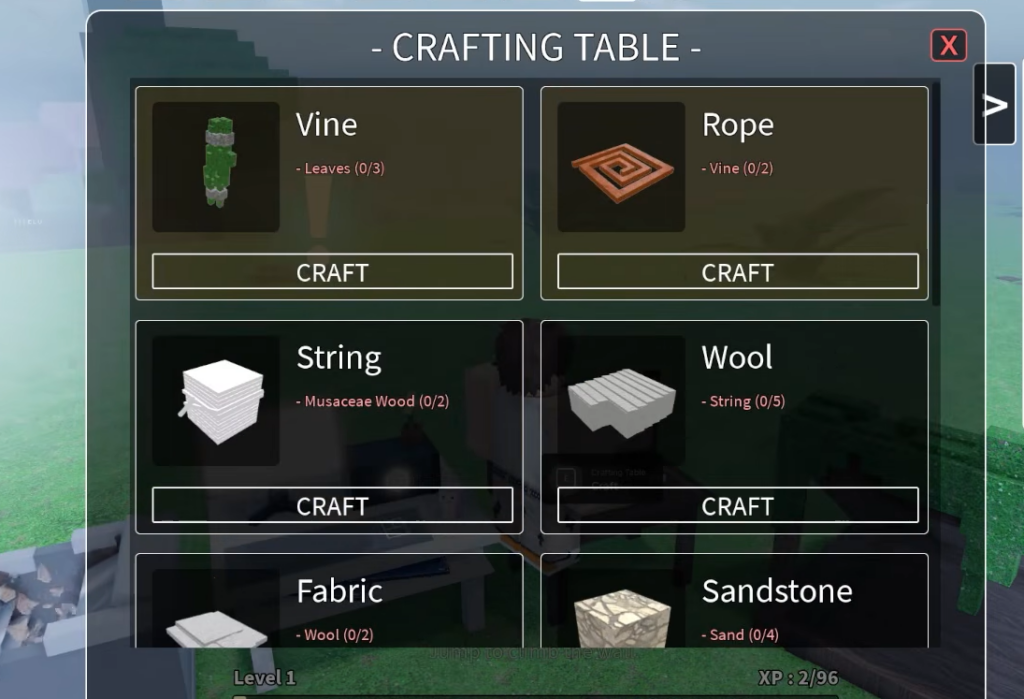
Once you spawn into the world, the computer at your base handles all crafting and upgrades. Open its interface to see what you can build at your current level. Upgrading the computer itself is what unlocks the more advanced recipes, so it should be a constant spending target as your resources grow.
At Level 1, the standard recipe set covers the survival basics you need to get on your feet:
- Campfire
- White Flag
- Axe
- Sword
- Leather Pants
- Chest
- Crafting Table
Build a Chest early. Your death doesn’t wipe your save file, but your carried items drop into a tombstone, so keeping valuable materials in storage protects you from losing everything on a bad run.
Where to farm wood, Fossils, and Crude Oil
Codes give you a head start, but sustained progress comes from farming. Each resource has its own source, and knowing where to look saves you a lot of aimless wandering.
| Resource | How to gather it |
|---|---|
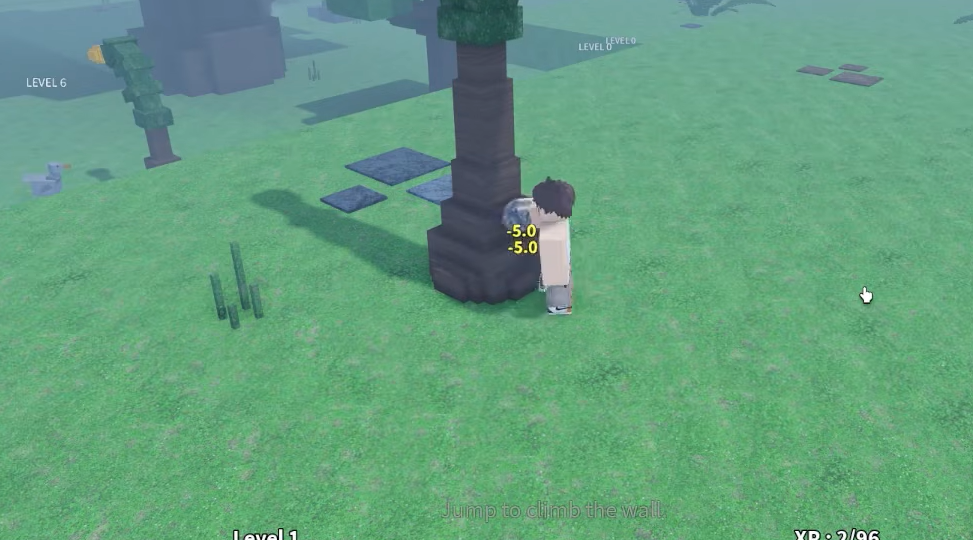
| Wood and leaves | Chop trees with an axe. A Cherry Blossom Tree has 50 HP; a Big Tree has 80 HP. |
| Crude Oil | Dig sand or break oil deposits found around the map. |
| Fossils and bones | Mine fossil rocks or hunt dinosaurs. |
Start with a Stone Axe on the smaller Cherry Blossom Trees to learn the timing, then move up to Big Trees once you want bigger wood hauls. Store what you gather at base so a surprise dinosaur attack doesn’t cost you a full inventory.
Keep your food up and use the teleport
Survival hinges on your food level. Let it run out, and your character stops exploring and farming, which stalls everything. Feed yourself regularly so you can keep gathering without interruption.
The teleport button is your safety net. Use it to snap back to base when your food dips, when your bags are full, or when a dinosaur is chasing you down. Cycling between farming runs and quick base returns is the core loop that carries you from a stone axe to a fortified settlement.
Do the codes first, buy Lumberjack early, protect your materials in a Chest, and keep upgrading the computer, and you’ll clear the slow opening hours of Dino World far faster than starting from scratch. You can jump straight in on the Dino World Roblox page whenever you’re ready.